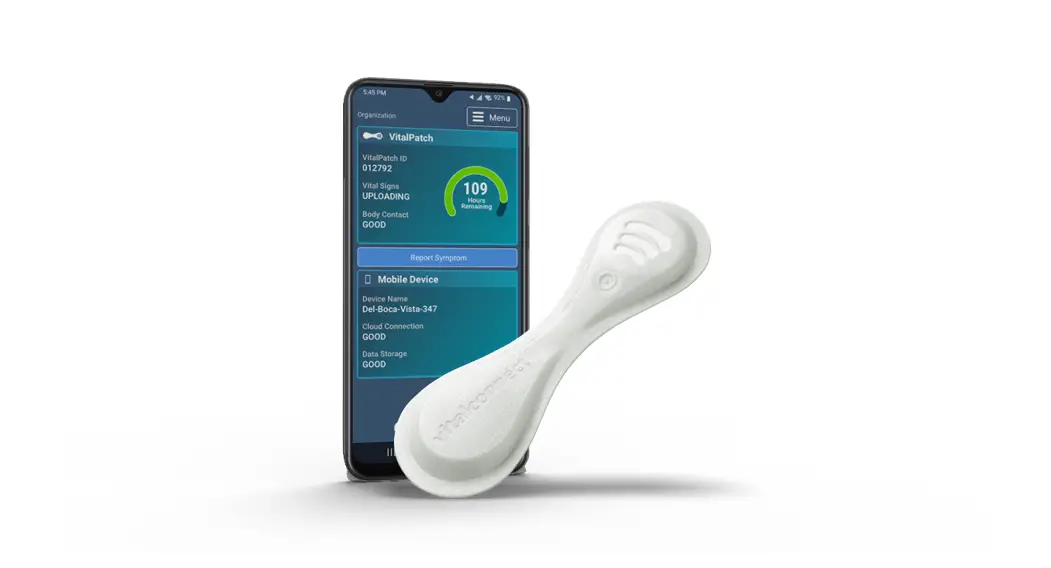
MKT-197 Monitoring KitCompact Monitoring Kit
Product Information
Product Name: Compact Monitoring Kit
Model Number: MKT-197 Rev. C
Release Date: May 2023
Product Usage Instructions
- Collect the Devices for Return
- Prepare VistaPhone for Return
Power off the VistaPhone:
- Press and hold the Power Key on the right side of the phone
until the Options menu displays. - Select the option to power off the phone.
- Press and hold the Power Key on the right side of the phone
- Place Devices in Return Box
- Place the phone and case into the middle slot of the box.
- Place the USB charger and charge cable into the lower
slot. - Place any unused VitalPatch devices into the top slot.
- Seal the flaps of the box.
- UPS Return to VitalConnect
- If you have been provided with an envelope or shipping box with
a pre-paid UPS return label:- Place the return box into the shipping box or envelope and seal
it closed using the provided stickers or tape. - Ensure that the UPS return label is visible.
- Contact UPS at 1-800-742-5877 to schedule a pick-up and inform
them that you have a pre-paid label. - Save the tracking number from the return label for your
records.
- Place the return box into the shipping box or envelope and seal
- If you have not been provided with a UPS return label:
Return the box and equipment to the location requested by your
healthcare provider.
- If you have been provided with an envelope or shipping box with
Compact Monitoring Kit Return Instructions
MKT-197 Rev. C (May 2023)
Have Questions or Need Help?
Help with VitalPatch or VistaPhone: Please call the Monitoring Center at 800-219-3000. Help with Device Returns: Please call the Inventory Team at 877-908-6560. Help with Service Billing: Please call the Billing Team at 855-621-8250.
You must return the devices when monitoring is complete. Failure to return may delay test results and you will receive a bill for the cost of the device.
A. Collect the Devices for Return
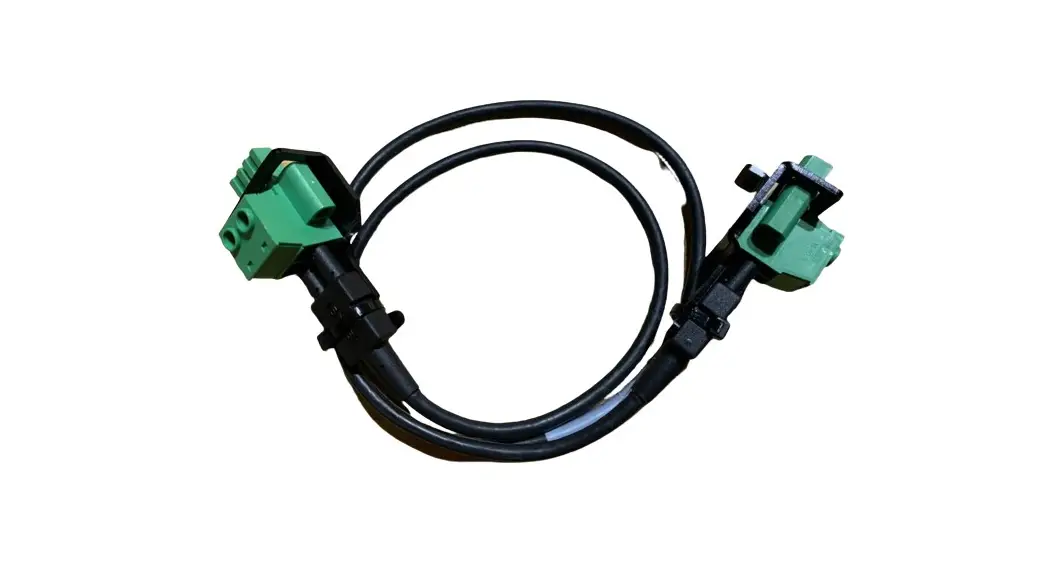
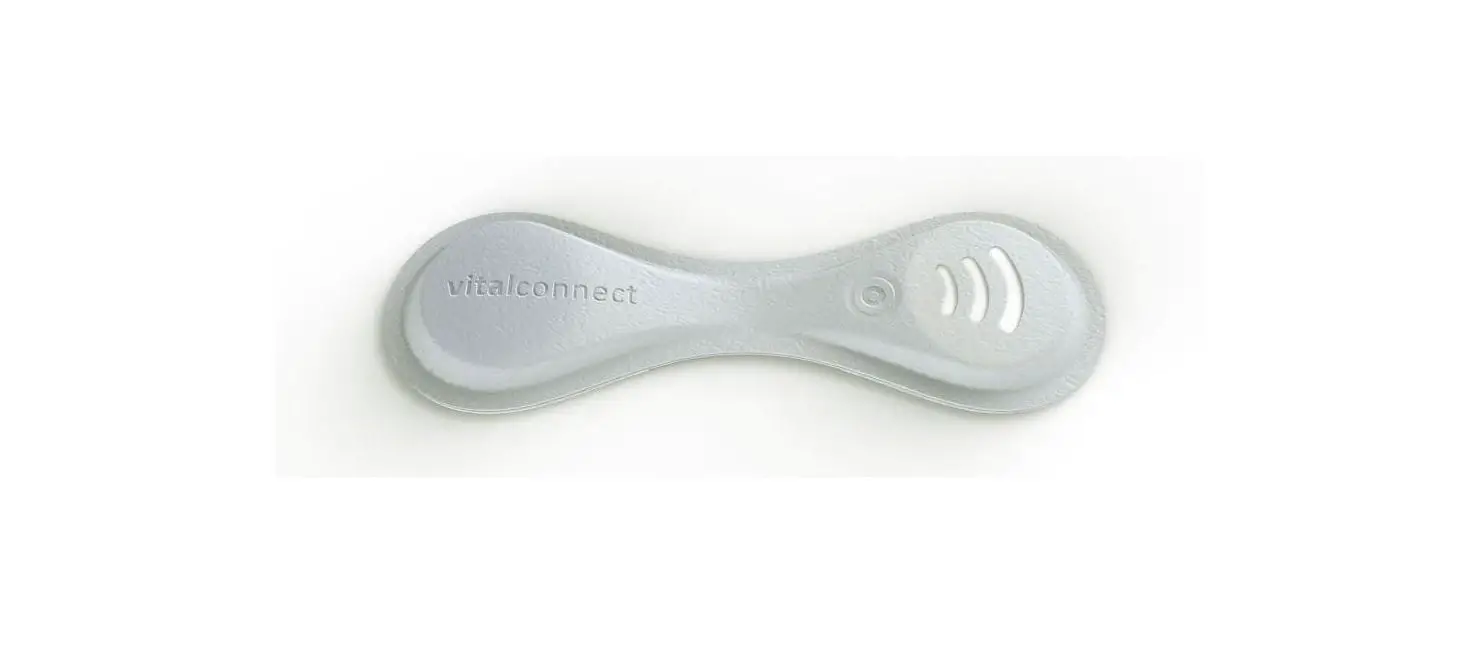
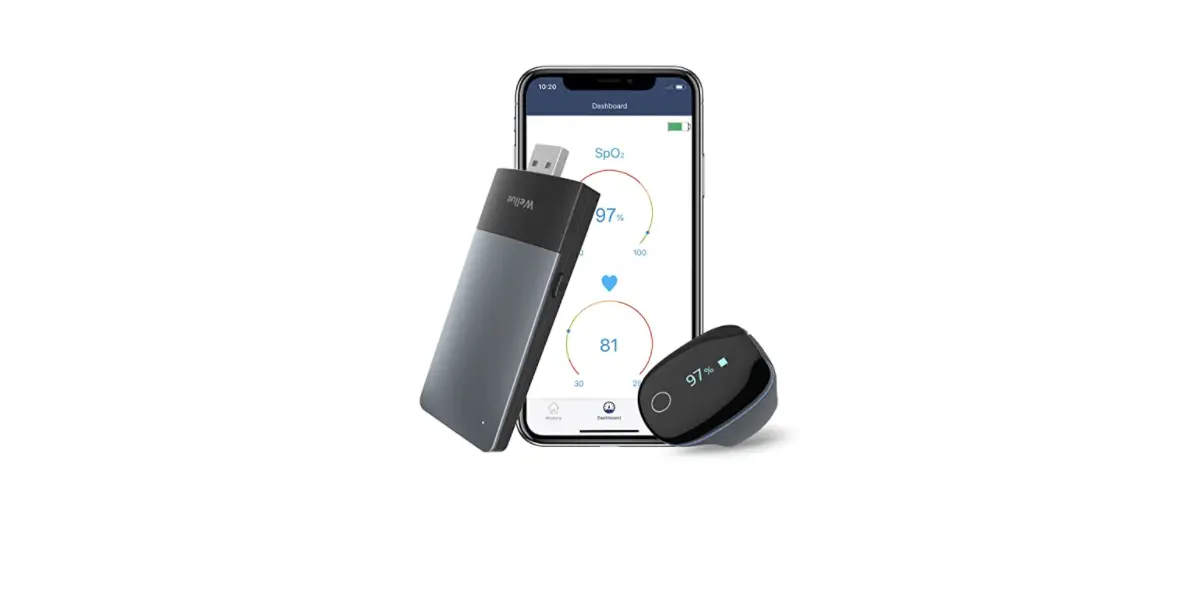
1. Find the following items: VistaPhone, charger, and charge cable Unused VitalPatch biosensors (in their original, undamaged pouches) Any additional monitoring equipment provided to you The original shipping box (to be used for return).
2. Discard the following items that were provided to you: Used VitalPatch biosensors (follow local laws for disposal of routine electronic waste) Alcohol wipes, adhesive removal pads, shaving razors and instruction sheets
B. Prepare VistaPhone for Return
Power off the VistaPhone Press and hold the Power Key on the right side of the phone until the Options menu displays, and then select
.
Press and hold Power Key until Options menu appears
C. Place Devices in Return Box
1. Place the phone and case into the middle slot of the box. 2. Place the USB charger and charge cable into the lower
slot. 3. Place any unused VitalPatch devices into the top slot.
4. (if available) or tape.
Top Slot Unused Patches
Middle Slot Phone
Lower Slot Charger and Cable
Seal Flaps Closed
UPS Return to VitalConnect If you were provided an envelope or shipping box with a pre-paid UPS return label, you must use UPS to return the equipment to VitalConnect: 1. Place the return box into the shipping box or envelope
and seal closed using provided stickers or tape. 2. Check that the UPS return label is visible. 3.
pick-up, contact UPS at 1-800-742-5877. Inform UPS that you have a pre-paid label.
4. Save the tracking number from the return label for your records.
If you were not provided a UPS return label, return the box and equipment to the location requested by your healthcare