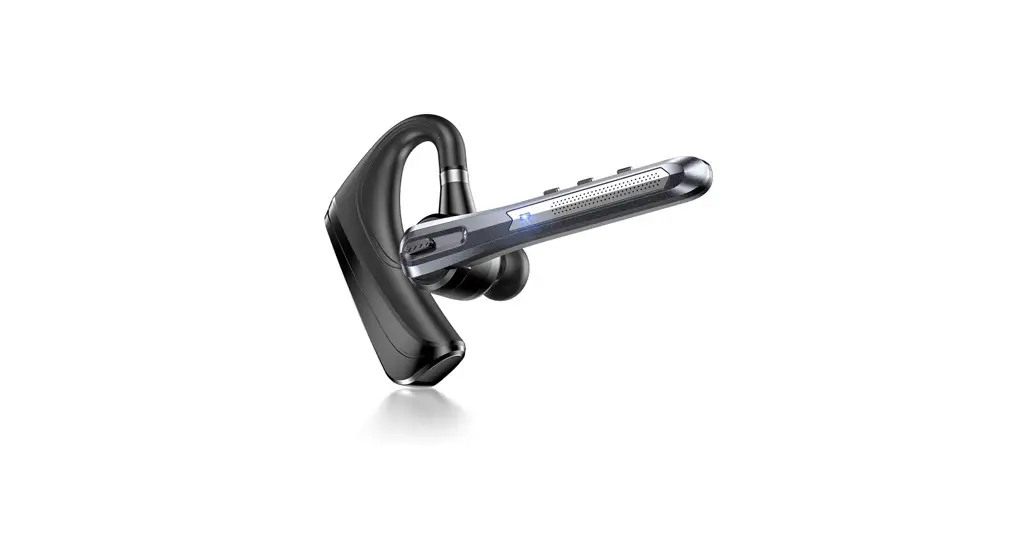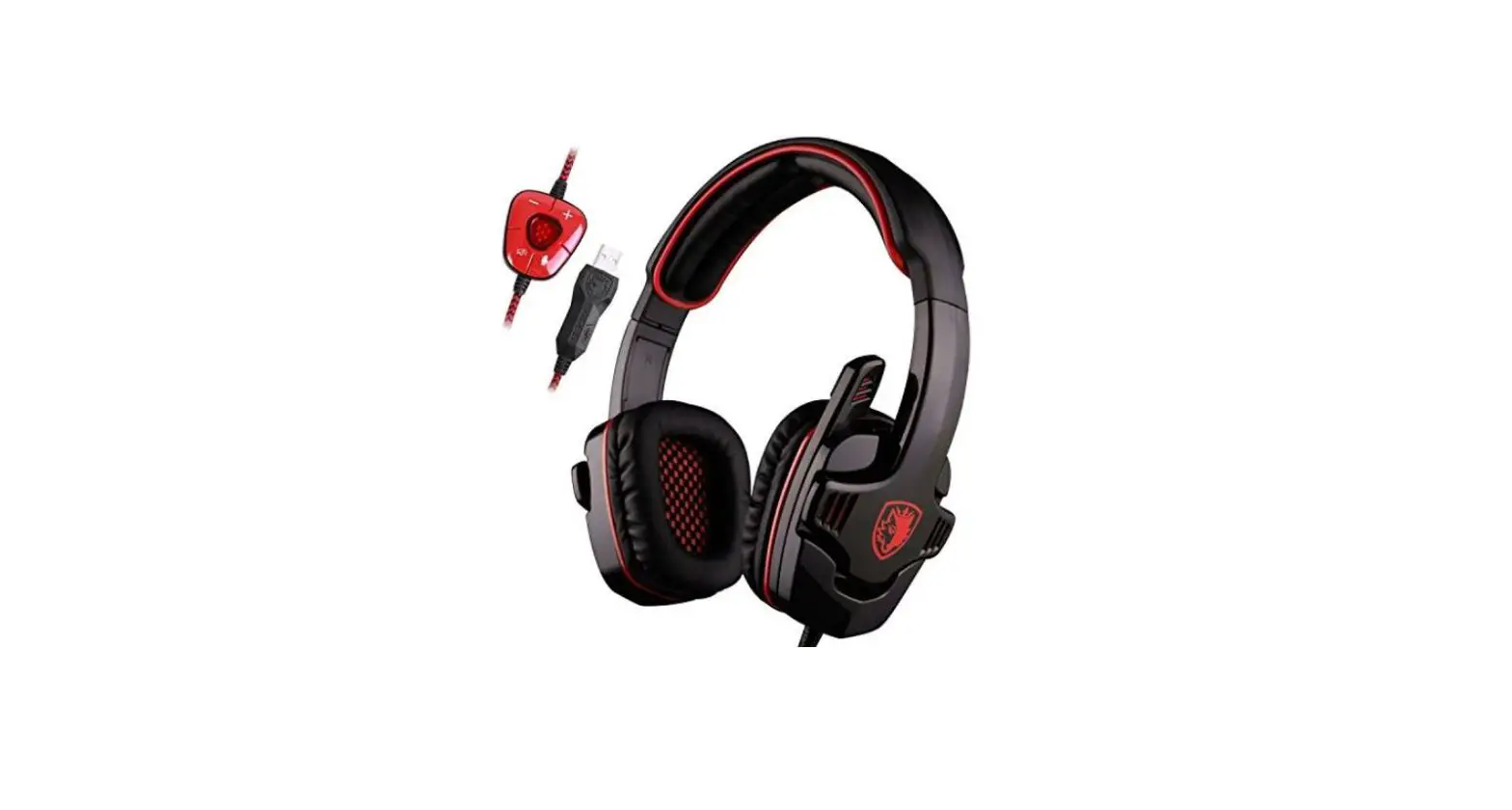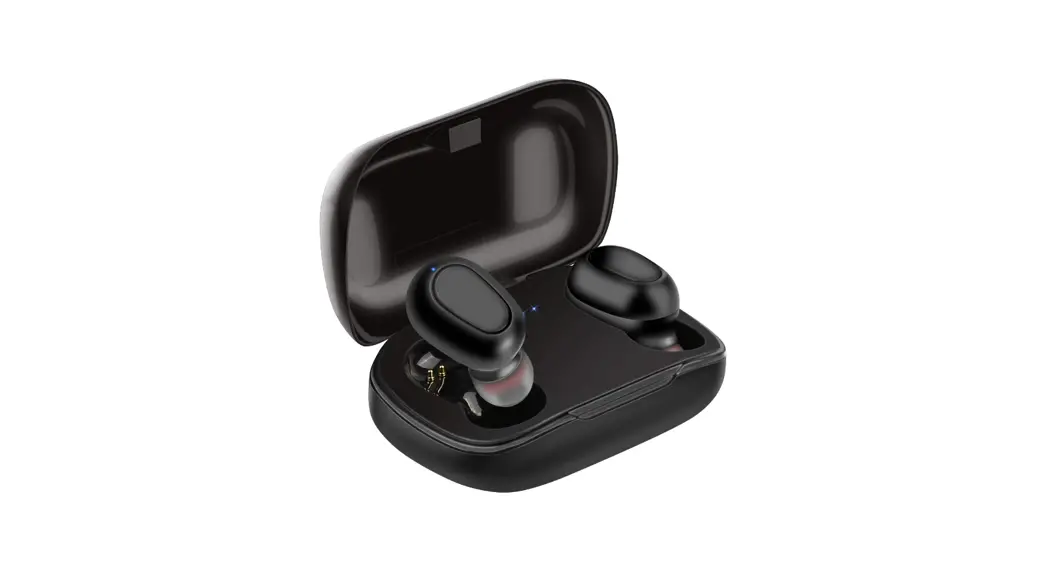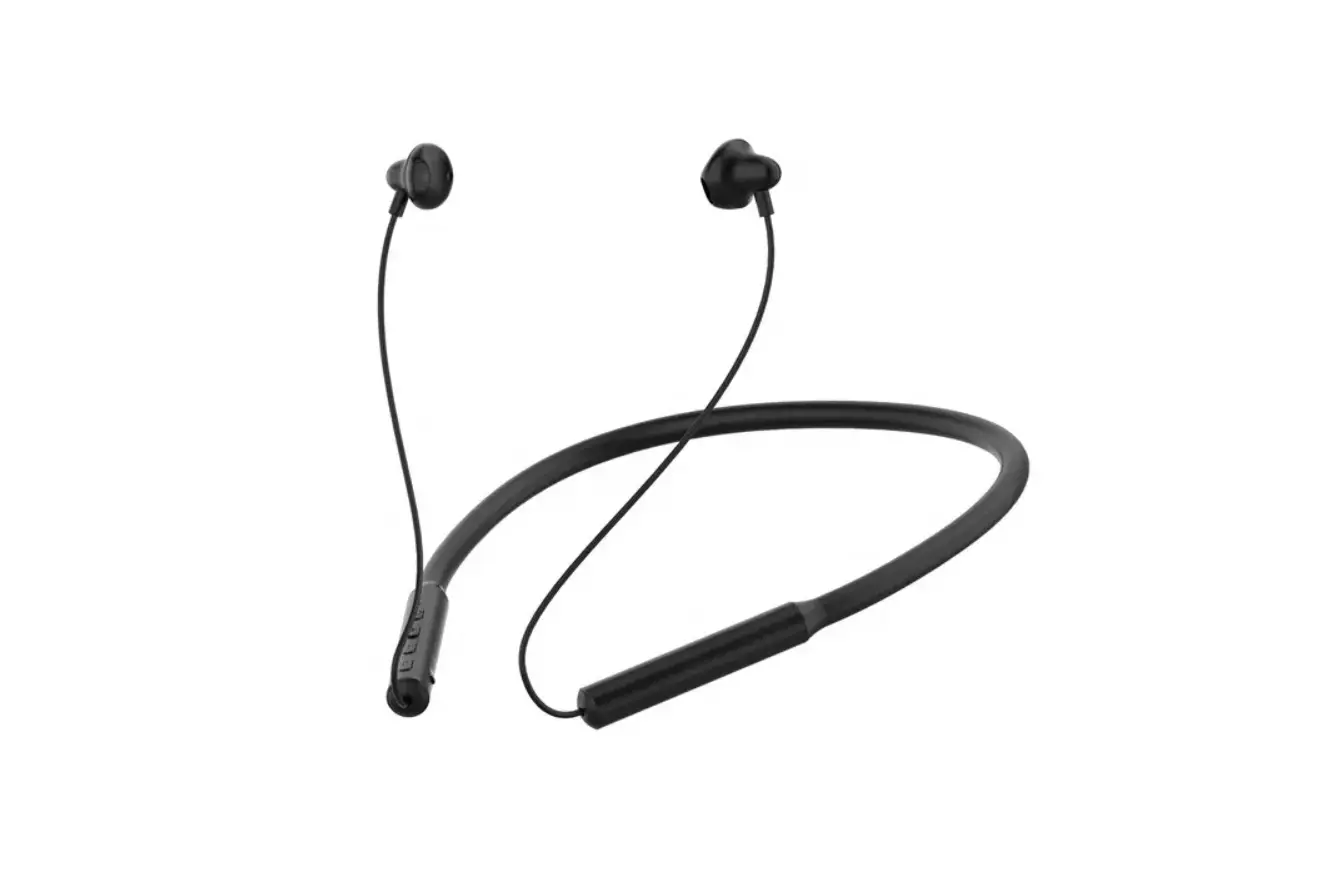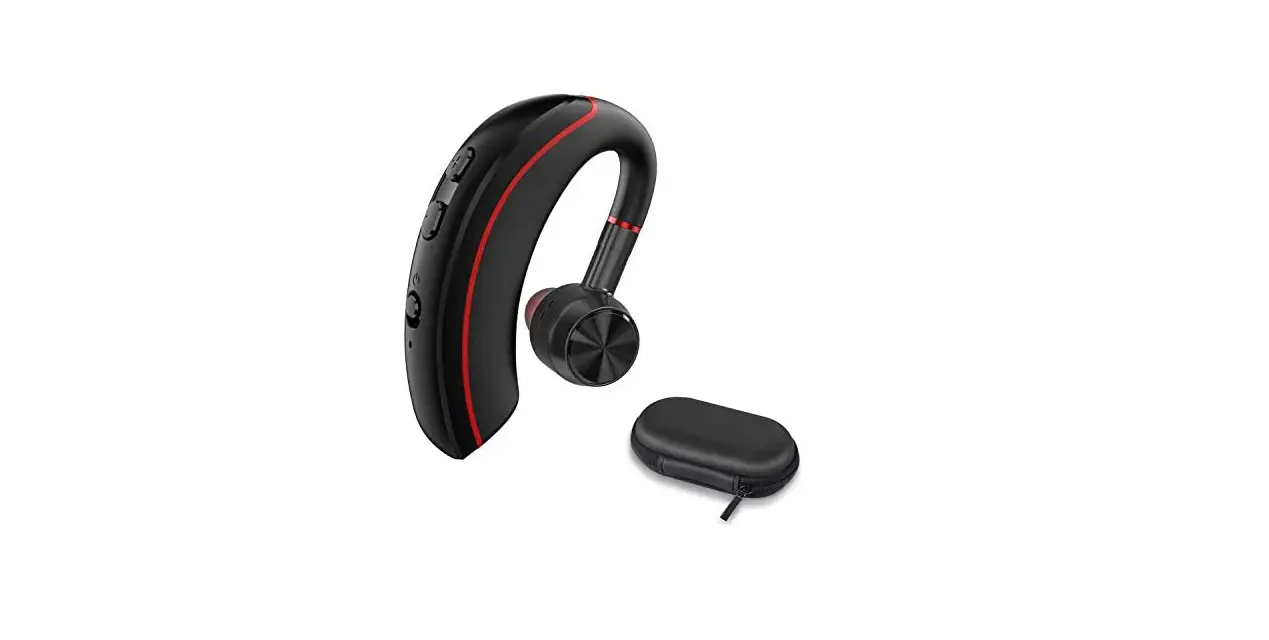
Bluetooth Telephone Headset
Model: HST-186
User Manual
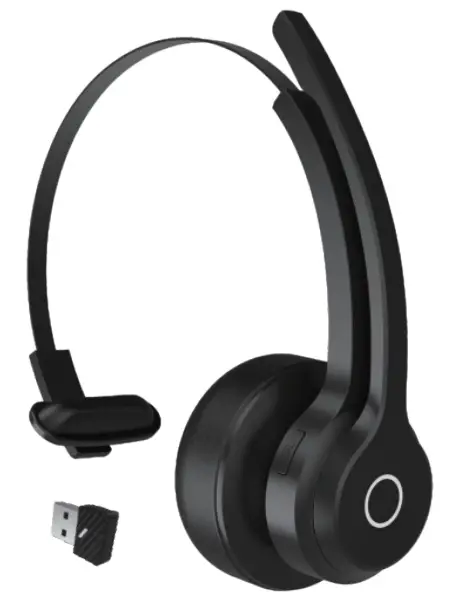
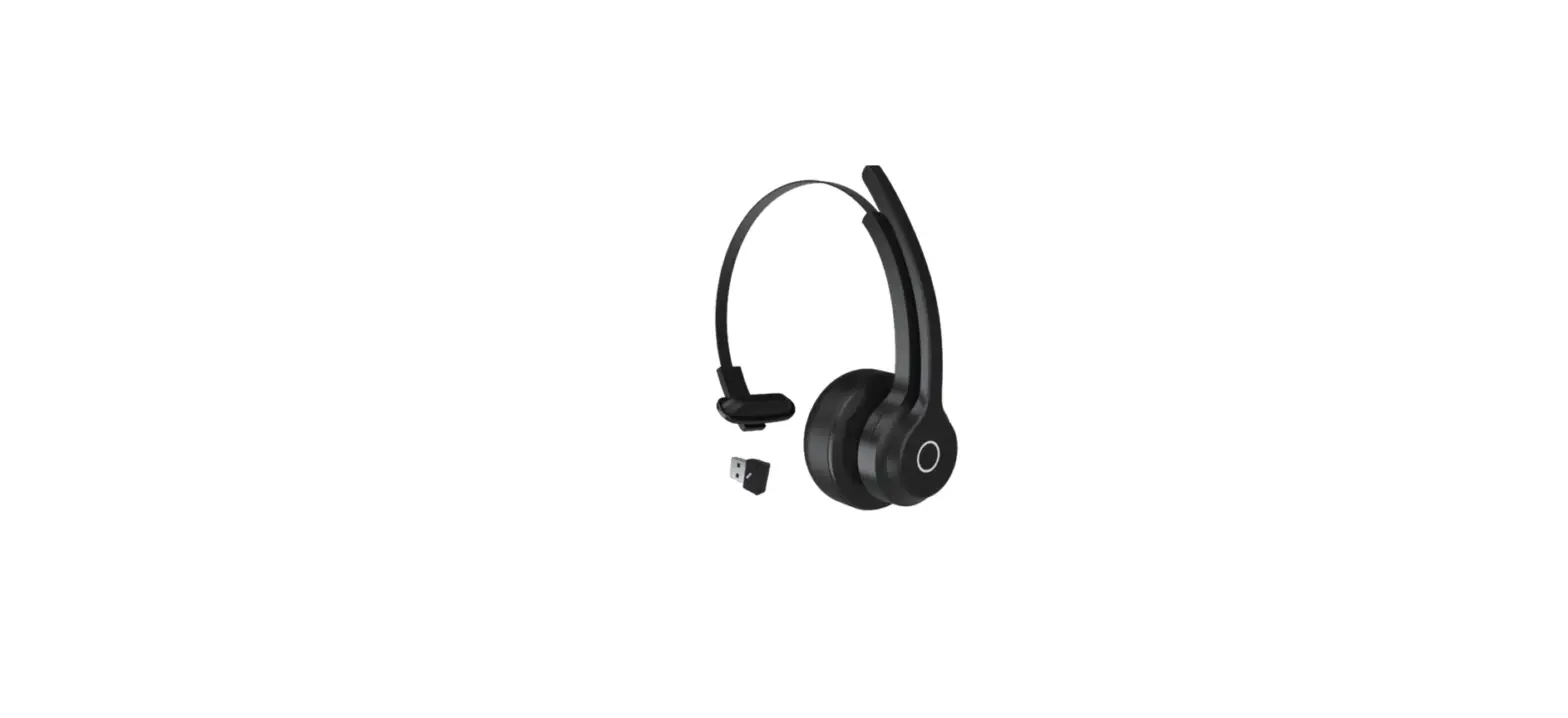
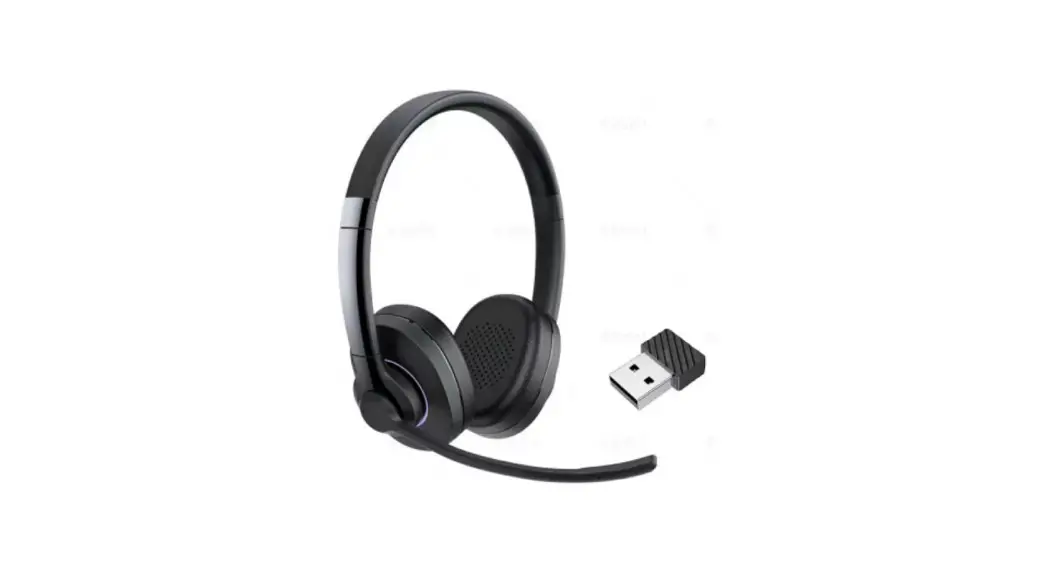
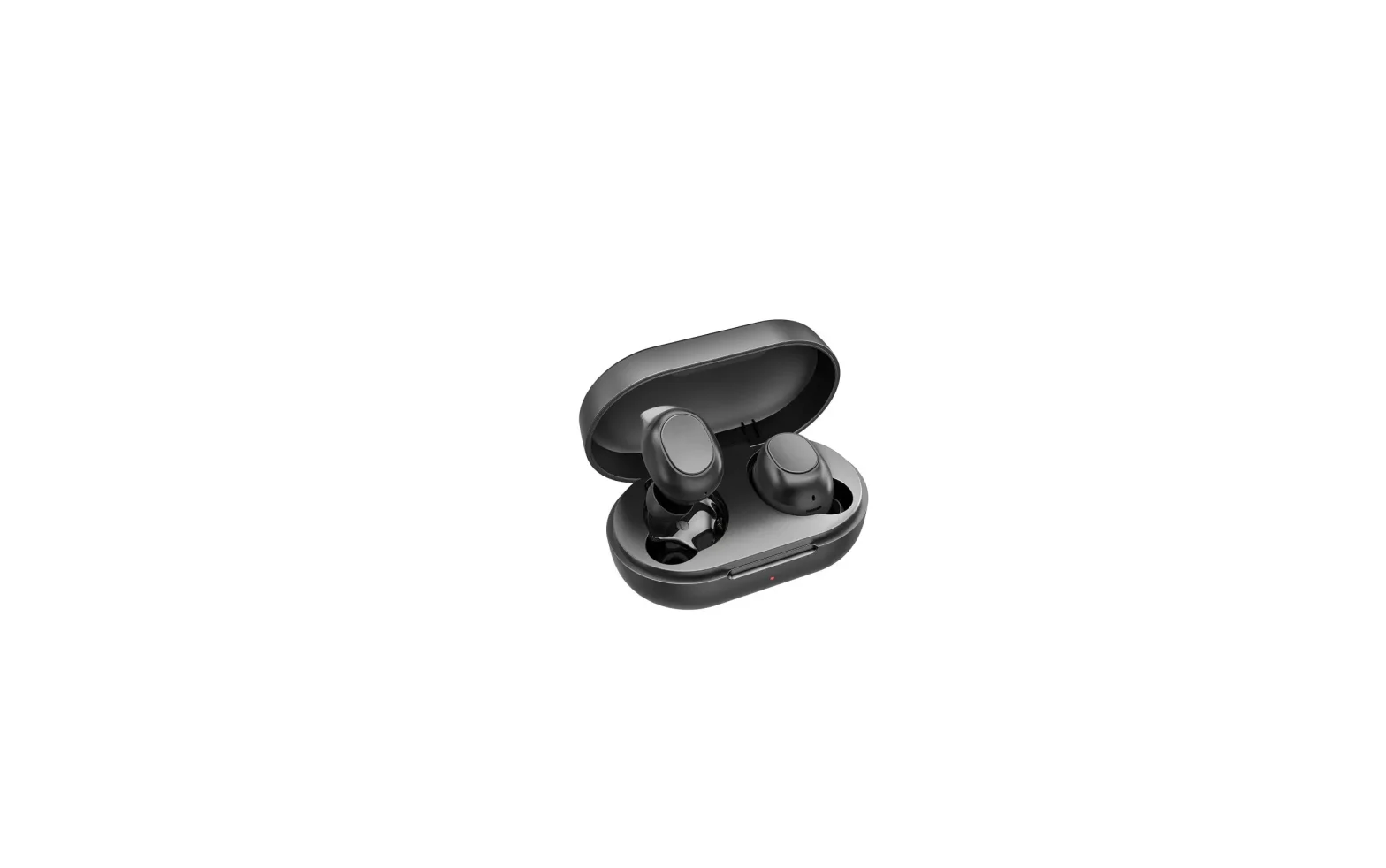
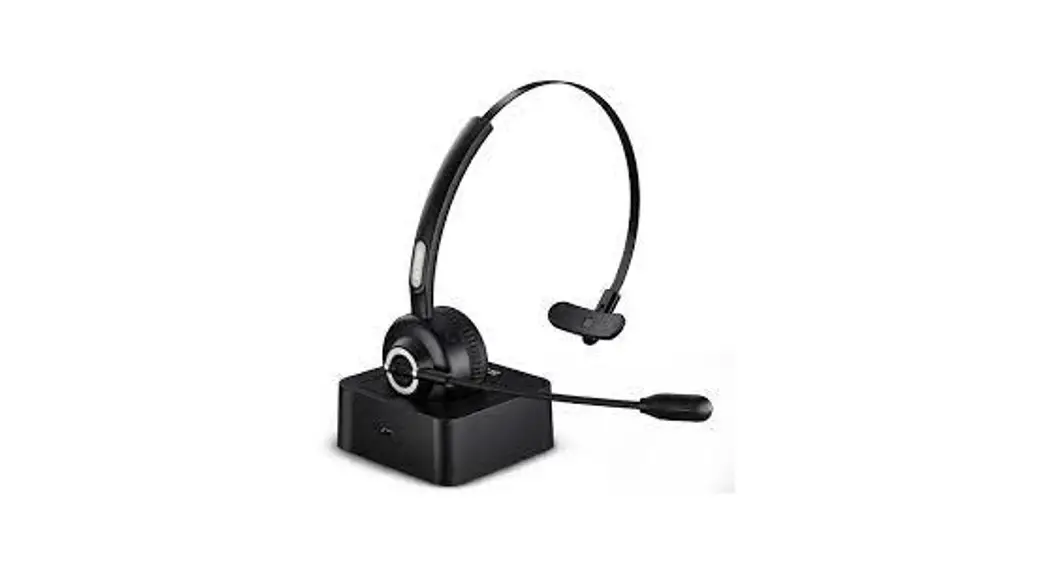
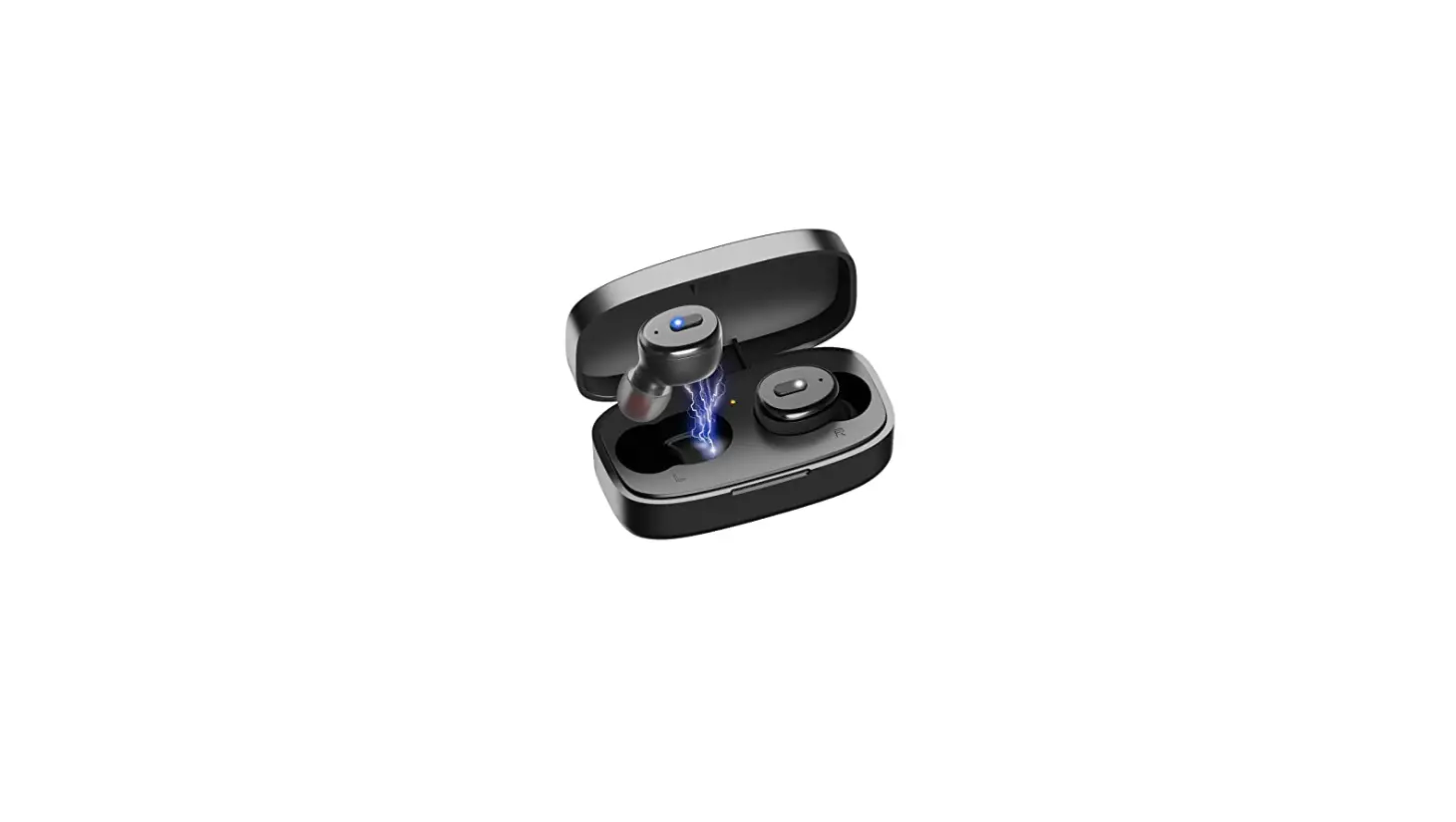
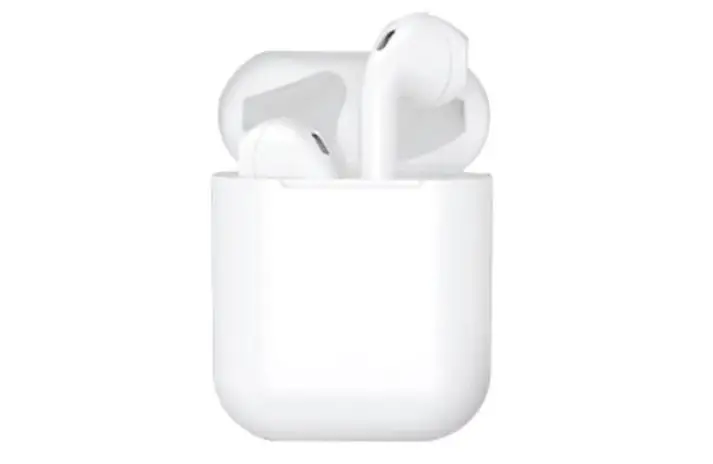
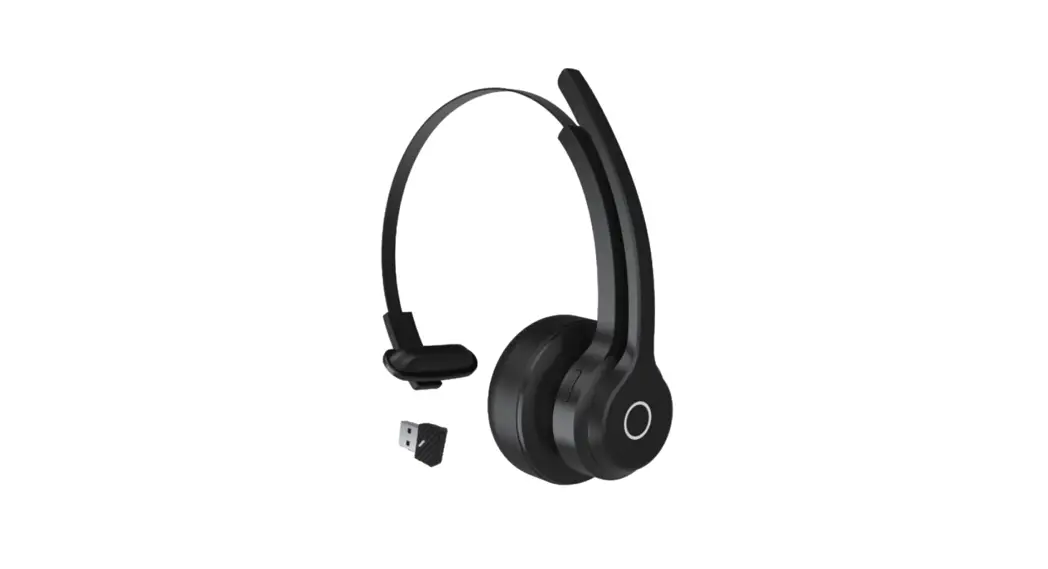
Product Display
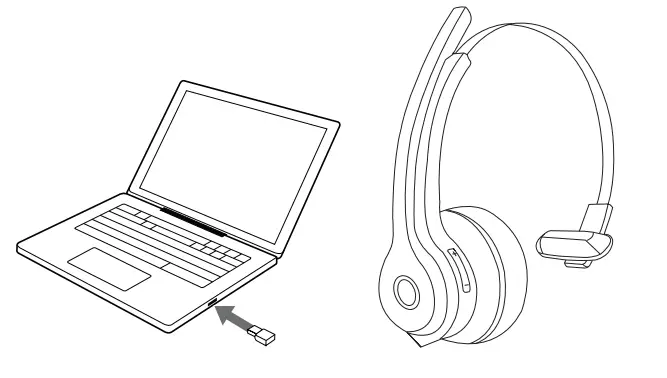
Dongle+Headset
First, Insert the Dongle into the PC, and long-press the button to enter the pairing mode, the red and blue lights flashing alternately.
Second, take out the headset and put it close to the Dongle, the blue light is always on when the Bluetooth connection is successful.
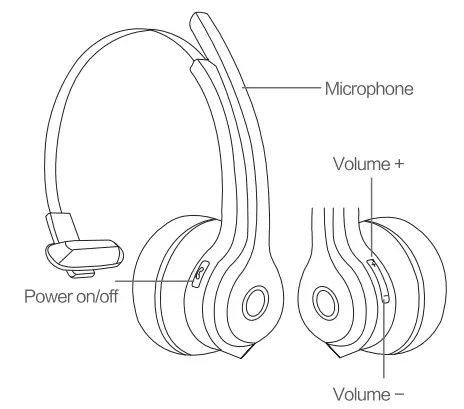
Instructions
| Power on/off | Power on | The long press power button for 2s | Blue light flashes 3 times |
| Power off | 1. Long press the power button for 2s 2. When the battery is lower than 3.3V, it goes off automatically | Red light flashes 3 times | |
| Pairing | In pairing | Long press 4s for power off | Red and We light flashing alternately |
| Un pairing | Click once the power button | Blue light flashes 1 time | |
| Clear Bluetooth pairing list | Clear Bluetooth pairing list | long press power & volume — for 4s | Blue light flashes 3 times |
| Music | Play/pause | Click once the power button | / |
| Previous song | Long press volume+ for ‘Is | / | |
| Next song | Long press volume— for 1 s | / | |
| Volume + | Click once volume+ | / | |
| Volume – | Click once volume- | / | |
| Phone | Answer the call | Click once the power button | Blue light flashing till to answer the call |
| Hang up | Double dick power button | / | |
| Reject incoming call | Double dick power button | / | |
| Re the line) Resume call( on | Double click the power button | / | |
| N/ic Mute | Move the microphone away from your mouth | / | |
| Mic Unmute | Pull down the microphone dose to the mouth | / | |
| 3-Way calling accept | Answer/hang up | Click once the power button | The blue light flashes answered |
| Answer/ accept held incoming call | Double click the power button | / | |
| Three-way accept waiting and hold | Double dick power button | / | |
| Hang up/Three way accept and waiting for the release | Click once the power button | / | |
| Reject/Three-way release all held | The long press power button for 1 s | / |
Product Specifications
- Model: HST-186
- Item: Telephone headset
- Bluetooth Chip: QCC3020
- Bluetooth version: Bluetooth 5.1 + EDR/BLE
- Channel: Single
- Noise reduction: Dual mic CVC 8.0
- Speaker: ∅30mm
- Impedance: speaker: 320 ± 15%
- Charging time: ≈1.5h
- Playing music time: about 70H
- Call time: about 65H
- Standby time:400+
- Dimension: 150. 24*169. 10mm
- Compatible system: Windows 7/8/10, MAC OS
FCC Caution:
This device complies with part 15 of the FCC Rules. Operation is subject to the following two conditions: (1) This device may not cause harmful interference, and (2) this device must accept any interference received, including interference that may cause undesired operation.
Any changes or modifications not expressly approved by the party responsible for compliance could void the user’s authority to operate the equipment.
Note: This equipment has been tested and found to comply with the limits for a Class B digital device, pursuant to part 15 of the FCC Rules. These limits are designed to
provide reasonable protection against harmful interference in a residential installation.
This equipment generates uses and can radiate radio frequency energy and, if not installed and used in accordance with the instructions, may cause harmful interference to radio communications. However, there is no guarantee that interference will not occur in a particular installation. If this equipment does cause harmful interference to radio or television reception, which can be determined by turning the equipment off and on, the user is encouraged to try to correct the interference by one or more of the following measures:
-Reorient or relocate the receiving antenna.
-Increase the separation between the equipment and receiver.
-Connect the equipment into an outlet on a circuit different from that to which the receiver is connected.
-Consult the dealer or an experienced radio/TV technician for help.
The device has been evaluated to meet general RF exposure requirements. The device can be used in portable exposure conditions without restriction.