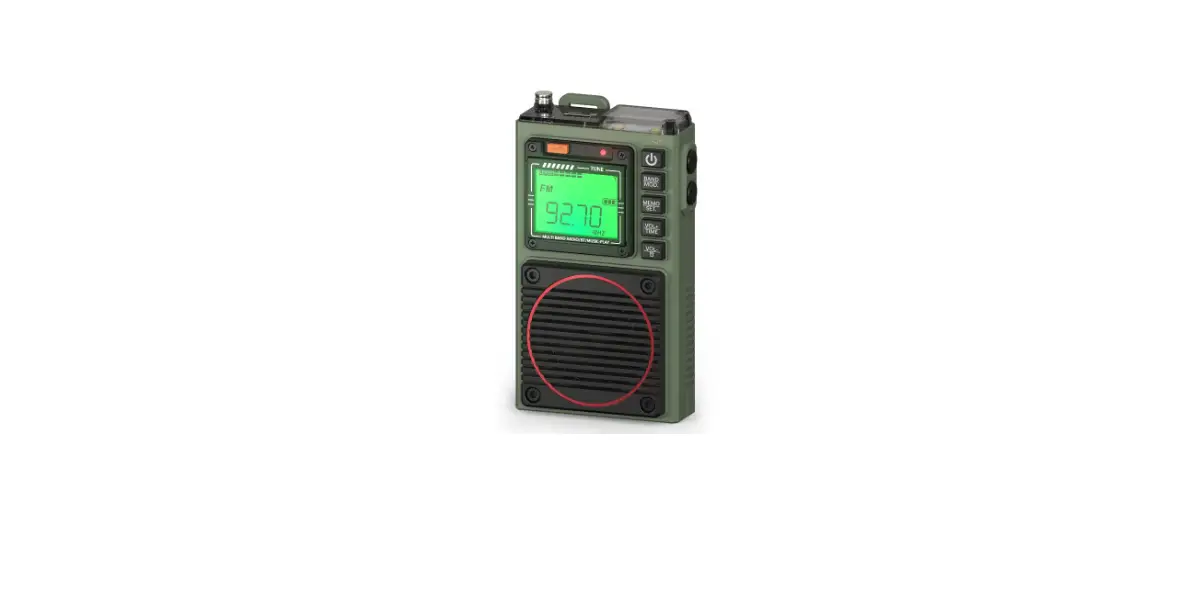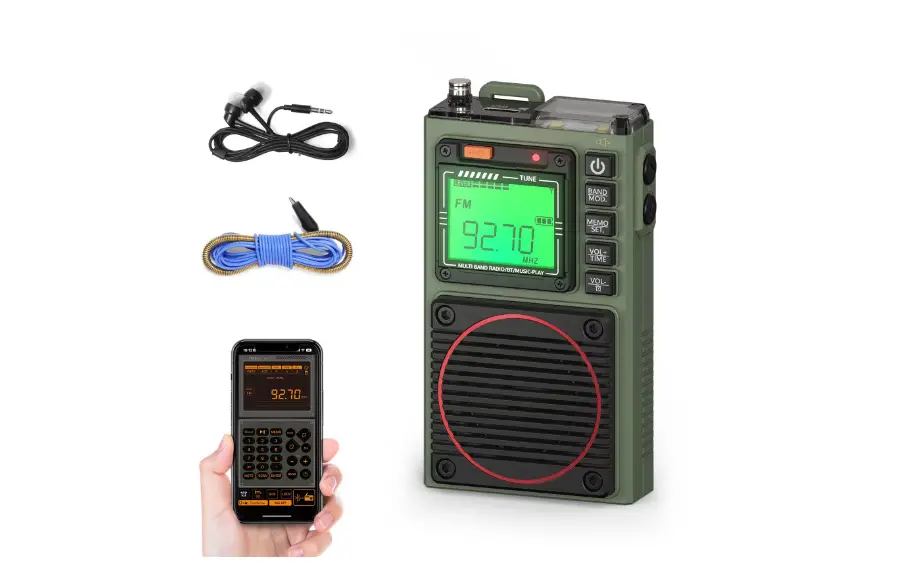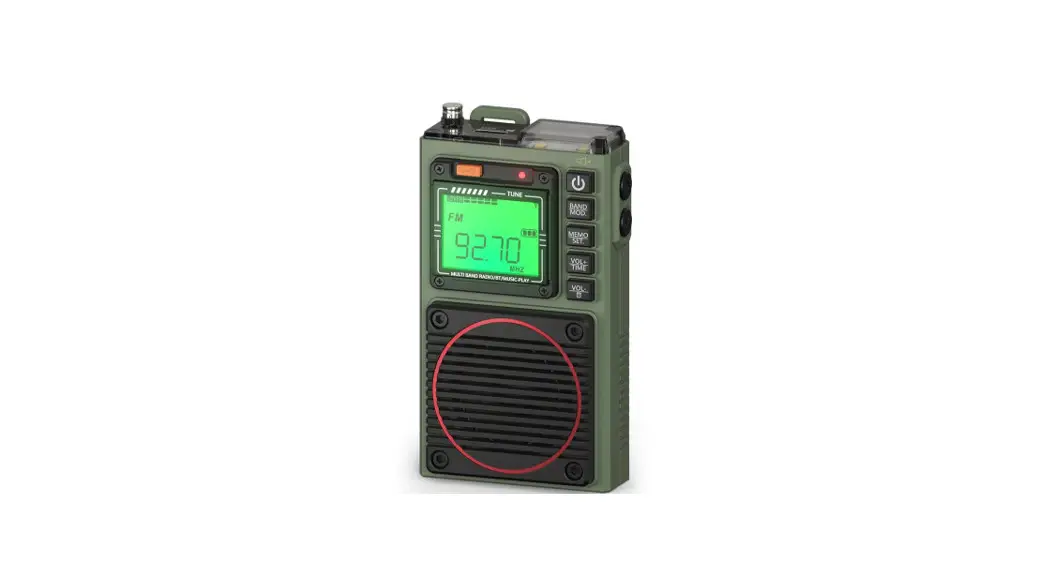
 RF75A Shortwave Radio App
Instruction Manual
Instructions for APP Installation
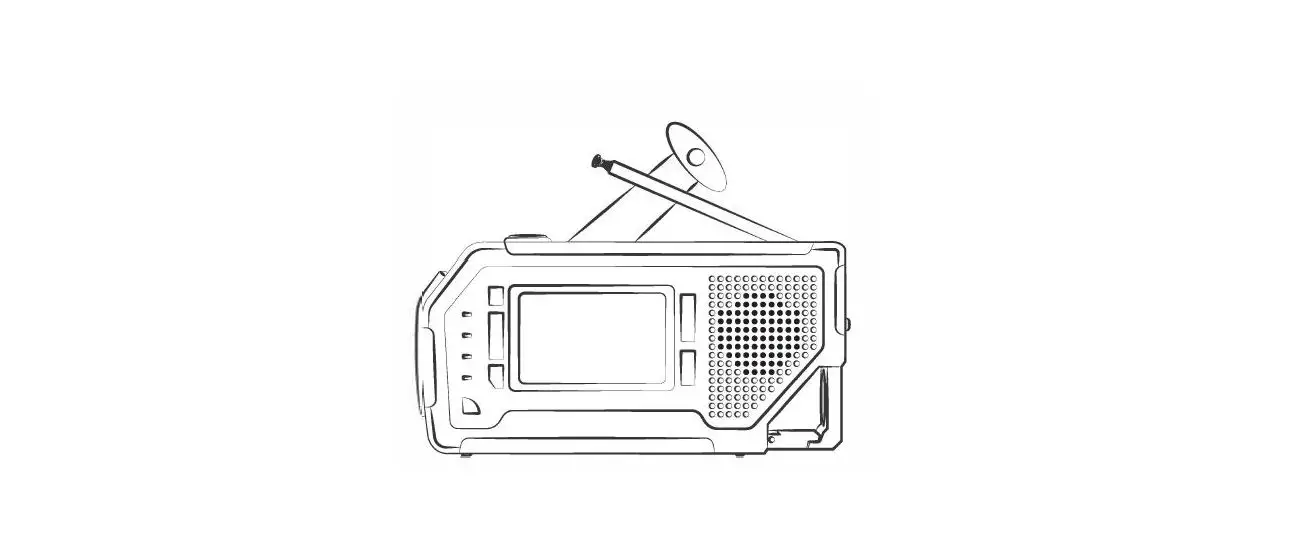
1: Step 1: turn on the radio RF75A
2: Step 2: download the APP Android System: Use your mobile browser to scan the following QR code iOS System: Go to “App Store” and search “Radio-c” to download the App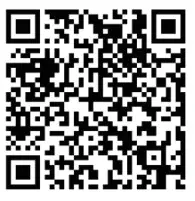 http://www.szdipusi.cn/file/Radio-c.apk
2.1: Click “download”—’Click “continue”—’Installation finished, click “open the app”-0.APP icon is displayed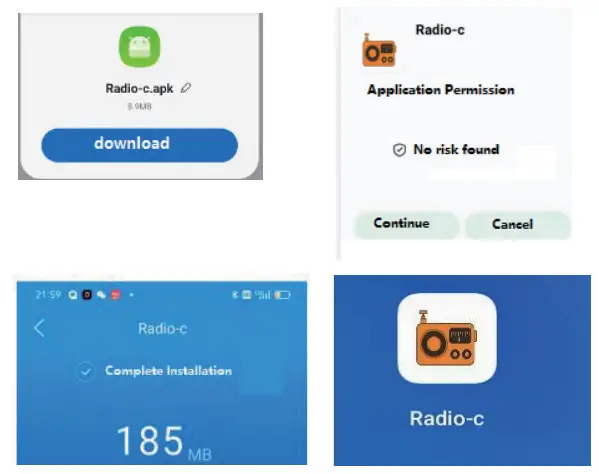 2.2: Click the APP icon to enter and use—.Click the Bluetooth symbol the bottom right on the APP—Click “permit” Click the symbol again –0 Choose ” RF75A-BLE “—”Successful connection”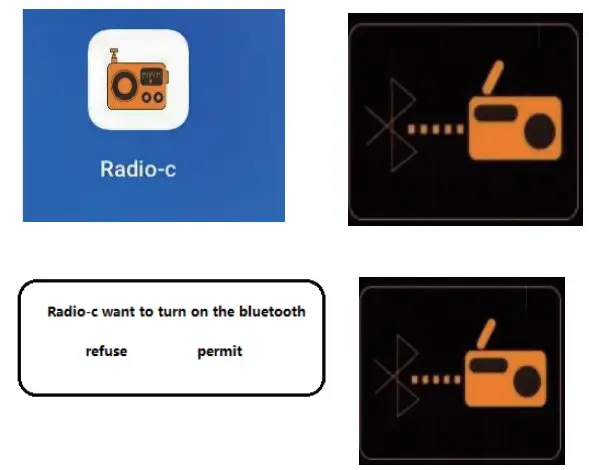

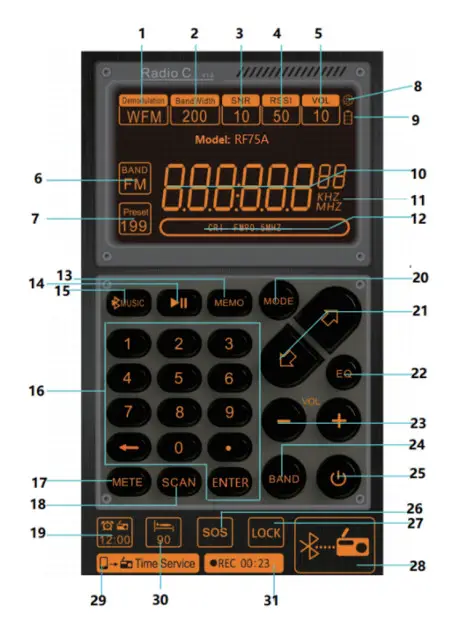
Description of Symbols on APP Interface
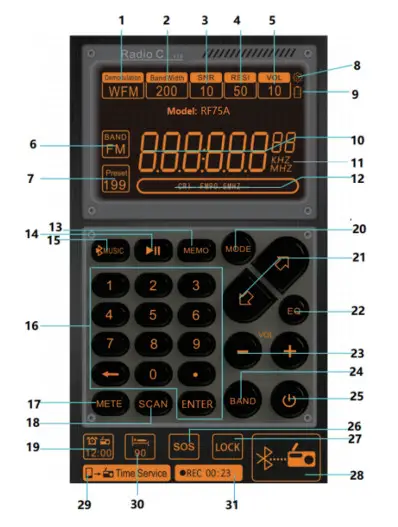
| No. | Symbols | Functions |
| I | Demodulation | Demodulation mode symbol |
| 2 | Bandwidth | Bandwidth |
| SNR | Signal-to-noise ratio | |
| 4 | RSSI | Signal intensity |
| VOL | Volume symbol | |
| 6 | Band | Click to select the FM, AM, SW, VHF |
| 7 | Present | 7-1: “Present” display: meaning, recall station: Press digital buttons to select the memory station of number and then press” Enter” to confirm 7-2: “Present” flashing: mean manual station storage: find the target frequency points , long press [MEMO] ,”Present” symbol is flashing, then press the [(3E>] to select station storage address number. press [MEMO] key to confirm. 7-3:”Present–” symbol: There are no stored stations |
| 8 |  | View the device version |
| 9 |  | Battery symbol |
| I 0 |  | Radio Frequency display |
| II | KHZ MHZ | Unit display |
| 12 |  | Edit the name of the frequency station: Long press this location and enter the current frequency according to the language prompt |
| 13 | MEIMO | 13-I :press: enter recall station mode: press[ 43 c> ]button select station. 13-2:long press: manual station storage: find the target frequency points, long press [MEMO] key,”Present” symbol is flashing, press the [ <3 c> ] to select station storage address number, press [MEMO] key to confirm. |
| 14 |  | Play & pause |
| 15 |  | Switch between TF card play mode and Bluetooth play mode Note: If you need to play music in Bluetooth mode, please open the mobile phone Bluetooth connection, select “RF75A” in the search list, you can play after successful connection. |
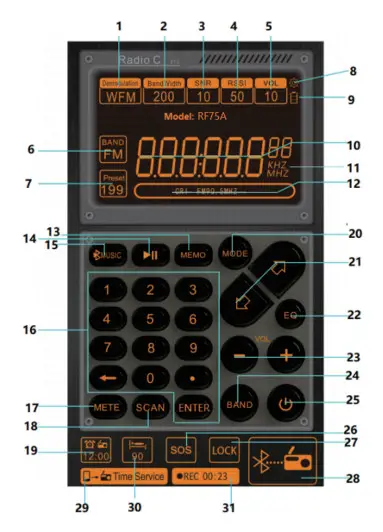
| No. | Symbols | Functions |
| 16 |  | 16-I :Digital key dot frequency: press [ENTER] key, press digital buttons which your target frequency point, press [ENTER] key for confirm. 16-2:Recall station: press digital buttons you need, press [ENTER] key for confirm. 16-3:Frequency: press digital buttons which your need, press [ENTER] key for confirm. |
| 17 | METE | In SW mode, select meter wave |
| 18 | SCAN | 18-1:In reception mode, long press to search the channels stored automatically 18-2:In WB band, long press to enter alarm mode, long press again to exit |
| 19 |  | Set/close the clock |
| 20 | MODE | In TF play mode, choose the play mode sequence: repeat all & repeat one & repeat file & random |
| 21 |  | +/- (adjust the frequency/choose a song/take a channel/choose an address of storing channels) |
| 22 | EQ | EQ for play mode: El : NORMAL E2: POP E3: ROCK E4: JAZZ E5: CLASSIC E6: COUNTR |
| 23 | VOL + – | Volume +/- |
| 24 | BAND | Band switching |
| 25 |  | 25-1:Power on/Power off 25-2:Disconnect APP connection: after pressing “off’ on APP interface, the radio displays time state, long press ® on the right of radio) The radio displays “bLE OFF”, it means APP is disconnected forcibly |
| 26 | SOS | 26-1: Long press to tun on /turn off SOS alarm 26-2: Press to turn on /turn off the light |
| 27 | LOCK | Long press to lock, long press again to unlock |
| No. | Symbols | Functions |
| 28 |  | Connect the mobile APP to the radio |
| 29 |  | Equipment calibration time |
| 30 |  | Set your Sleep Time |
| 31 | REC | Record in Radio reception mode Note: insert TF card into the radio before recording press to enter the recording mode press again to exit |
Working Modes on APP Interface
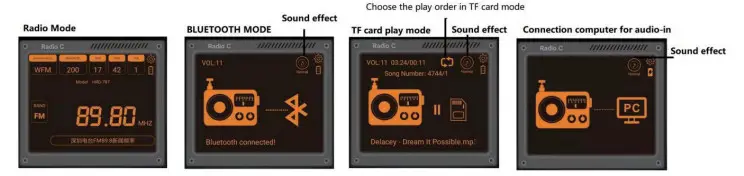 Instruction 1: in play music mode, directly click the symbol on interface to choose an EQ sound effect :NORMAL POP, ROCK, JAZZ, CLASSIC, COUNTRY.
Instruction 2: in TF play mode, click TF card play order to choose:
 | (Repeat all, the radio displays: rA) |
 | (Repeat one, the radio displays: r0) |
 | (Repeat the songs in current folder, the radio displays: rF) |
 | (Random play, the radio displays: rr) |