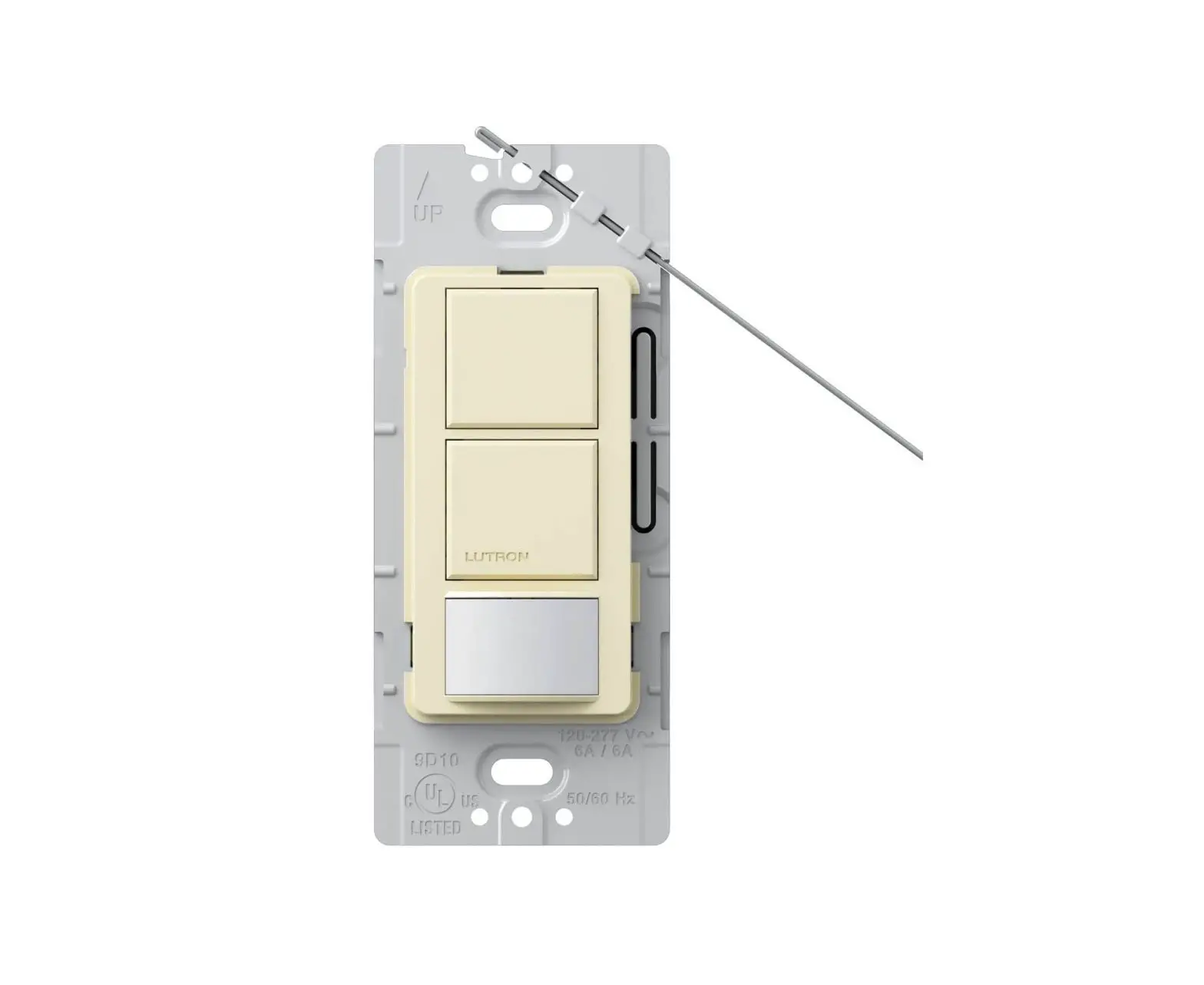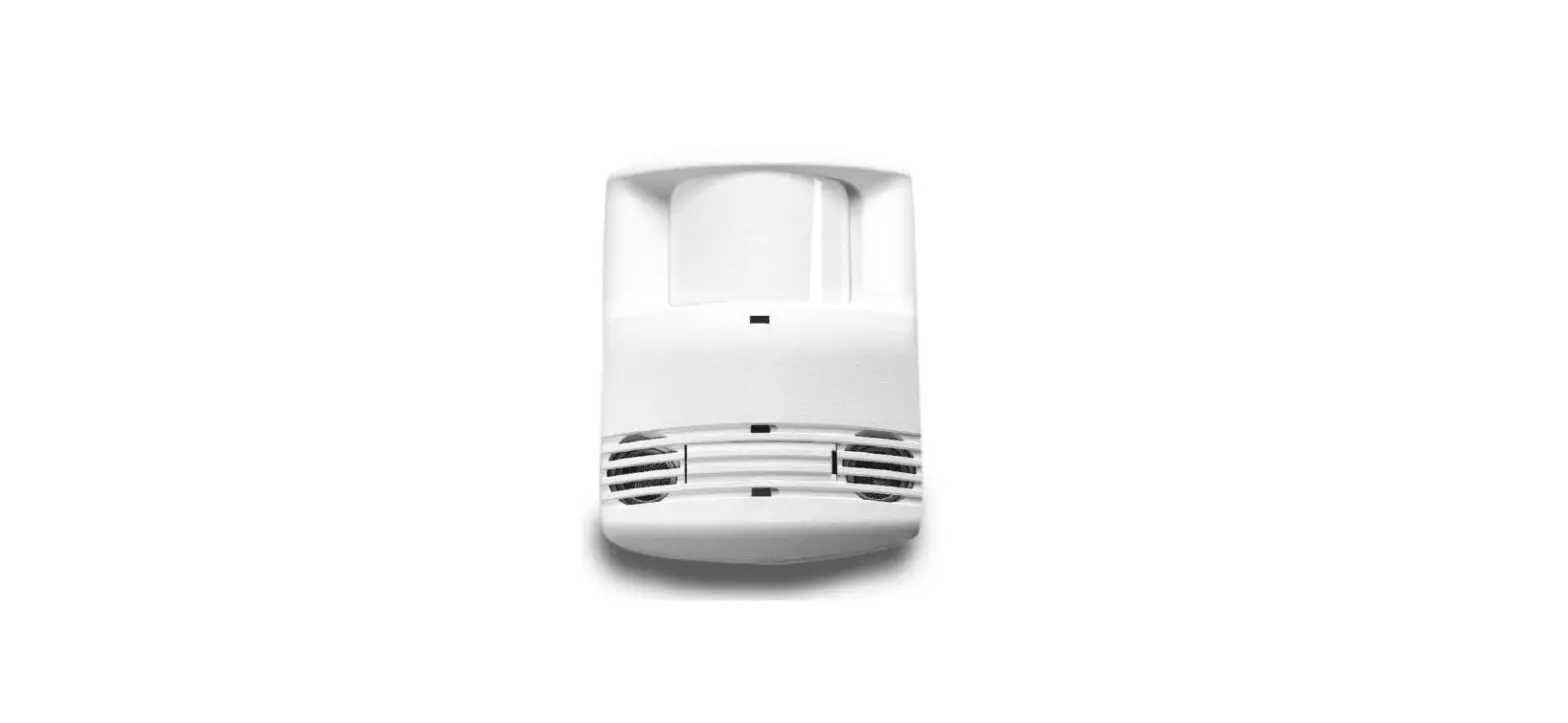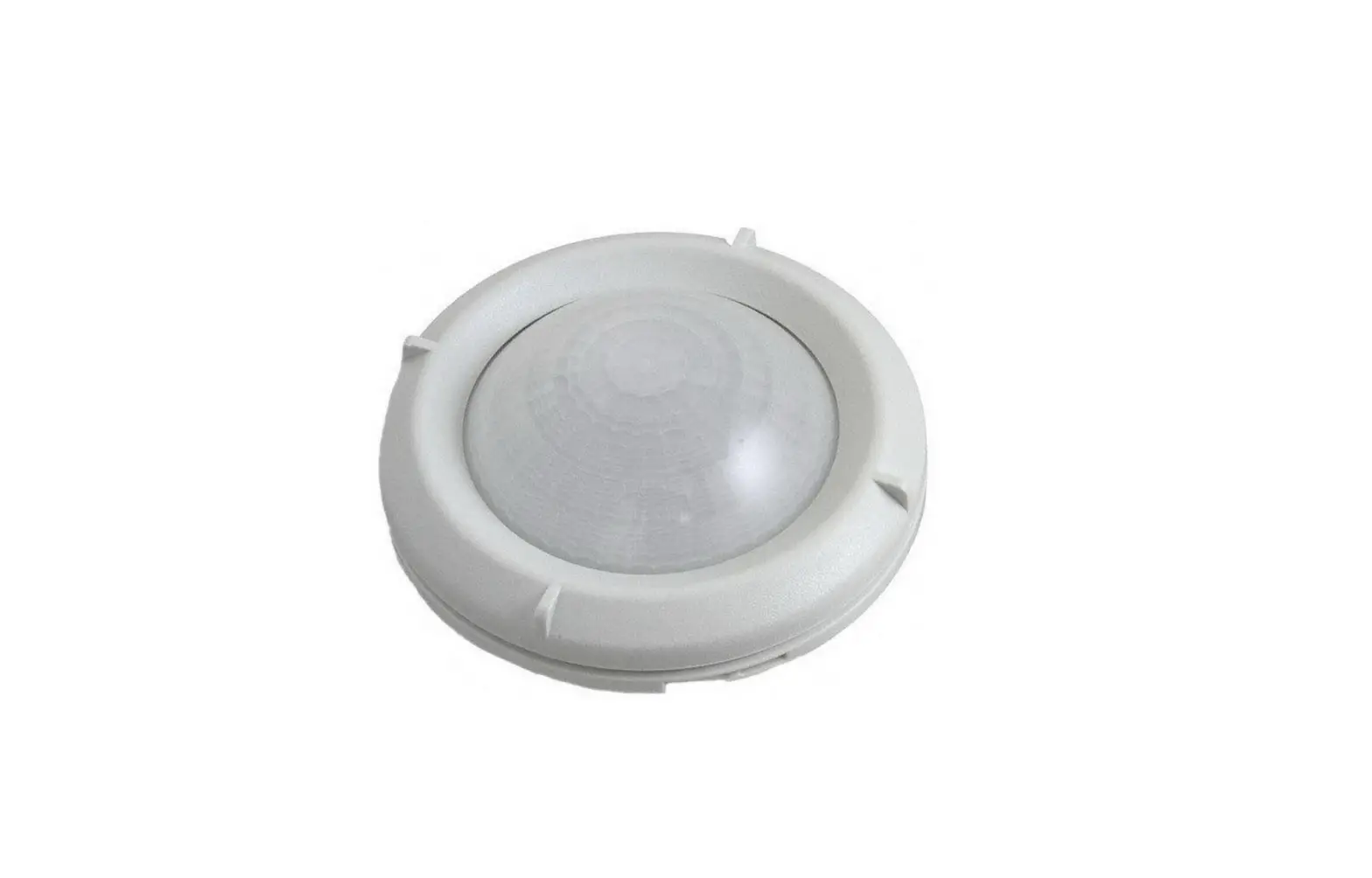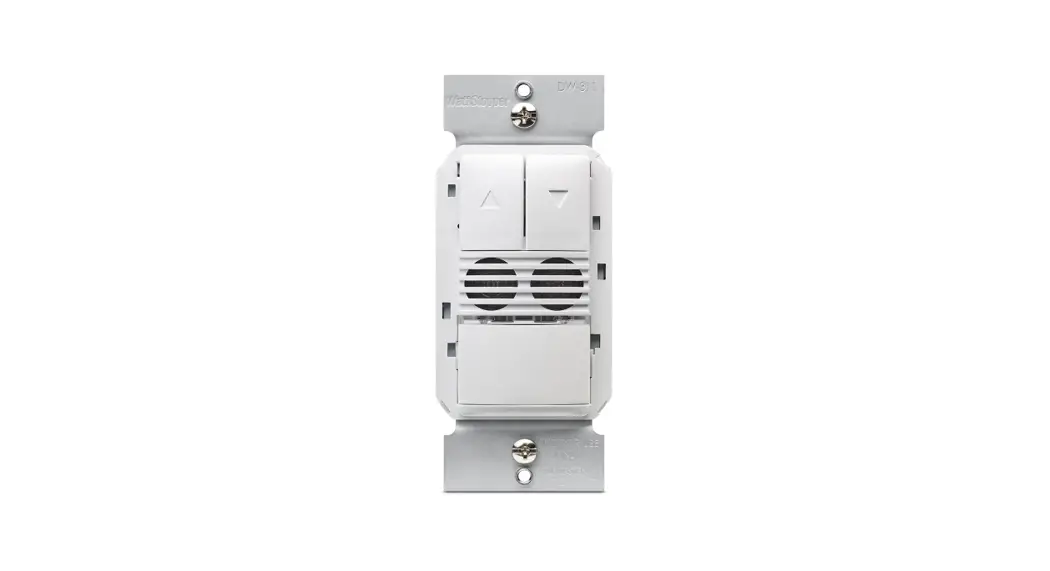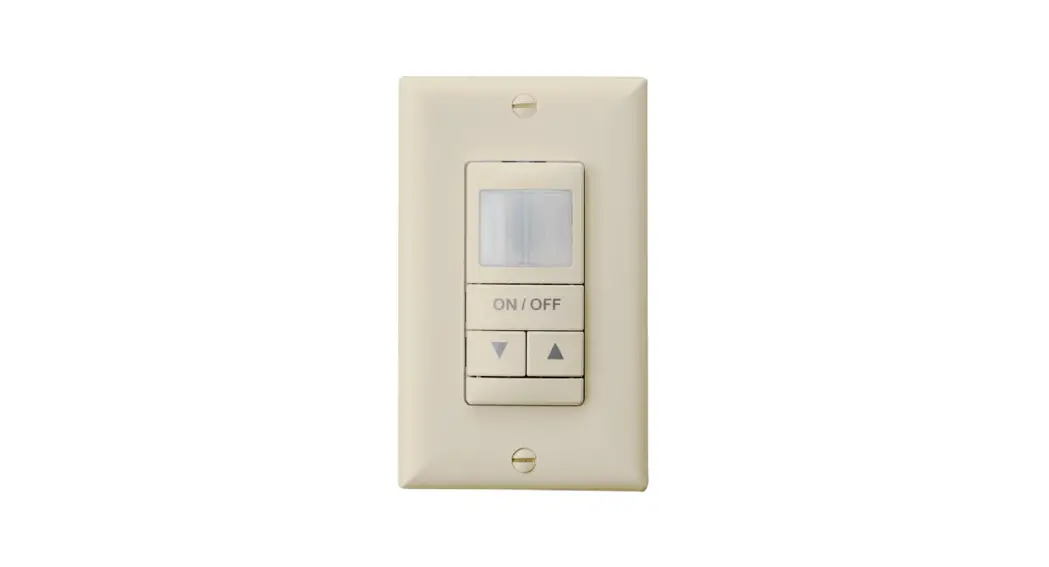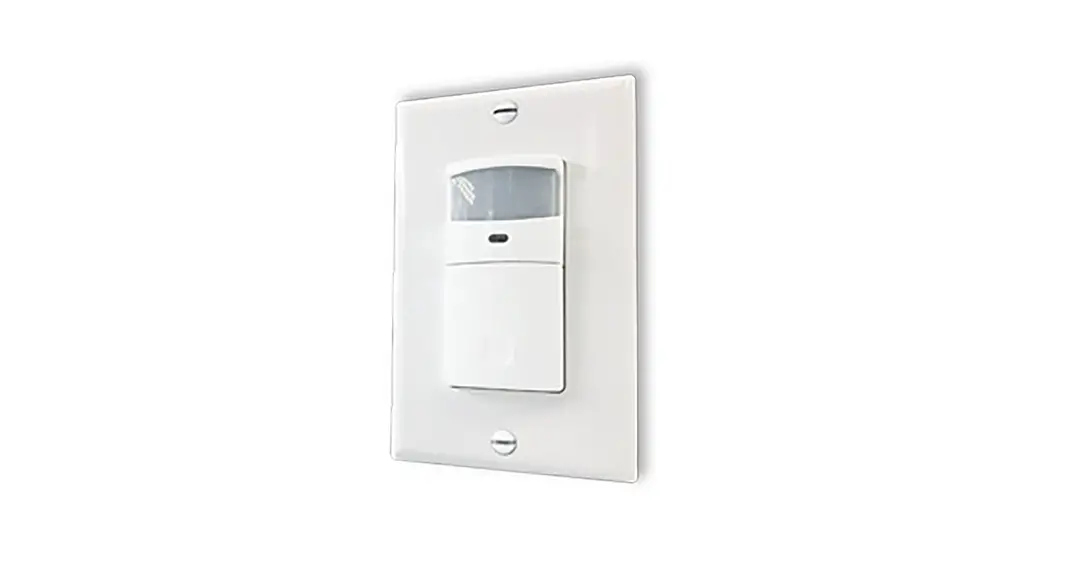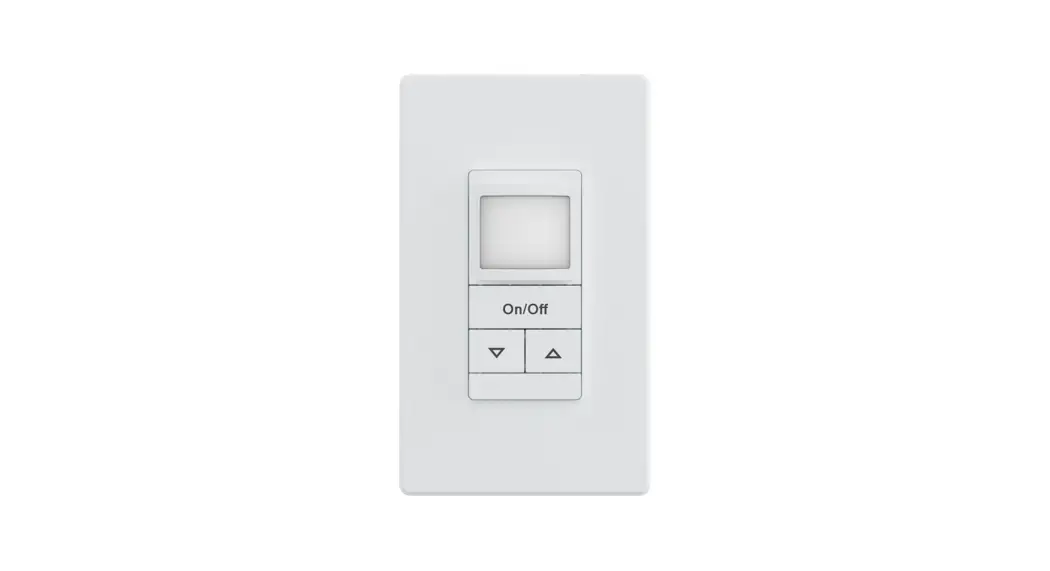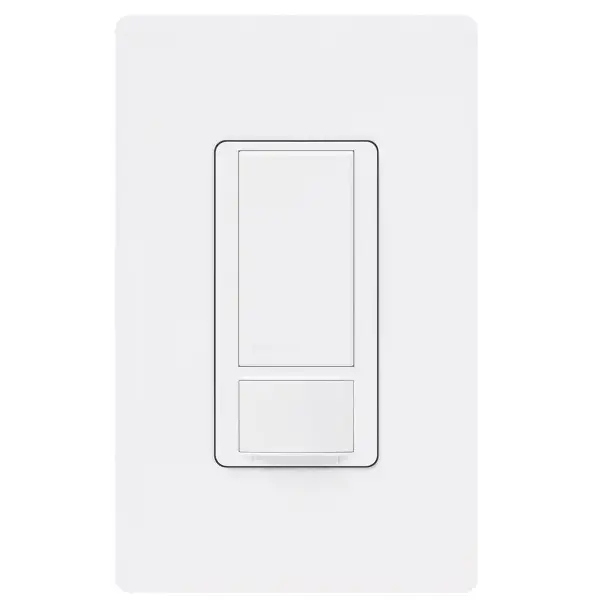
MS-OPS2 Occupancy Sensing Switch
Instruction Manual
Please read before installing.
Help
Use our mobile friendly self-paced installation tool:
www.lutron.com/wiringwizard
Find more product information: www.lutron.com/support
– Videos
– Frequently Asked Questions
– Online Chat (8 am – 5 pm EST)
Call us:
U.S.A. | Canada | Caribbean
1.844.LUTRON1 (588.7661) (24/7)
Mexico
+1.888.235.2910
Others
+1.610.282.3800
IMPORTANT
- CAUTION: To reduce the risk of overheating and possible damage to other equipment, DO NOT use to control receptacles or motor loads.
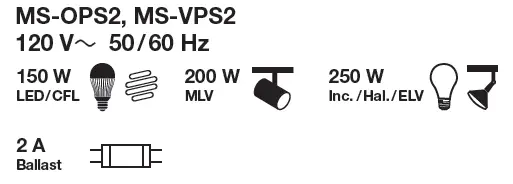
- CAUTION: For control of permanently installed LED, CFL, MLV, incandescent, halogen, ELV or electronic ballast lamp fixtures.
- Install in accordance with all national and local electrical codes.
- A ground connection is required for product to function. Connect green-sleeved wire to ground only in retrofit and replacement applications. When neutral connection is available, remove green sleeve and connect to neutral. If neither wire is present, consult a licensed electrician.
- The sensor switch requires an unobstructed view of room occupants to detect motion.
- Hot objects or moving air currents can affect the performance of the sensor switch.
- For indoor use only. Operate between 32 °F and 104 °F (0 °C and 40 °C).
- Clean with a soft damp cloth only. DO NOT use any chemical cleaners.
- Once power has been restored, the sensor switch can be manually turned on or off within the first 30 seconds but will not automatically control the load for the first
2 minutes. - DO NOT exceed twenty (20) devices on a single branch circuit.
- DO NOT use with fan loads.
- Device makes an audible click when turning on/off.
This is normal functionality.
1. Turn power OFF at circuit breaker
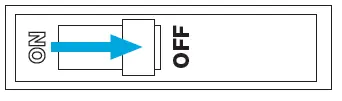
WARNING: SHOCK HAZARD.
May result in serious injury or death. Turn off power at circuit breaker or fuse before installing
2. Ensure a ground connection is present
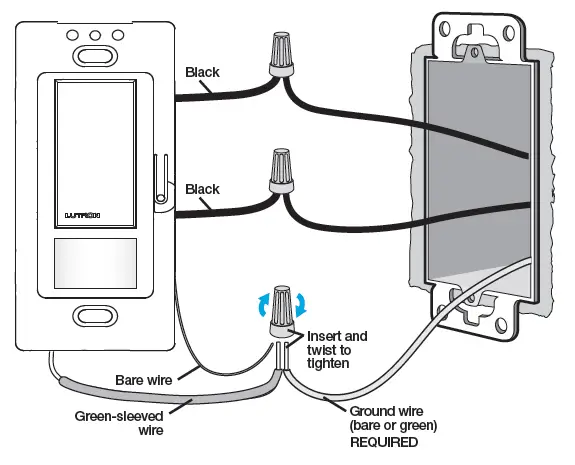
Look for a bare copper wire or green wire (ground), and a white wire (neutral) coming out of the wall. When a neutral connection is available, remove the green sleeve and connect the white wire to neutral. Connect the bare and green-sleeved wire from the device to ground (only in retrofit and replacement applications). If neither wire is present, consult an electrician. This device will not function if it is not grounded.
3. Remove existing device and connect sensor
A. When neutral is present in outlet box: remove green sleeve, connect white wire to neutral.
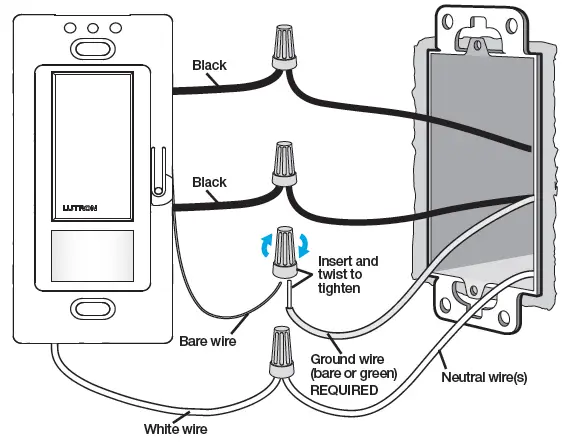
B. If no neutral is present, connect green-sleeved wire to ground.
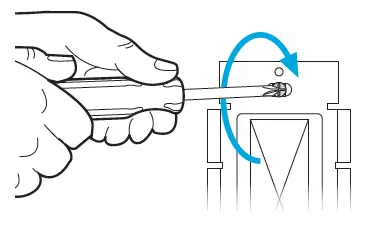
4. Mount the switch using the provided screws
5. Turn power ON at circuit breaker
Once power has been restored, the sensor switch will not automatically control the load for the first 2 minutes.

6. Installation is complete
Leave wallplate off if custom settings are desired.
See step 7; default settings shown in bold.
7. Custom settings (optional)
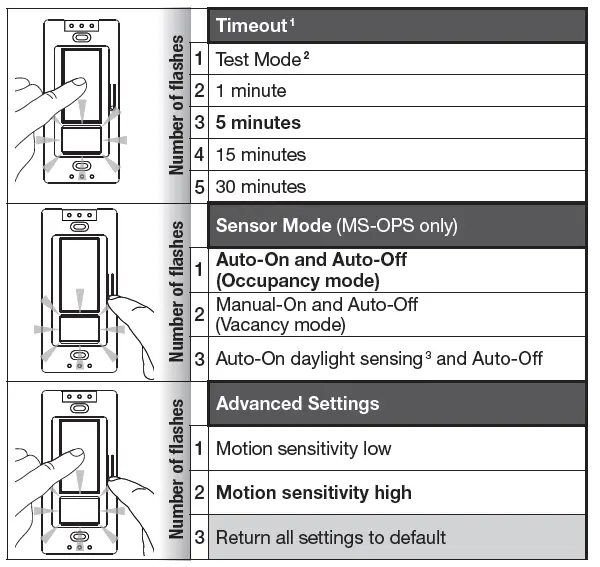
Remove wallplate and select your preferred settings from the table below before proceeding; default settings shown in bold.
For an explanation of these custom settings, see www.lutron.com/TechnicalDocumentLibrary/048461.pdf
- “ Timeout” is the delay until the lights go off after the room is vacated. if you manually turn the light off and re-enter before the timeout, the lights will not automatically turn on until the timeout period is complete.
- Short (less than 15-second) timeout for testing sensor coverage. After entering, device will exit test mode automatically after 5 minutes, or when any button is pressed.
- Lights turn on only if natural light in room is low. If switch turns on when there is enough natural light, or if switch does not turn on when there is not enough natural light, press the large button within 5 seconds of entering the room. Over time, this interaction will “teach” the switch your preferred setting.
A) Press and hold the button(s) indicated in the pictures below.
B) The lens will flash once at each setting (always starts at setting 1).
C) The setting is saved after the button is released.
D) Attach wallplate when complete.
- “ Timeout” is the delay until the lights go off after the room is vacated. if you manually turn the light off and re-enter before the timeout, the lights will not automatically turn on until the timeout period is complete.
- Short (less than 15-second) timeout for testing sensor coverage. After entering, device will exit test mode automatically after 5 minutes, or when any button is pressed.
- Lights turn on only if natural light in room is low. If switch turns on when there is enough natural light, or if switch does not turn on when there is not enough natural light, press the large button within 5 seconds of entering the room. Over time, this interaction will “teach” the switch your preferred setting.
Troubleshooting
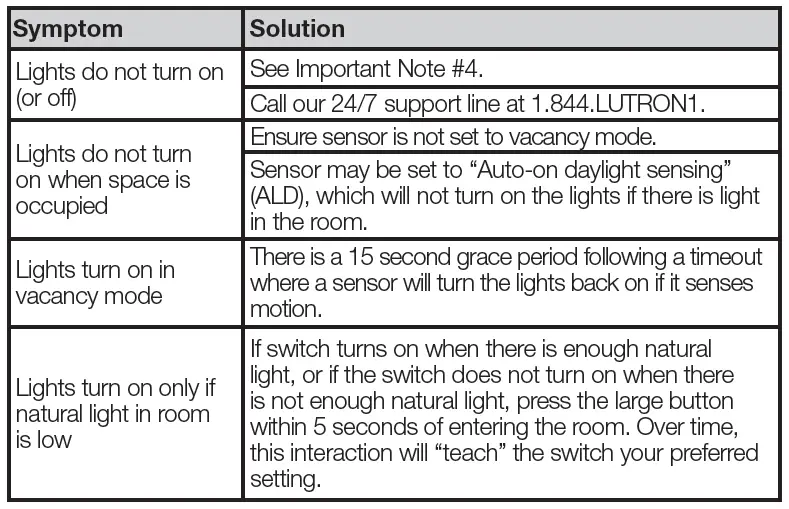
For additional Troubleshooting, please visit www.lutron.com/support
 Lutron Support Center | Lutron