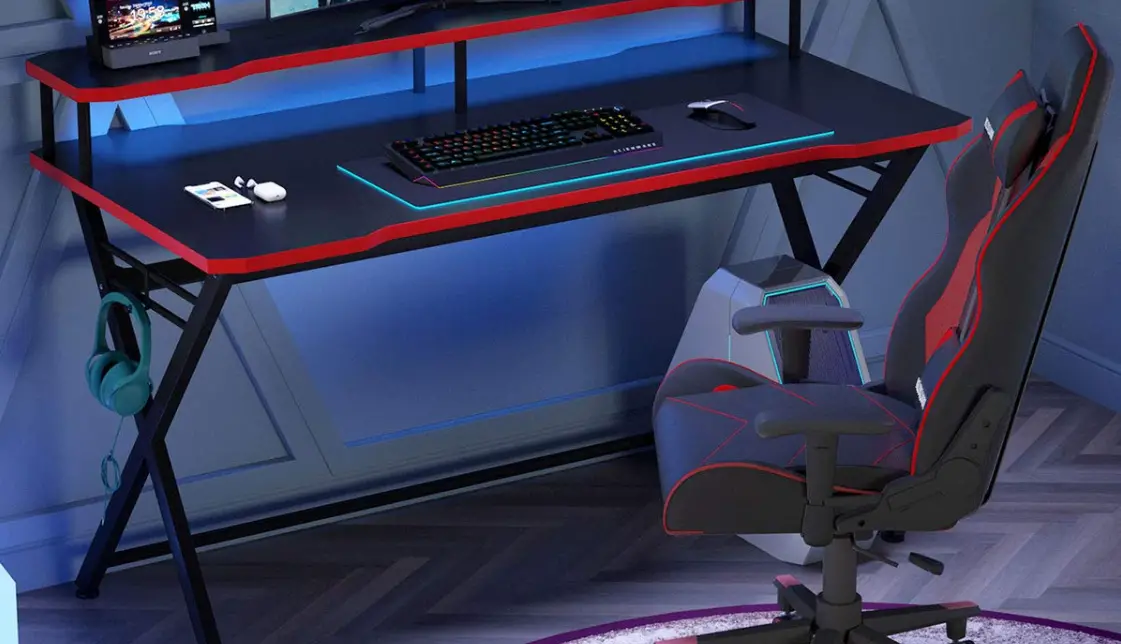
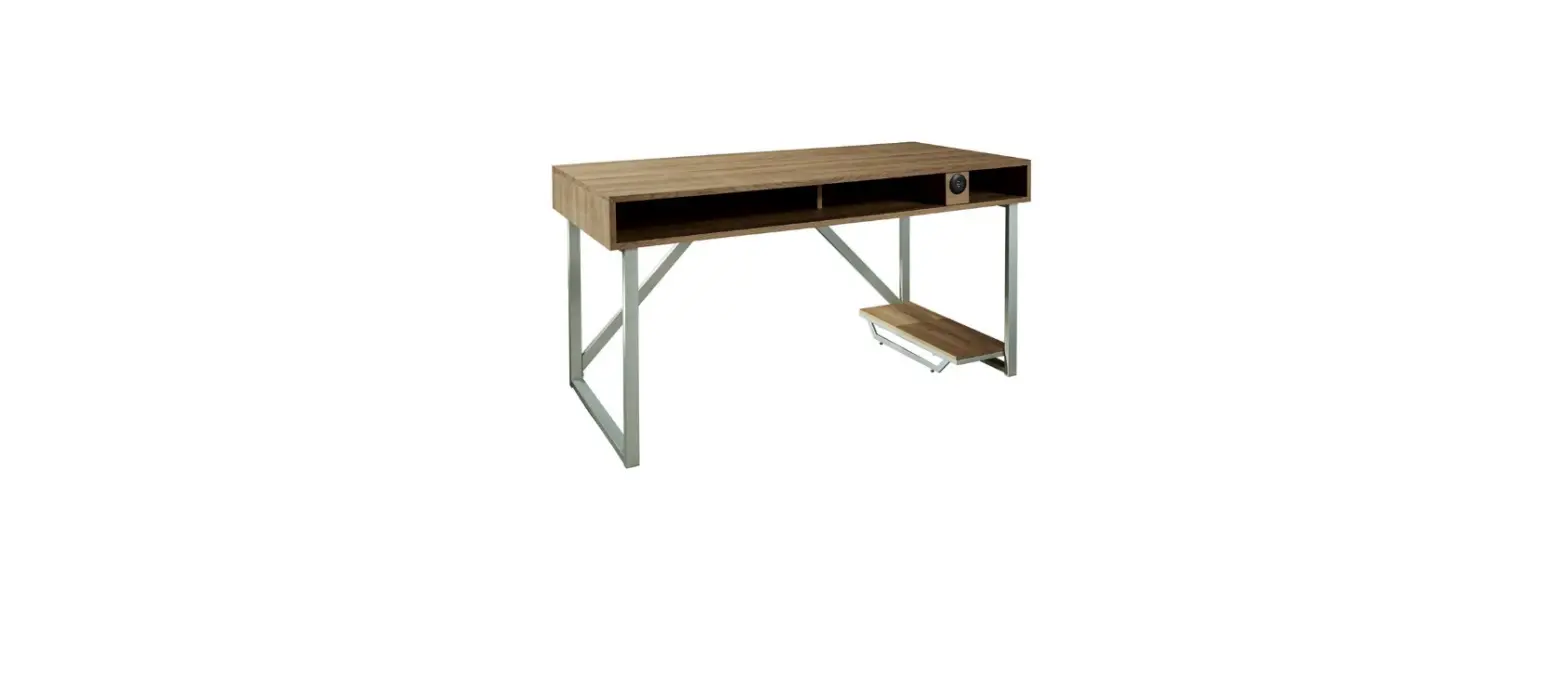
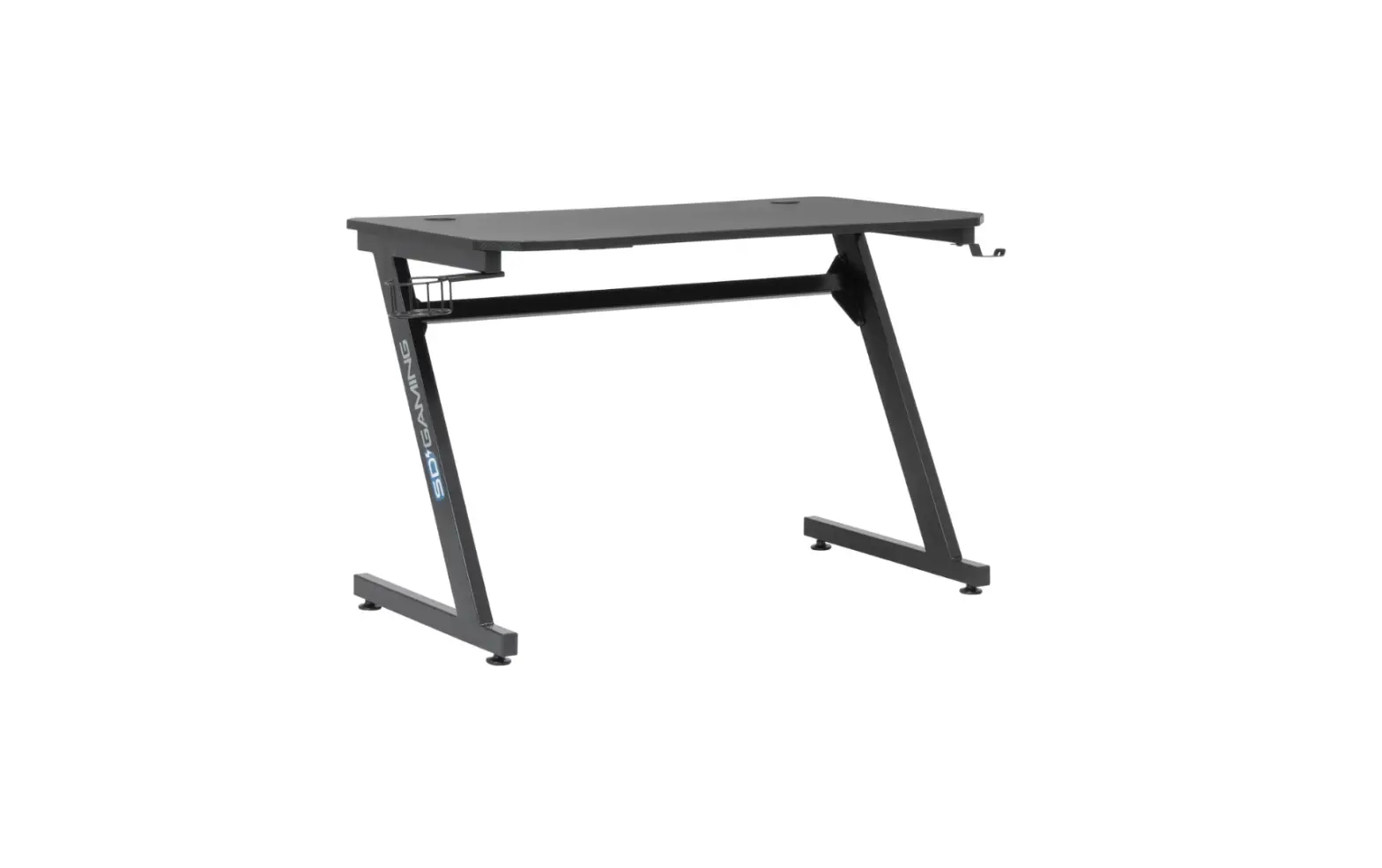
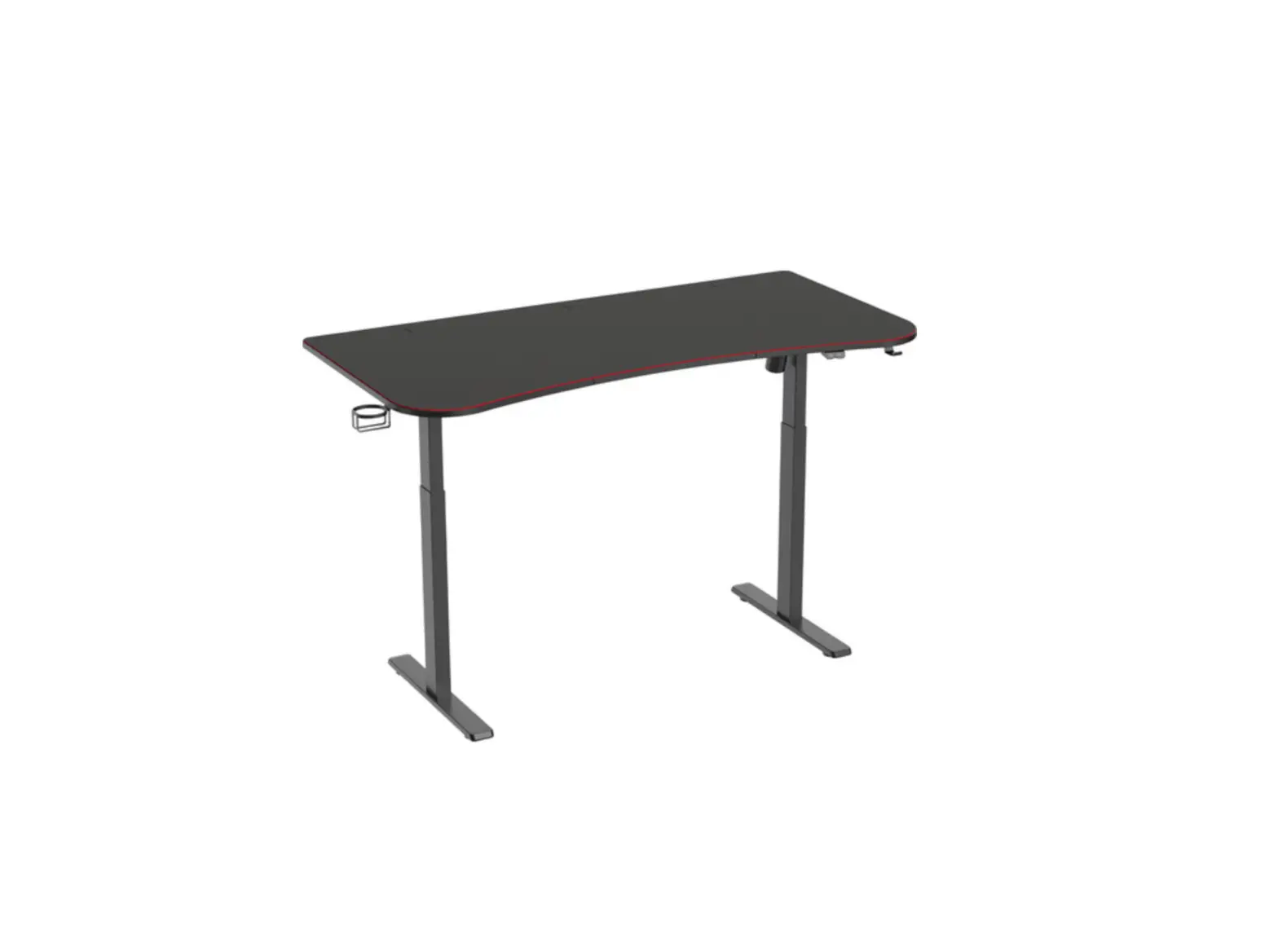
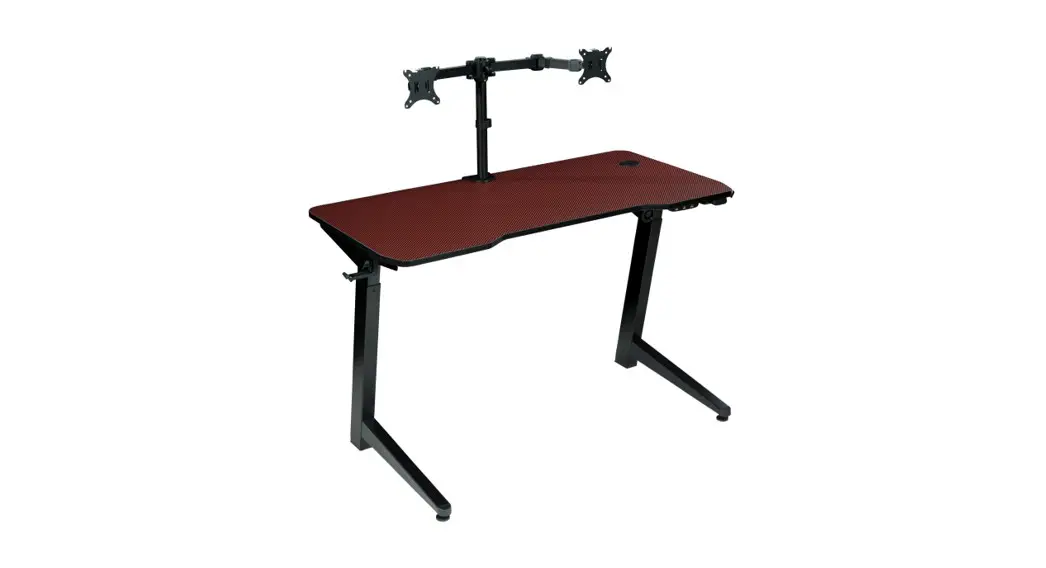
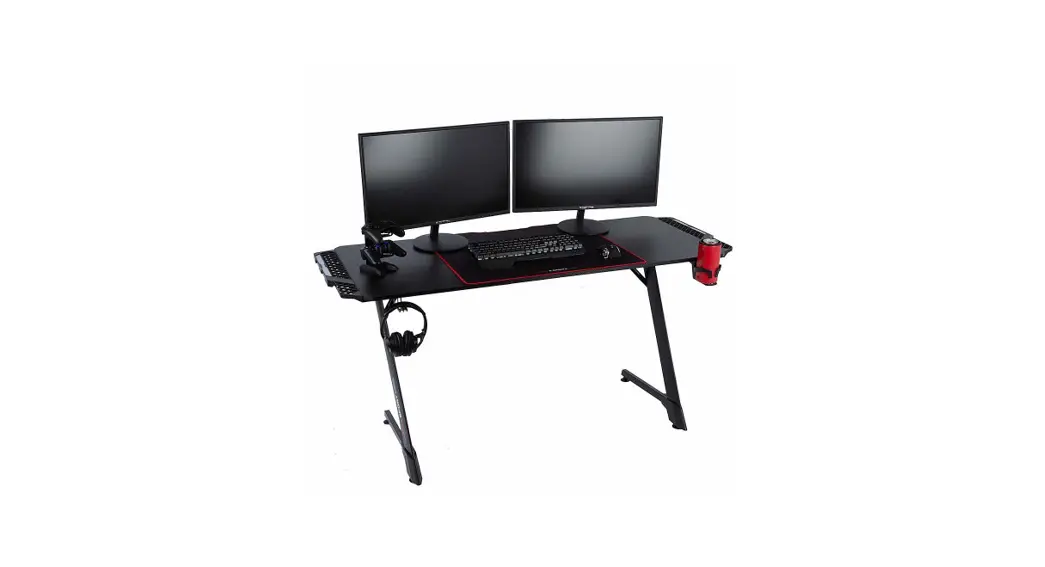
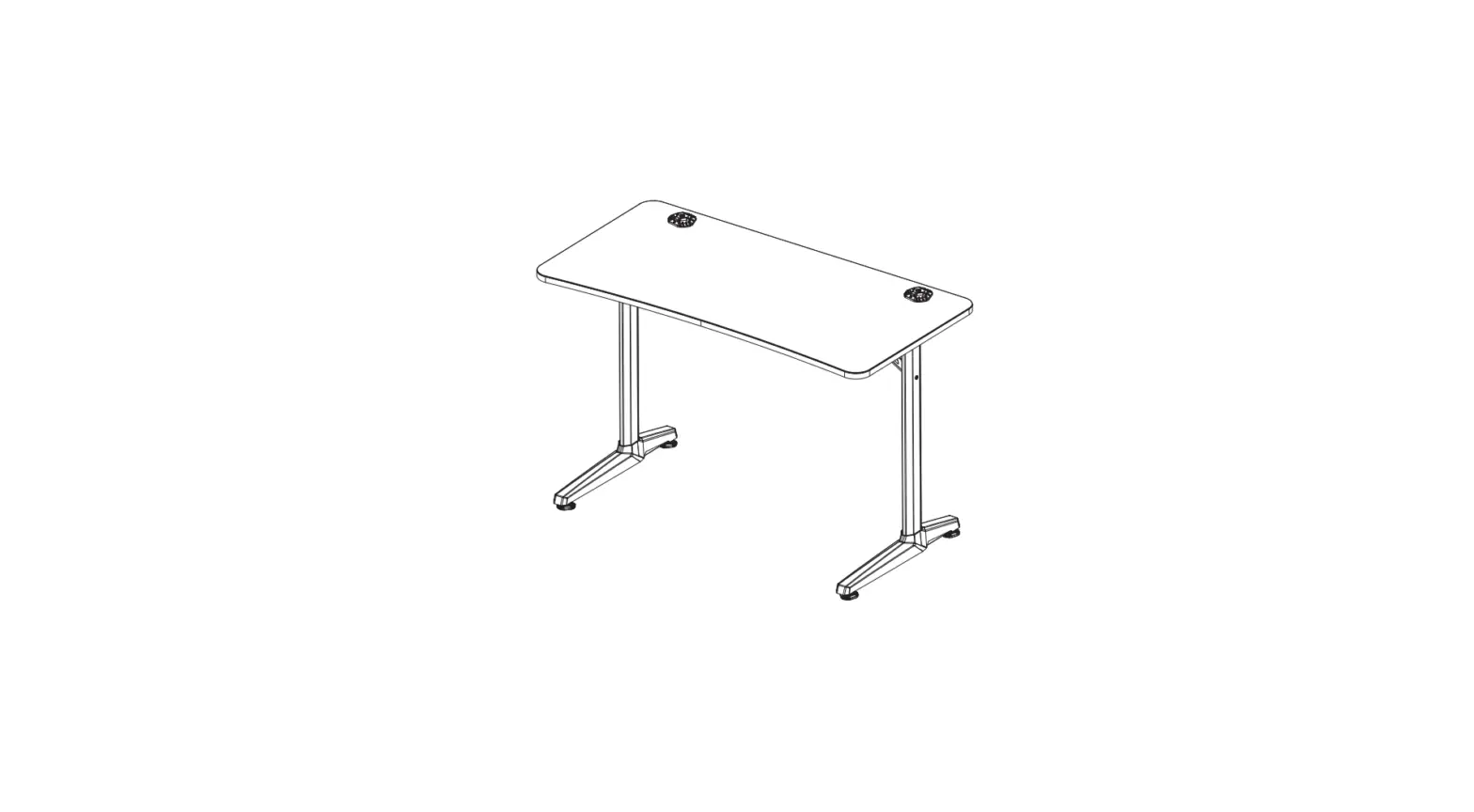
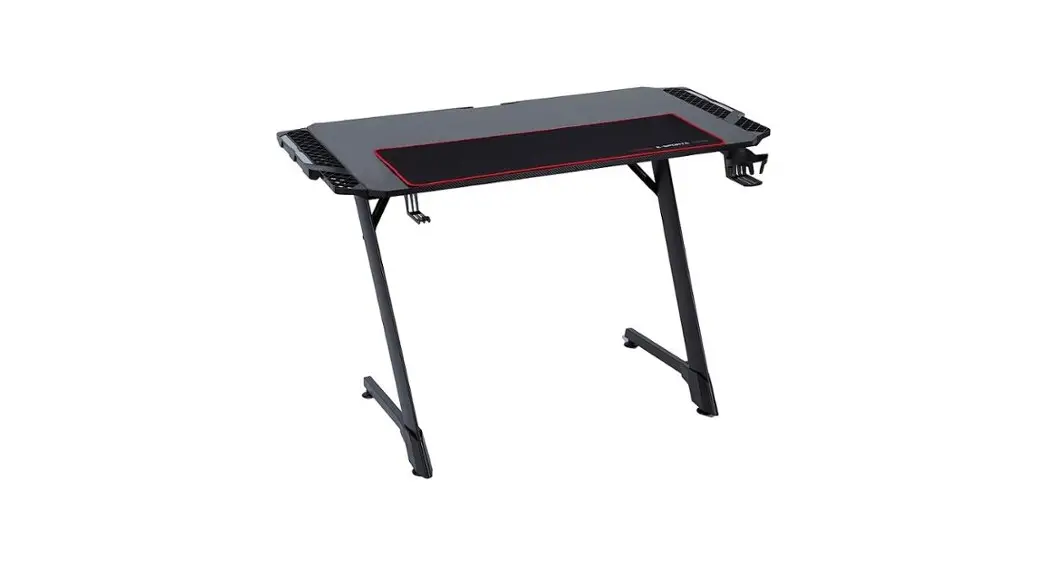
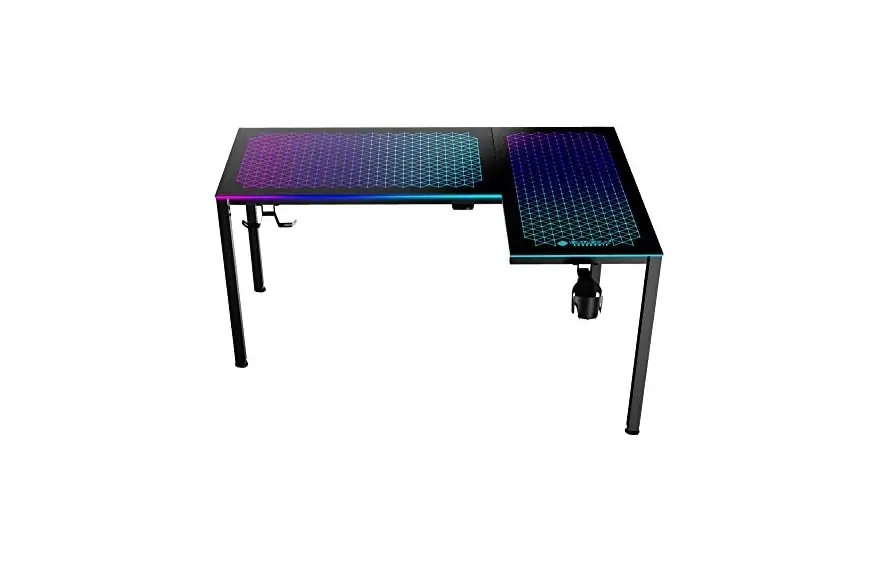
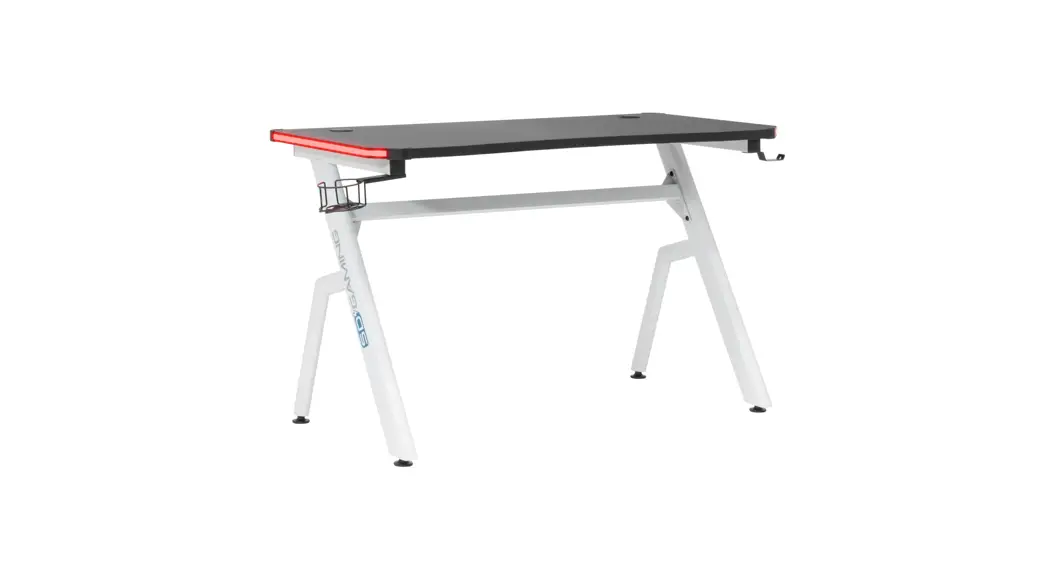
RLDP60 Gaming Desk
Product Information: Product Name: RLDP60 Gaming Desk Model Number:
JN02-03-22K Manufacturer: Office Star Products Product Warranty:
OSP Furniture Limited Product Warranty Design Lab Products Product
Usage Instructions: 1. Before using the RLDP60 Gaming Desk, ensure
that all bolts, screws, and knobs are securely tightened. This is
important for the stability and safety of the desk. 2. Regularly
check and tighten all bolts, screws, and knobs every three months
or as needed to maintain the desk’s stability. 3. When unpacking
the desk, dispose of the packing material properly. Do not use the
plastic cover as a head covering as it may cause suffocation. 4.
Use the RLDP60 Gaming Desk for its intended purpose only, which is
as a gaming desk. 5. When cleaning the desk, use mild detergent
only. For any warranty claims or issues with missing or damaged
parts, follow these steps: 1. Contact the Parts Department of
Office Star Products via e-mail at [email protected], by Fax at
1-909-930-5629, or call their toll-free parts number at
1-800-950-7262. The Parts Department operates from Monday to
Friday, 8:00 a.m. – 3:30 p.m. Pacific Time. 2. Provide them with
the necessary details and information regarding the issue you are
facing. 3. The Parts Department will do their best to promptly
resolve the problem and assist you with any missing or damaged
parts. Inspect the RLDP60 Gaming Desk upon arrival: 1. The product
has been inspected and packaged with durable internal packing and
external corrugated material. 2. Any claims for loss or damage to
the contents should be made upon the carrier responsible for the
delivery. Assembly Instructions for RLDP60 Gaming Desk: Step 1: –
Attach the Desk Top (1 PC) to the Right Side Frame (3 PCS) and Left
Side Frame (2 PCS) using the provided bolts (A1). – Use the Allen
Wrench (G7) to tighten the bolts. Step 2: – Attach the Rear Frame
(4 PCS) to the Front (5 PCS) using the provided bolts (C3). – Use
the Allen Wrench (G7) to tighten the bolts. Step 3: – Attach the
Middle Front Cross Bar (5 PCS) to the Right Side Frame (3 PCS) and
Left Side Frame (2 PCS) using the provided bolts (B2). – Use the
Allen Wrench (G7) to tighten the bolts. Step 4: – Attach the Rear
Upper Cross Bar (6 PCS) and Rear Lower Cross Bar (7 PCS) to the
Rear Frame (4 PCS) using the provided bolts (D4). – Use the Allen
Wrench (G7) to tighten the bolts. Step 5: – Attach the Cup Holder
(9 PC), Accessory Hook (8 PC), Storage Tray (10 PC), Power Outlet
(11 PC), Remote (12 PC), and LED Power Supply (13 PC) to the
assembled desk as desired. Assembly Instructions for 2 in 1 Monitor
Mount: Step 1: – Attach the Mounting Bracket (A) to the mounting
surface using appropriate screws or hardware. Step 2: – Attach the
Arm Frame (B) to the Mounting Bracket (A) using the provided screws
or hardware. – Use a Phillips screwdriver, which is not provided,
for this step. Step 3: – Attach the C-Clamp (C) to the Support Post
(D) using the provided screws or hardware. – Use a Phillips
screwdriver, which is not provided, for this step. Please refer to
the user manual for any additional information or specific
instructions related to your RLDP60 Gaming Desk or 2 in 1 Monitor
Mount.
FCC INSTRUCTIONS
NOTE: This equipment has been tested and found to comply with the limits for the Class B digital device, pursuant to Part 15 of the FCC Rules. These limits are designed to provide reasonable protection against harmful interferences in a residential installation. This equipment generates, uses and can radiate frequency energy and, if not installed and used in accordance with the instructions, may cause harmful interference to radio communications. However, there is no guarantee that interference will not occur in a particular installation. If this equipment does cause harmful interference to radio or television reception, which can be determined by turning the equipment off and on, the user is encouraged to try to correct the interference by one or more of the following measures: — Reorient or relocate the receiving antenna. — Increase the separation between the equipment and receiver. — Connect the equipment into an outlet on a circuit different from that to which the receiver is connected. — Consult the dealer or an experienced radio/TV technician for help. — This device complies with Part 15 of the FCC Rules. Operation is subject to the following two conditions: (1) This device may not cause harmful interference, and (2) this device must accept any interference received, including interference that may cause undesired operation. — Instructions shall caution users that modifications not approved by part responsible for compliance could void user’s authority to operate the equipment.
Office Star Products
Model number:JN02-03-22K
RLDP60
GAMING DESK
ASSEMBLY INSTRUCTIONS
OSP FURNITURE LIMITED PRODUCT WARRANTY Design Lab Products
· 3 years on gaming desks and chairs
WARNING
1. Do not use this product unless all bolts, screws and knobs are securely tightened.
2. Check that all bolts, screws and knobs are tight every three months or as needed.
3. Dispose of packing material properly. Do not use plastic cover as head covering. t may cause suffocation.
4. Use this chair for its intended purpose only. 5. Use mild detergent only for cleaning.
*All warranties are limited to the original purchaser for normal commercial usage defined as a standard forty hour work week by persons weighing 250 lbs. or less. This warranty will not cover labor, freight or damage from misuse, abuse, negligence, alteration, accident, vandalism, rusting, acts of nature or any other event beyond the control of Office Star Products. The warranty does not cover cosmetic damage that may result from normal use. Liability for incidental or consequential damages is excluded. The user assumes all risk of injury resulting from use of this product. When usage is more than 40 hours per week, a two year warranty on all parts applies. Fabric and foam is warranted for one year. This warranty gives you specific legal rights, and you may also have other rights which vary from state to state.
It is the customer’s responsibility to prepay freight on any components returned to the factory. Return freight on components covered by warranty will be paid by Office Star Products.
Our quality standards are among the highest in the industry. Sometimes, no matter how hard we try, there are times when parts are damaged or missing. Our Parts Department will do everything possible to promptly remedy the problem. Contact us via e-mail [email protected], by Fax 1-909-930-5629, or toll free parts number 1-800-950-7262, Monday through Friday 8:00 a.m. – 3:30 p.m. Pacific Time.
INSPECT ON ARRIVAL This product has been inspected and packaged with durable internal packing and external corrugated. Responsibility for safe delivery was assumed by the carrier at time of shipment. CLAIMS FOR LOSS OR DAMAGE TO THE CONTENTS SHOULD THEREFORE BE MADE UPON THE CARRIER AS BELOW.
PARTS
PARTS
(1) Desk Top (1 PC)
(3) Right Side Frame (1 PC)
TOP
(5) Middle Front Cross Bar (1 PC)
FRONT
(7) Rear Lower Cross Bar (1 PC)
(9) Cup Holder (1 PC)
(2) Left Side Frame (1 PC)
FRONT
(4) Rear Frame (1 PC)
TOP
(6) Rear Upper Cross Bar (1 PC)
(8) Accessory Hook (1 PC)
(10) Storage Tray (1 PC)
(11) Power Outlet (1 PC)
(12) Remote (1 PC)
(13) LED Power Supply (1 PC)
HARDWARE LIST
NO
DRAWING
DESCRIPTION
SIZE
A1
Bolt
6 x 12 x 10mm
B2
Bolt
6 x 32 x 10mm
C3
Bolt
6 x 45 x 10mm
D4
Bolt
6 x 25 x 10mm
E5
Bolt
4 x 10 x 8mm
F6
Screw
3.5 x 12 x 6mm
G7
Allen Wrench
4mm
Phillips screwdriver also needed for assembly (not provided)
QUANTITY 6 PCS 12 PCS 2 PCS 2 PCS 2 PCS 2 PCS 1 PC
STEP 1
RLDP60
GAMING DESK
ASSEMBLY INSTRUCTIONS
D4 D4 6
TOP
4
7
FRONT
C3 C3
STEP 2
A1 A1
5 6
5
A1
2
A1
TOP
A1
2
A1 3
6 3
7
A1
FRONT
A1
RLDP60
GAMING DESK
ASSEMBLY INSTRUCTIONS
STEP 3
6 B2
B2 B2 B2 B2
2
1
B2 5
B2
B2 B2 B2 B2 B2
3
STEP 4
9
10
STEP 5
13
E5 8
2
F6 F6 11
1
1
13
Remove all parts from carton, separate by part numbers indicated on parts list, and verify part quantities. STEP 1 Attach Rear Frame (4) between Cross Bars (6 & 7) using two Bolts (D4) for Rear Upper Cross Bar (6) and two Bolts (C3) for Rear Lower Cross Bar (7). DO NOT FULLY TIGHTEN BOLTS. STEP 2 In the upright position, attach Rear Upper Cross Bar (6) and Rear Lower Cross Bar (7) between Left Side Frame (2) and Right Side Frame (3) using four Bolts (A1). DO NOT FULLY TIGHTEN BOLTS. Attach Middle Front Cross Bar (5) between Left Side Frame (2) and Right Side Frame (3) using two Bolts (A1). APPLY FIRM PRESSURE TO ALIGN ASSEMBLY AND FULLY TIGHTEN ALL BOLTS USING ALLEN WRENCH (G7).
STEP 3 Secure Desk Top (1) to assembly using twelve Bolts (B2). FULLY TIGHTEN ALL BOLTS (B2) USING ALLEN WRENCH (G7). STEP 4 Secure Accessory Hook (8) to Left Side Frame (2) using two Bolts (E5). FULLY TIGHTEN ALL BOLTS (E5) USING ALLEN WRENCH (G7). Insert Power Outlet (11) into its slot and secure using two Screws (F6). FULLY TIGHTEN ALL SCREWS (F6) USING PHILLIPS SCREWDRIVER (not provided). Insert Cup Holder (9) and Storage Tray (10) into their slots. STEP 5 Connect LED Power Supply (13) to existing cord on Desk Top (1). IMPORTANT: MAKE SURE ALL BOLTS & SCREWS ARE SECURELY TIGHTENED BEFORE USING PRODUCT.
R G BW
QUICK SLOW DIY 1 DIY 2 DIY 3 AUTO DIY 4 DIY 5 DIY 6 FLASH JUMP3 JUMP7 FADE3 FADE7
2 IN 1 MONITOR MOUNT
ASSEMBLY INSTRUCTIONS
WARNING
1. Do not use this product unless all bolts, screws and knobs are securely tightened.
2. Check that all bolts, screws and knobs are tight every three months or as needed.
3. Dispose of packing material properly. Do not use plastic cover as head covering. t may cause suffocation.
4. Use this chair for its intended purpose only. 5. Use mild detergent only for cleaning. OSP FURNITURE LIMITED PRODUCT WARRANTY Design Lab Products · 3 years on gaming desks and chairs *All warranties are limited to the original purchaser for normal commercial usage defined as a standard forty hour work week by persons weighing 250 lbs. or less. This warranty will not cover labor, freight or damage from misuse, abuse, negligence, alteration, accident, vandalism, rusting, acts of nature or any other event beyond the control of Office Star Products. The warranty does not cover cosmetic damage that may result from normal use. Liability for incidental or consequential damages is excluded. The user assumes all risk of injury resulting from use of this product. When usage is more than 40 hours per week, a two year warranty on all parts applies. Fabric and foam is warranted for one year. This warranty gives you specific legal rights, and you may also have other rights which vary from state to state. It is the customer’s responsibility to prepay freight on any components returned to the factory. Return freight on components covered by warranty will be paid by Office Star Products. Our quality standards are among the highest in the industry. Sometimes, no matter how hard we try, there are times when parts are damaged or missing. Our Parts Department will do everything possible to promptly remedy the problem. Contact us via e-mail [email protected], by Fax 1-909-930-5629, or toll free parts number 1-800-950-7262, Monday through Friday 8:00 a.m. – 3:30 p.m. Pacific Time. INSPECT ON ARRIVAL This product has been inspected and packaged with durable internal packing and external corrugated. Responsibility for safe delivery was assumed by the carrier at time of shipment. CLAIMS FOR LOSS OR DAMAGE TO THE CONTENTS SHOULD THEREFORE BE MADE UPON THE CARRIER AS BELOW.
STEP 1 STEP 2A
GROMMET OPTION
mounting surface
2 IN 1 MONITOR MOUNT
ASSEMBLY INSTRUCTIONS
PART
QTY
A. Mounting Bracket . . . . . . . . . . . . . . . . . . .2
B. Arm Frame . . . . . . . . . . . . . . . . . . . . . . . .1
C. C-Clamp . . . . . . . . . . . . . . . . . . . . . . . . . .1
D. Support Post . . . . . . . . . . . . . . . . . . . . . . 1
E. Plastic Plug . . . . . . . . . . . . . . . . . . . . . . . .1
F. Cord Managment Clip. . . . . . . . . . . . . . . . .1
G. Mounting Plate (optional) . . . . . . . . . . . . . .1
H. Thumb Screw . . . . . . . . . . . . . . . . . . . . . .2
I. Phillips Screw . . . . . . . . . . . . . . . . . . . . . . .2
J . Rubber Sticker . . . . . . . . . . . . . . . . . . . . .5
K . Allen Bolt . . . . . . . . . . . . . . . . . . . . . . . . .3
L . Grommet Plate (optional) . . . . . . . . . . . . . .1
M . Allen Wrench (4mm) . . . . . . . . . . . . . . . .1
N . Allen Wrench (5mm) . . . . . . . . . . . . . . . . .1
O . Allen Wrench (6mm) . . . . . . . . . . . . . . . . .1
MOUNTING HARDWARE
QTY
M-A. Bolt (M4 x 12). . . . . . . . . . . . . . . . . . . .8
M-B. Bolt (M4 x 16). . . . . . . . . . . . . . . . . . . .8
1
M-C. Bolt (M5 x 12). . . . . . . . . . . . . . . . . . . .8 M-D. Bolt (M5 x 16). . . . . . . . . . . . . . . . . . . 8
M-E. Washer (D5) . . . . . . . . . . . . . . . . . . . . .8
M-F. Spacer . . . . . . . . . . . . . . . . . . . . . . . . .8
Phillips screwdriver also needed for assembly (not provided)
STEP 2B
C-CLAMP OPTION
STEP 3A
DUAL MONITOR OPTION
STEP 3B
SINGLE MONITOR OPTION
2 IN 1 MONITOR MOUNT
ASSEMBLY INSTRUCTIONS
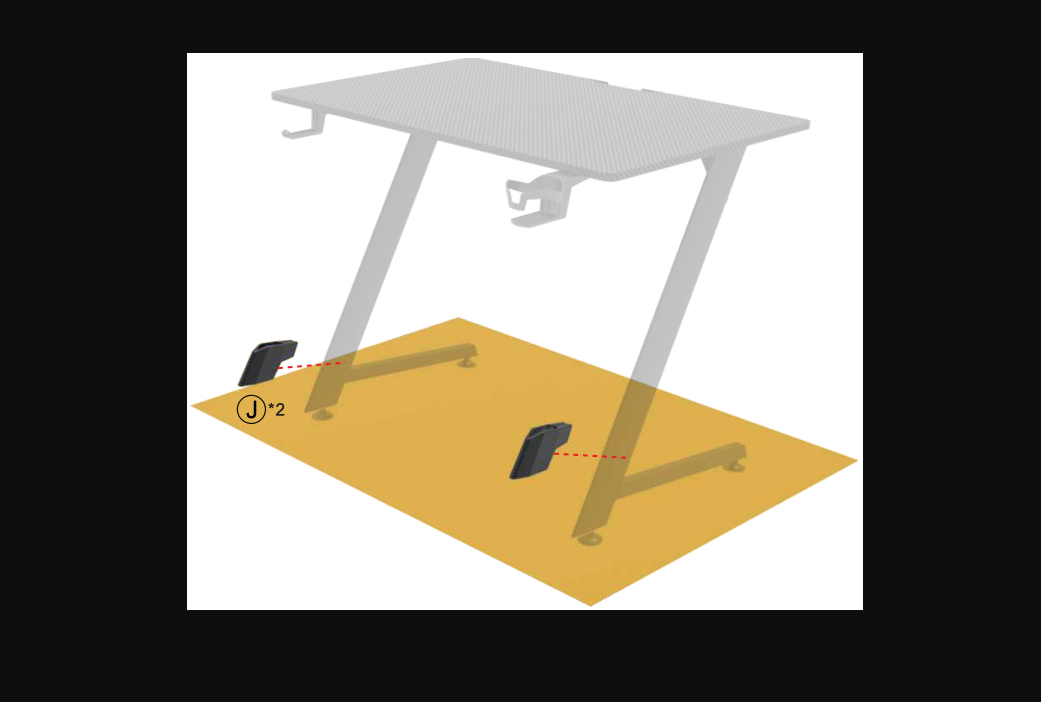
Remove all the parts from carton, separate them into part numbers indicated on the list and make sure part quantities are correct. STEP 1 Insert Plastic Plug (E) into Support Post (D). STEP 2A Remove adjustment knob from C-Clamp (C) using Phillips Screwdriver (not provided). Attach Rubber Stickers (J) to underside of Mounting Plate (G). Remove Plastic Hole Cover from Desk Top (1). Attach Support Post (D) to Mounting Plate (G) and align with grommet hole of mounting surface. Slide adjustment knob through Grommet Plate (L), mounting surface, Mounting Plate (G) and into Support Post (D). SECURELY TIGHTEN ADJUSTMENT KNOB. STEP 2B Attach Rubber Stickers (J) to underside of C-Clamp (C). Secure C-Clamp (C) to Support Post (D) using Allen Bolts (K). FULLY TIGHTEN ALLEN BOLTS (K) USING ALLEN WRENCH (M).
STEP 3A Slide Cord Management Clip (F) onto Support Post (D). Attach Arm Frame (B) to top end of Support Post (D) and secure using Allen Wrenches (N & O). FULLY TIGHTEN PRE-INSTALLED BOLTS. STEP 3B To remove arm on Arm Frame (B), unscrew and remove pre-installed bolt using Allen Wrench (N). Slide Cord Management Clip (F) onto Support Post (D). Attach Arm Frame (B) to top end of Support Post (D) and secure using Allen Wrenches (N & O). FULLY TIGHTEN PRE-INSTALLED BOLTS.
STEP 4
2 IN 1 MONITOR MOUNT
ASSEMBLY INSTRUCTIONS
2 IN 1 MONITOR MOUNT
ASSEMBLY INSTRUCTIONS
STEP 5
Run TV/Monitor cables through cable management clips.
Be sure Arm Frame (B) remains in a straight (fixed) position from point of contact with Support Post (D).
STEP 4 Secure Mounting Bracket (A) to rear of TV/monitor. Choose correct hardware configuration based on depth of TV/monitor mounting holes. FULLY TIGHTEN BOLTS USING PHILLIPS SCREWDRIVER (not provided). STEP 5 Carefully slide Mounting Bracket (A) onto Arm Frame (B). Secure Mounting Bracket (A) using one Phillips Screw (I) and one Thumb Screw (H) for each Mounting Bracket (A). FULLY TIGHTEN PHILLIPS SCREWS (I) USING PHILLIPS SCREWDRIVER (not provided). Further secure Mounting Brackets (A) by fully tightening pre-installed bolts on ends of Arm Frame (B) using Allen Wrench (O). ATTENTION: MAKE SURE ALL screws & BOLTS ARE FULLY TIGHTENED BEFORE USING PRODUCT.
Cord Management Clip (F) provides Allen Wrench caddy.
Mounting Brackets (A) can be adjusted up and down as well as a + or – 45 pivot.
© Office Star Products April 2022