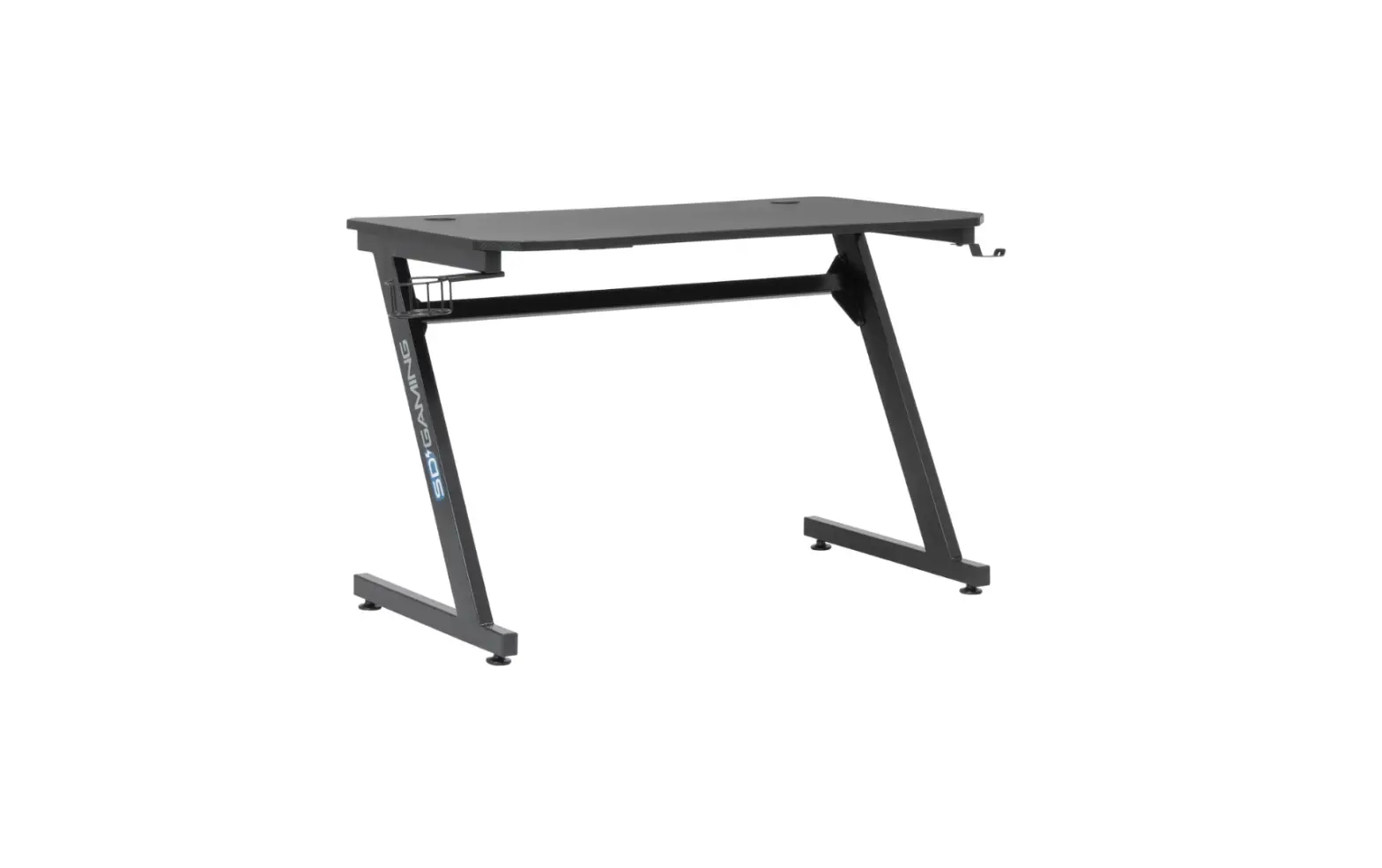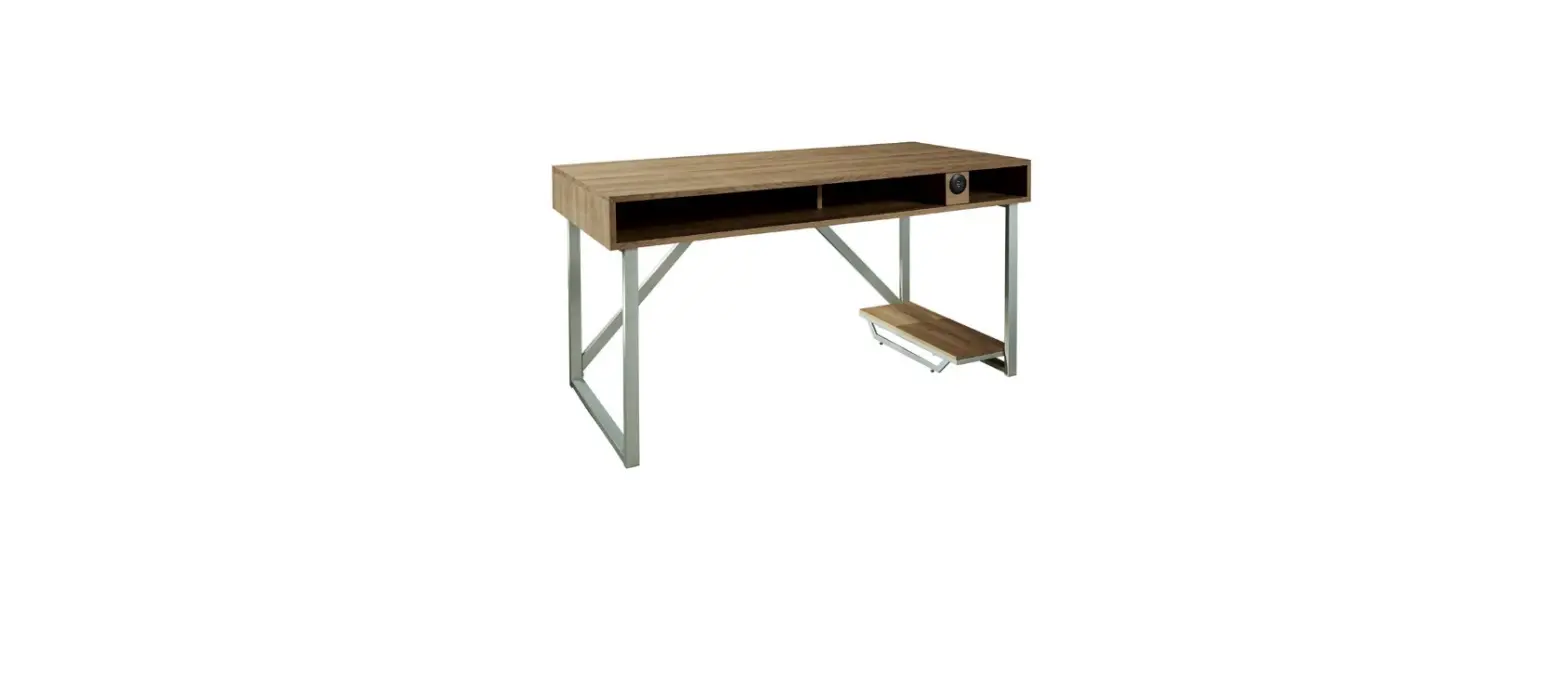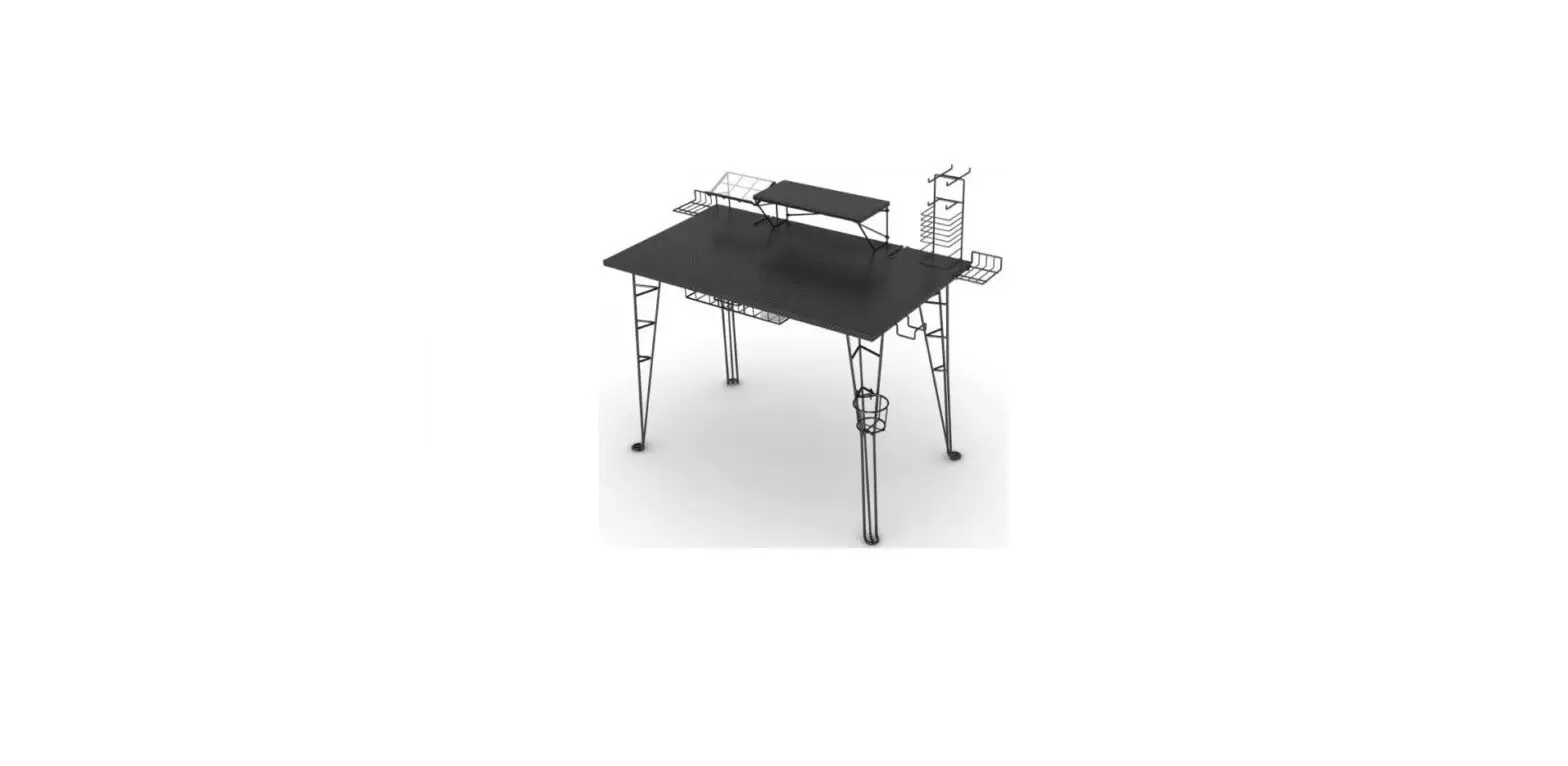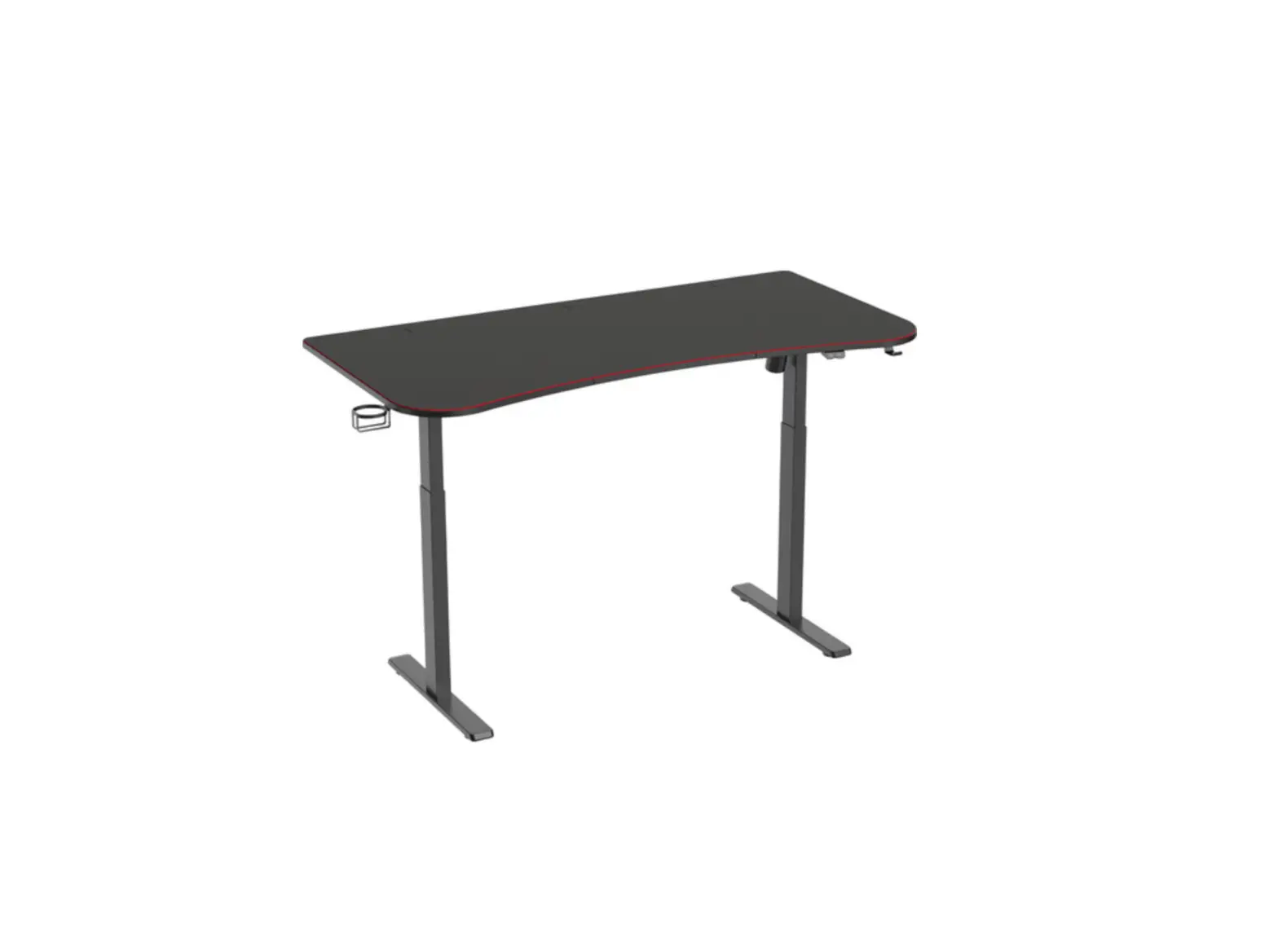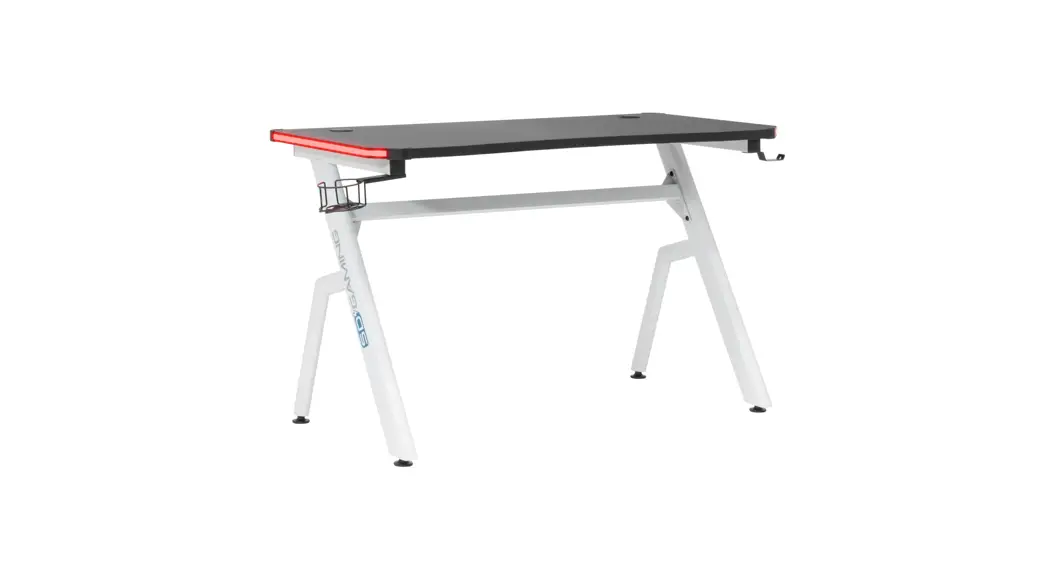


DESIGNS 51456 Icon Pc Gamer Computer Desk
Instruction Manual
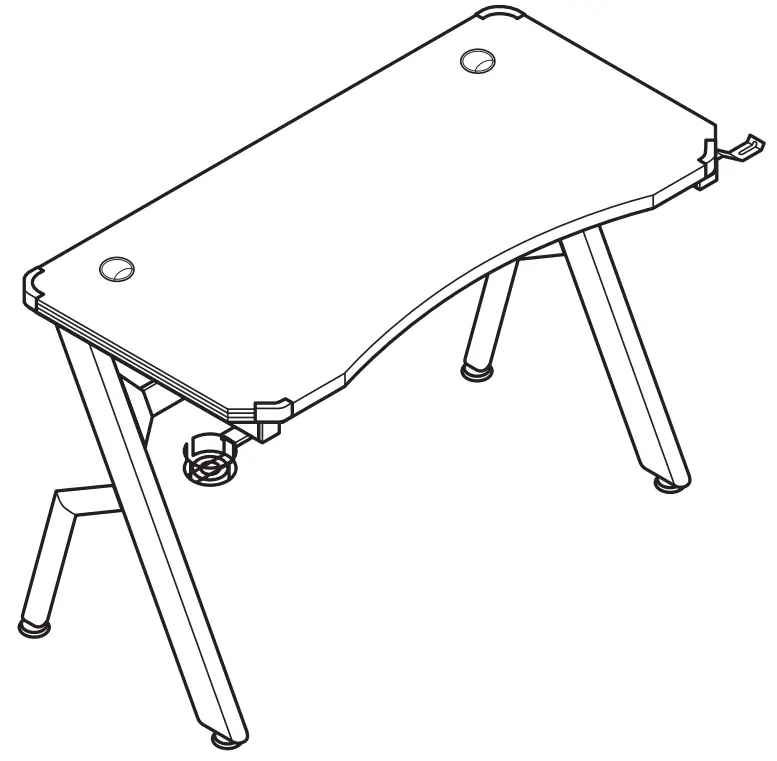
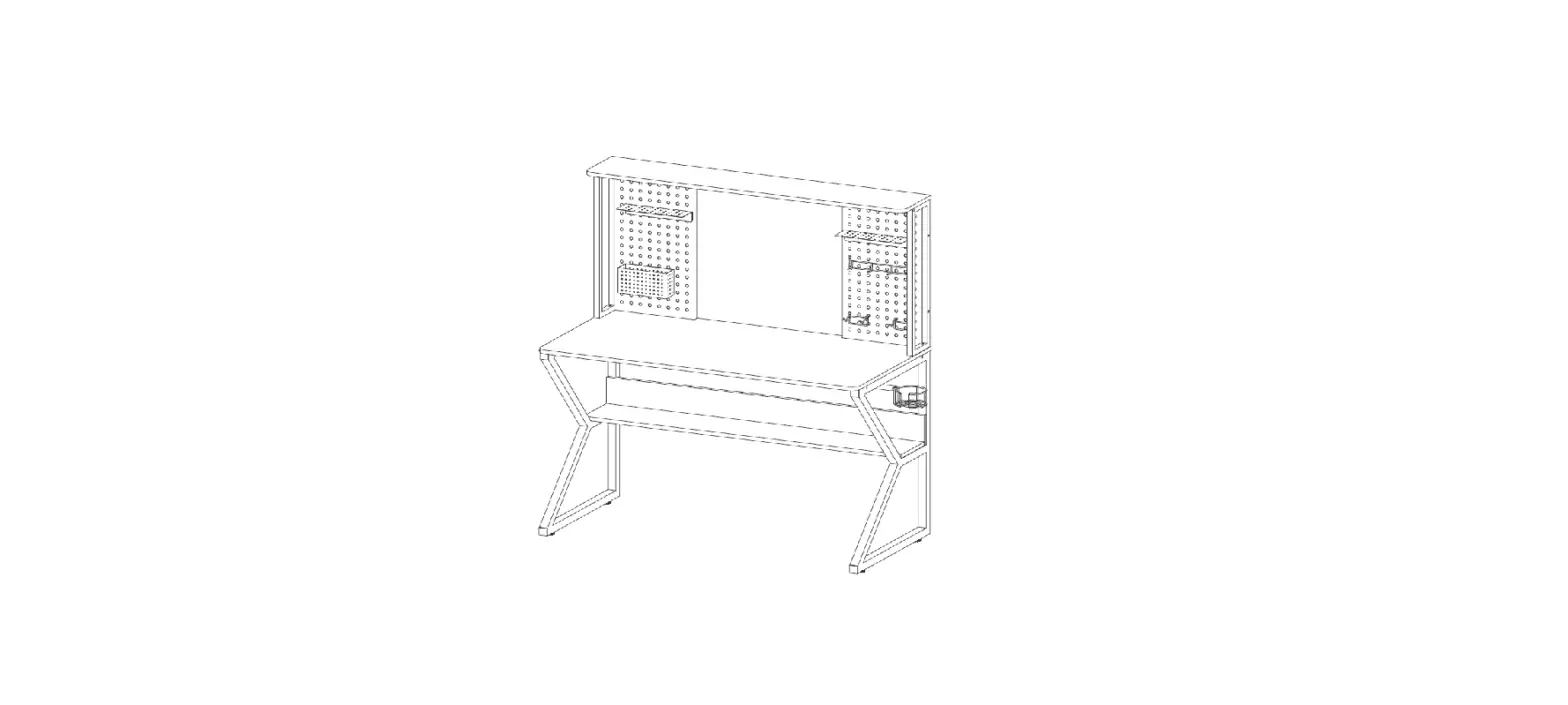
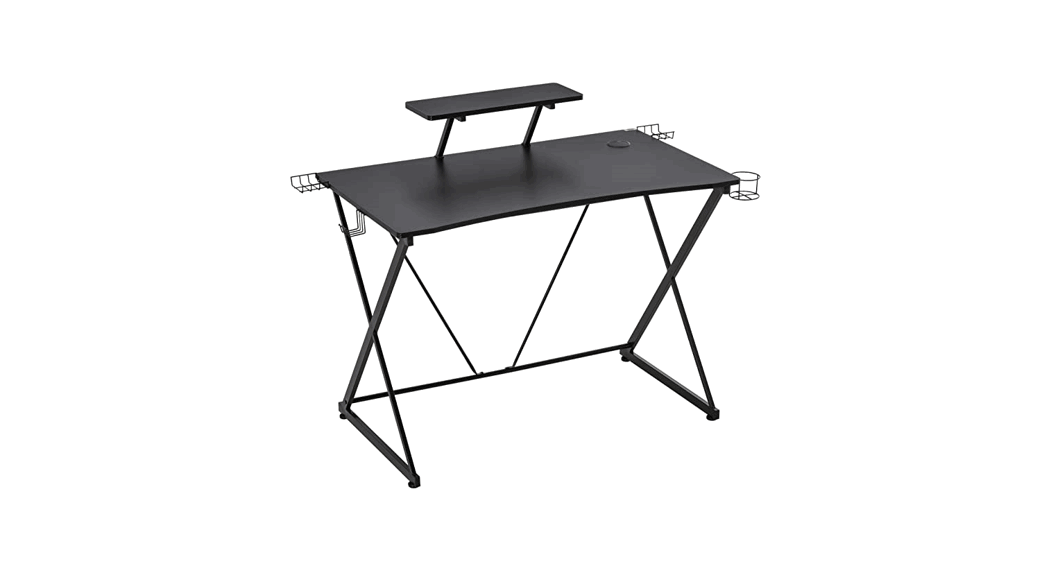
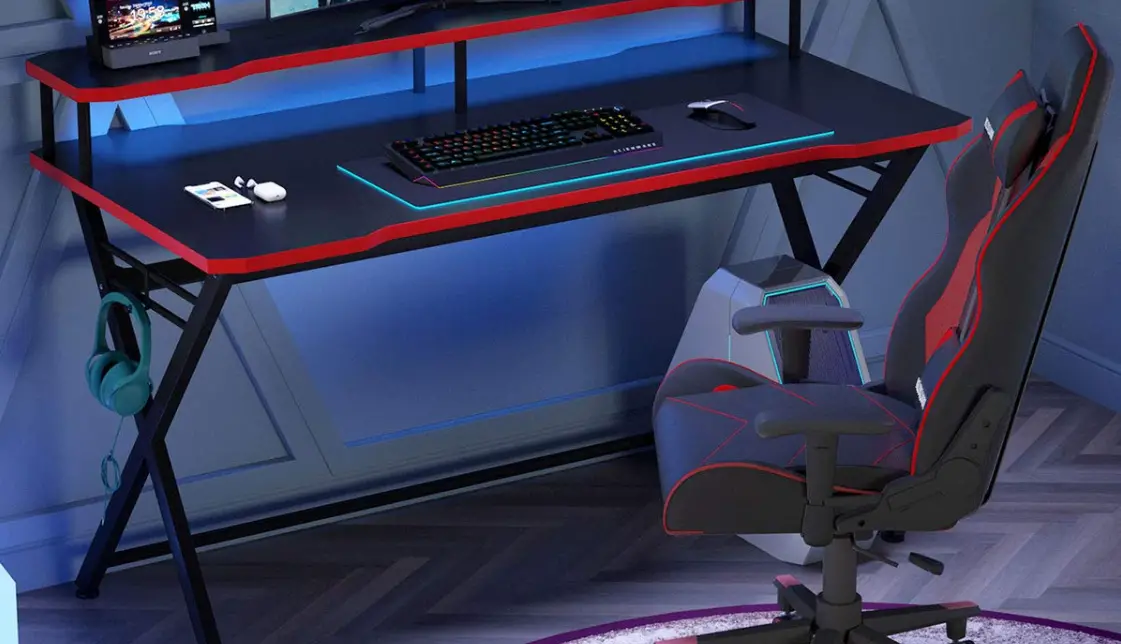
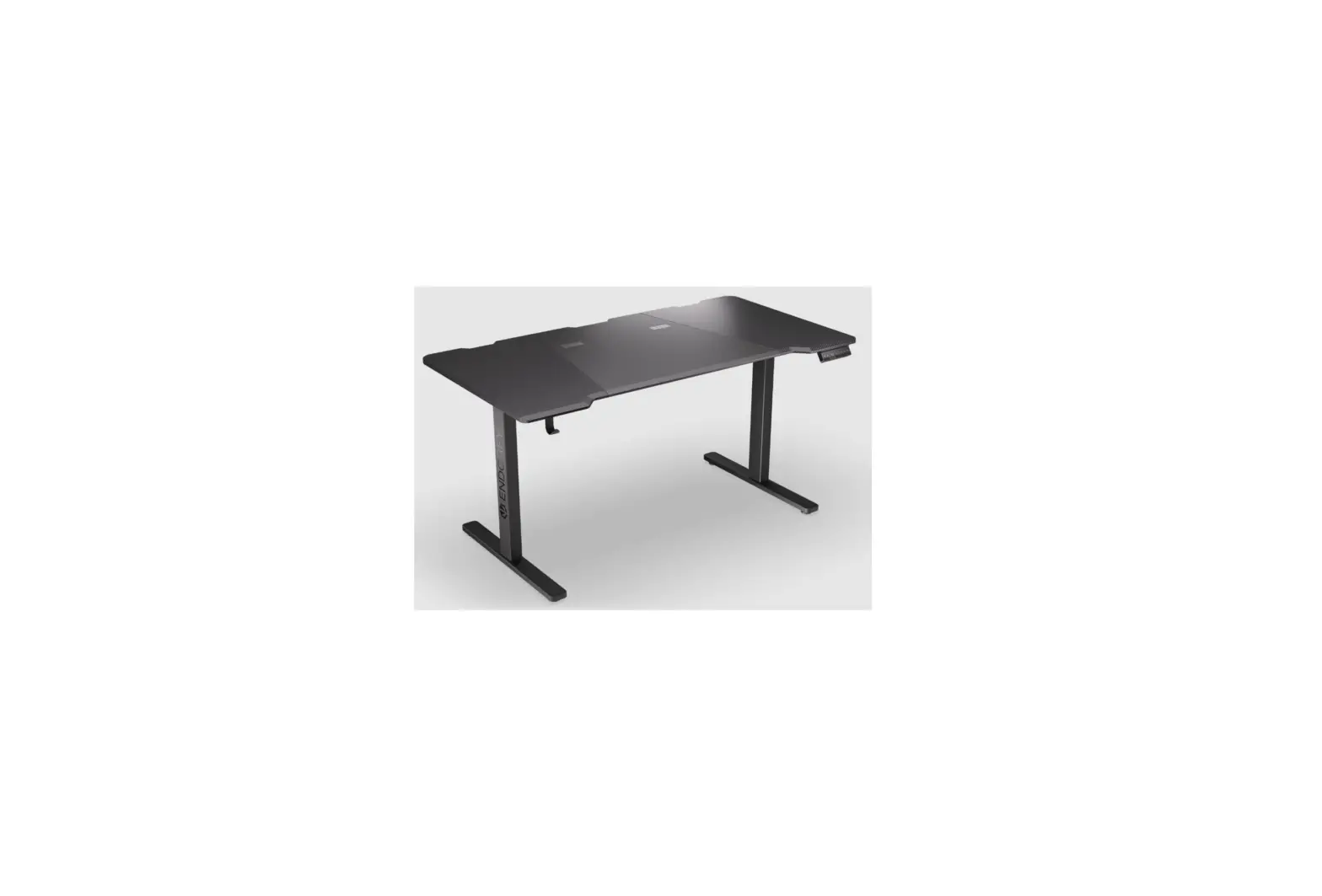
ICON PC GAMER COMPUTER DESK
#51456 White/Black • Blanco/Negro • Blanc/Noir
ASSEMBLY INSTRUCTIONS – IMPORTANT:
Carefully unpack and identify each component before attempting to assemble. Refer to parts list. Please take care when assembling the unit and always set the parts on a clean, soft surface. Do not use power tools to assemble. A Phillips screwdriver may be required for assembly. If you require any assistance with assembly, parts, or information on other products, please visit our website: www.studiodesigns.com or call us. Check screws, nuts and bolts periodically (or every 6 months). Tighten if necessary.
Help us improve our products by filling out our Customer Response Card at www.studiodesigns.com/crc.
WARNING:
Weight limit: 50 lbs.
Do not exceed this limit! Please use care and good judgement when using your furniture.
PARTS LIST
| 1 | Desktop | 2 | 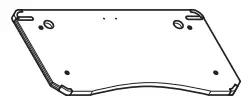 |
| 2 | Leg | 1 | 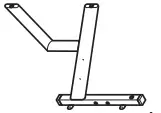 |
| 3 | Top Bar | 1 |  |
| 4 | Rear Bar | 1 | 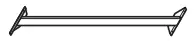 |
| 5 | Headphone Hook | 1 | 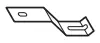 |
| 6 | Cup Holder | 1 |  |
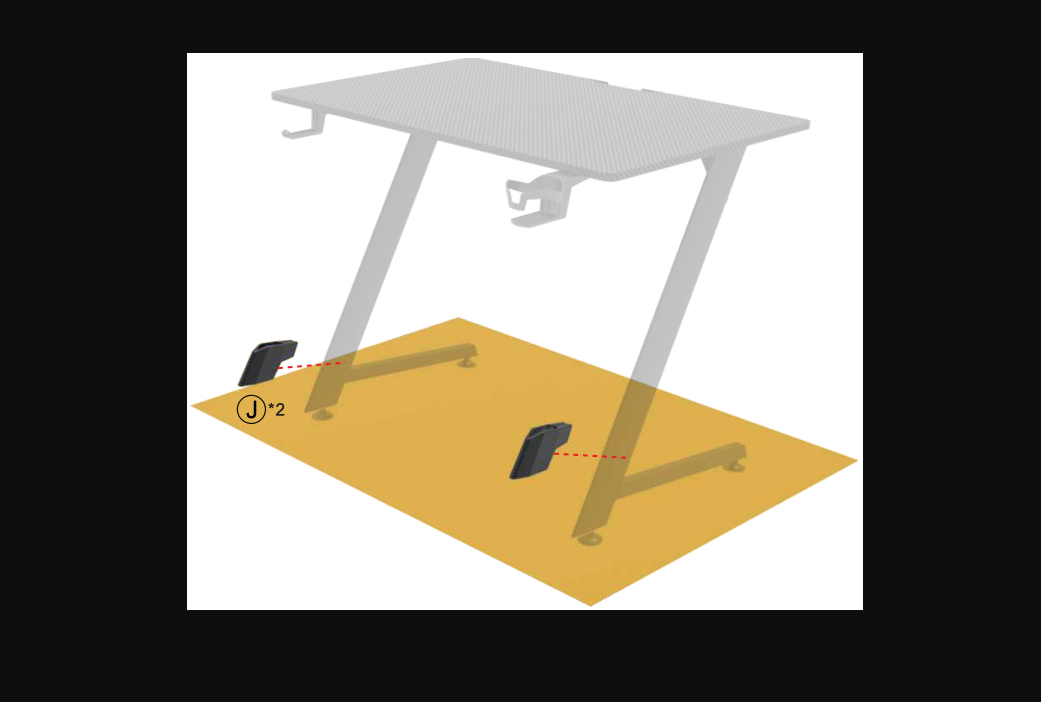
| 7 | Floor Leveler | 4 |  |
| 8 | Allen Bolt – 1/4″ x 3/4″ | 8 | 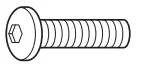 |
| 9 | Allen Bolt – 1/4″ x 5/8″ | 6 | 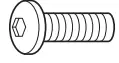 |
| 10 | Allen Bolt – 1/4″ x 1/2″ | 2 | 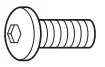 |
| 11 | Allen Key | 1 | 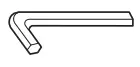 |
| 12 | Power Supply | 1 |  |
| 13 | Remote Control | 1 | 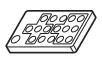 |
Do not fully tighten any bolt until step 3.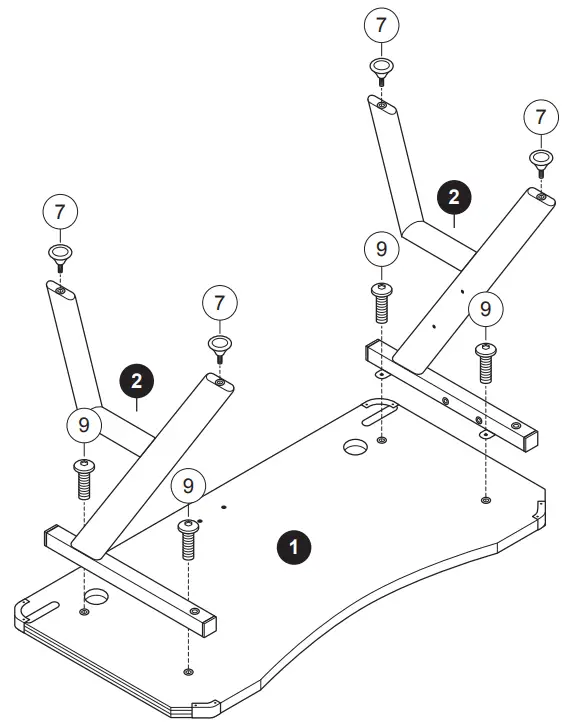
Icon PC Gamer Computer Desk
Do not fully tighten any bolt until step 3.
Power Supply can be installed facing in or out.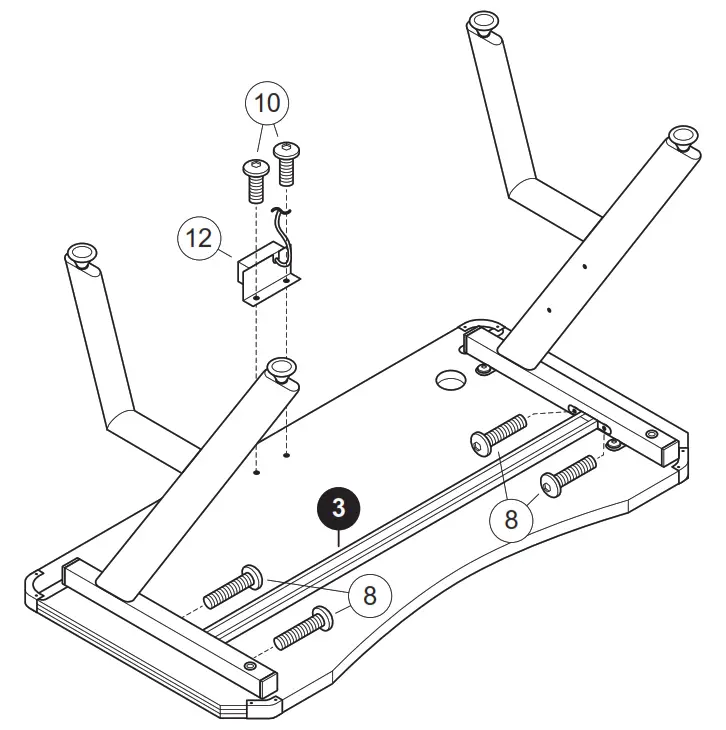
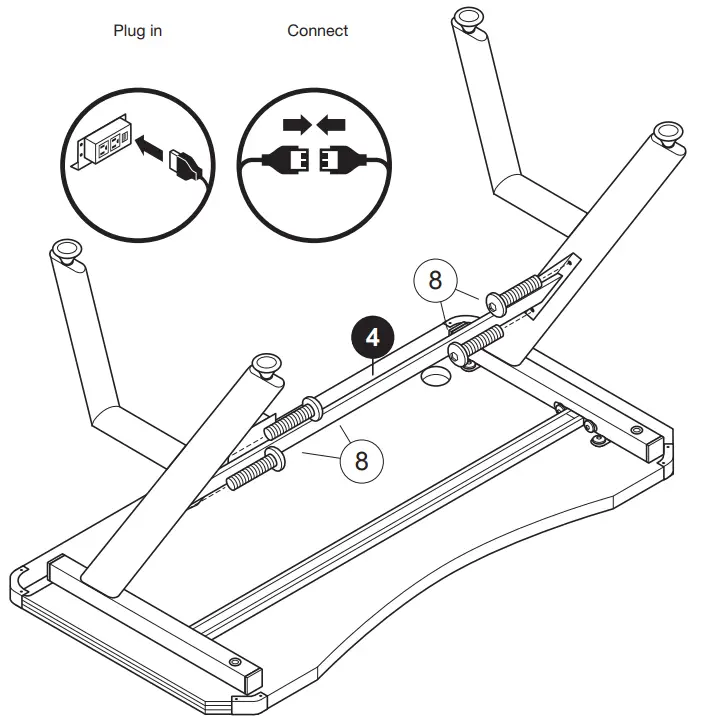
Tighten all bolts from steps 1-3.
Carefully turn the desk over.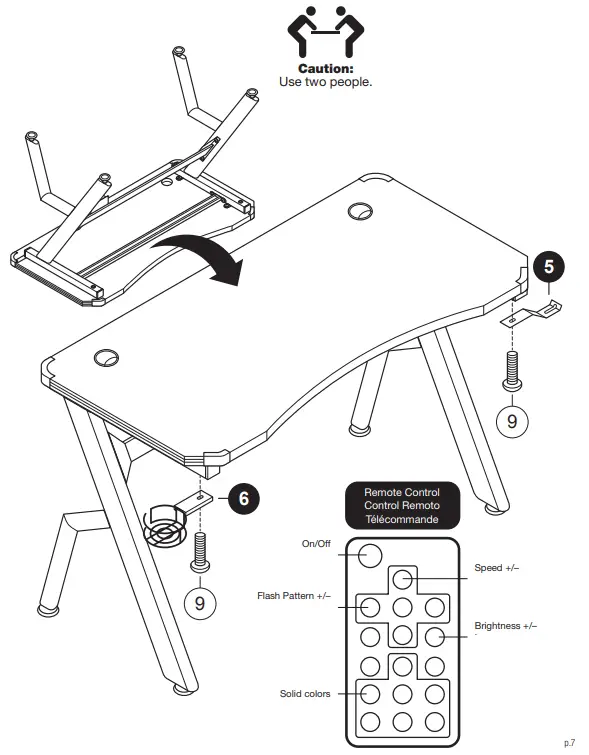
The hook and cup holder can be installed on either side.
LIMITED WARRANTY
Studio Designs (the “Company”) warrants to the original purchaser that this product will be free from defects in its workmanship and materials, under normal residential use and service conditions, as described herein. The Company will repair or replace, at its option, without charge to the original purchaser only, the defective product or parts for a period of ten (10) years (or Thirty (30) days on closeouts and discounted products) from the date of purchase and while owned by the original purchaser. This warranty shall be effective for the applicable time period beginning from date of purchase as shown on your original sales receipt. Replacement parts can only be supplied if parts are available. Items out of production may be unavailable. The Company’s obligation under this warranty is limited to repairing or replacing products or parts as provided herein. This product has been designed for and is intended for residential use only. This warranty is original purchaser’s sole remedy for product defects, and this warranty does not extend to any product, or damage to any product, caused by or attributable to abuse or misuse, products used for commercial or rental purposes, use modification of, or attachments to the product, and products or parts not used, maintained, or installed in accordance with the Company’s installation, maintenance and/or applicable guidelines. The warranty extended hereunder is in lieu of any and all other warranties, express or implied, including without limitation any implied warranty of merchantability or of fitness for a particular purpose. The Company will not be responsible for indirect, special, incidental or consequential damages. Some states do not allow the exclusion or limitation of incidental or consequential damages, so the above limitations or exclusions may not apply to you. This warranty gives you specific legal rights. You may also have
other rights which may vary from state to state. Call or email the Company for the procedure to follow when making warranty claims. Be prepared to explain the defect, provide your name, address, phone number, model number and purchase receipt information (date of purchase and retailer). If you require assistance with assembly or parts, visit www.studiodesigns.com or call 866-942-0492.
We appreciate your feedback and invite you to visit www.studiodesigns.com/crc to complete our Customer Response Card.
 Studio Designs