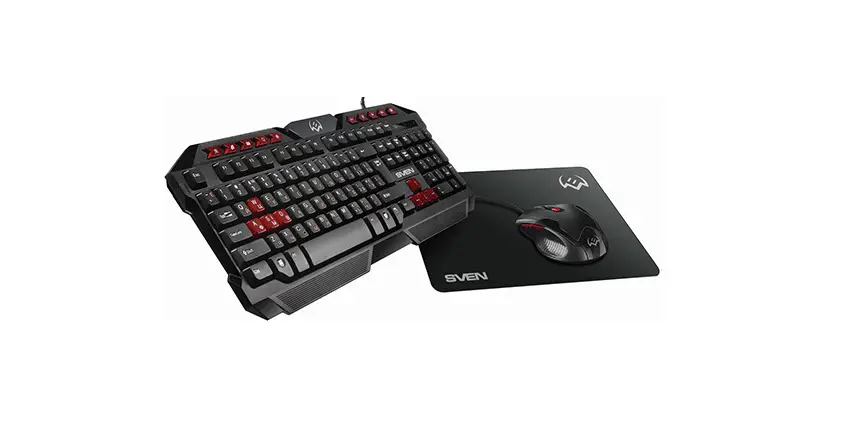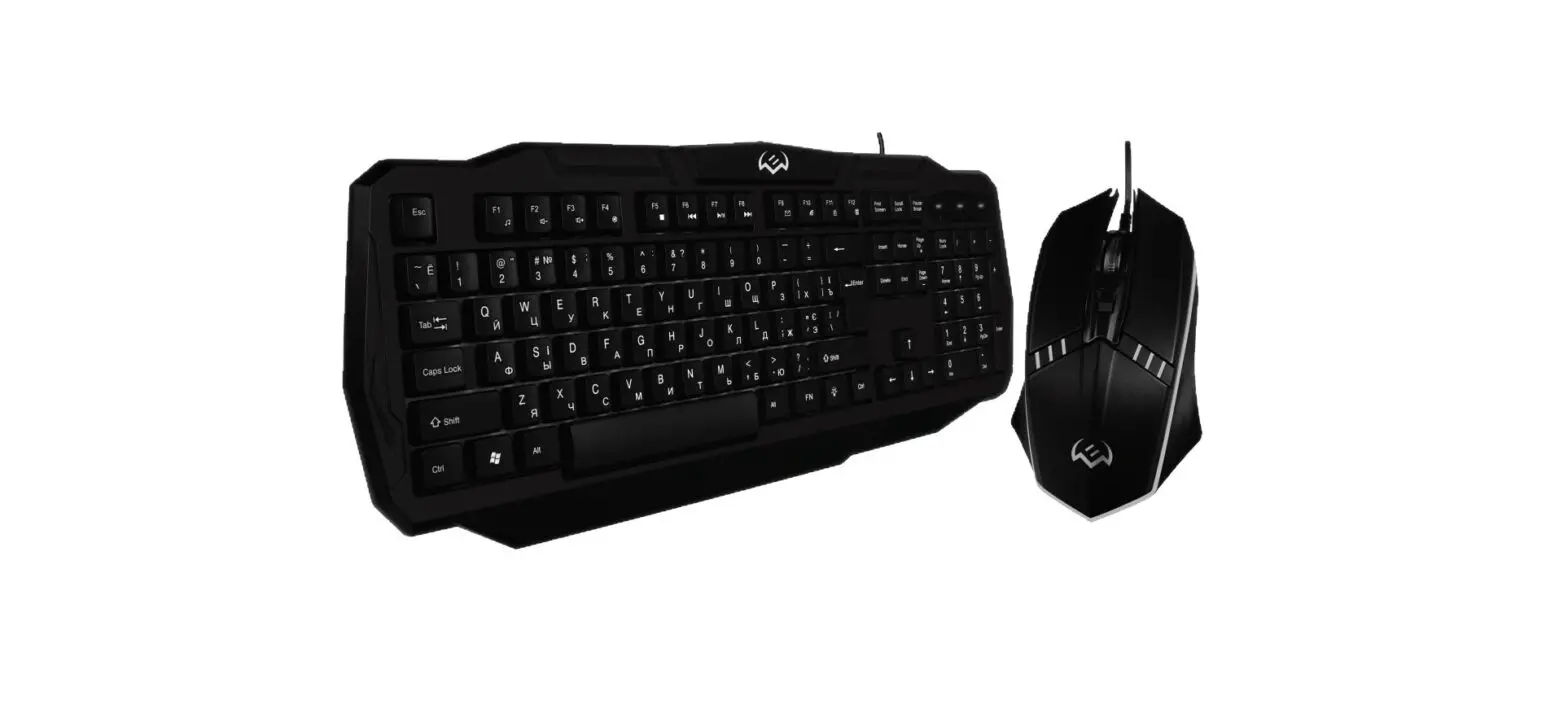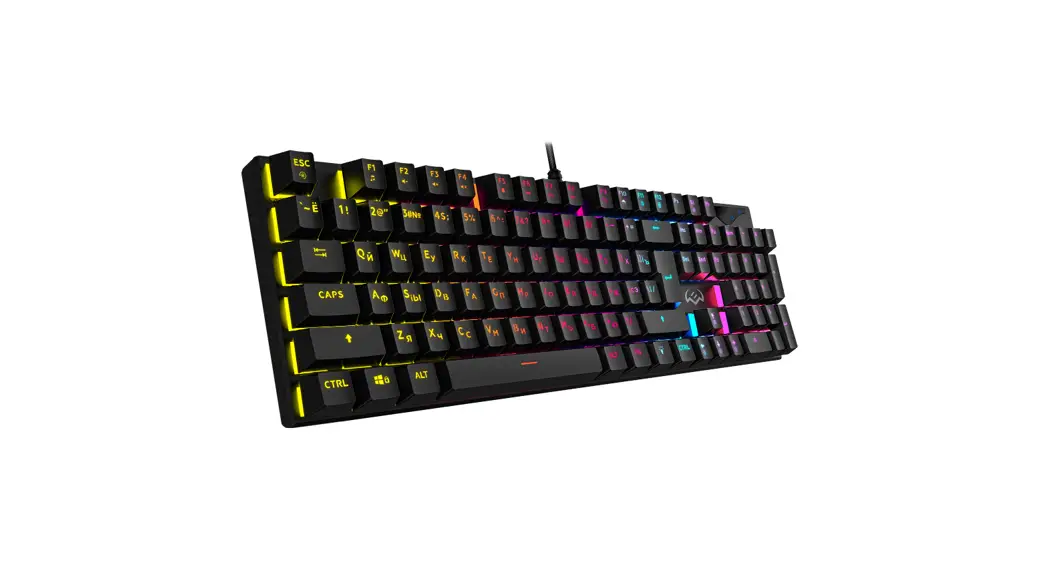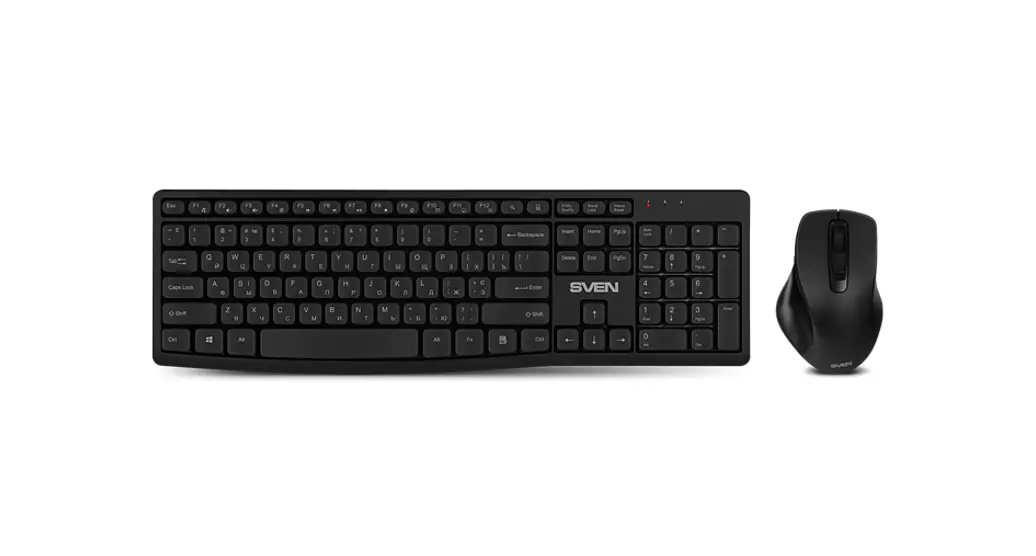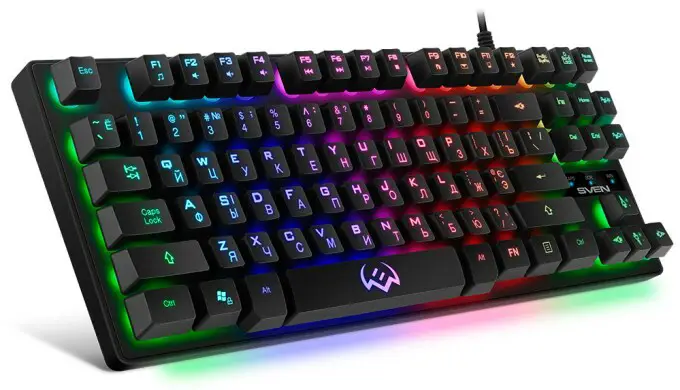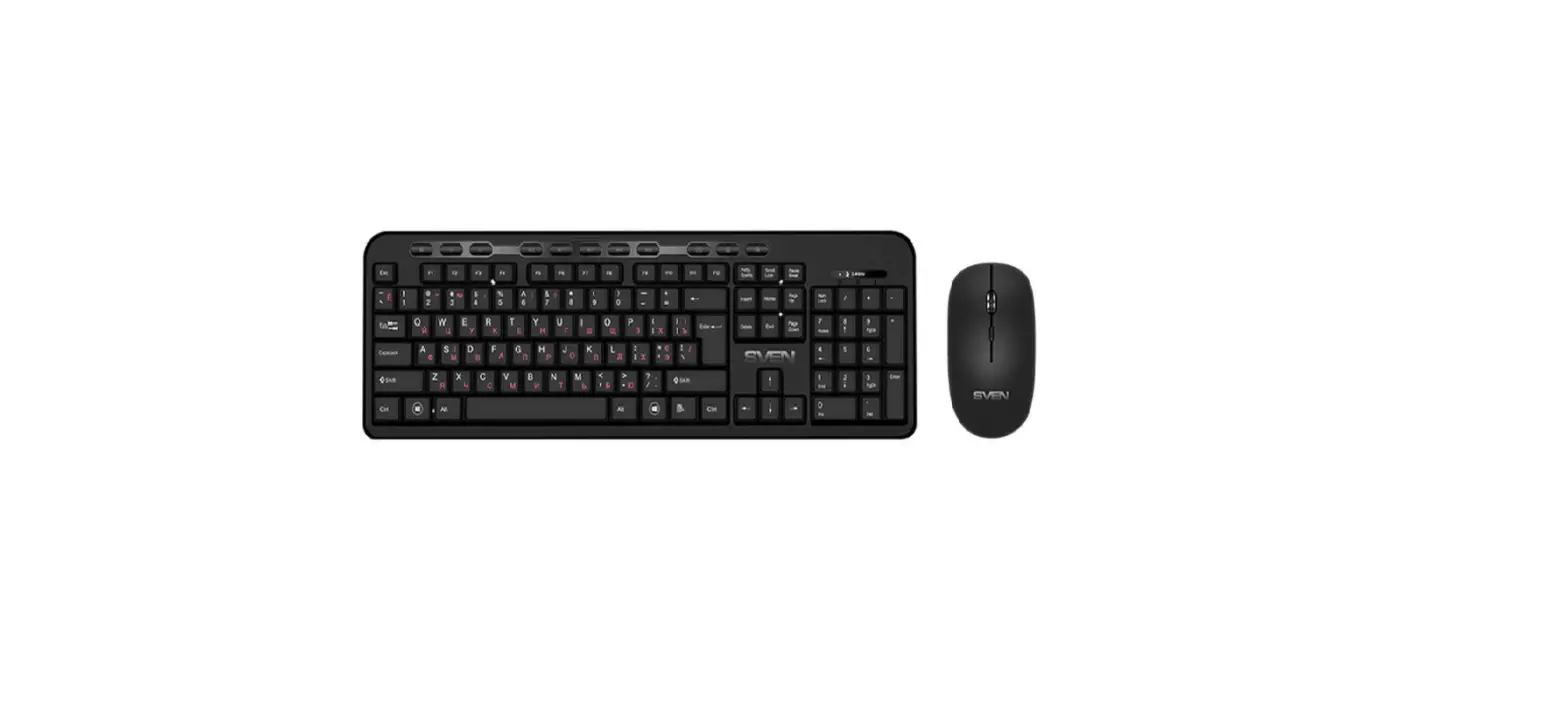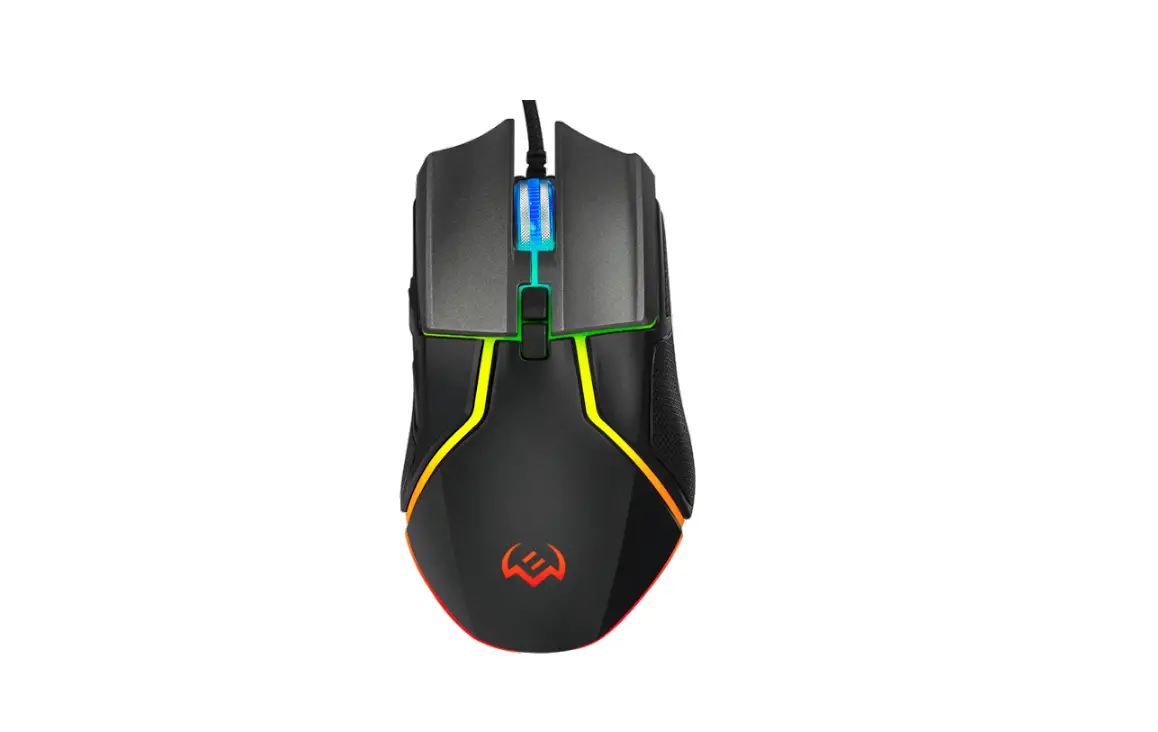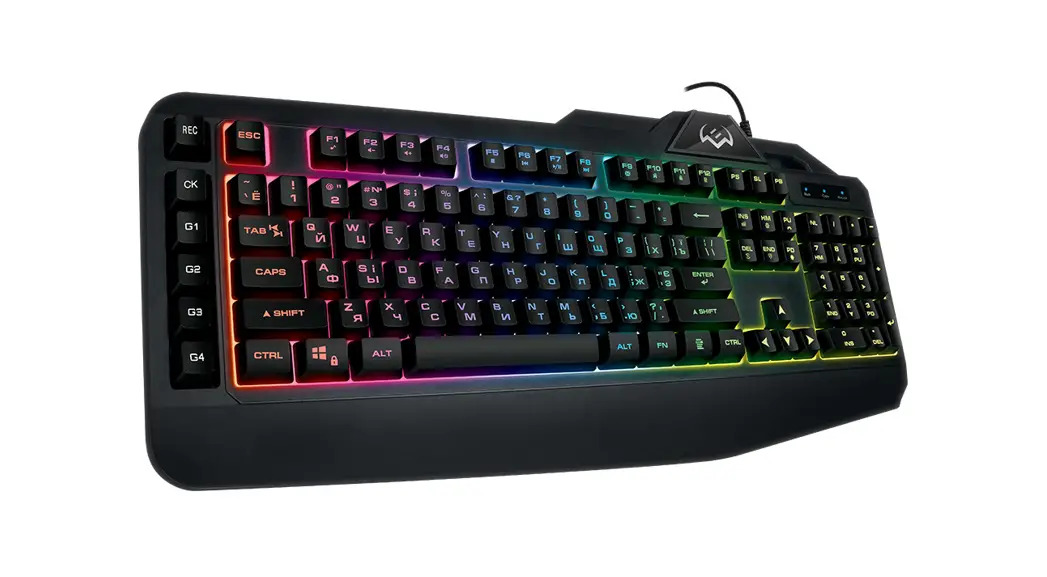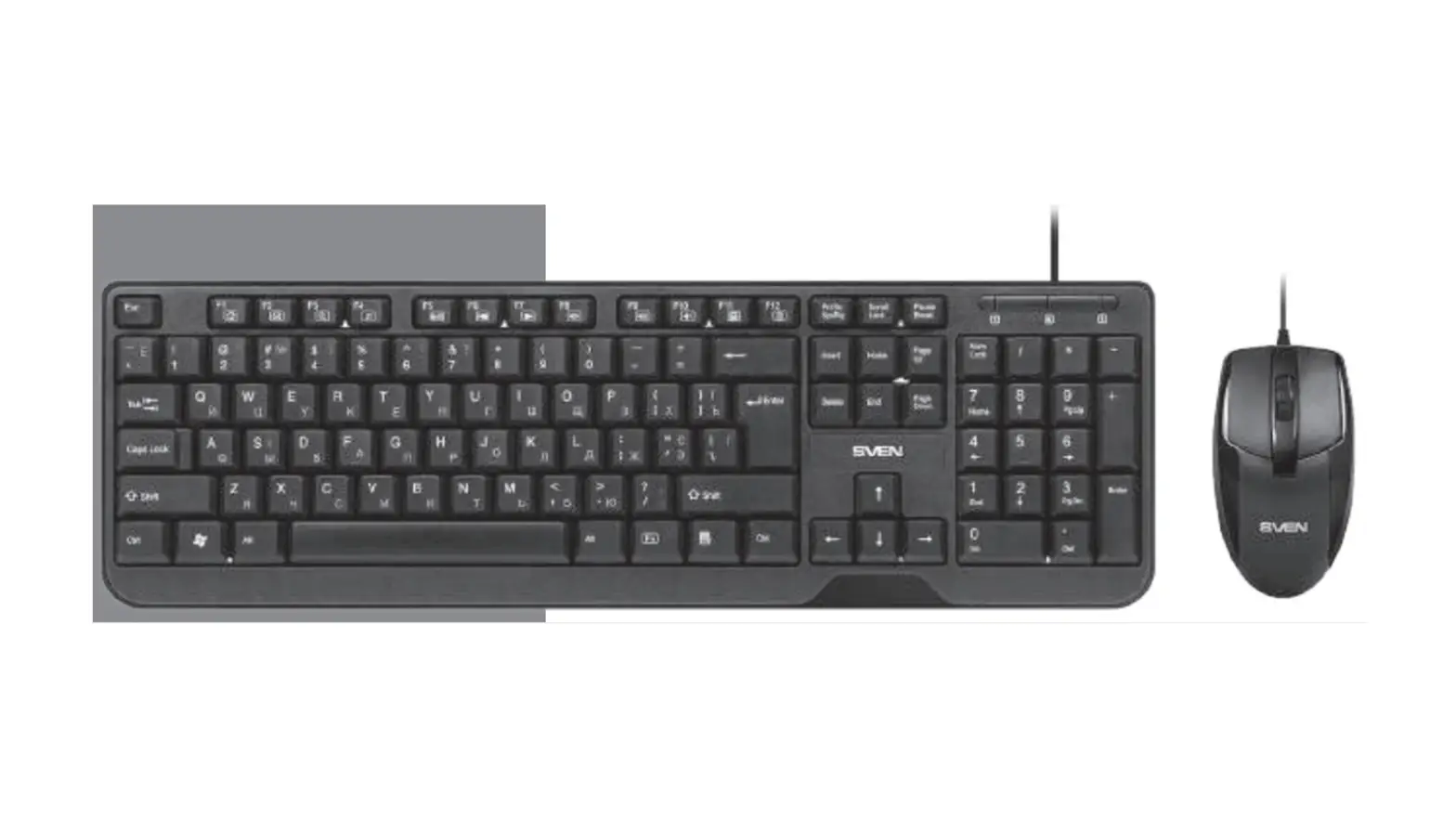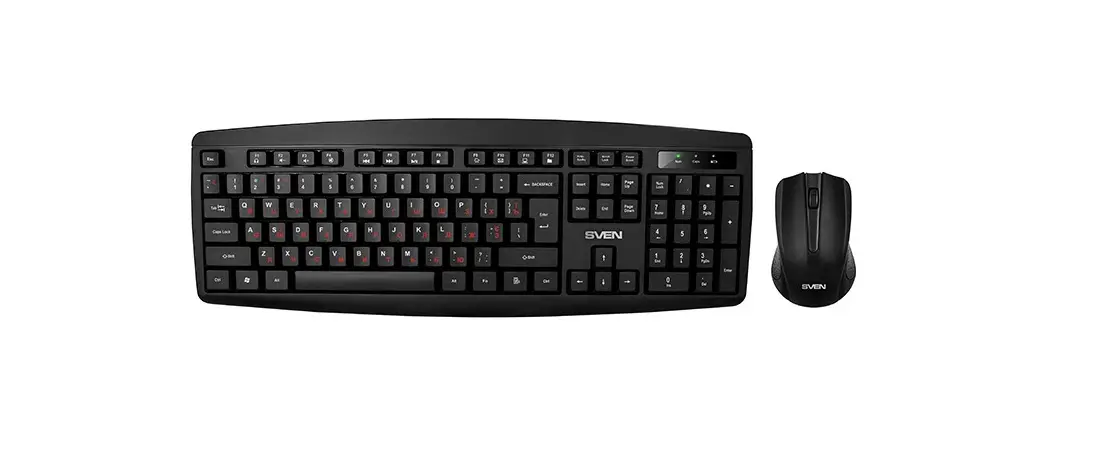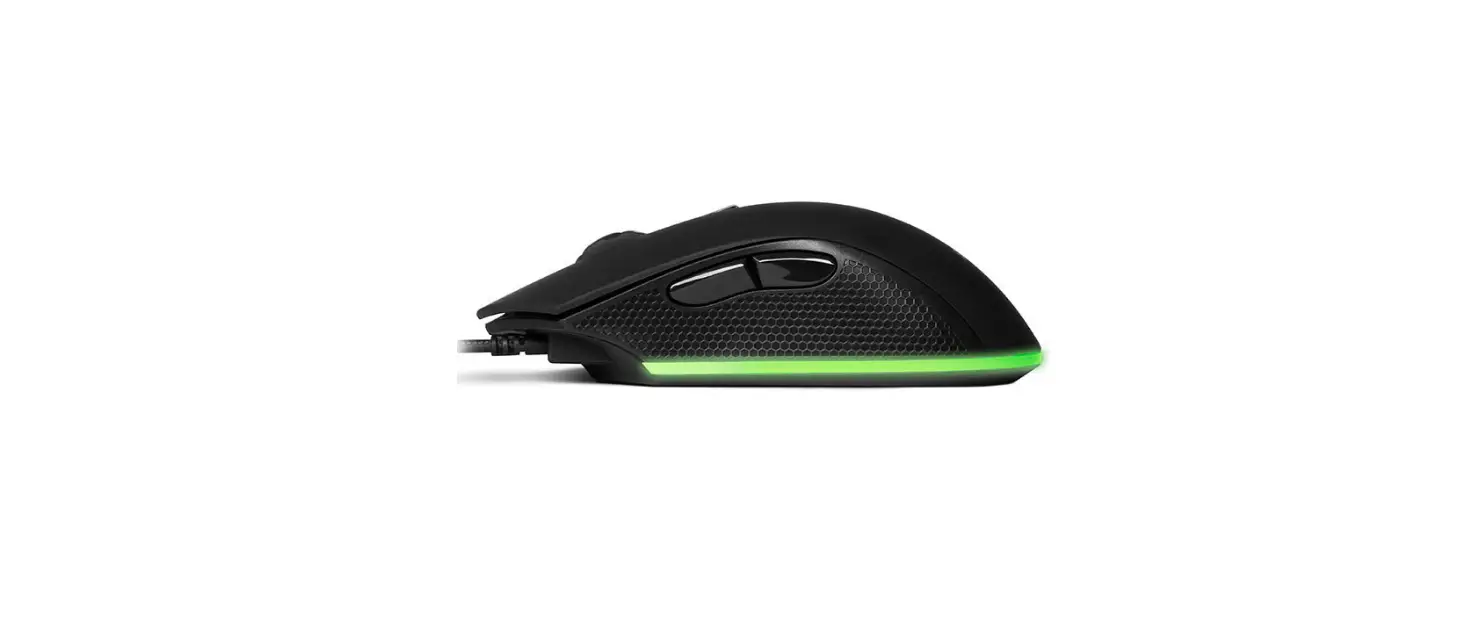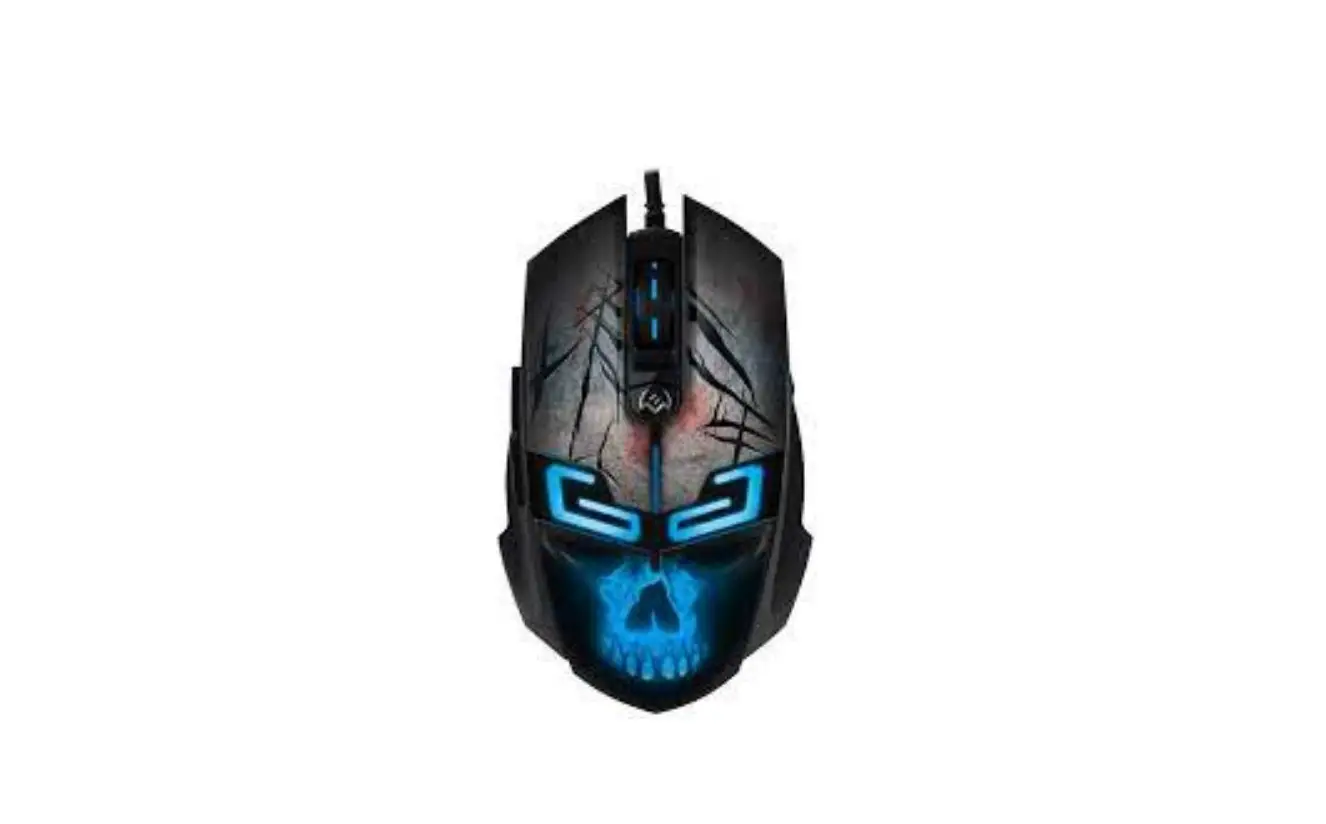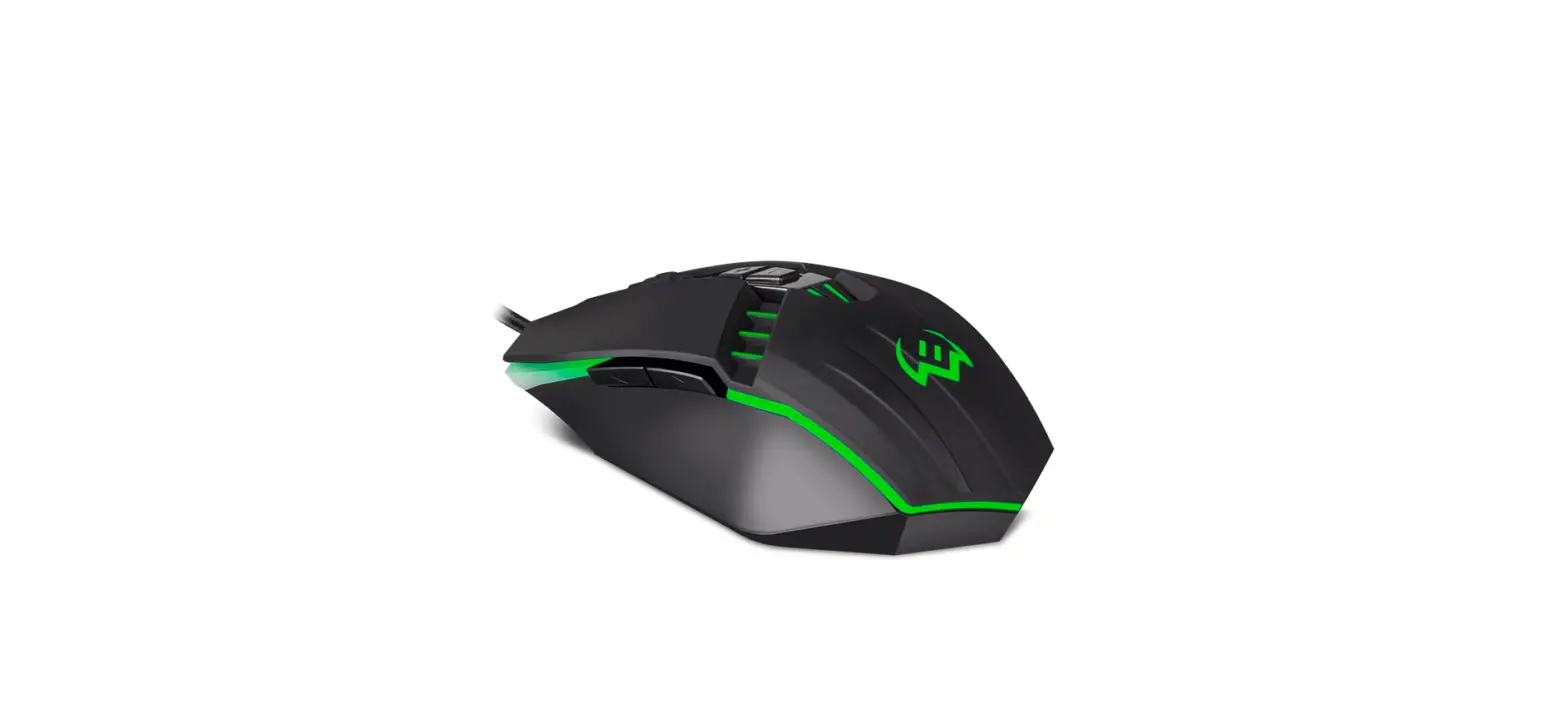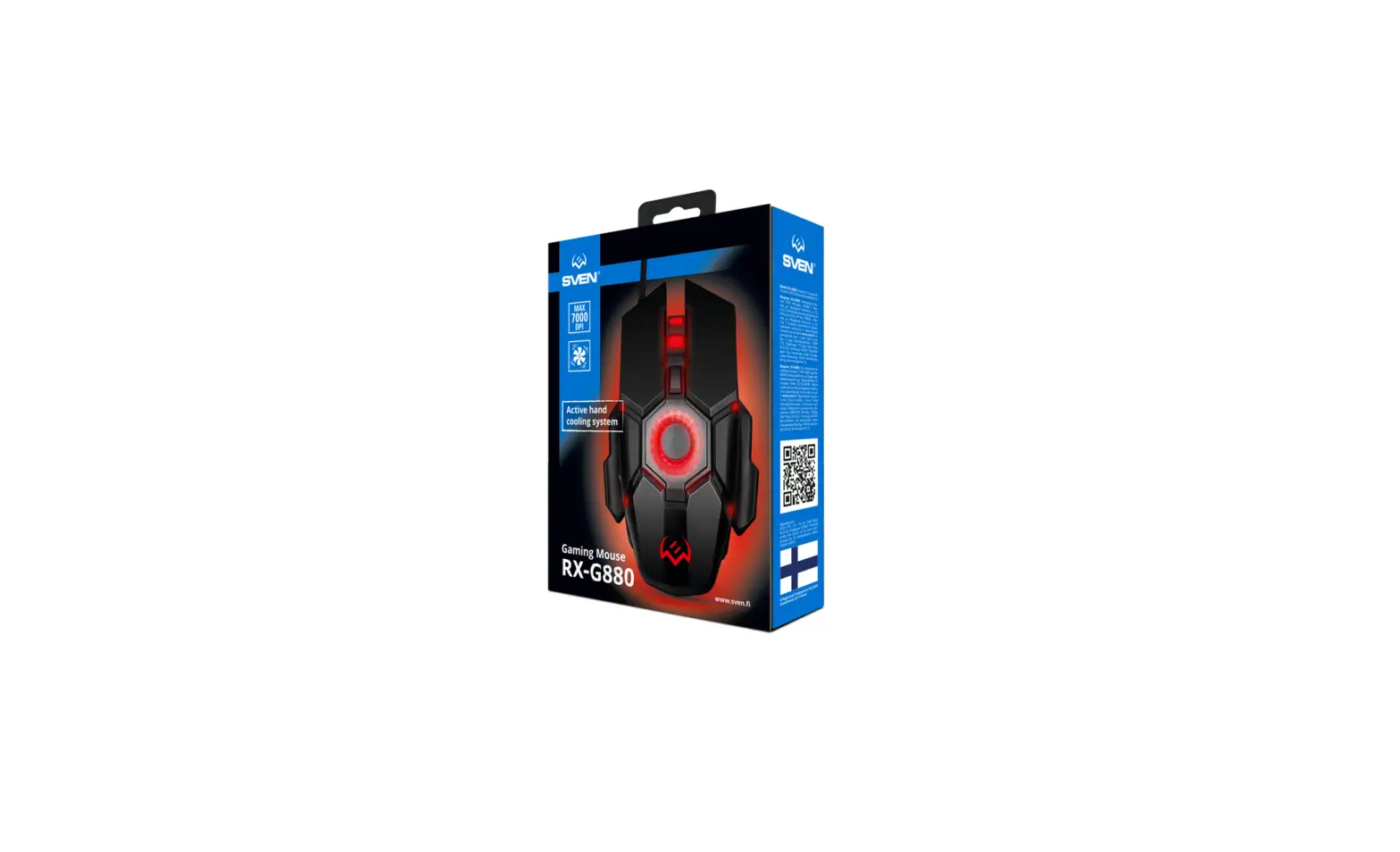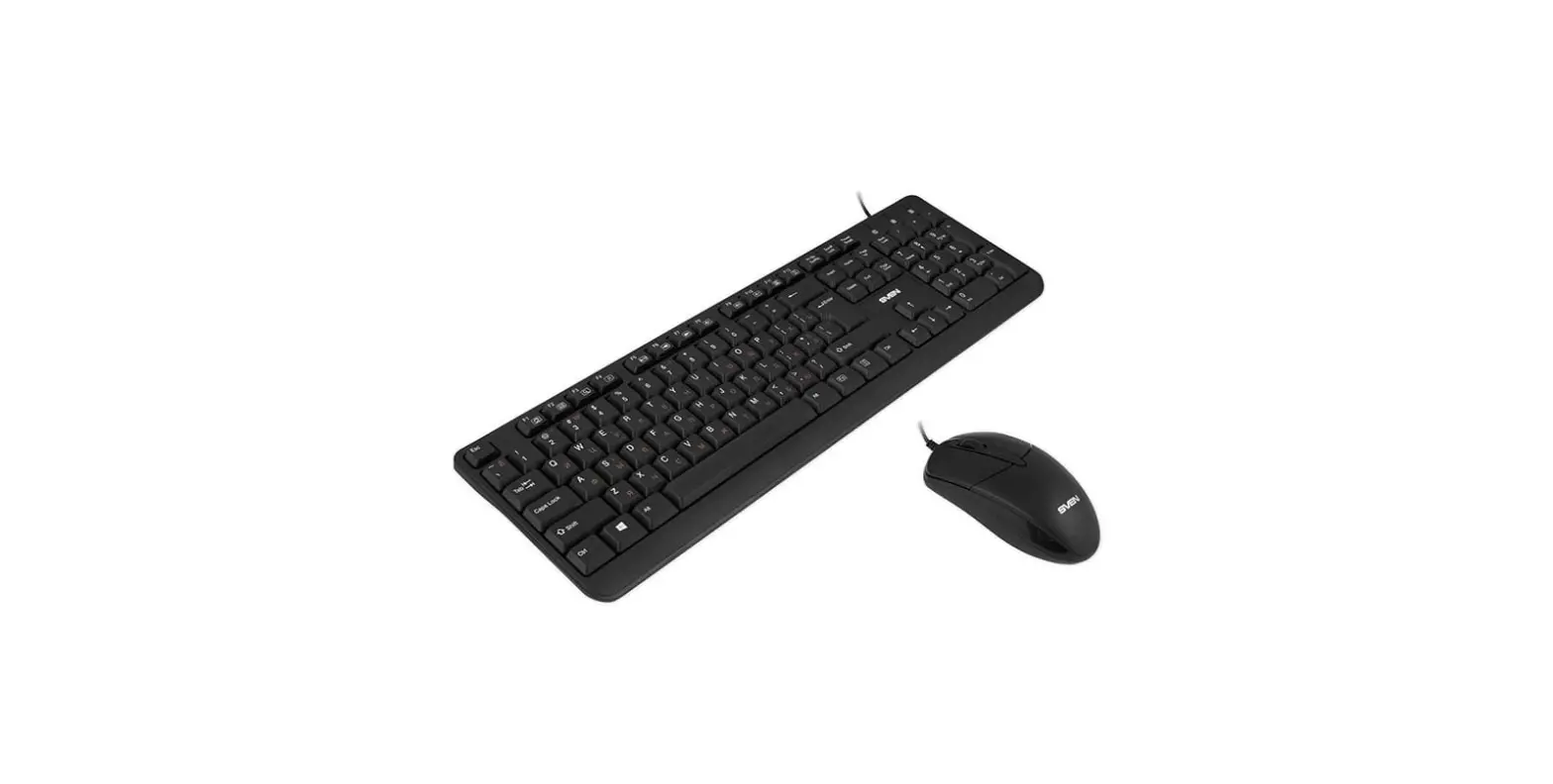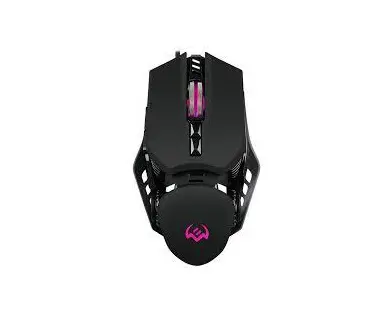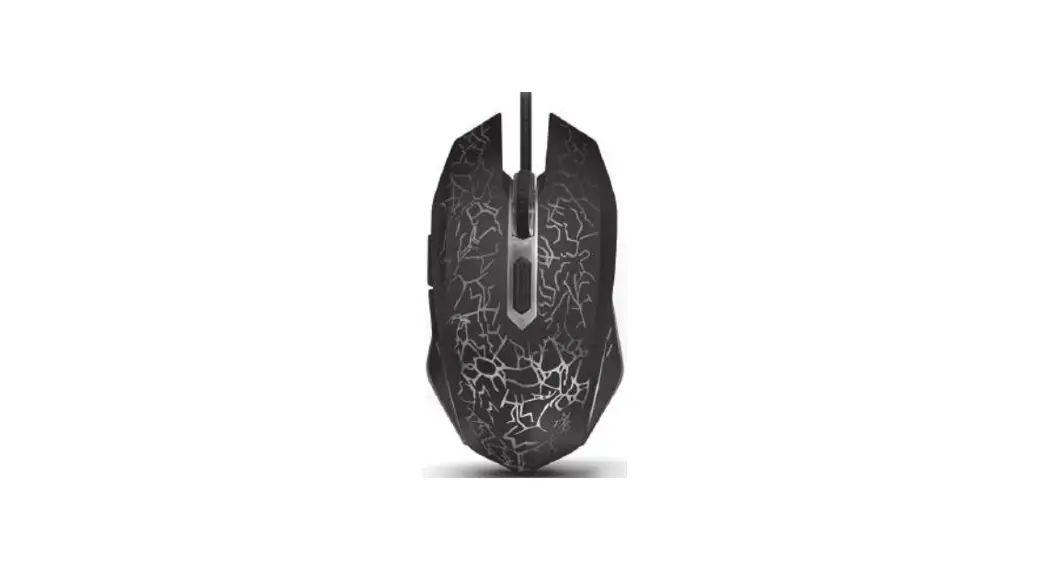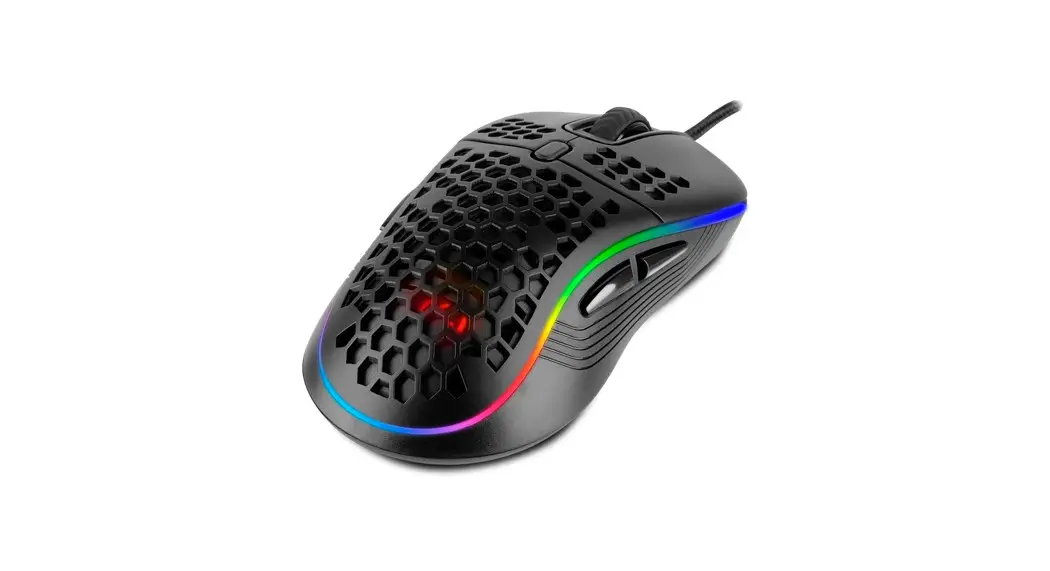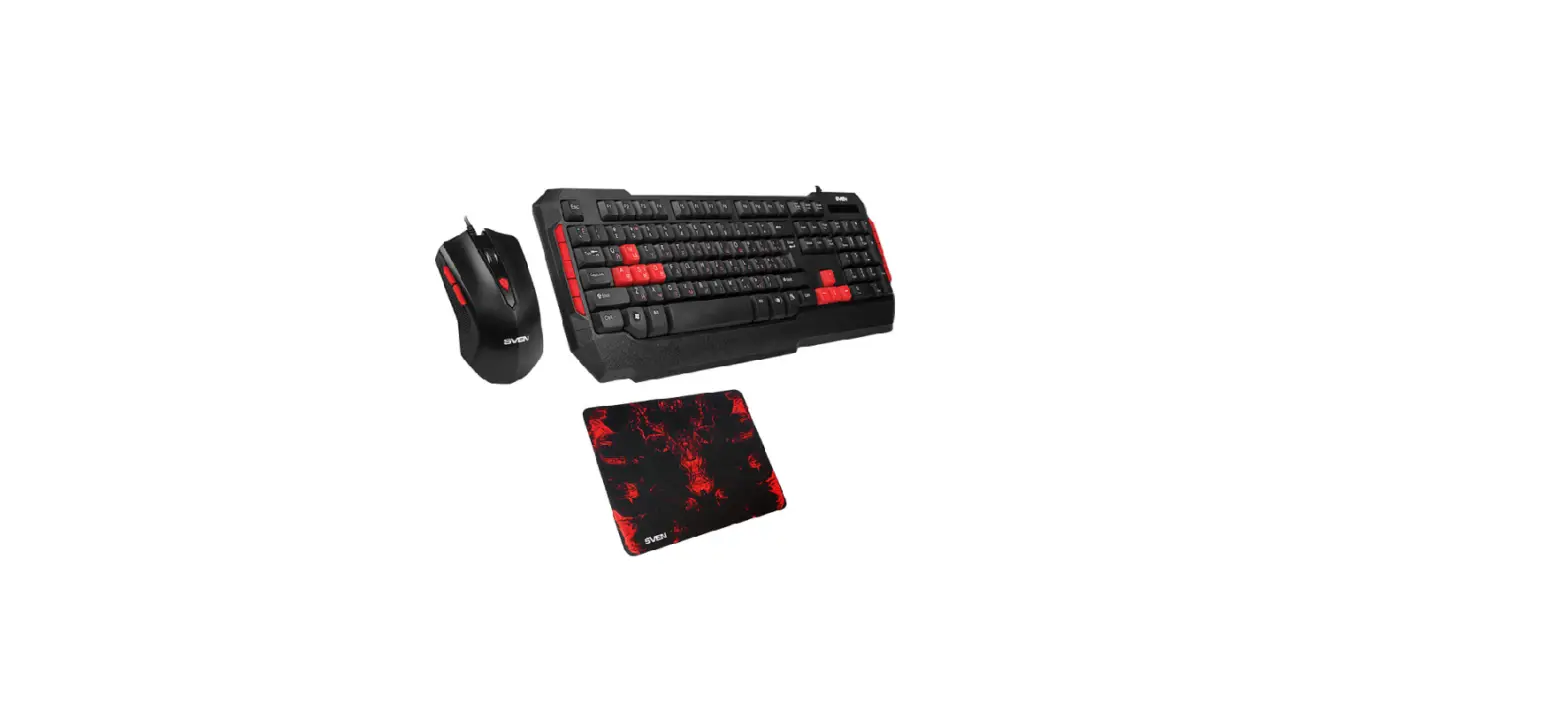

SVEN GS-9000 Gaming Combo Keyboard plus Mouse plus Mouse Pad
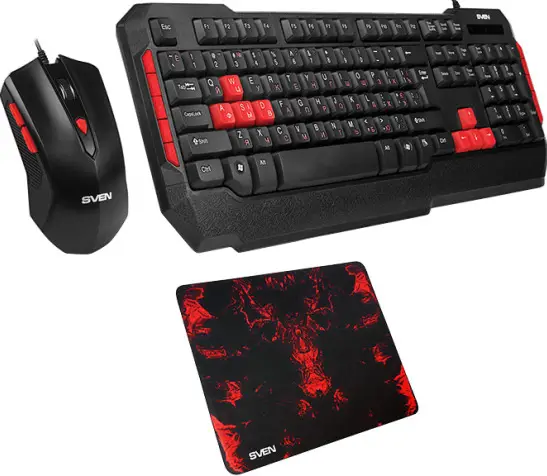
Congratulations on the purchase of Sven Gaming Combo!
Please read this User’s Manual before using the unit and retain this User’s Manual in a safe place for future reference.
COPYRIGHT
© SVEN PTE. LTD. Version 1.0 (V 1.0).
This Manual and the information contained in it are copyrighted. All rights reserved.
TRADEMARKS
All trademarks are the property of their legal holders.
SPECIAL FEATURES
- Classic full size Layout
- Waterproof design
- 10 additional multimedia keys
- Mouse with DPI switch
PACKAGE CONTENTS
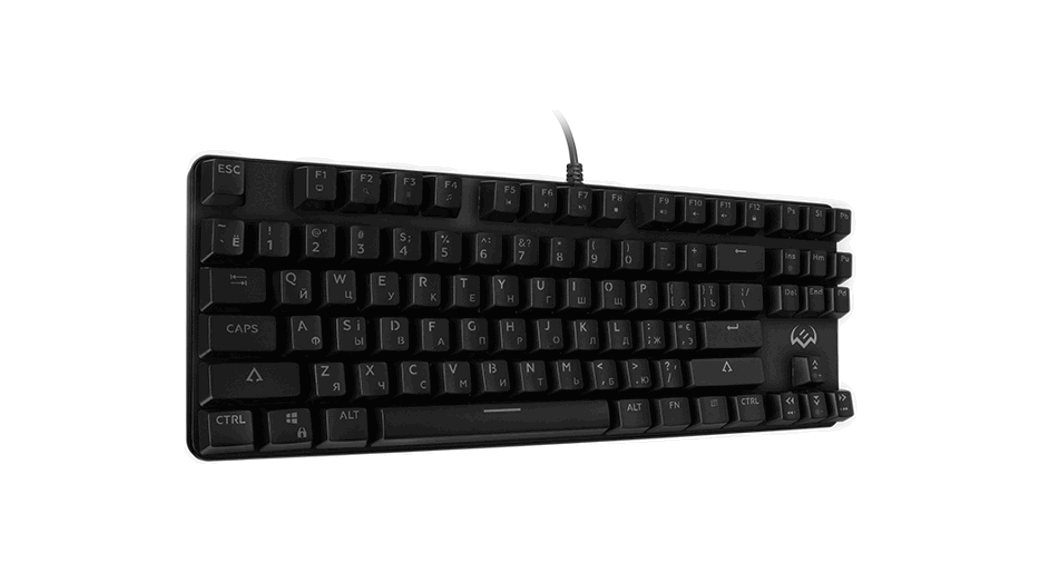
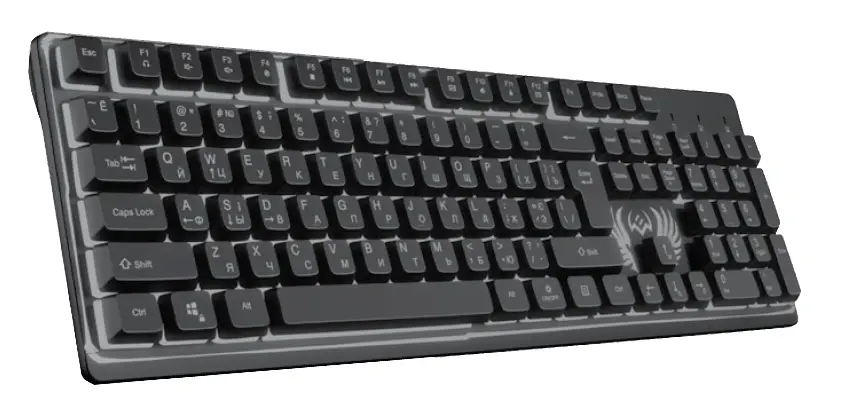
- Keyboard — 1 pc
- Mouse — 1 pc
- Mousepad — 1 pc
- User Manual — 1 pc
- Warranty card — 1 pc
SYSTEM REQUIREMENTS
- Windows.
- Free USB port.
INSTALLATION
- Connect the keyboard to an available USB port of your PC.
- Installation of the keyboard is automatic after its connection to a PC USB port.
DESCRIPTION OF SHORTCUT KEYS FUNCTIONS

- Go into «Sleeping mode»
- Open My Computer
- Open the home web page
- Start e-mail program
- Refresh

- Go to the next media track
- Play / Pause
- Go to the previous media track
- Volume up
- Volume down
TROUBLESHOOTING
| Problem | Solution |
| The keyboard/mouse is not working. |
|
If none of the above methods can solve the problem, please seek professional advice at your nearest service center. Never attempt to repair the product yourself.
TECHNICAL SPECIFICATIONS
| Parameter, the measurement unit | Value |
| Q-ty of keyboard keys | 114 |
| Q-ty of keyboard shortcut keys | 10 |
| Q-ty of mouse buttons | 5 + 1 (scroll wheel) |
| Keyboard layout | Eng/Rus/Ukr |
| OS compatibility | Windows |
| Interface | USB |
| Extrapolated mean life | more than 20,000,000 strokes |
| Mouse resolution, dpi | 600/1000/1200/1800 |
| Keyboard dimensions (W × H × L), mm | 461 × 171 × 28 |
| Mouse dimensions (W × H × L), mm | 117 × 64 × 37 |
| Mousepad dimensions (W × H × L), mm | 275 × 222 × 3 |
| Weight (keyboard + mouse), g | 685 |
Notes
- Technical specifications given in this table are supplemental information and cannot give occasion to claims.
- Technical specifications are subject to change without notice due to the improvement of SVEN production.
Model: GS-9000
Manufacturer
SVEN PTE. LTD, 176 Joo Chiat Road, 02-02, Singapore, 427447. Produced under the control of Oy Sven Scandinavia Ltd. 15, Kotolahdentie, Kotka, Finland, 48310. Made in China.
Technical support is on: www.sven.fi.
® Registered Trademark of Oy SVEN Scandinavia Ltd. Finland.