ME706 Raspberry Pi Pico GPIO Terminal Expansion Board
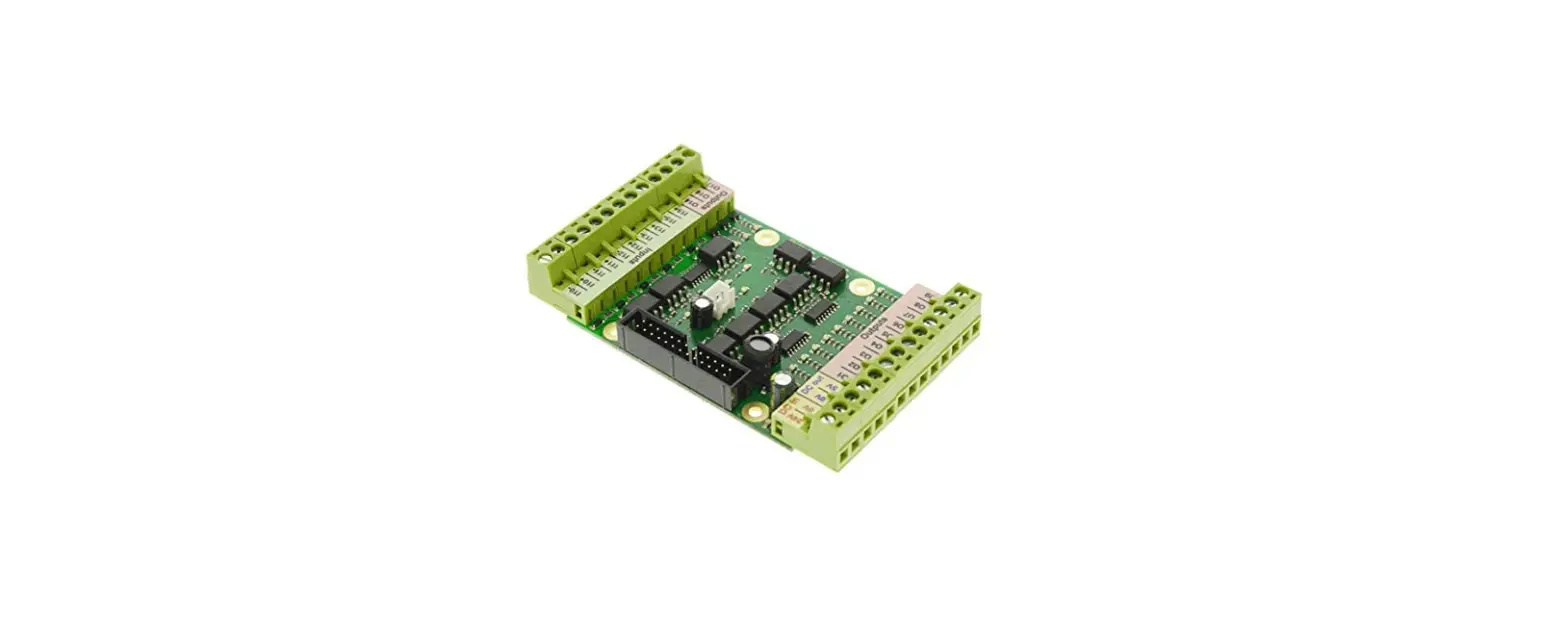
Raspberry Pi Pico GPIO Terminal Expansion Board
Product Information:
- Name: Raspberry Pi Pico GPIO Terminal Expansion Board
- Type: Screw Expansion Board
- Pi Pico GPIO Size: 86*58mm
- Weight: about 45g
- Fixing hole: 3mm
- Hole pitch: 3200x2100mil (81.28×53.34mm)
- Voltage: 3.3/5V
- GPIO level: 3.3V
- Pin: 40 PIN
Product Usage Instructions:
- Make sure the Raspberry Pi Pico is properly inserted into the
expansion board. - Connect the necessary peripherals or components to the
expansion board, such as sensors, actuators, or other devices. - Ensure that the fixing hole matches the mounting mechanism you
intend to use for securing the expansion board. - Use appropriate screwdrivers or tools to fasten the screws into
the fixing holes, ensuring a secure connection. - Make sure to provide a stable power supply with voltage options
of either 3.3V or 5V, depending on your requirements. - Ensure that the GPIO level is set to 3.3V for proper
communication with the Raspberry Pi Pico. - Refer to the pin diagram or product documentation to correctly
identify and connect the desired GPIO pins for your project. - Once all connections are made, power on the Raspberry Pi Pico
and any connected devices. - Follow the programming or software instructions specific to
your project to utilize the expansion board’s GPIO
capabilities.
Raspberry Pi Pico GPIO Terminal Expansion Board
Parameters Name: Raspberry Pi Pico GPIO Terminal Expansion Board Type: Screw Expansion Board Pi Pico GPIO Size: 86*58mm Weight: about 45g Fixing hole: 3mm Hole pitch: 3200x2100mil 81.28×53.34mm Voltage: 3.3/5V GPIO level: 3.3V Pin: 40 PIN
1
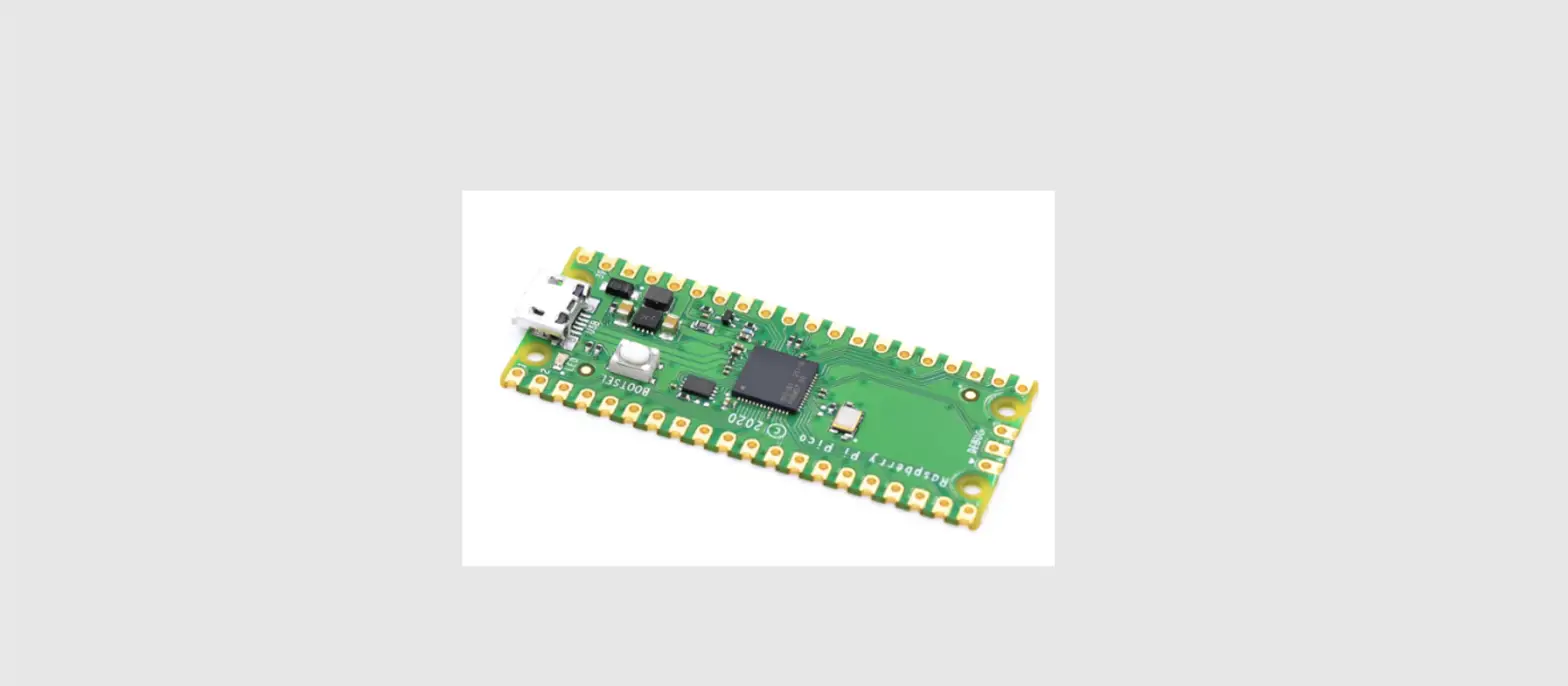
Apply to Raspberry Pi Pico
2
3
4