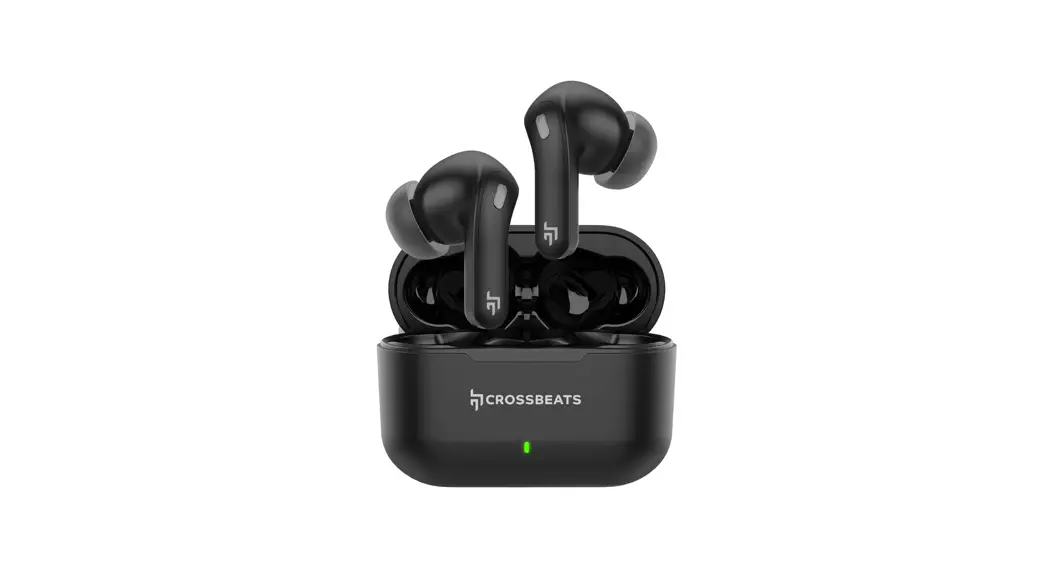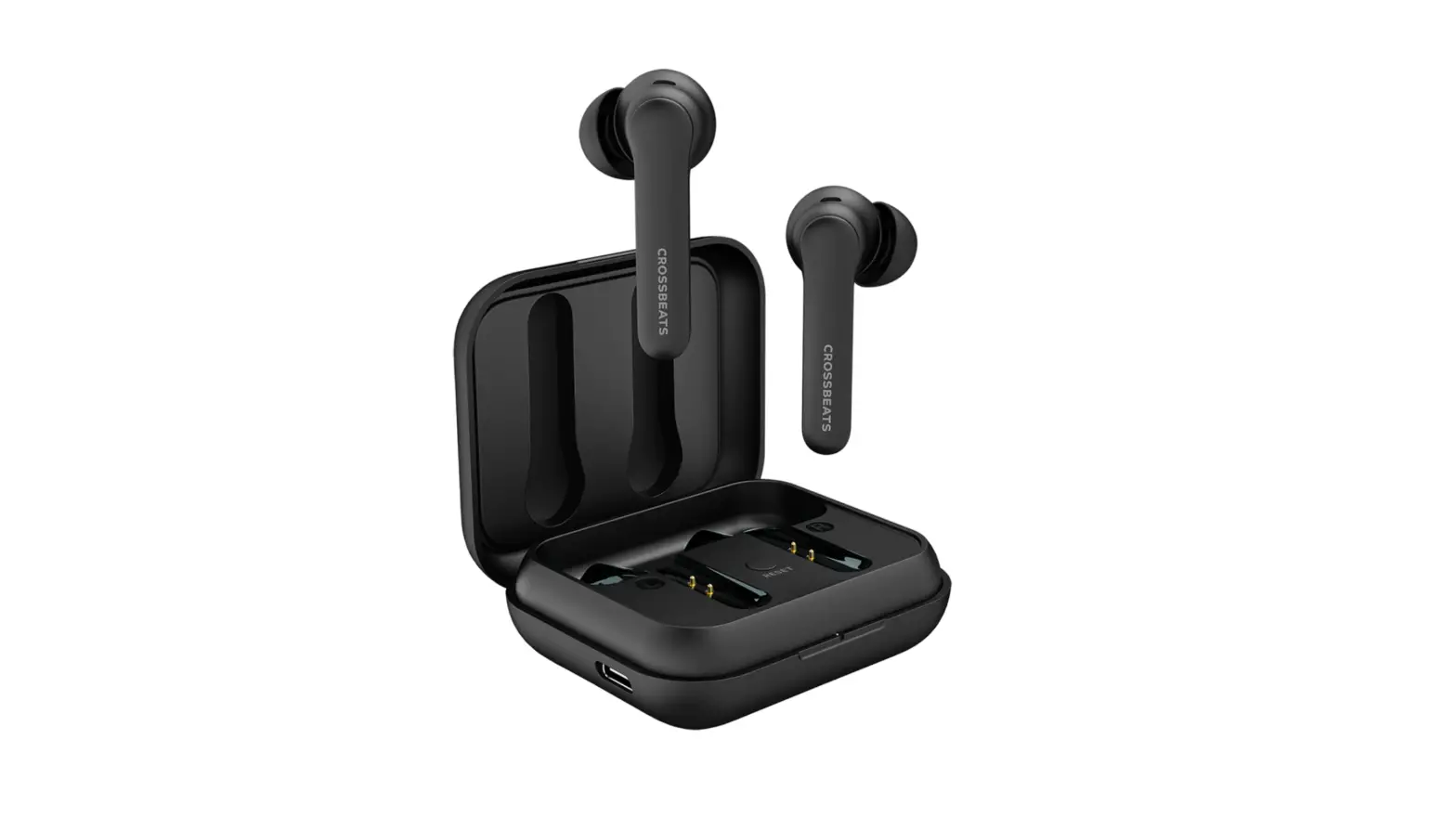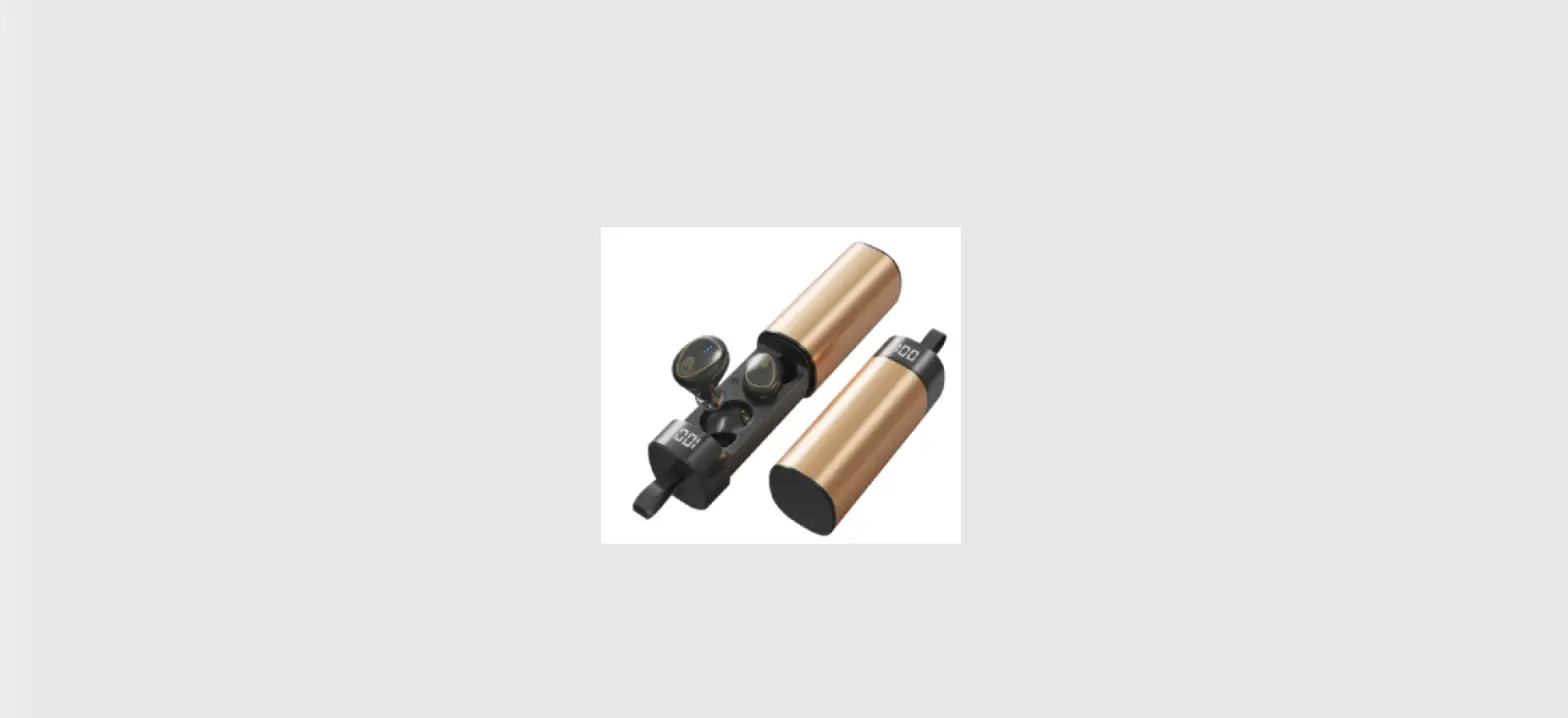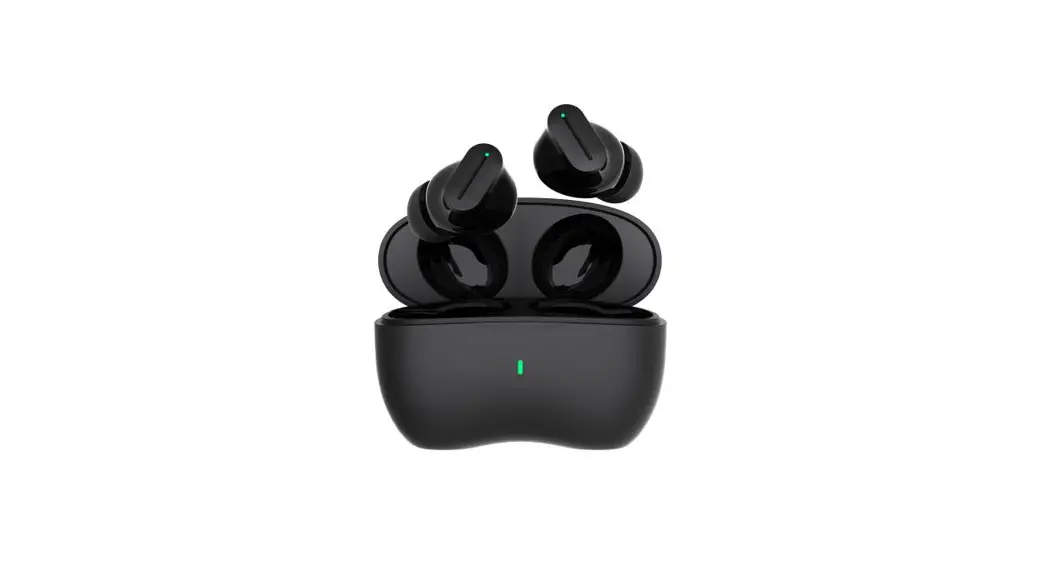
 CURV Bluetooth Truly Wireless
User Manual
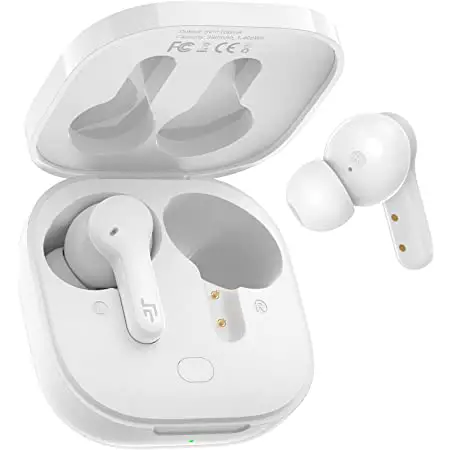
OVERVIEW
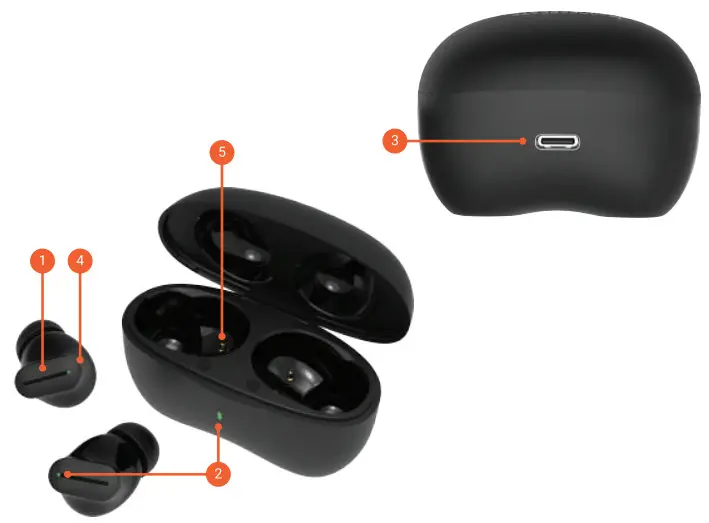
- Touch area
- LED lights
- USB-C charging port
- Microphone
- Charging pin
FIRST TIME PAIRING
Take out the earbuds from the charging case
 The earbuds will auto power ON
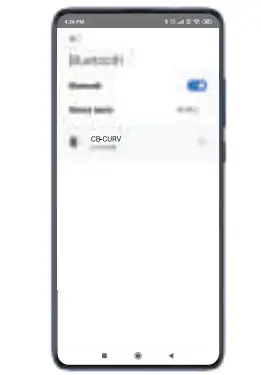
 Search for ‘CB-Curv’ in your phone’s BT list
 Click to connect
 MONO PAIRING
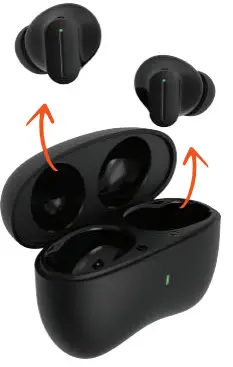 The earbuds will auto power ON
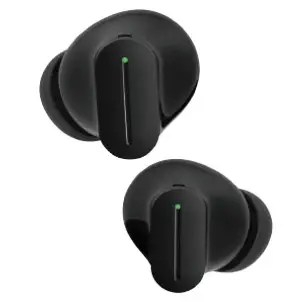 Search for ‘CB-Curv’ in your phone’s BT list
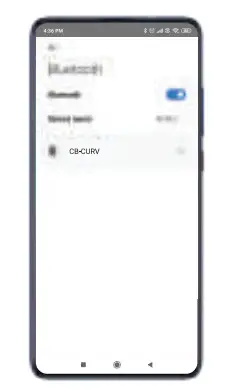 Click to connect
 MONO PAIRING
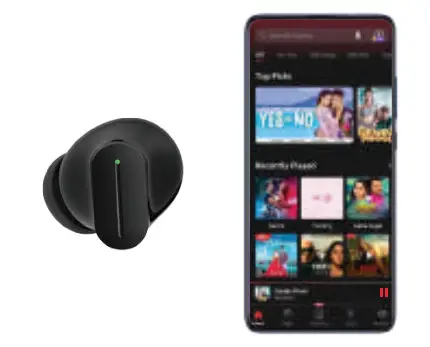
For mono mode, take out either of the earbuds when already paired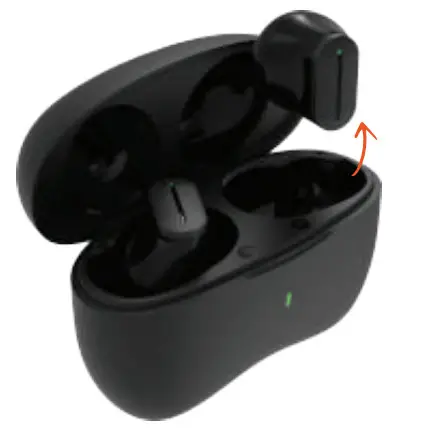 The music will automatically play in that particular earbud
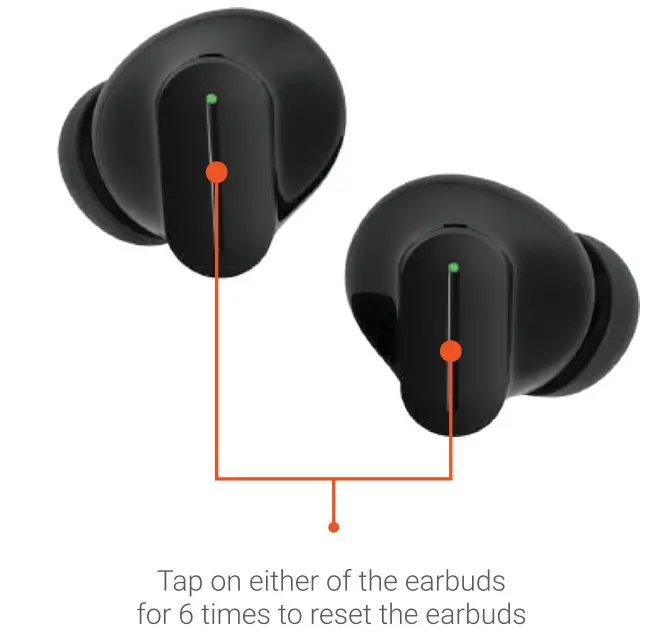
RESET
CONTROL
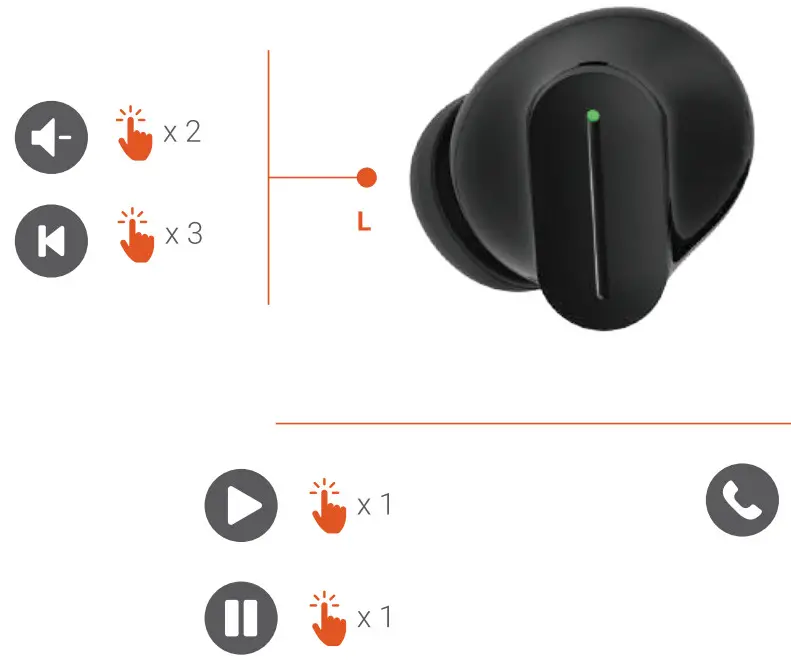
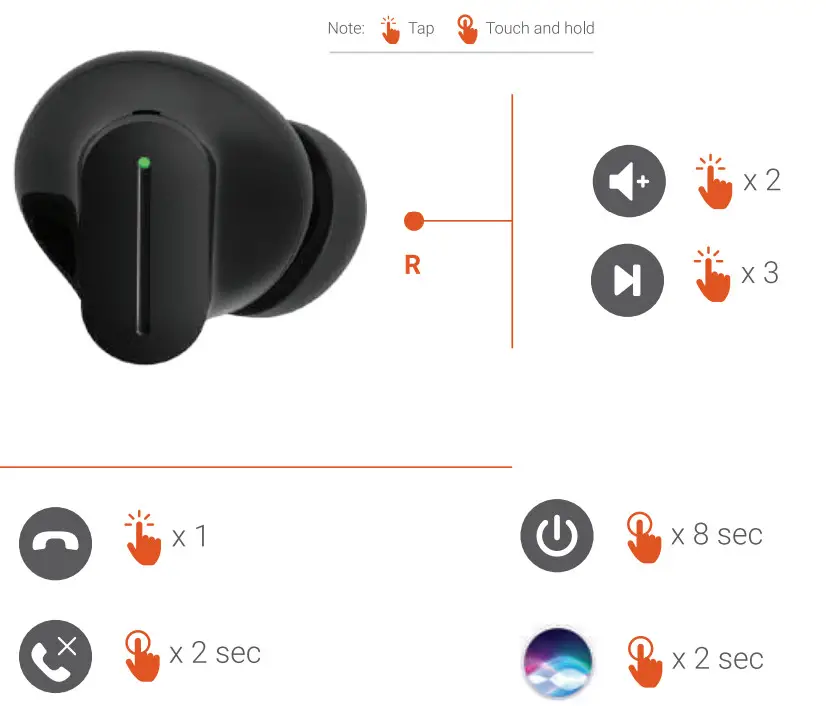
NOTE: Available only on devices that are Voice Assistant enabled.
CHARGING
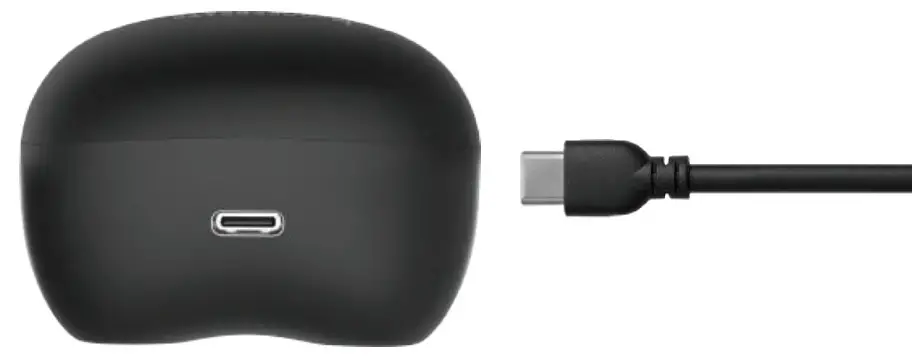
Connect and use the Type-C cable provided in the box for charging
Full charge in less than 1.5 hours.
LED INDICATOR ON CASE
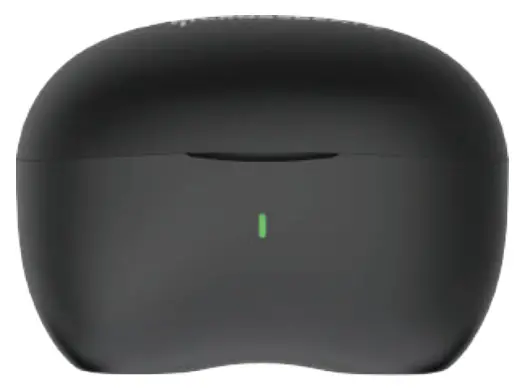
While charging — Red light keep blinking
Low Battery (less than 10%) — You will receive a prompt
POWER ON
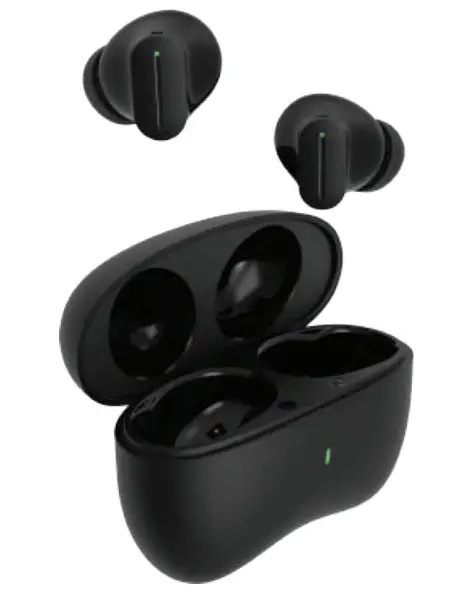
Take the earbuds out of the charging case and it will automatically turn on
POWER OFF
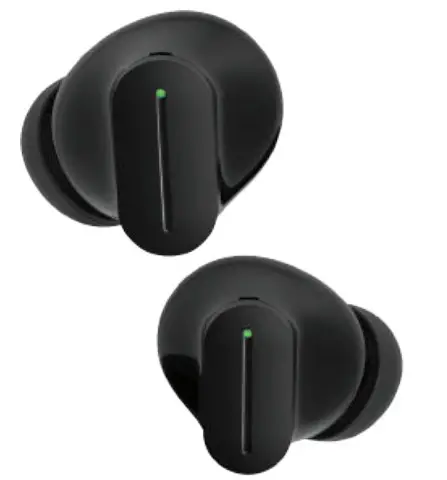
Touch and hold both the earbuds for 8 secs to turn off
+91 96112 93293
+91 96112 93293
[email protected]