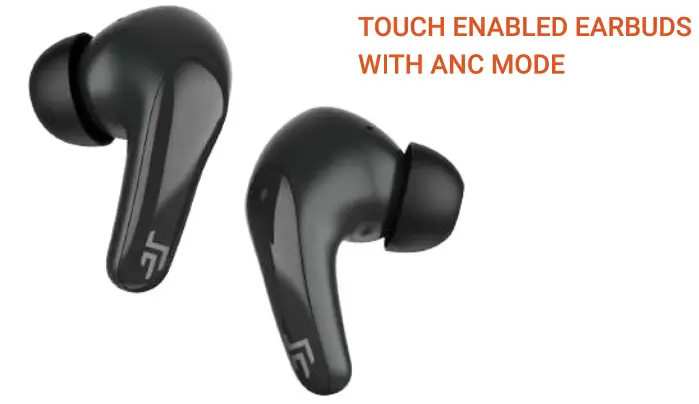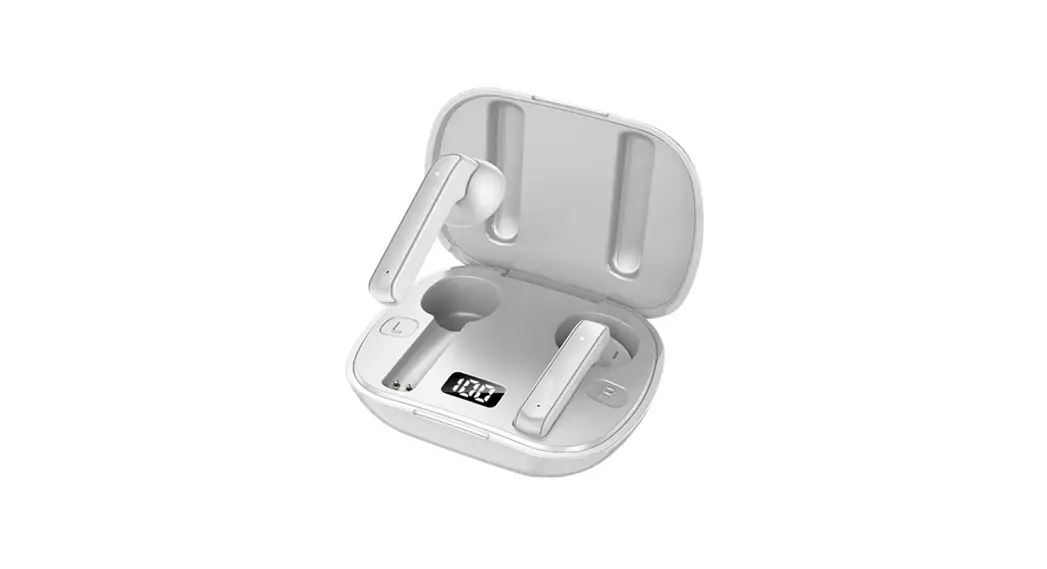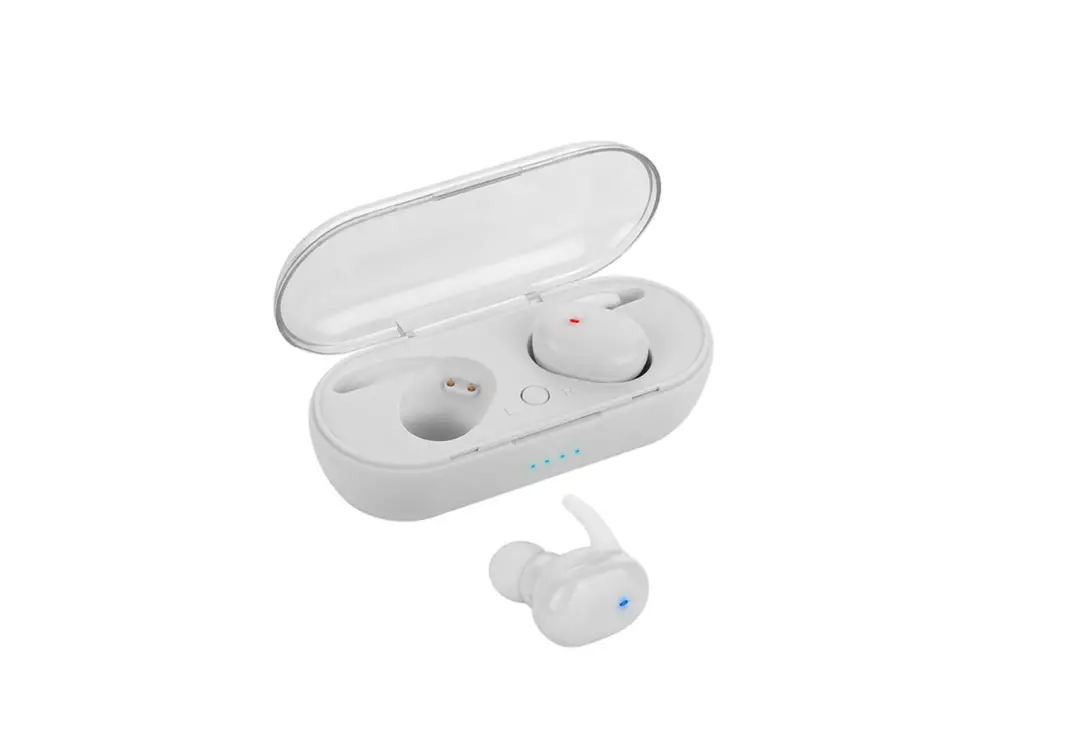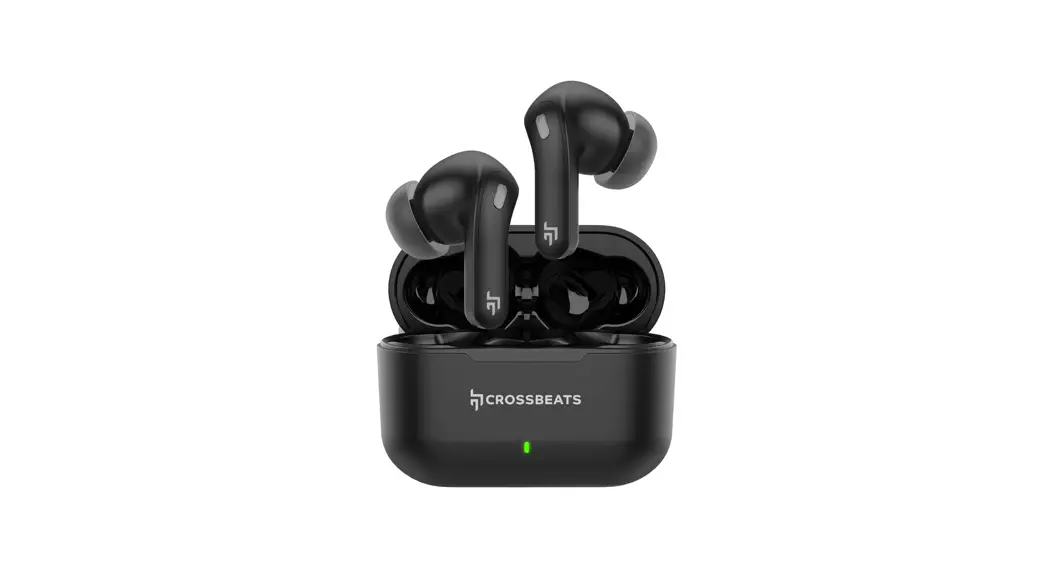

Crossbeats Epic Lite True Wireless Stereo Earphones User Manual

Crossbeats Epic Lite True Wireless Stereo Earphones User Manual

CROSSBEATS logo

EPIC LITE

User Manual
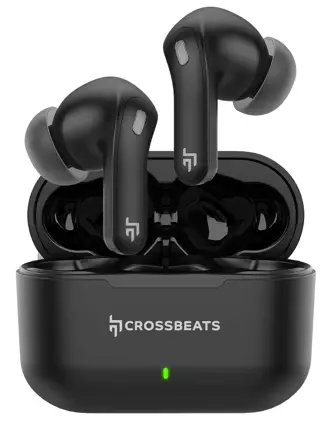
CROSSBEATS Epic Lite True Wireless Stereo Earphones -

CROSSBEATS Epic Lite True Wireless Stereo Earphones

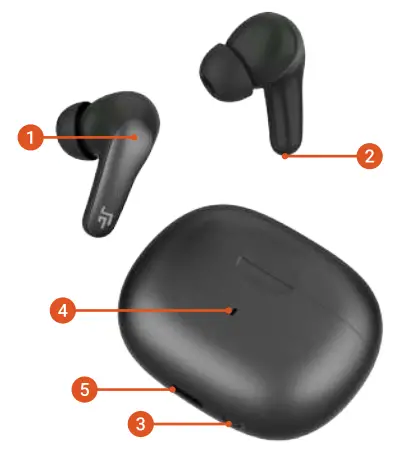
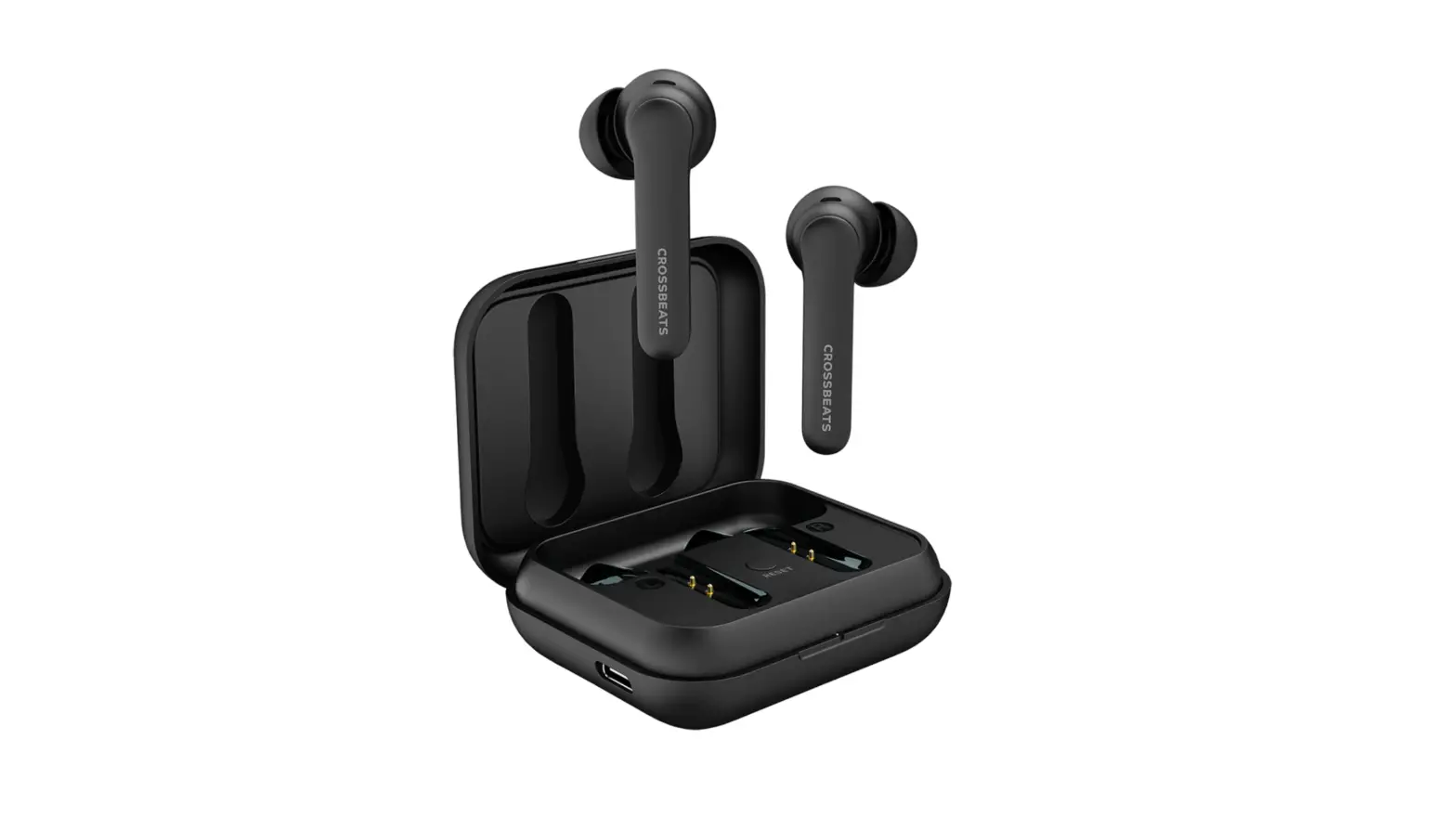
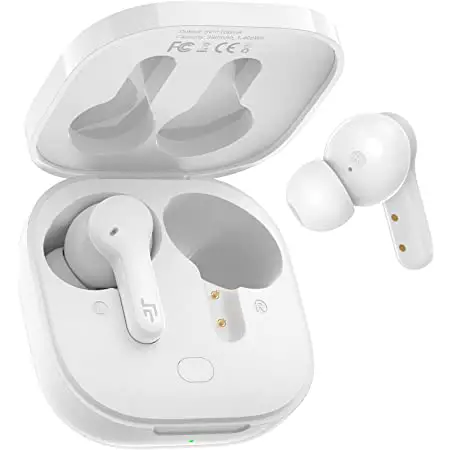
OVERVIEW

  1. Touch area
  2. Charging pin earbud
  3. Reset button
  4. LED lights on case
  5. USB-C charging port

CROSSBEATS Epic Lite True Wireless Stereo Earphones - parts 1

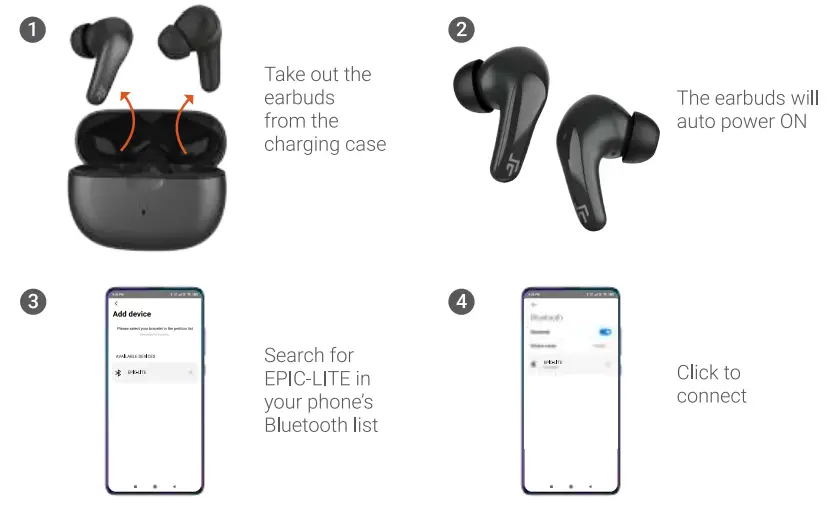
FIRST TIME PAIRING

CROSSBEATS Epic Lite True Wireless Stereo Earphones - parts 2

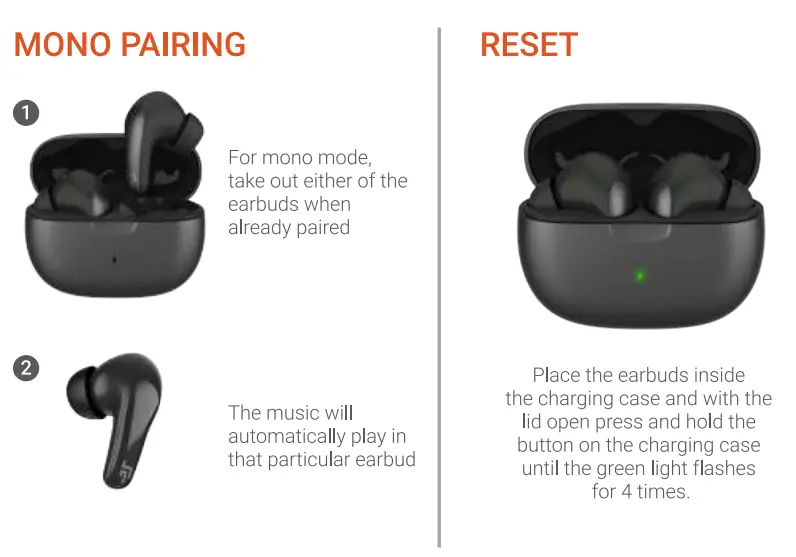
MONO PAIRING & RESET

CROSSBEATS Epic Lite True Wireless Stereo Earphones - pairing

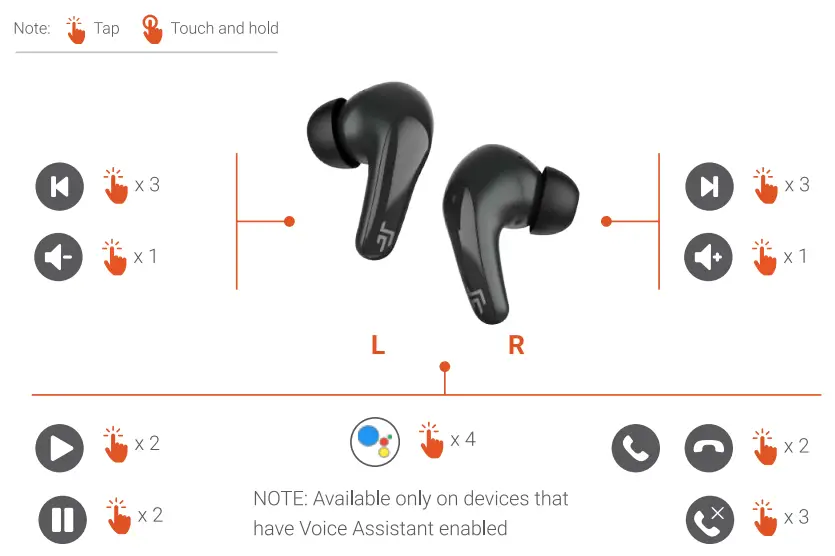
CONTROLS

CROSSBEATS Epic Lite True Wireless Stereo Earphones - controls

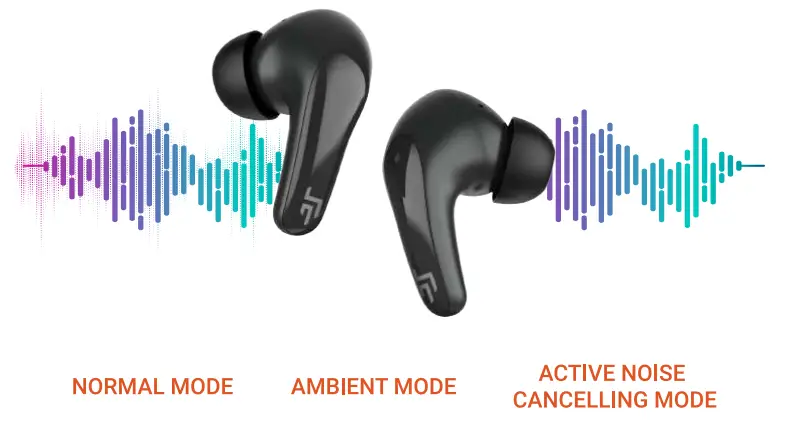
DIFFERENT SOUND MODES

CROSSBEATS Epic Lite True Wireless Stereo Earphones - different

NOTE: Press and hold on the either of the earbuds for 2 seconds to switch between the different modes.

CHARGING

Connect and use the TYPE-C cable provided in the box for charging
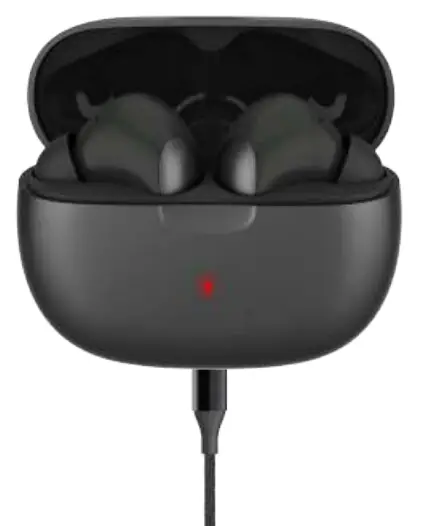
CROSSBEATS Epic Lite True Wireless Stereo Earphones - charging

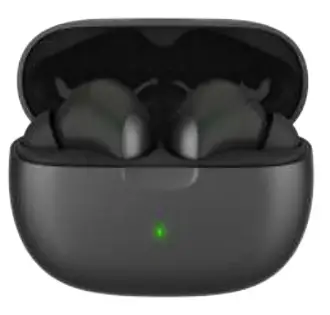
LED INDICATORS ON CASE

CROSSBEATS Epic Lite True Wireless Stereo Earphones - LED

  • Red light flashes four 4 times when earbuds are replaced in the charging case.
  • Full battery — Green light flashes for four seconds
  • Low battery — Red light flashes for four seconds
  • Ultra-low battery — Red light flashes five times
    Press the reset button on the charging case once to check the battery level.
  • < 20% – Red light remains on
  • > 20% — Green light remains on

CROSSBEATS logo

AT T -icon18 +91 96112 93293
Call +91 96112 93293
PATPET p collar 210A Dog Training Collar - sembly2 [email protected]

Documents / Resouces

Download manual
Here you can download full pdf version of manual, it may contain additional safety instructions, warranty information, FCC rules, etc.


Related Manuals