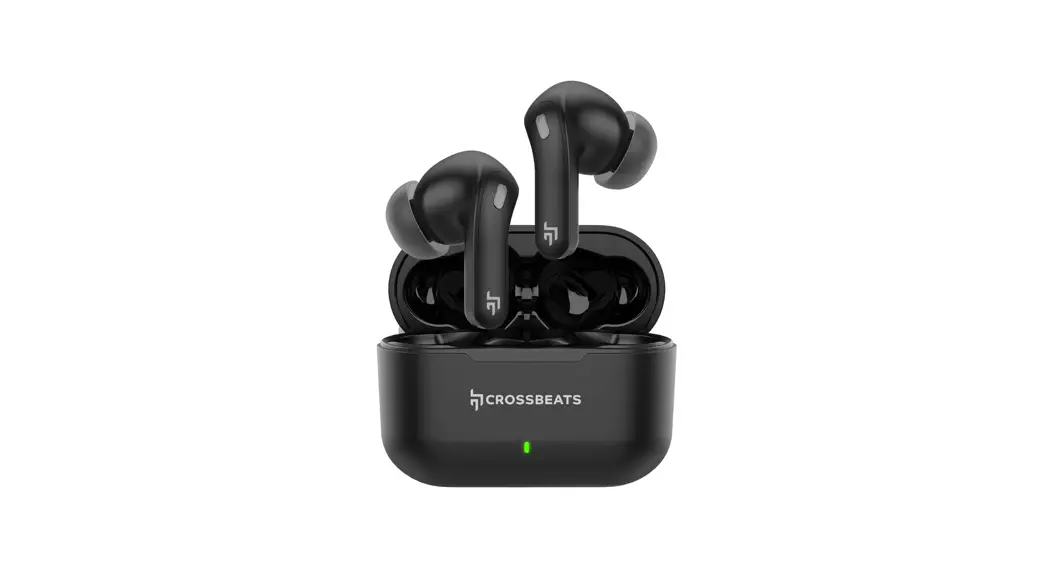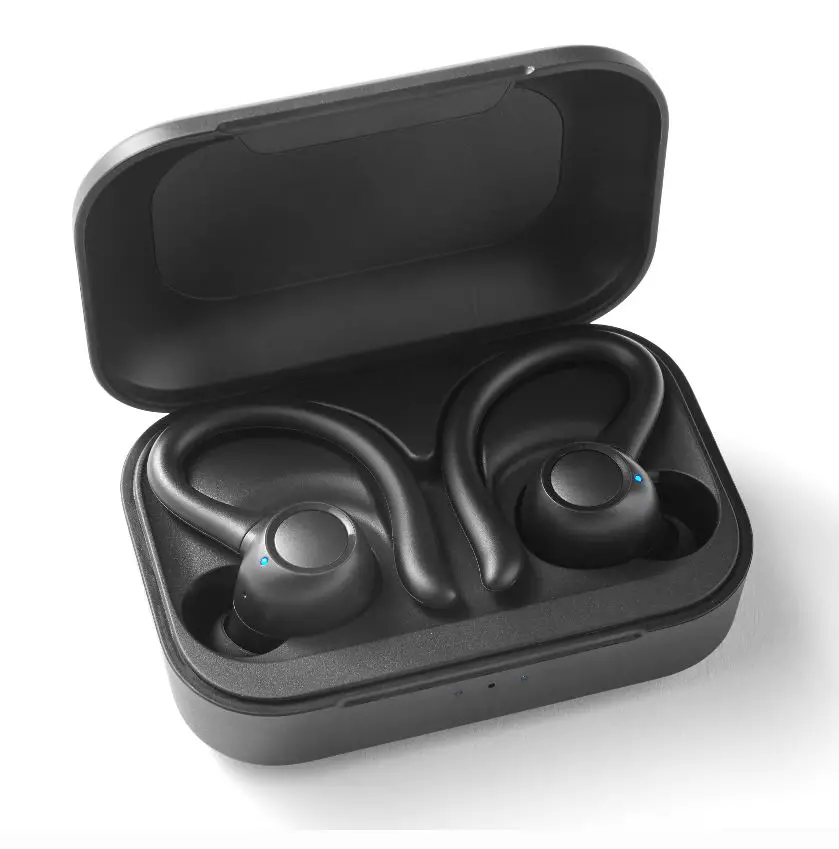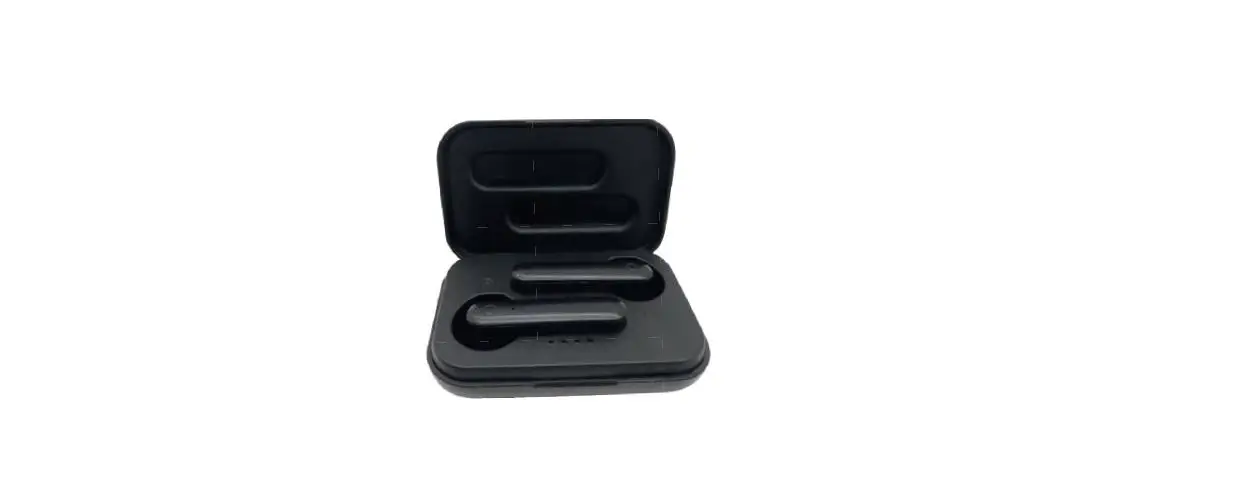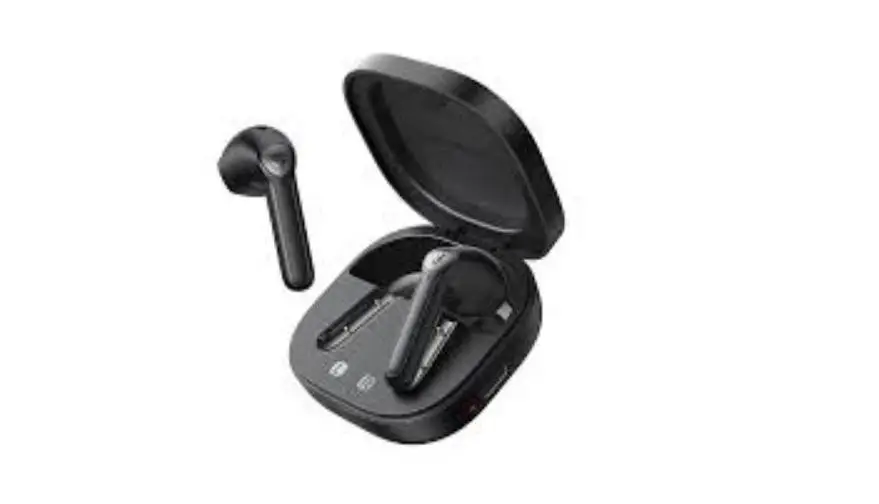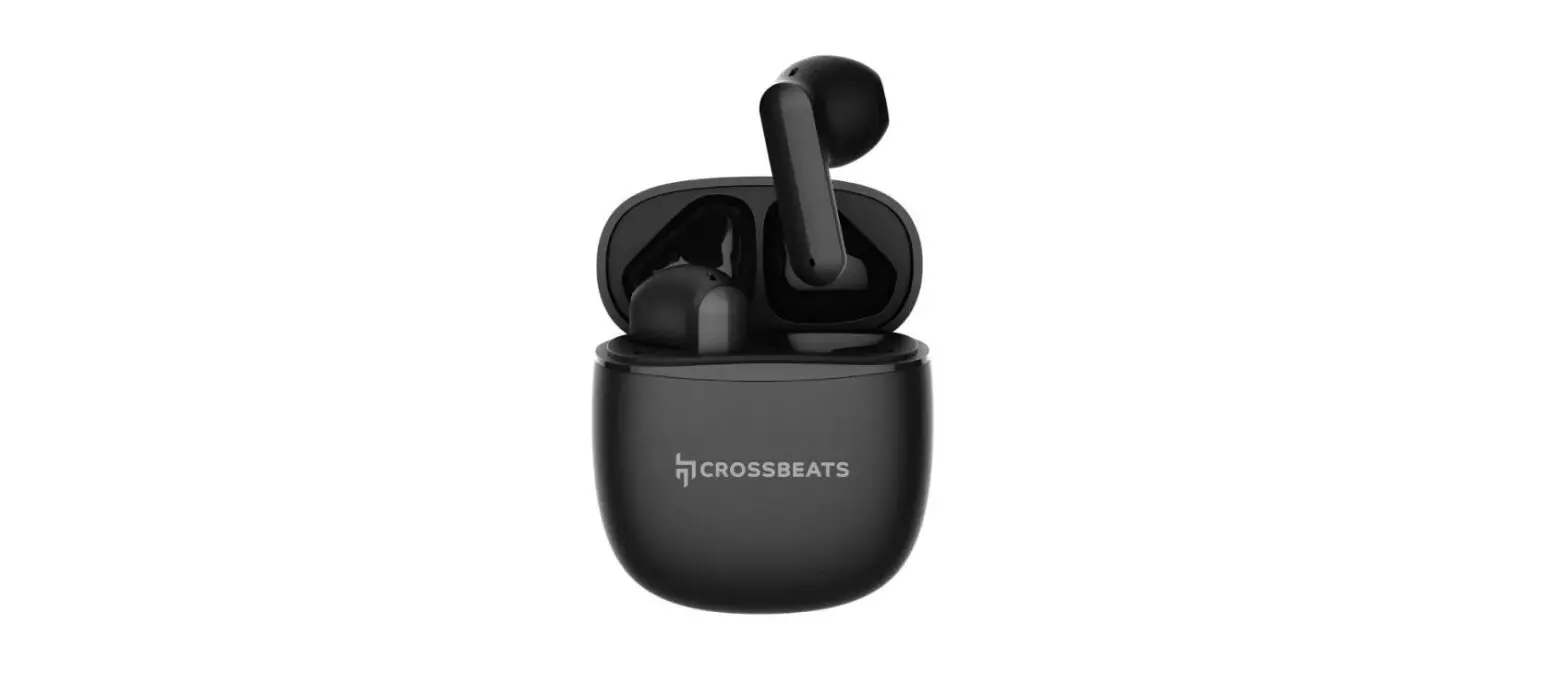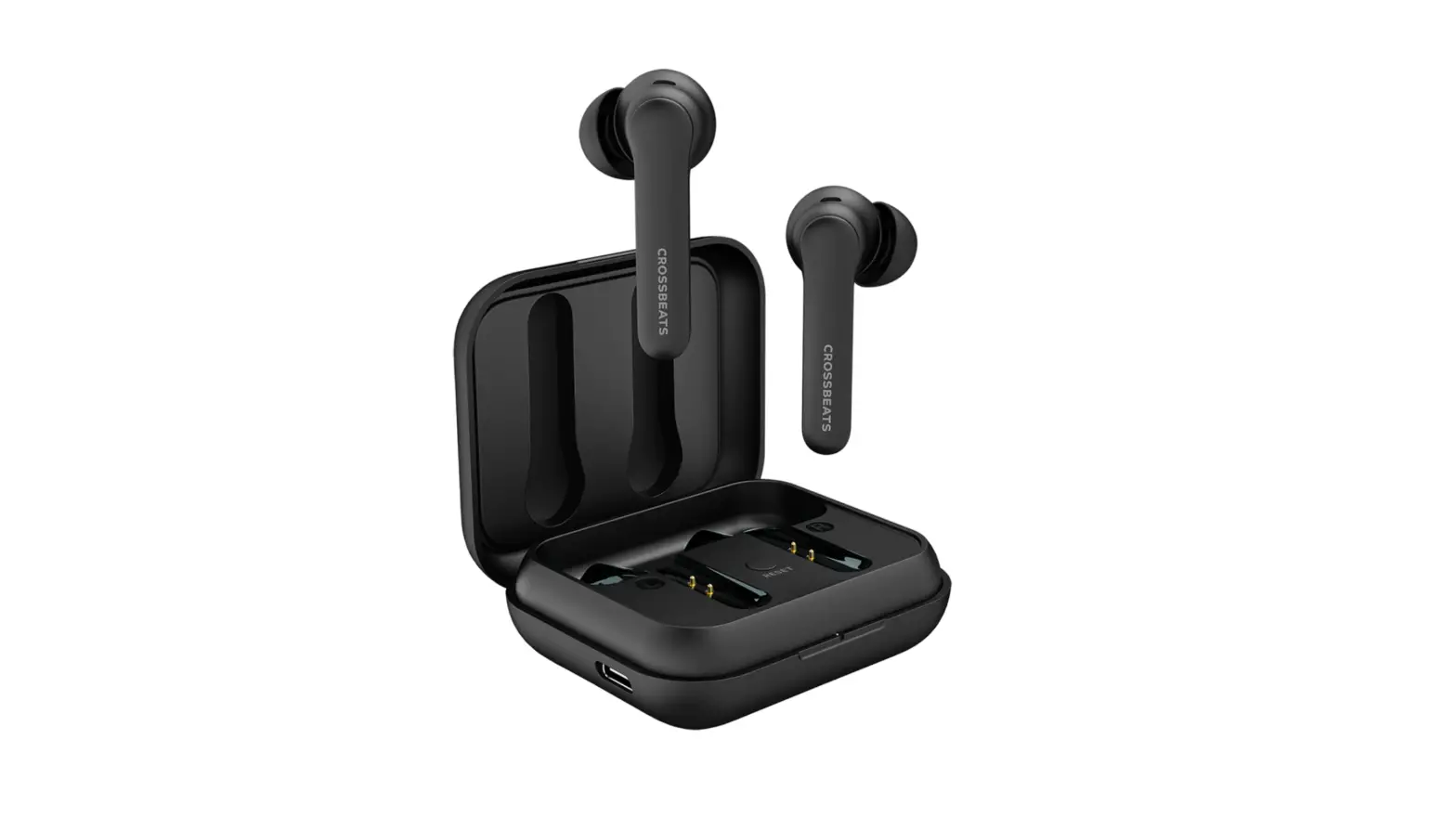
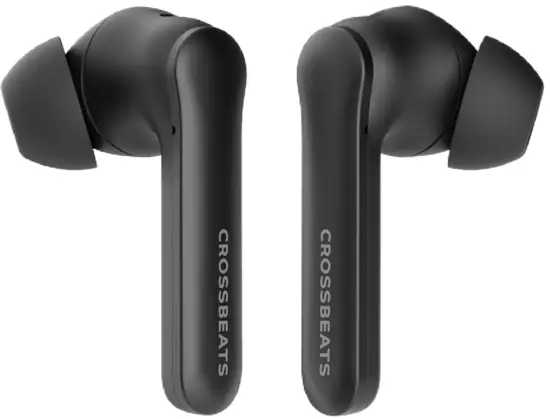
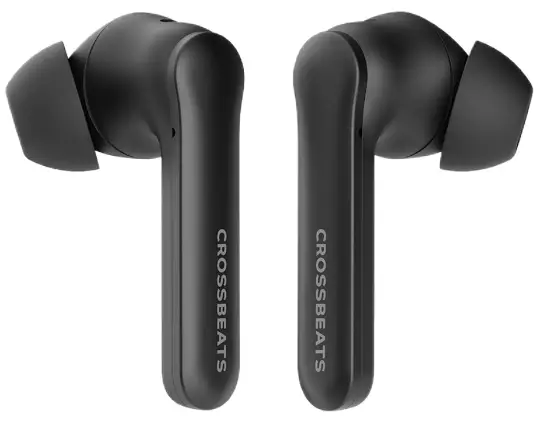
CROSSBEATS Enigma True Wireless Stereo Earbuds User Manual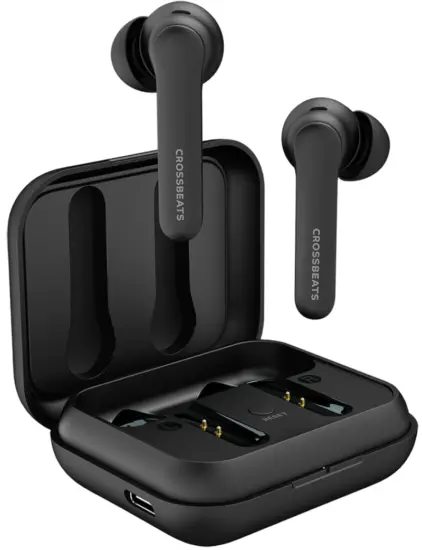
TOUCH ENABLED EARBUDS WITH ANC MODE
OVERVIEW
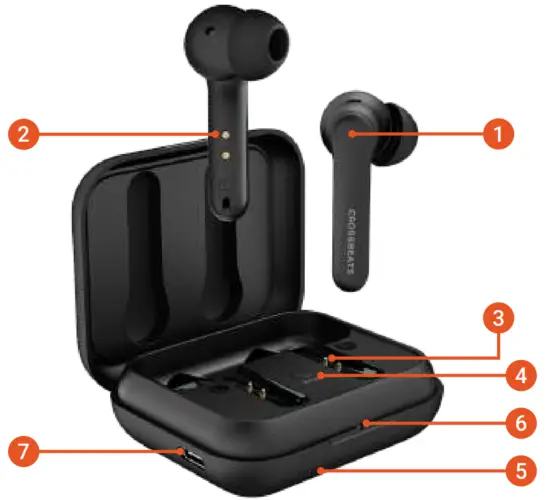
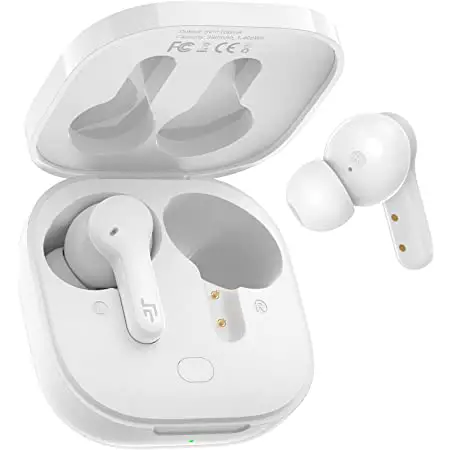
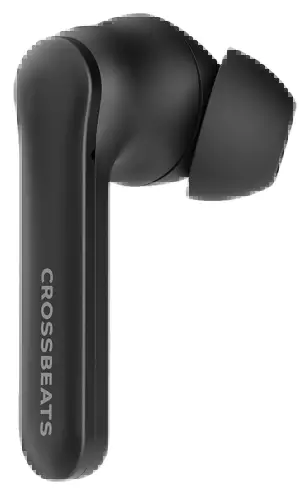
- Touch area
- Charging pin earbud
- Charging pin case
- Reset button
- Wireless charging
- LED lights on case
- USB-C charging port
FIRST TIME PAIRING
- Take out the earbuds from the charging case

- The earbuds will auto power on

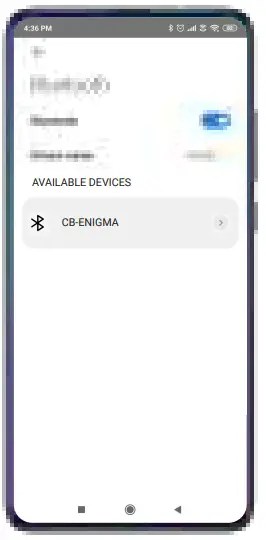
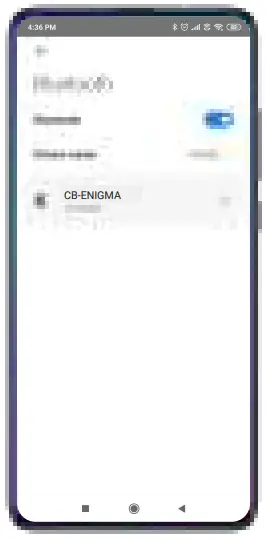
- Search for CB-ENIGMA in your phone’s Bluetooth list

- Click to connect
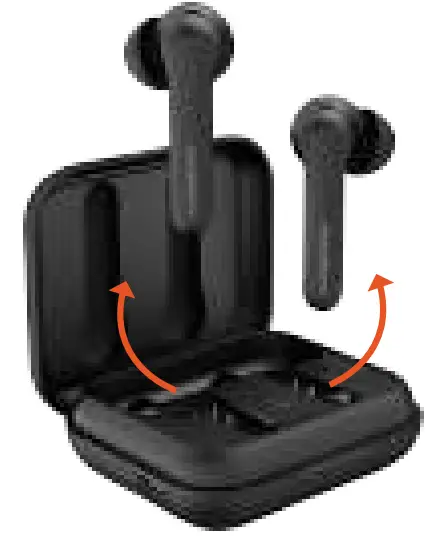
MONO PAIRING & RESET
MONO PAIRING
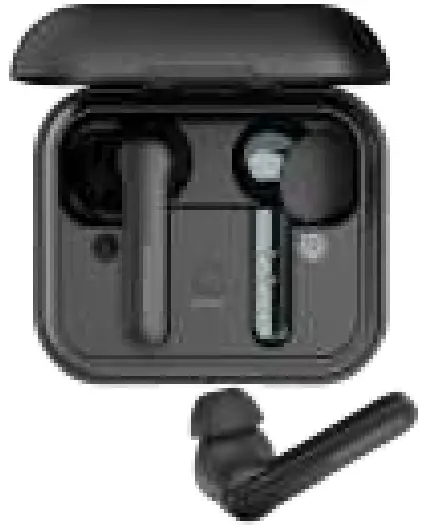
- For mono mode, take out either of the earbud when already paired

- The music will automatically play in that particular earbud

RESET
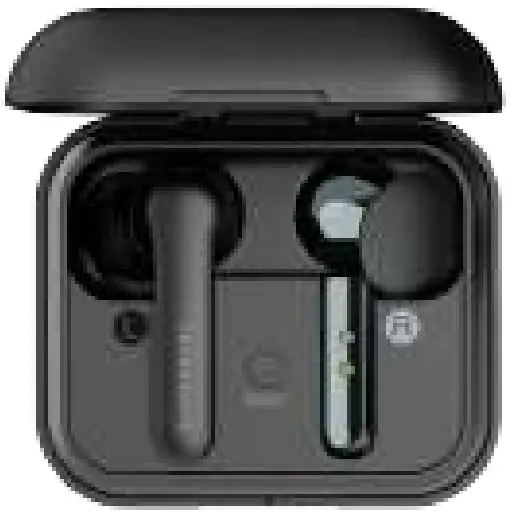
Press the button on the charging case to reset the earbuds
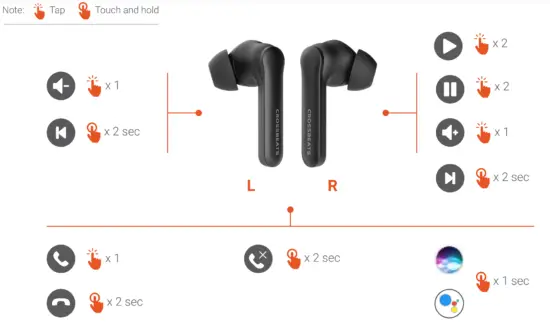
CONTROLS
CHARGING
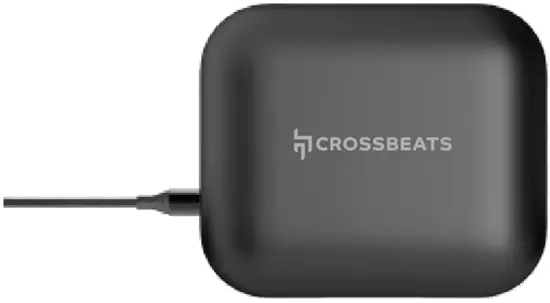
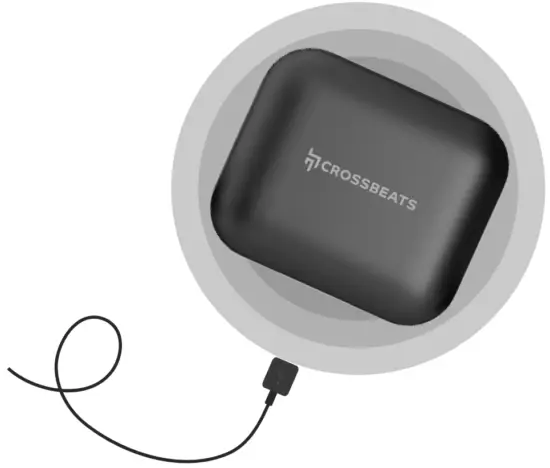
- Use the TYPE-C cable provided in the box for charging

OR - Place the charging case on the wireless charging dock/pad

LED INDICATORS ON CASE
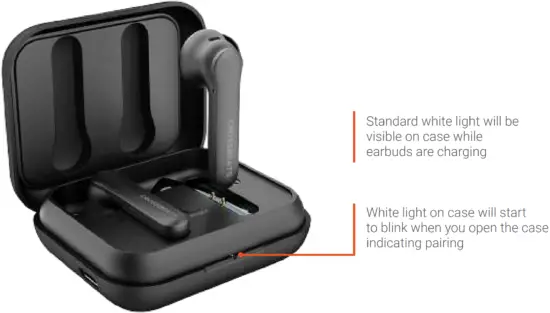
- Standard white light will be visible on case while earbuds are charging
- White light on case will start to blink when you open the case indicating pairing
Contact Us
 +91 96112 93293
 +91 96112 93293
 [email protected]