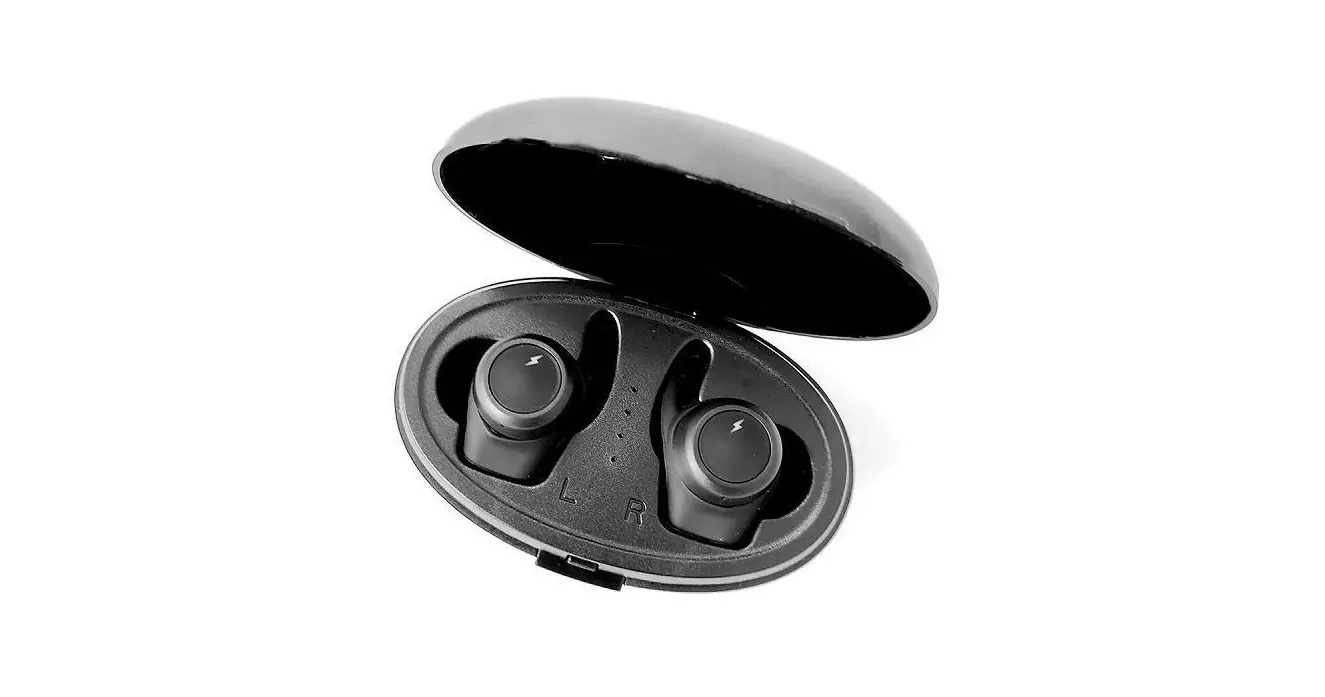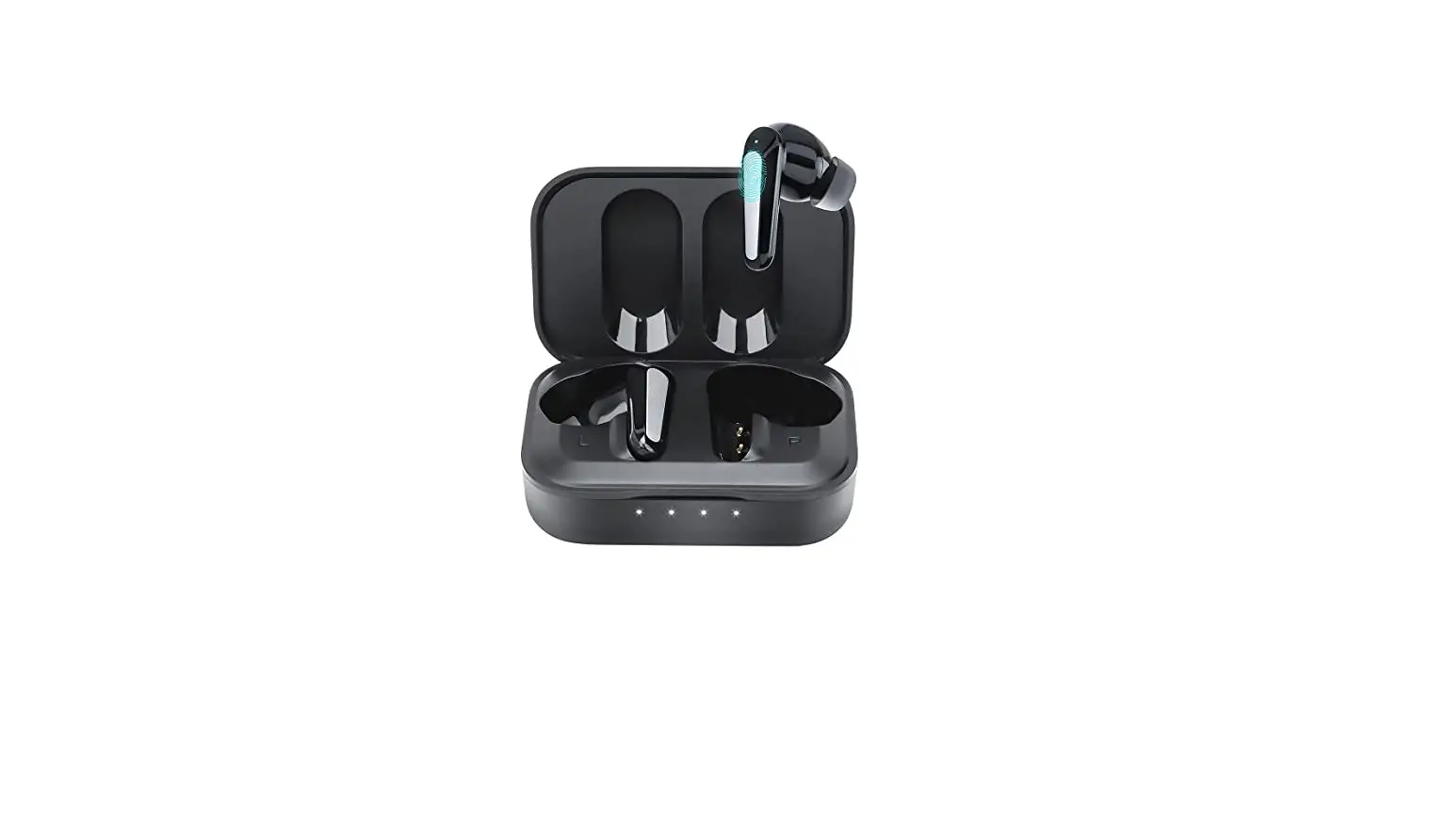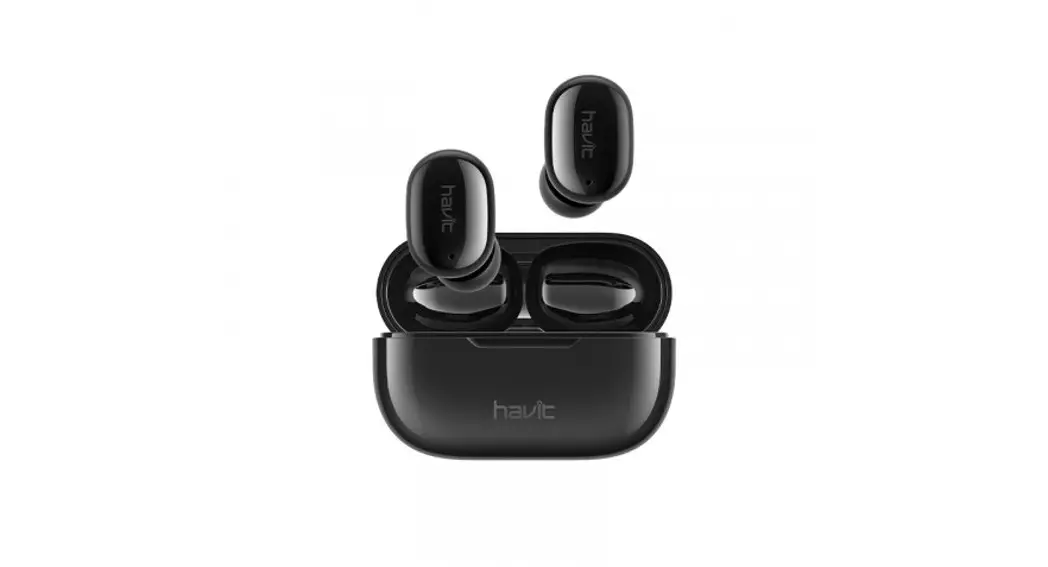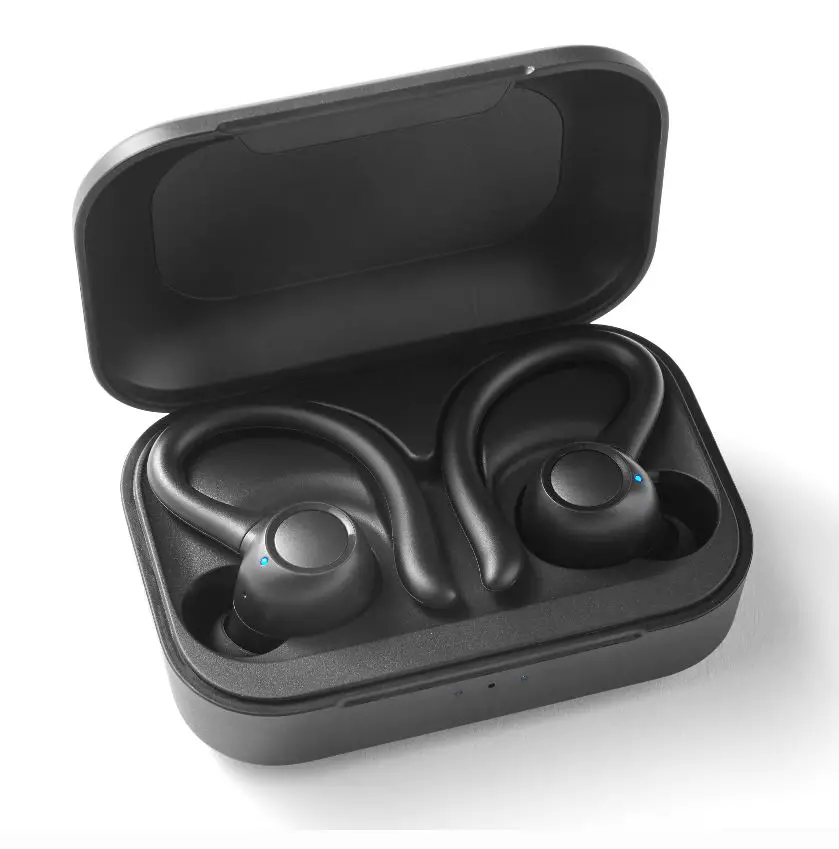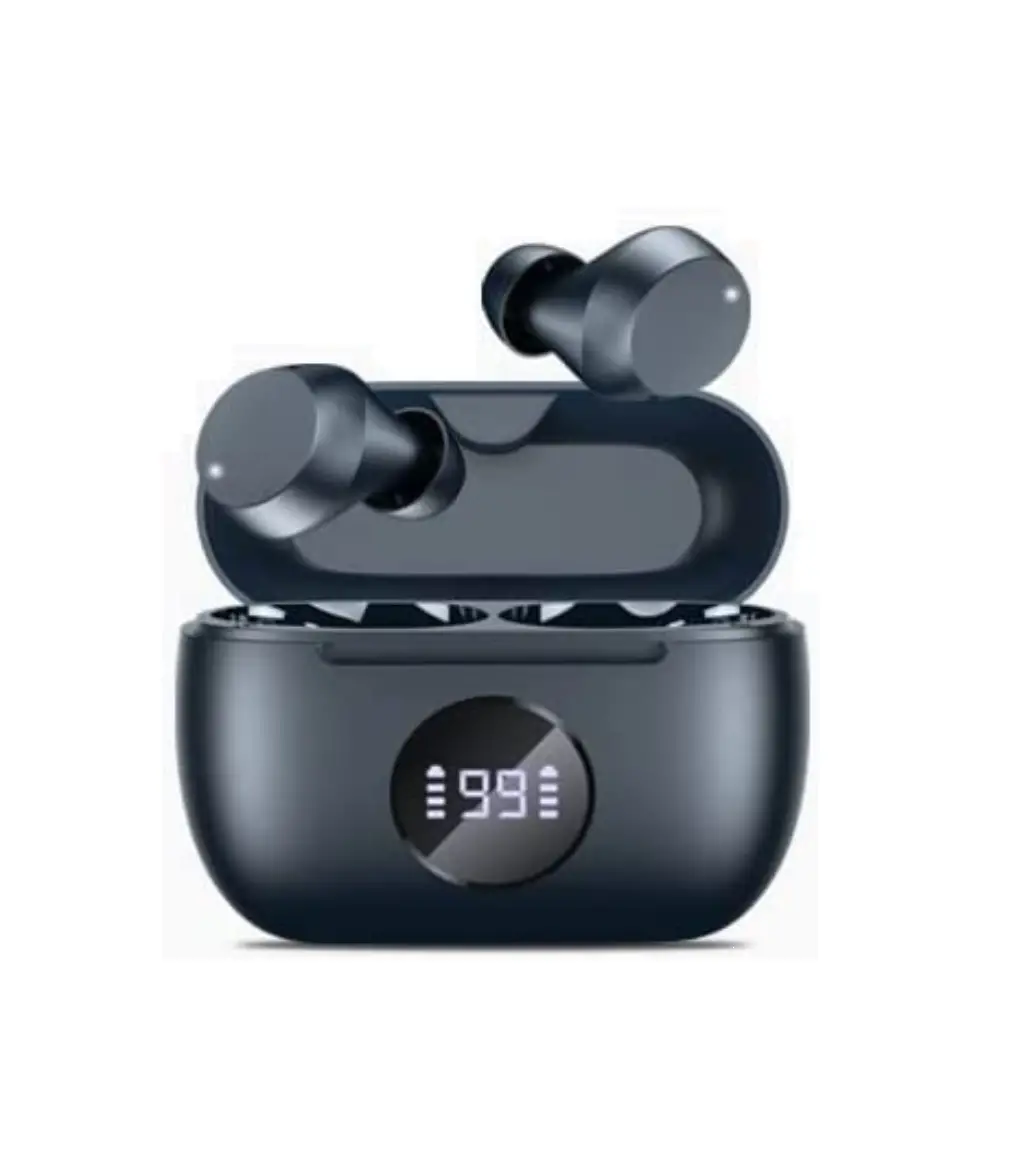
True Wireless Stereo Earbuds
AA2147
HIGH FIDELITY SOUND
User Manual
Combining dynamic speakers for wireless music enjoyment
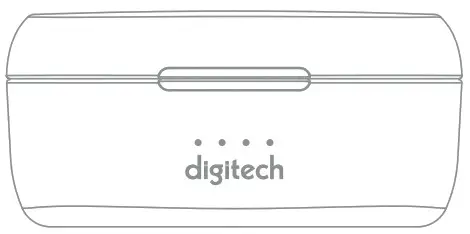
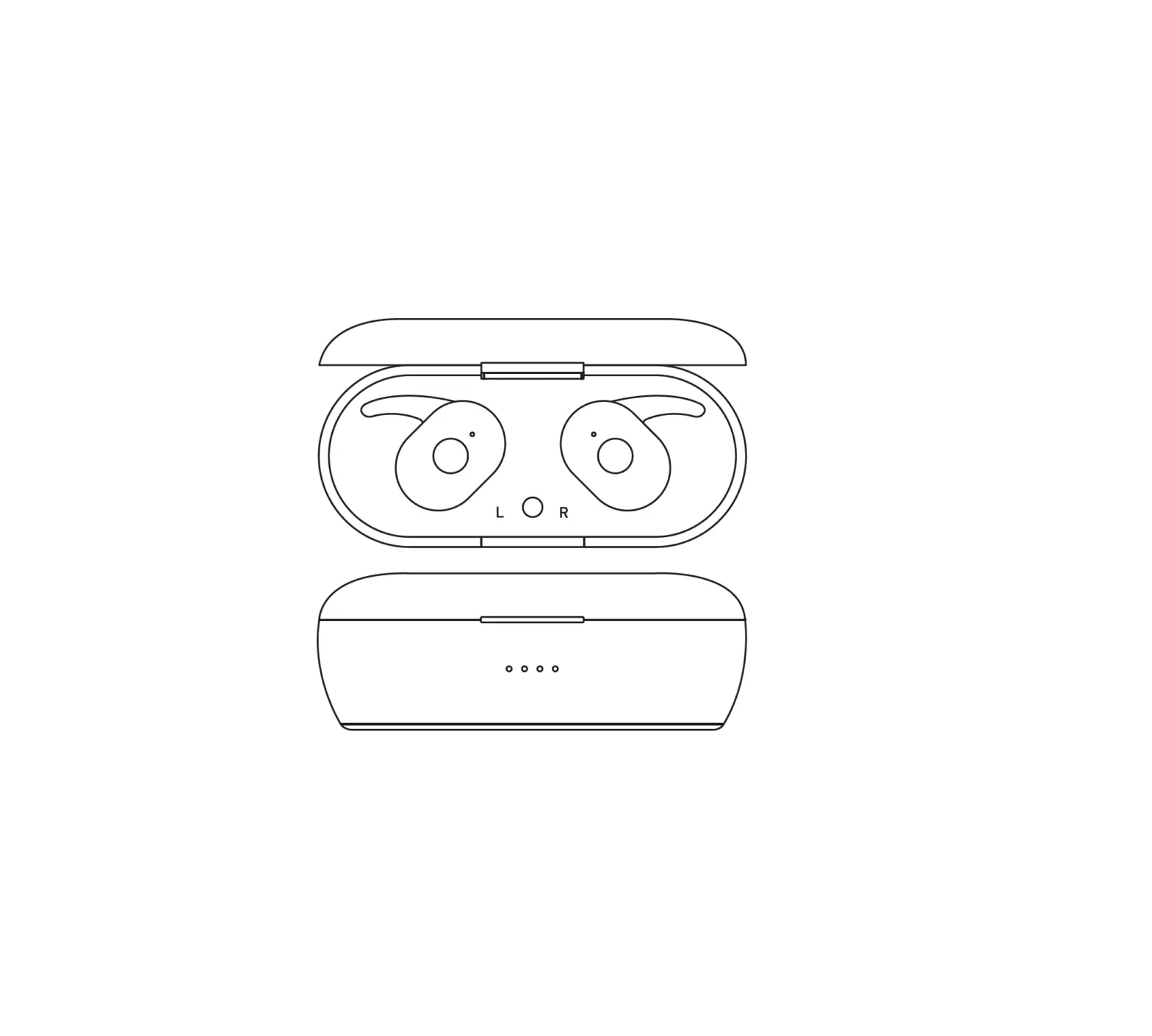
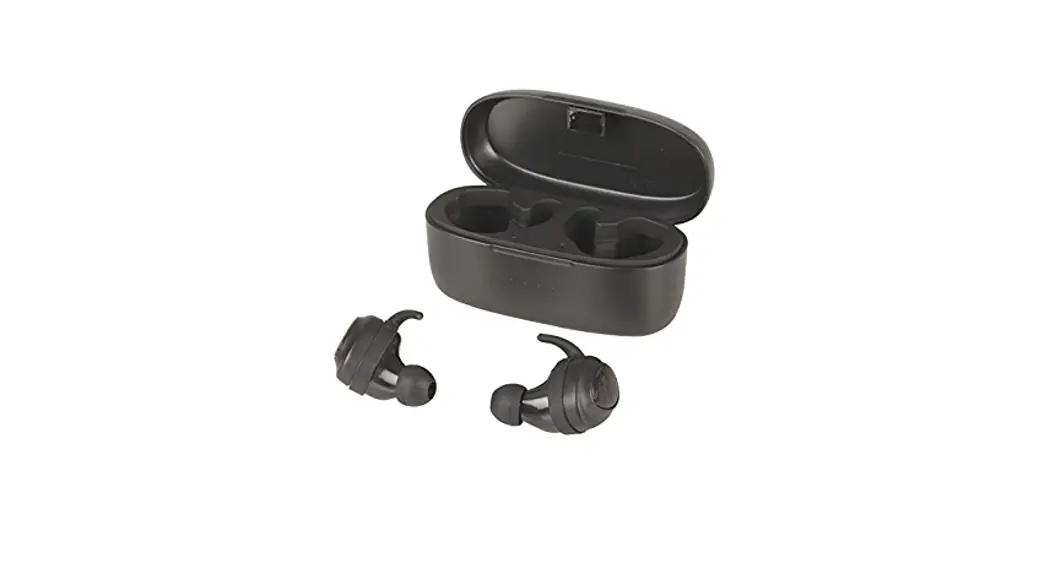
In the box
- AA2147 Wireless Earbuds
- On-the-go Charging Case
- Pairs of Silicone Eartips(Size S/M/L),
- Pairs of Earrings(Size S/M/L), /1 Pair of Earloop
- Micro-USB Cable
- User Manual
Functions
- MFB (multifunction button)
- Indicator light

- Charging contact point

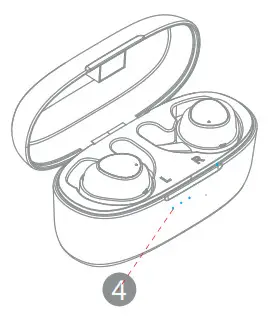
- Charging Case indicator

- Micro USB charging port
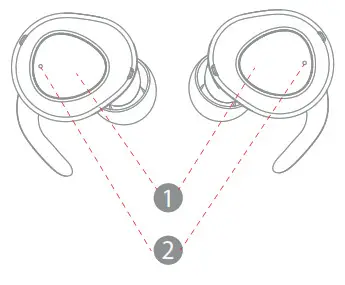
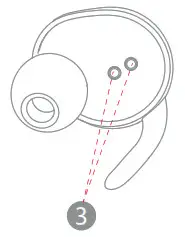
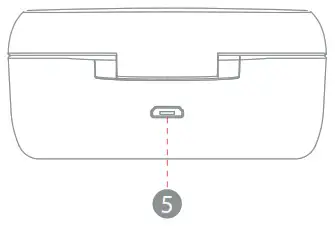
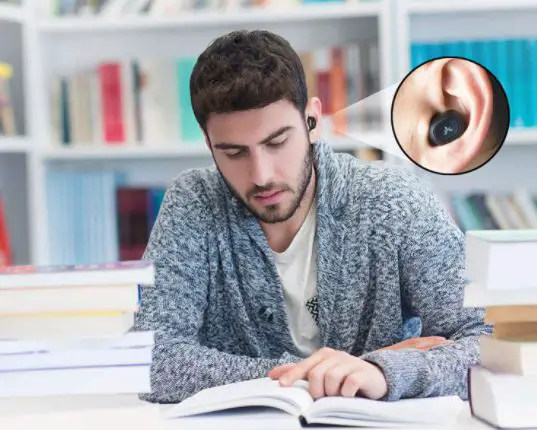
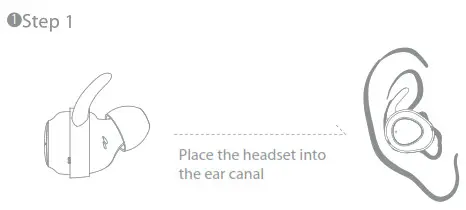
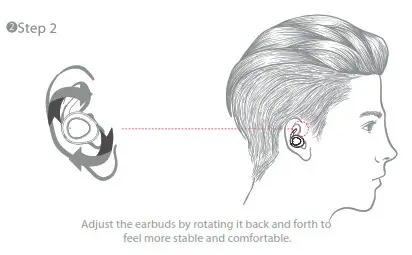
How to wear your TWS earbud
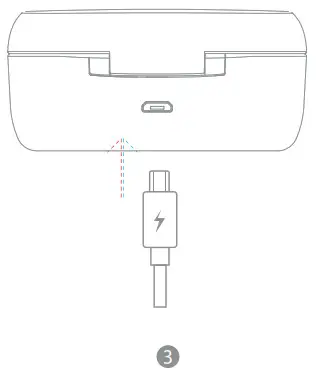
Charging (case)
To Power up the charging case, simply connect it to a USB power supply via the Micro USB Cable. The LEDs on the front of the charging case will flash when charging and all the 4 LEDs will remain on for one minute when fully charged and then all shut off. The fully charged charging case may support 4-5 recharges for both Earbuds.
Electric indicator lamp
25% of Battery capacity or less – 1/4 LEDs
50% of Battery capacity or less – 2/4 LEDs
75% of Battery capacity or less – 3/4 LEDs
100% of Battery capacity or less – 4/4 LEDs
Once the earbuds are paired with your device manually for the first time as described above, they could pair with this device automatically each time in the future as soon as you take them out from the charging case. Note: If you hear voice prompt “Low battery” from one of the earbuds, the other one may have some battery in fact.You may put the low battery one back to the charging case for charging and use the other one as Mono Earbud Mode.
Mono Earbud Mode
Mono mode for Right earbud:
Take the right earbud out of the charging case, it will power on and enter pairing mode automatically. enable Bluetooth on your device and tap “AA-2147” on the list to connect. If the right earbud has been used as Mono mode last time, it will connect with your last connected device automatically once it was picked up from the charging case.
Mono mode for left earbud:
Take the left earbud out of the charging case, it will power on automatically.
Quick Double press the multifunction button on the earbud to enter pairing mode.
Enable Bluetooth on your device and search for “AA-2147 L”, tap to connect.If the left earbud has been used as Mono mode last time,it will connect with your last connected device automatically once it enters pairing mode.
Mono mode for both earbuds at the same time:
Take both earbuds out of the charging case, quickly triple press the multi-function button on the right earbud. Both earbuds will lose the connection with each other and enter Mono pairing mode. Then search for “AA-2147” from the Bluetooth menu on A device and tap to pair,and search for “AA-2147 L” from the Bluetooth menu on B device to pair.
Remark: How to Reset Mode
If the L sides can’t connect with R sides or only have one sides have sound, firstly take both sides put into charge case, then take out to see if works well.If not pls handle the below operation way.
- Turn off R and L both sides separately by the handle.
- Then long press R and L both sides around 8-10s until showing purple Led in R or L sides, then release your handle accordingly, R and L sides will repair each other, after around 4s will see R flash blue and red Led, L flash blue led means both sides repaired successfully.
Controls
| Play/Pause music | Press either earbud button for once |
| Volume up | Quick Double-press the button on the left earbud |
| Volume Down | Quick Triple-press the button on the left earbud |
| Next Track | Quick Double-press right earbud button |
| Previous Track | Quick Triple-press right earbud button |
| Answer/End a Call | Press either earbud button for once |
| Reject an incoming call | Press and hold either earbud button for 2 secs when there is an incoming call |
| Activate Siri | Press and hold either earbud button for 2 secs until hearing the voice prompt “Toot” |
Specification
| Bluetooth version | V5.0 |
| Music playtime | 3 hours |
| Talk time | 3 hours |
| Standby time | 100 hours |
| Effective distance | Up to 3.6ft./12m |
| Bluetooth profiles | HFP/ A2DP/AVRCP/HFP |
| Driver | 6mm |
| Sound pressure level | 96±3dB |
| Frequency response | 20Hz—20 KHz |
| Battery of headset | 50mAH Li-polymer Battery |
| Charging voltage of headset | 5V |
| Charging time of the headset | 1.5hours |
| Battery of box | 500 mAH Li-polymer Battery |
| Charging voltage of box | 5V |
| Charging time of box | 2hours |
| Earphone weight | 5g x 2pcs |
| Charging box weight | 37g |
| Box size | 95x39x170mm |
NOTE: This equipment has been tested and found to comply with the limits for a Class B digital device, pursuant to part 15 of the FCC Rules. These limits are designed to provide reasonable protection against harmful interference in a residential installation. This equipment generates uses and can radiate radio frequency energy and, if not installed and used in accordance with the instructions, may cause harmful interference to radio communications.
However, there is no guarantee that interference will not occur in a particular installation. If this equipment does cause harmful interference to radio or television reception, which can be determined by turning the equipment off and on, the user is encouraged to try to correct the interference by one or more of the following measures:
– Reorient or relocate the receiving antenna.
– Increase the separation between the equipment and receiver.
-Connect the equipment into an outlet on a circuit different from that to which the receiver is connected.
-Consult the dealer or an experienced radio/TV technician for help
Changes or modifications not expressly approved by the party responsible for compliance could void the user’s authority to operate the equipment. This device complies with Part 15 of the FCC Rules. Operation is subject to the following two conditions:
- this device may not cause harmful interference, and
- this device must accept any interference received, including interference that may cause undesired operation.