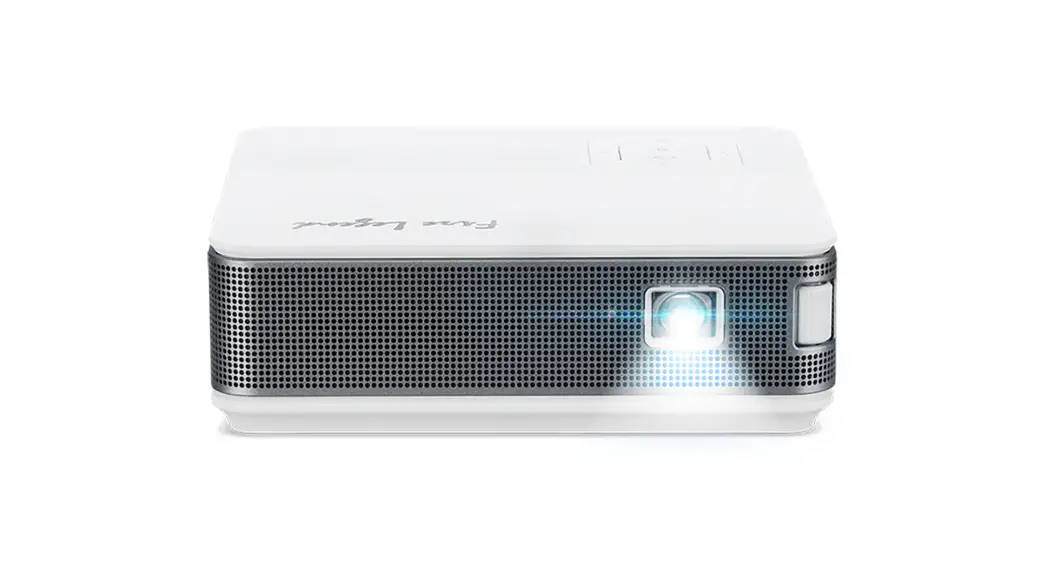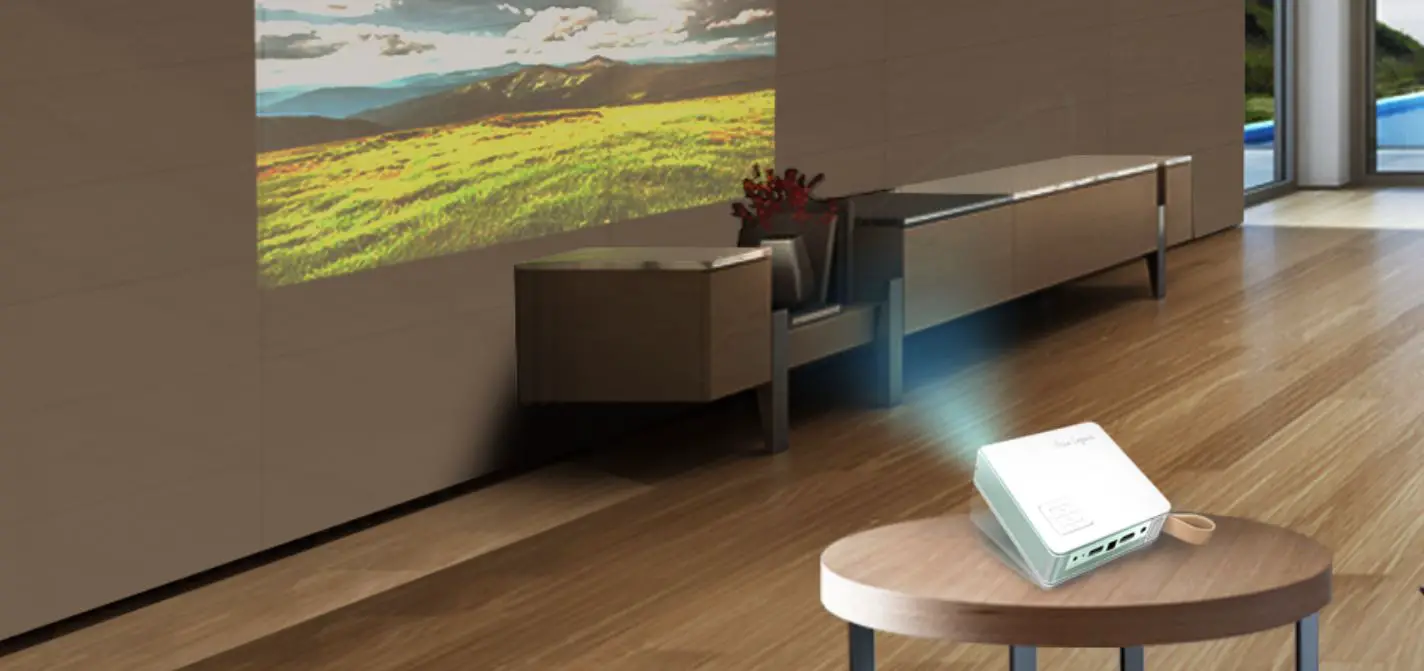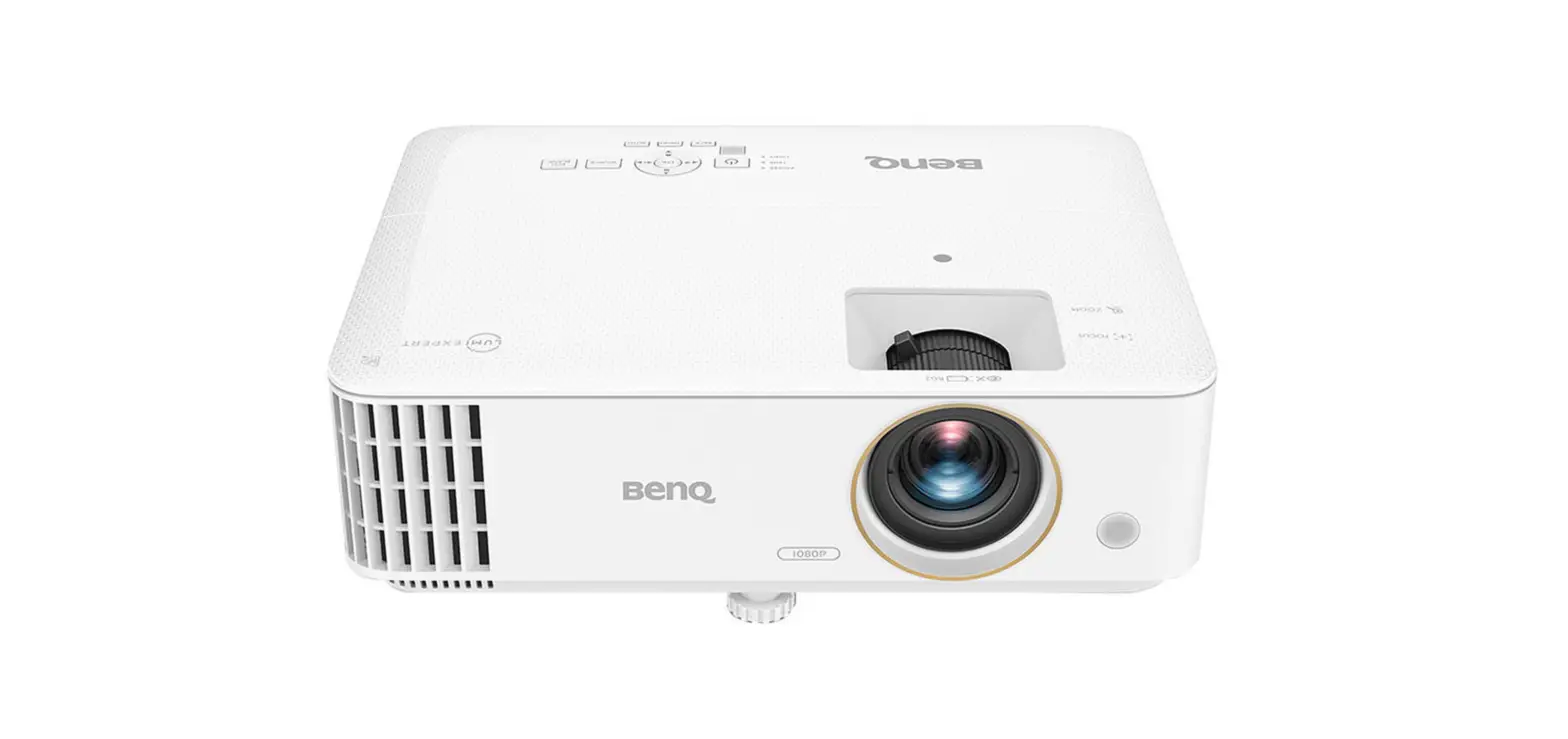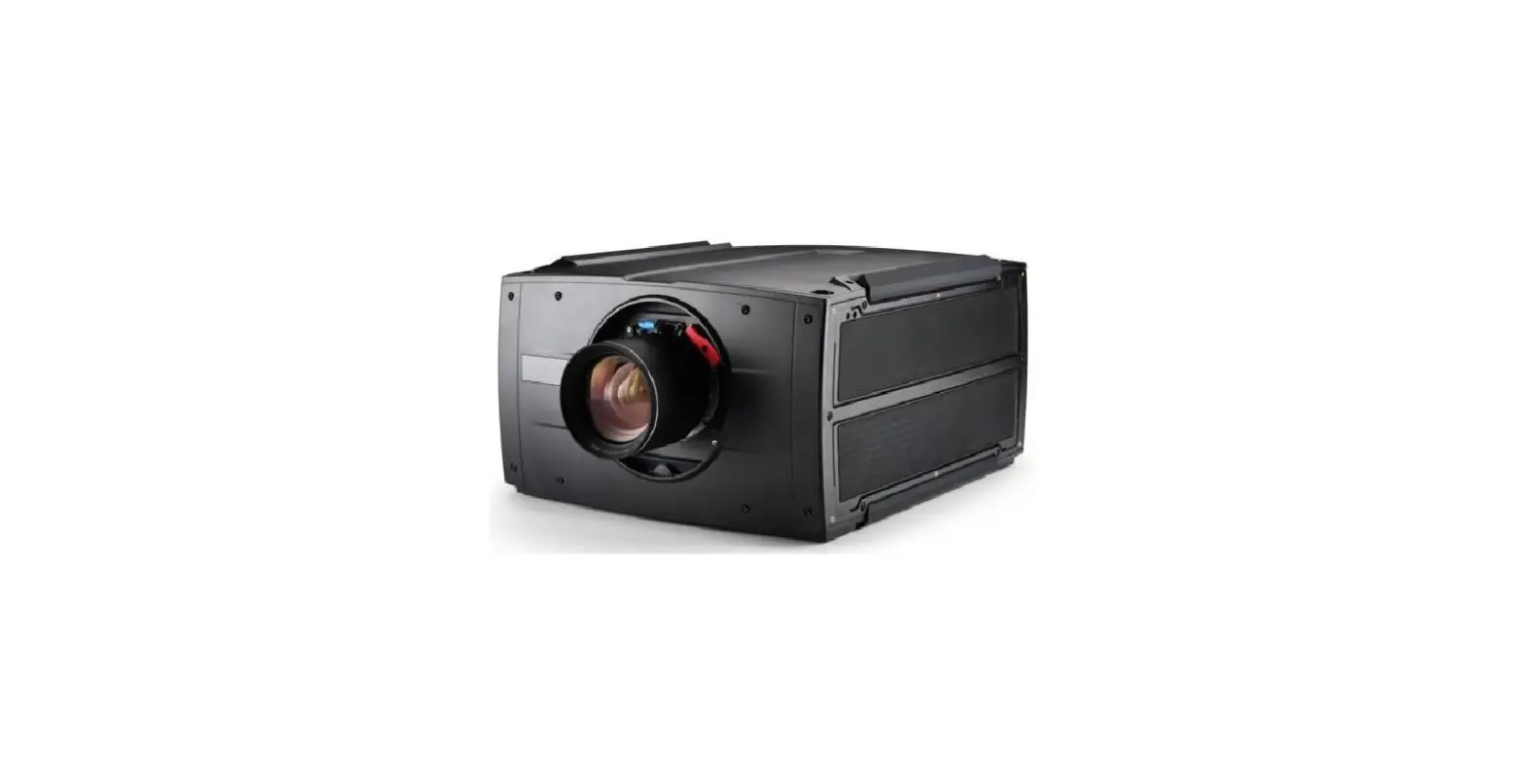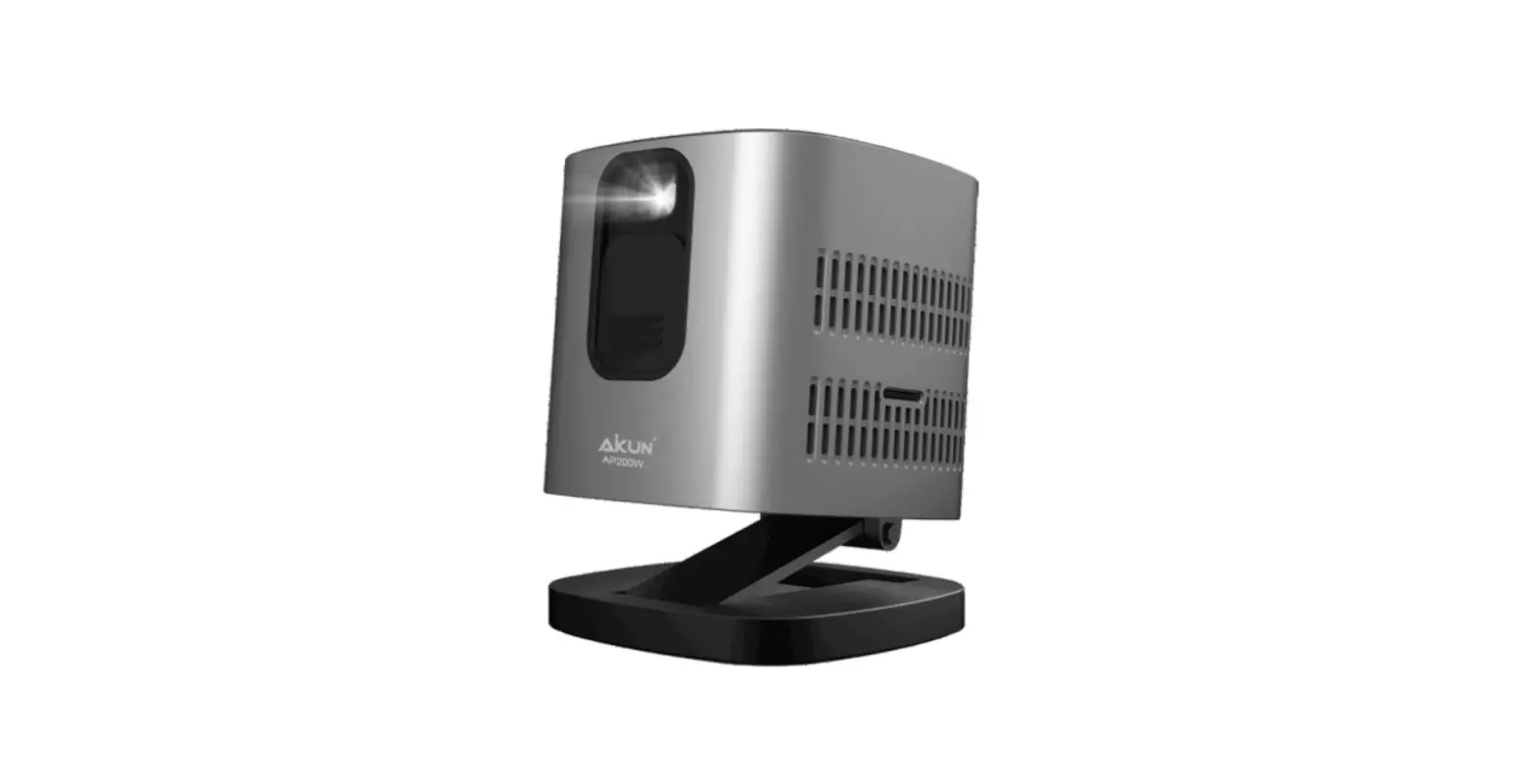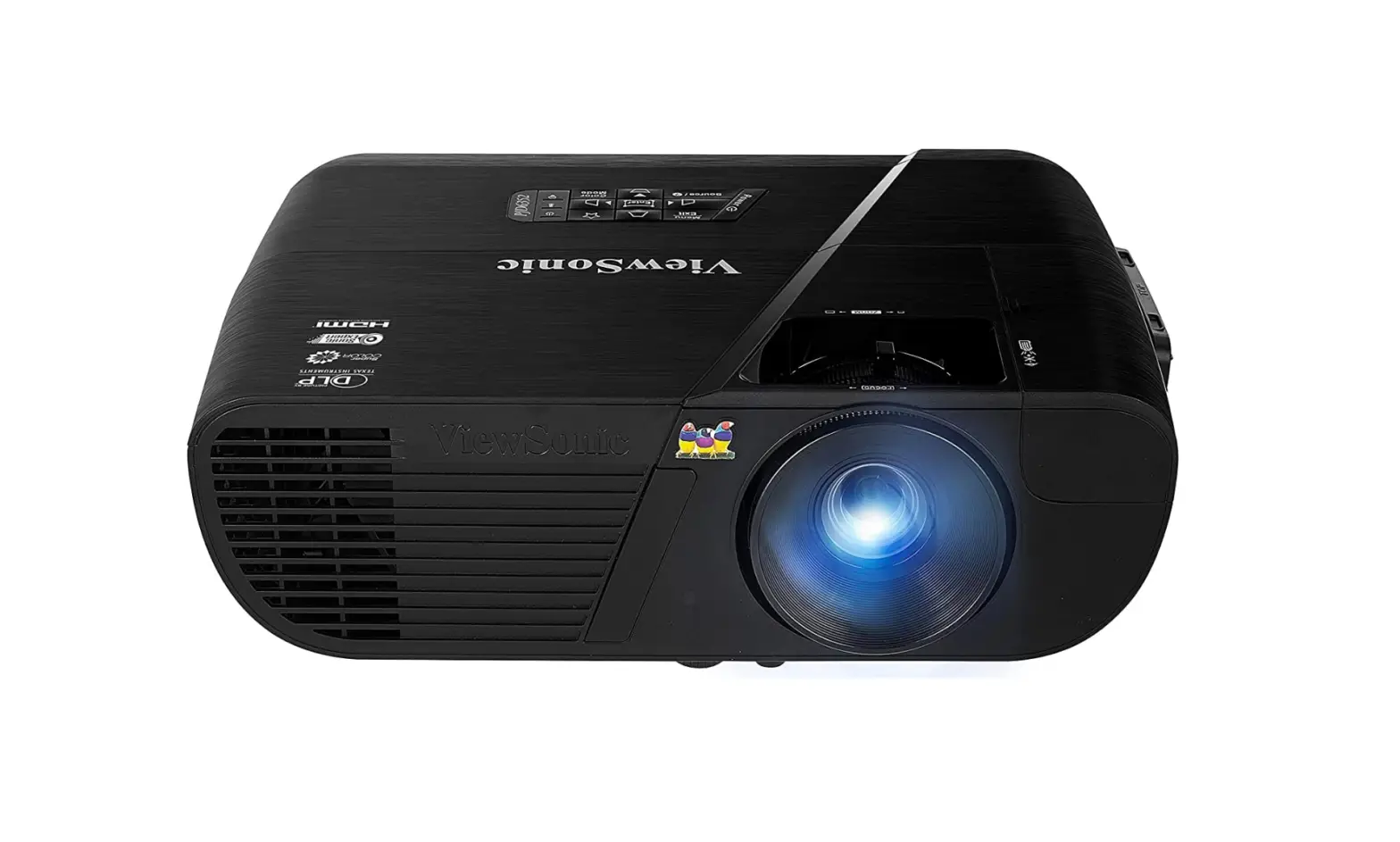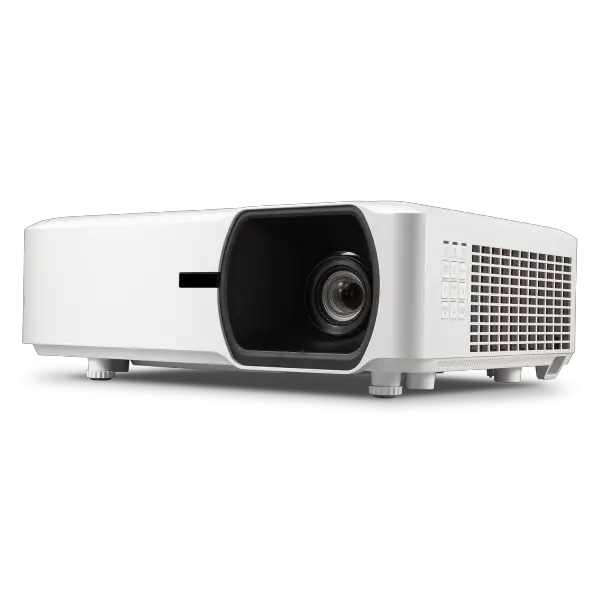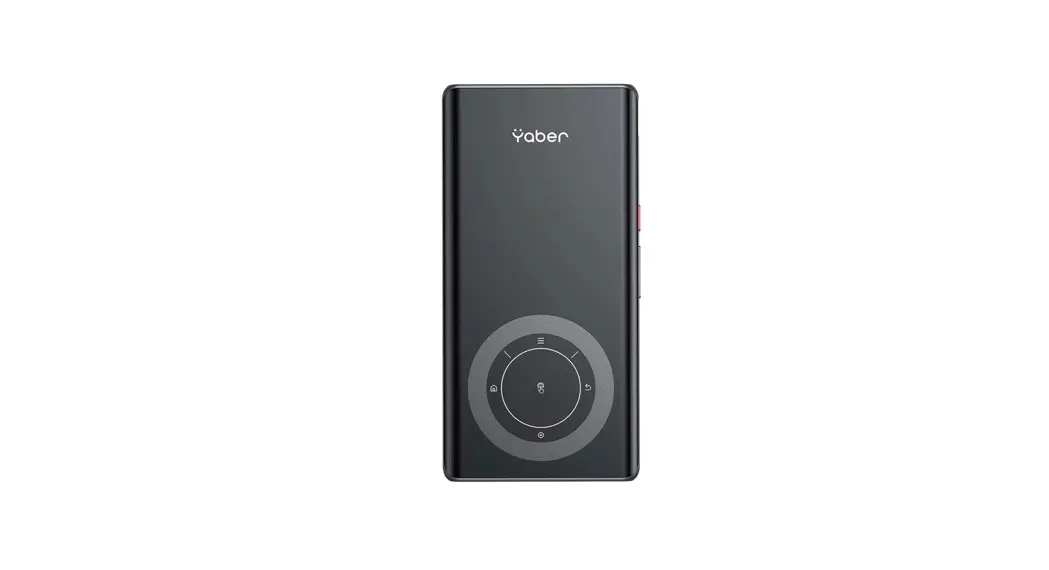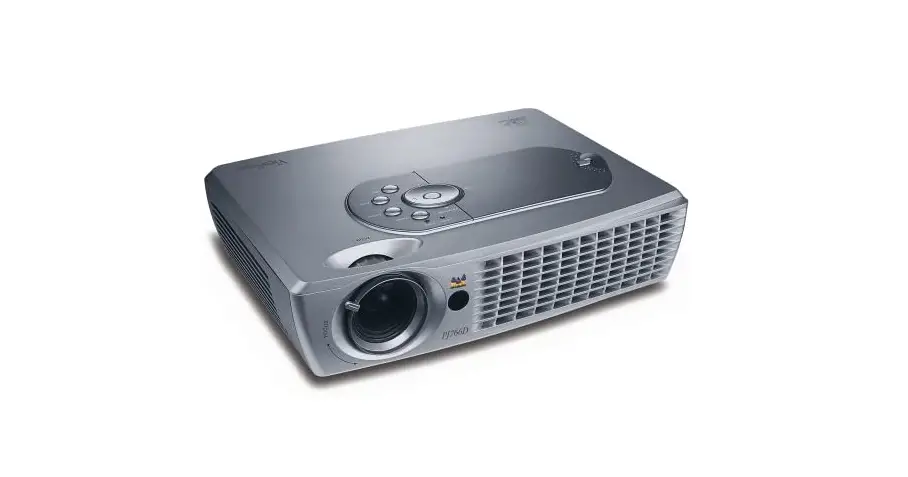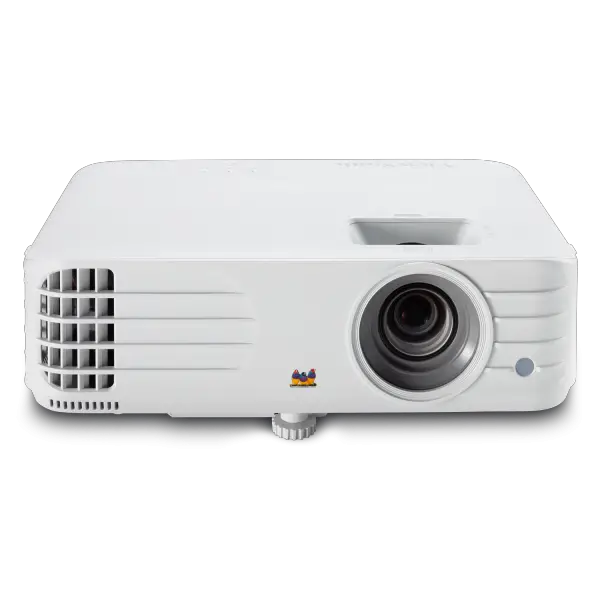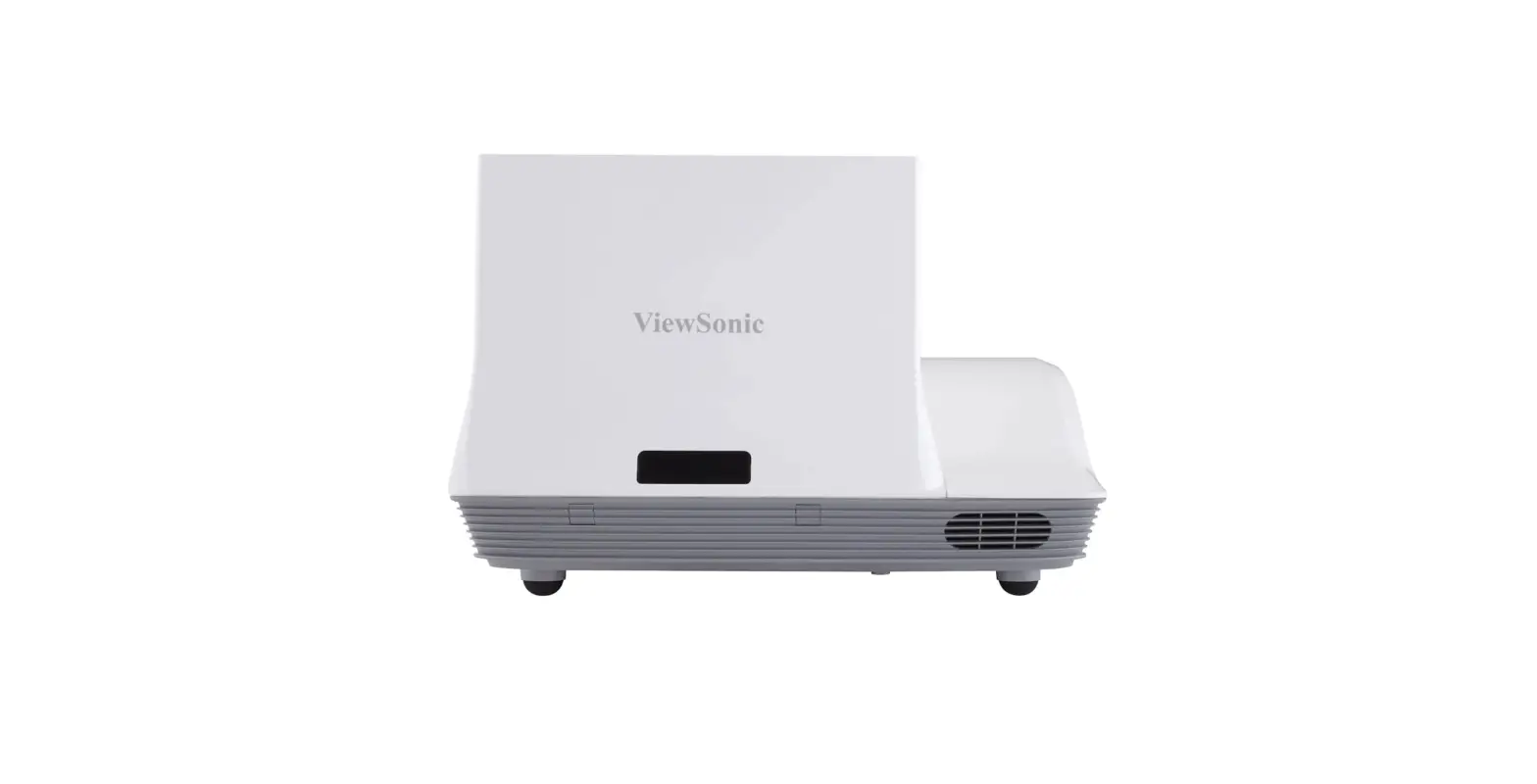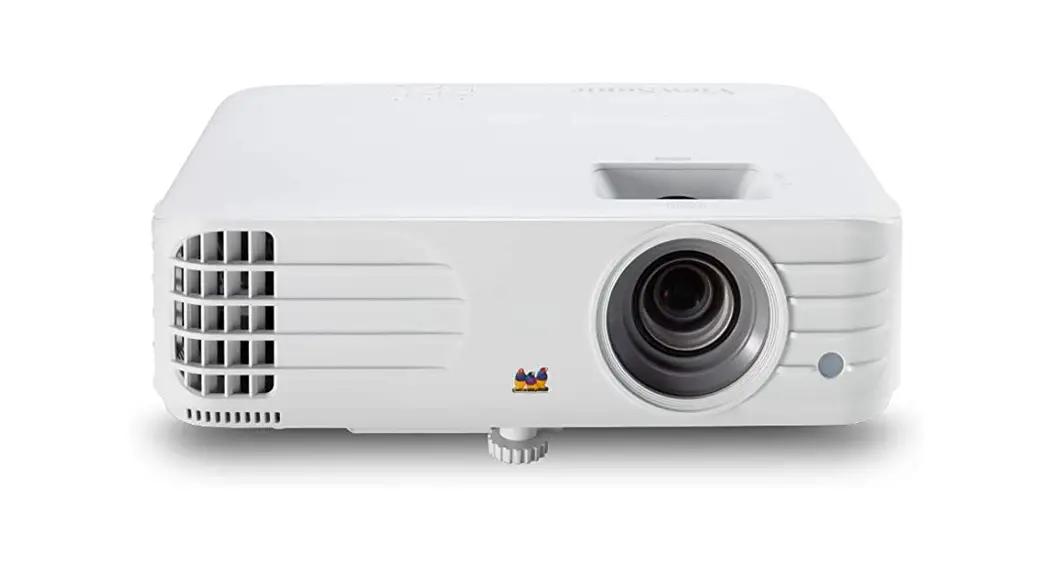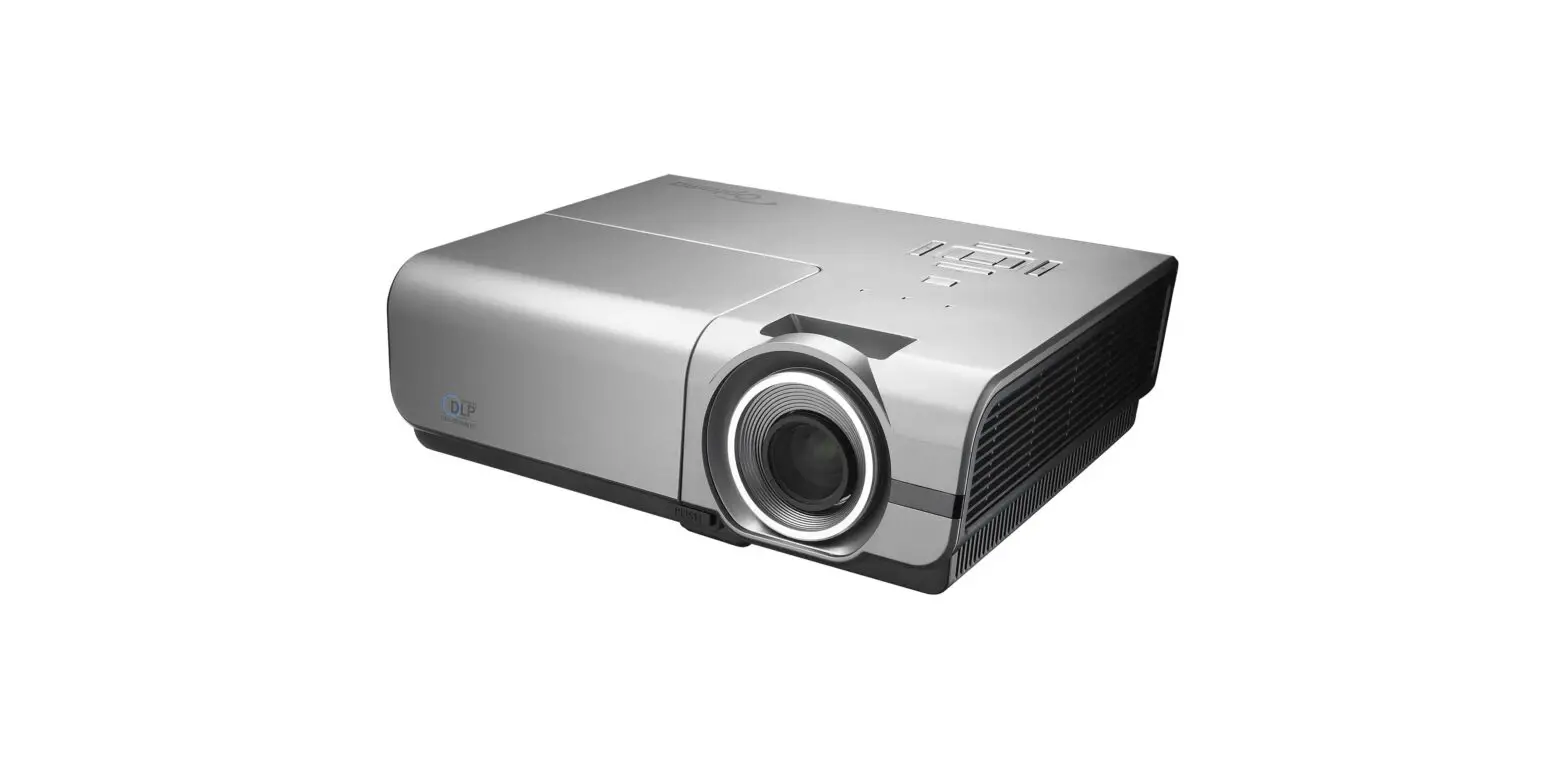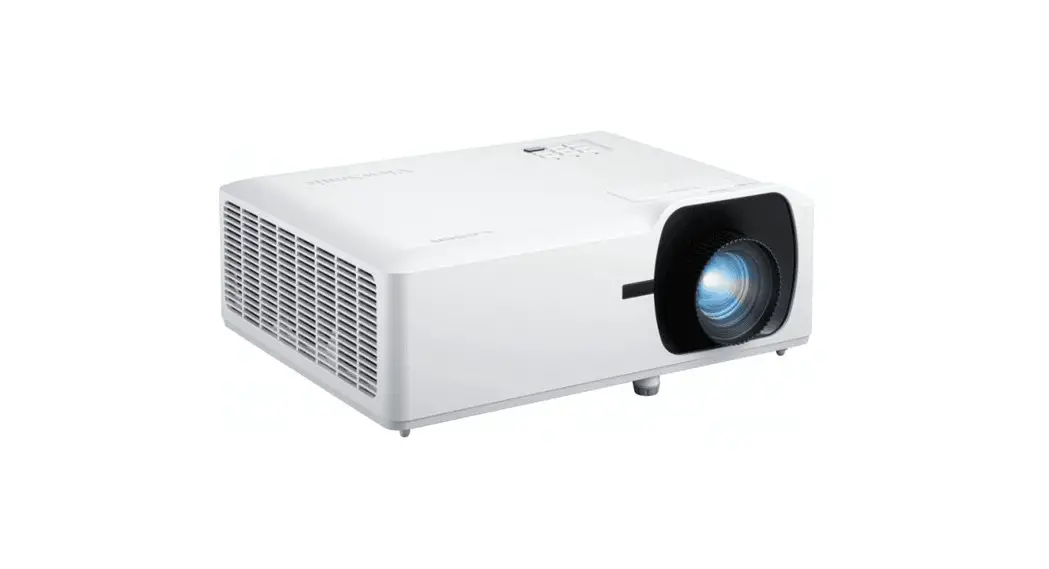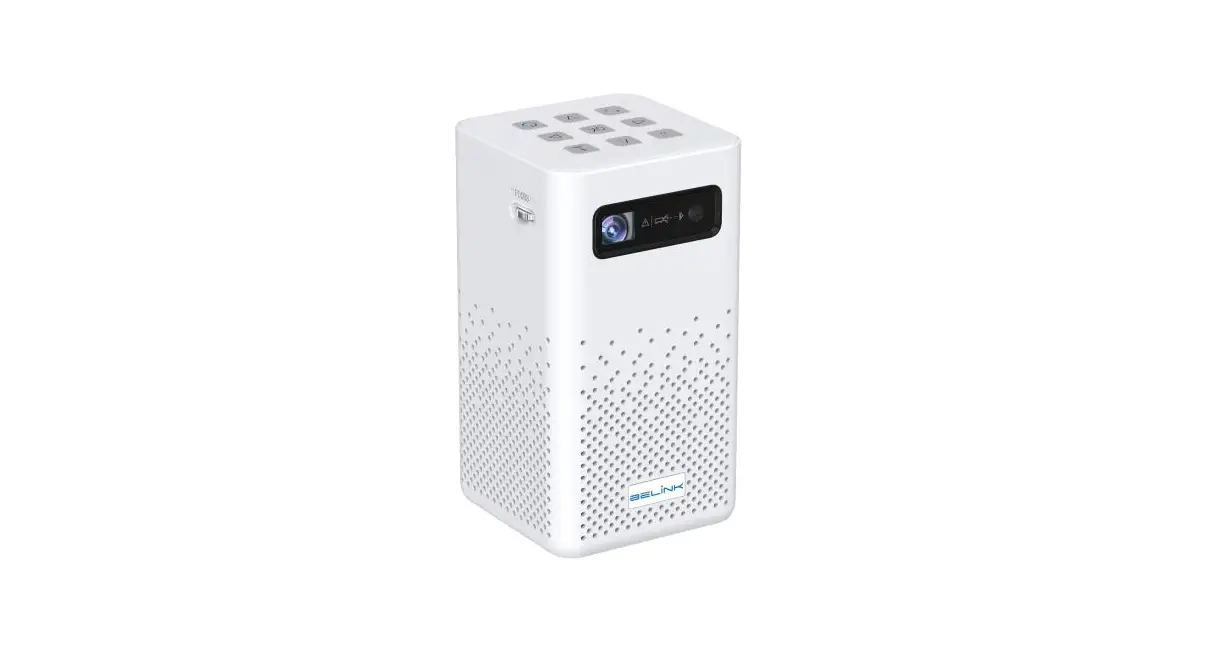

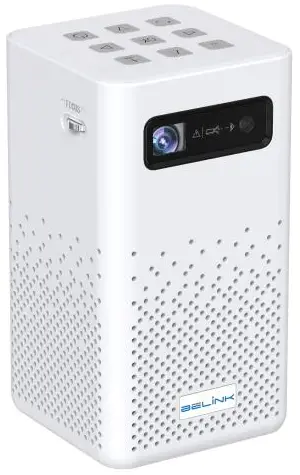
Belink MK-7500 Pro DLP Pico Projector
Specifications
- Image Contrast Ratio: 2000:1
- Maximum Throw Distance: 32
- Model Name: MK 7500 PRO 3D
- Minimum Throw Distance: 2
- Item model number: MK-7500 Pro
What’s in the box?
- Projector
- Case
- Remote
- HDMI cable
Product Descriptions
Projector for home theatres, BELINK MK7500 Portable Pico Video OEM ODM DLP LED UHD. The DLP projector technology used to create the MK7500 small projector is the most advanced. At home, watch the 4K UHD movie! Keystone correction automatically and 1080p Full HD input support. A computer, smartphone, PS3/PS4, or other device can be linked to a BELINK projector’s HDMI INPUT. Dolby sound effect is supported by built-in powerful speakers (2x5W).
Enjoy the fantastic, vibrant, and frightening sound. 2.4G/5.8G dual-band WiFi built-in; use iOS Airplay, Android Happy Cast, or DLNA to quickly and flawlessly mirror your smartphone to the projector. The mirroring capability is still available even in a no-Wi-Fi situation. The screen-sharing feature requires a USB connection.
The DLP projector technology, Android 9.0 Operating System with Keystone Correction, multi-Core CPU, and HDMI/TF/USB Socket for playing external media are just a few of the cutting-edge technologies used to create the MK7500 small projector. It is possible to connect a BELINK projector to a computer, smartphone, PS3/PS4 console, XBOX, and other devices through HDMI. Built-in Google Play Store where you can download a variety of applications.
Features
A large box with a powerful light source inside, a fan to keep the box cool, and a large lens to focus the light are the conventional components of an overhead projector. A mirror that is placed above the box, usually on a long, folding arm, reflects the light downward as opposed to upward.
Contrast
Video displays use ratios to describe contrast, such as 1,000:1 or 1,000,000:1. The distinction between the blackest black and the whitest white is discussed. Your projector should display both a stunning, spotless snowfield and the starless, night sky above it.
Color adjustments
You obviously want your projector to accurately depict color. Reds and greens should appear red, and greens should appear green. However, the projector’s settings and changes are typically the secret to obtaining true color (again, some of this will rely on your screen choice and how the image interacts with room color or lack thereof).
Optical zoom
All projectors include a zoom lens, with the possible exception of desktop projectors used for corporate presentations (and very tiny Pico projectors). Because of the zoom, you have some room to walk forward and backward while placing your projector in front of the home theatre screen.
Note:
Products with electrical plugs are made with American consumers in mind. Because outlets and voltage vary from country to country, this device might need an adapter or converter to be used where you are travelling. Before buying, kindly verify compatibility.
Frequently Asked Questions
On my Android phone, I was able to watch videos after purchasing a USB C to HDMI adaptor (not an iPhone). In my situation, the cord that connected to my phone was a USB C cable with an HDMI connector on the other end for the projector. You should look for a cable that can transport data to HDMI while connecting to other Android phones. An iOS smartphone unquestionably needs a Lightning to HDMI converter.
Yes! It works with a 16:9 aspect ratio projection screen.
If you use an adapter, look up your iPad generation to find a compatible HDMI out, and then use that to connect to the projector (Amazon and other retailers sell HDMI out adapters). Your phone, tablet, or laptop’s operating system has no bearing on the projector. If configured correctly, it will display whatever that is ported into it.
Not at all. It’s a projector first and foremost, and it performs as expected.
Yes. This little projector is compatible with screens that measure 28 x 210 inches.
The image quality is good enough to view. Although you can adjust the screen’s blur, not much will change. The screen size cannot be altered, although the projector can be backed up or moved forward to help.
A little speaker is integrated within it.
You must first connect to the built-in Wi-Fi of the portable projector in order to reflect it.
Yes, this iPhone’s tiny projector is capable of doing that.
Any phone may use it, but you need to purchase a USB-C to HDMI adaptor for it to work. If you use that kind of charger to charge your phone.
Adjustment controls are located on the top of the projector, above the lens.
If you connect to a video source that can, all of the things you mentioned can be played. It has no smart TV features; it is just a projector.
Use a Lightning to HDMI adaptor if necessary, and make sure to select “HDMI” asthe signal source.
There should be an option to display numbers on the pad of the screen.
A projection size of 80 to 100 is ideal.