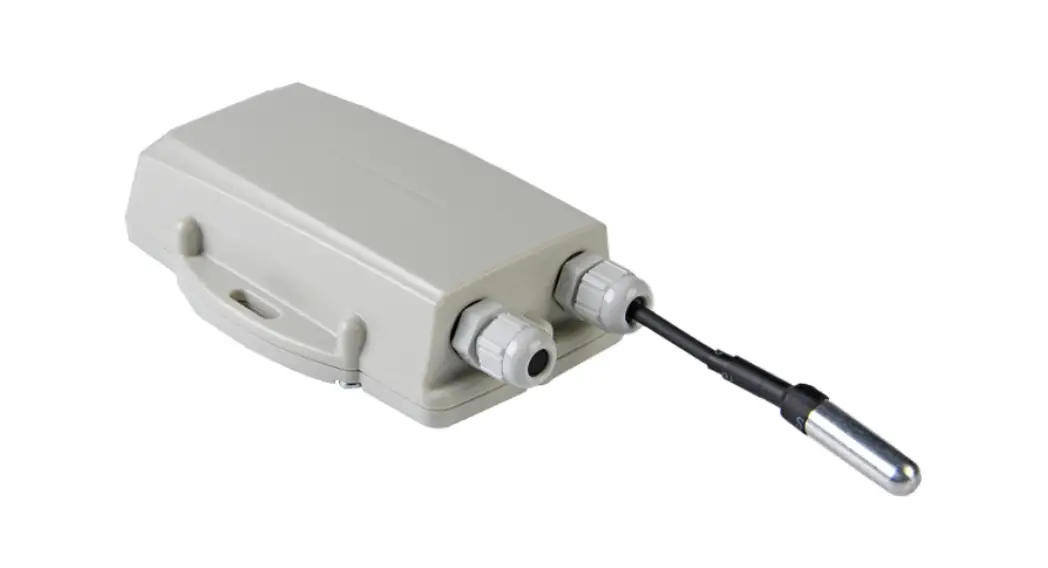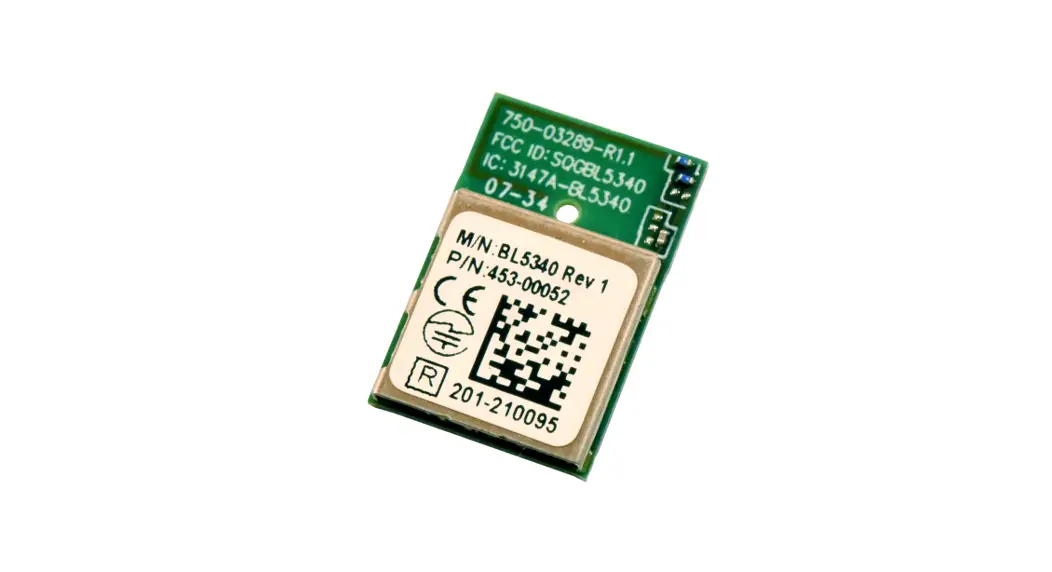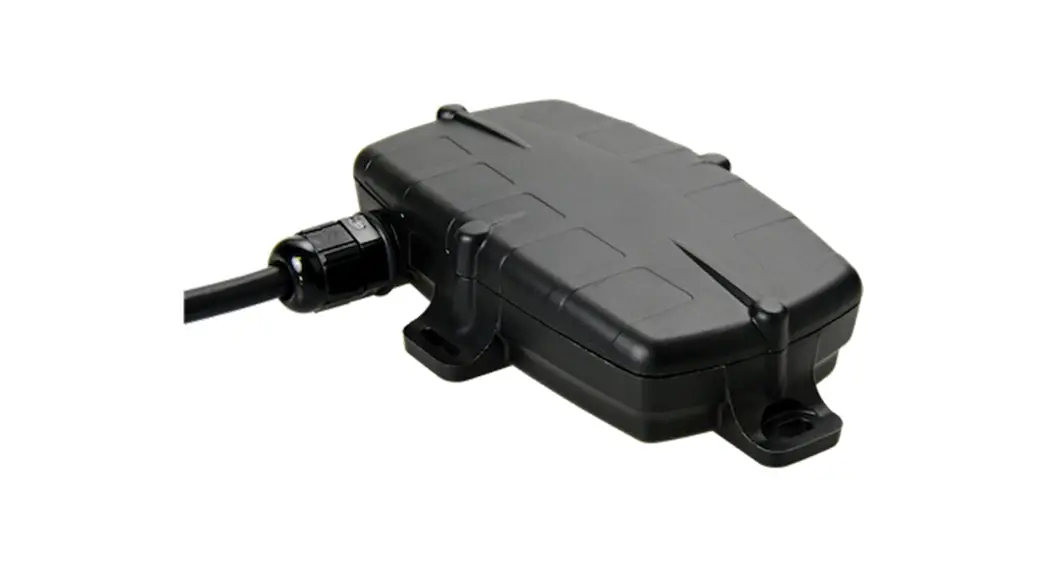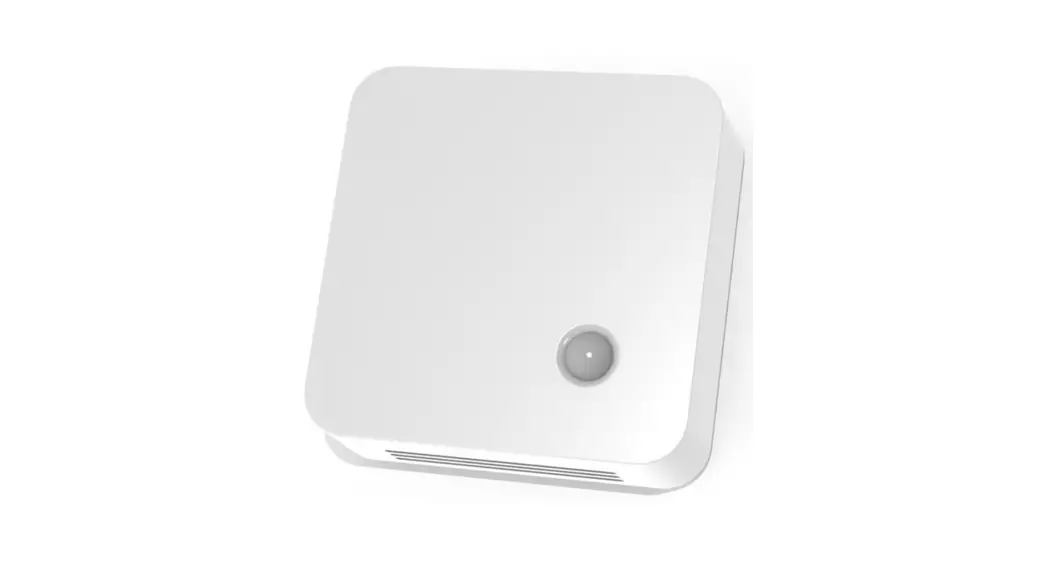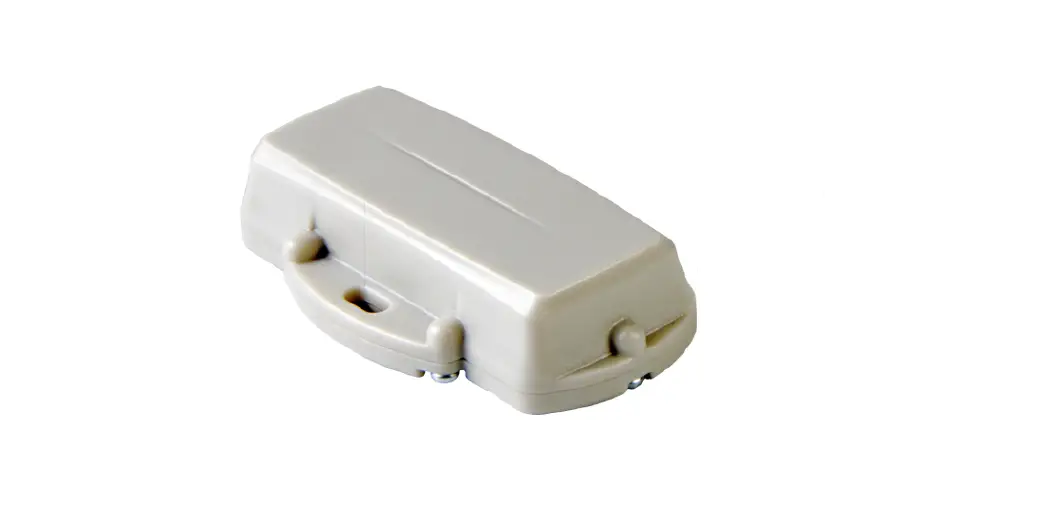

CalChip CONNECT SEN-000028-915 Digital Matter Guppy LoRaWAN Tag

In the Box
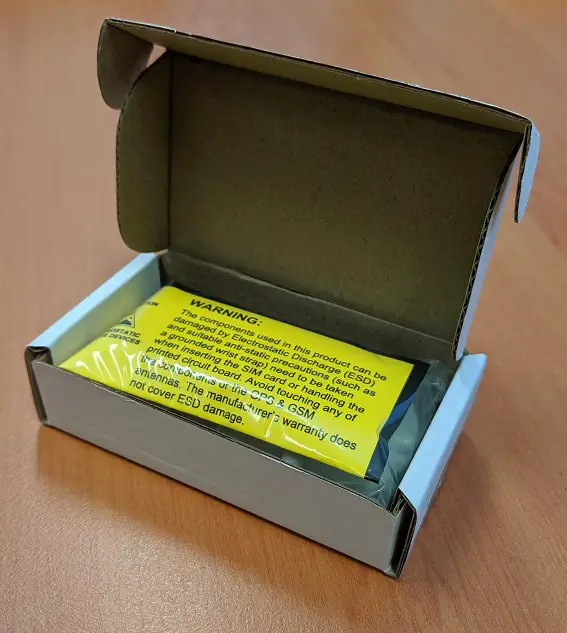
You will receive a Guppy Bluetooth® tag and a bag of 6 housing screws.
Setting It Up
Simply open the housing and insert 2x AAA batteries, for optimum operation we recommend 1.5V lithium batteries. Then screw down the housing tight enough to seal the Tag.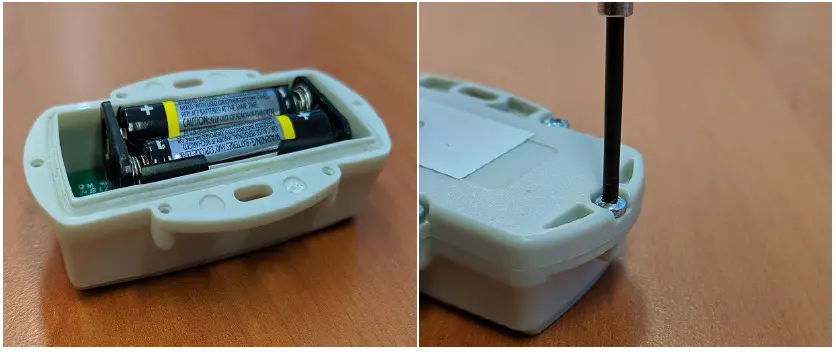
Gateway Bluetooth® Parameters
For System Parameter settings to enable your gateway device to pair with your Guppy Bluetooth® Tag, visit this article.(https://support.digitalmatter.com/support/solutions/articles/16000103106-bluetooth-getting-started-tags-scanning)
 Bluetooth® Getting Started - Tags & Scanning : Digital Matter Support
 Guppy Bluetooth® Tag | Compact and Ultra-Rugged Bluetooth Tag