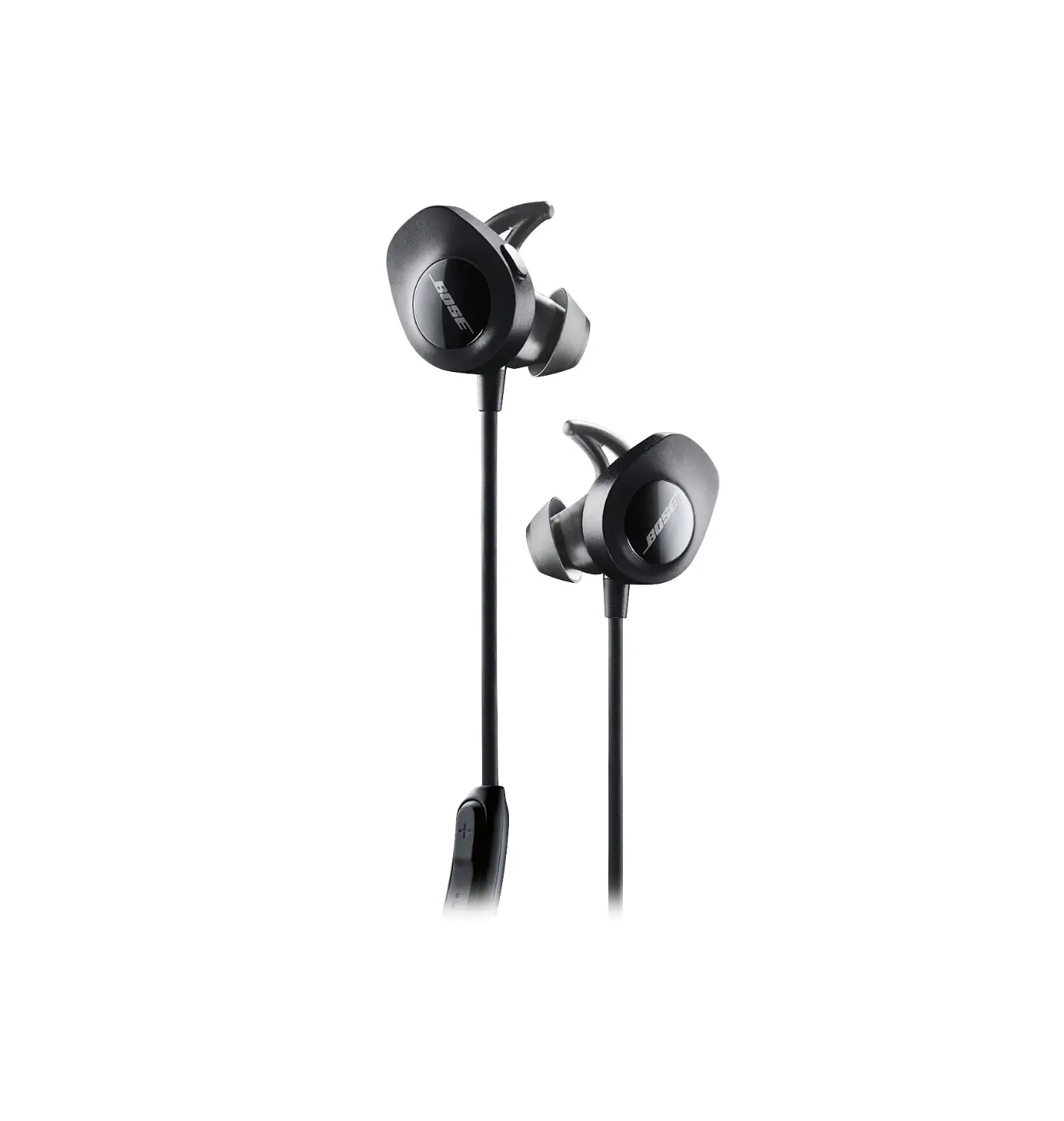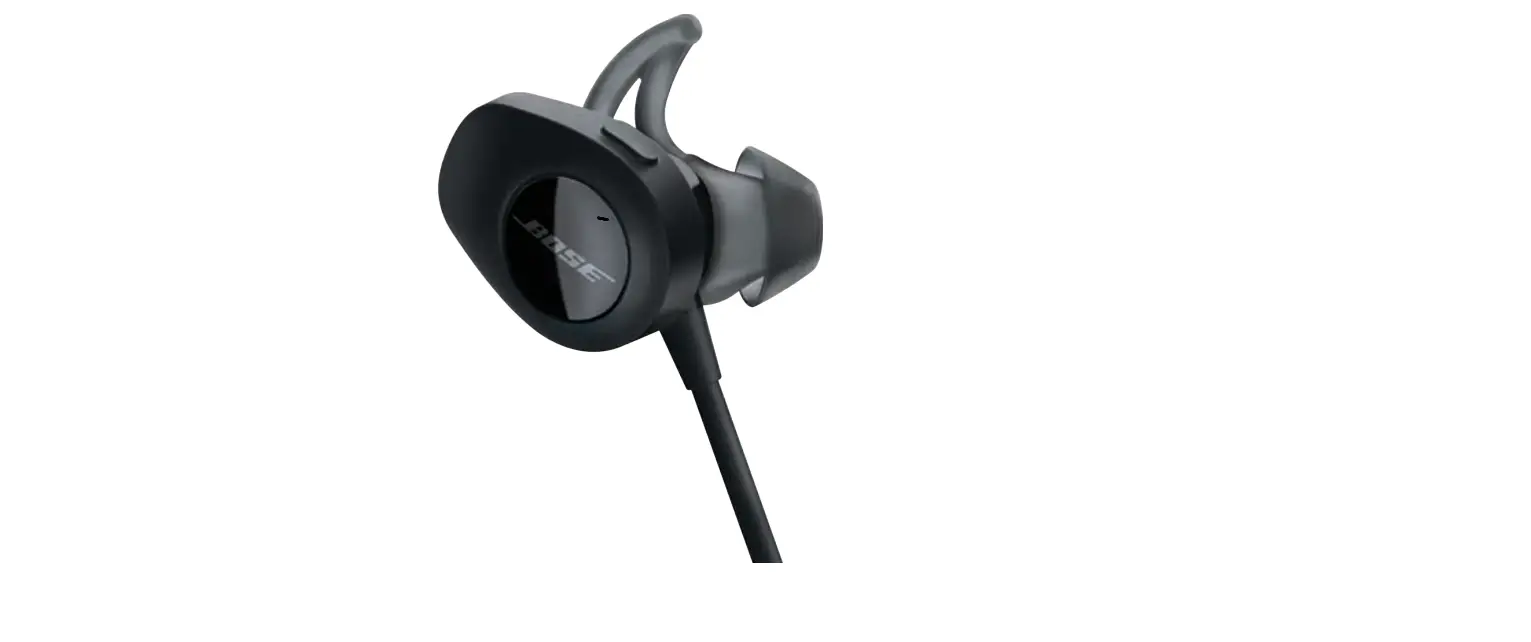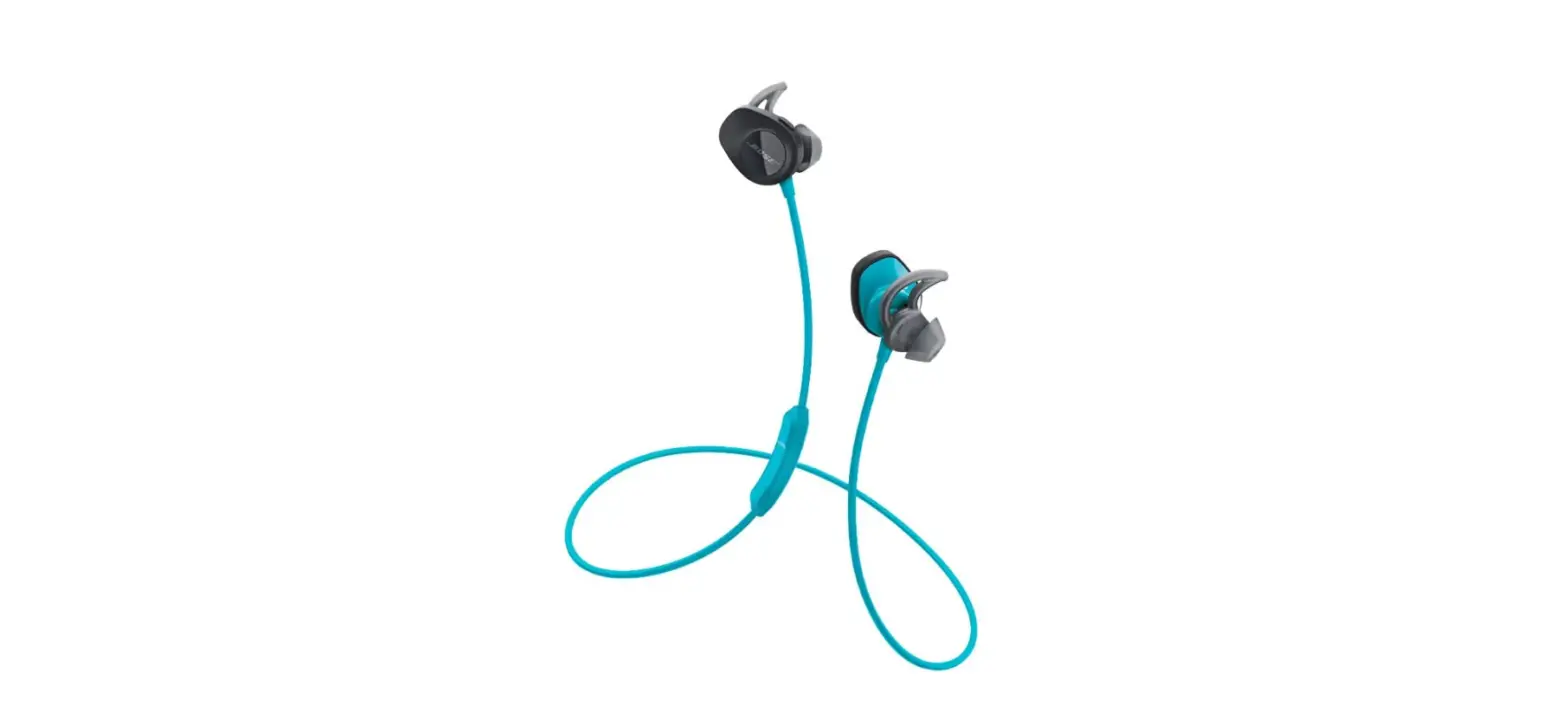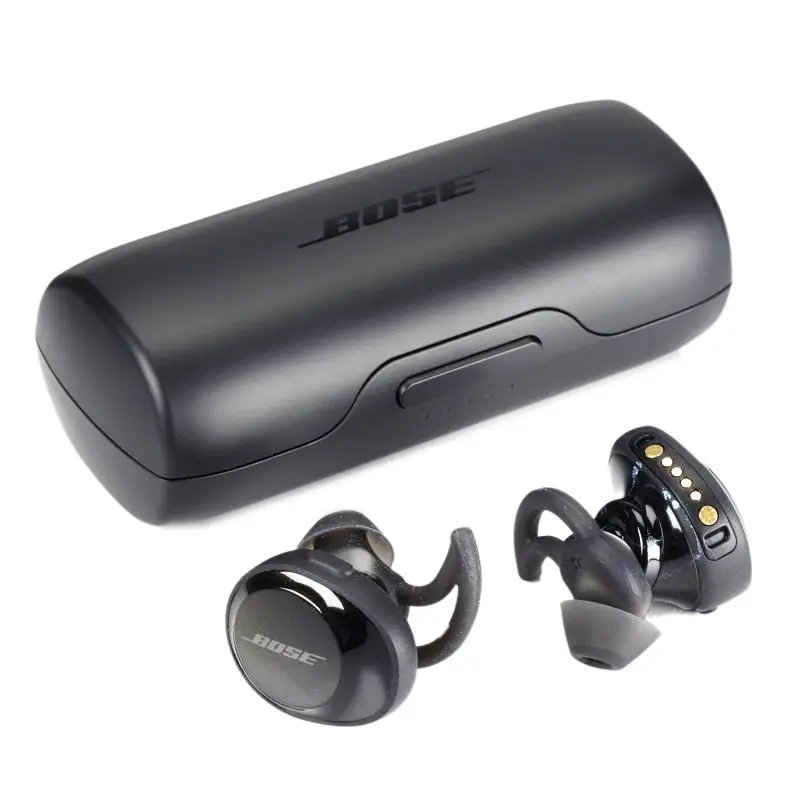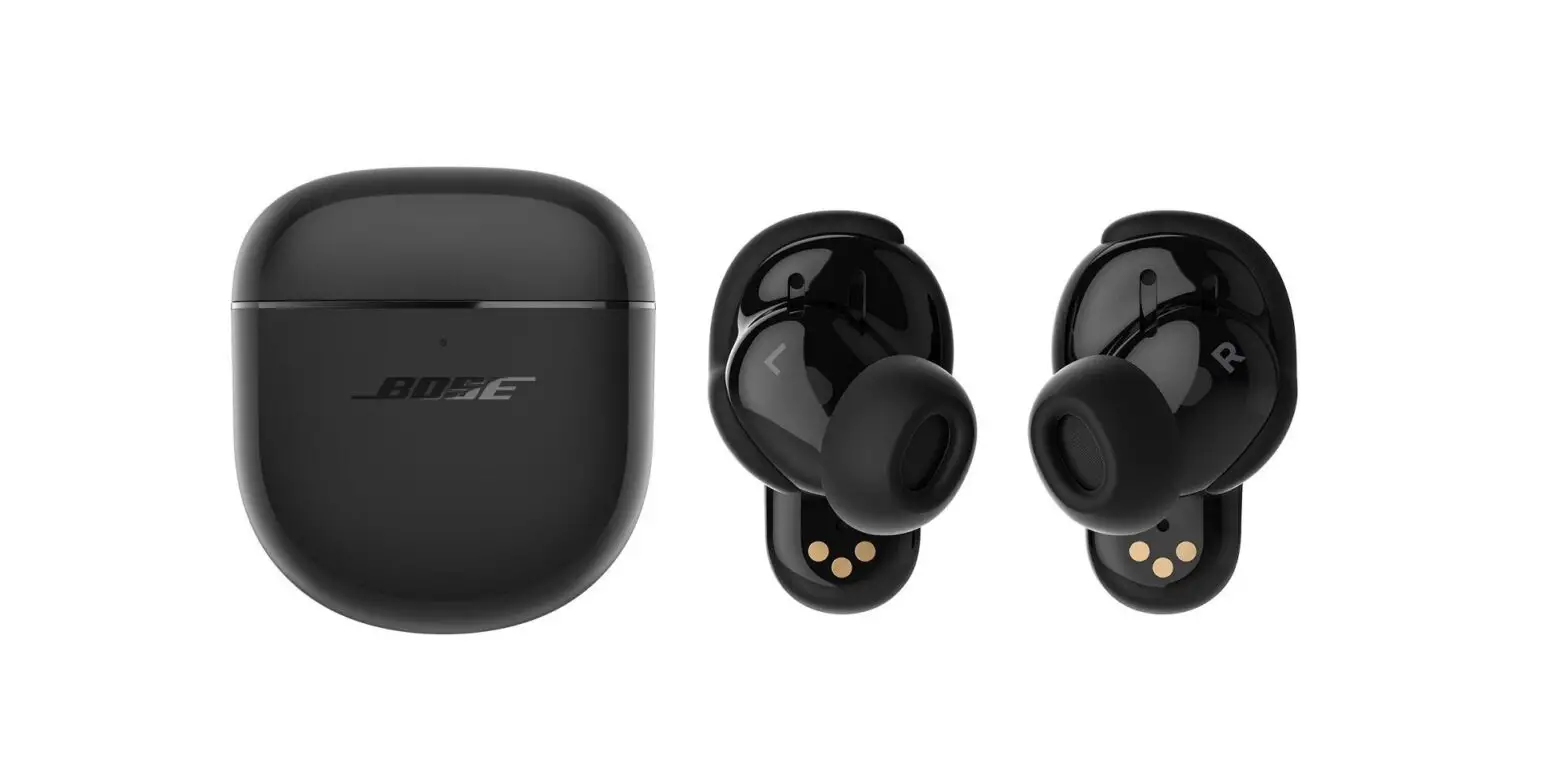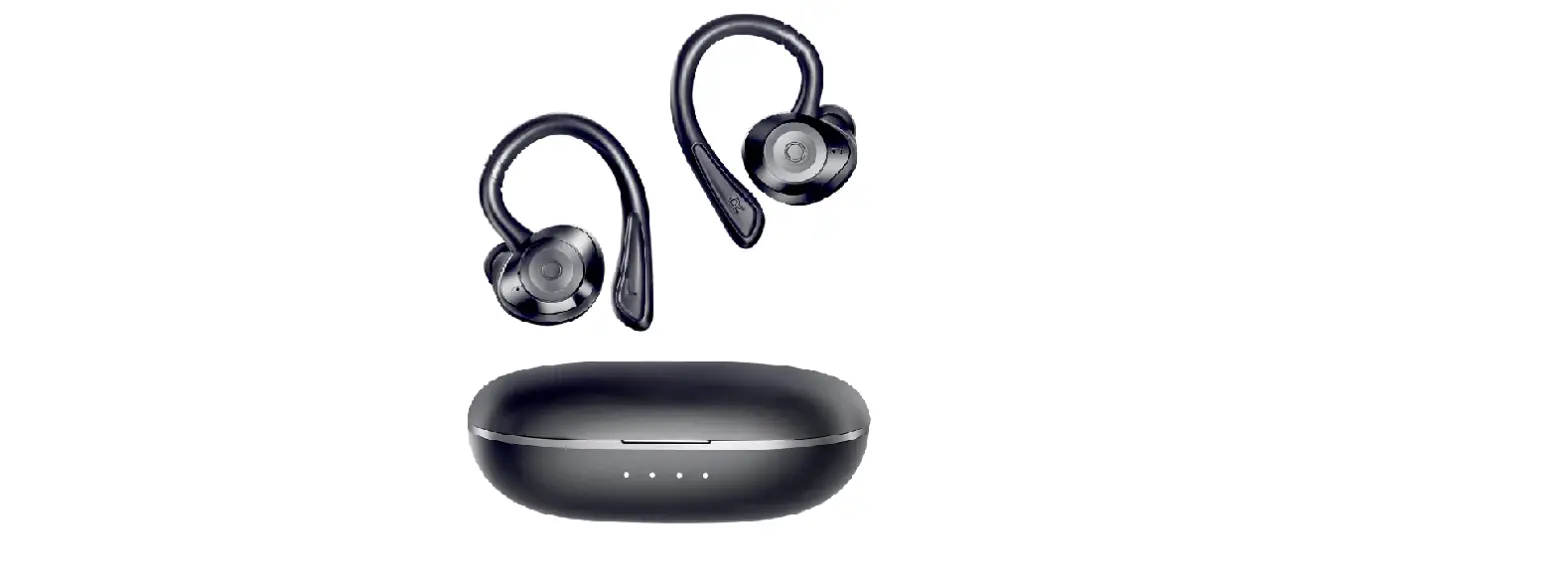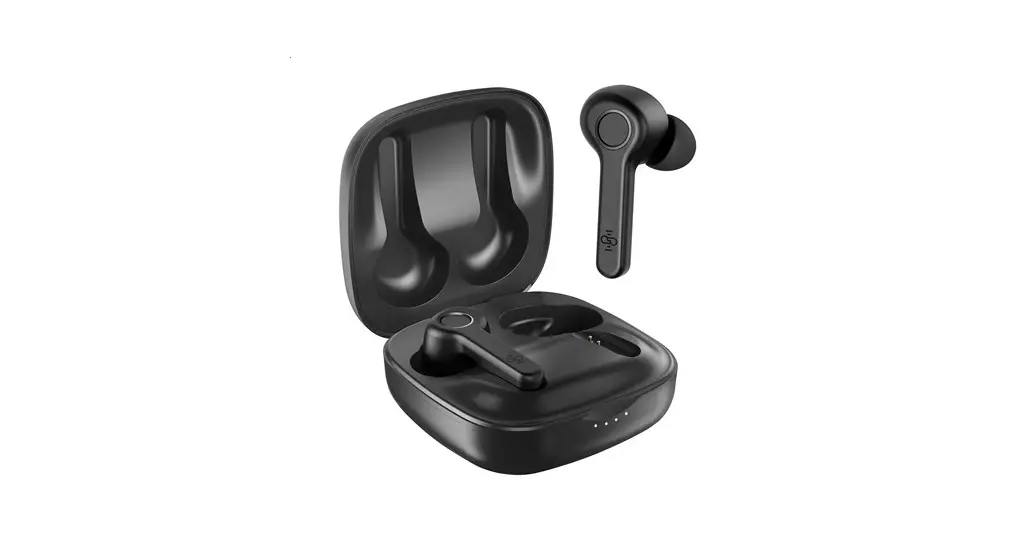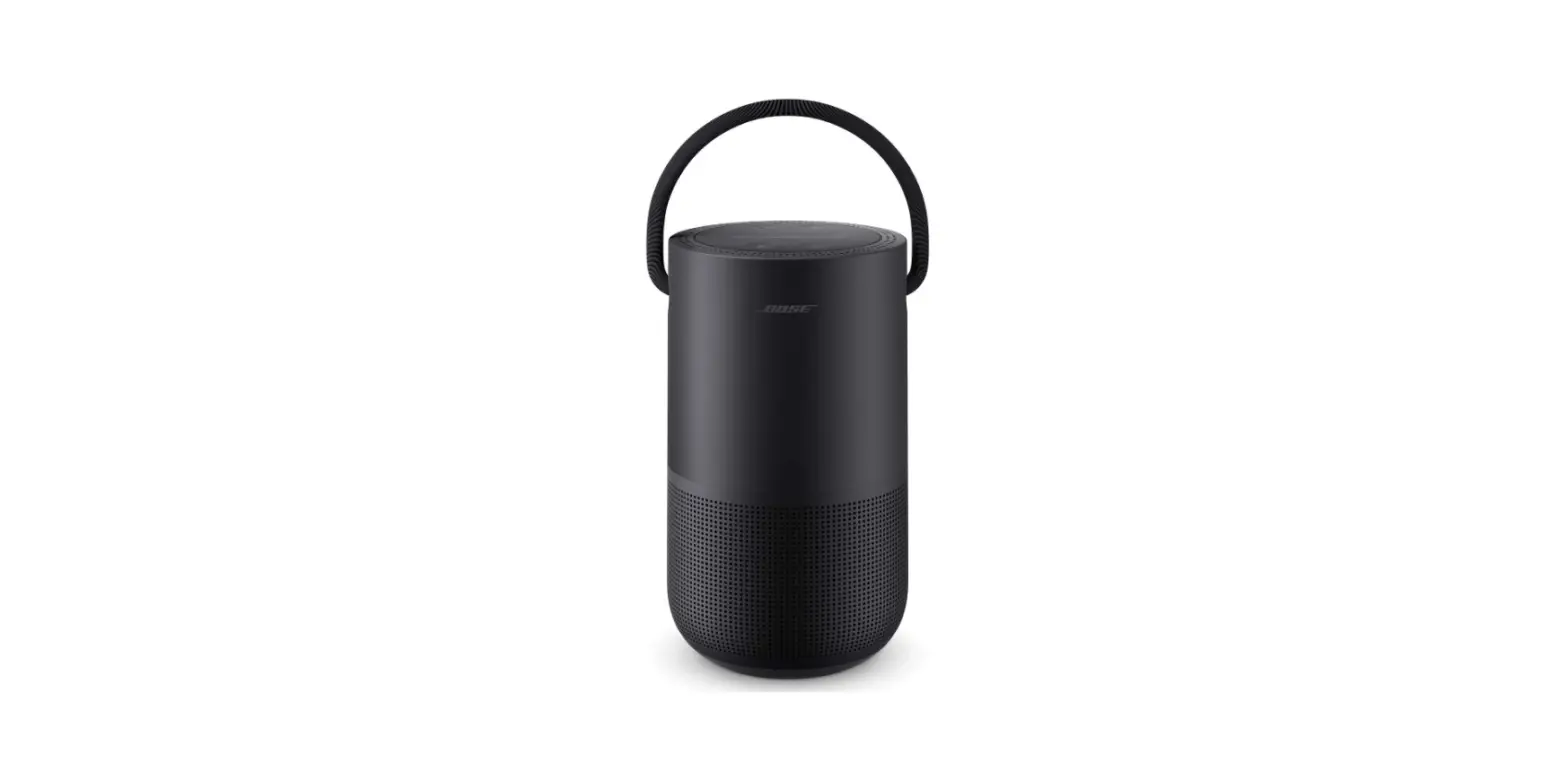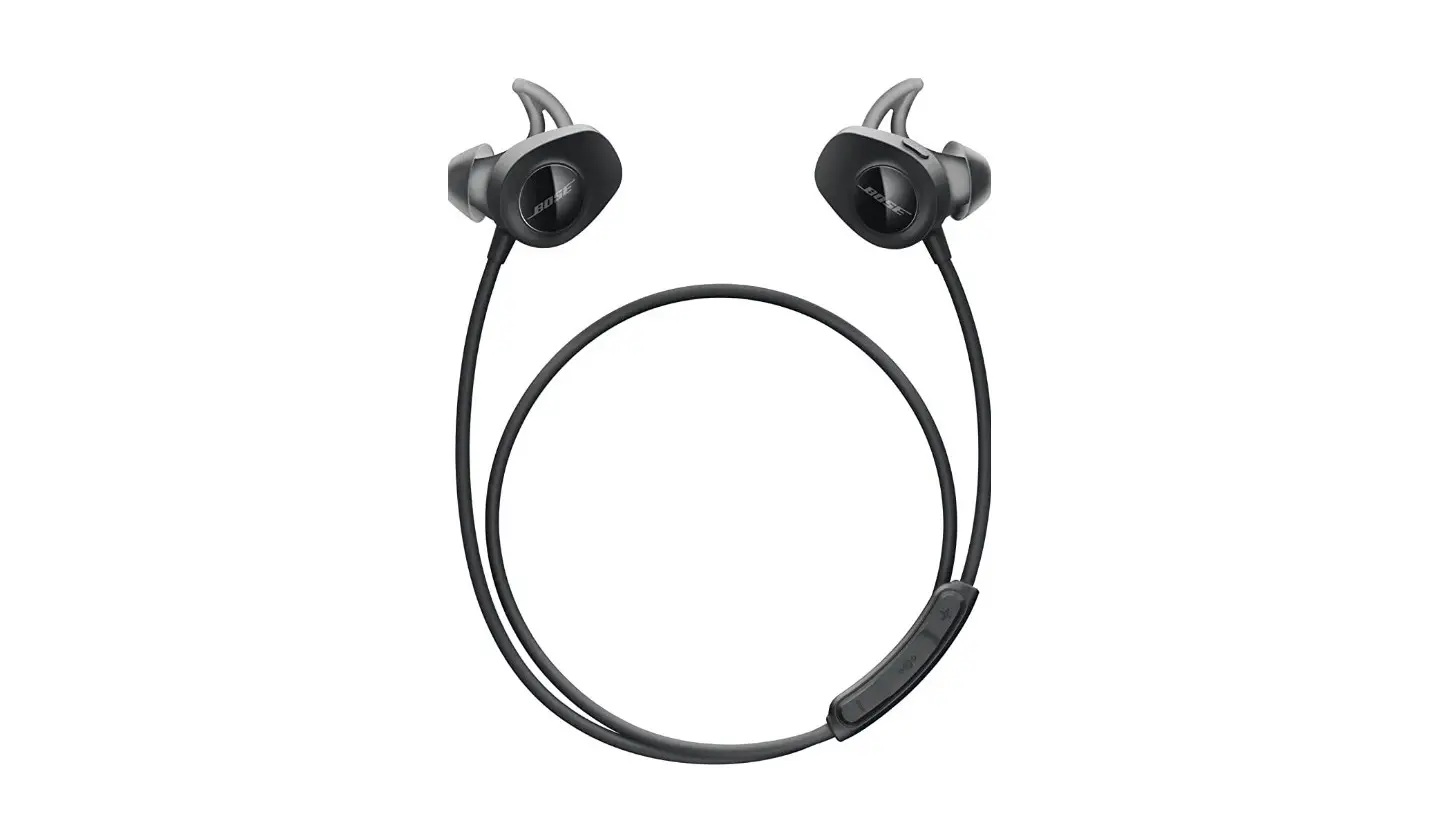
BOSE SoundSport Wireless In Ear Bluetooth Earbuds User Guide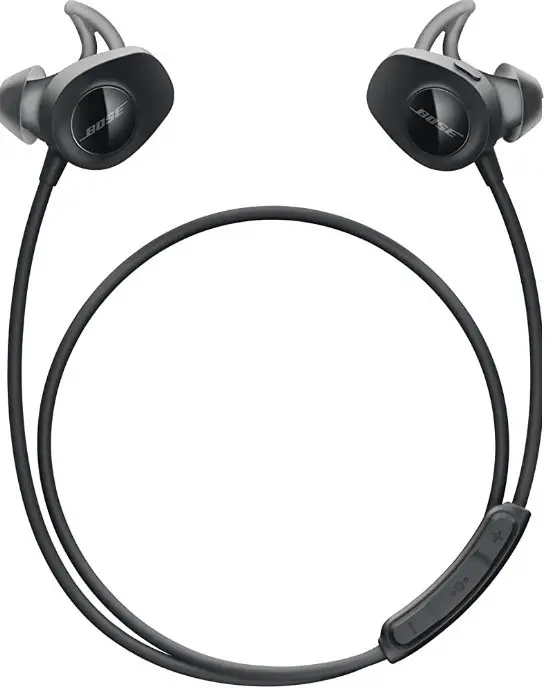
SoundSport Wireless
In Ear Bluetooth
Congratulations on your new Bose headphones! This Quick Start Guide will show you the basics of enjoying life’s sounds with your headphones.
Safety
Always be mindful of your surroundings when using your Bose headphones to avoid injuring yourself or others and to prevent damage to your headphones.
 Before using your Bose Headphones, please carefully read all the safe precautions at https://bose.com/SafetyInformationGuide.
Manual
The latest manuals are available at https://bose.c
FAQ
Frequently asked questions and basic usage guidelines can be found at https://bose.com/faq.
Warranty
Check your warranty status by navigating to https://bose.com/warrenty and entering your order number.
Customer Support
Need help? You can Contact Customer Support at https://bose.com/support.
The Basics
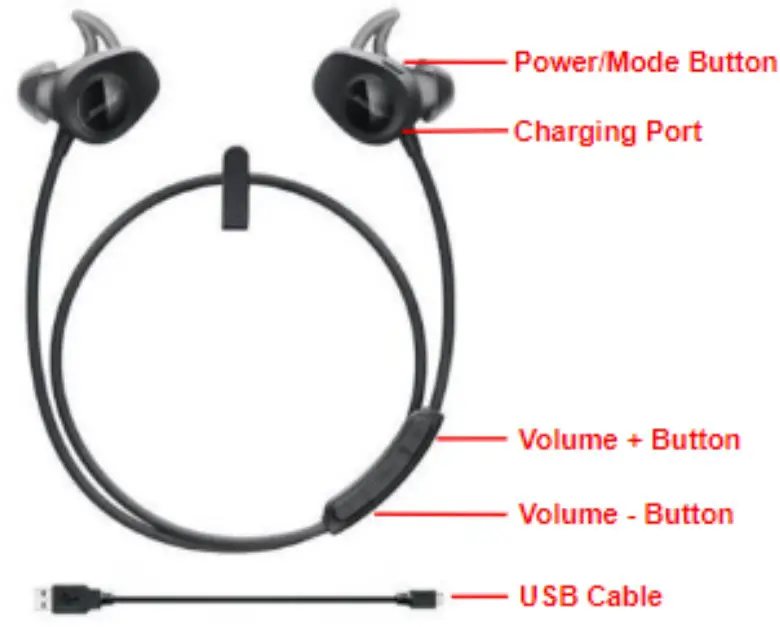
Turn On:
Press and hold the power/mode button until you hear the battery percentage.
Turn Volume Up:
Press the volume + button.
Turn Off:
Press and hold the power/mode button until you hear 4 beeps.
Turn Volume Down:
Press the volume – button.
Getting Started
- Unpack
Remove the headphones from the packaging and check components. - Charge
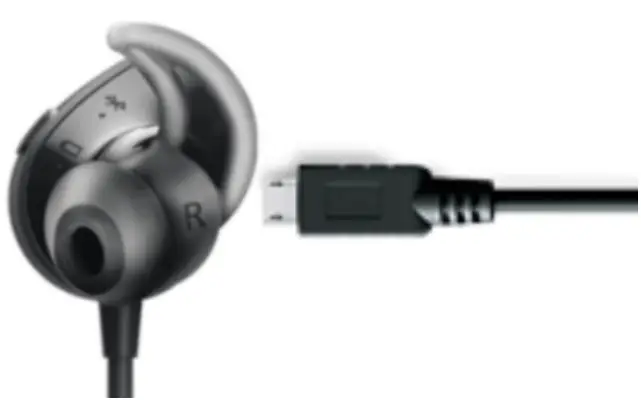
Plug the USB cable into the charging port.
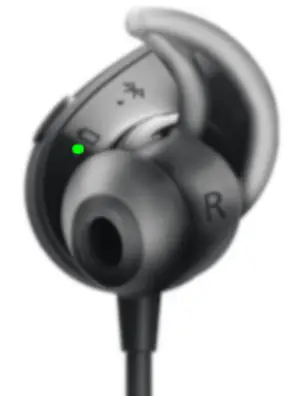
Unplug when the battery light turns green.
- Connect
Turn on the headphones.
Hold the power/mode button until the bluetooth light is flashing.
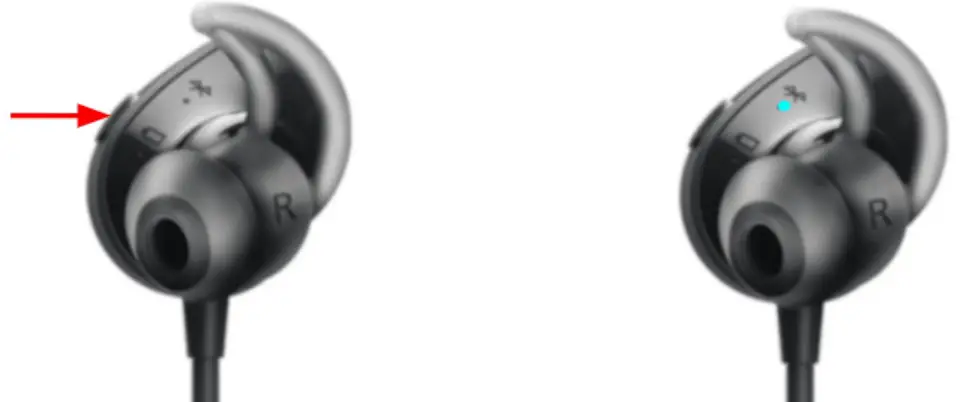
Select your headphones in the Bluetooth menu of the device.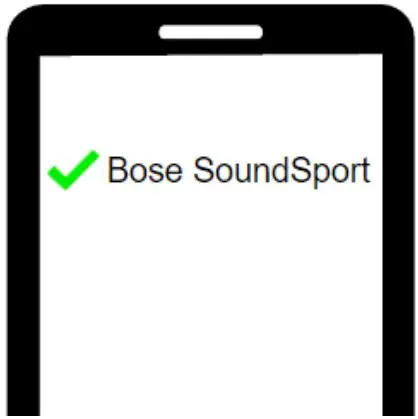

 Bose Speakers, Headphones, and Soundbars for Unmatched Audio Quality