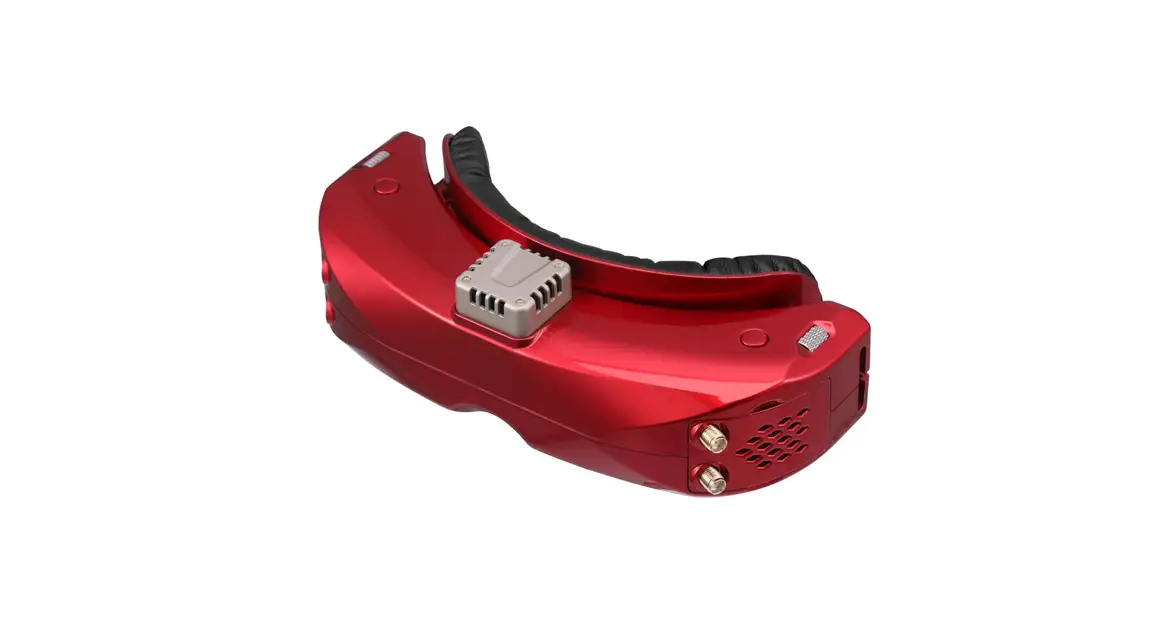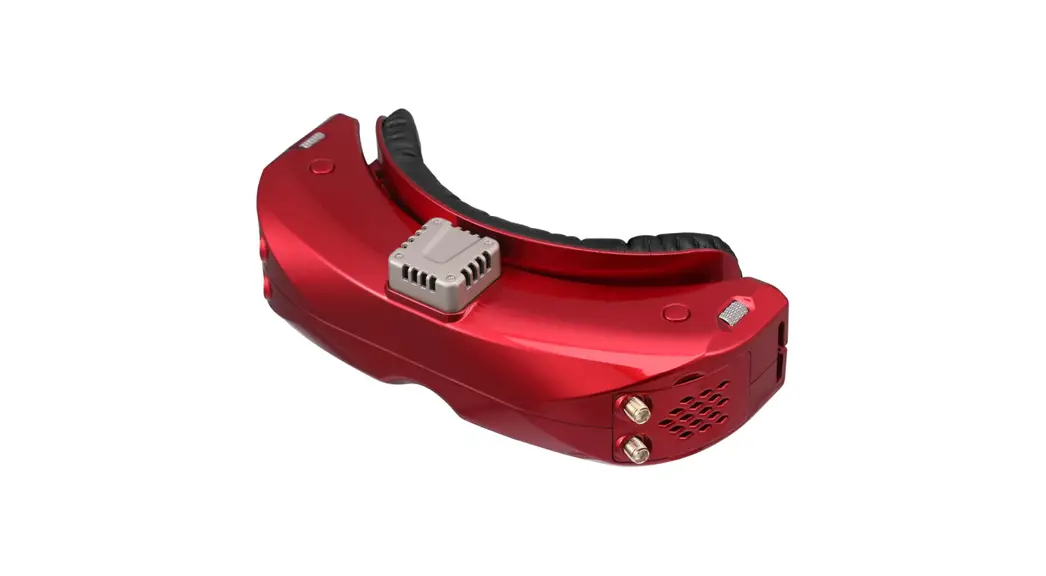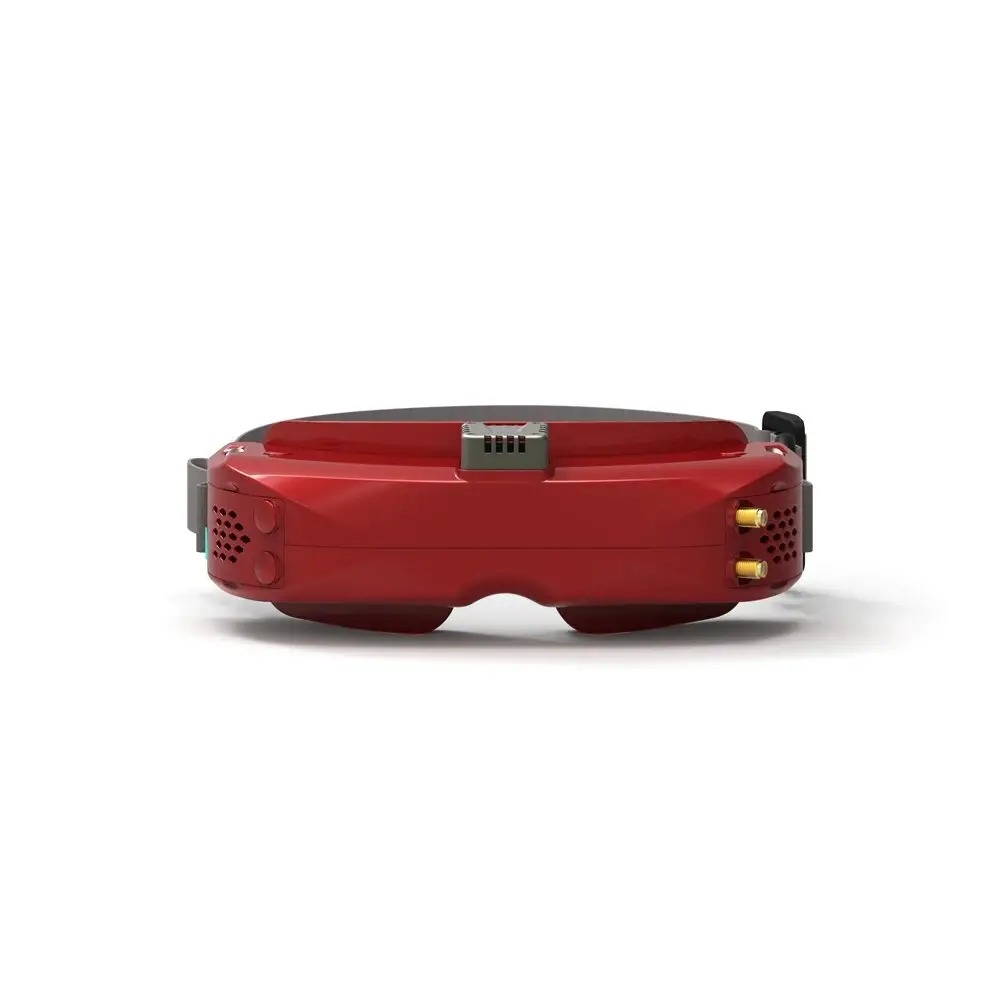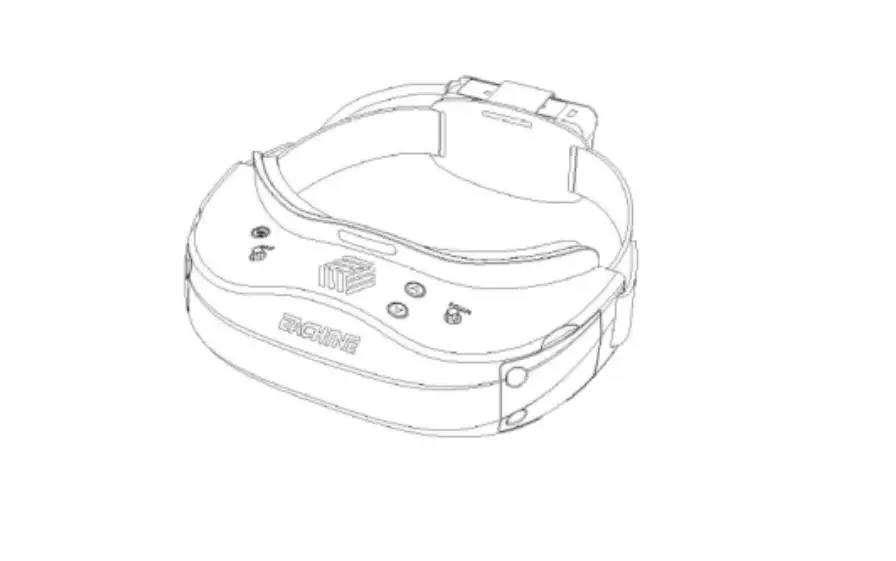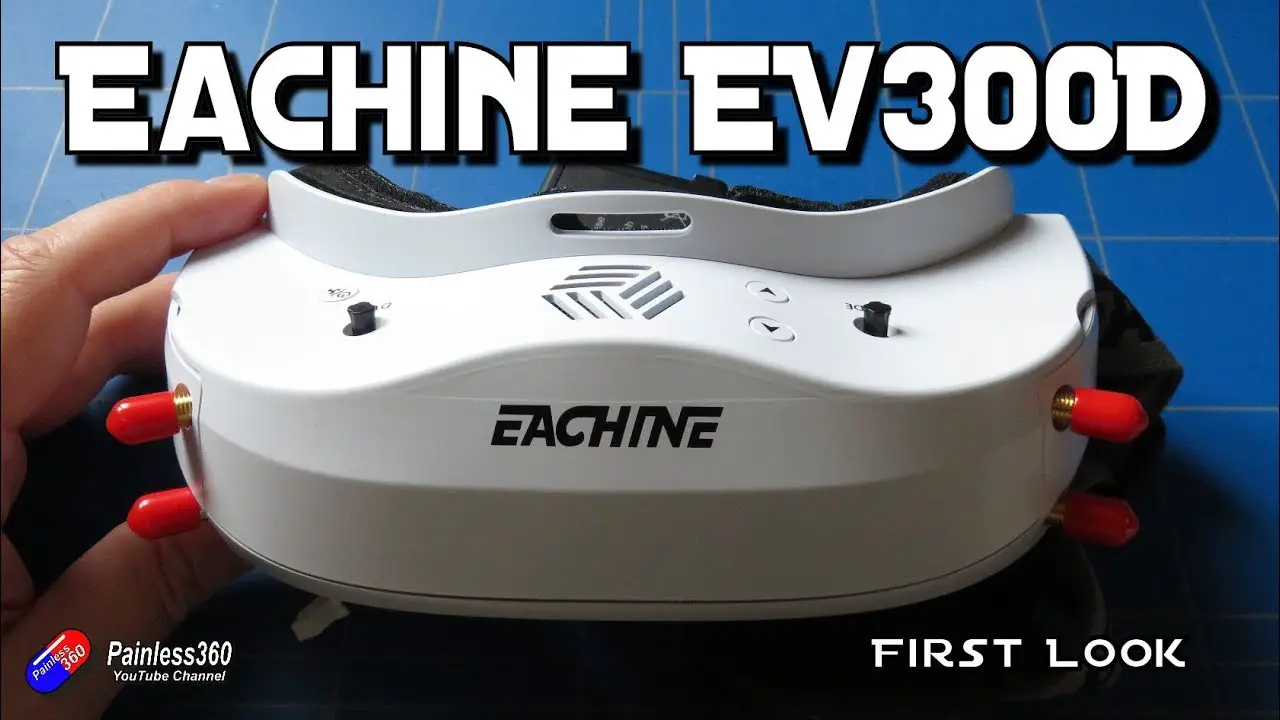
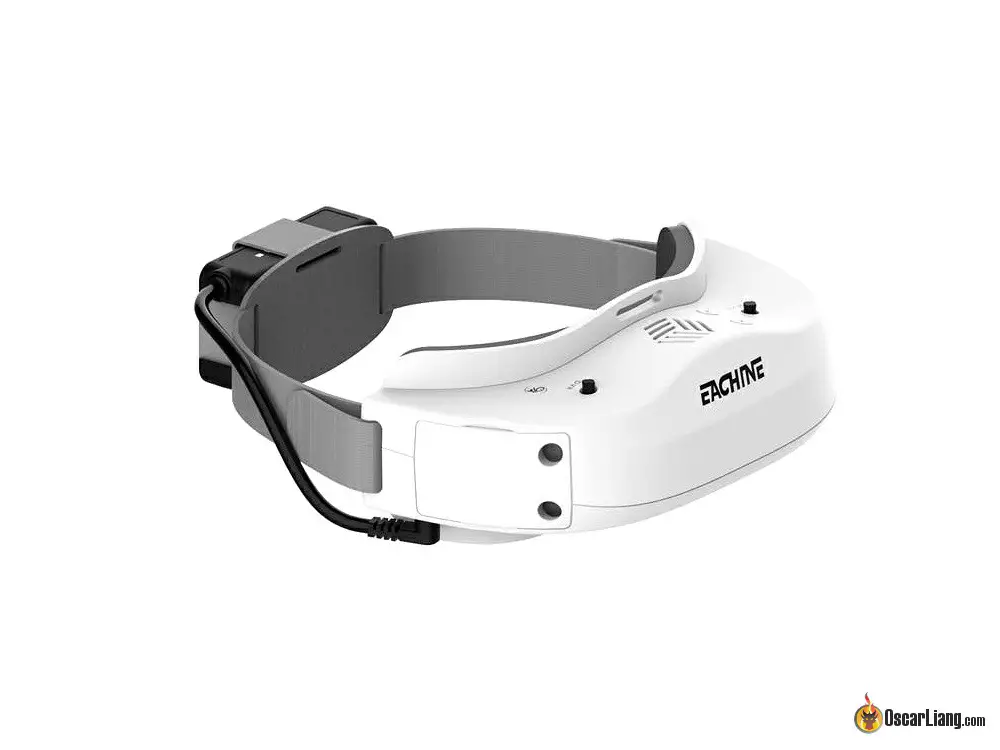
Eachine EV300D RC Vision System Faster and Clearer
Display PPI:4102 1280*960
5.8G MODE RSSI Signal Auto search racer-8
Dual True Diversity 5.3~6.0Ghz Four Antenna
HDMI IN PC\Xbox\STB CEC Control DSP audio algorithm
Vision Focal length IPD Astigmatic lens
AV IN / AV out Aspect Ratio
Update Firmware
Wide Voltage Input Power button 18650 BAT Case USB power supply
Built-in DVR H.264, 30fps Record/Playback
Diagram
OSD Display
RSSI Signal
Indicates RSSI signal for left and right RX modules. L stands for left, R stands for right (the RX modules are printed with L or R stickers). There are two antenna plugs on the RX modules of left and right side. Each of the sides have blue and red LED, used to distinguish 1# and 2# antennas. Green bars stand for antenna signal strength. Red X indicates no antenna signal inputs. If using a third party RX module, the RSSI function will not be available.
Defogging Fan Icon
If it appears on the display in green color, indicating defogging fans is activated. Otherwise, it is deactivated.
REC Icon
Entering REC mode, if REC icon appears on the display in green color, indicating recording function standby. REC turns red indicates recording in progress. REC icon disappears when exit REC mode.
TF Card Icon
Entering REC mode, if TF card icon appears on the display In green color, indicating TF card available. Otherwise, TF card unavailable.
Battery Capacity Icon
Battery capacity icon appears on the upper right of the display in green color, indicating 5-level battery capacity 100%/75%/50%/25%/0%.
Band-A CH1 5865MHz Band, Channel, Frequency
| Band | CH1 | Ch 2 | Ch 3 | Ch 4 | Ch 5 | Ch 6 | Ch 7 | Ch 8 |
| Band-A | 5865 | 5845 | 5825 | 5805 | 5785 | 5765 | 5745 | 5725 |
| Band-b | 5733 | 5752 | 5771 | 5790 | 5809 | 5828 | 5847 | 5866 |
| Band-E | 5705 | 5685 | 5665 | 5645 | 5885 | 5905 | 5925 | 5945 |
| Band-F | 5740 | 5760 | 5780 | 5800 | 5820 | 5840 | 5860 | 5880 |
| Band-r | 5658 | 5695 | 5732 | 5769 | 5806 | 5843 | 5880 | 5917 |
| Band-U | 5325 | 5348 | 5366 | 5384 | 5402 | 5420 | 5438 | 5456 |
| Band-o | 5474 | 5492 | 5510 | 5528 | 5546 | 5564 | 5582 | 5600 |
| Band-L | 5333 | 5373 | 5413 | 5453 | 5493 | 5533 | 5573 | 5613 |
| Band-H | 5653 | 5693 | 5733 | 5773 | 5813 | 5853 | 5893 | 5933 |
Racer MODE: Exclusive channels don’t interfere with each other and compete more attentively
Racing mode frequency(Unit:MHZ)
| 4 pilots 5695 | 5769 | 5843 | 5917 |
| 6 pilots 5533 | 5613 | 5705 | 5785 5865 5945 |
| 8 pilots 5528 | 5582 | 5645 | 5705 5765 5825 5885 5945 |
Dual True Diversity
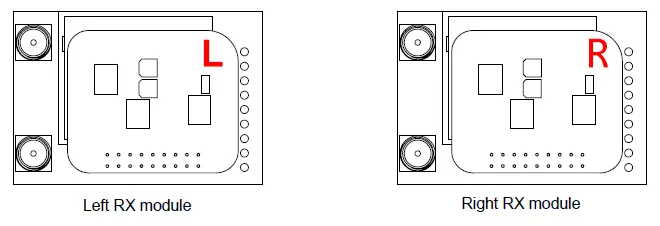
Dual True diversity RX modules
Frequency : 5.3~6.0 GHZ
Receiver Sensitivity : -93dB
SMA : RP-SMA Female
Size : 43.7*30.5*10.7mm
goggles Supports Open Source RX Modules.
Compatible with Fatshark OLED RX modules
When using two diversity receivers, you should not use third-party(Include EV200D) diversity receiver and EV300D diversity receiver together. A third party rx module is able to work with EV300D, but it is not controllable via the goggles.
HDMI IN
- Connecting 1080P device
- HDMI support CEC control
- After entering the HDMI display, the device (support CEC control) that connected to goggles will be controllable via DVR 5-way button.
HIGHDEFITION MULTIMEDIA PORT
1080P resolution downward compatibility
- 1080P(50hz,60hz)
- 1680*1050
- 1600*1024
- 1600*900
- 1400*900
- 1366*768
- 1360*768
- 1280*1024
- 1280*960
- 1280*800
- 1280*768
720P(50hz,60hz)
- 1184*864
- 1176*664
- 1024*768
- 800*600
DSP image audio algorithm
Four display modes: Standard / Soft / Vivid / User(Adjustable)
Four Color Temperature Adjustment Modes: Cool / Warm / Medium / User(Adjustable)
DSP noise processing algorithm
Sound Modes : Standard / Music / Movie / Sports / User(Adjustable) Surround sound
VISION
Focal length adjustment
Under 800 degree of myopia and Hyperopia 300 degree. Adjust the diopter to a suitable condition by turning the knob clockwise or counterclockwise.
Corresponding relationship between knob scale and depot
| scale | 0 | -1 | -2 | -3 | -4 | -5 |
| Diopter | 0 | myopia 100 | myopia 200 | myopia 300 | myopia 400 | myopia 500 |
| scale | -6 | -7 | -8 | +1 | +2 | +3 |
| Diopter | myopia 600 | myopia 700 | myopia 800 | hyperopia 100 | hyperopia 200 | hyperopia 300 |
IPD adjustment
Independent control for both sides, adjust the range of 56 ~ 72mm,wide-range IPD, suits more pilots. Move the slider to adjust IPD. (+) means to increase IPD,(-)means to decrease IPD.
Eyeglass Frames
Using fitted eyeglasses, Astigmatism / Myopia / Hyperopia (Diopter lens not include)
AV IN / AV out
3.5mm AV connector av input av output
Support external hdmi to av input
Support external DVR
Aspect Ratio
Selectable Aspect Ratio providing different viewing experience. PICTURE Aspect Ratio
Auto 16:9 4:3 zoom1 zoom2
Just Scan(only HDMI) panorama(Default display) Point To Point(only HDMI)
Diagram
- 18650 BATTERY CASE
- Mode /Menu /Volume Turn on/off OSD Control Channel/Band Selection
- Power on/off turn on/off defog fan DVR Menu HDMI CEC Control
- Cooling fan
- 3.5mm Headphone jack Micro USB
- DC Port
- MiniHDMI Port 3.5mm AV Port Defog Fan
- IPD/Focal length adjustment TF slot
- Eyeglass Frames(Diopter lens not include)
Product Specifications
- Frequency: 5.8GHZ
- Frequency range: 5333—5945 M Hz
- Receiver Sensitivity: ≤-93DB
- Antenna impedance: 50Ω Audio and video: AV in/out Video format: NTSC/PAL
- Brightness: Adjustable Contrast: Adjustable
- Pupil Distance adjusting: 56-72mm
- Focal length adjusting:Under 800 degree of myopia and Hyperopia 300 degrees
- Eyeglass frames:astigmatism/ myopia/hyperopia(Diopter lens not include)
- Power input: 7.4V
- Minimum voltage: 6.8V
- Operating temperature:-9°C ~ 39°C
Package Included
- 1 X EV300D goggles
- 1 X Zipper case
- 1 X 18650 battery case
- 1 X Sponge 2 X EVA pad
- 1 X Eyeglass frames
- 2 X Third party module cover
- 2 X FPV receiver (optional)
- 1 X Lens wiping cloth
- 1 X User Manual
Eachine EV300D RC Vision System Faster and Clearer User Manual – Download [optimized]
Eachine EV300D RC Vision System Faster and Clearer User Manual – Download