 SES01 Entry Sensor
User Manual
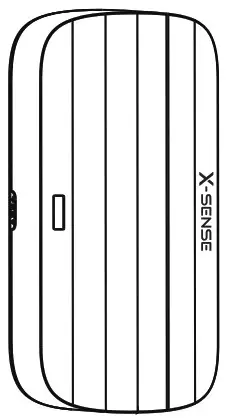
SES01 Entry Sensor
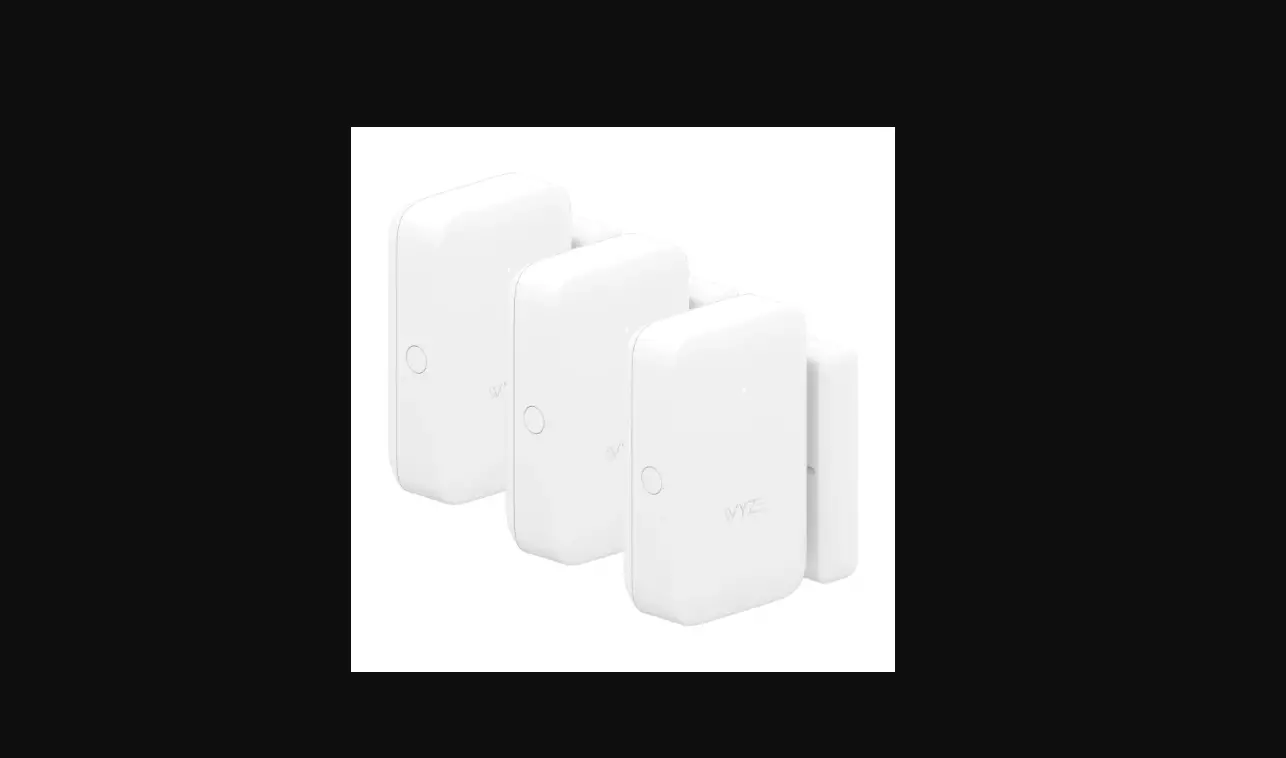
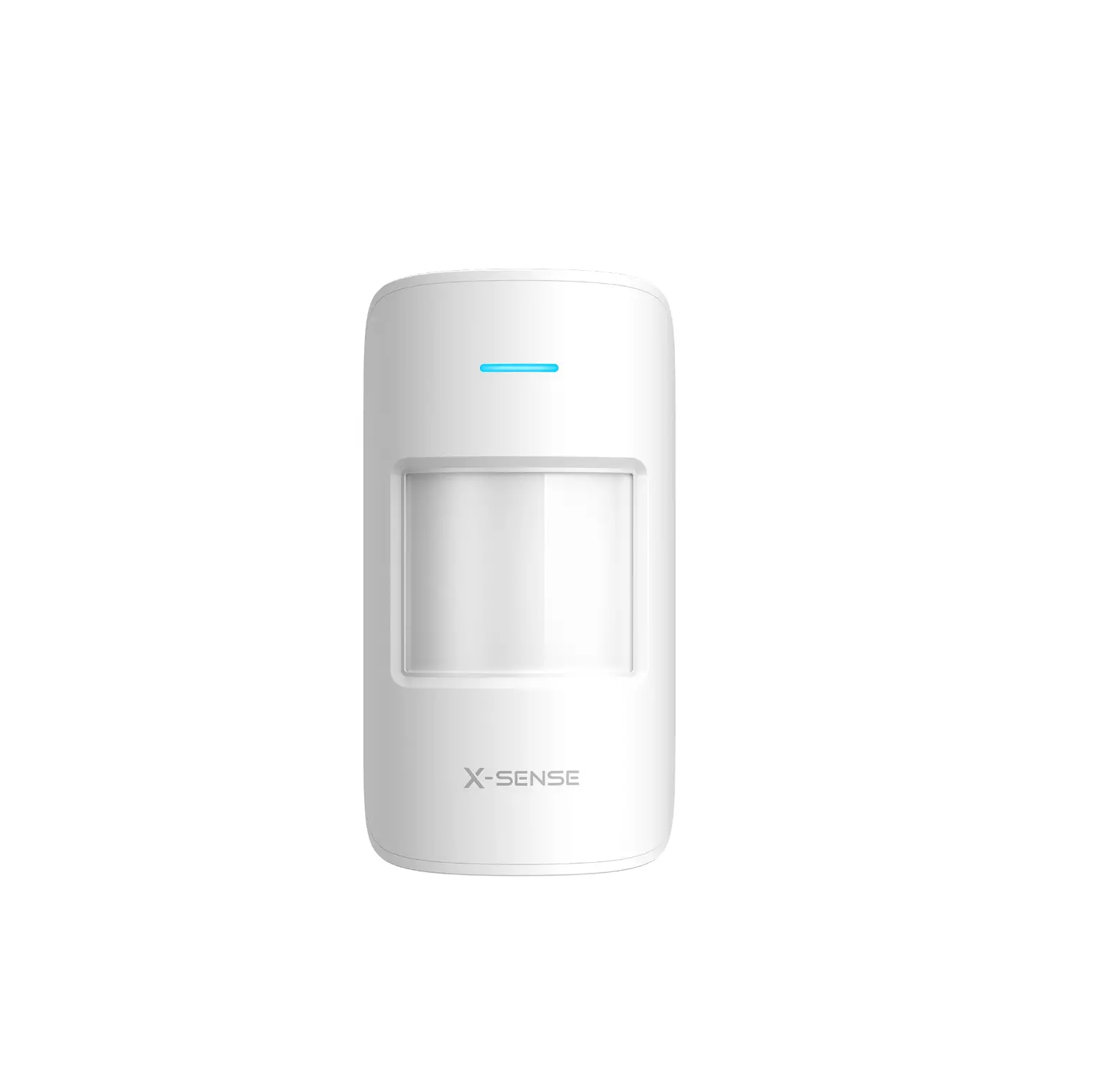
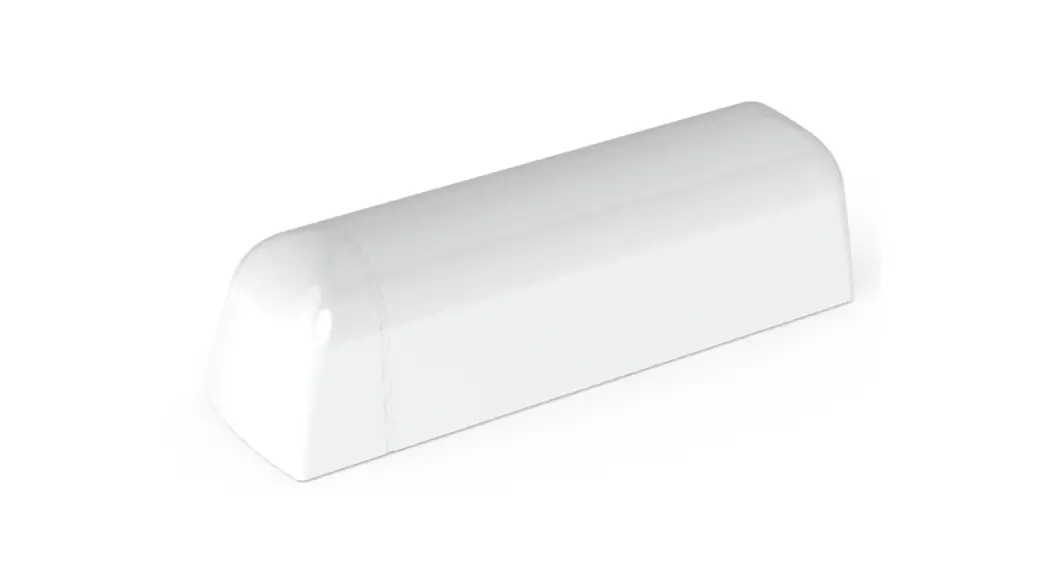
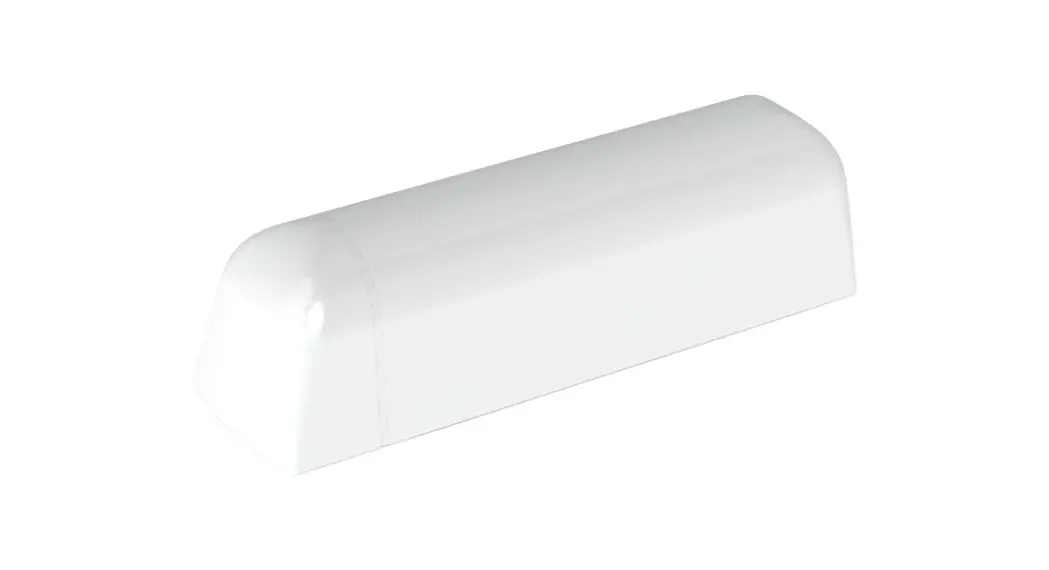
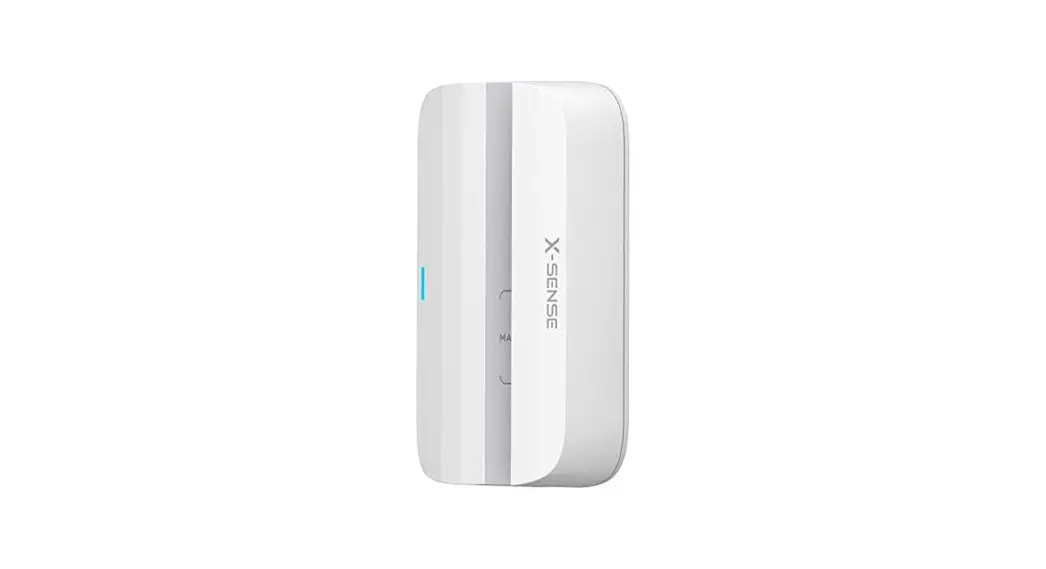
The X-Sense home security system provides security monitoring and remote control of your devices via the X-Sense Home Security app. As one of the sensors within your home security system, an entry sensor will alert you when a door or window is opened in your home. Please note that this sensor is only compatible with the X-Sense base station SBS10.
What’s Included
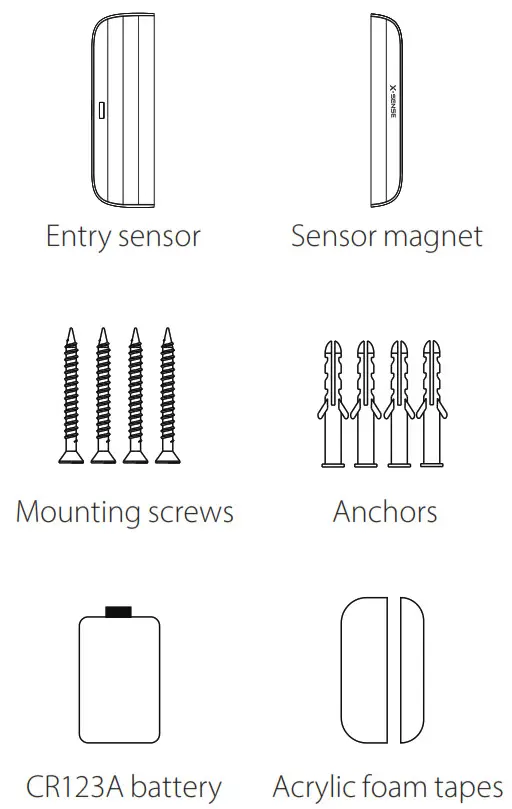
| Model | SES01 |
| Detection threshold | 2.5 cm (1 inch) |
| Battery | CR2032 (Replaceable) |
| Operating temperature range | 0-40°C (32-104°F) |
| Operating humidity | Up to 75% |
| Product size | 84 8 x 41x 22.5 mm (3.3x 1.6 x 0.9 inches) |
| Product weight | 45 g (0.1 lb) |
Device Power-Up
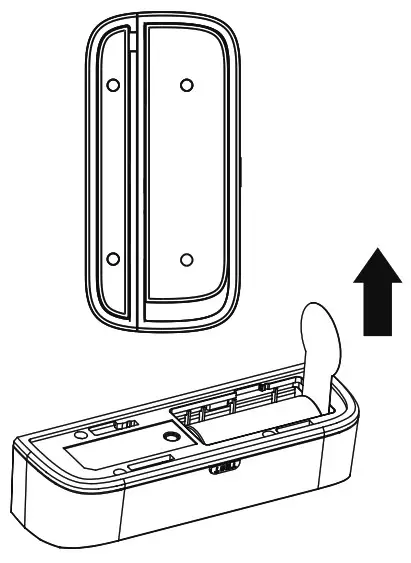
Remove the battery compartment cover from the entry sensor, then remove the insulating film.
Device Connection
- Tap the + button in the app.
- Scan the QR code inside the entry sensor. You will need t o remove the battery compartment cover to locate the QR code.
- Follow the in-app instructions to add the entry sensor.
Note: The LED indicator has 2 colors, red and blue.
| LED Color | Meaning |
| Red | The device is not connected to the base station. |
| Blue | The device is connected to the base station. |
Device Installation
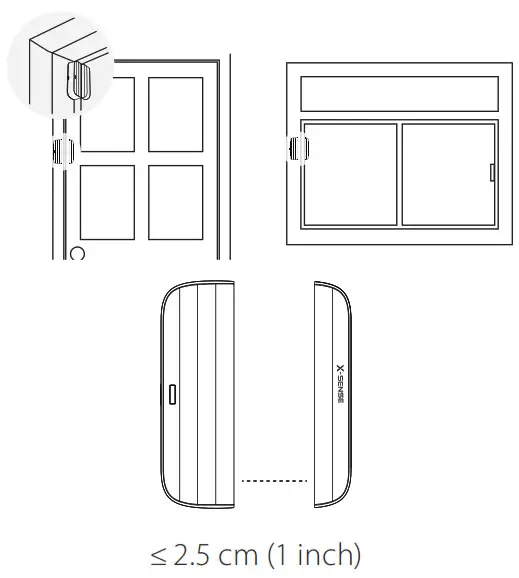
Mount the entry sensor using the provided tape or mounting screws. If you want t o mount using screws, you will need a screwdriver to remove the cover from the sensor magnet.
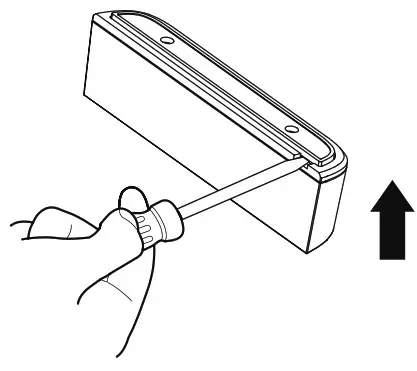
Place the sensor magnet on your door or window, and install the sensor on the doorframe or window frame.
Ensure that the gap between entry sensor and sensor magnet i s not more than 2.5 cm ( 1 inch) when a door or window is closed.
Device Setup
You can change the settings in the app, including Sensor and Room Name, and Notification Sounds.
Warranty
Thank you for purchasing our product. We provide a 1-year worry-free guarantee from the date of purchase. If you have any questions, please feel free to contact the dealers or distributors in your region. They will get back to you within 1-3 working days.
Environmental Protection
 Waste electrical products should not be disposed of with household waste. Please recycle where facilities exist. Check with local authorities or retailers for recycling advice.