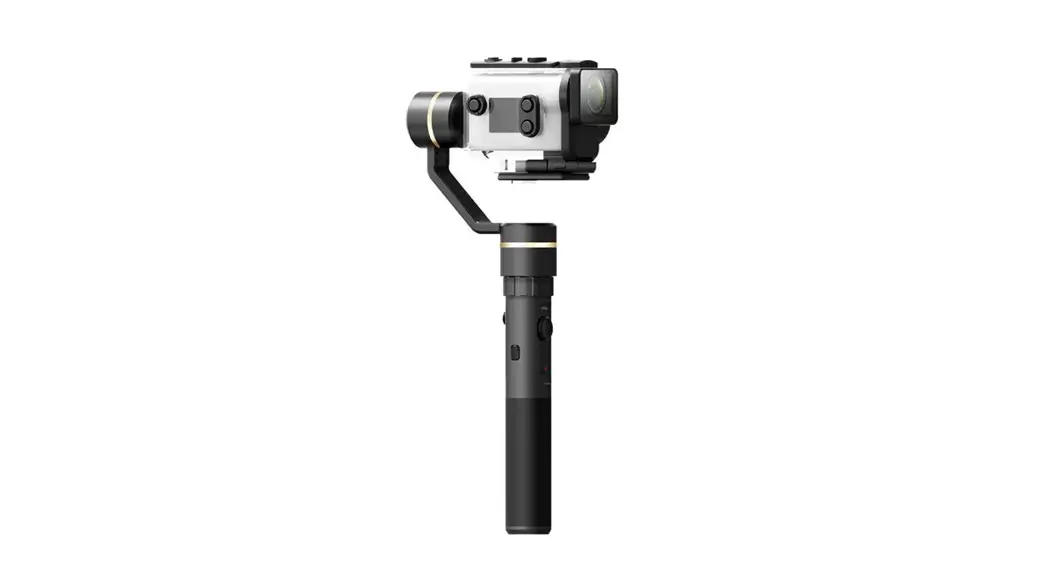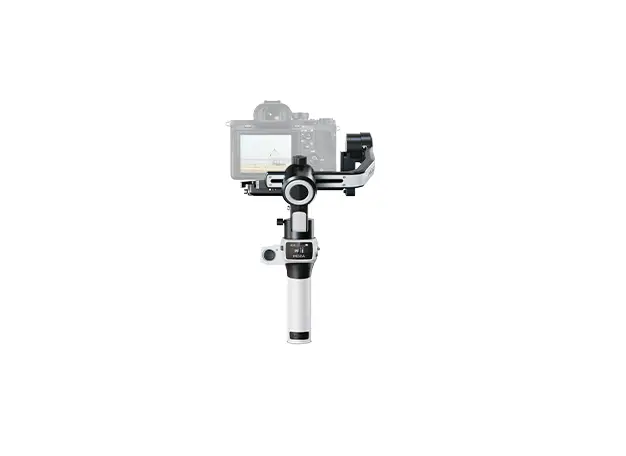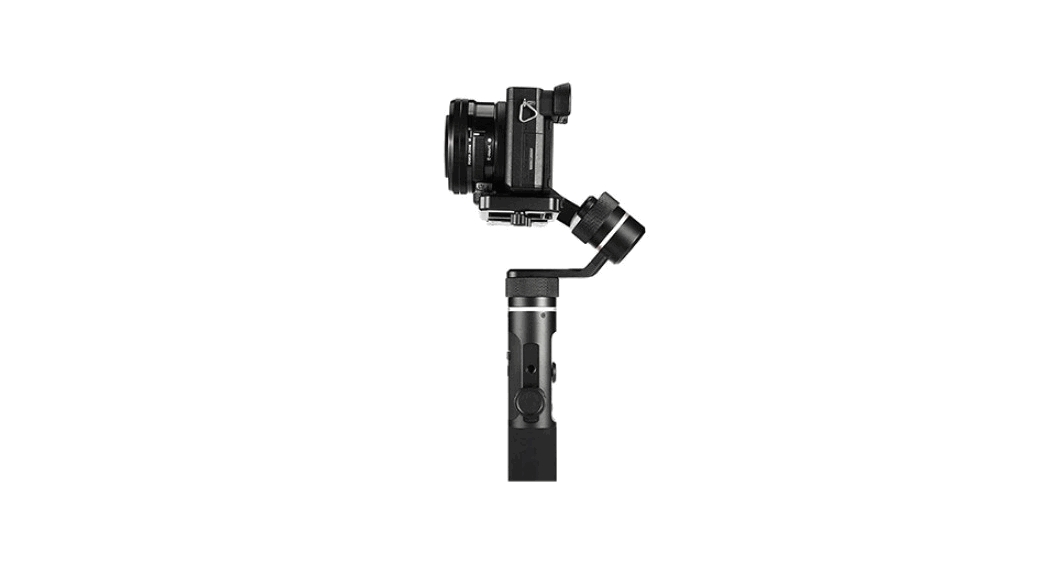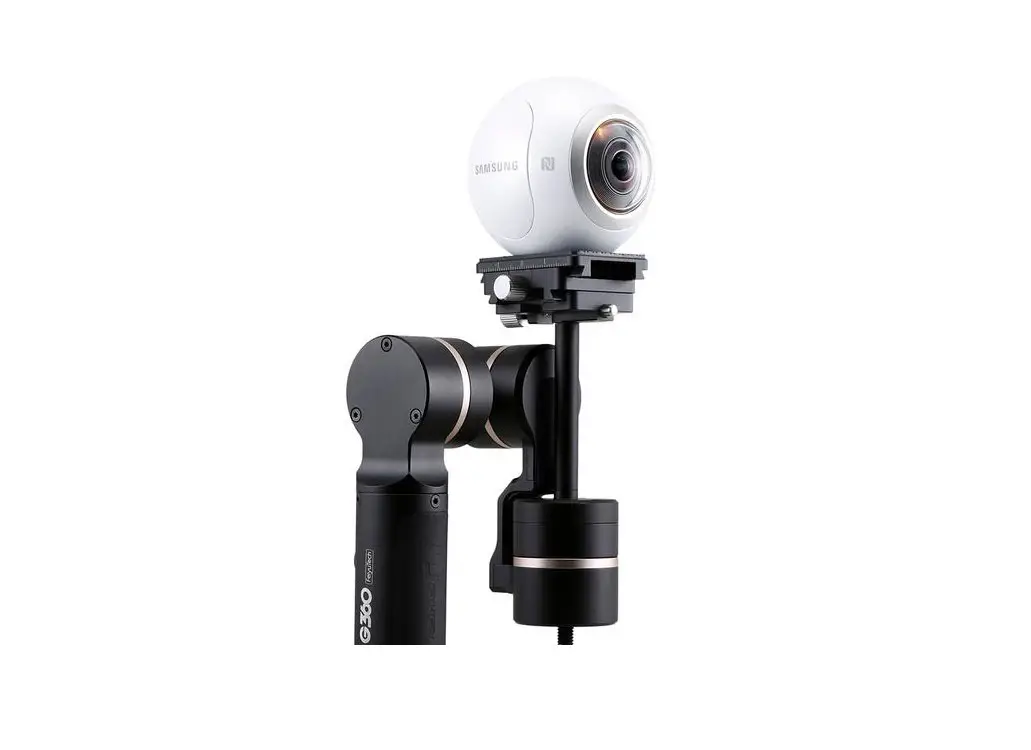
FEOYUTECH G360 Panoramic Camera Gimbal Instruction Manual
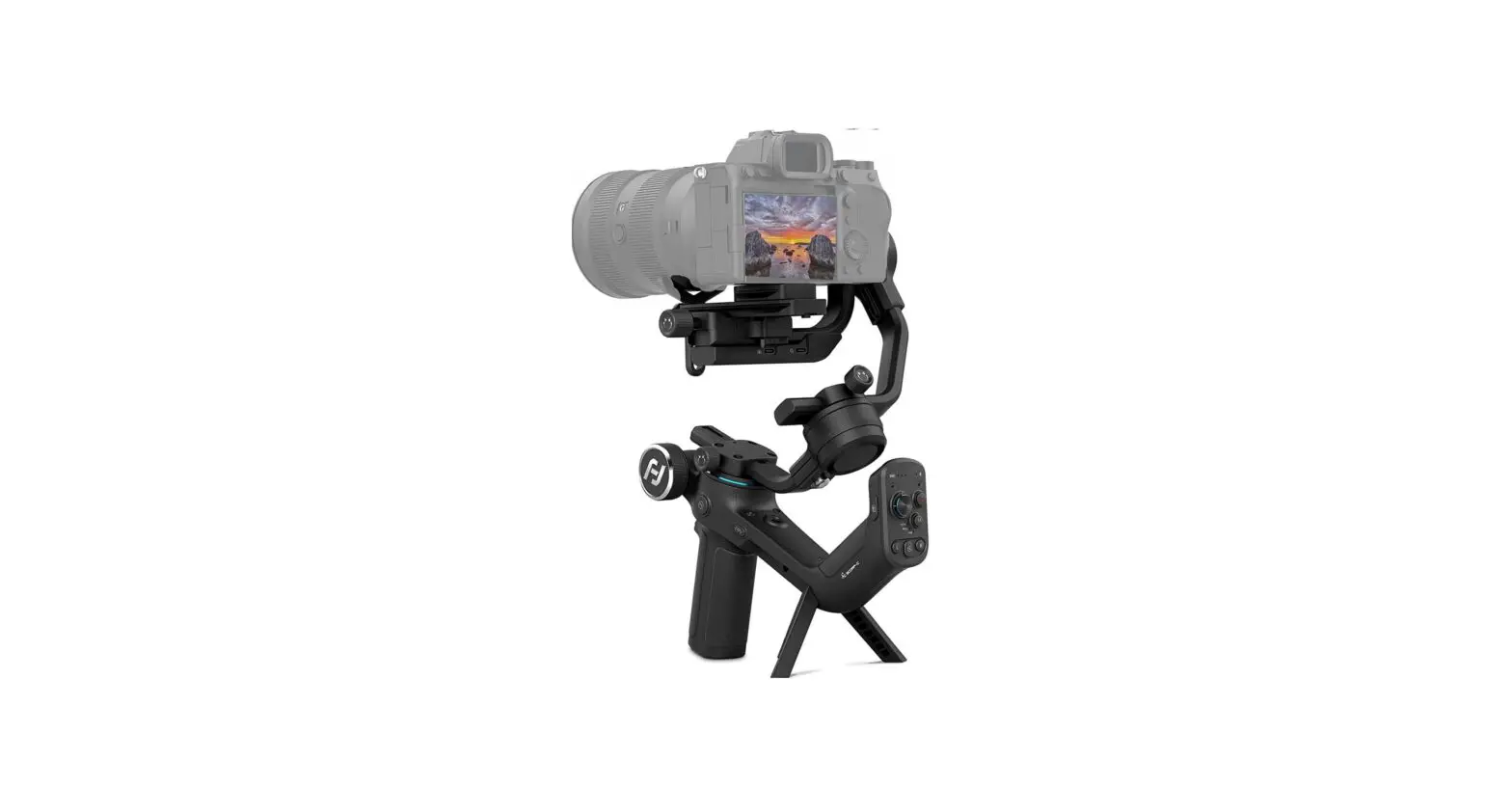
Product Overview
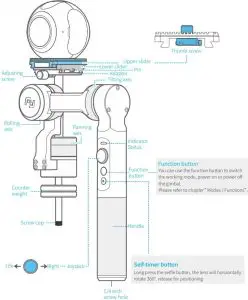
| Indicator Status | Indicator Status |
| Blue light flashes once | Panning mode |
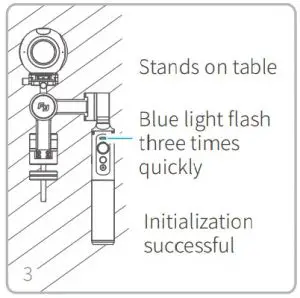
| Blue light flashes three times | Standby |
| Blue light is always on | Lock mode / Initializing |
| Blue light keeps flashing | Initialization failure / Malfunction |
| Red light flashes three times | Low battery |
| Red light keeps flashing | Switching to standby mode/ Gimbal will power of |
Parts List
- USB cable X1

- Batteries (Type:22650)X1

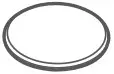
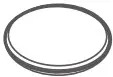
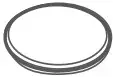
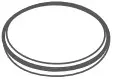
- 20g counter weight

- 30g counter weight

- 40g counter weight
- 100g counter weight


User Guide
Attention !
- Please install the camera before powering on the gimbal
- When not in use, turn off the gimbal and then remove the camera
Charging
Note : Please make sure the battery is fully charged before you
use the gimbal for the first time.
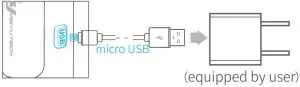
- Option 1: Charge with micro USB cable.

- Option 2: remove the battery and charge the battery with charger (equipped by user).
Download APP
Download “Feiyu ON” and install it.
- iOS version:

- Android version:





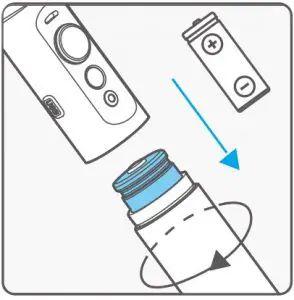
Install the battery
- Remove the handle and insert one 22650 battery into it.

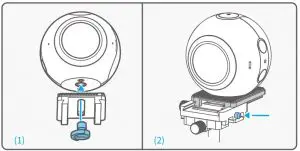
Install the Camera
- Align the camera mounting hole with the upper slider center slot and tighten the screw to secure it.
- Hold the pin first,then place the upper slider with the camera on the lower slider and tighten screw.

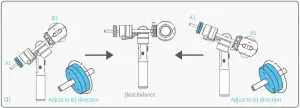
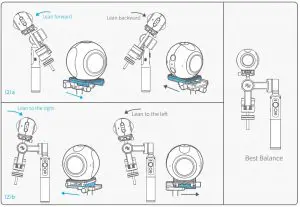
Camera balance adjustment
- Adjust the horizontal center of gravity with the counterweight
- Place a counterweight of a similar weight to the camera on the gimbal and tighten the counterweight in the opposite direction .
- Ajust as follows to get the best balance.

- Adjust the vertical center of gravity by the upper and lower sliders
Tip: Loosen the screw to adjust, please don’t take out the screws from the sliders.
Power on / of
Power On: Press and hold function button until the green light is on.
Power Off: Press and hold function button until the red light changes from quick flashing to always on.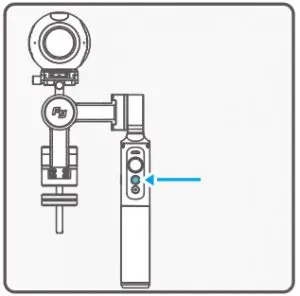
Attention: Make sure the camera is secure before powering on the Gimbal.
 Warning : In case of low battery, the red LED indicator flashes for three times for every 5 seconds. Please charge G360 or replace the battery.
Connect to APP
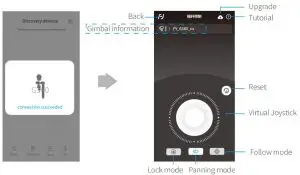
Start the app on your smartphone,follow the instructions to connect the smartphone with gimbal via Bluetooth.
Modes / Functions
Working Modes
Panning Mode
Tilting and rolling direction are fixed, and the camera lens moves according to the hand movement of the user.
* The gimbal will work in panning mode after powering on.
Lock Mode
The orientation of the camera is fixed.
Other Functions
Reset
Reset to initial status.
Stand-by
Motor stops working.
Mode / Function Operation Instructions
| Function Button | Function | Explanation |
| Single tap | Panning Mode / Lock Mode | Single tap to switch between panning mode and lock mode |
| Single tap | Reset | Reset the tilting axis of the gimbal to initial orientation and initial mode |
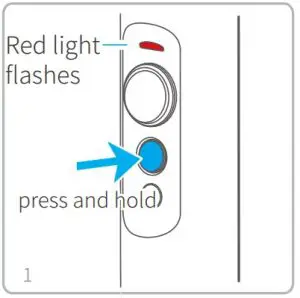
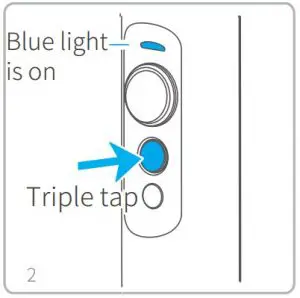
| Long press until the red light flashes quickly | Standby | Single tap again to awake the gimbal, or triple tap to initialize the gimbal |
Firmware Upgrade
Upgrade the firmware through the Feiyu ON App.
- Click the icon

- Select upgrade type.
- Follow the prompts to upgrade the firmware.


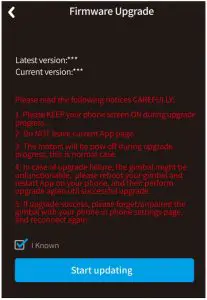
Upgrade type introductions:
Gimbal update: Repair / update or newly add gimbal control / function / parameter and etc.
Keyboard update: Repair / update or newly add button/touch screen/interaction functions, update more compatibility cameras which can be controlled through WIFI, repair few bugs about camera control through WIFI, and etc.
Gimbal initialization
You can initialize your gimbal when:
- camera is not level
- if not used for a long period of time
- in case of extreme temperature variations
Adjusting steps:
Parameters
| Titling Angle | 360° |
| Rolling Angle | 100° |
| Panning Angle | 360° |
| Counter weight | 20g, |
| 30g | |
| 40g, | |
| 100g | |
| Weight | 360g (Not including battery, camera or counter weight ) |
| Adaption | Camera with 1/4 inch screw hole, weight 100~300g |
| Titling Increments | min 2°/s max 75°/s |
| Panning Increments | min 3°/s max 150°/s |
| Usage time | 6 Hours |
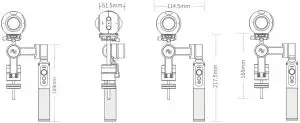
Unit: mm
DISCLAIMER
Prohibit any user for any illegal purpose. Users will be responsible for all behaviors of purchase and use products.
The Company assumes no liability for any risks related to or resulting from the debug and use of this product (including the direct, indirect or third-party losses).
For any unknown sources of using, we will not be at any services.
The updating and changes of product firmware and program may cause changes in function descriptions in this user manual, please read the instructions carefully before upgrading the firmware and use the corresponding user manual.
You can get the latest user manual from the official website:
www.feiyu-tech.com
Feiyu Tech reserves the right to amend this manual and the terms and conditions of use the product at any time.
Attention
- Please correctly assemble the gimbal in accordance with the diagram
- Please install the camera before powering on the gimbal
- When the gimbal is not in use or placed on the table, please ensure it is powered of.
Create More Possibilities
Customer Services
For more information, please visit our official website: www.feiyu-tech.com
Support
Email: [email protected]
Due to software and hardware improvements, your actual product might differ from the descriptions and pictures in this user manual. You can get the latest user manual from the official website.


 FeiyuTech - Official Website