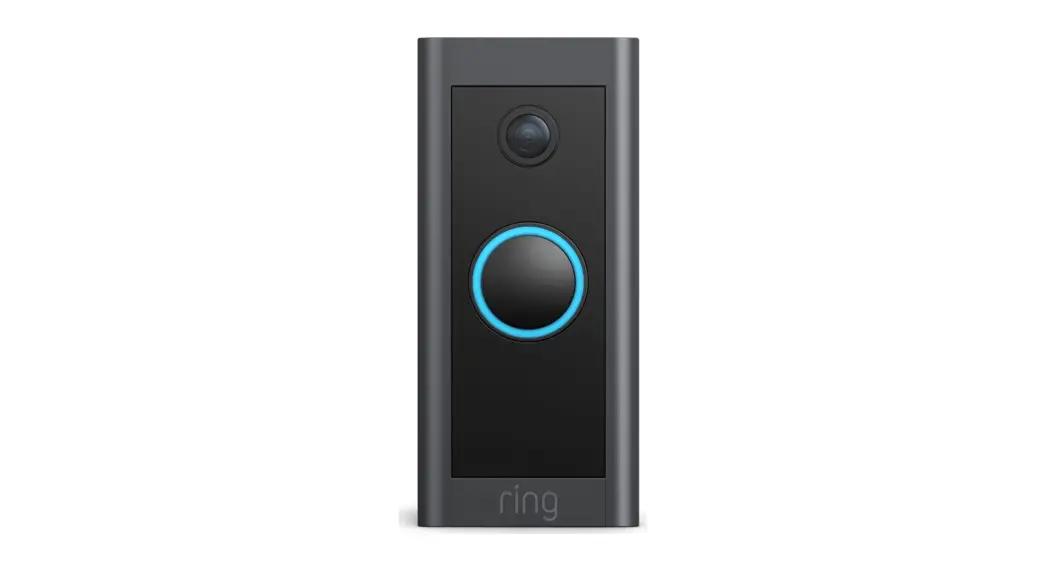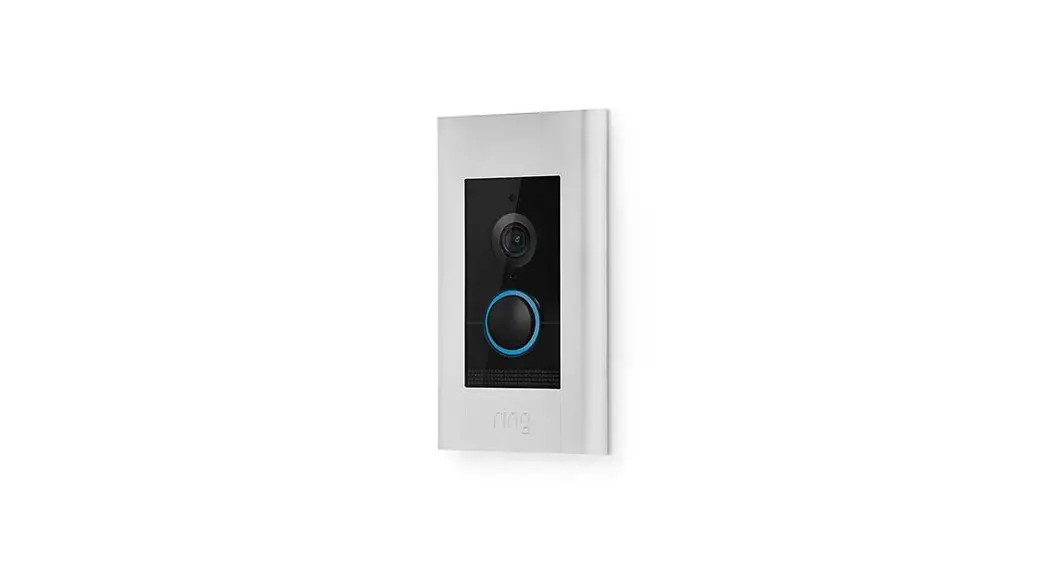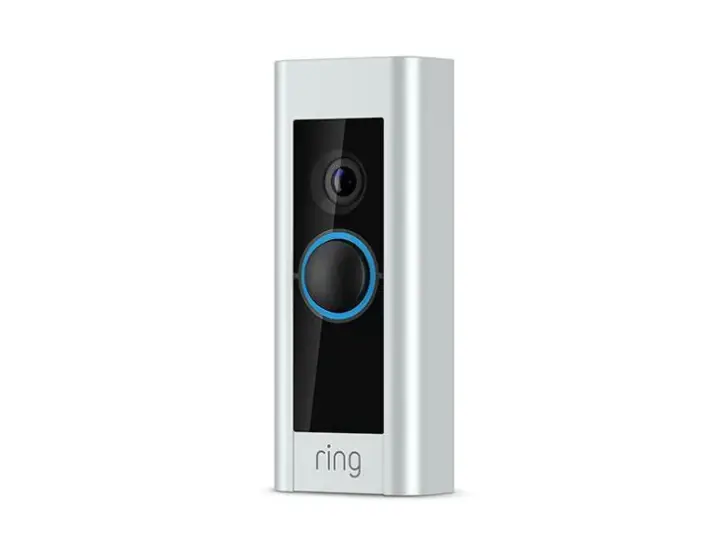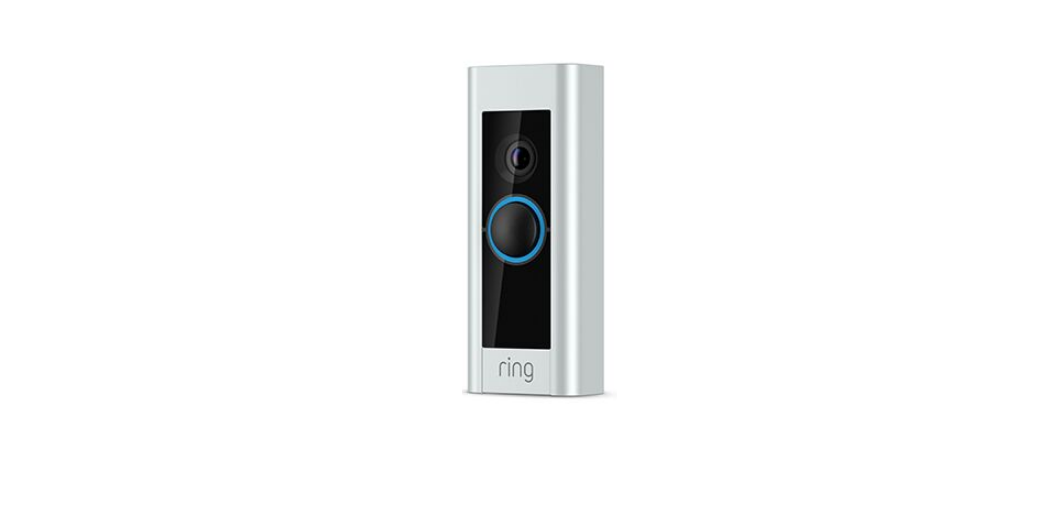
 ring video Doorbell Pro User Manual
 ring video Doorbell Pro User Manual
If you need extra help…
Ring Community Support is available 7 days a week, and our online help center is accessible 24/7. Visit our online help center at: ring.com/help Contact Ring Community Support directly at:1.800.656.1918 [email protected]
There’s even a video on this whole process…
There’s a video in the Ring app on the installation process outlined in this manual. We recommend watching that first, and referring to this manual if you need extra help.
Select the + sign to Add a New Device (or tap Set Up a Device), then select Video Doorbell Pro to access this video: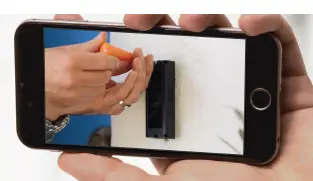
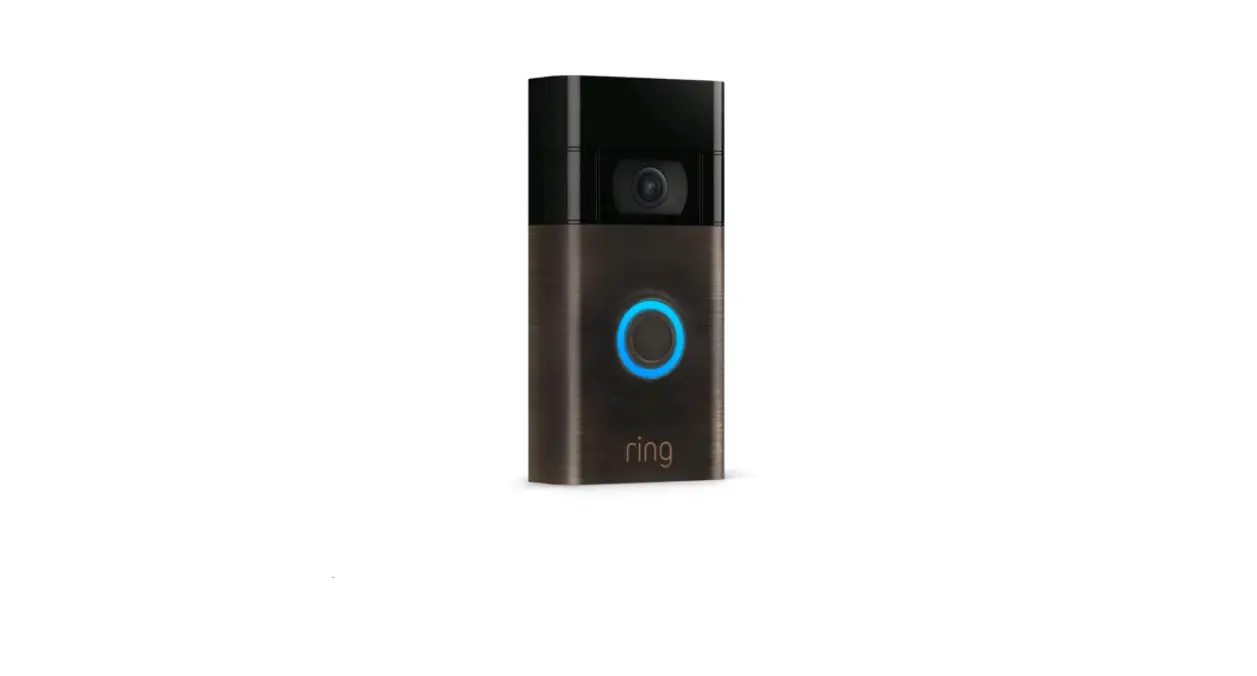
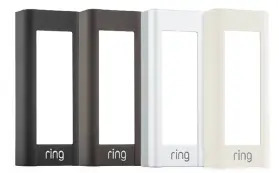
Pick the one that best matches your home…or your mood. Change it any time.
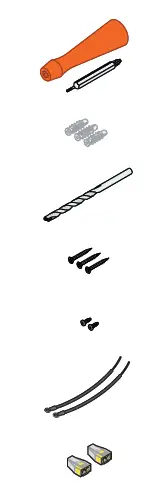
- Screwdriver – Use the Phillips end for the mounting screws and the star-shaped end for the security screw.
- Anchors – For installing on concrete, stucco, or brick. 1 Drill Bit – To drill holes for the (optional) anchors.
- Mounting Screws – Use two to mount your Ring.
- Security Screws – Use one to secure the faceplate.
- Extra Wires – To attach your existing wires to your Ring.
- Wire connectors – To connect the extra wires (above) to your existing wires.
Step 3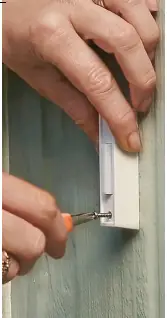
Remove your existing doorbell
Remove your existing doorbell from the wall and disconnect the wires.
Step 4
Install anchors (on stucco, brick, or concrete)
On stucco, brick, or concrete, use the provided bit to drill two holes in your wall, and install the anchors. If you’re installing on wood or siding, put the anchors in that drawer of stuff you never use and skip this step.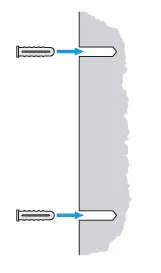
Step 5
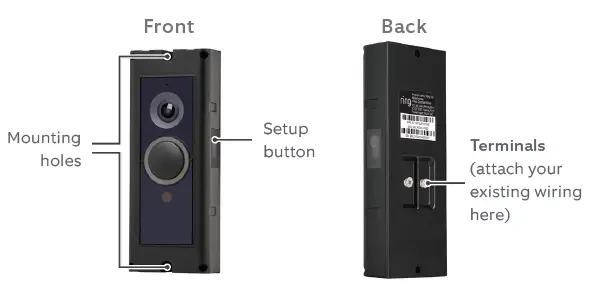
Remove the Faceplate Remove the faceplate on your Ring Doorbell Pro to access the mounting holes.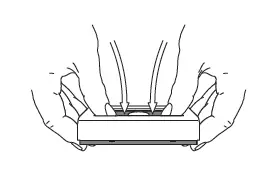
After your Ring Doorbell is installed, remove the faceplate like this: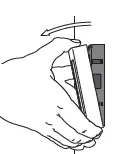
Step 6
Connect Ring Doorbell to your existing wires It doesn’t matter which wire connects to which screw. Then feed the wiring into your wall, and screw in your Ring.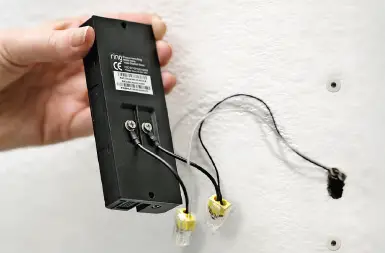
Ring Doorbell Pro requires a voltage between 16 and 24 VAC