 QUOTE
QUOTE
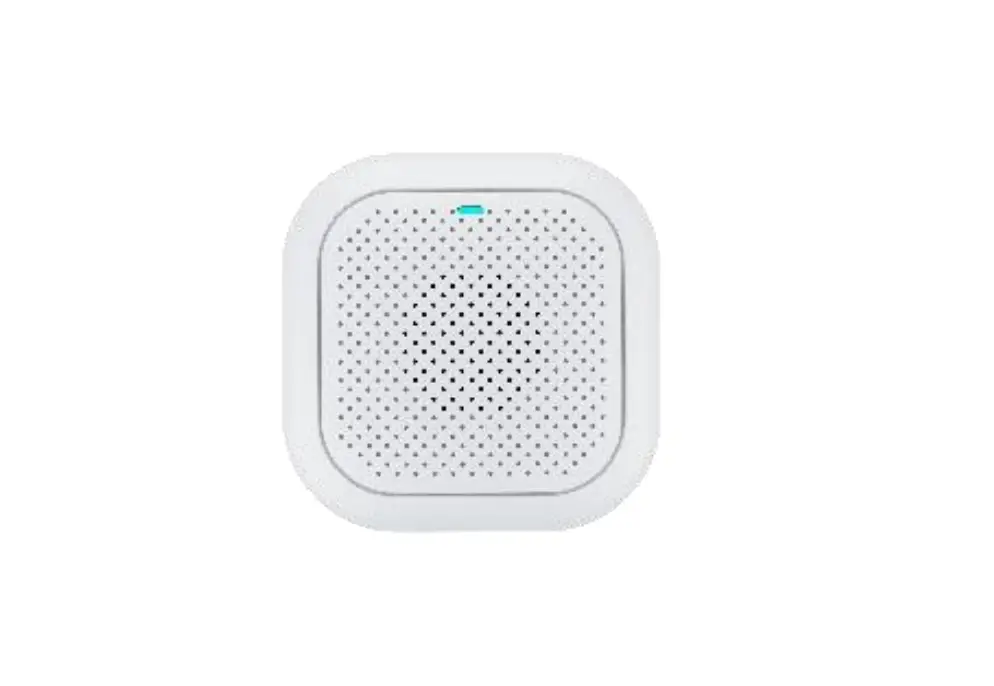
Smart Gateway (Zigbee)
User Manual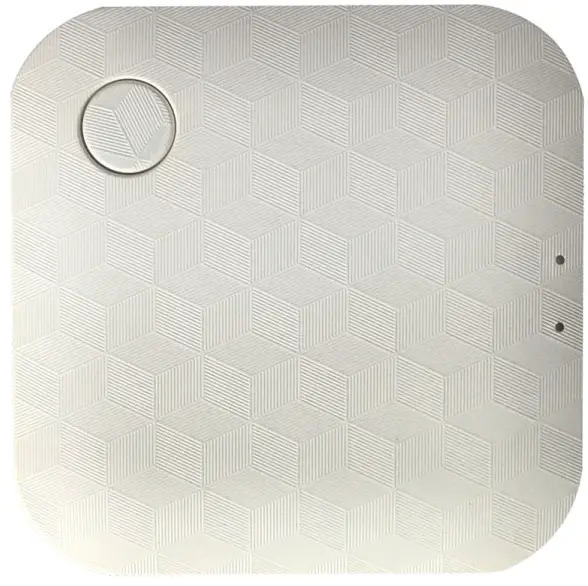
SHENZHEN POWER-TOMORROW ACTUATOR VALVE CO., LTD.
www.qotosmart.com
Product Specifications
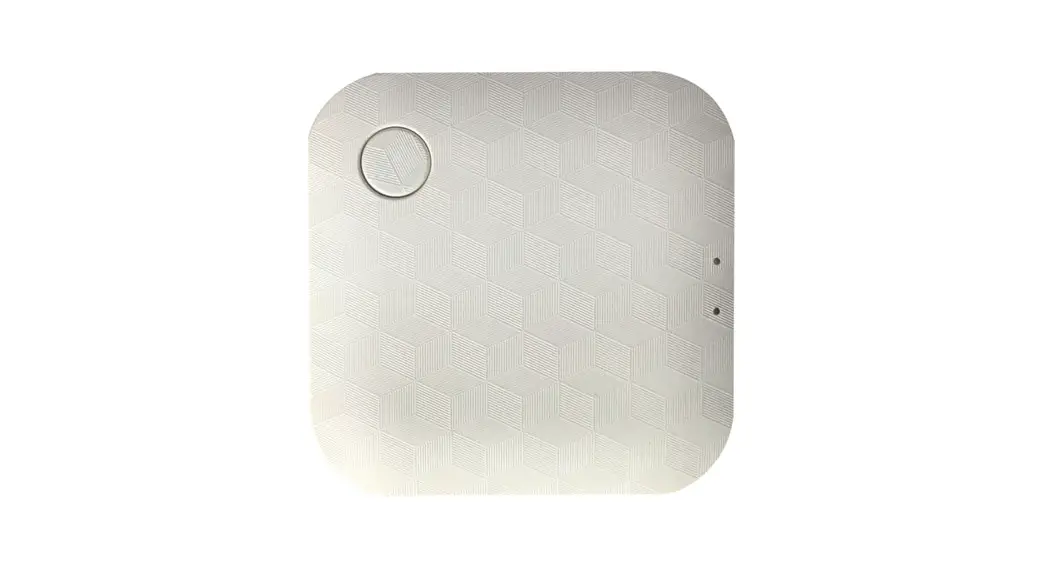
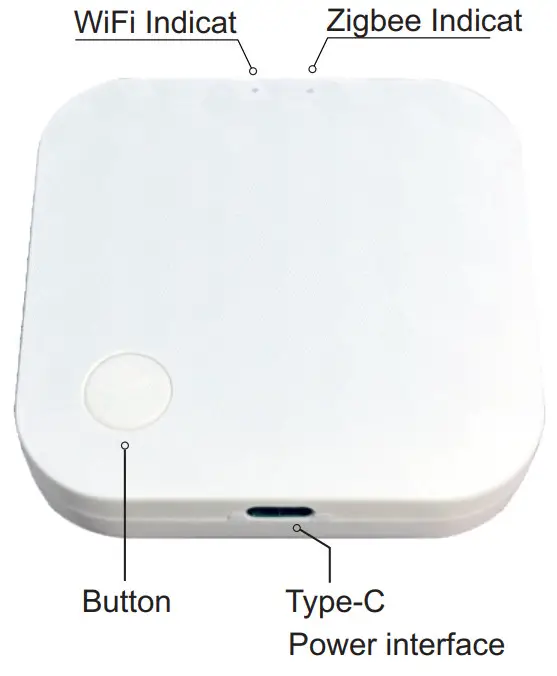
The smart gateway is the control center of the Zigbee device. Users can design and implement smart application scenarios ba adding Zigbee devices.
| Product name | Wireless Zigbee Gateway |
| Model | QTW-02 |
| Power | DC 5V 1A |
| Operating temperature | -10°C — + 50°C |
| Working humidity | 0-90%RH (no condensation) |
| Wireless technology | WiFi 802.11 b/g/n |
| Zigbee 802.15.4 | |
| Signal range | Open area 100 meters |
Operation Guide
- Scan the QR code to download the “Smart Life” app,
- Register a member account.
- Input your mobile phone number or email address.
- Receive the verification code SMS.
- Configure your own password.
 https://smartapp.tuya.com/smartlife
Gateway networking tutorial
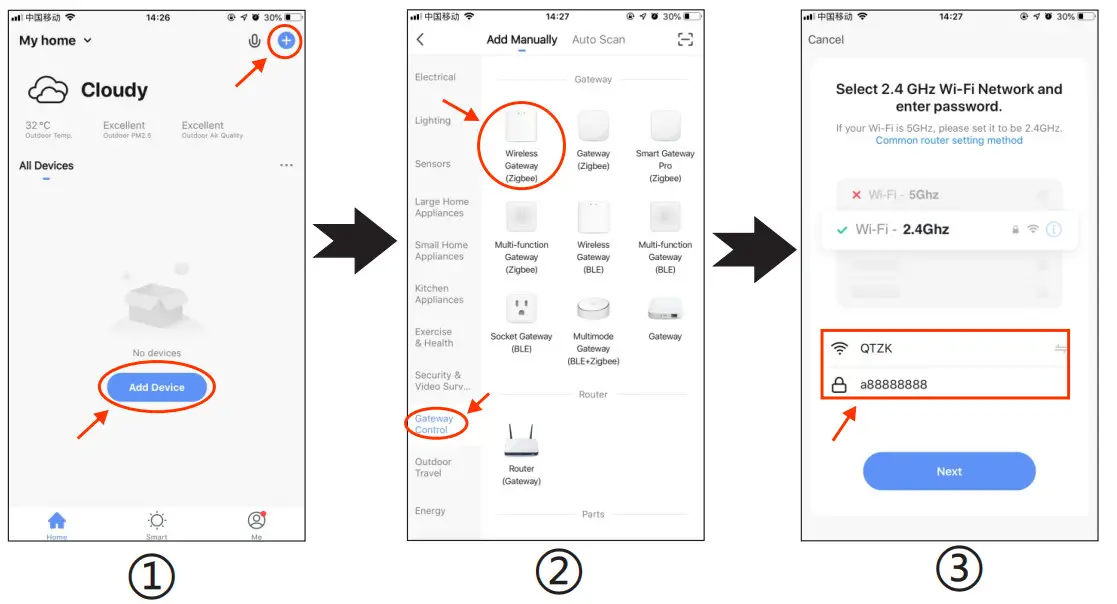
- Open the APP and click add device or “+” in the upper right corner,
- Select gateway central control → wireless gateway (Zigbee),
- Enter WiFi account and password (2.4Ghz),
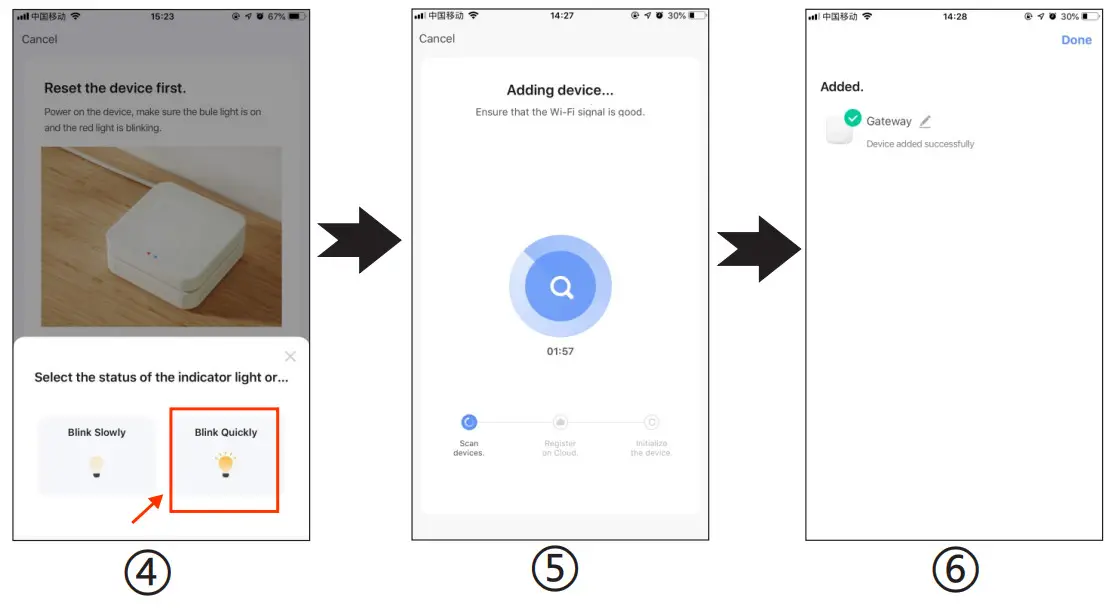
- Check to confirm that the indicator light is flashing, and EZ mode is in the upper right corner,
- Next, enter the interface of adding equipment ,
- Wait a moment and add successfully.
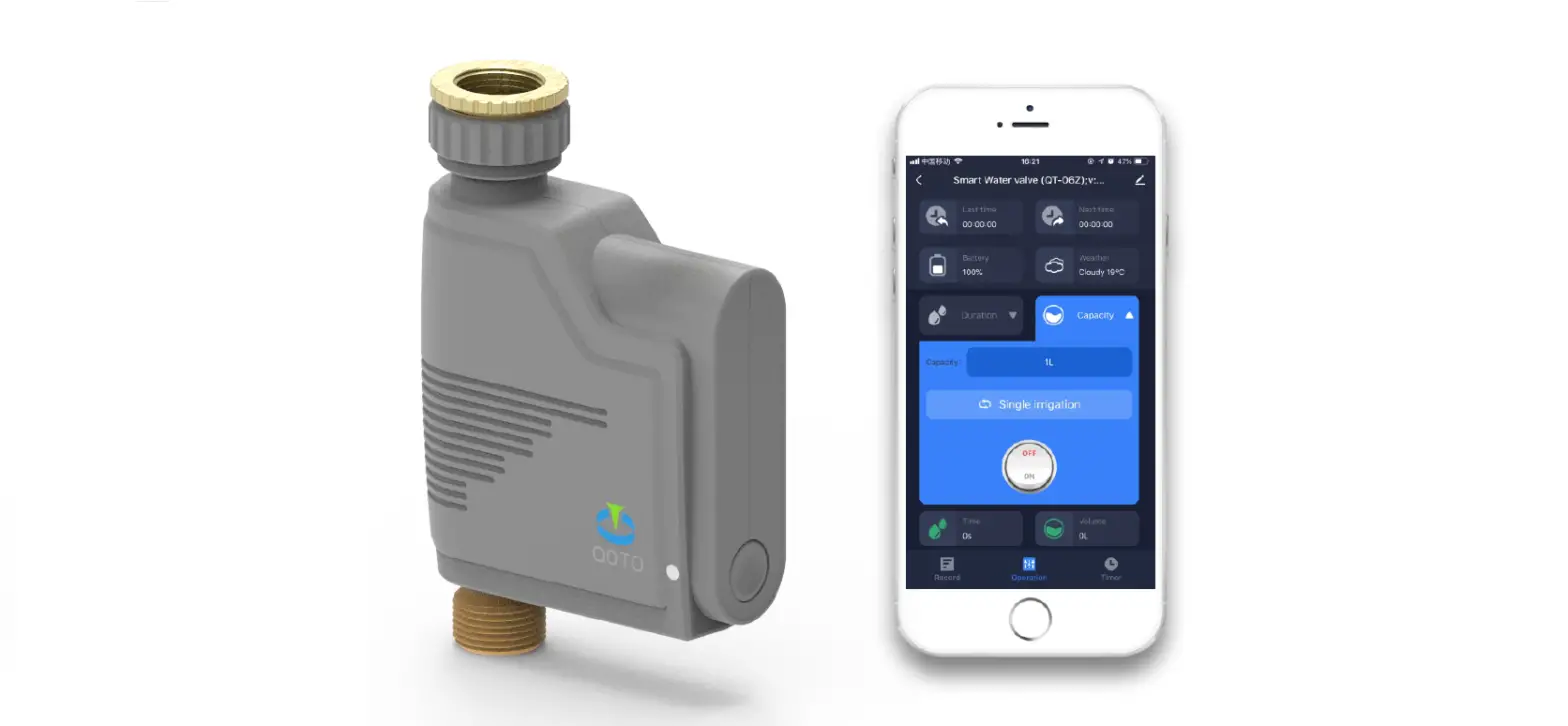
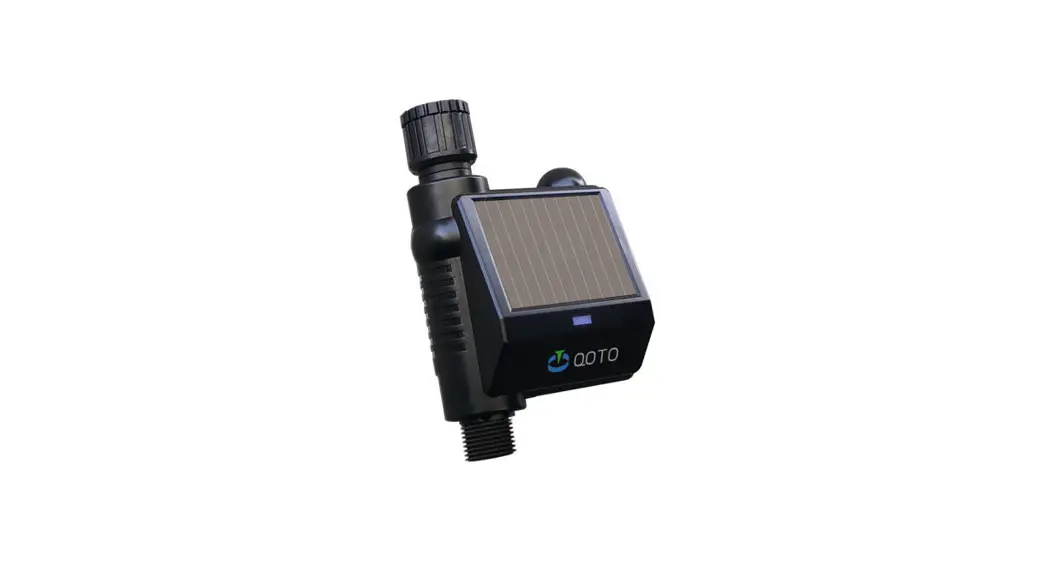
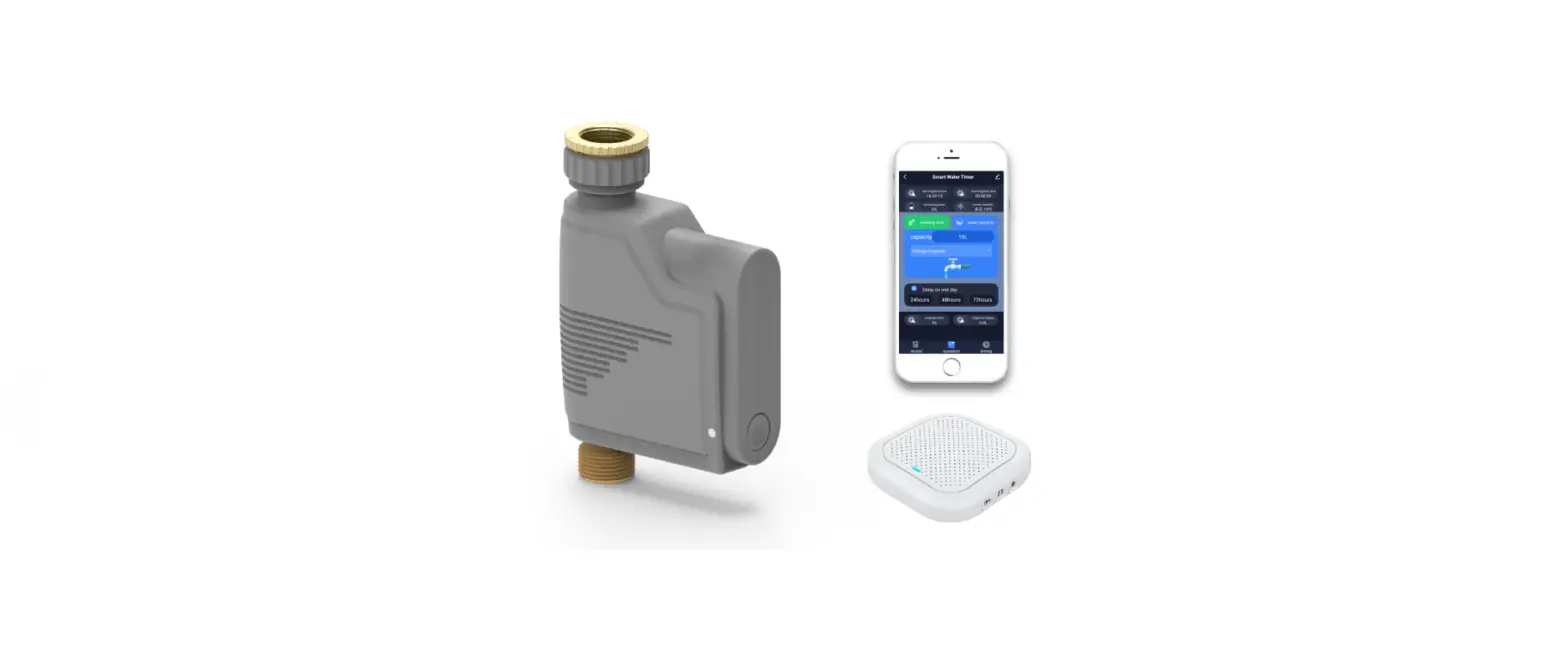
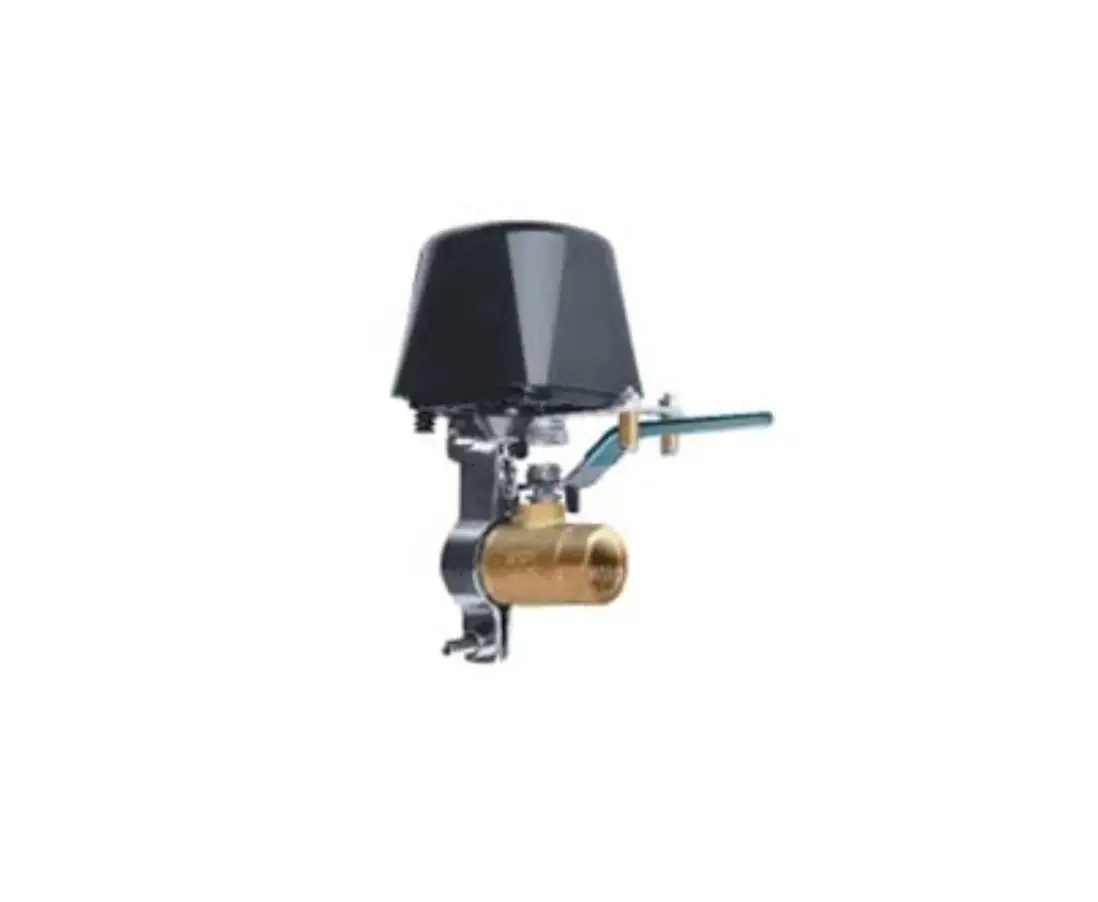
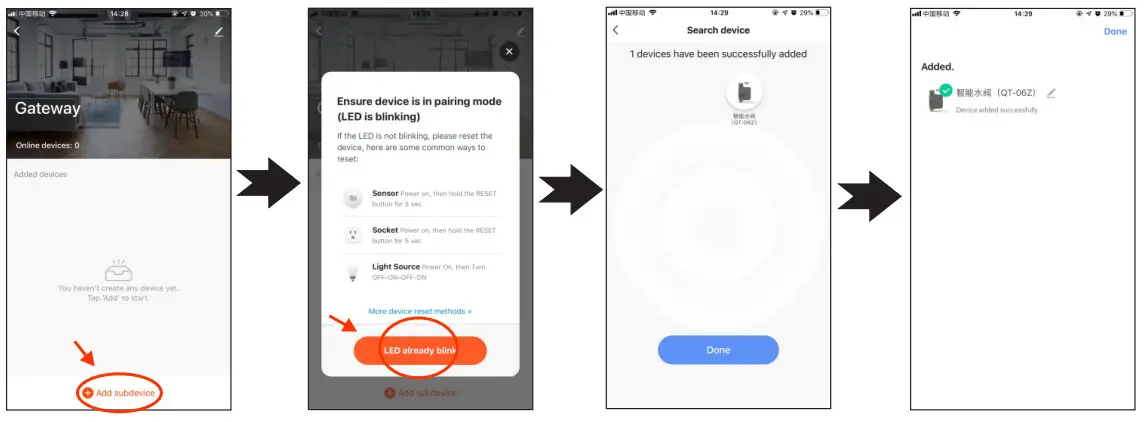
Gateway adds and connects intelligent water valve
- Open the gateway interface and select “+Add Subdevice”.
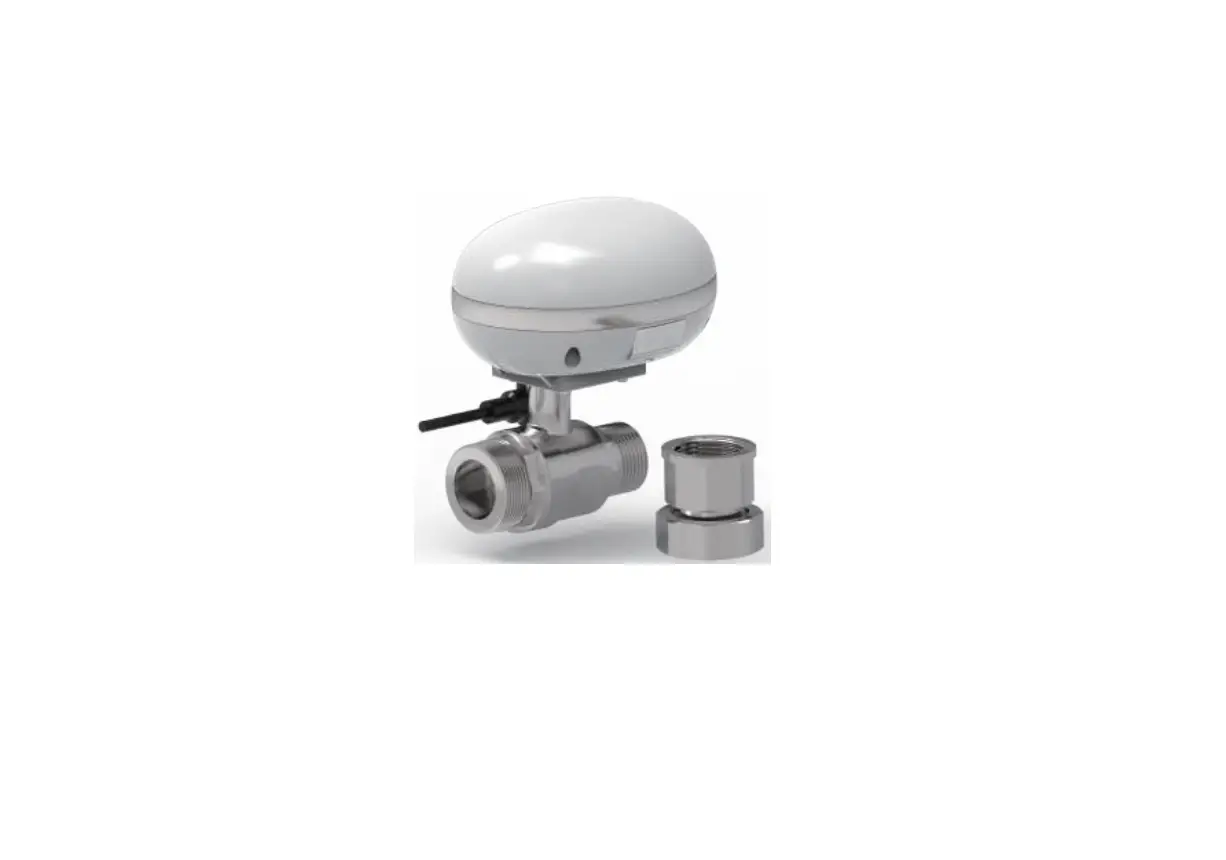
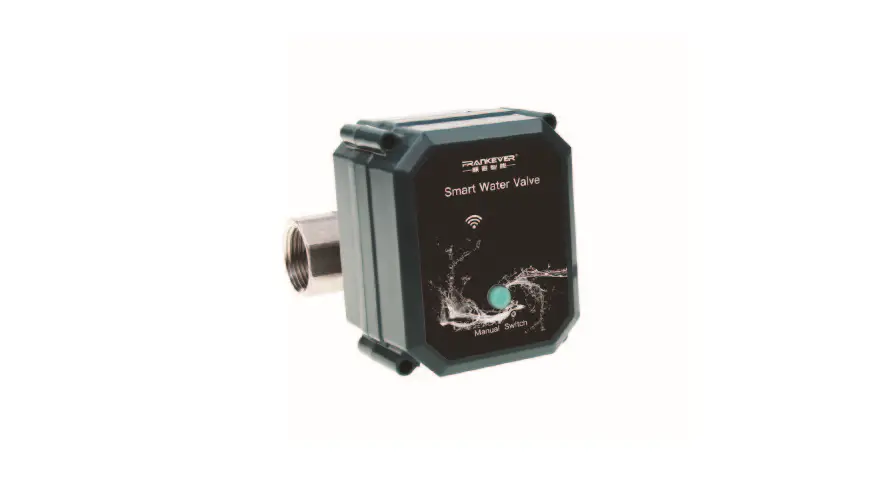
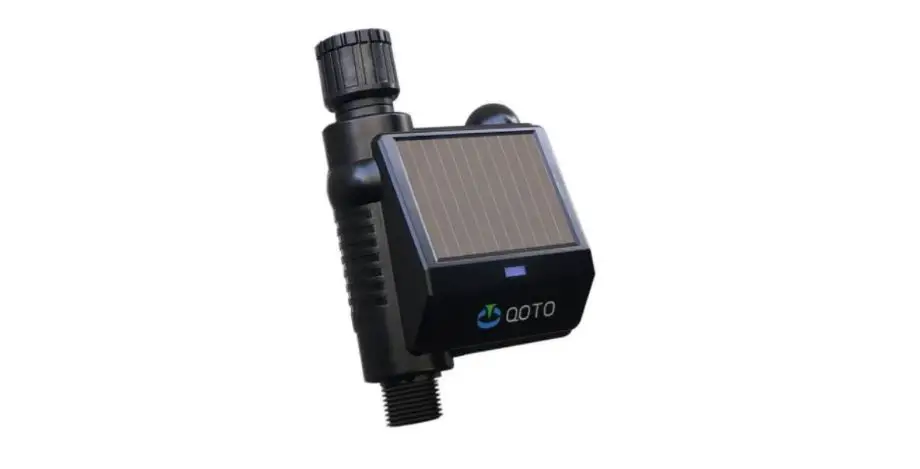
- Confirm whether the indicator light of the intelligent water valve flashes (press and hold the switch button of the intelligent water valve for 5 seconds, and the indicator light switches from long on to flash or extinguish).
- Automatically search for equipment, and click Finish after searching for the equipment.
- If the addition is successful, click the name of the brush to modify it.
FCC Warning:
This equipment has been tested and found to comply with the limits for a Class B digital device, pursuant to part 15 of the FCC Rules. These limits are designed to provide reasonable protection against harmful interference in a residential installation. This equipment generates, uses and can radiate radio frequency energy and, if not installed and used in accordance with the instructions, may cause harmful interference to radio communications. However, there is no guarantee that interference will not occur in a particular installation. If this equipment does cause harmful interference to radio or television reception, which can be determined by turning the equipment off and on, the user is encouraged to try to correct the interference by one or more of the following measures:
- Reorient or relocate the receiving antenna.
- Increase the separation between the equipment and receiver.
- Connect the equipment into an outlet on a circuit different from that to which the receiver is connected.
- Consult the dealer or an experienced radio/TV technician for help.
Caution: Any changes or modifications to this device not explicitly approved by the manufacturer could void your authority to operate this equipment.
This device complies with part 15 of the FCC Rules. Operation is subject to the following two conditions: (1)This device may not cause harmful interference, and (2) this device must accept any interference received, including interference that may cause undesired operation.
This equipment complies with FCC radiation exposure limits set forth for an uncontrolled environment. This equipment should be installed and operated with a minimum distance of 20cm between the radiator and your body.
 China Valve Control System, Valve Actuator, Valve Suppliers, Manufacturers, Factory - POWER-TOMORROW