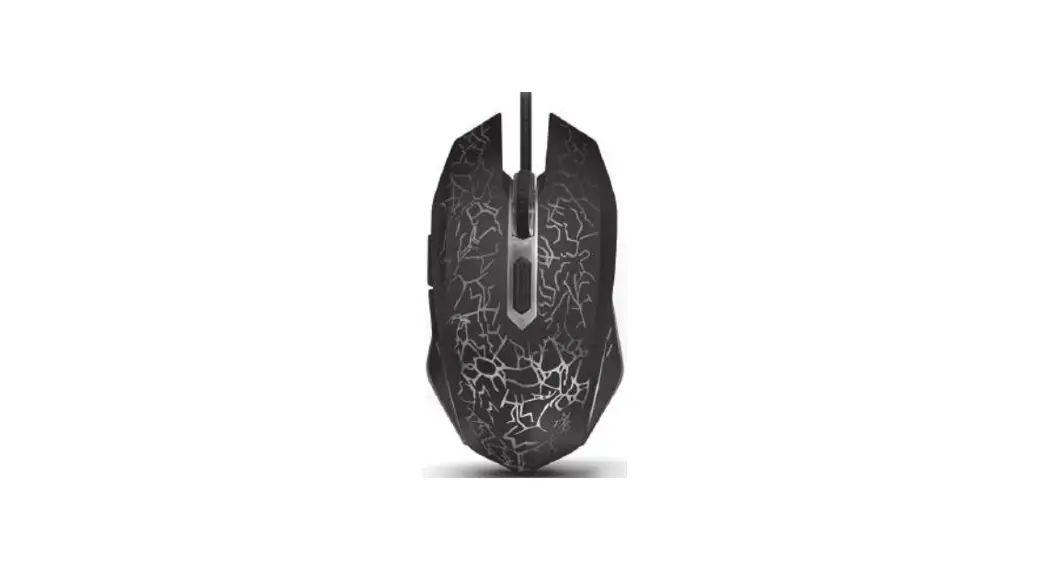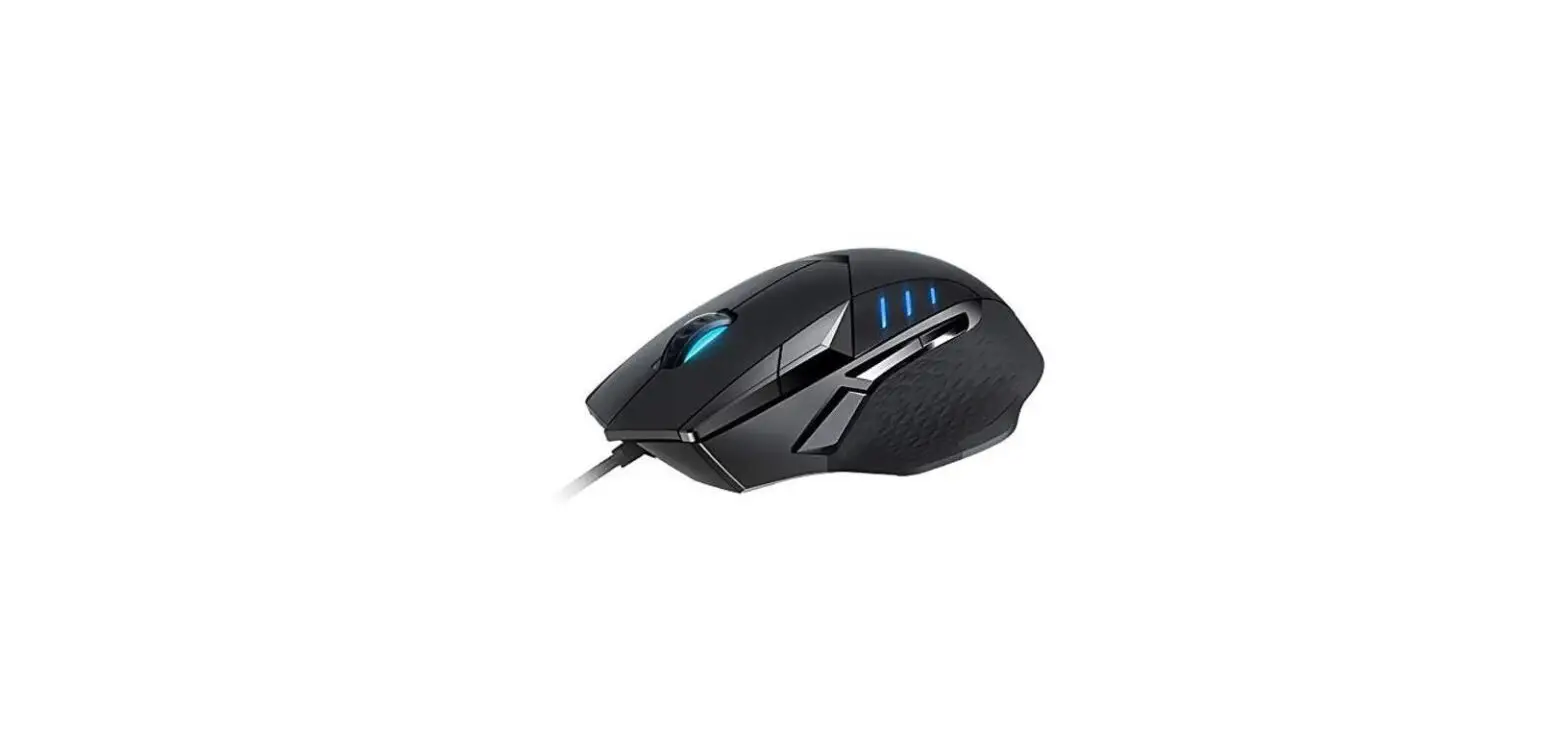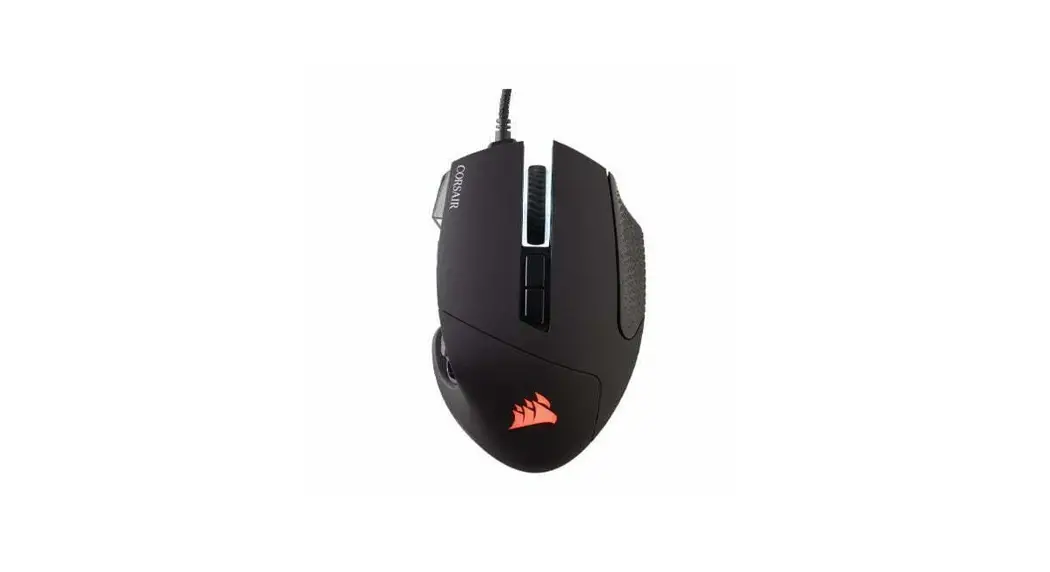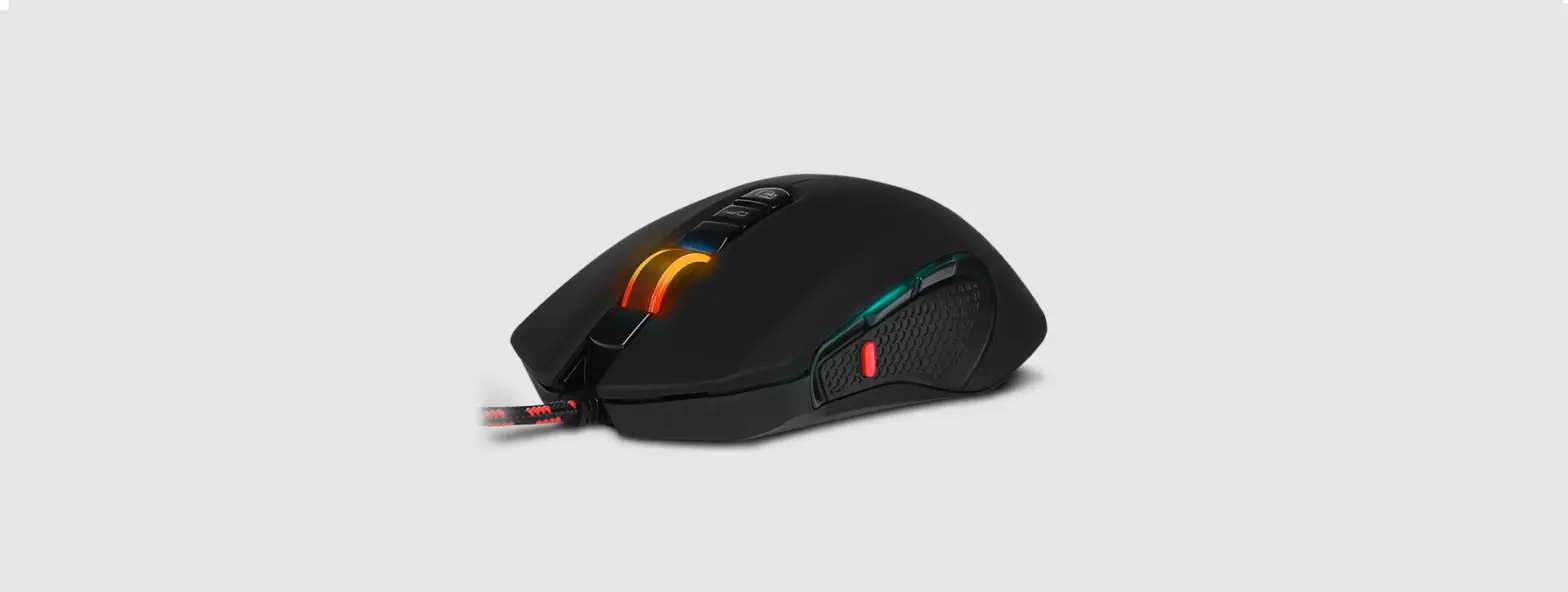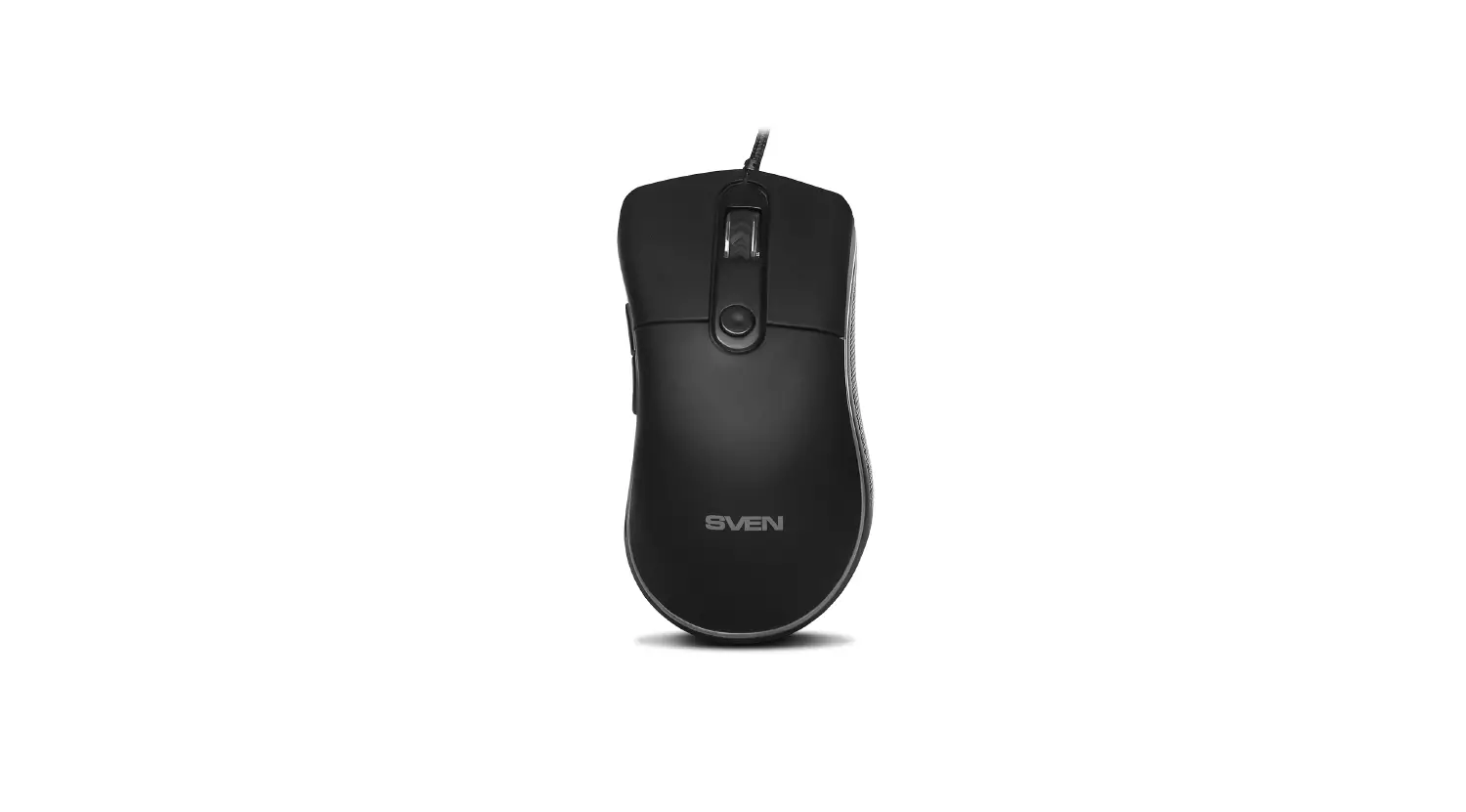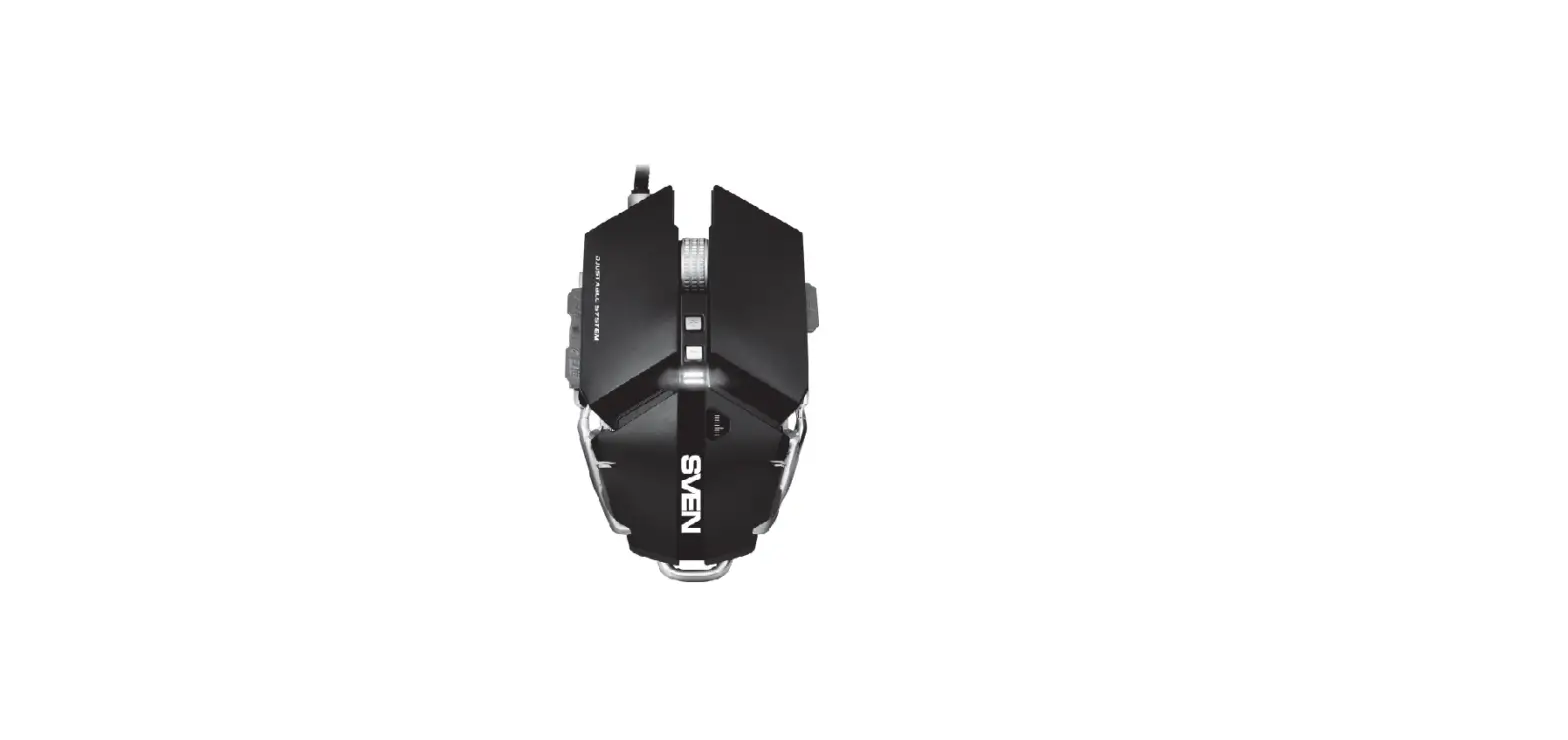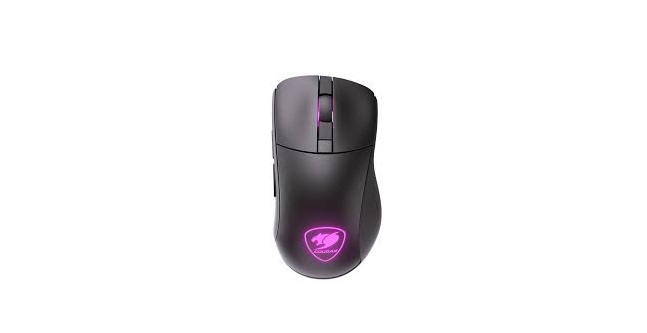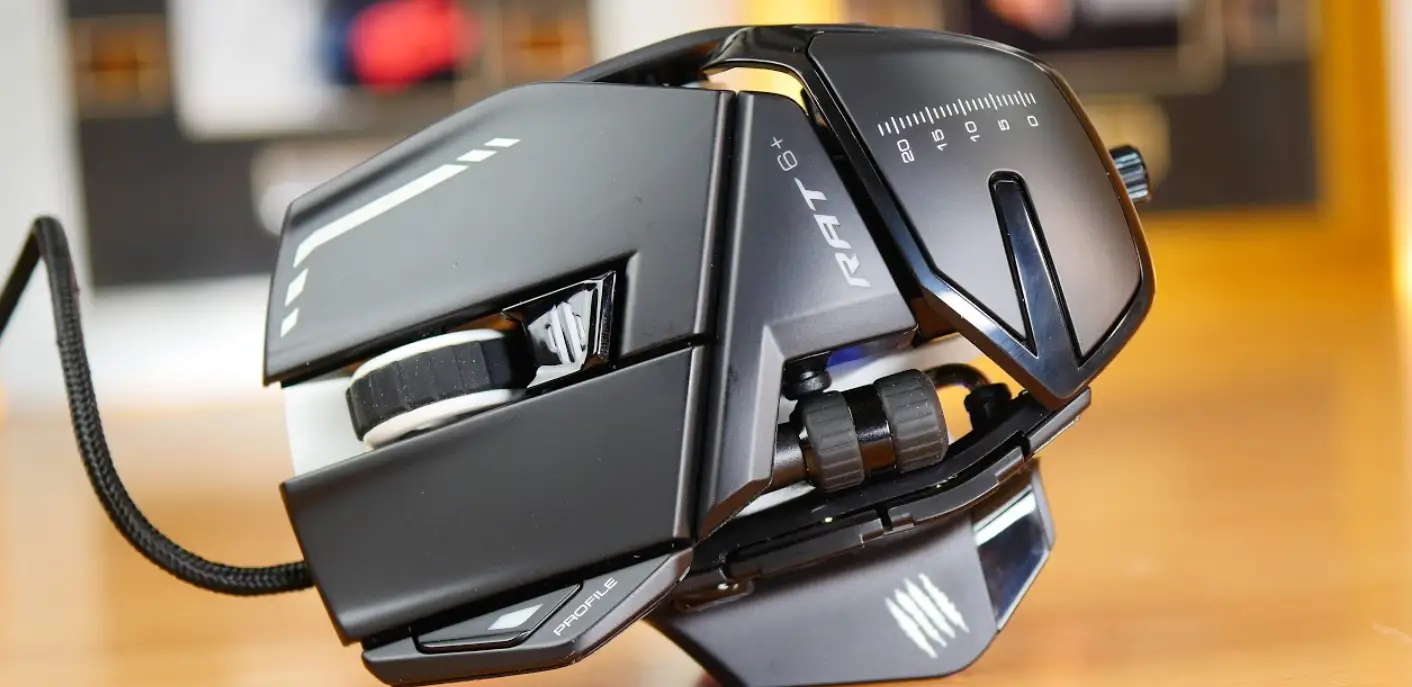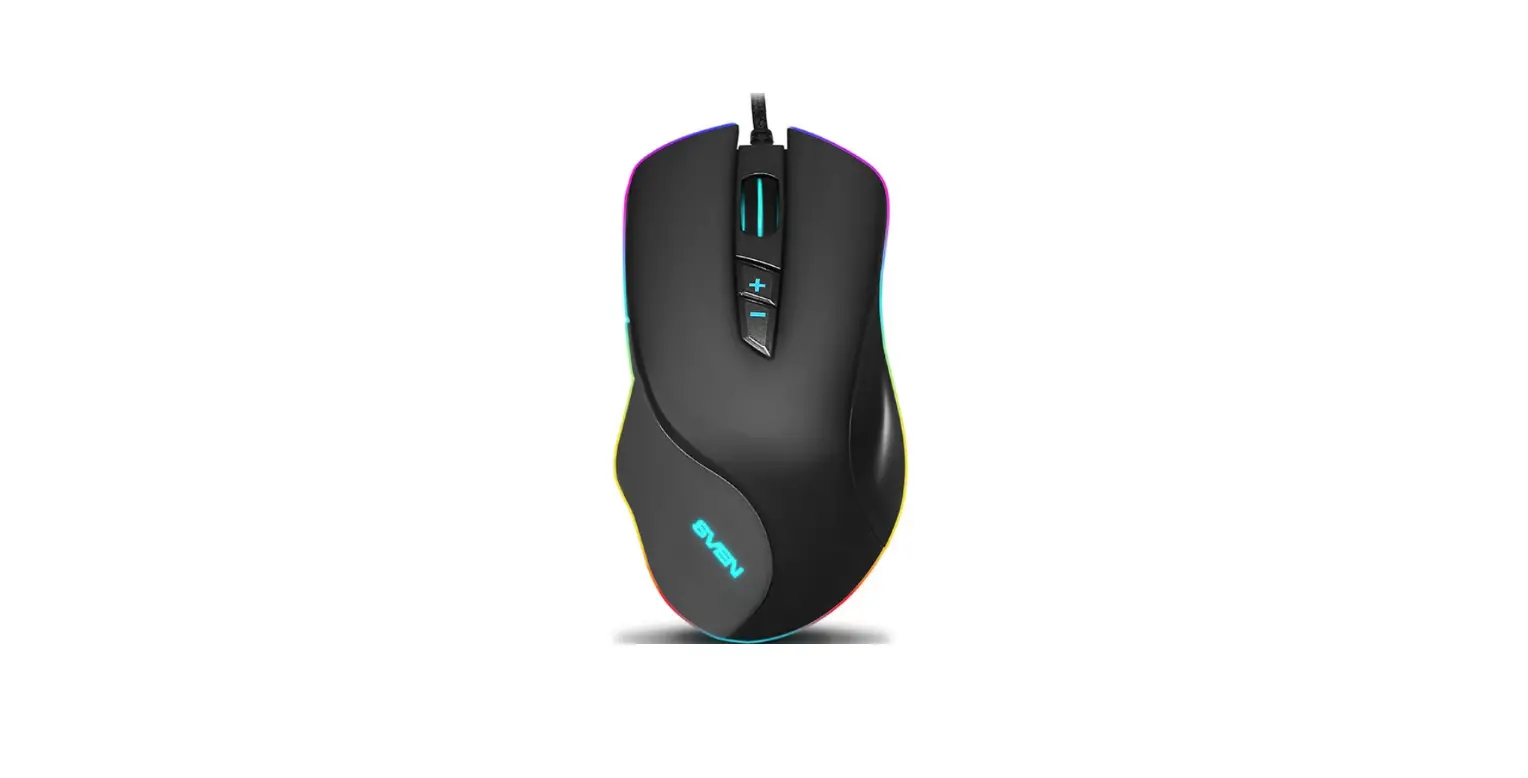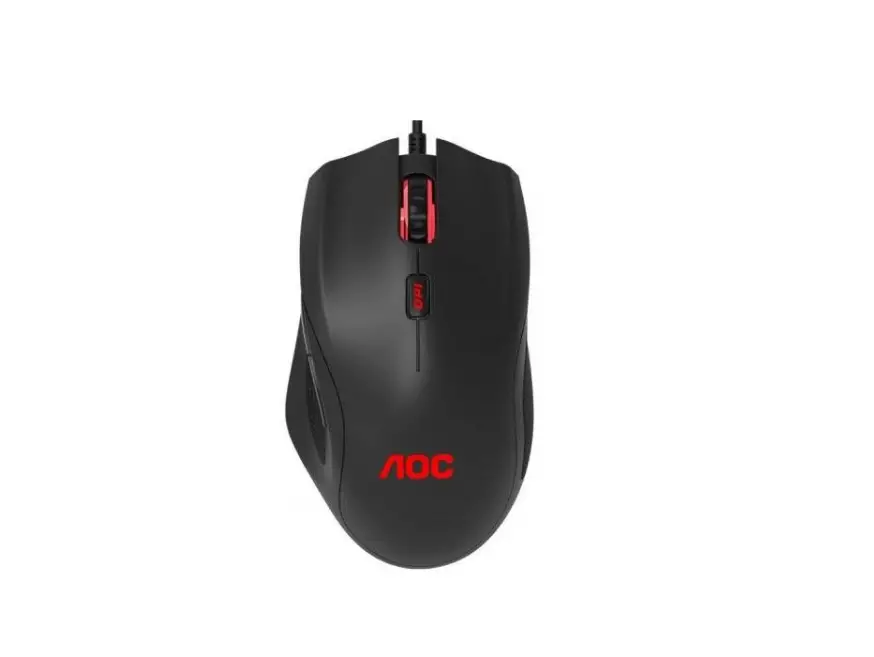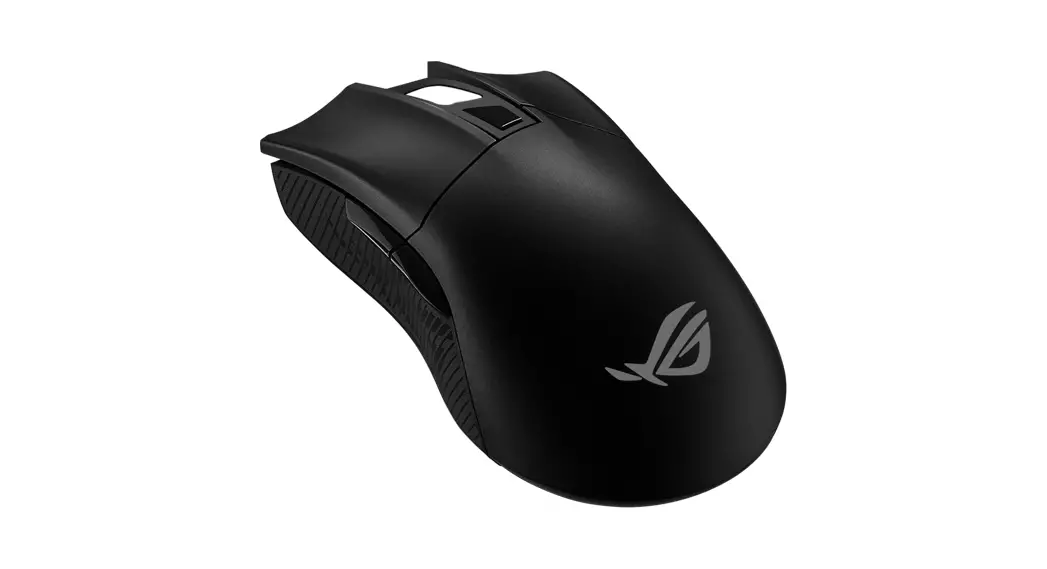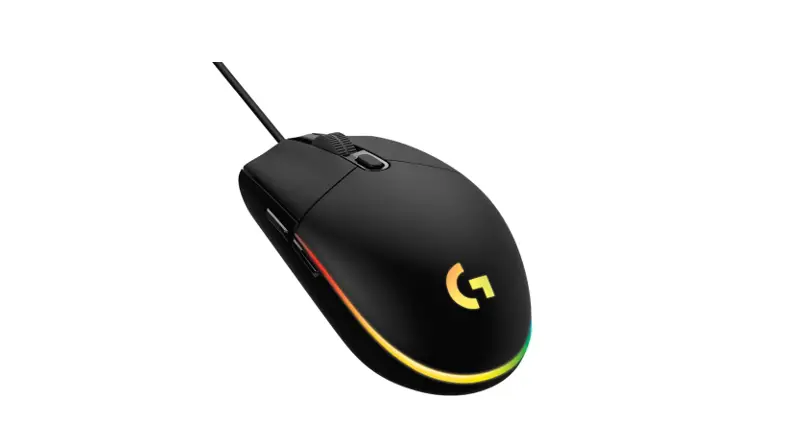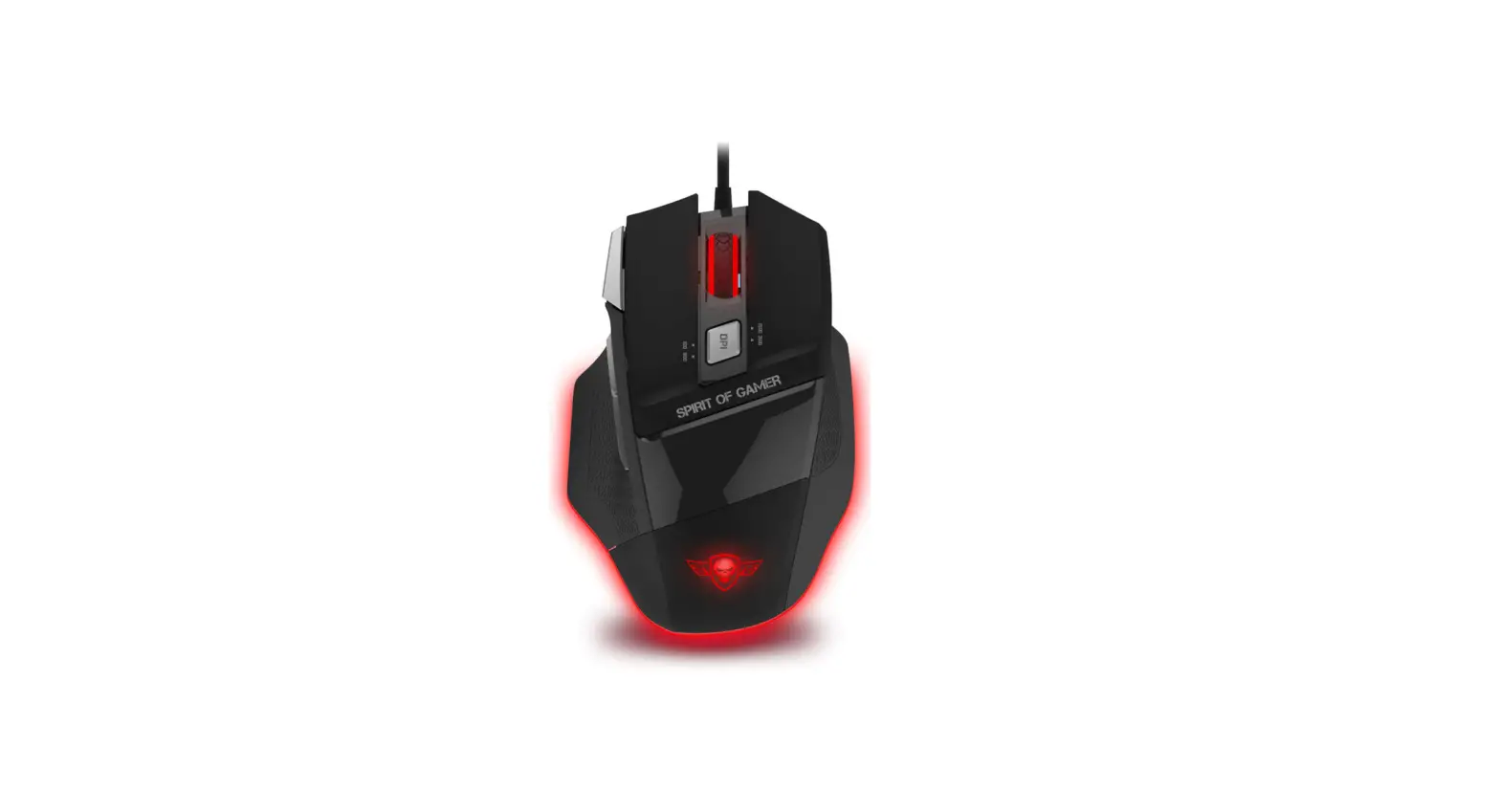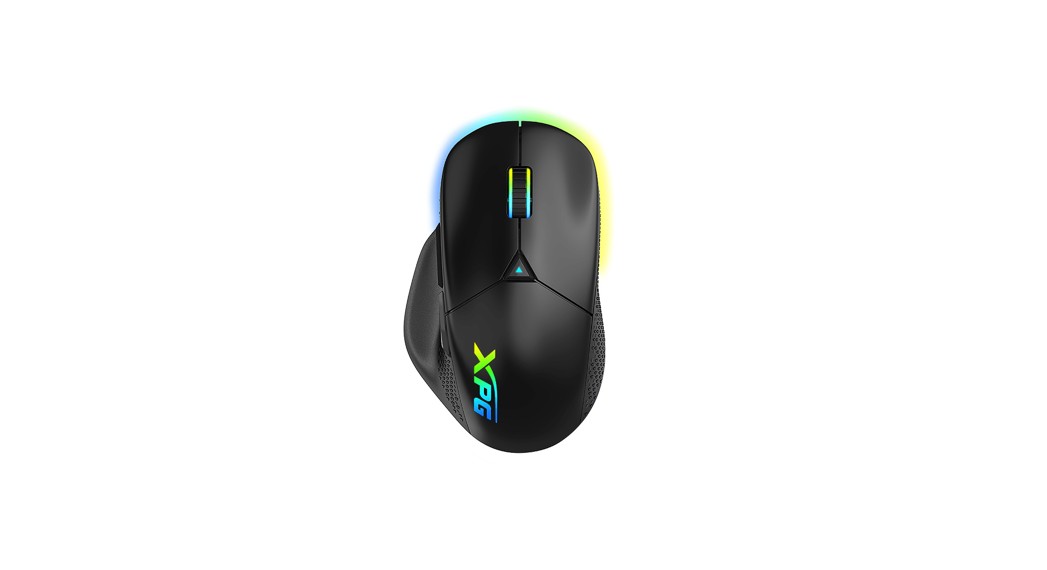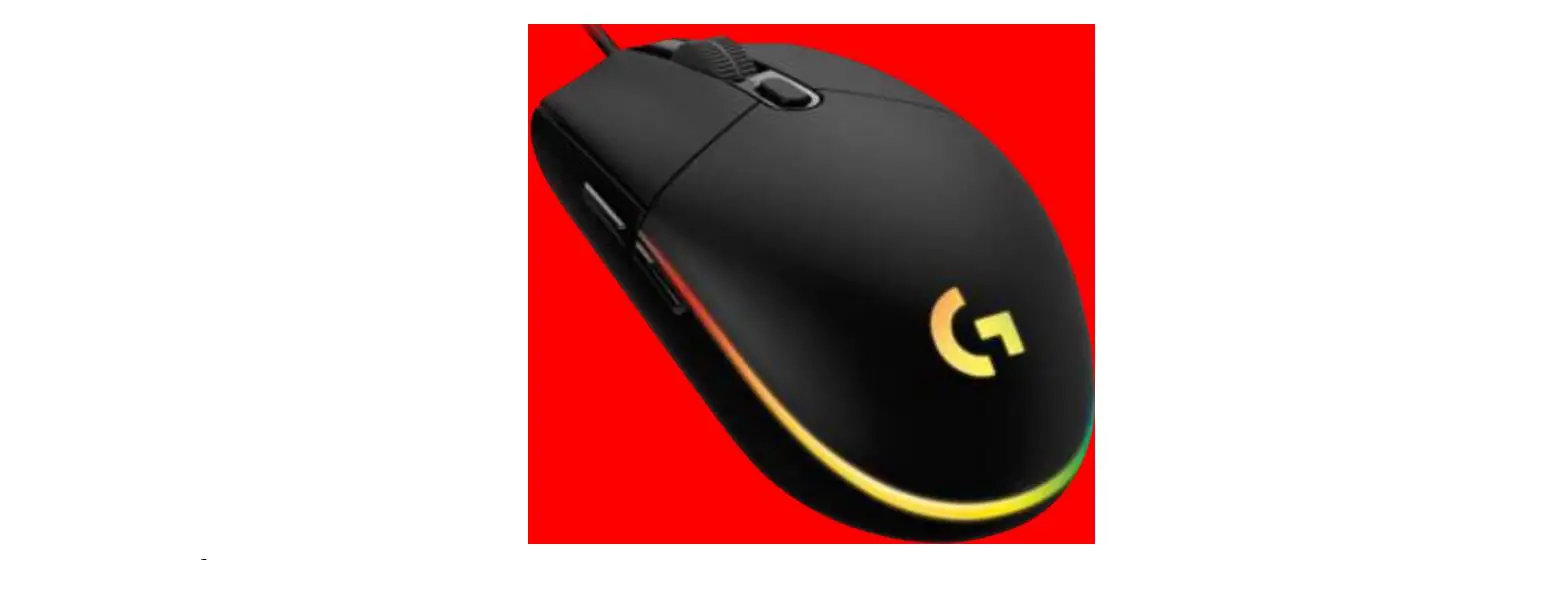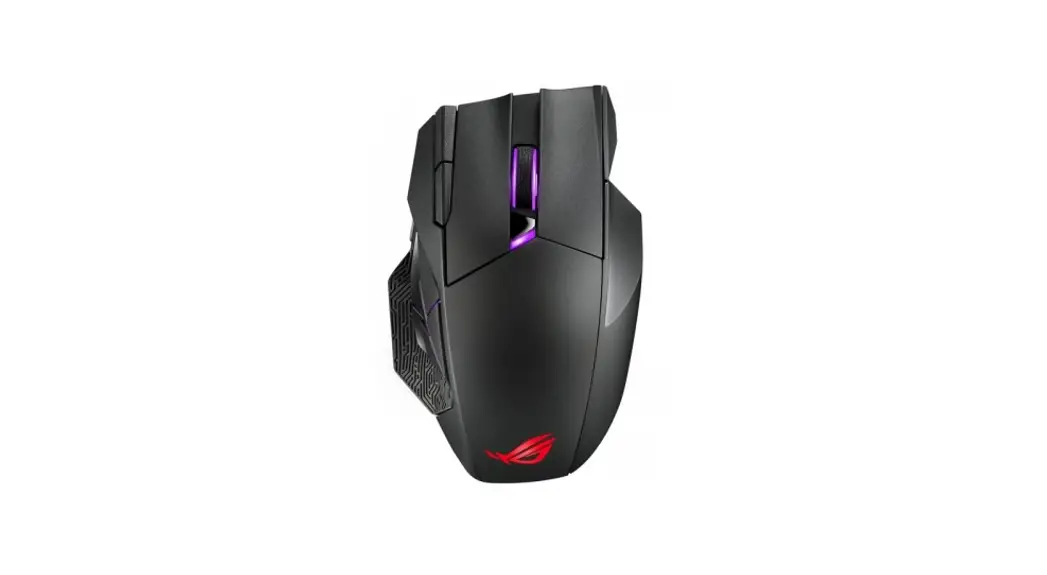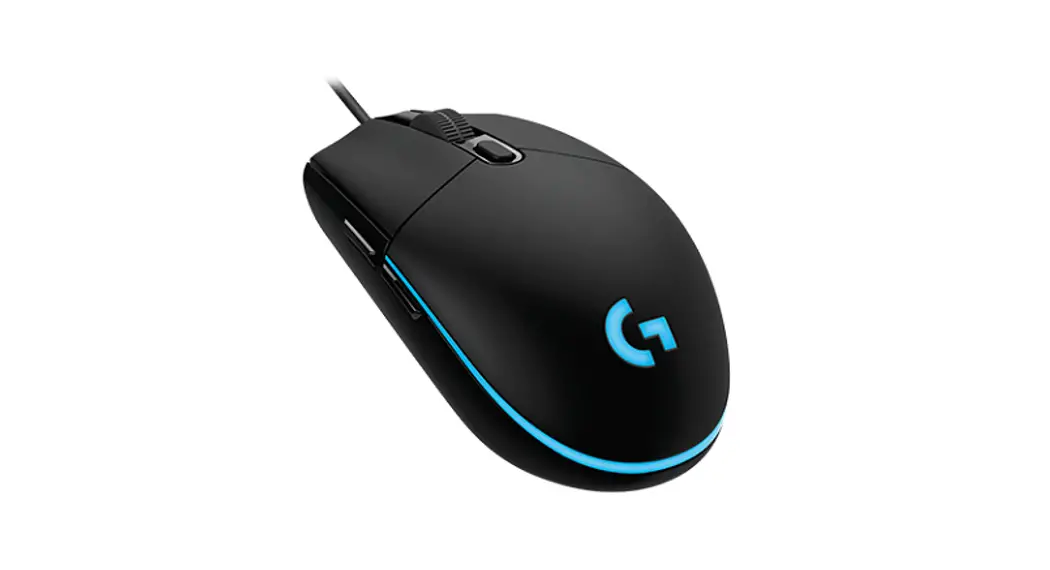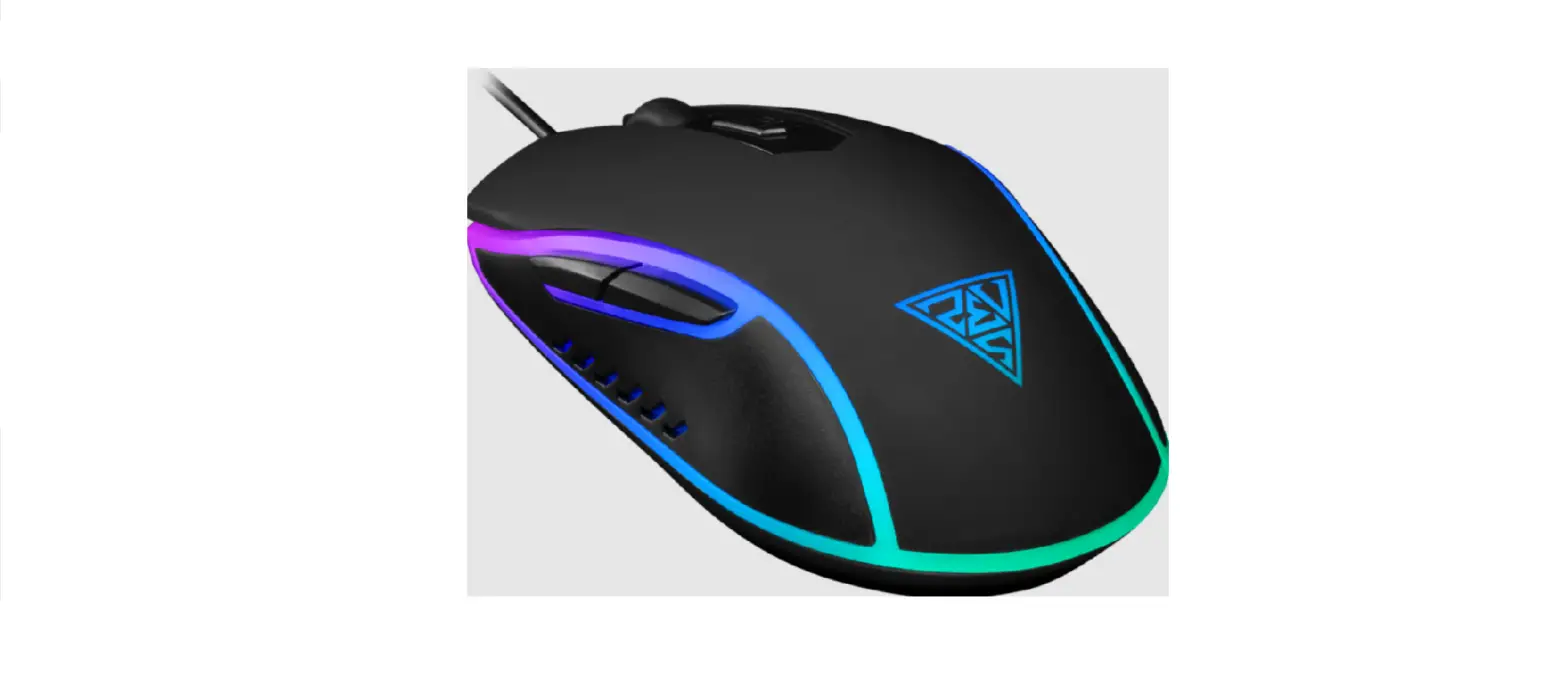

AURA GS1 Optical Gaming Mouse
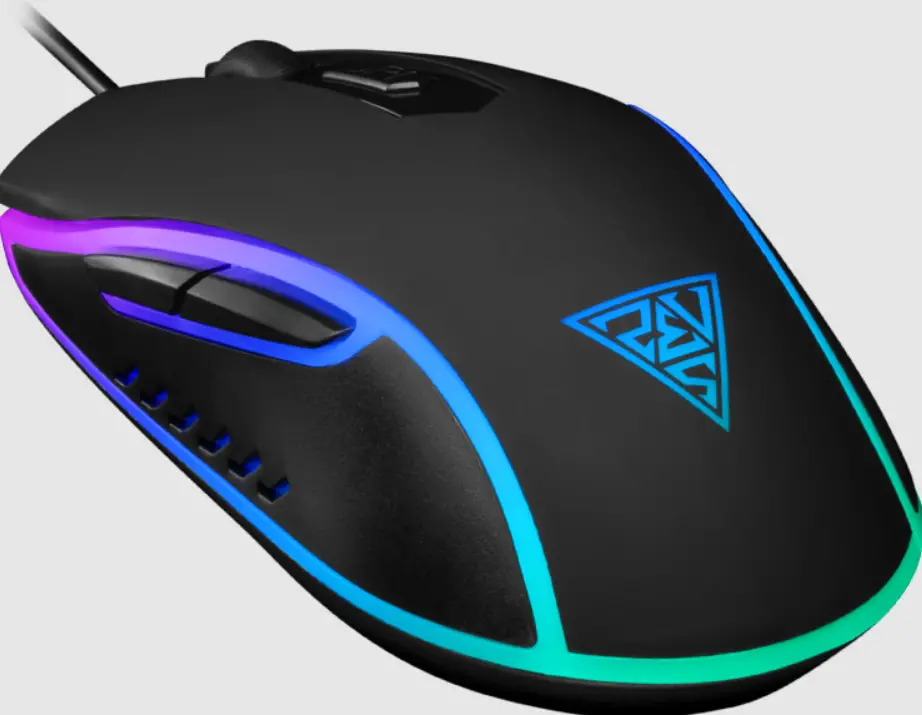
Thank you for choosing AURA GS1 optical gaming mouse by GAMDIAS™.
The GAMDIAS™ AURA GS1 optical gaming mouse employs premium micro-processor complemented by 3,600 DPI precision-perfect optical sensor.
System Requirements
- Windows ® XP/ Vista / 7 / 8 / 10
- PC with USB ports
Package Contents
- GAMDIAS™ AURA GS1 Optical Gaming Mouse
Hardware Installation
- Plug the GAMDIAS™ AURA GS1 into your PCs via USB Port.
- The “found new hardware” notice will appear, please following instruction to complete hardware installation.
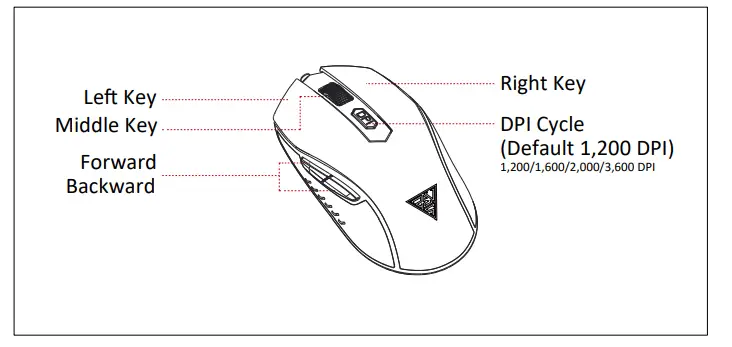
AURA GS1 Default Settings 
Registering Your GAMDIAS™ AURA GS1 Optical Gaming Mouse
Please visit www.gamdias.com for online product registration.
WEEE Directive & Product Disposal
At the end of its serviceable life, this product should not be treated as household or general waste. It should be handed over to the applicable collecon point for recy-cling of electrical and electronics equipment, or returned to the supplier for disposal.
 GAMDIAS Gaming PC Components & Peripherals | GAMDIAS