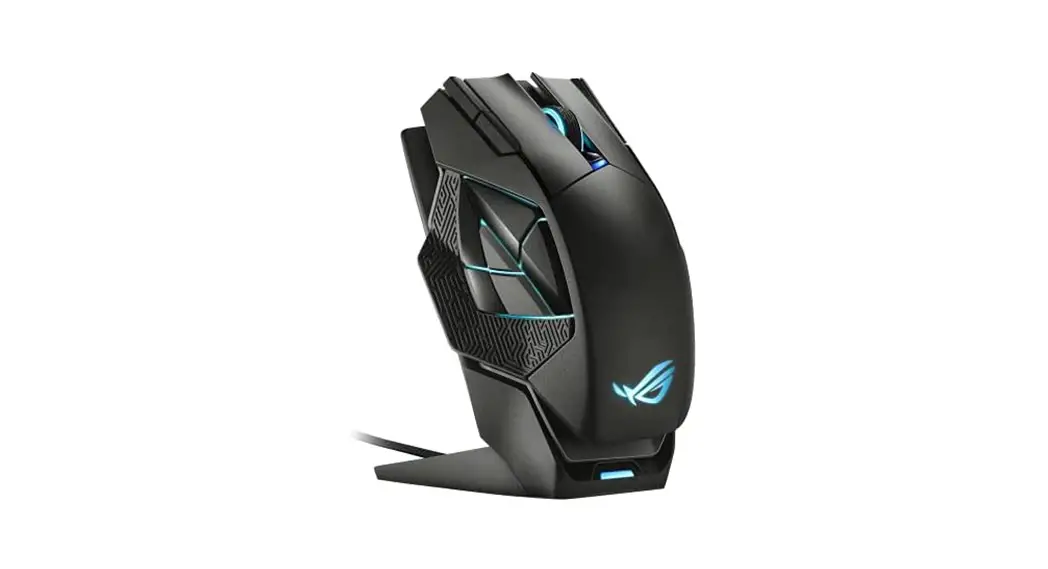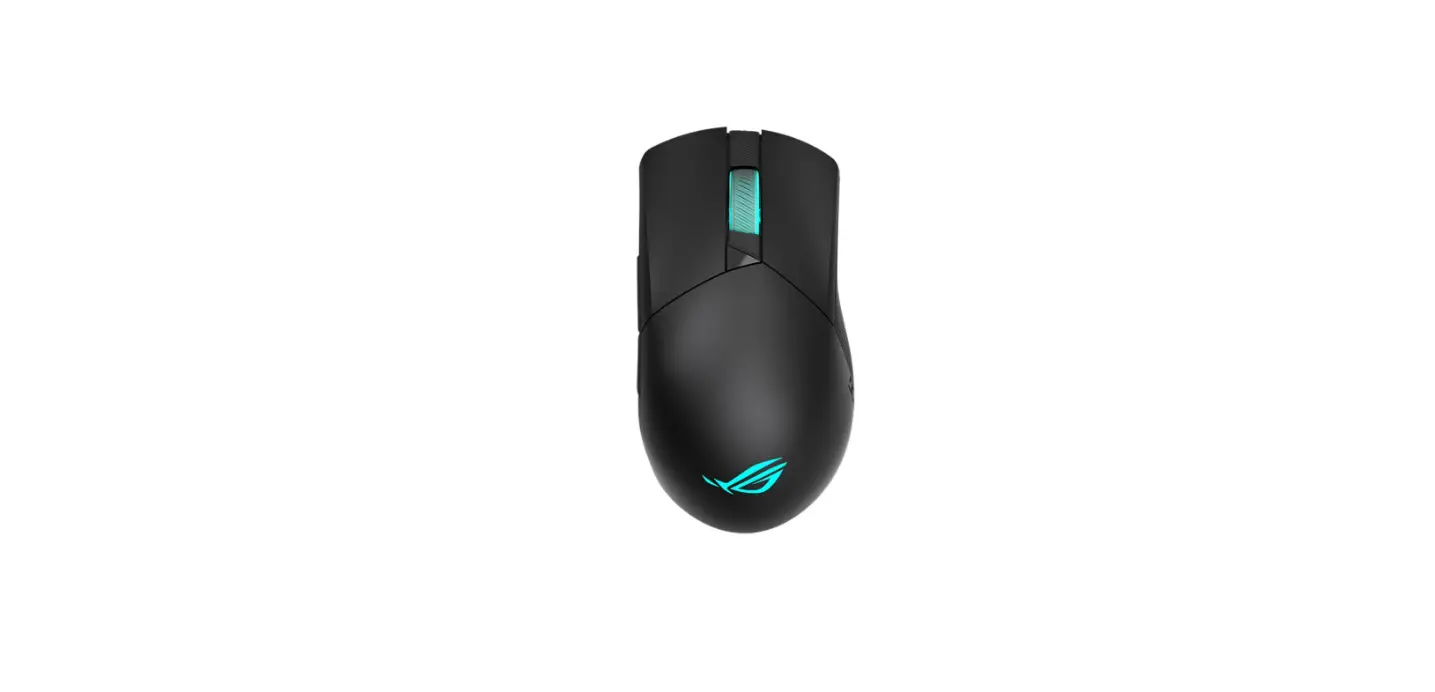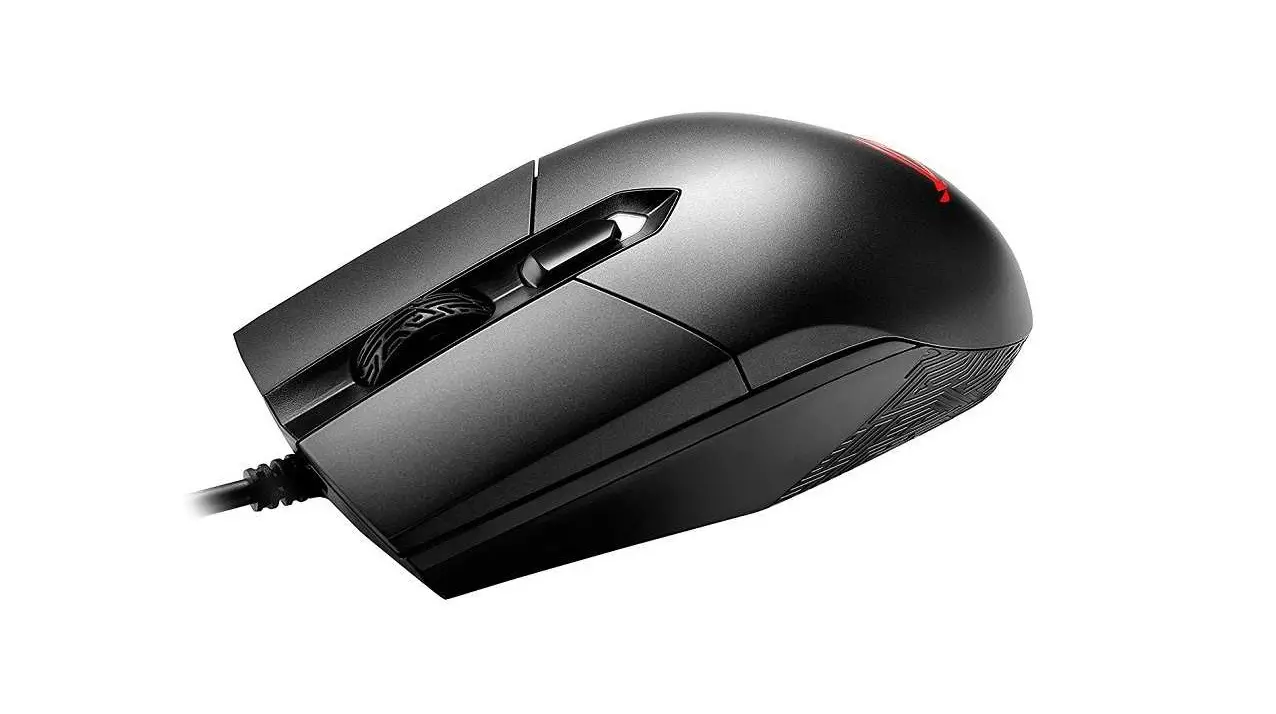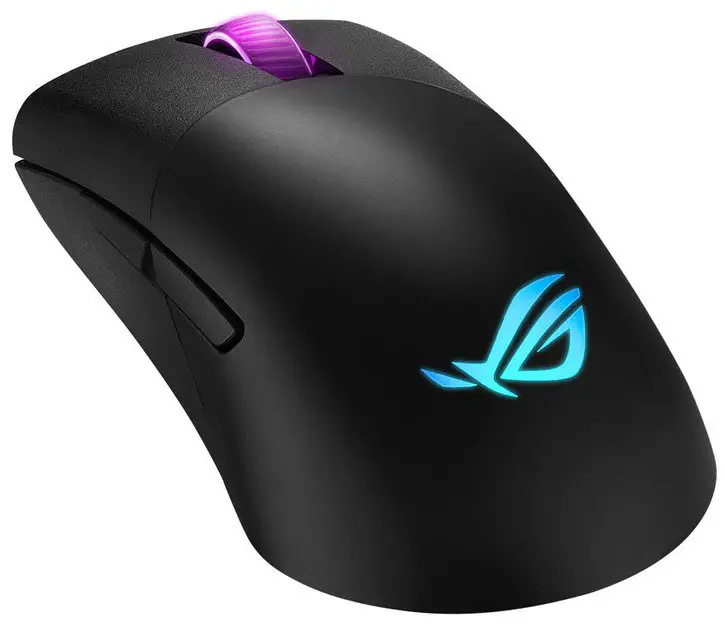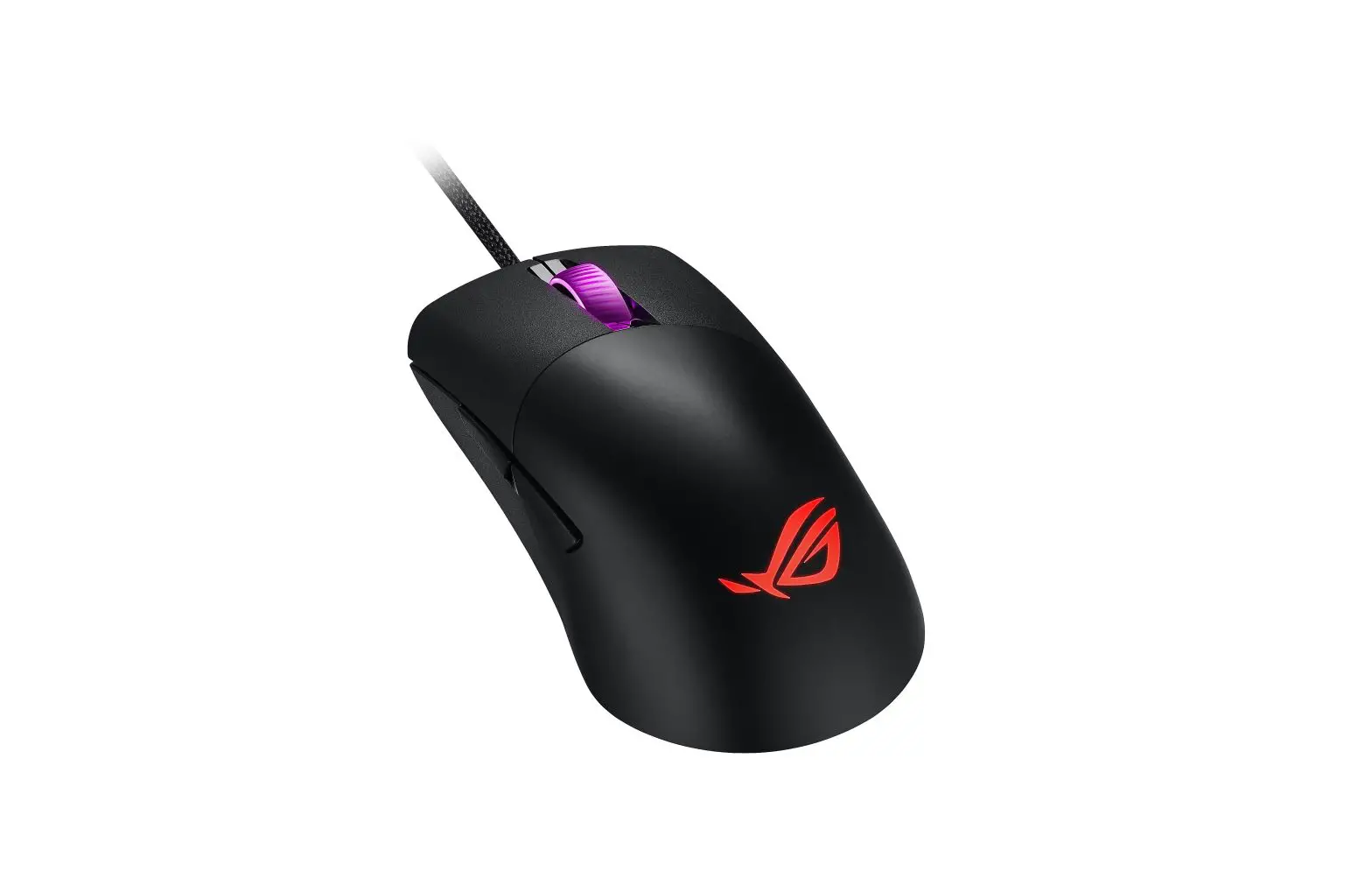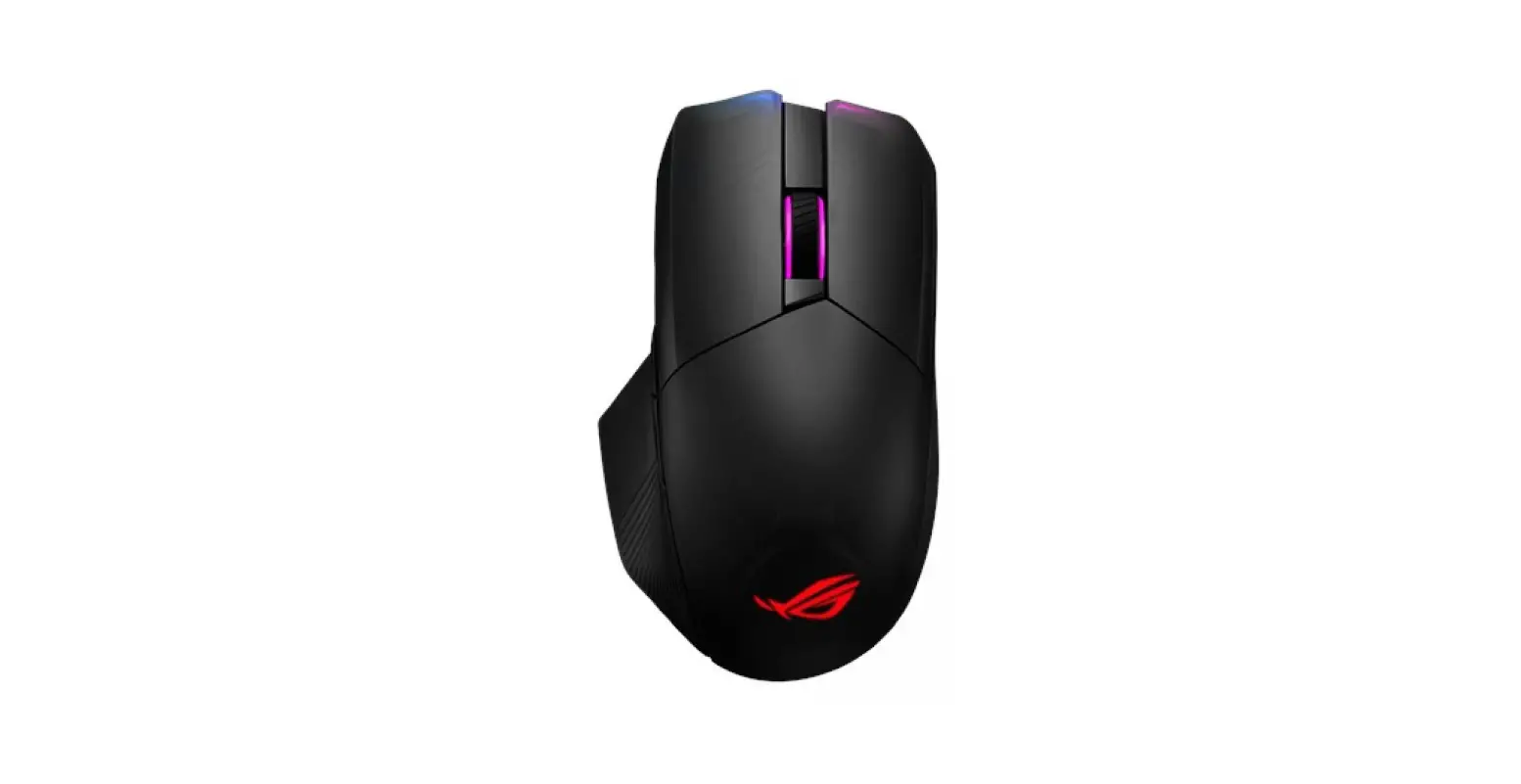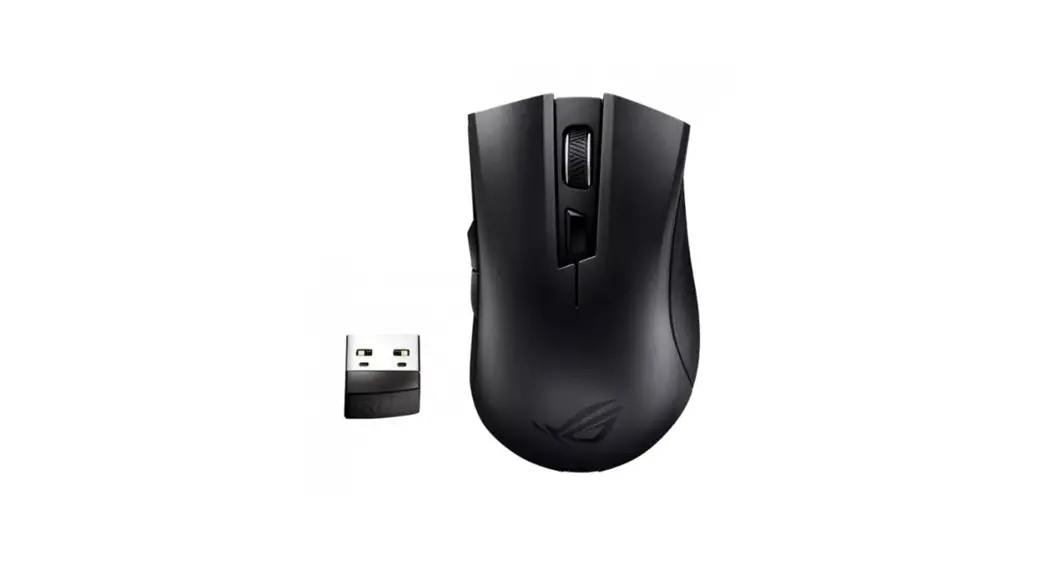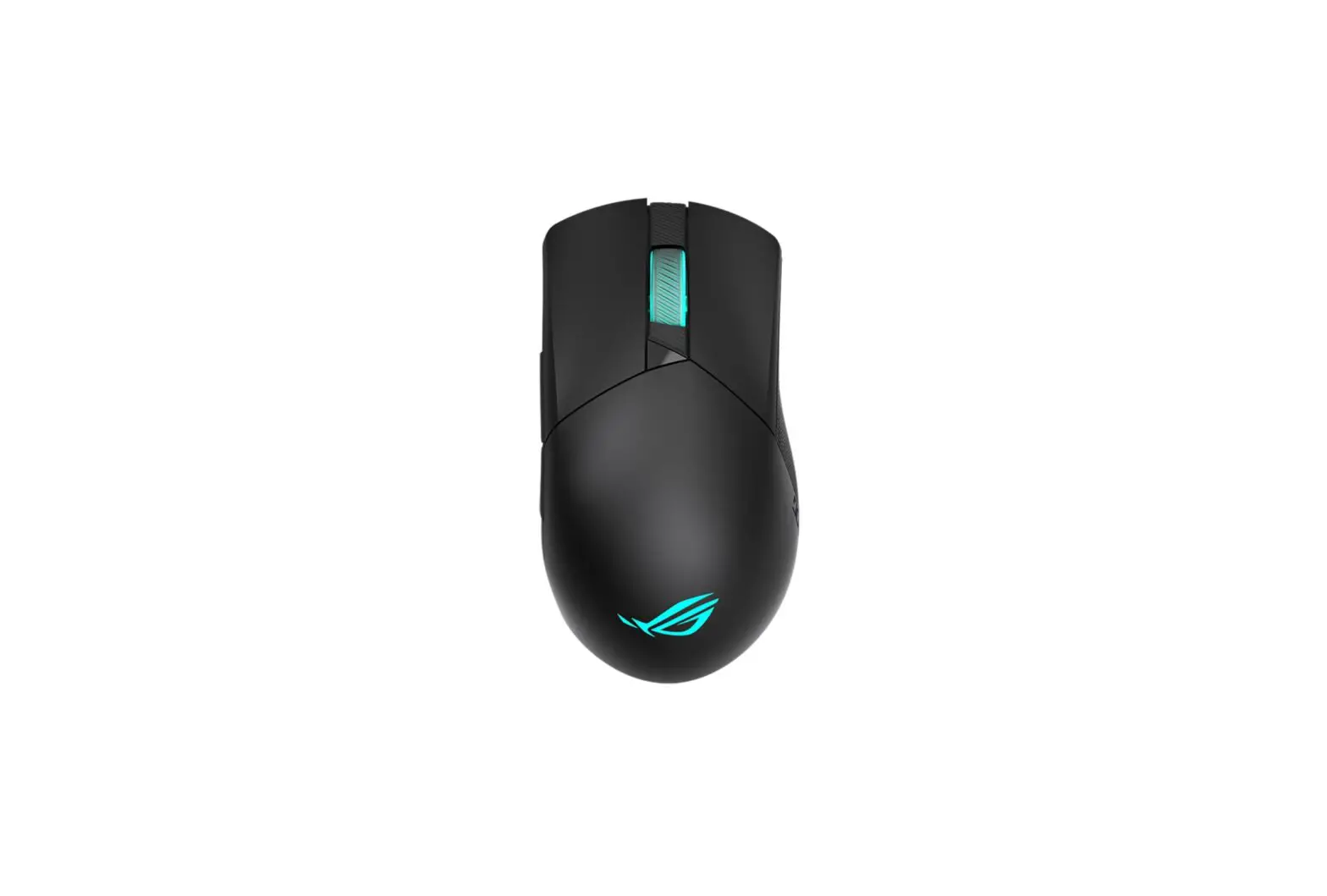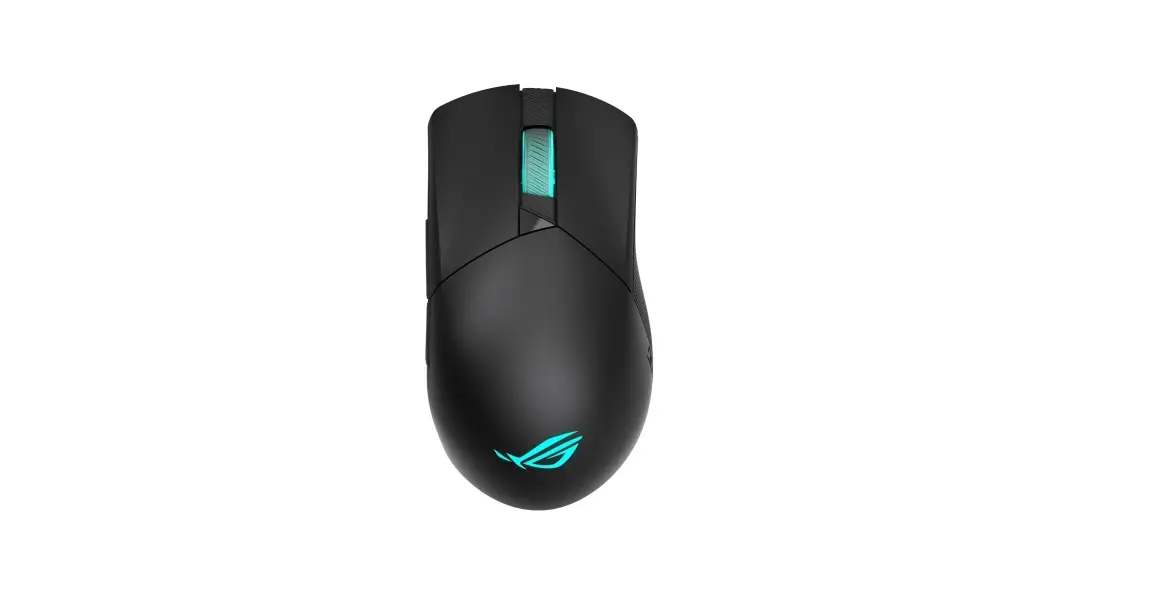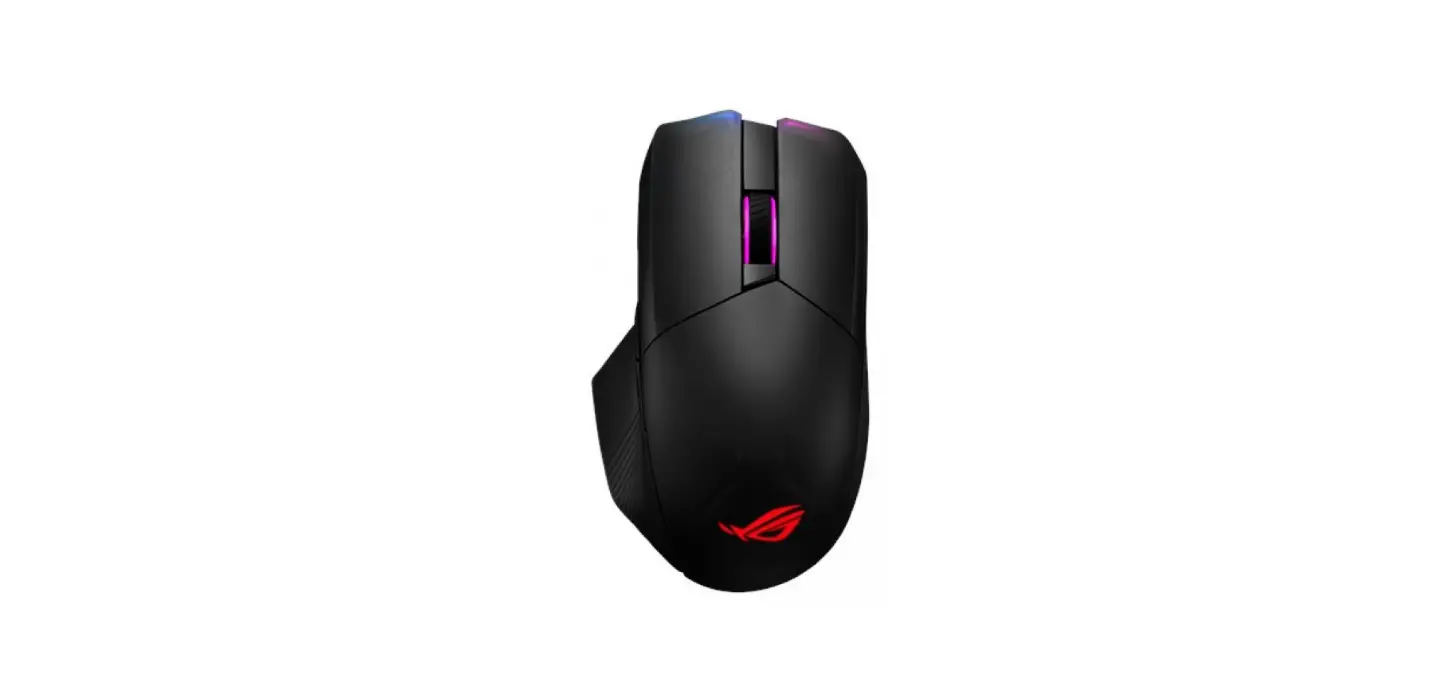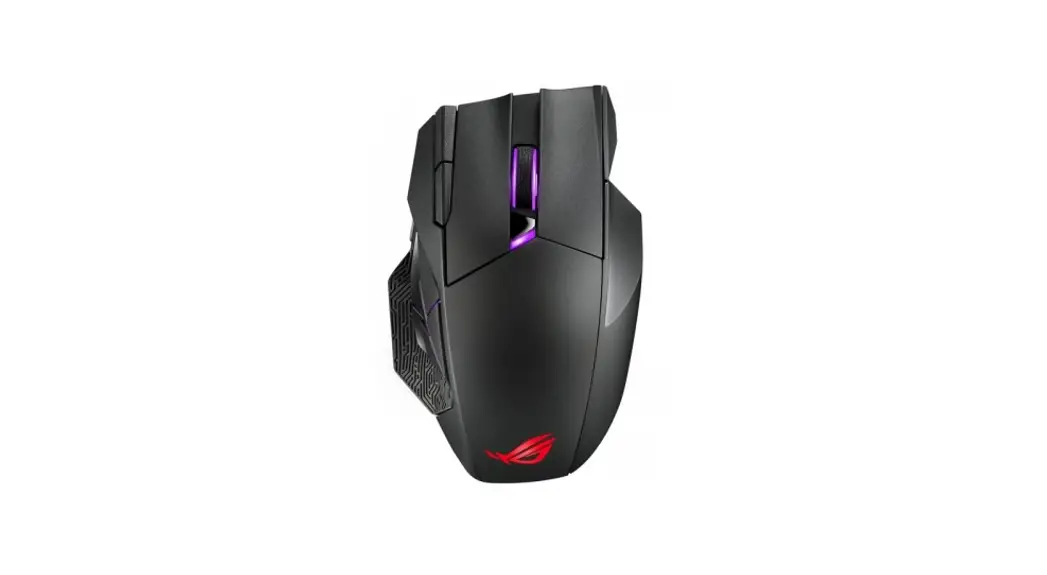

P707 ROG Spatha X Wireless Optical Gaming Mouse
User Guide
ROG SPATHAX
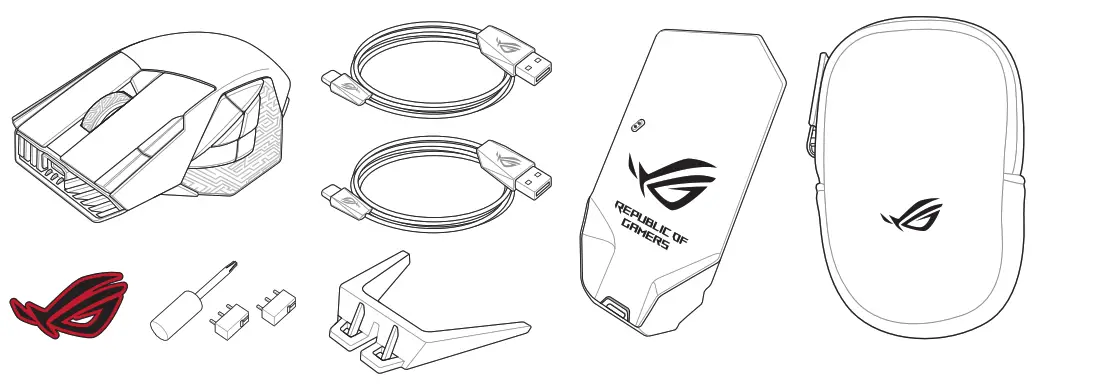
Package contents
Replacing the switches
NOTE: Refer to www.asus.com for the list of compatible switches.
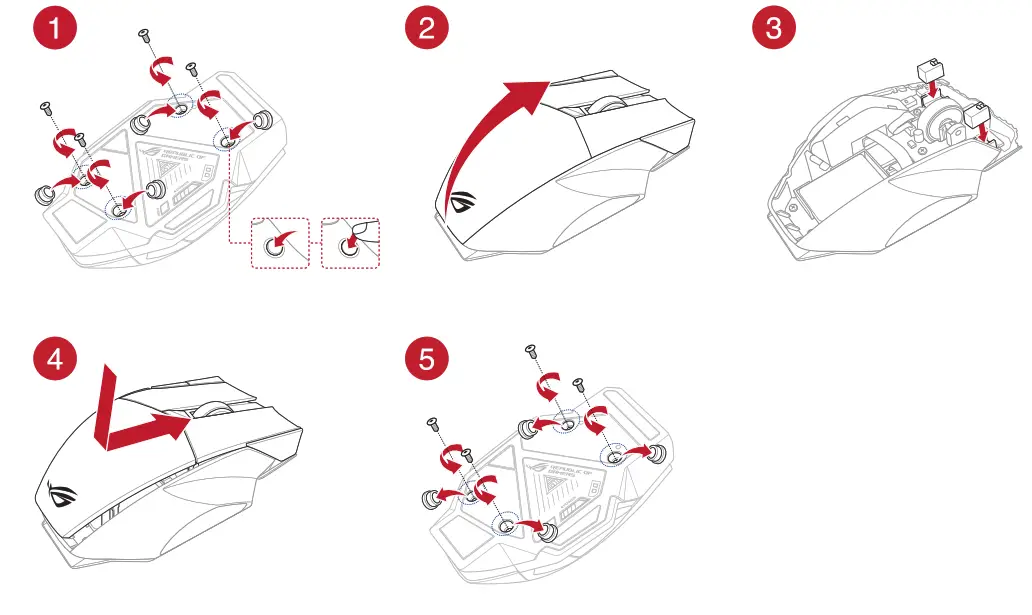
IMPORTANT!
- Ensure to install the switch with its button facing the front of the mouse.
- Ensure that the switches are seated properly on the switch sockets.
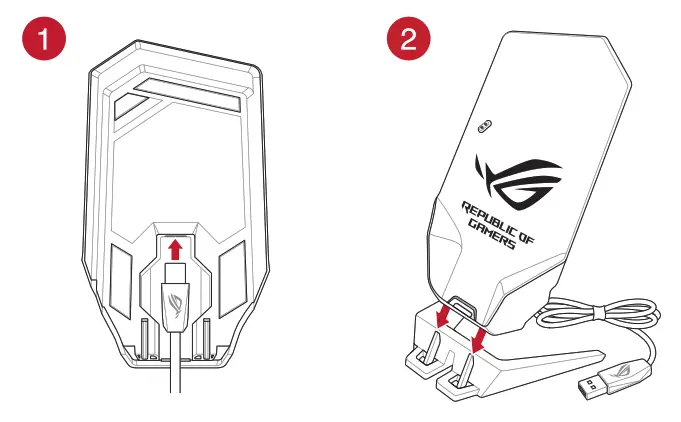
Setting up the wireless receiver/charging dock
Device features
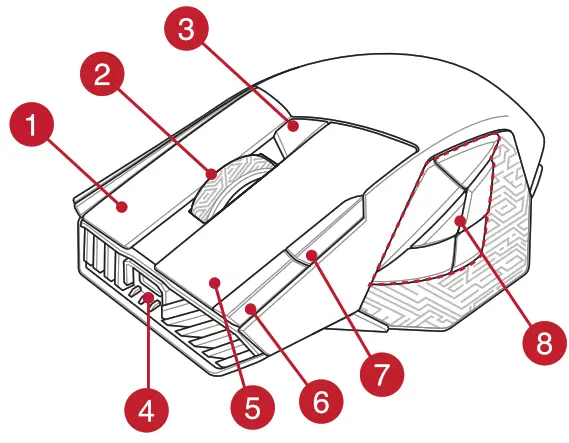 | 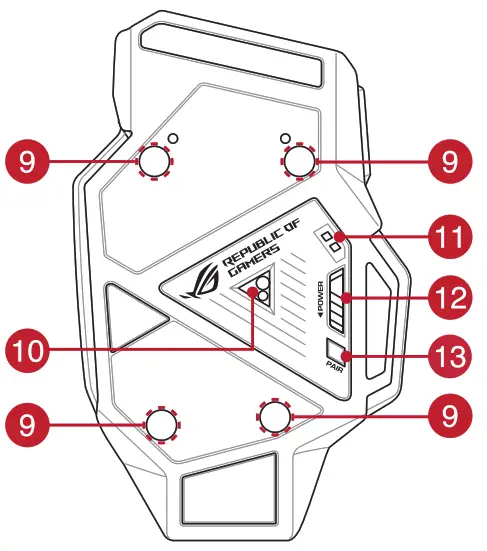 | 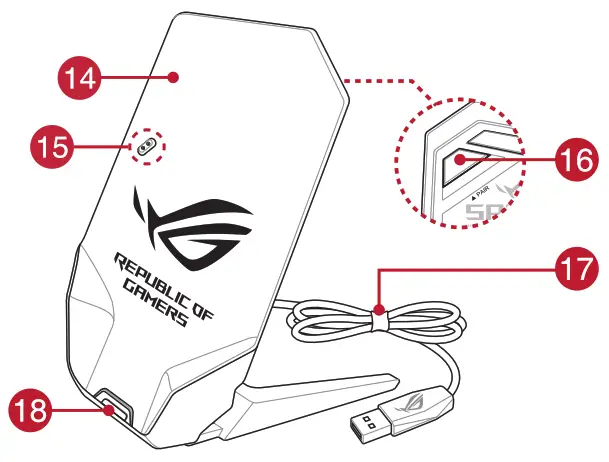 |
| 1 Right button 2 Scroll wheel 3 DPI button 4 USB Type-C® connector 5 Left button 6 Forward button | 7 Backward button 8 Programmable thumb buttons 9 Rubber cover 10 Optical sensor 11 Mouse charging connectors 12 Power switch | 13 Pairing button 14 Wireless receiver/charging dock 15 Dock charging connectors 16 Pairing button (Dock) 17 USB Type-C® to Type-A cable 18 Dock LED indicator |
Connecting your gaming mouse
Setting up your gaming mouse as a wired mouse
Connect the bundled USB Type-C® to Type-A cable to your gaming mouse and a USB port on your computer.
Setting up your gaming mouse as an RF wireless mouse
NOTE: Download the driver from https://www.asus.com and install it on your computer.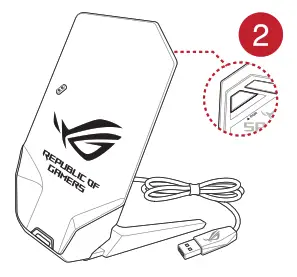
- Connect the bundled USB Type-C® to Type-A cable to your wireless receiver/charging dock and a USB port on your computer.
NOTE: Your gaming mouse comes paired by default. Please follow steps 2 – 5 only if you need to pair your gaming mouse again. - Press the Pairing button for 3 seconds on the rear of your wireless receiver/charging dock, the Dock LED indicator should begin blinking green.

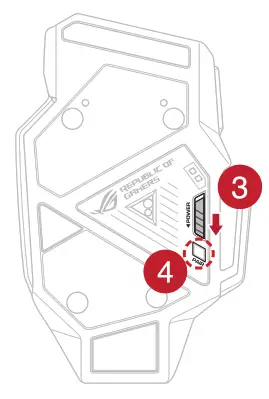
- Slide the Power Switch to turn on your ROG SPATHA X gaming mouse.
- Press the Pairing button for 3 seconds on your ROG SPATHA X gaming mouse, the LEDs should begin blinking green.
- The Dock LED indicator and gaming mouse LEDs will return to their original lighting effects when your ROG SPATHA X gaming mouse has successfully paired.
NOTE: Click on the left button to wake your ROG SPATHA X gaming mouse from sleep mode.
Specifications*
| Resolution | DPI 1 | DPI 2 | DPI 3 (Default) | DPI 4 |
| 100 DPI to 19000 DPI | 400 DPI | 800 DPI | 1600 DPI | 3200 DPI |
* You may customize the DPI settings for DPI 1-4 through Armoury Crate or the DPI On-The-Scroll tuning function.
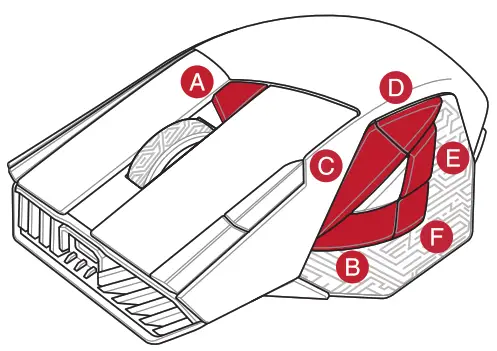
Gaming mouse profiles
| Profile | Default lighting effect | |
| Profile 1 | A+B | Rainbow (Default) |
| Profile 2 | A+C | Color cycle |
| Profile 3 | A+D | Breathing (blue) |
| Profile 4 | A+E | Reactive (Green) |
| Profile 5 | A+F | Comet |
Battery Status
The LEDs on your gaming mouse will turn red (breathing) when the battery power is below 20% in RF 2.4G mode. You may charge your gaming mouse by using the bundled USB cable or wireless receiver/charging dock.
Using the DPI On-The-Scroll tuning function
The DPI On-The-Scroll tuning function allows you to customize the DPI of your gaming mouse without using Armoury Crate.
- Press and hold the DPI button for 3 seconds until the LEDs on your gaming mouse light up.
- Scroll the scroll wheel forwards or backwards to adjust the DPI. The LED color hue on your scroll wheel will differ depending on the DPI adjustment.
NOTE:
• The DPI increments at 50 DPI per scroll forwards and decrements at 50 DPI per scroll backwards.
• The DPI ranges from 100 DPI (blue) to 19000 DPI (red). - Press the DPI button once you have finished customizing the DPI value to save the changes made.
Updating the gaming mouse and wireless receiver/charging dock
- Connect your gaming mouse or wireless receiver/charging dock to your computer using the bundled cable.
- Download and install the Armoury Crate software from https://rog.asus.com/Mice-Mouse-Pads/Mice/Ergonomic-Right-Handed/ROG-Spath-X-model/helpdesk/.
- Follow the software instructions to update your gaming mouse’s firmware.
- Customize your gaming mouse using Armoury Crate.
Notices
Limitation of Liability
Circumstances may arise where because of a default on ASUS’ part or other liability, you are entitled to recover damages from ASUS. In each such instance, regardless of the basis on which you are entitled to claim damages from ASUS, ASUS is liable for no more than damages for bodily injury (including death) and damage to real property and tangible personal property; or any other actual and direct damages resulted from omission or failure of performing legal duties under this Warranty Statement, up to the listed contract price of each product.
ASUS will only be responsible for or indemnify you for loss, damages or claims based in contract, tort or infringement under this Warranty Statement.
This limit also applies to ASUS’ suppliers and its reseller. It is the maximum for which ASUS, its suppliers, and your reseller are collectively responsible.
UNDER NO CIRCUMSTANCES IS ASUS LIABLE FOR ANY OF THE FOLLOWING: (1) THIRD-PARTY CLAIMS AGAINST YOU FOR DAMAGES; (2) LOSS OF, OR DAMAGE TO, YOUR RECORDS OR DATA; OR (3) SPECIAL, INCIDENTAL, OR INDIRECT DAMAGES OR FOR ANY ECONOMIC CONSEQUENTIAL DAMAGES (INCLUDING LOST PROFITS OR SAVINGS), EVEN IF ASUS, ITS SUPPLIERS OR YOUR RESELLER IS INFORMED OF THEIR POSSIBILITY.
Federal Communications Commission Statement
This device complies with Part 15 of the FCC Rules. Operation is subject to the following two conditions:
- This device may not cause harmful interference.
- This device must accept any interference received including interference that may cause undesired operation.
This equipment has been tested and found to comply with the limits for a Class B digital device, pursuant to Part 15 of the FCC Rules. These limits are designed to provide reasonable protection against harmful interference in a residential installation. This equipment generates, uses and can radiate radio frequency energy and, if not installed and used in accordance with manufacturer’s instructions, may cause harmful interference to radio communications. However, there is no guarantee that interference will not occur in a particular installation. If this equipment does cause harmful interference to radio or television reception, which can be determined by turning the equipment off and on, the user is encouraged to try to correct the interference by one or more of the following measures:
- Reorient or relocate the receiving antenna.
- Increase the separation between the equipment and receiver.
- Connect the equipment to an outlet on a circuit different from that to which the receiver is connected.
- Consult the dealer or an experienced radio/TV technician for help.
CAUTION! Any changes or modifications not expressly approved by the grantee of this device could void the user’s authority to operate the equipment.
Lithium-Ion Battery Warning
CAUTION: Danger of explosion if battery is incorrectly replaced. Replace only with the same or equivalent type recommended by the manufacturer. Dispose of used batteries according to the manufacturer’s instructions.
Radio Frequency (RF) Exposure Information
The radiated output power of the Wireless Device is below the Innovation, Science and Economic Development Canada (ISED) radio frequency exposure limits. The Wireless Device should be used in such a manner such that the potential for human contact during normal operation is minimized.
This device has also been evaluated and shown compliant with the ISED RF Exposure limits under portable exposure conditions. (antennas are less than 20 cm of a person’s body).
Compliance Statement of Innovation, Science and Economic Development Canada (ISED)
This device complies with Innovation, Science and Economic Development Canada licence exempt RSS standard(s). Operation is subject to the following two conditions: (1) this device may not cause interference, and (2) this device must accept any interference, including interference that may cause undesired operation of the device. CAN ICES-003(B)/NMB-003(B)
RF Exposure Warning
The equipment complies with FCC RF exposure limits set forth for an uncontrolled environment. The equipment must not be co-located or operating in conjunction with any other antenna or transmitter.
ASUS Recycling/Takeback Services
ASUS recycling and take back programs come from our commitment to the highest standards for protecting our environment. We believe in providing solutions for you to be able to responsibly recycle our products, batteries, other components as well as the packaging materials. Please go to http://csr.asus.com/english/Takeback.htm for detailed recycling information in different regions.
Proper disposal DO NOT throw the device in municipal waste. This product has been designed to enable proper reuse of parts and recycling. The symbol of the crossed out wheeled bin indicates that the product (electrical, electronic equipment and mercury-containing button cell battery) should not be placed in municipal waste. Check local regulations for disposal of electronic products.
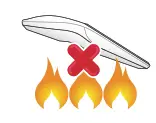 DO NOT throw the device in fire. DO NOT short circuit the contacts. DO NOT disassemble the device.
KC: Korea Warning Statement

R-C-MSQ-P707 RC-MSQ-P707DOCK
Ukraine Certification Logo

EAC Certification Logo

France sorting and recycling information
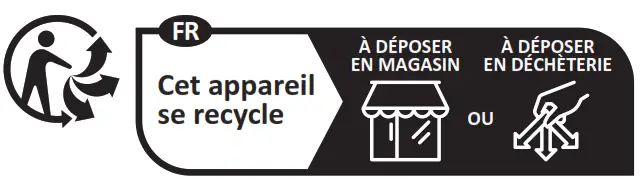
Points de collecte sur www.quefairedemesdechets.fr
CE Mark Warning
Simplified EU Declaration of Conformity
ASUSTek Computer Inc. hereby declares that this device is in compliance with the essential requirements and other relevant provisions of Directive 2014/53/EU. Full text of EU declaration of conformity is available at https://www.asus.com/support/
Simplified UKCA Declaration of Conformity
ASUSTeK Computer Inc. hereby declares that this device is in compliance with the essential requirements and other relevant provisions of The Radio Equipment Regulations 2017 (S.I. 2017/1206). Full text of UKCA declaration of conformity is available at https://www.asus.com/support/.
CE RED RF Output table (Directive 2014/53/EU)
| Function | Frequency | Maximum Output Power (EIRP) |
| 2.4GHz wireless | (2403 – 2480MHz) – Mouse | 6 dBm |
| (2403 – 2480 MHz) – Dongle | 4 dBm |
UKCA RF Output table (The Radio Equipment Regulations 2017)
| Function | Frequency | Maximum Output Power (EIRP) |
| 2.4GHz wireless | (2403 – 2480MHz) – Mouse | 6 dBm |
| (2403 – 2480 MHz) – Dongle | 4 dBm |
Wireless Operation Channel for Different Domains
The wireless operation channel of this mouse is universal worldwide: 2.402-2.480 GHz, Ch02 to Ch80.
Service and Support
Visit our multi-language website at https://www.asus.com/support/.

| Manufacturer | ASUSTek COMPUTER INC. |
| Address, City | 1F., No. 15, Lide Rd., Beitou Dist., Taipei City 112 |
| Authorized Representative in Europe | ASUS COMPUTER GmbH |
| Address | Harkortstrasse 21-23, 40880 Ratingen |
| Country | Germany |
| Authorized Representative in United Kingdom | ASUSTEK (UK) LIMITED |
| Address | 1st Floor, Sackville House, 143-149 Fenchurch Street, London, EC3M 6BL, England |
| Country | United Kingdom |


References
 ASUS Global
 ASUS Corporate Social Responsibility
-
ASUS Global
-
ÐžÑ„Ð¸Ñ†Ð¸Ð°Ð»ÑŒÐ½Ð°Ñ Ñлужба поддержки | ASUS РоÑÑии
-
ASUS в СÐГ
-
Info-tri | Ministères Écologie Énergie Territoires
-
ASUS Global
-
华硕商城ASUS_华硕官网_华硕电脑官方直营商城,购笔记本电脑、轻薄本、游戏本、享一年意外险
-
Official Support | ASUS Global
-
ASUS å°ç£
 ASUS Global
 ASUS Corporate Social Responsibility
 ASUS Global
 ASUS в СÐГ
 Info-tri | Ministères Écologie Énergie Territoires
 华硕商城ASUS_华硕官网_华硕电脑官方直营商城,购笔记本电脑、轻薄本、游戏本、享一年意外险