

QUICK START GUIDE
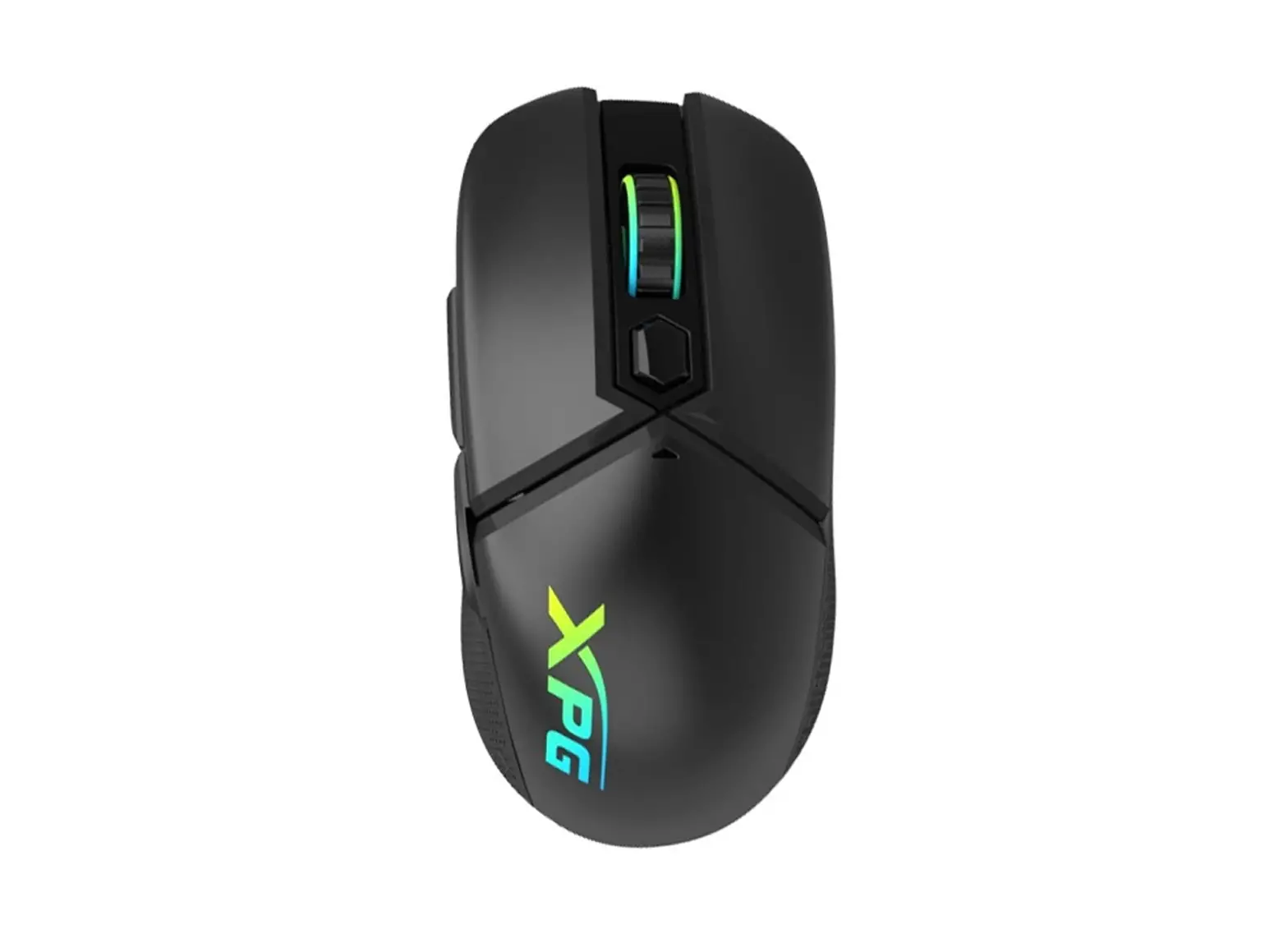
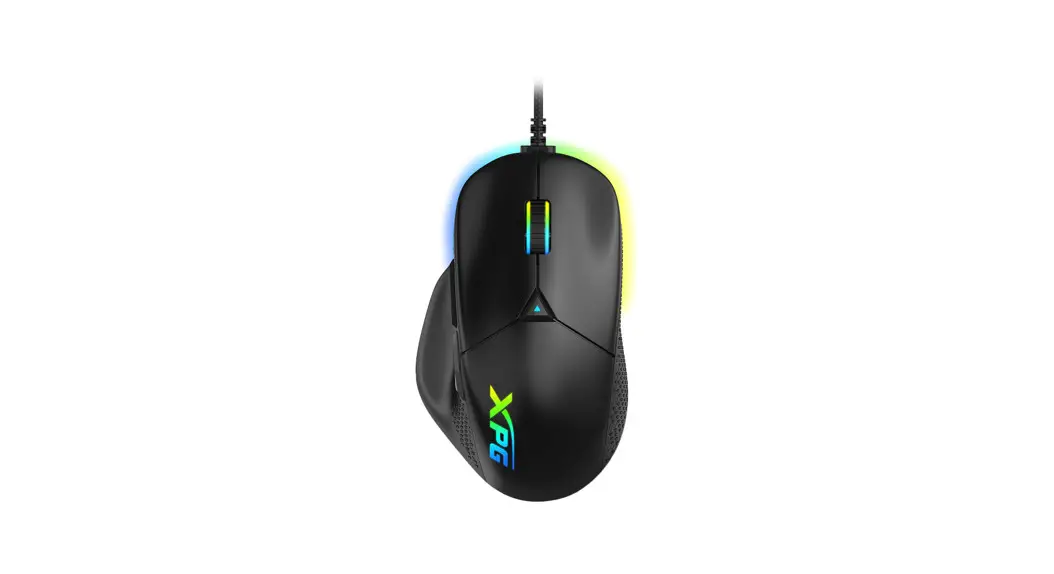
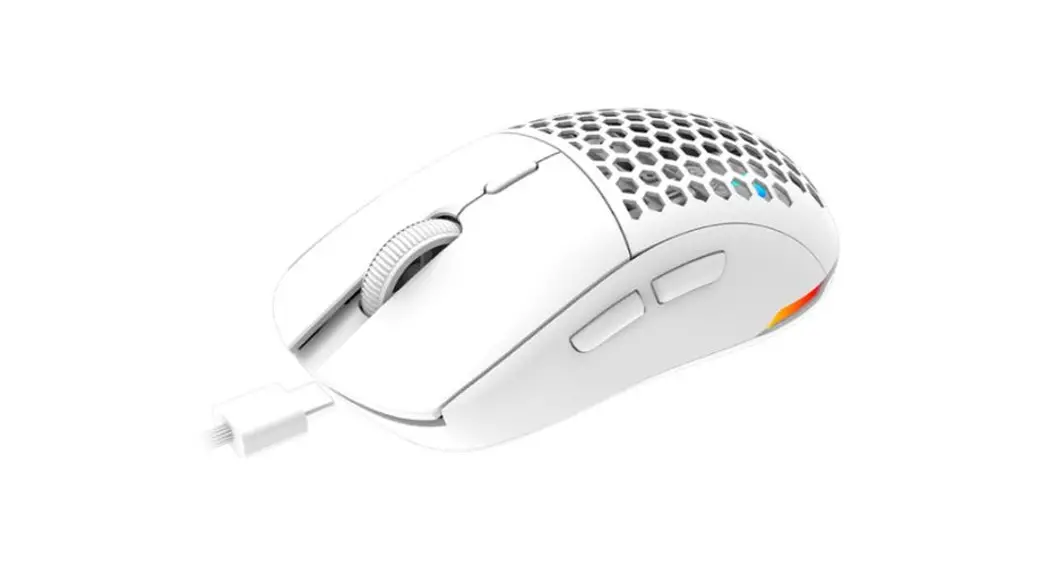
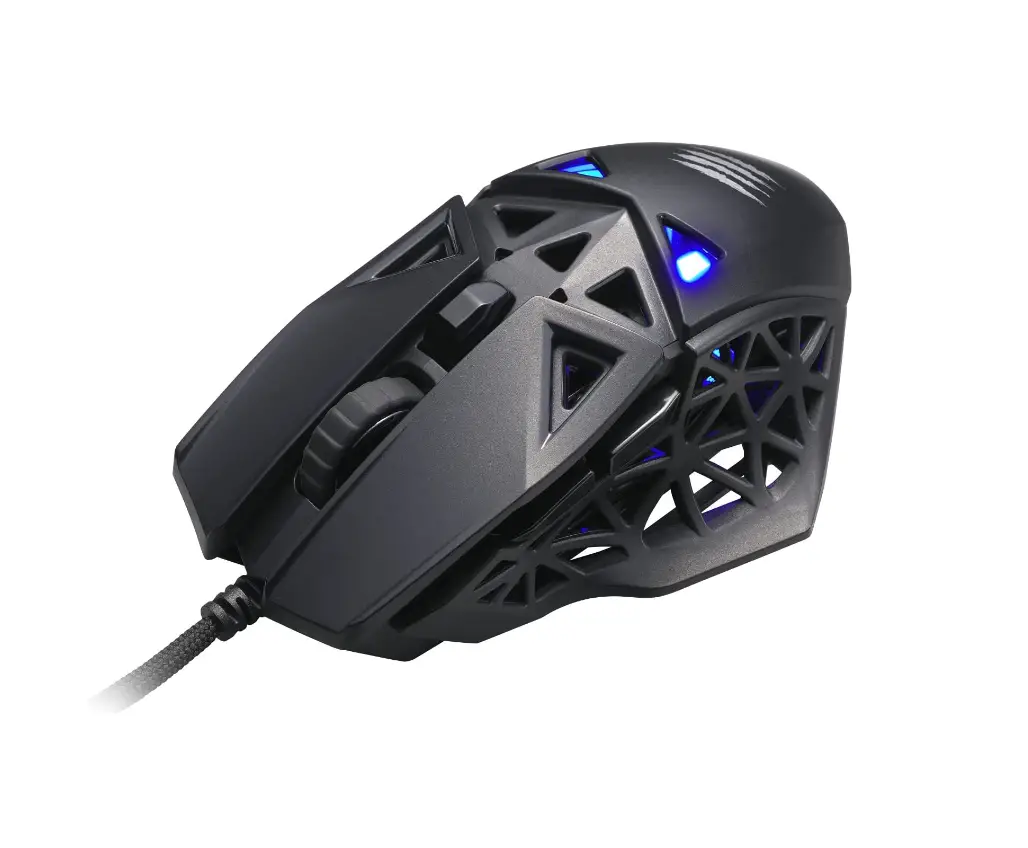
XPG ALPHA GAMING MOUSE
 |


GAME TO THE XTREME
PACKAGE CONTENTS
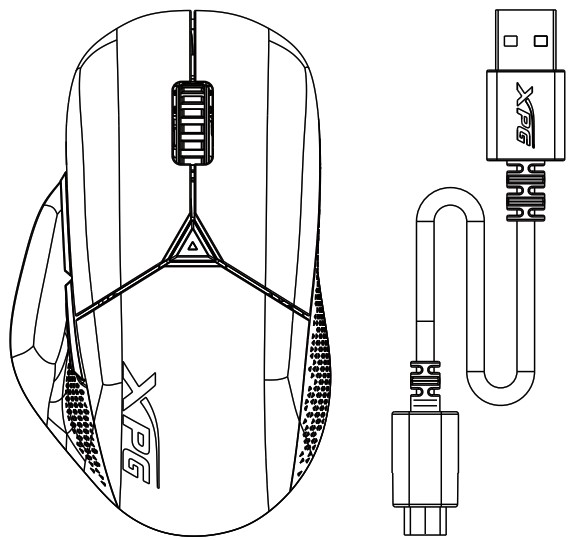 |  |
PRODUCT OVERVIEW
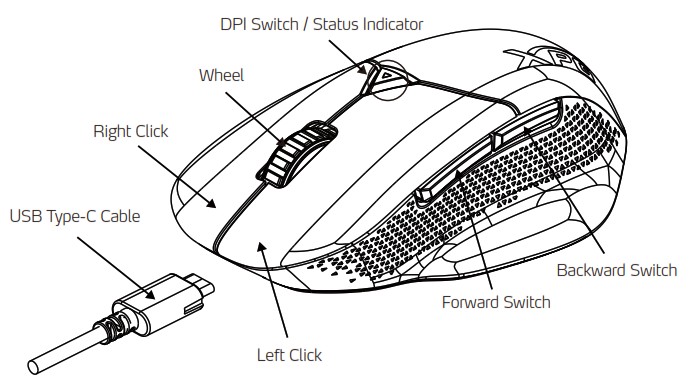
| DPI Lighting Indicators | |||||
| 400 | 800 | 1600 | 3200 | 6400 | 16000 |
| Purple | Red (default) | White | Orange | Yellow | Green |

- All 6 buttons are programmable.
- DPI 100 is available when synchronized with XPG PRIME software.
- To update XPG ALPHA’s firmware, please connect the mouse to computer with the provided Type-C cable.
 http://www.adata.com/redirect/807
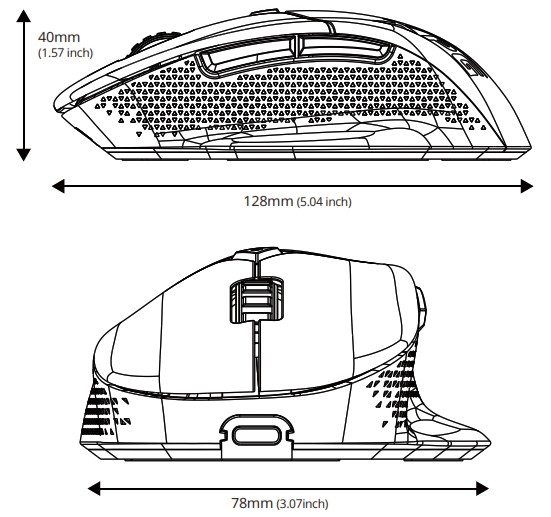
PRODUCT SPECIFICATIONS
| PHYSICAL SPECIFICATIONS | TRACKING | ||
| Length | 128 mm (5.04 inch) | Sensor | PAW 3335 |
| Width | 78 mm (3.07 inch) | Resolution | 100 – 16,000 dpi |
| Height | 40 mm (1.57 inch) | Max. Acceleration | 40 G |
| Weight | 78±5 g | Max. Speed | 400 IPS |
| Cable Length | 1.8 m (5.9 feet) | ||
| Interface | USB Type-C | ||
| RESPONSIVENESS | Voltage | Current | |
| USB Polling Rate | 1000 Hz (lbs) | 5 V | 100 mA |
| MATERIAL | |
| Mouse Feet | PTFE 100% |
CLEANING INSTRUCTIONS
Please use a clean damp cloth to clean the product properly.
Do not apply any soap or solvent agent on the surface to preserve its integrity.
SAFETY INSTRUCTIONS
For a proper use of the product, and to ensure your safety, please follow the following instructions:
- Keep the device away from liquids, excess humidity or moisture to avoid any shock hazards. Should the device come into contact with liquids, please make sure to unplug the device immediately, store it in a dry place, and contact support for assistance.
- Operate the device only within the specific temperature range of 0°C (32°F) to 40°C (104°F). Should the temperature exceed this range, unplug and/or switch off the device in order to let the temperature stabilize to an optimal level.
- Should you have any other trouble operating the device properly and normal troubleshooting does not work, please unplug the device and contact our service for support.
- Do not attempt to service or fix the device by yourself at any time.
DURATION OF WARRANTY
ADATA Technology Co., Ltd. provides a two-year warranty period for this product unless regional laws and regulations state otherwise.
LIMITATION OF WARRANTY
This limited warranty covers only repairs or replacements of products manufactured by ADATA Technology Co. Ltd. and its authorized partners.
Please note that ADATA is responsible for providing free repairs except for the following reasons:
- The warranty label is altered, damaged or missing.
- Product serial number does not conform to our original system.
- Products purchased from an unauthorized agent.
- Damage caused by natural calamity
- Any abuse outside the intended product operation.
ONLINE CUSTOMER SERVICE
For frequently asked questions, additional information and service instruction please visit the product page at www.xpg.com
This device complies with part 15 of the FCC Rules. Operation is subject to the following two conditions:
- This device may not cause harmful interference, and
- this device must accept any interference received, including interference that may cause undesired operation
 WARNING:
Cancer and Reproductive Harm – wwwP65Warnings.ca.gov.
ADATA Technology Co., Ltd.
2F, No. 258, Launching Rd., Zhonghe Dist., New Taipei City 235, Taiwan
Product Name: XPG ALPHA
Tel: +886-2-8228-0886 Fax: +886-2-8228-0887
MADE IN CHINA