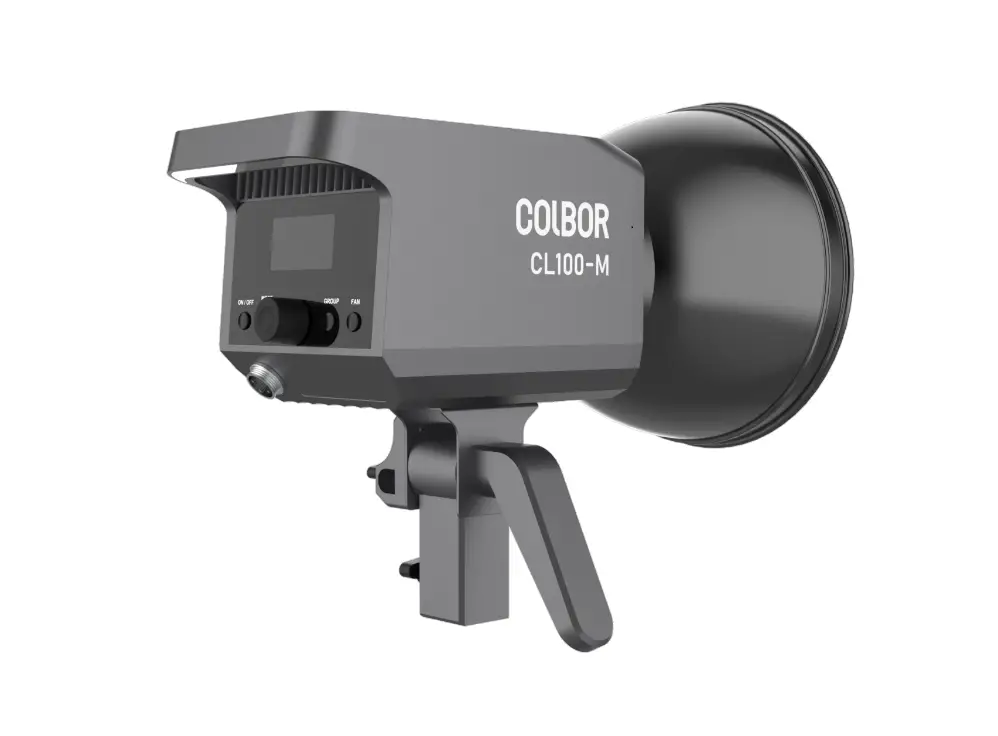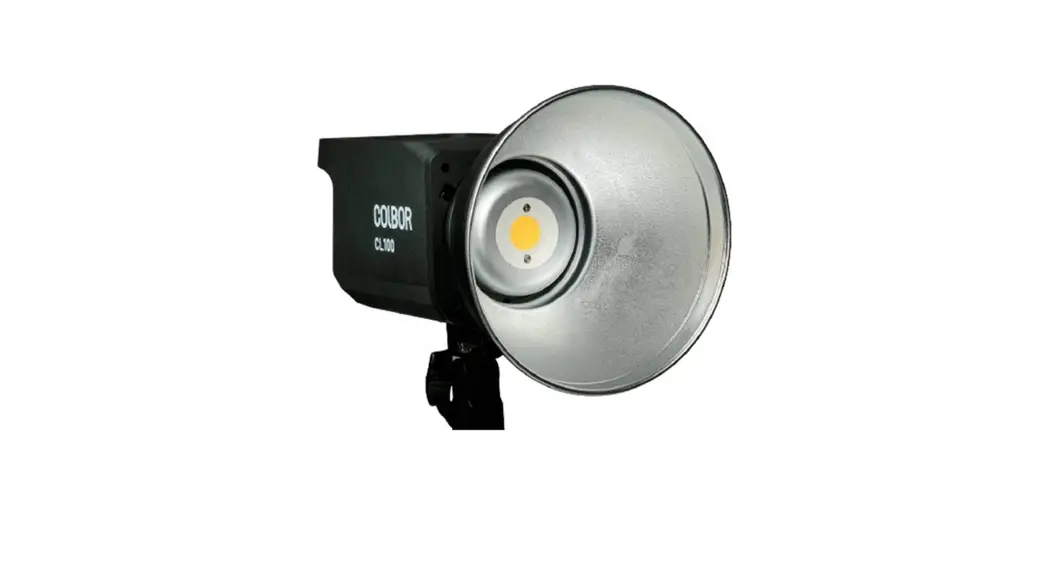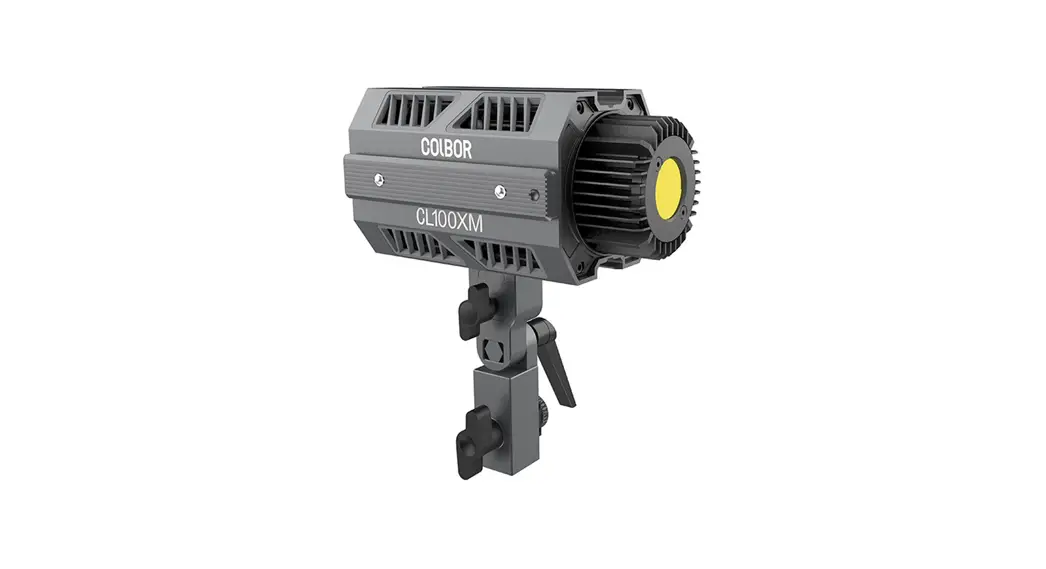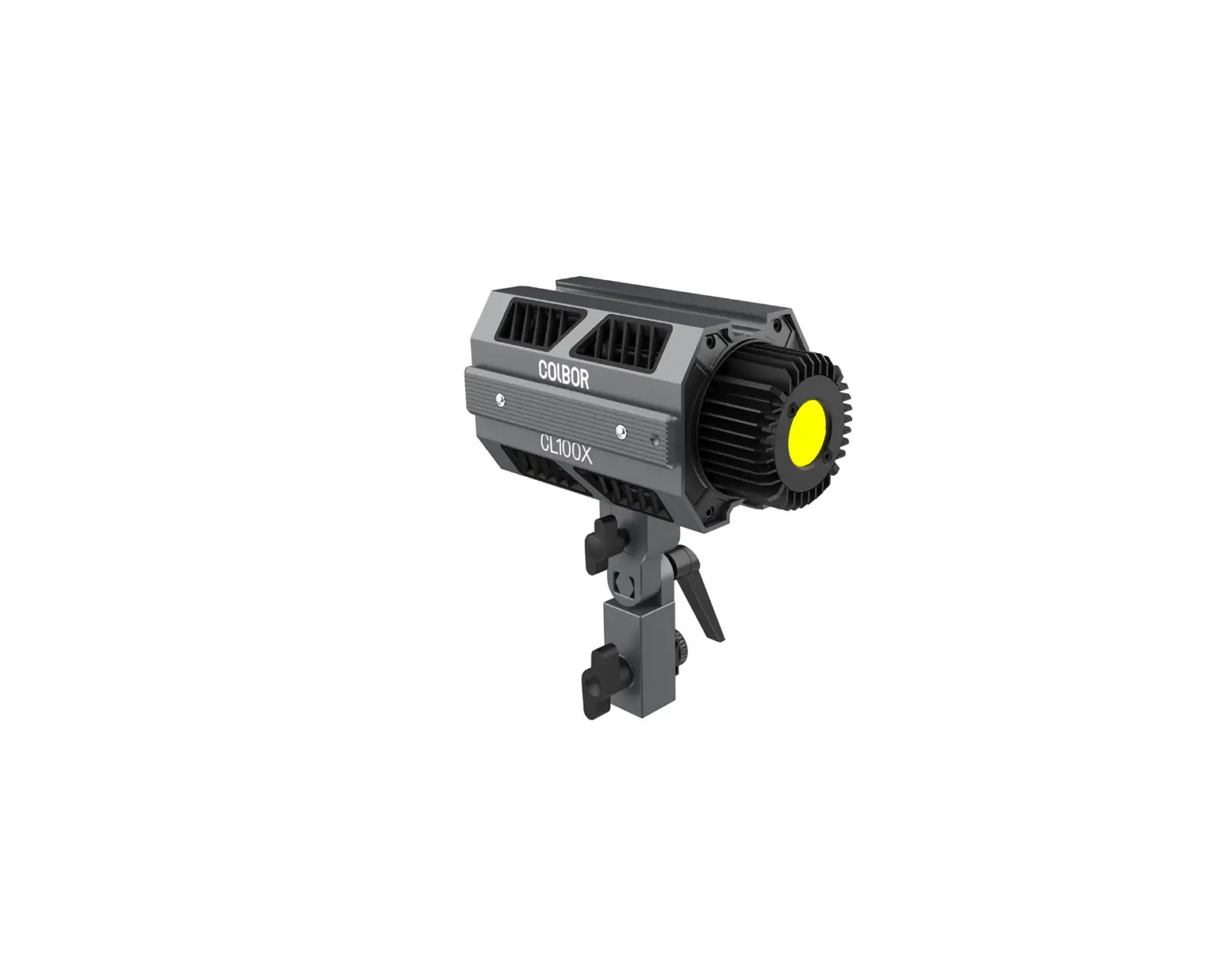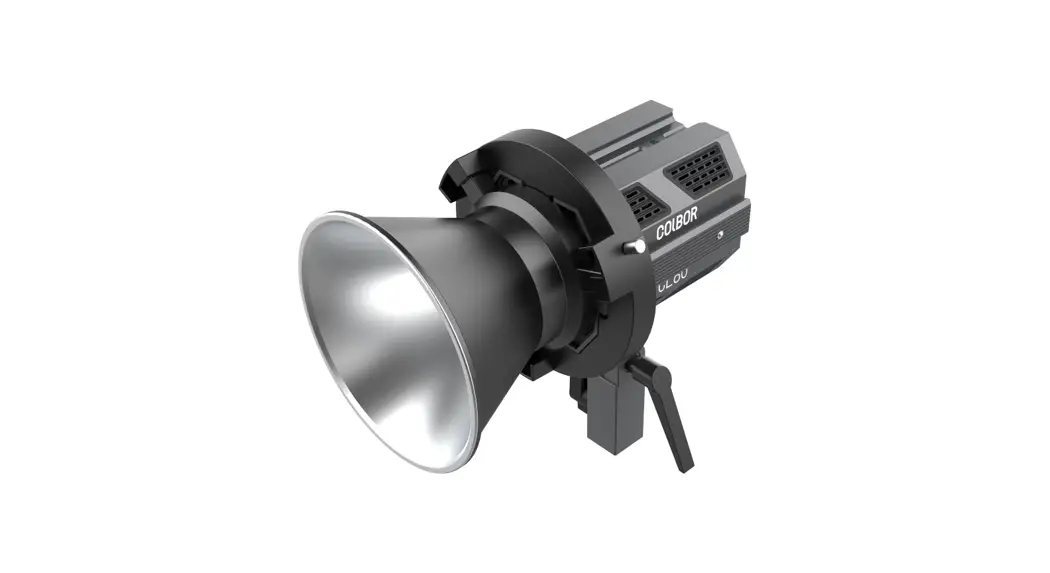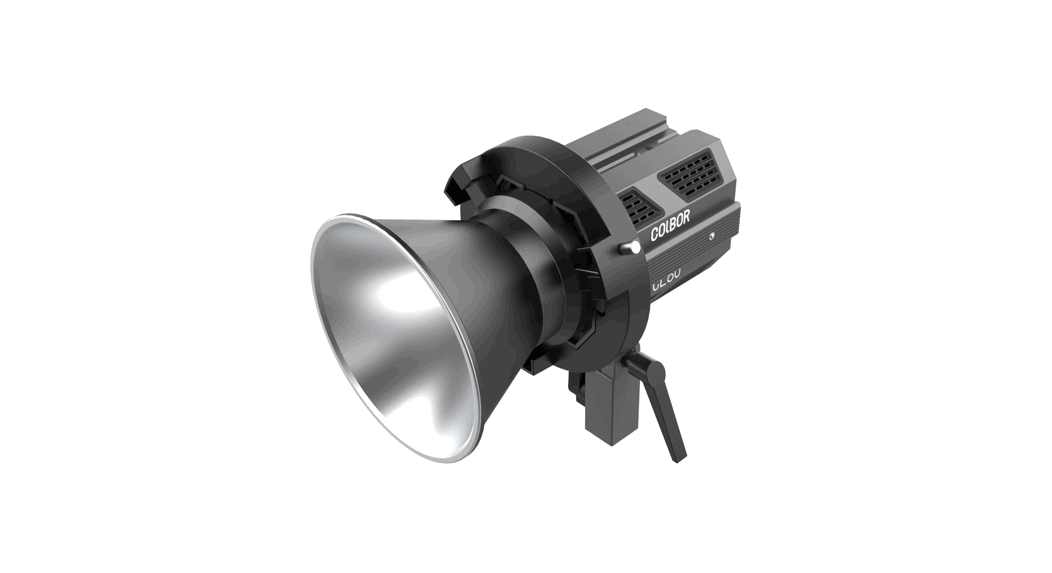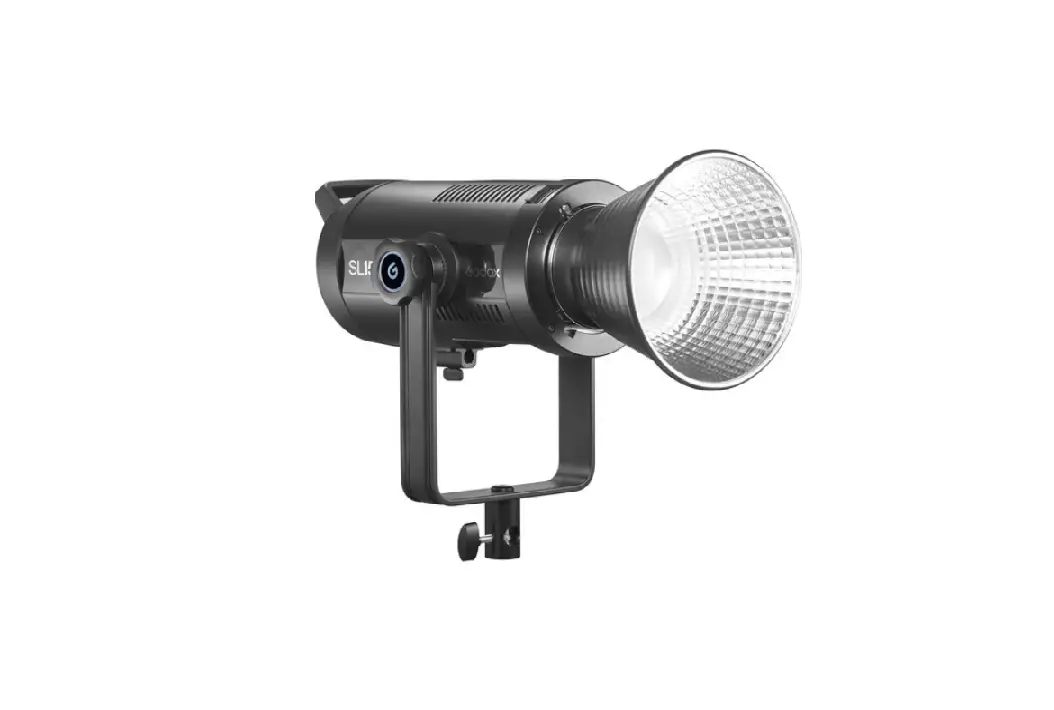

 CL100-M Video Light
User Manual
CL100-M LED Video Light
Thank you for choosing COLBOR product. Please read this manual carefully before use and follow all instructions mentioned herein.
Caring For Your COLBOR Product
- Keep corrosive chemicals, liquids and heat source away from the product to prevent mechanics damage.
- The product is not waterproof.
- Do not leave the product unattended while in use. Keep out of reach of children.
- Must remove the COB protective cover before use.
- Do not handle with wet hands. Do not touch hot COB surface.
- Please do not block the ventilation and do not look at the light directly when it is on.
- Do not attempt to disassemble or modify the product. Doing so voids warranty.
- Please have the product checked or repaired by authorized technicians if any malfunctions happened.
- Disconnect from the power supply when it is not in use.
- Malfunction may be caused by dropping, impact of external force.
- Failure to follow all the instructions may result in mechanics damage.
- Warranty does not apply to human errors.
Product Instructions
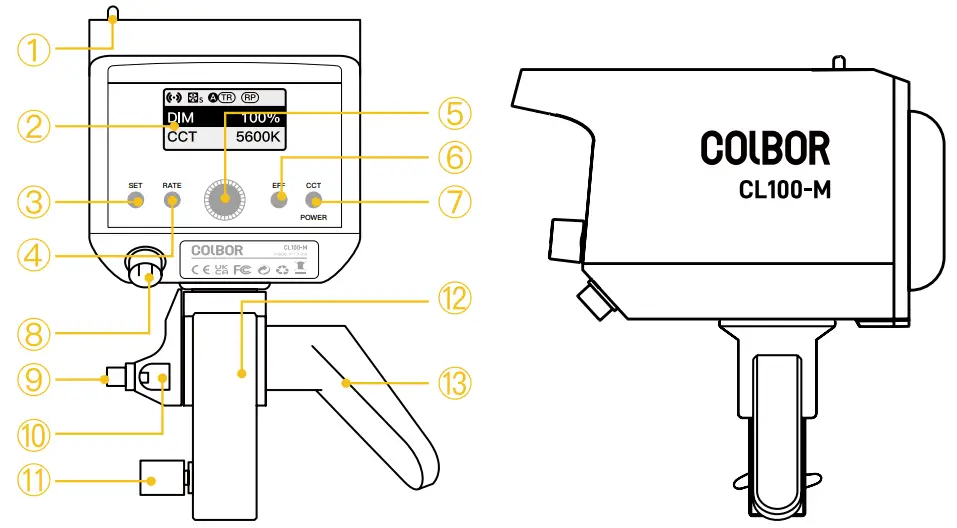
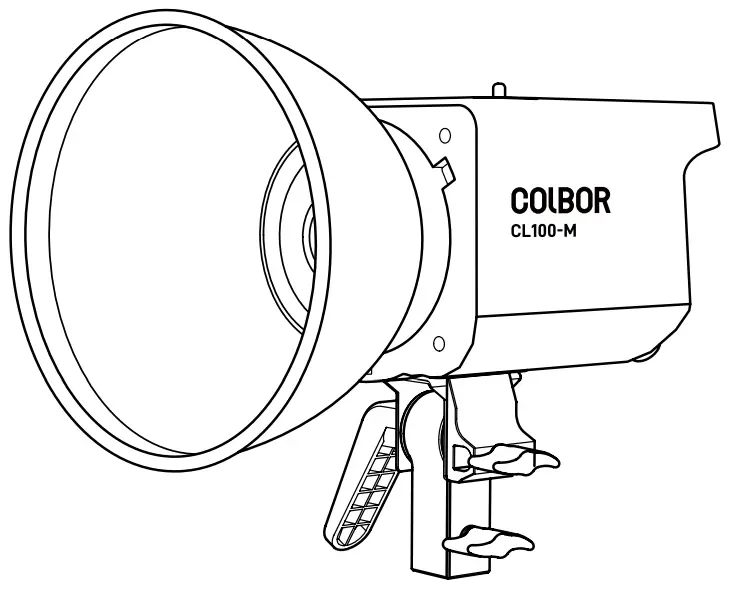
- Bowens Mount Release Latch
- LED Display Screen
- Settings Button
- EFF Rate Option Button
- Adjustment Dial
- EFF Mode Button
- CCT Mode / Power Button
- Power Input
- Umbrella Lock
- Umbrella Input
- Light Base Lock
- Light Base
- Direction Adjusting Handle
Operation Instructions
- Connect the power cord with the power adapter, plug the connector of adapter into the fixture’s Power Input
- Plug it into an electricity supply
- Long press the Power Button to turn on the light. Default Mode: CCT
- Long press the Power Button to turn off the light.
Status Icon Description
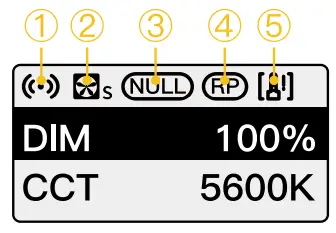
| ① APP Connection Status Icon | |
 | After selecting wireless connection in Settings menu, the icon will be displayed dynamically. |
 | The icon is always on to indicate successful pairing with mobile APP. The icon disappears to indicate mobile APP pairing failure, or the product is unpaired. |
| ② Fan Status Icon | |
 | Smart Mode. The product will adjust the fan speed according to the internal detected temperature to ensure that it is in optimal working condition. |
 | Quiet Mode. The fan keeps running at low speed for minimum noise, and overheating protection will be activated if the product temperature is higher than the alarm value. |
| ③ Group Status Icon | |
 | None grouping status. The product defaults to the factory status, and will not be affected by other groups. |
 | A stands for Group A. There are six groups (A~F). T stands for Tx. |
 | A stands for Group A. There are six groups (A~F). R stands for Rx. |
 | A stands for Group A. There are six groups (A~F). TR stands for TxRx. |
| ④ Repeater Status Icon | |
 | If the icon is always on, it means that Repeater function is turned on, and if the icon disappears, it means the function is turned off. |
| ⑤ Product Overheated Alarm Icon | |
 | If the icon flashes, it means that the internal temperature of the product is too high, and cooling measures need to be taken. If the icon disappears, it means that the operation is normal. |
CCT Mode (Short press CCT Mode Button to enter)
Interface Introduction
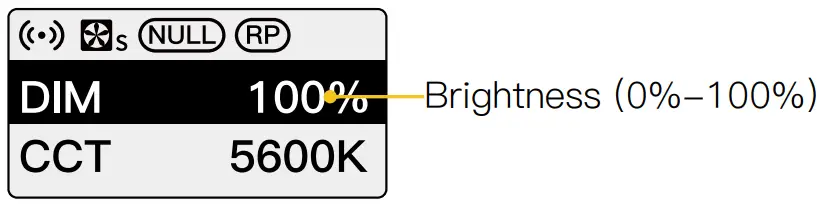
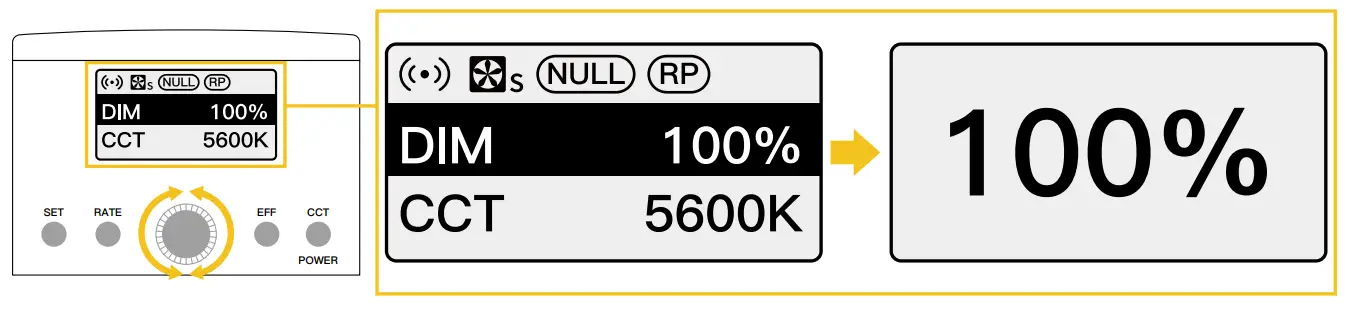
Brightness Control:
Roll the Dial clockwise to increase value, and anticlockwise to decrease value.
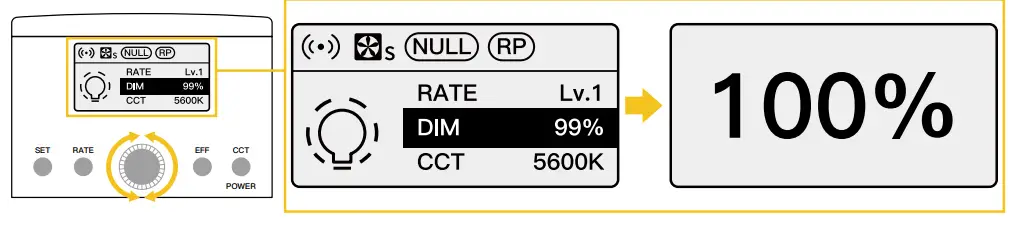
 Rolling the Dial will enlarge the current setting parameter value, and it will automatically return to the main screen after 1.5 seconds of no operation
EFF Mode (Short press EFF Mode Button to enter)
Interface Introduction

Special Effect Switch: Short press EFF Mode Button
| EFF |  | RATE: Lv.1 – Lv.5 DIM: 0%-100% CCT: 5600K |  Strobe Strobe | RATE: Lv.1 – Lv.5 DIM: 0%-100% CCT: 5600K |
 Explosion Explosion | RATE: Lv.1 – Lv.5 DIM: 0%-100% CCT: 5600K |  Lightning Lightning | RATE: Lv.1 – Lv.5 DIM: 0%-100% CCT: 5600K | |
 Faulty Bulb Faulty Bulb | RATE: Lv.1 – Lv.5 DIM: 0%-100% CCT: 5600K |  SOS SOS | RATE: LOCK DIM: 0%-100% CCT: 5600K | |
 Welding Welding | RATE: Lv.1 – Lv.5 DIM: 0%-100% CCT: 5600K |
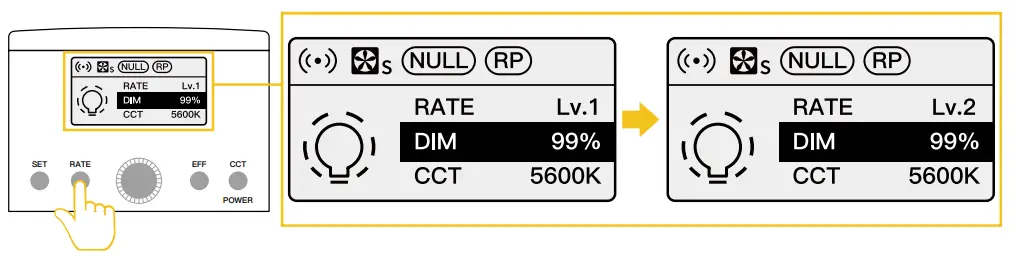
Brightness / Rate Control:
- Roll the Dial clockwise to increase value, and anticlockwise to decrease value.

- Short press EFF Rate Option Button to choose effect rate.

Settings
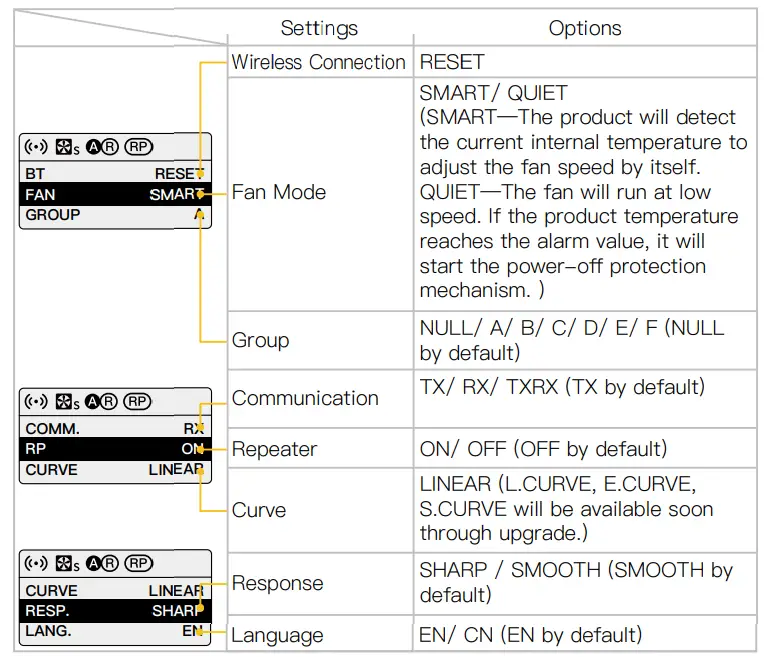
- Short press Settings Button to control the following settings
- Scroll down the list by rolling Adjustment Dial clockwise, or rolling anticlockwise to scroll up.
- Short press the Dial to enter corresponding setting.
 When Group function is on, if the product is operated after a period of time, it takes time to connect between products, so there will be millisecond delay.
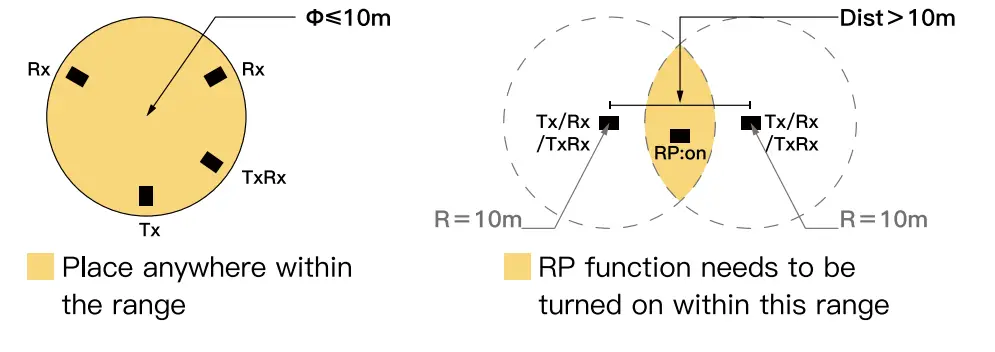
The effective distance of transmitter (TX), receiver (RX), transmitter & receiver (TXRX) is 10 meters. If the product is used at a distance greater than 10 meters, it is recommended to use the Repeater (RP) function. Repeater (RP) function can effectively increase the control distance, but it will affect the product response time. It is recommended to set only one product within 10 meters diameter to turn on the Repeater (RP) function, the more you turn on, the slower the response during group control.
Specifications
| Color Rendering Index | ≥ 97 |
| Color Temperature Range | 5600K |
| Beam Angle | ≈∠ 120° (With Standard Reflector 55° ) |
| Illumination | 4130Lux (at 3.28ft / 1m 5600K, None Reflector); 14546Lux (at 3.28ft / 1m 5600K, With Standard Reflector) |
| Power | 100W (Constant Power) |
| Light Working Voltage | DC 15-24V 6.32A |
| Cooling Mode | Active |
| Connector | GX16 3-Pin Connector |
| Body Material | ABS |
| Light Dimension (mm) | 202x116x117 (Light Base Not Included) |
| Light Weight | 1.1kg/39oz |
| Operating Temperature | -10-50℃ |
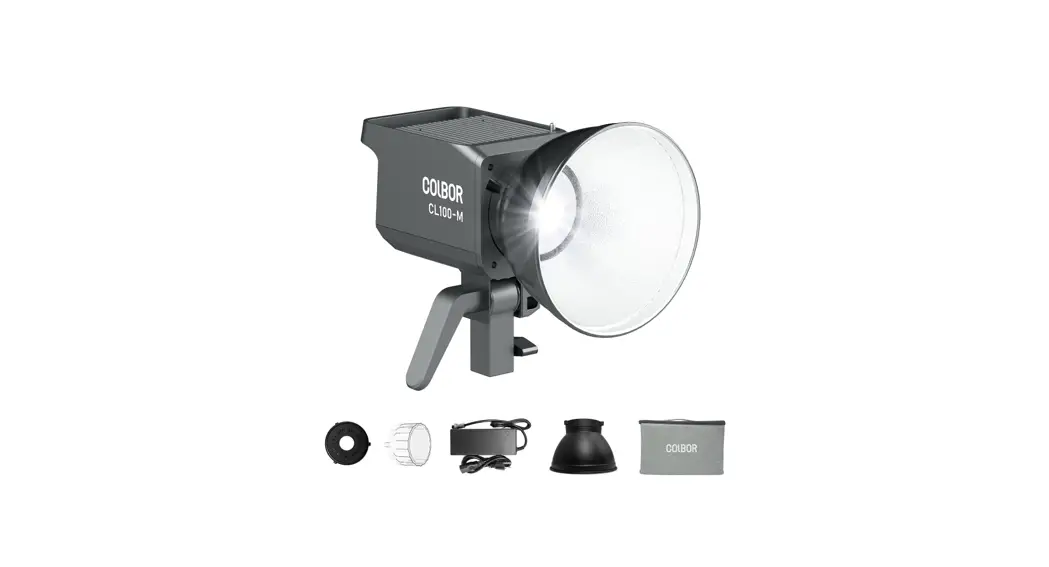
Package List
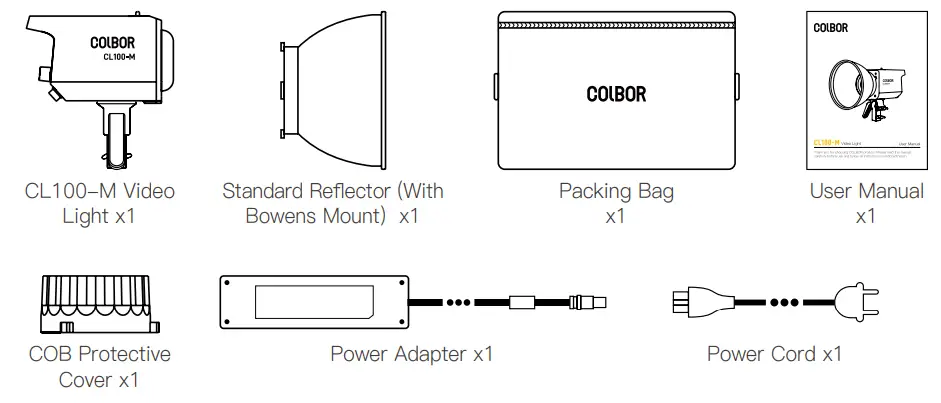
WARRANTY
Warranty Period
Thank you for purchasing COLBOR products.
- Customers are entitled to free replacement or repair service in case of quality defect(s) found in the product under normal use within 30 days upon receipt of the product.
- Original COLBOR products are entitled to 12-month limited warranty service.
The warranty period begins on the date of purchase of brand new, unused products by the first end-user.
Within the warranty period, if product defect or failure is attributable to material defection or technological problem, the defective product or defective part will be repaired or replaced without charge (service and materials fee).
Warranty Exclusions and Limitations
- Faults resulted from inappropriate use of a product without following its operation specification
- Artificial damage, e.g. crash, squeeze, scratch, soaking, exposing to rain or damp
- Modifications to a product by its user or a third party without prior written consent of COLBOR, e.g. replacement of element or circuit, label alteration
- The code on product is inconsistent with that of warranty certificate, or the code on the product or warranty certificate is altered or torn off
- All consumable accessory attached to a product, like cable, cover
- Faults as a result of force majeure, such as fire, flood, lightning, etc.
Warranty Claim Procedure
- If failure or any problem occurs to your product after purchase, please contact a local agent for assistance, or you can always contact COLBOR’s customer service through email.
- Please retain your sales receipt and warranty certificate as proof of purchase. If any of these documents is missing, only sales return or chargeable service will be provided.
- If the COLBOR product is out of the warranty coverage, the service and the parts cost will be charged.
WARRANTY CERTIFICATE
Please register your warranty. Meanwhile, you are welcomed to contact us via Email.
| USER INFORMATION | Customer Name: |
| Phone Number: | |
| Email: | |
| Address: | |
| SALES INFORMATION | Sales Date: |
| Model: | |
| Product Code: | |
| Dealer: | |
| REPAIR RECORD | Service Date: |
| Technician: | |
| Issue: |
RESULT
Solved Unsolved Returned(Replaced)
Guangzhou Zhiying Technology Co., Ltd Block 15th, No.200 Fangcun Avenue East, Liwan District, Guangzhou, China, 510000
 [email protected]
 www.colborlight.com
 COLBOR | Professional Video Light