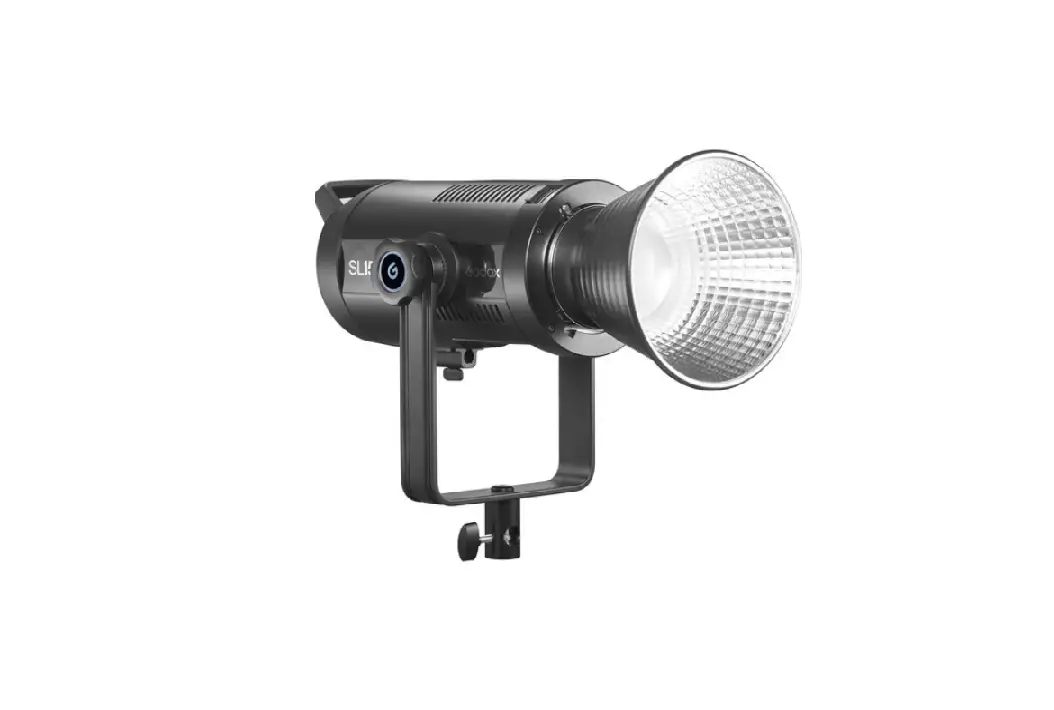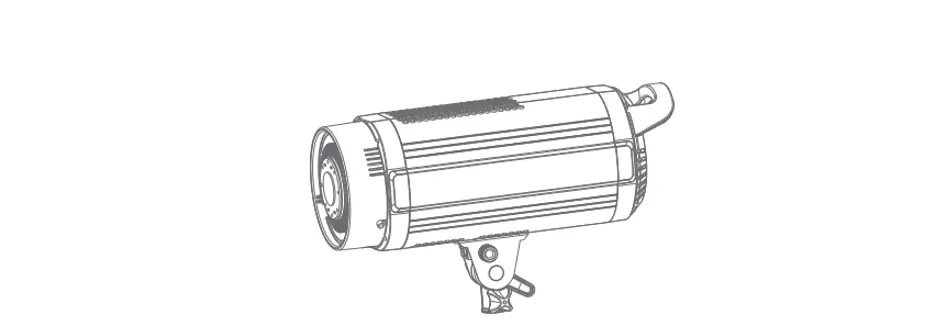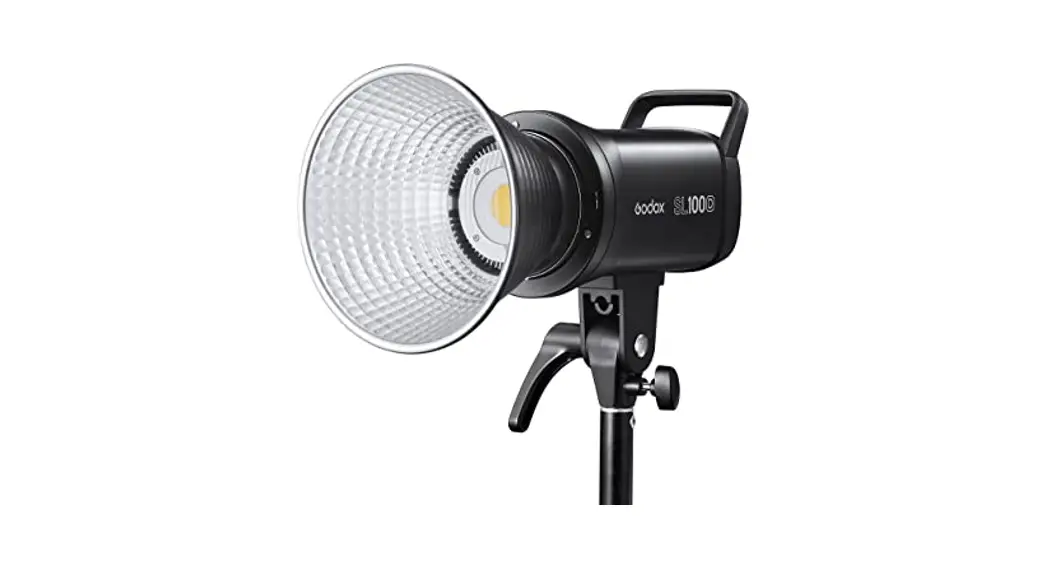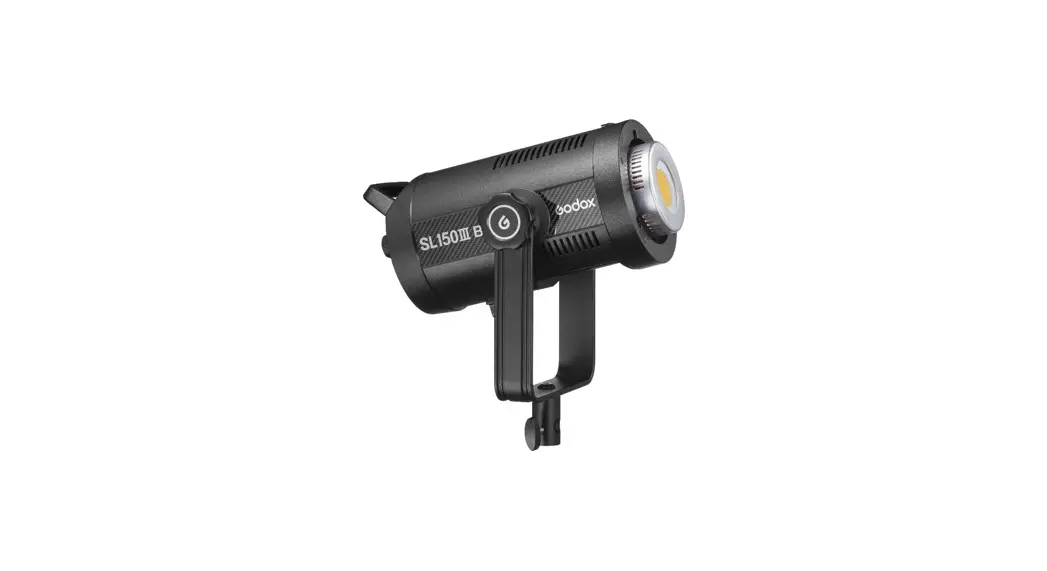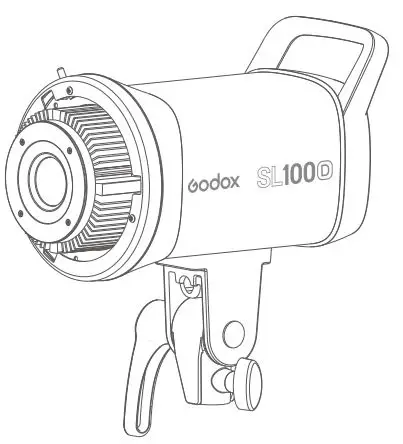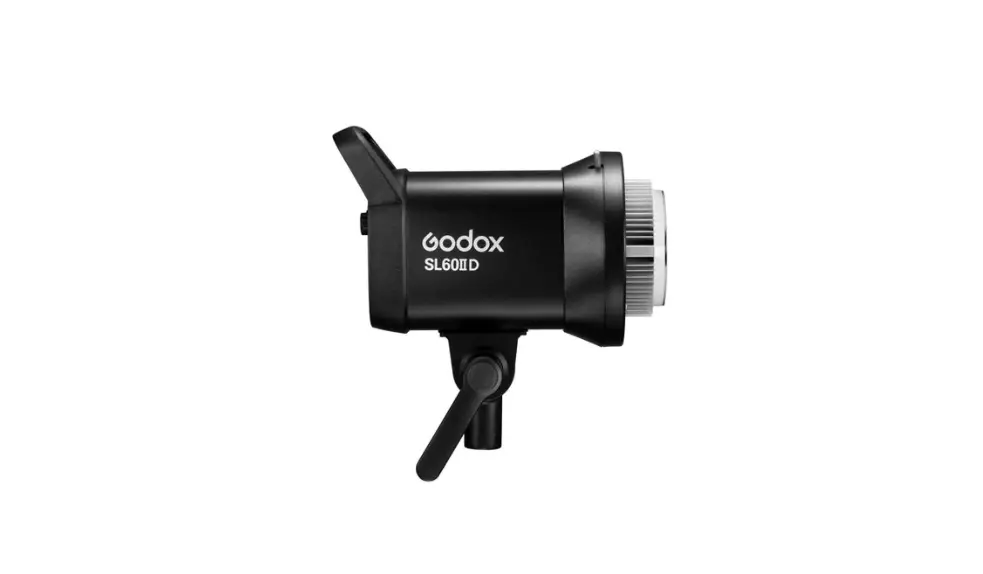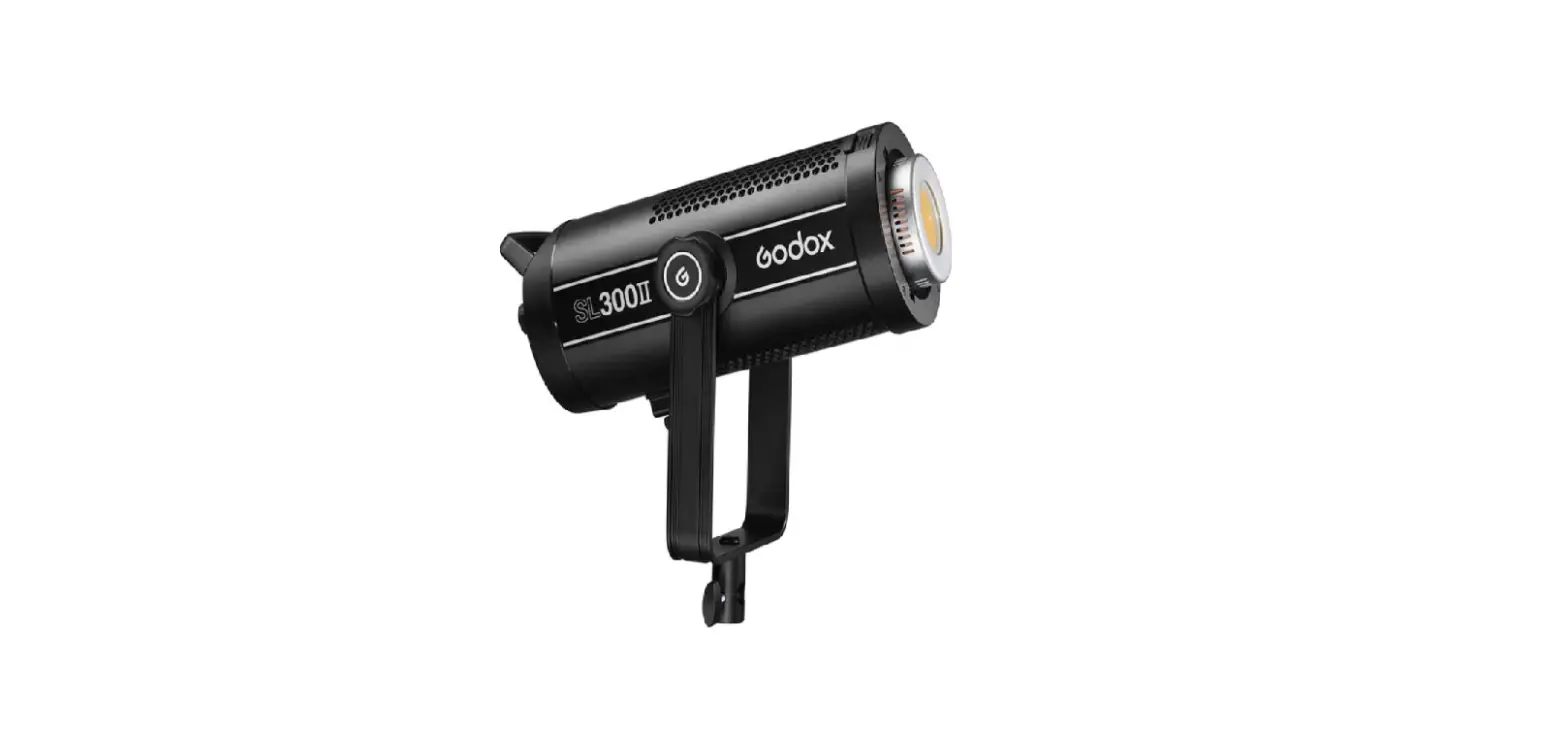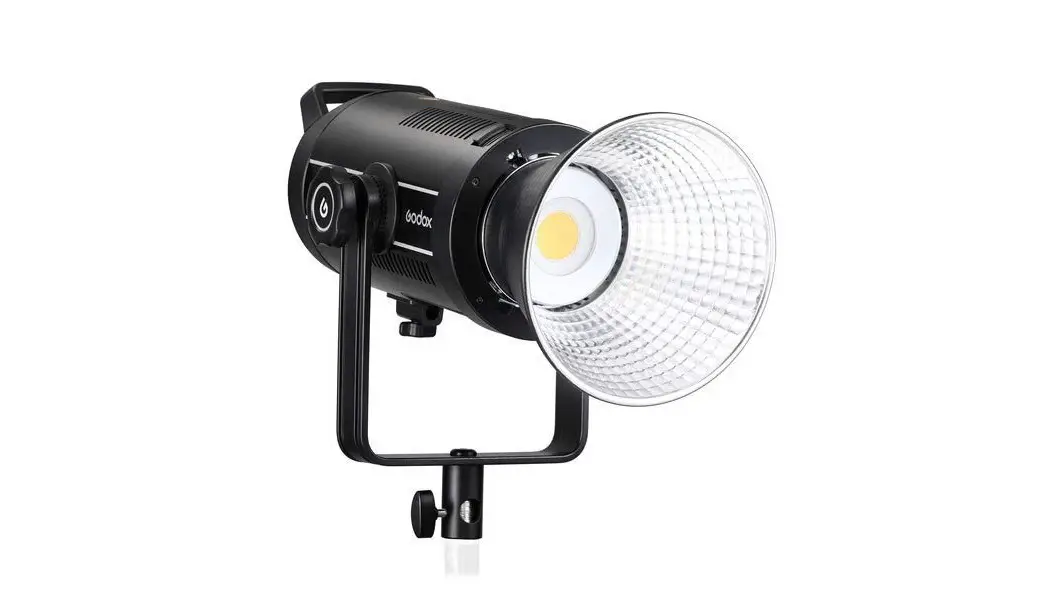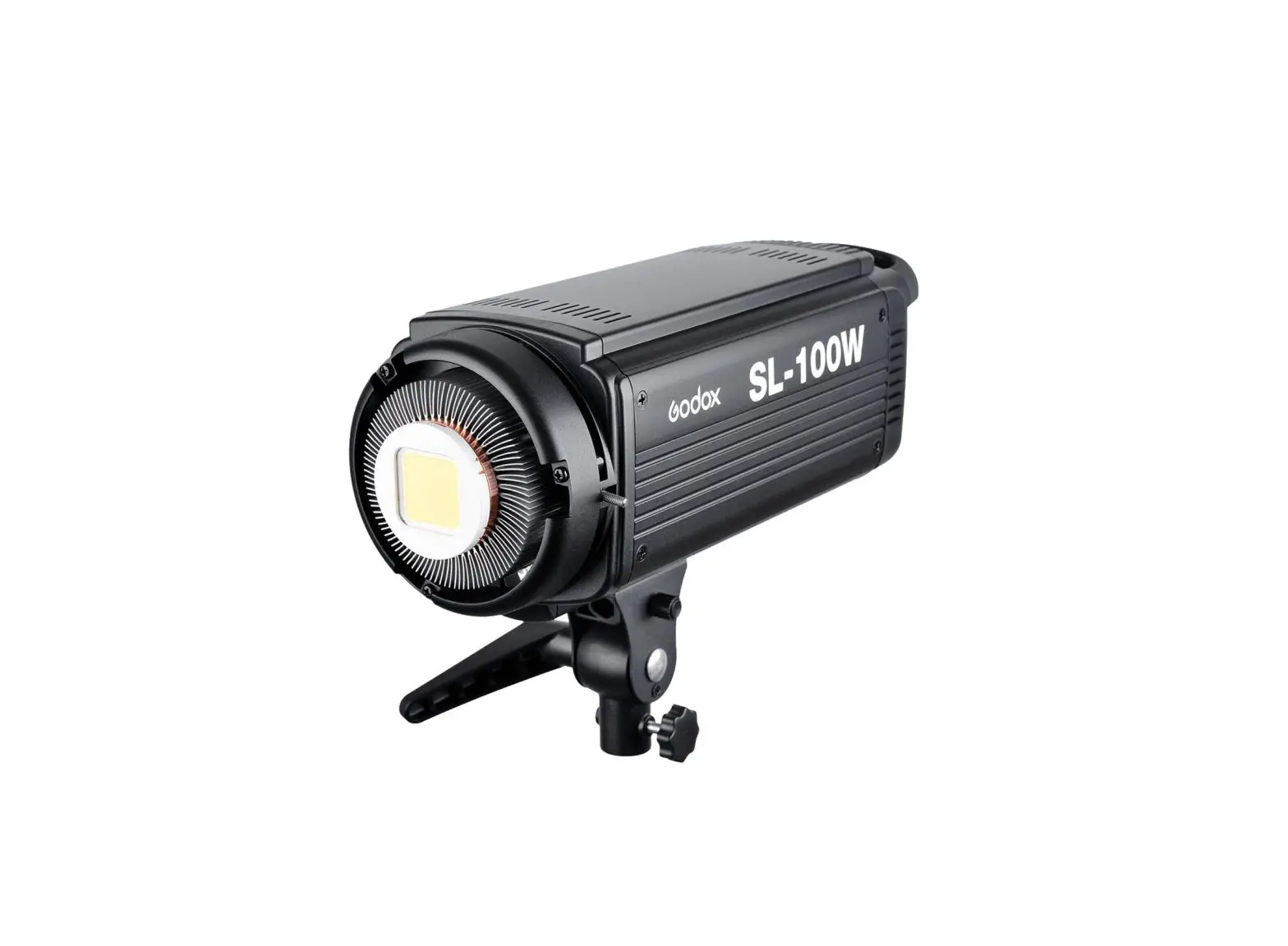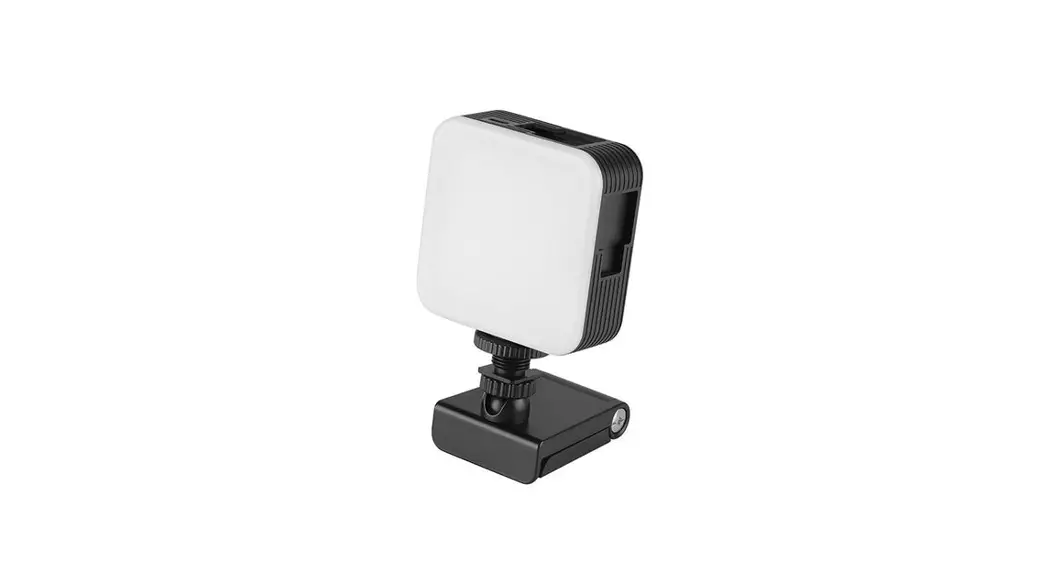
 SL-160 LED Video Light
User Manual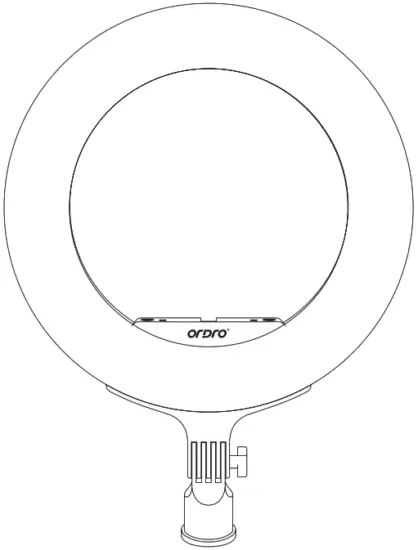
Read This manual before using the camera and keep it.
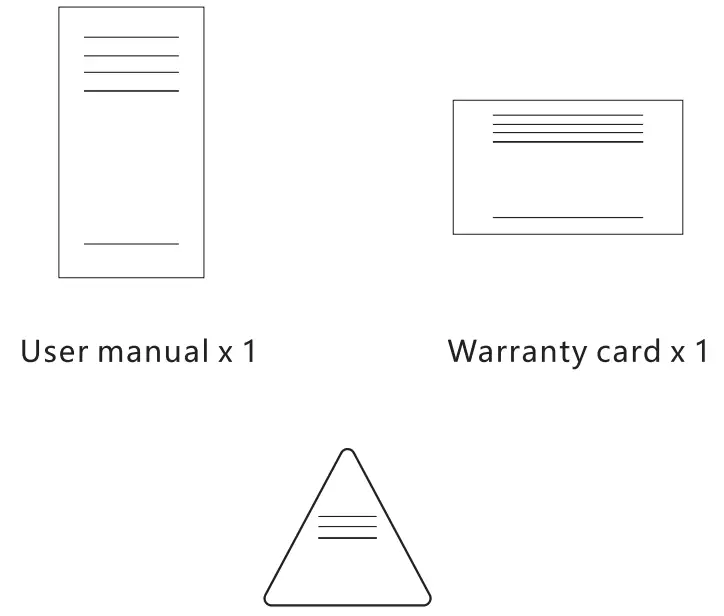
Packing list

Product description
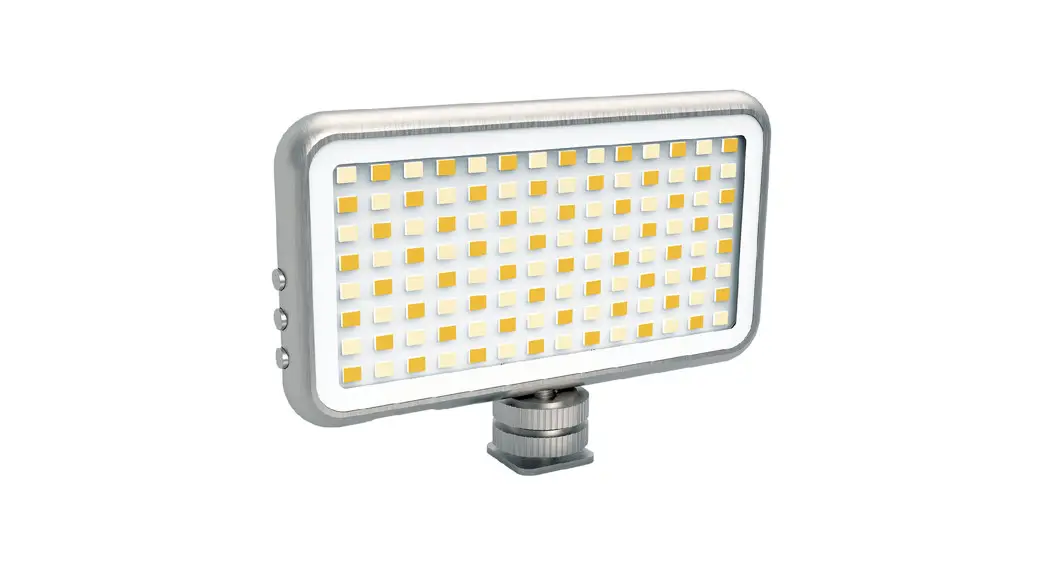
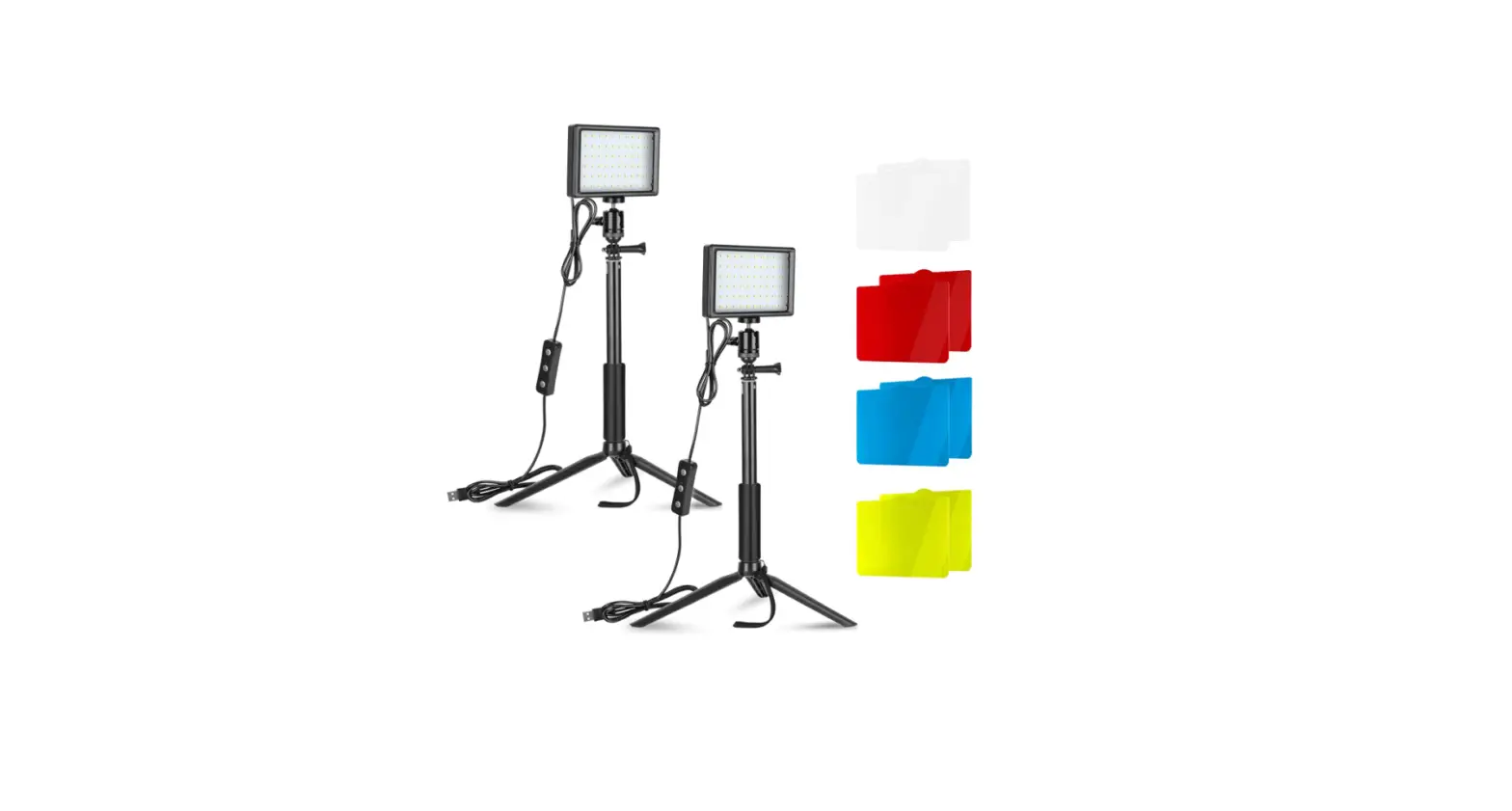
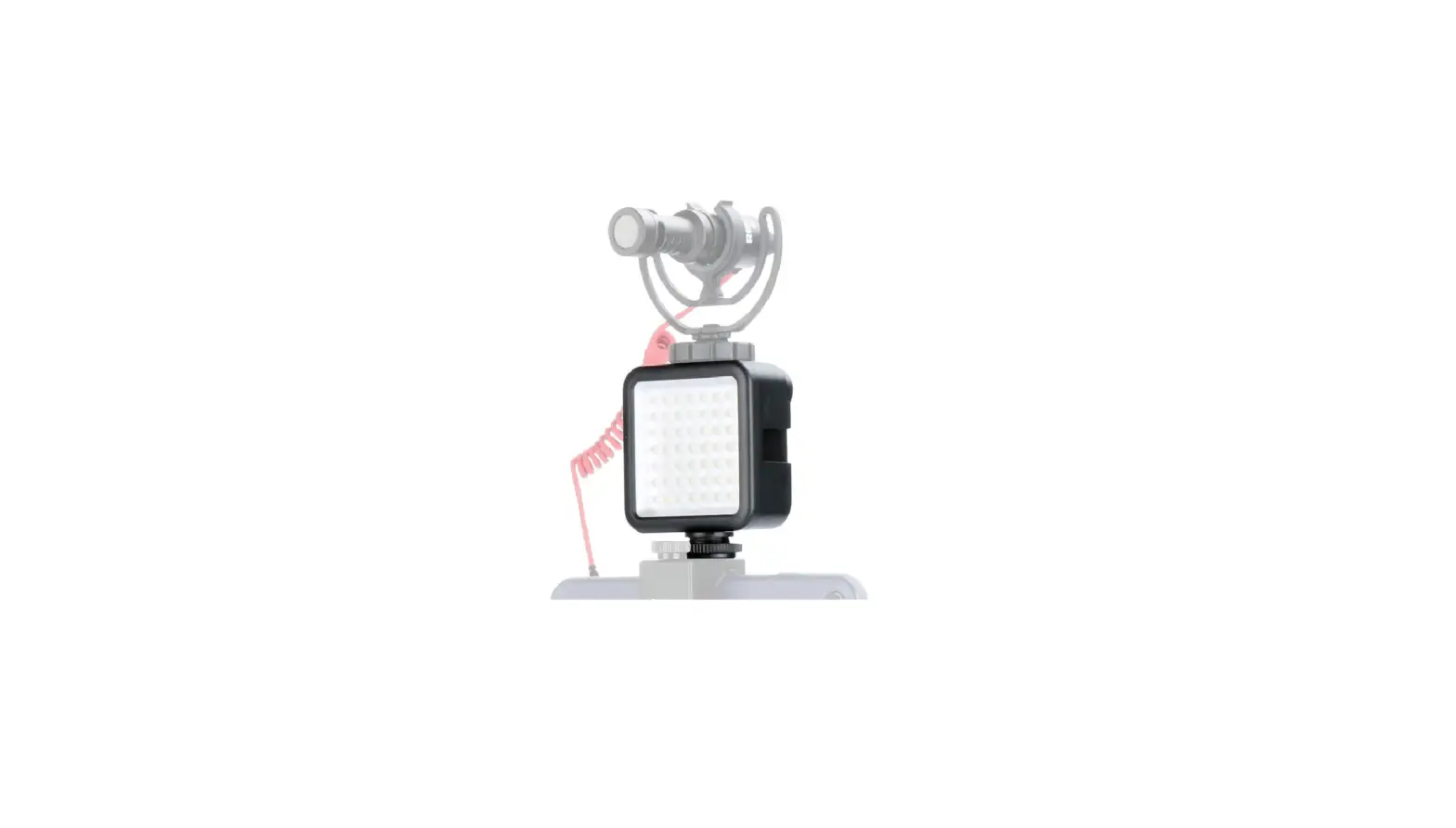
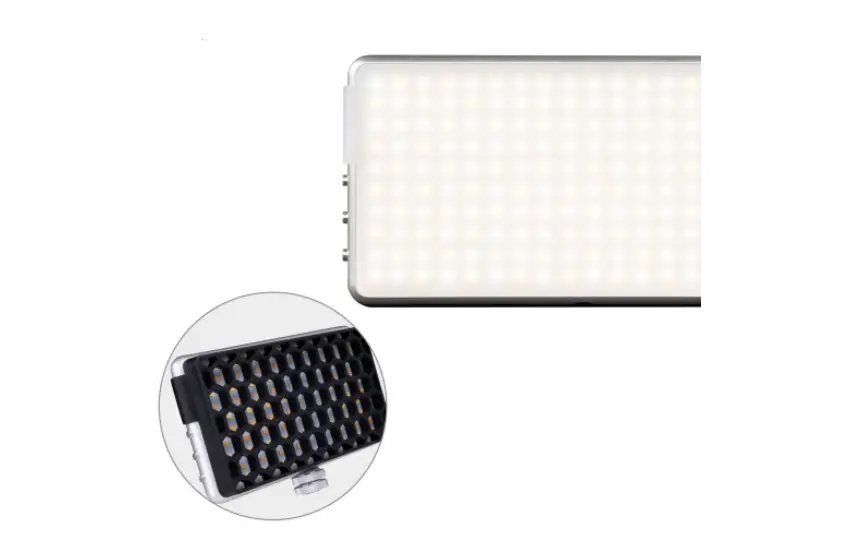
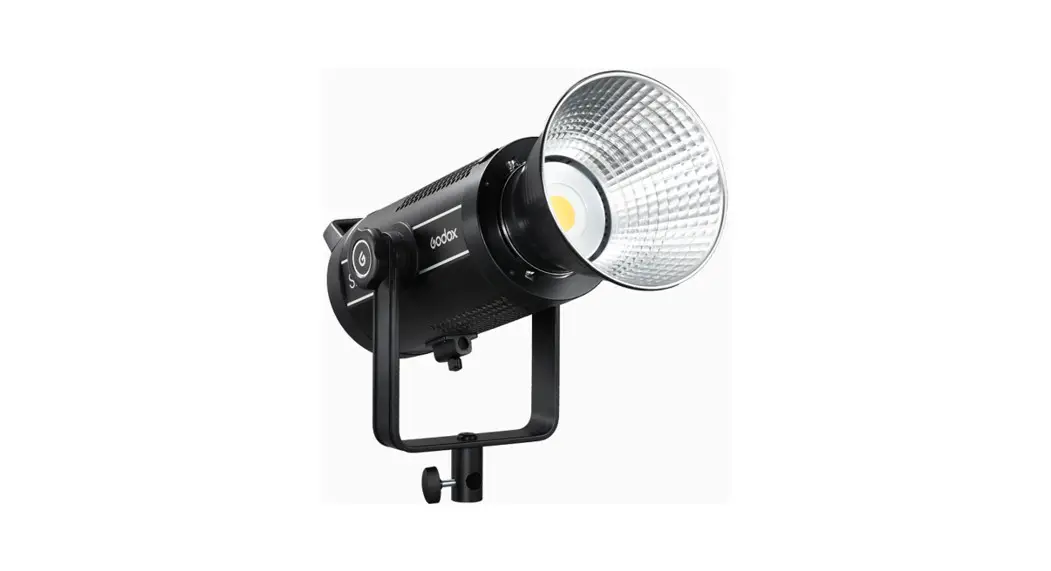
The multifunctional SL-160 fill light is equipped with 432 pieces of 2,600K-10,000K LED and 112 pieces of RGB light sources, allowing you to perform networking, remote control, user-defined settings for multiple LED light sources by regulating the color temperature and luminance via the App for various lighting effects, ideal images. As a perfect accessory for photographing and live streaming, it can be applied to supplementary lighting for selfies, live streaming, and outdoor lighting.
App download

- 10S users may search and download “Fill light” in Appstore.

- Android users may search and download “Fill light” in various application markets.
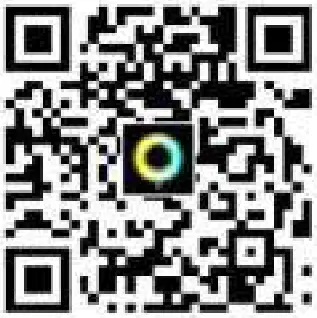 http://patimes.cn/79829357283
You may download it by scanning the above QR code.
Product layout
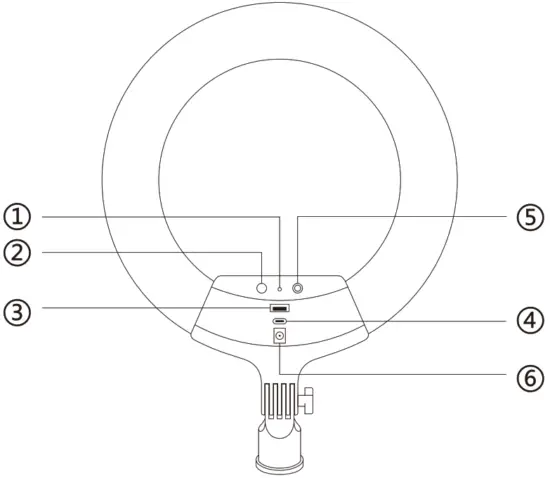
- Indicator
- Reset
- type-C port
- USB port
- On/Off
- Power
Operation
1. Link with Bluetooth
 Turn on the fill light.
Start the App.
For first use, the App will search Bluetooth automatically.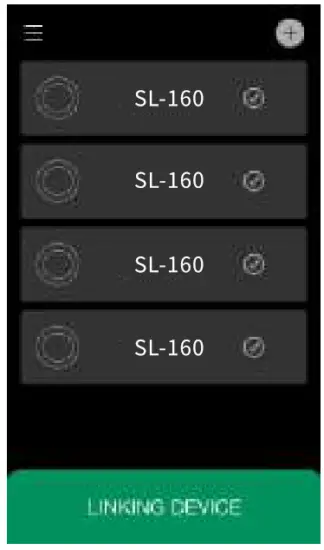 Check the Bluetooth marks and tap the button to link with them.
After Bluetooth is searched, SL-160 marks for relevant sources appear on the page.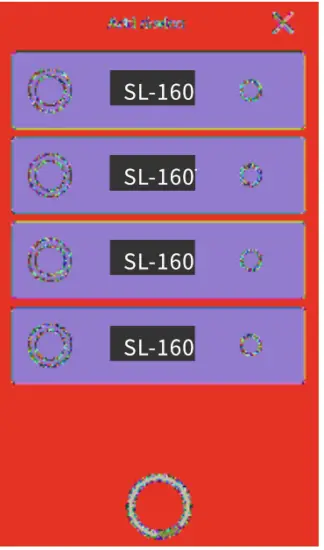 The rectangle becomes white after the link is successful.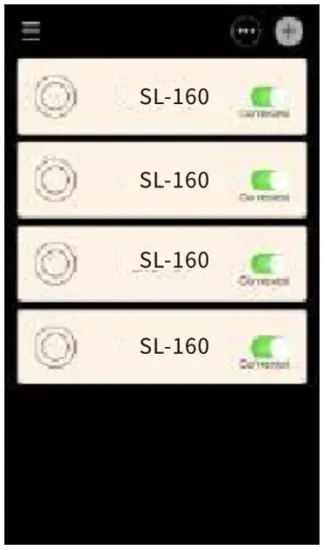
2. Grouping settings
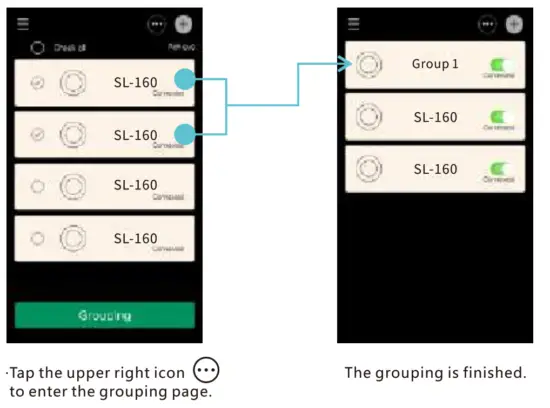 Check the proposed device for grouping.
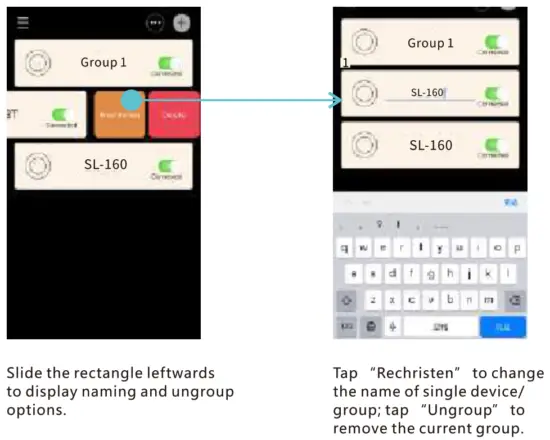 Tap “Rechristen” to change the name of a single device/ group; tap “Ungroup to remove the current group.
3. Single device lighting setting
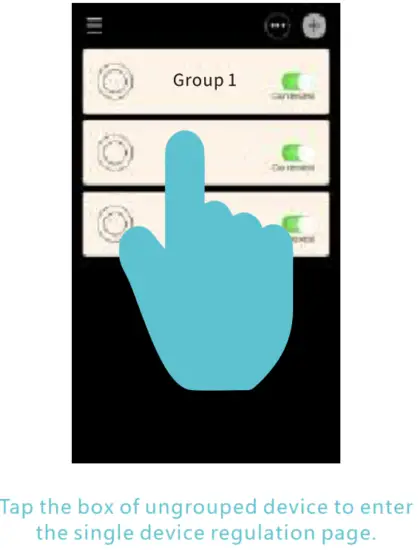
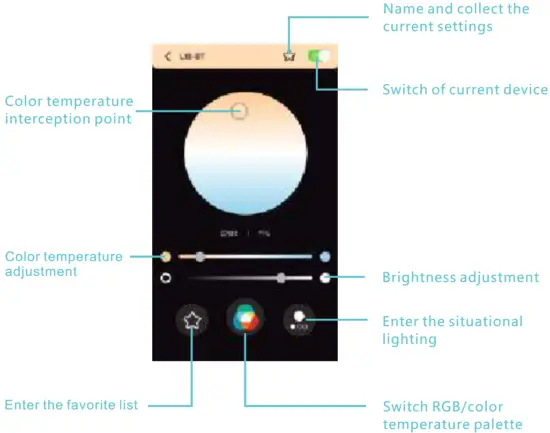 4. Grouped device lighting settings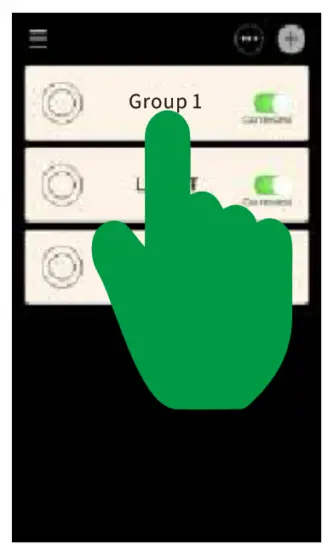
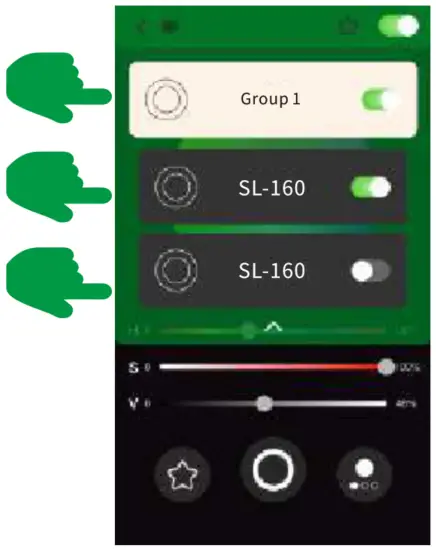
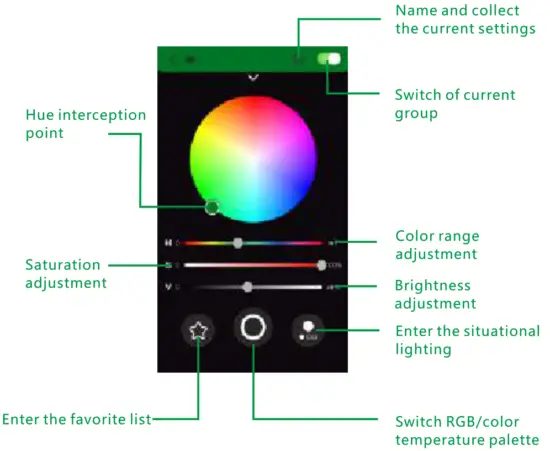 5. Control a single device in the grouped list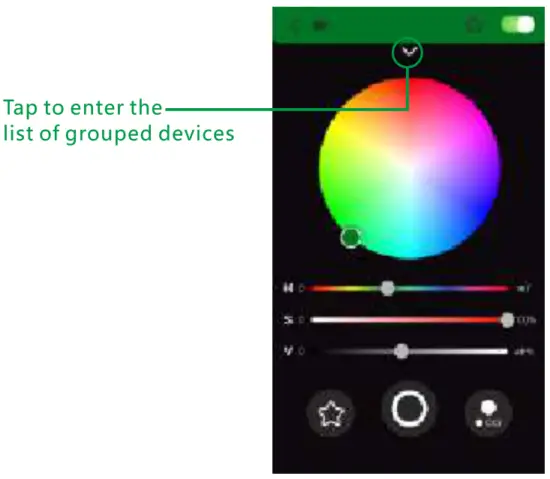
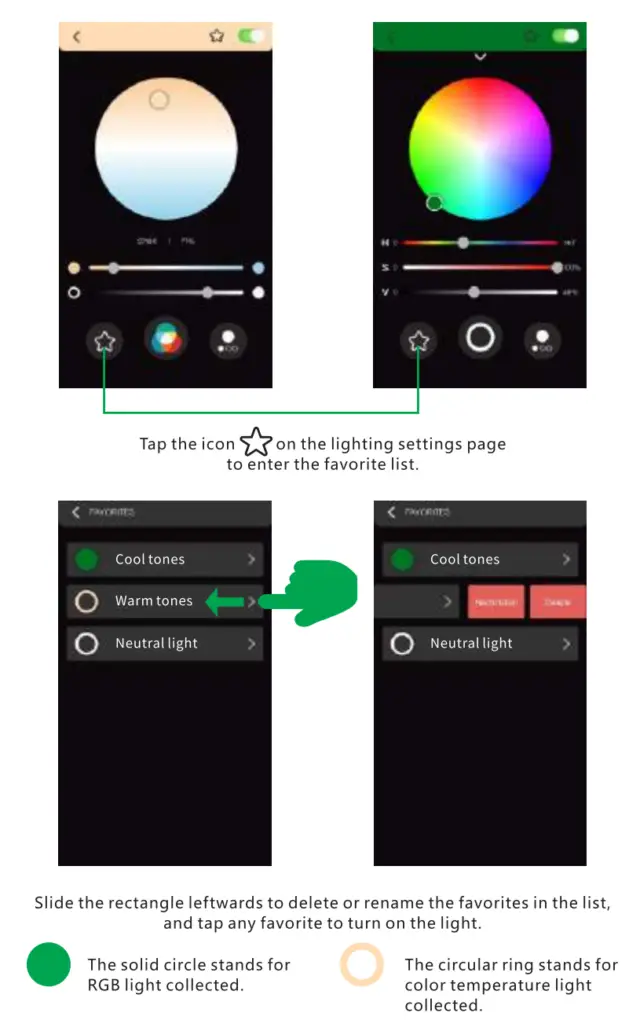
 6. Instructions on collecting lighting settings
 7. Instructions on collecting lists
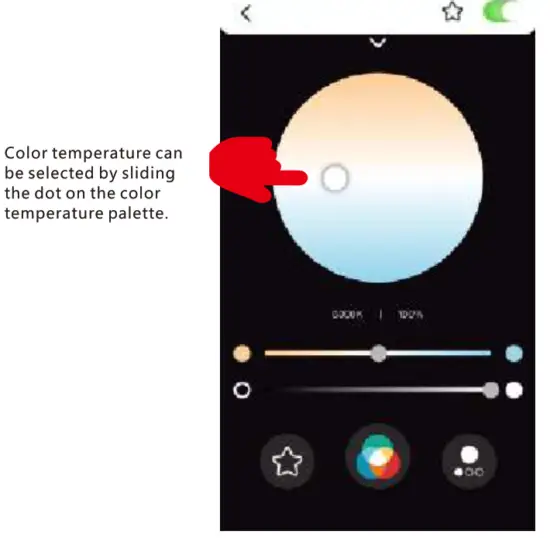
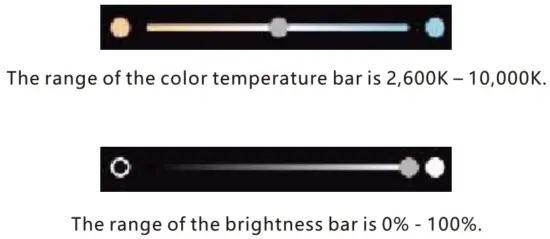
 8. Color temperature palette
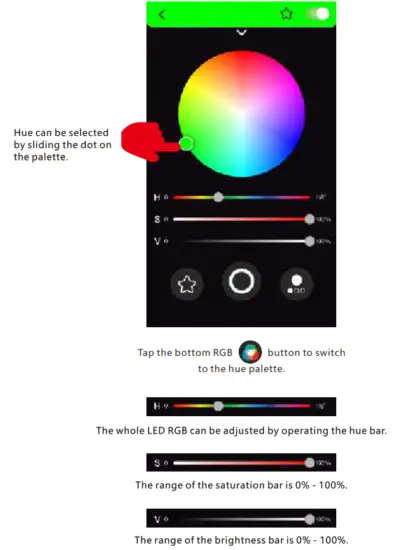
 9. RGB palette
 10. Situational Lighting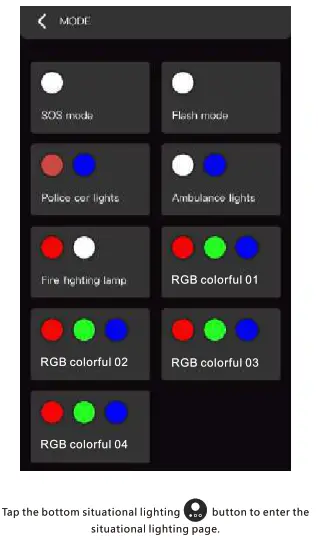
Parameters
- Model: SL-160
- Name: Multifunctional fill light
- Bluetooth version: 5.0
- Beads: 3528 RGB LED *112 PCS
2835 2400K-2600K*216 PCS
2835 10000K-12000K *216 PCS - Color temperature: 2600K-10000K
- Display index: Ra z 95
- Brightness: 2700LM
- Connection: App Bluetooth
- Power: 60W
- Power input: DC 24V/2.5A
- Battery: External power (without battery)
- Back cover: Aluminum alloy painting
- Lampshade: White eye-protection lampshade
- Interface type: DCS.5mm*1, USB port *1, Type-C port*1
- Mechanical button: On/Off *1, grouping button*1
- USB port: Output 5V/1A
Instructions
 Don’t place it at anywhere with corrosive chemicals to avoid failures resulting from corrosion.
- Use a soft and dry cloth to clean the product.
- The product is a precise instrument. Drops, collisions, or impacts should be avoided.
- Don’t place it anywhere at high temperatures to avoid damaging its internal functions.
- Please contact authorized maintenance personnel if necessary. We are not responsible for any failure resulting from unauthorized disassembly, and you must pay for the maintenance.
- You are advised to use the original cables. We are not responsible for any damage or failure resulting from the use of cables other than the original ones, and you must pay for the maintenance.
The above instructions are made according to our tests. Any design and specification changes will be made without further notice.
FCC Statement
This equipment has been tested and found to comply with the limits for a Class B digital device, pursuant to part 15 of the FCC Rules. These limits are designed to provide reasonable protection against harmful interference in a residential installation. This equipment generates, uses, and can radiate radio frequency energy and, if not installed and used in accordance with the instructions. may cause harmful interference to radio communications. However, there is no guarantee that interference will not occur in a particular installation. If this equipment does cause harmful interference to radio or television reception, which can be determined by turning the equipment off and on, the user is encouraged to try to correct the interference by one or more of the following measures:
- Reorient or relocate the receiving antenna.
- Increase the separation between the equipment and receiver.
- Connect the equipment into an outlet on a circuit different from that to which the receiver is connected.
- Consult the dealer or an experienced radio/TV technician for help.
Caution: Any changes or modifications to this device not explicitly approved by the manufacturer could void your authority to operate this equipment. This device complies with part 15 of the FCC Rules. Operation is subject to the following two conditions: (1) This device may not cause harmful interference, and (2) this device must accept any interference received, including interference that may cause undesired operation.
RF Exposure Information
This equipment complies with FCC radiation exposure limits set forth for an uncontrolled environment. This equipment should be installed and operated with a minimum distance 20cm between the radiator and your body.