 Zhongtiandingsheng
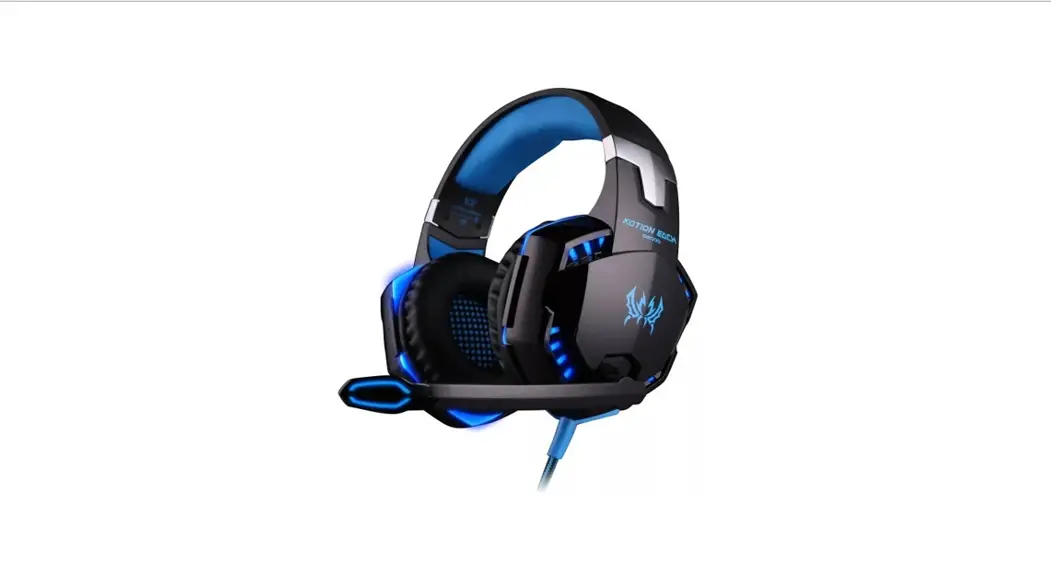
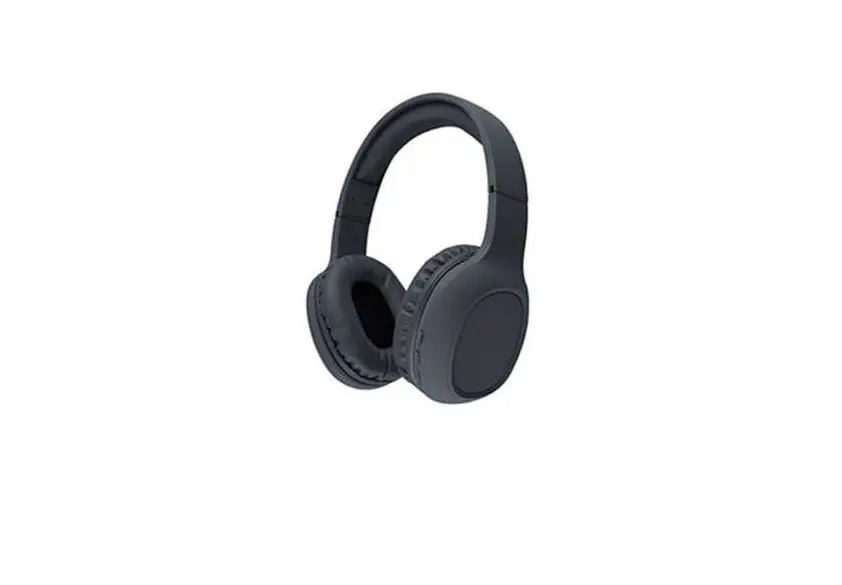
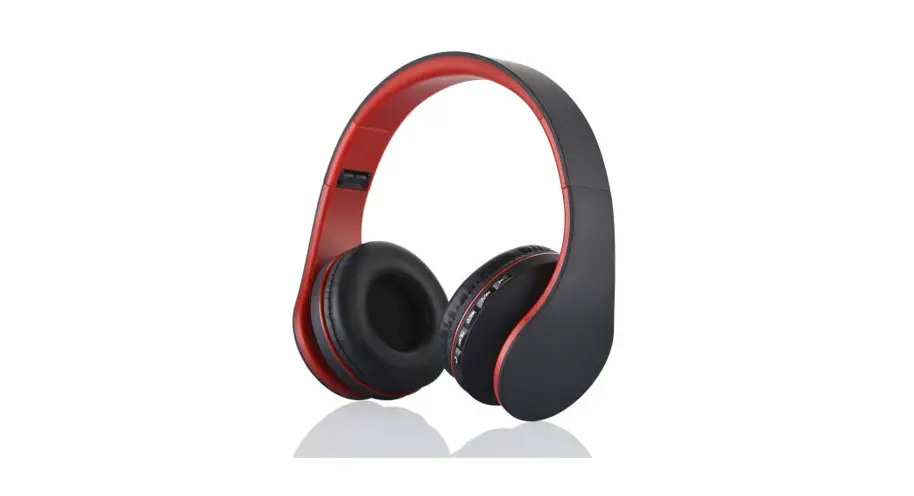
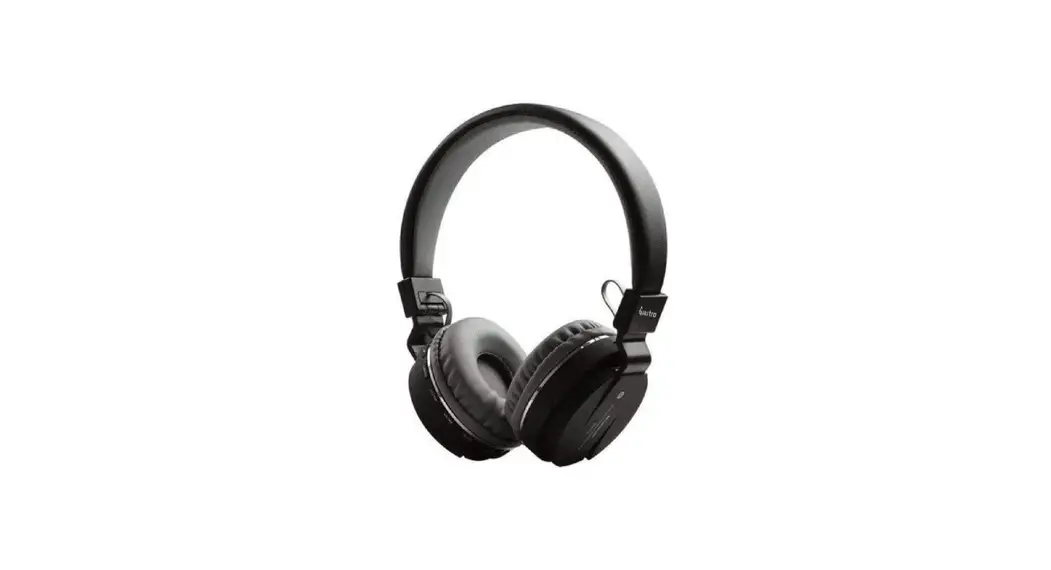
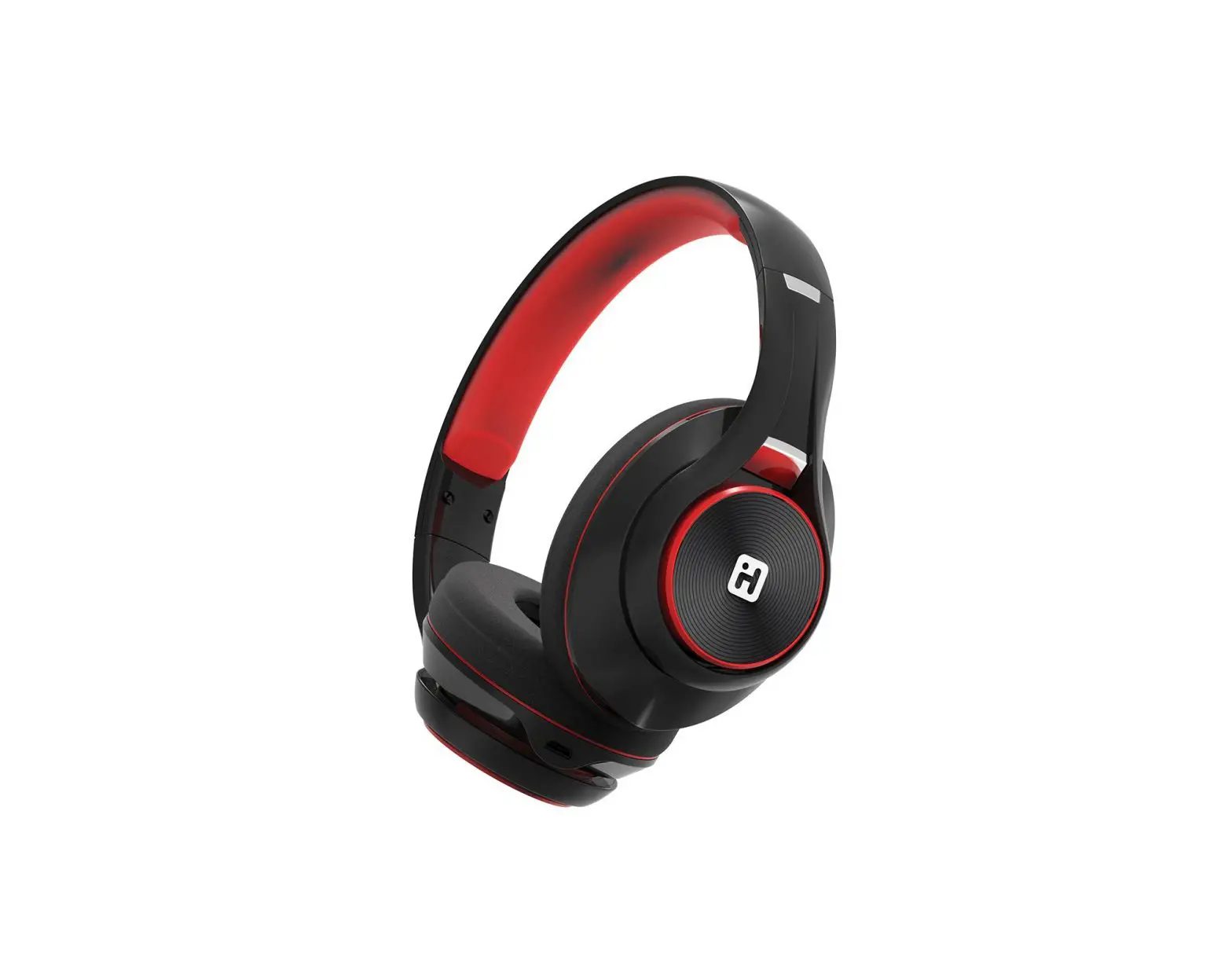
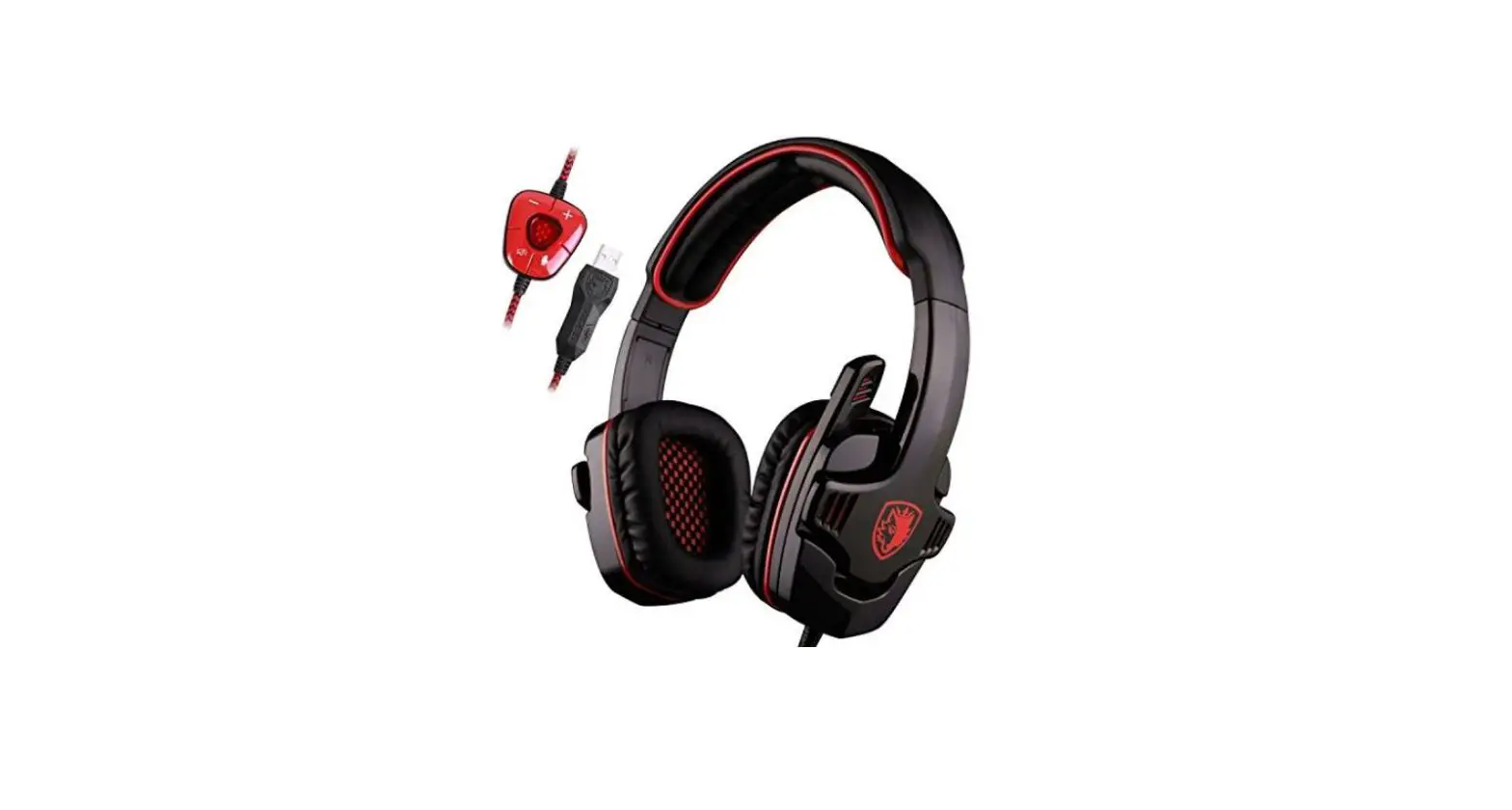
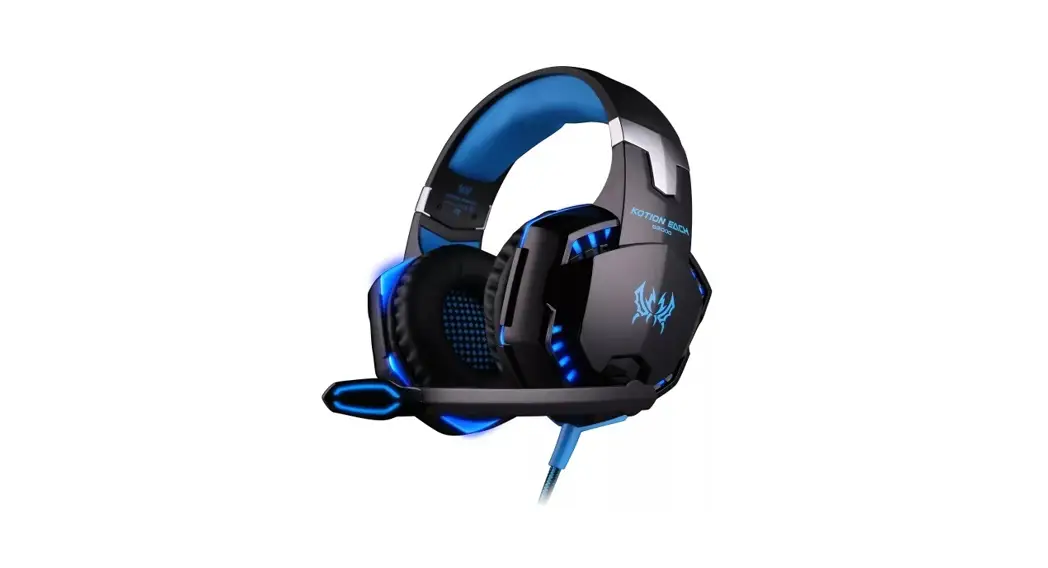
Shenzhen Industrial G9000BT Bluetooth Headphone
Instruction Manual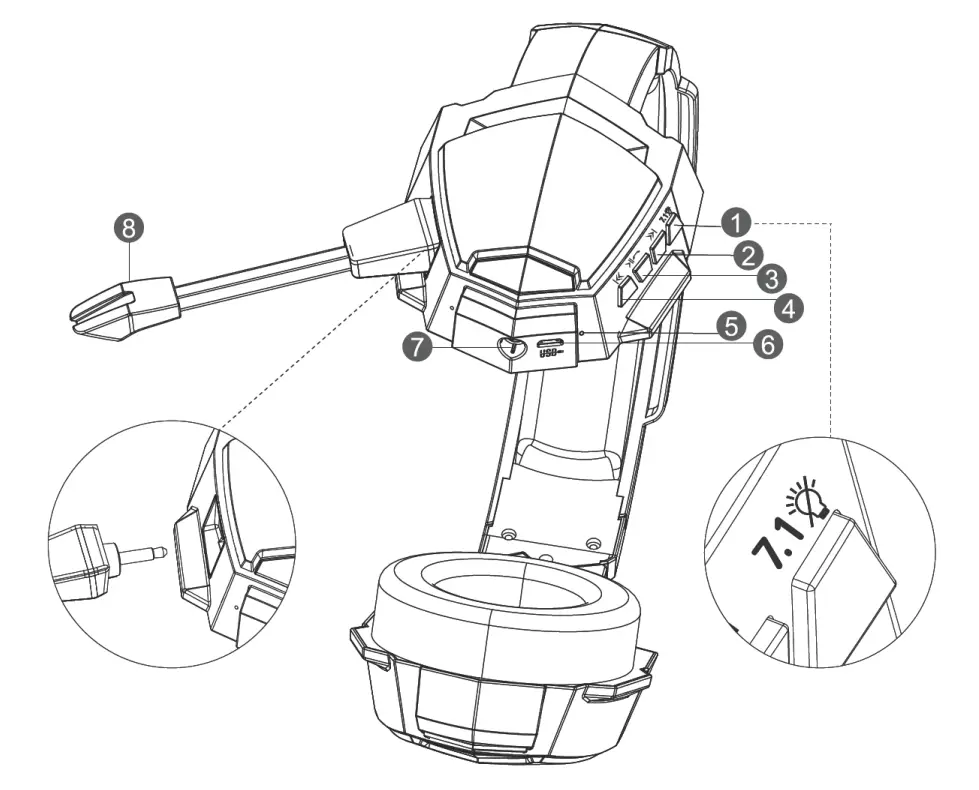
Product introduction
- Sound effect & low latency/left and right lamps
- Previous song/Volume up
- 0n/Off Play & Pause
- Volume down/Next song
- Status indicator
- USB port
- LINE interfacee.
- External microphone
Product parameters
| Product type | dynamic earphone | Duration time | ≥20 | |
| Speaker diameter: | 40MM | Transmission distance | 10 m | |
| Speaker impedance | 160 | Working voltage | 3.7V | |
| Battery capacity | 600mAh | Charging voltage | sDC5V | |
| Battery type | polymer lithium battery | Earphone accessories | G9000 BT earphones! USB charging cable/Line IN connection cable! External microphone | |
| Charging time | 3 hours | |||
Connect to Bluetooth earphone
- Power on: In power-off mode, long-press the power button (for 2s); a prompt tone of “Hell Bluetooth mode…” will be heard, meaning the Bluetooth is enabled;
- Pairing: In power-off mode, long-press the “Start” button for Loosen the button to start Bluetooth pairing, and the blue and red lamps flicker alternatively; search the settings, and the blue lamp flickers slowly when the manual connection is successful. Shortly press the call button to enjoy beautiful songs.
- Power off: In power-on mode, long-press the “Start” button (for 3s); the red lamp is on and a prompt tone of “Power off” will be heard, the lamp is off after the earbuds are powered off.
- When playing music, short press the pause button to pause music, and short press again to restore music.
- When the 7.1 sound effect and low latency mode is turned on, more authentic sounds can be provided for accurate strikes in games by distinguishing the sounds.
- Usage of external microphone: The internal microphone will be disabled if an external one is plugged, and it will be enabled if the external one is unplugged.
| Button | Function | Operation | Step |
 | Power off | Long press | In power-on mode, press it for 3s to power it off. |
| Power on and pairing | Press for 3s | In power-off mode, press it for 3s to power it on and it will start the reconnecting and searching mode. | |
| Play/Pause | Shortly press | In music playing mode, shortly press it to pause it and do it again to play it. | |
| Hang up | Shortly press | In calling mode, shortly press it one to hang up. | |
| Reject | Long press | In case of any incoming call, long-press it to reject the phone call. | |
| Redial | Double click | In any mode, double click to redial the last phone number. | |
| Answer | Shortly press | In case of any incoming call, short press it to answer the phone call. | |
 | Volume up | Long press | Long press it to volume up and a prompt tone of “beep” will be heard after the maximum volume is reached. |
| Previous song | Shortly press | In music playing mode, shortly press it to play the previous song. | |
 | Volume down | Long press | Long press it to volume down. |
| Next song | Shortly press | In music playing mode, shortly press it to play the next song. | |
 | 7.1 sound effect/ low latency, LED on/off | Shortly press it for the 7.1 sound effect/low latency and press it for 2s to turn on or off the LED | Shortly press it for the 7.1 sound effect/low latency and press it for 2s to turn on or off the LED (normally on by default) |
FCC Statement
This equipment has been tested and found to comply with the limits for a Class B digital device, pursuant to Part 15 of the FCC Rules. These limits are designed to provide reasonable protection against harmful interference in a residential installation. This equipment generates uses and can radiate radio frequency energy and, if not installed and used in accordance with the instructions, may cause harmful interference to radio communications. However, there is no guarantee that interference will not occur in a particular installation. If this equipment does cause harmful interference to radio or television reception, which can be determined by turning the equipment off and on, the user is encouraged to try to correct the interference by one or more of the following measures:
— Reorient or relocate the receiving antenna.
— Increase the separation between the equipment and receiver.
— Connect the equipment into an outlet on a circuit different from that to which the receiver is connected.
— Consult the dealer or an experienced radio/TV technician for help.
This device complies with FCC PART15 Rules. Operation is subject to the following two conditions:(1) This device may not cause harmful interference, and (2) this device must accept any interference received, including interference that may cause undesired operation.
Changes or modifications not expressly approved by the party responsible for compliance could void the user’s authority to operate the equipment.