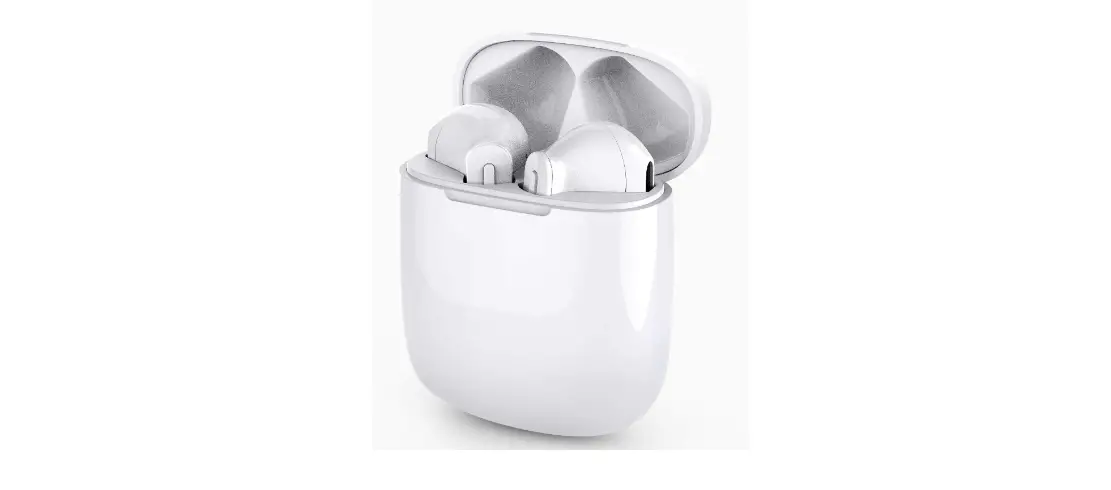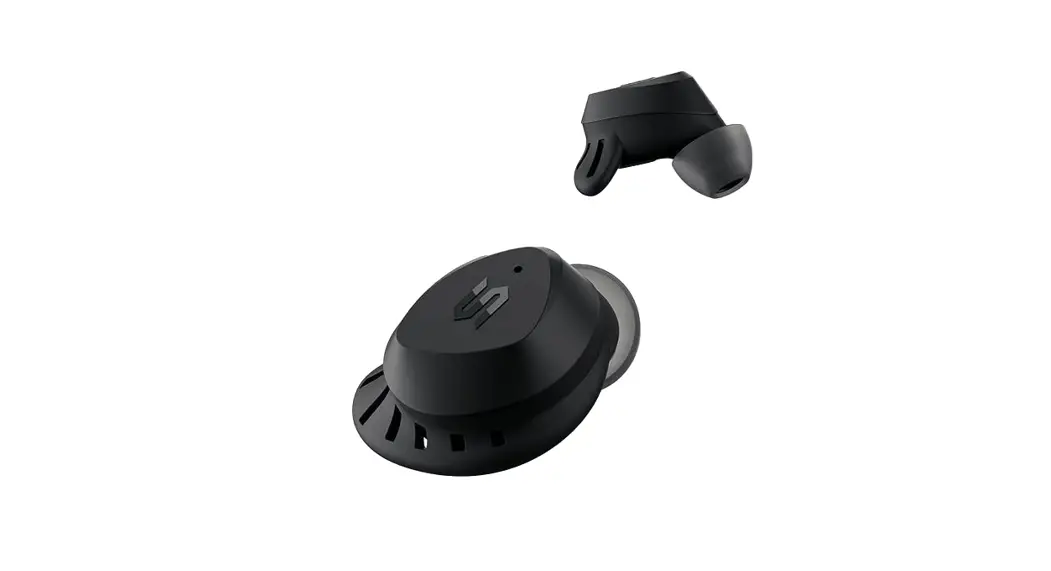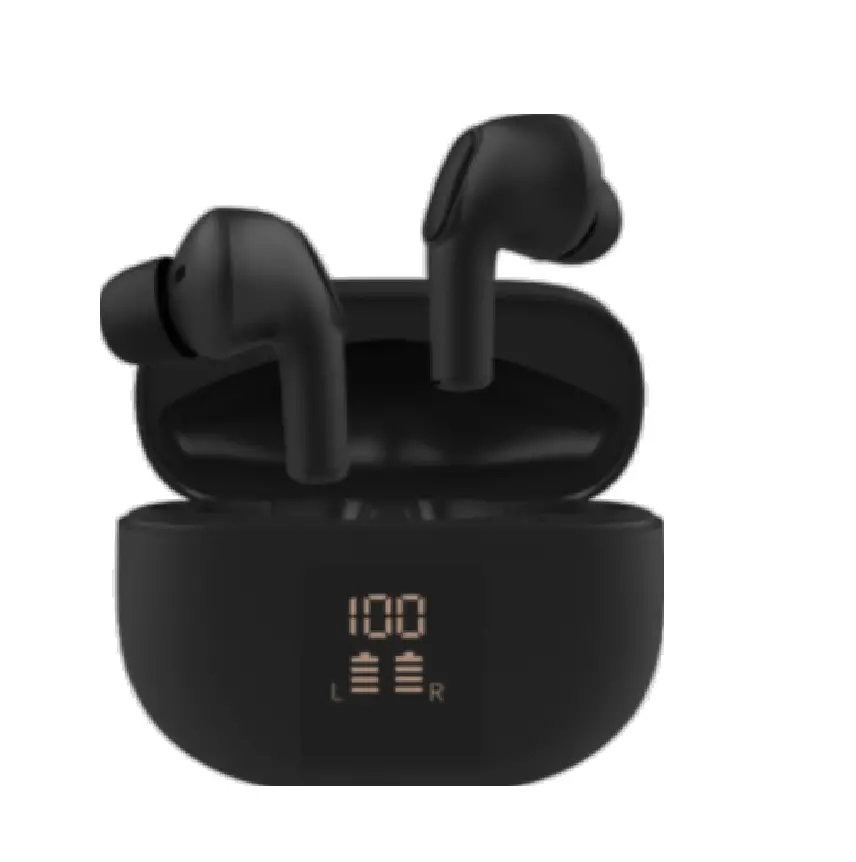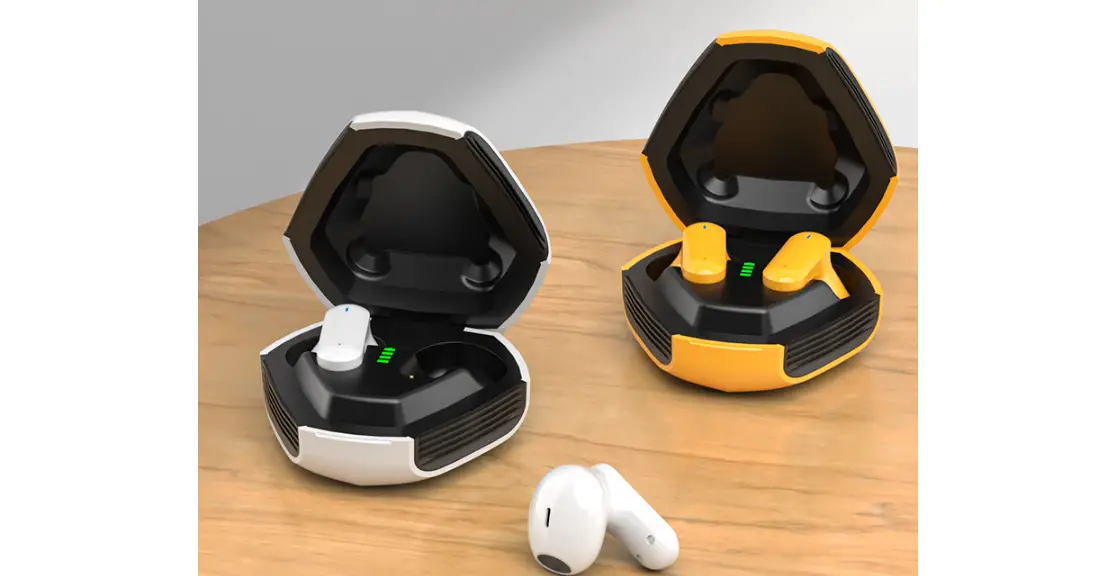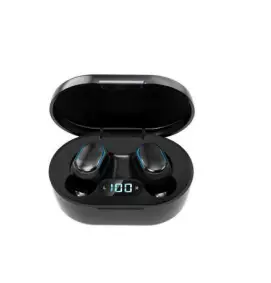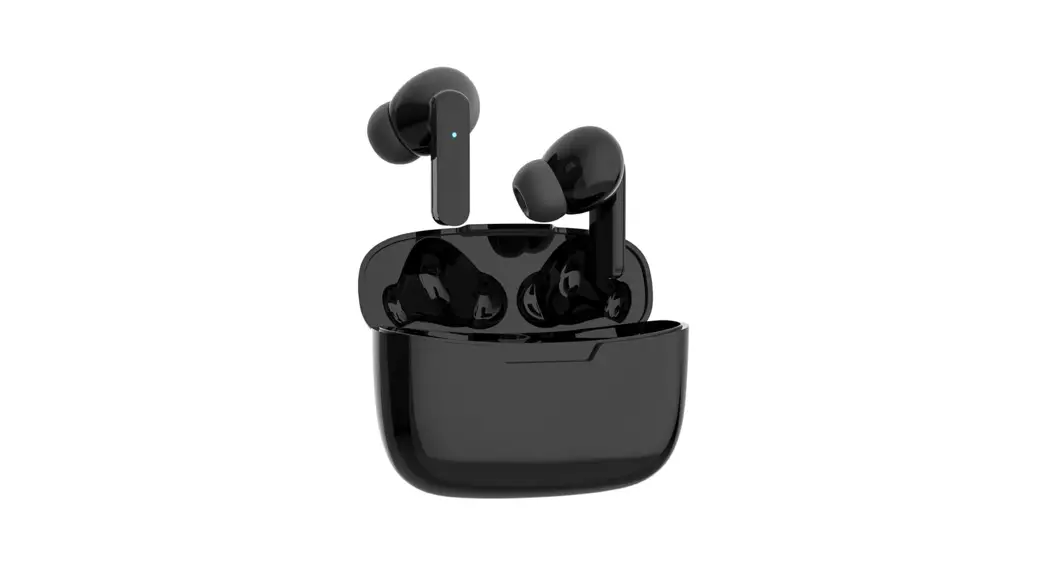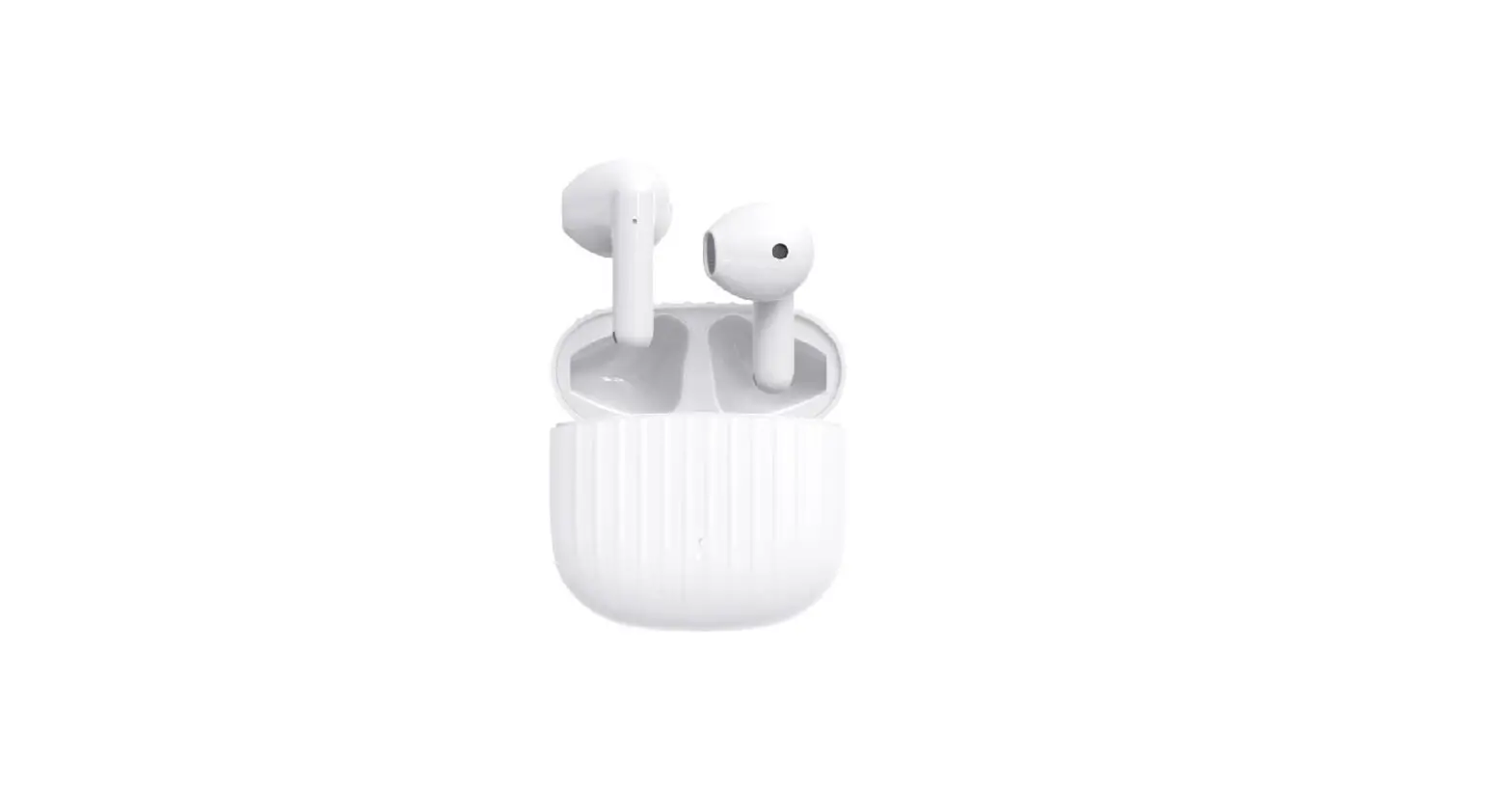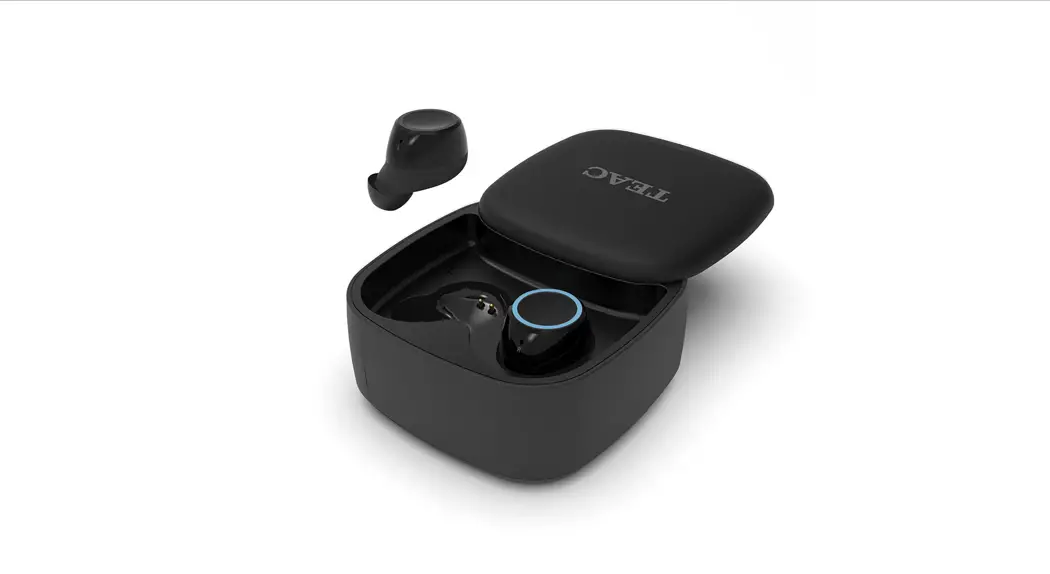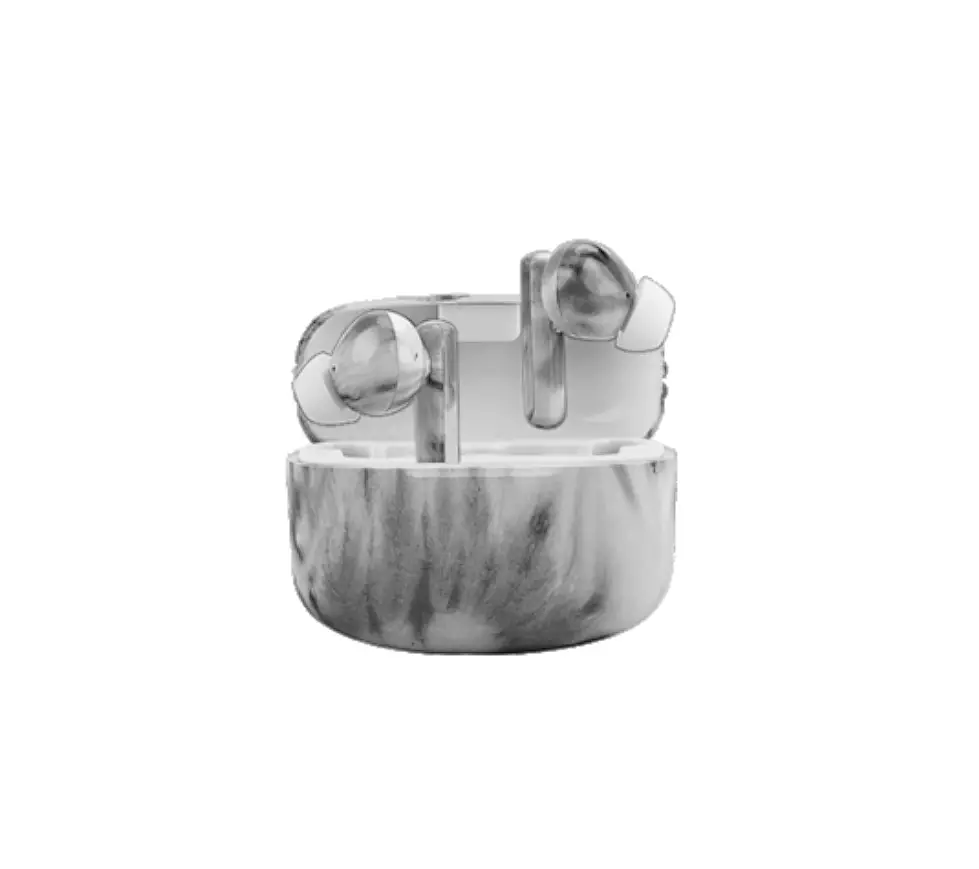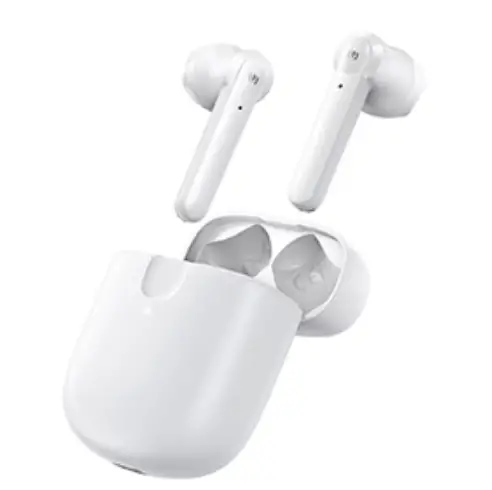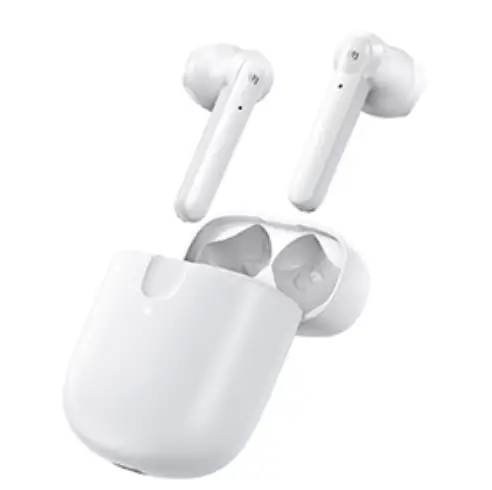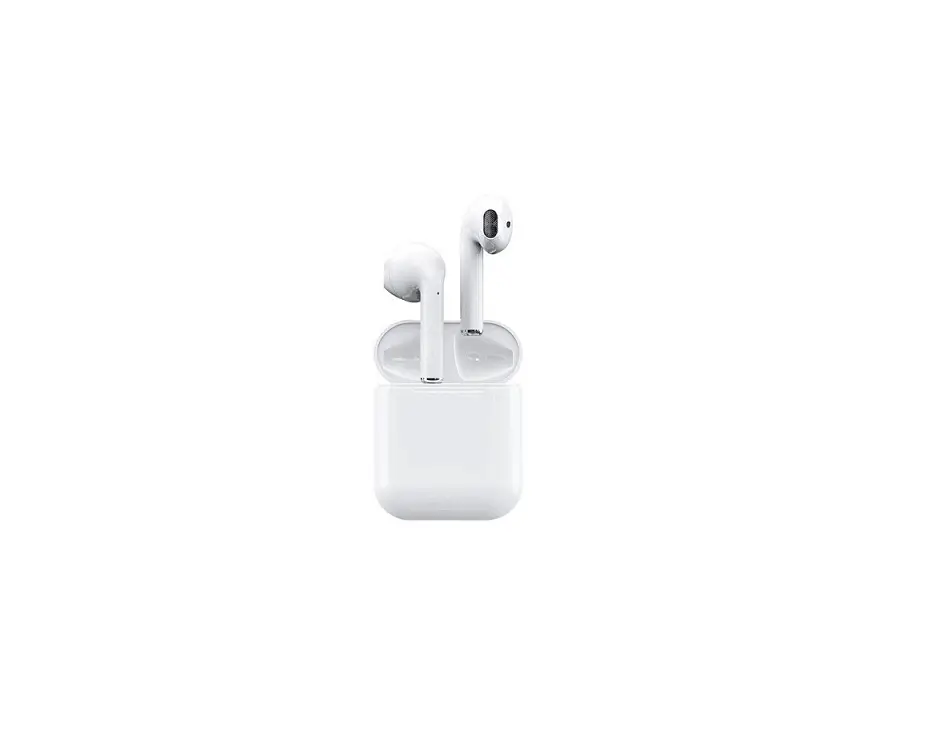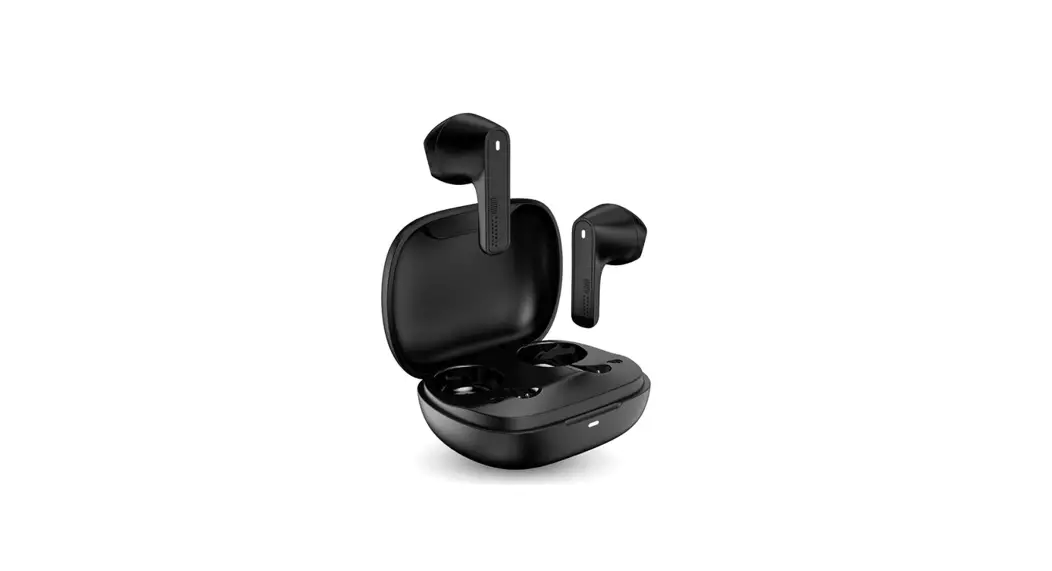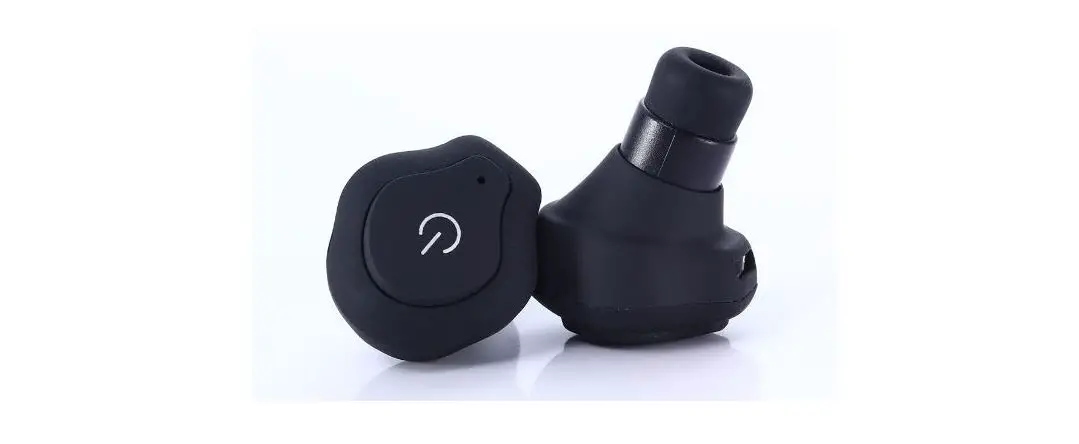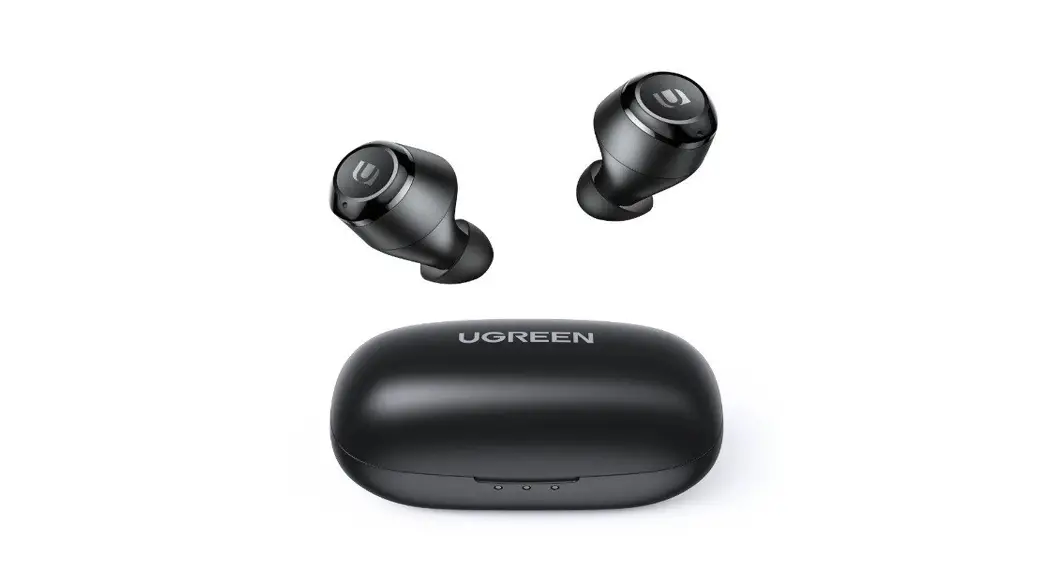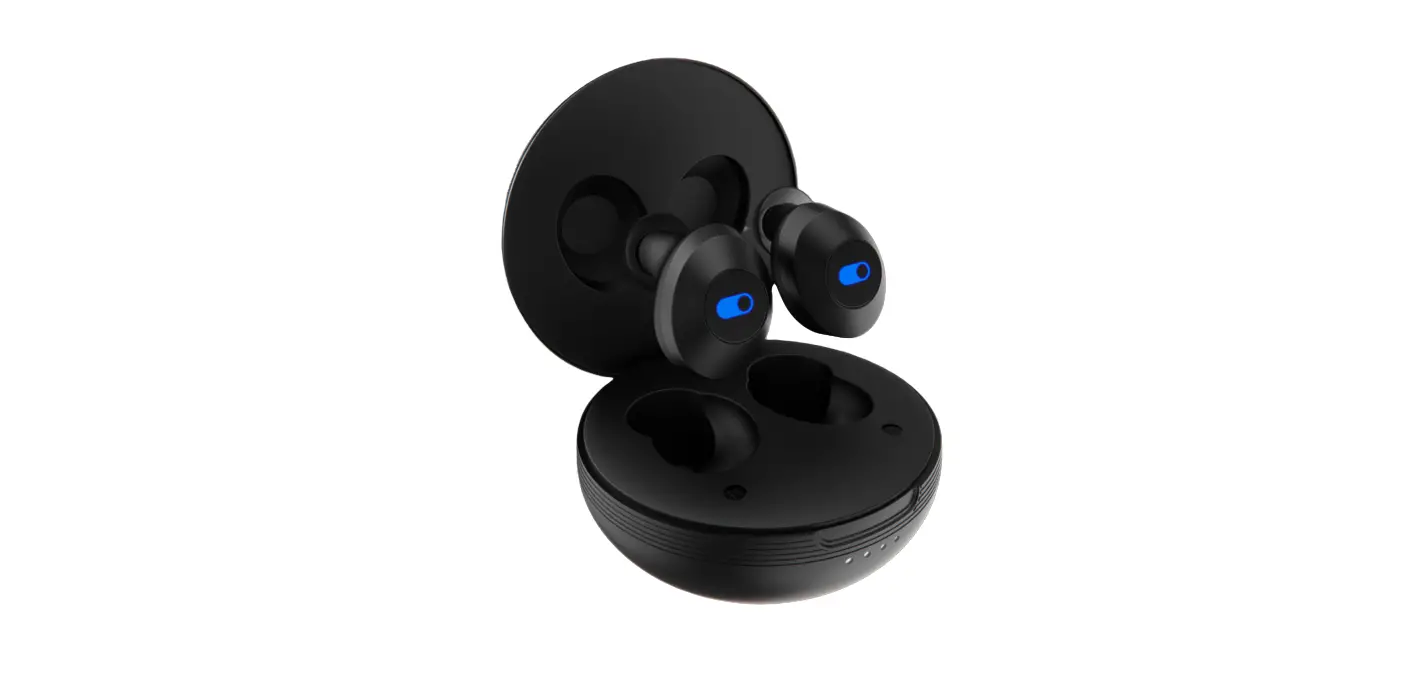
ICCON TWS02 Snug Swag Ultimate+ True Wireless Earbuds User Manual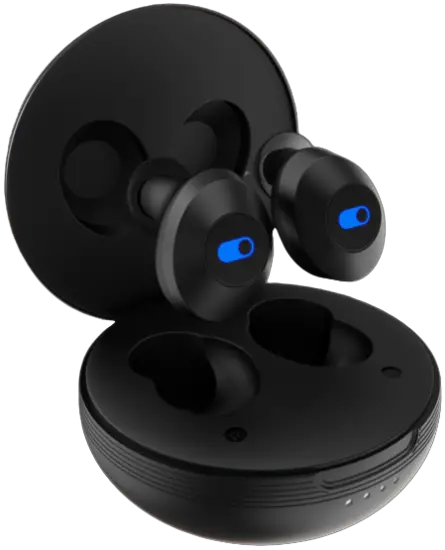
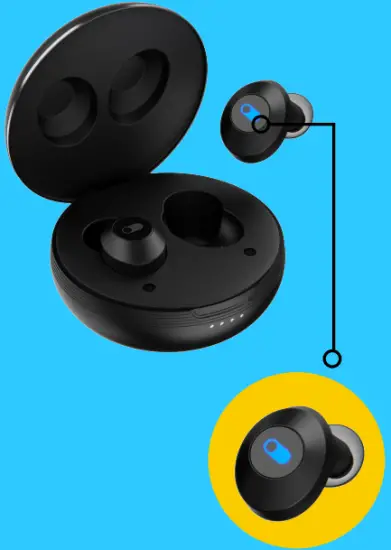
Powering on
Press the power button for one click
Fitting
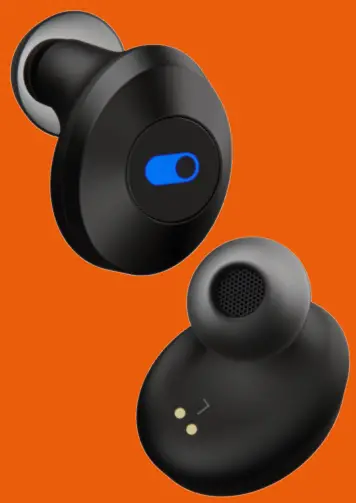
ICCON SNUG SWAG ULTIMATE+ comes with 3 different sizes of earbuds for your added comfort and fit.

Select the one that suits you the best
pairing (first time)
Click the power button once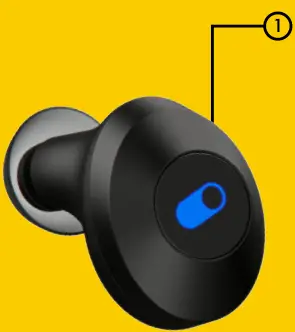
Power on the Left and Right earphones at the same time after restored to the factory settings. They will pair automatically.
You will hear the pairing done.
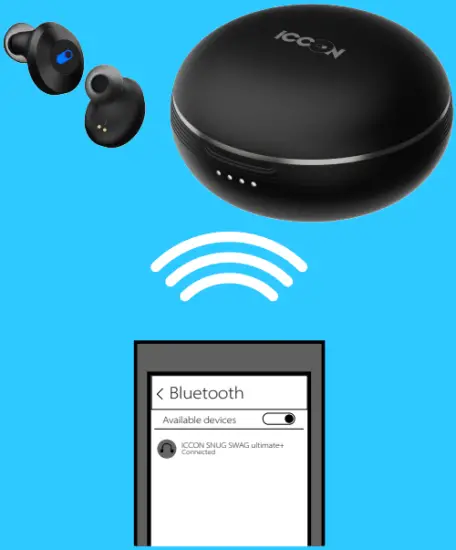
Select ICCON SNUG SWAG ULTIMATE+ on your phone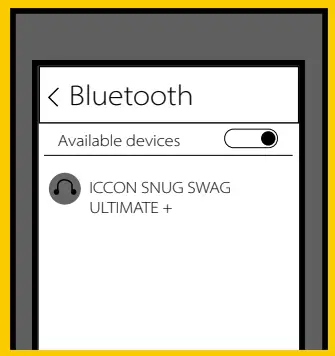
pairing (Subsequent time)
Once your ICCON SNUG SWAG ULTIMATE+ is in range of your already paired device and the bluetooth is switched on it will automatically connect with the device.
Charging
We suggest charging your ICCON SNUG SWAG ultimate+ device 100% before first use.
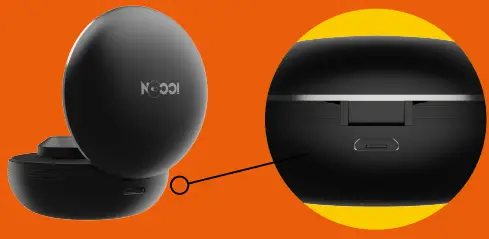
You can charge your ICCON SNUG SWAG ultimate+ with in the box charging Micro USB charging cable or universal 2A micro usb charging cable for optimal charging speed.

Ideal charger would be a 5W charger (5V 1A) to charge without any fluctuation at optimal speed
General functions

- Answer Call: Press the power button once on any of the earbuds
- Hang up Call: Press the power button once on any of the earbuds
- Play Music: Short press the power button

- Pause Music: Short press the power button
- Previous track: Press the power button for 3 seconds on your Left earbud
- Next track: Press the power button for 3 seconds on your Right earbud

Auto power off: ICCON SNUG SWAG ULTIMATE+ will auto power off when it is not connected with any device for 5 minutes.
Reset: Put the earphones into charging case to reset.
Dual pairing
- Disconnect your ICCON SNUG SWAG ULTIMATE+ with current device and switch the bluetooth off.
- Pair your ICCON SNUG SWAG ULTIMATE+ with your new device
- Then switch bluetooth on, on your first device and connect the ICCON SNUG SWAG ULTIMATE+
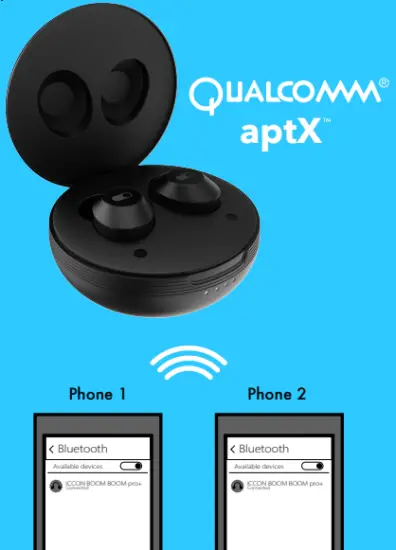
- You are now connected to both devices at the same time.
Features
- BLUETOOTH 5.0

- FULL CHARGE IN 2 HRS

- CONNECTS TO 2 DEVICES SIMULTANEOUSLY

- 5 HRS PLAYTIME 20 HR WITH CASE

- QUALCOMM APTX

- 100 HRS STANDBY TIME







Product details
Charging Time (Earbud) : 1 hour 10 mins
Playtime on single charge : 5 hours
Charging Time (Case) : 2 hours
Playtime on single charge : 3 to 6 charges for earbuds
Size (Earbud L*W*H): 21.38mm*13.88mm
Weight (Earbuds) : – 4 grams
Size (Case L*W*H) : 54mm*58mm*46mm
Weight (Case + Earbuds): – 49 grams
In the box: Micro USB Charging Cable, Silicone ear tips (Size L,M,S)
Tech sepcs
Bluetooth Version: 5.0
Bluetooth Range: 10m
Speaker size: 6mm
Frequency Response Range: 20-20KHZ
Sensitivity (Speaker): 97db + 3db
Sensitivity (Mic): 22db + 3db
Carrier Frequency: 2.402GHz-2.480 GHz
Battery Capacity (Earbud): 50mAh
Battery Capacity (Case): 400mAh
Factory reset
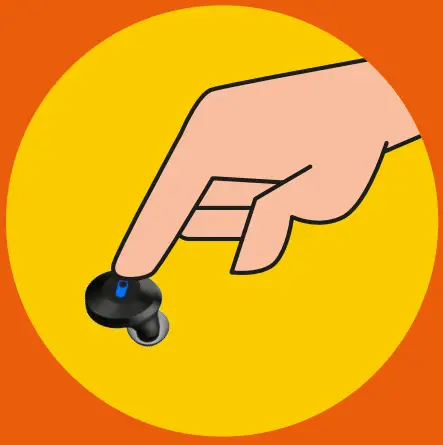
Restore factory settings: Press the power button for 10 seconds when ICCON SNUG SWAG ULTIMATE+ is in off state.
Every data will get erased, you will have to reconnect your devices to your ICCON SNUG SWAG
Warranty

Please mail us on [email protected] for warranty activation with the invoice, your name, email id, phone number and address.
For complaints: do get in touch with us at [email protected] we will initiate the resolve within first 24 hours.