 Configuring
Individual Temperature Control (ITC) Sensors
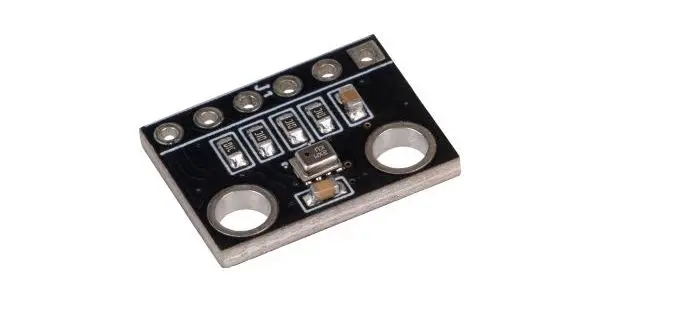
ITC Motherboard
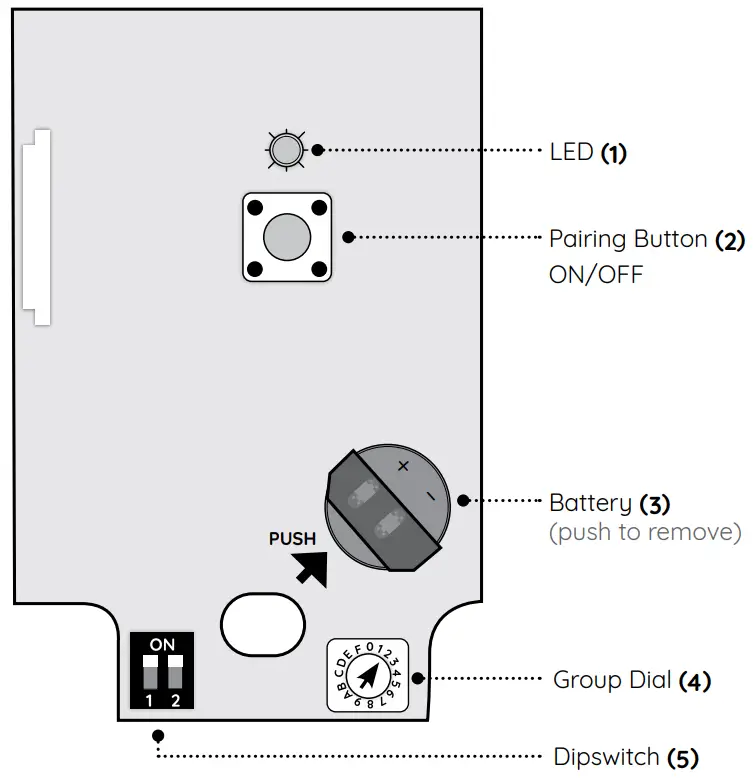
 Configure the Group Dial and Dip Switches before pairing the sensor with AirTouch.
Pairing ITC Sensors with AirTouch
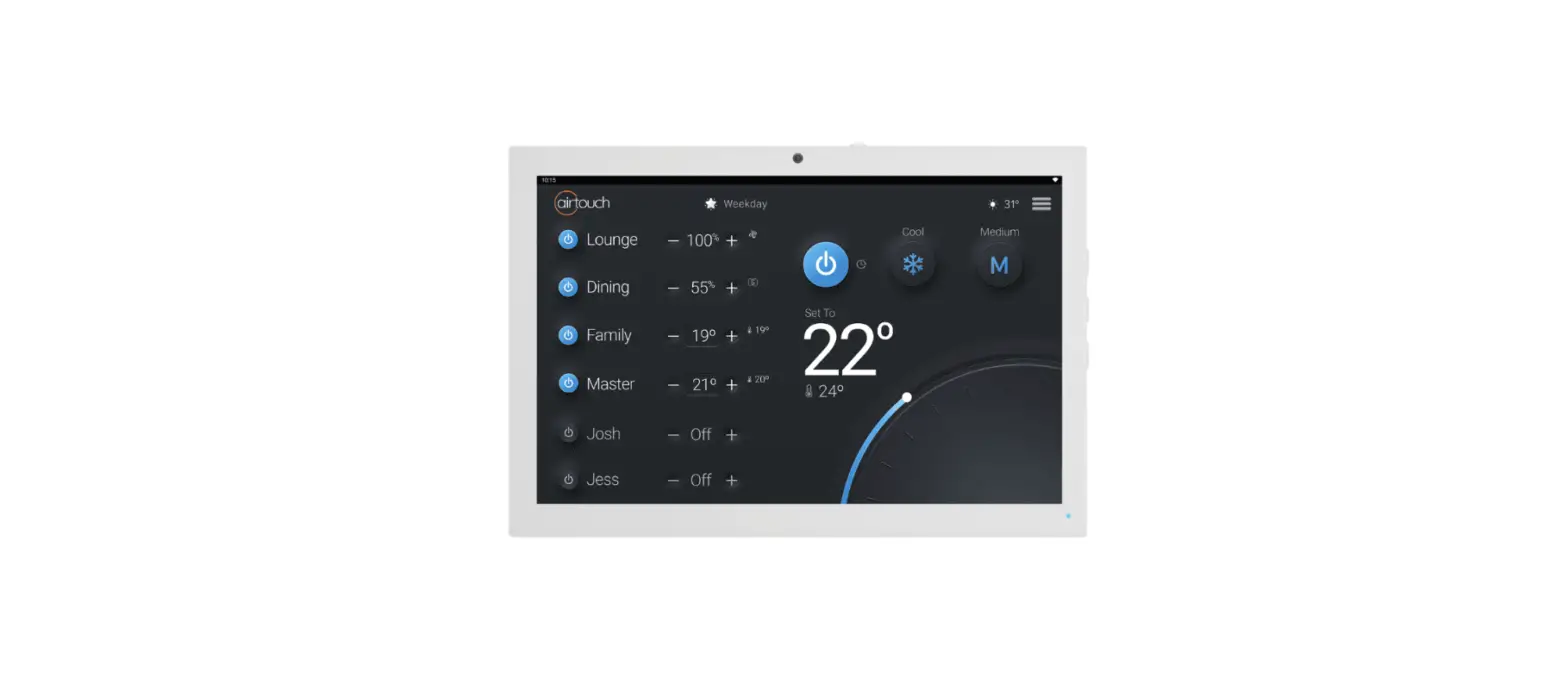
- On the AirTouch, console open the Quick Menu and select System Settings > Installer > Sensors Turn Sensor Pairing from Stop to Start. By default, the installer password is Polyaire.
- After removing the cover from the ITC sensor, push and hold the Pairing Button (2) for 5 seconds until the LED (1) turns blue (Zone On) or red (Zone Off)
The group name will appear on the sensor page of AirTouch 4 when the pairing is successful. Repeat this process for all sensors in the same installation. Select Stop on the Sensors Page after pairing all sensors. The home screen will show both set points and temperature control for the groups which have sensors successfully assigned.
Battery Replacement
The battery (3) used in the ITC is 3V CR2450. When the battery is low, a Low Battery icon ( ) will appear near the group name of the sensor. A good battery will last for around 1 ½ to 2 years. When the battery is flat, the group will change to % control if there is no other sensor in it. The low battery sign will disappear from the group. The group will then be treated as a group without a sensor. When replacing the battery, press and hold the Pairing Button (2) after removing the dead battery for 5 seconds to remove any residual charge from the circuit.
Group Dial Configuration

On the Group Dial (4) for each ITC sensor, select the correct group number to correspond with the group that you are placing the sensor in.
| Dial Number | 2 | 7 | 8 | 4 | |||||
| ITC paired Group | Group 1 | Group 2 | Group 3 | Group 4 | Group 5 | Group 7 | Group 8 | Group 9 |
| Dial Number | A | B | C | D | E | F | 0 |
| ITC paired Group | Group 10 | Group 11 | Group 12 | Group 13 | Group 14 | Group 15 | Group 16 |
Dipswitch Configuration
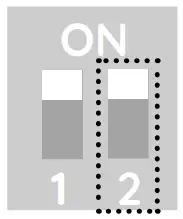
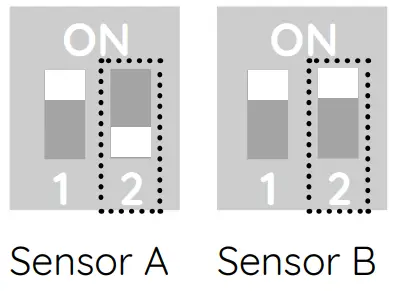
Normally, 1 ITC sensor is assigned to 1 group, however, for larger groups, 2 ITC sensors can be installed. This will require Dipswitch(5) configuration as shown below:
Dipswitch setting for one ITC Sensor
 Dipswitch setting for two ITC Sensors
Liability and Disclaimer
All specifications and procedures are correct at the time of publication but are subject to change without notice. Please read the instructions before installing this Zone Control System. Polyaire Pty Ltd does not accept any responsibility for loss or damage that may occur as a result of the incorrect installation or operation of this AirTouch Control System.
Using ITC

LED Indications
| Status | Blue | Red | Both at the same time | Blue and Red Alternate |
| On | Solid | |||
| Off | Solid | |||
| On; Low Battery | Flashing Every is | – | ||
| Off; Low Battery | Flashing Every is | |||
| Lost | – | Flashing Every 0.2s | ||
| Lost; Low Battery | – | Flashing Every 0.2s | _ | |
| Not Paired | – | – | Flashing Every is | |
| Not Paired; Low Battery | – | Flashing Every is | _ |
October 2021
© Polyaire Pty Ltd