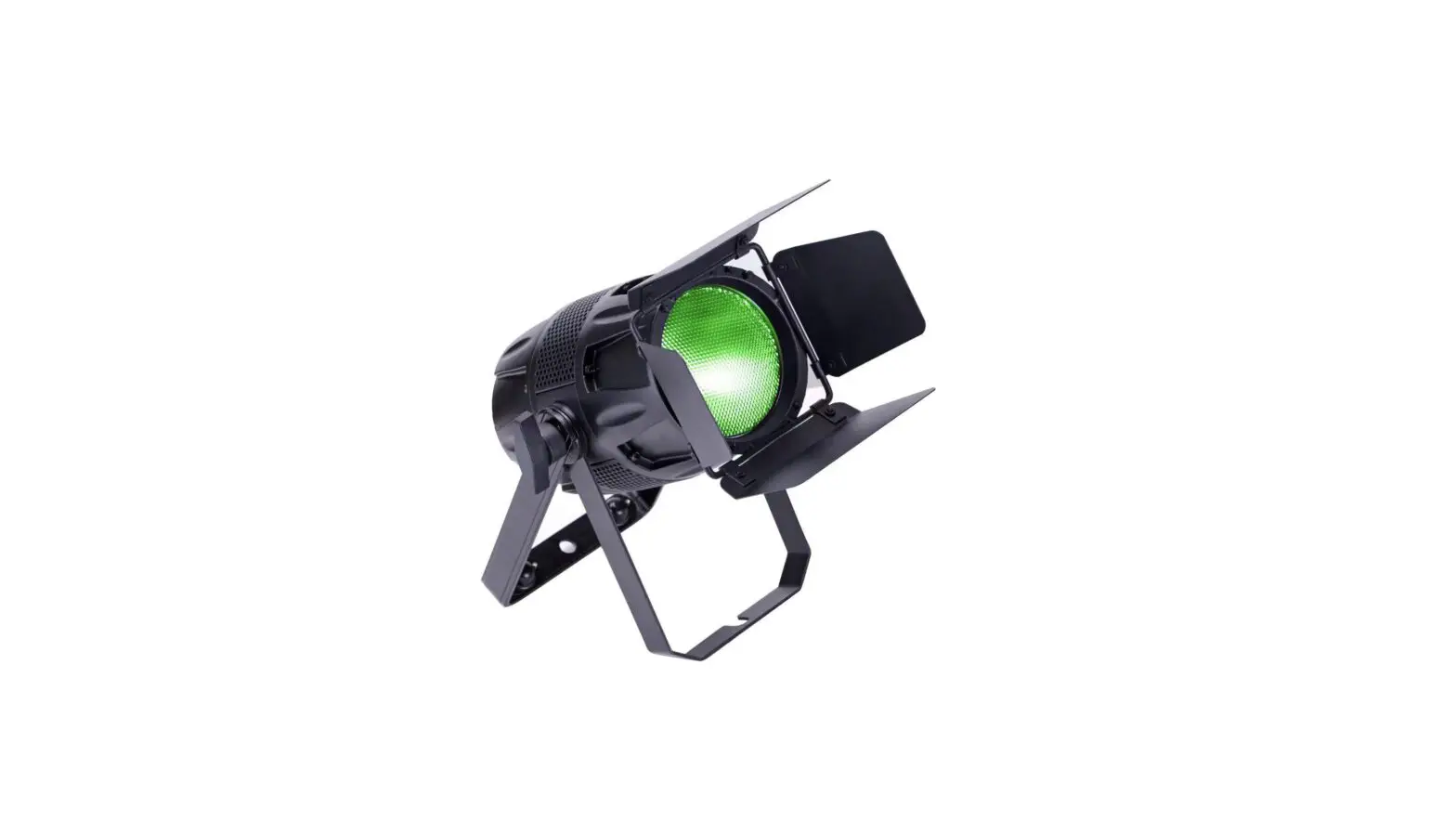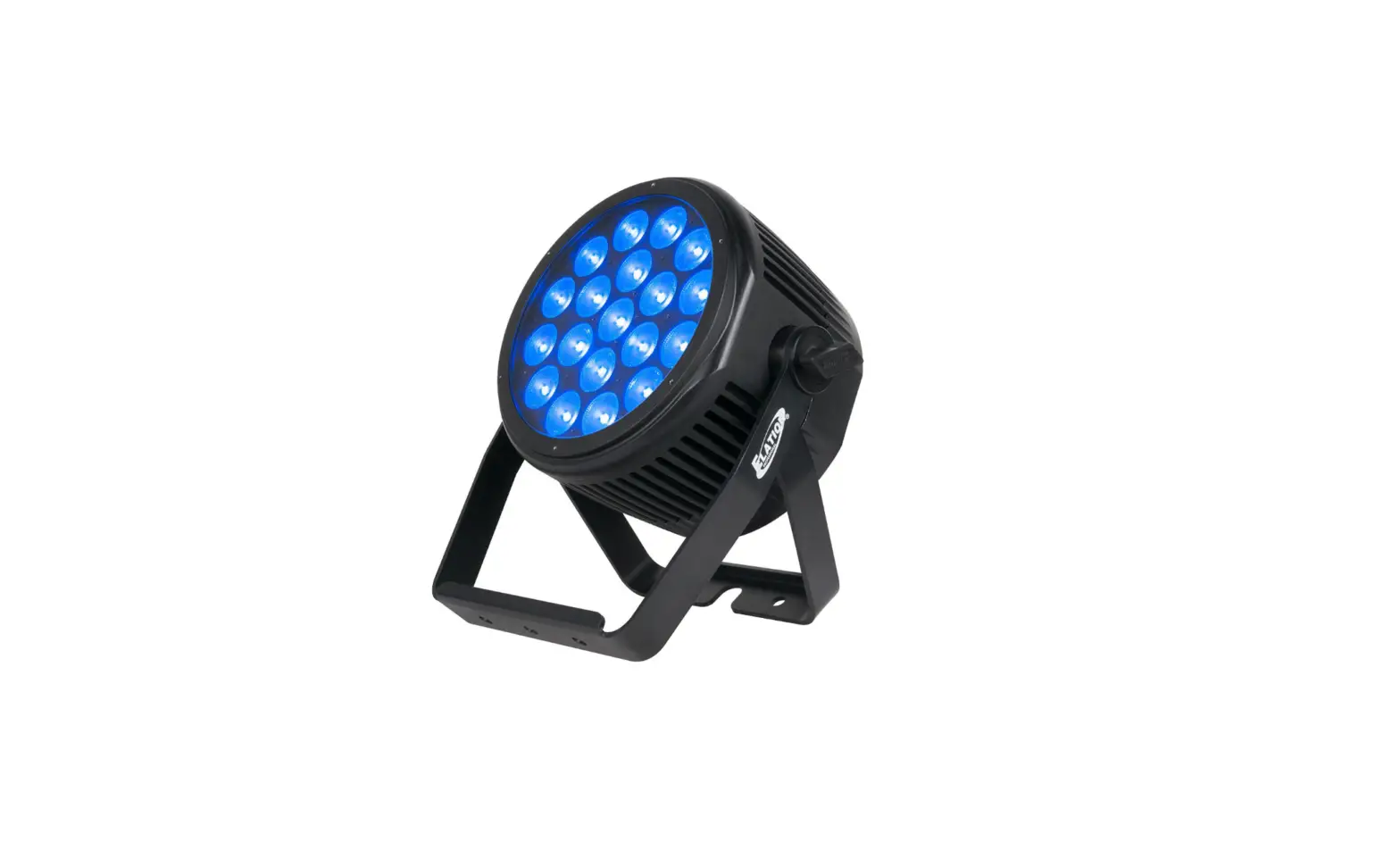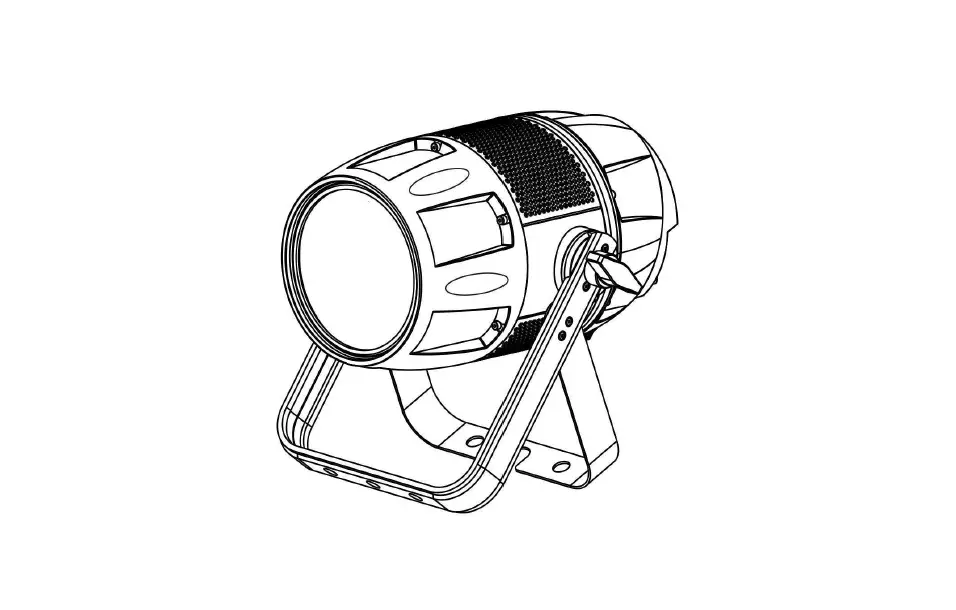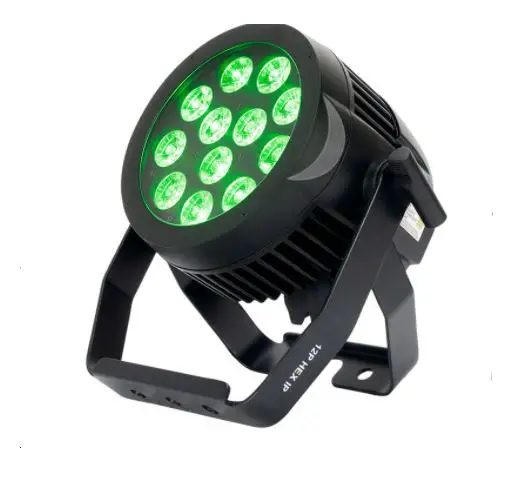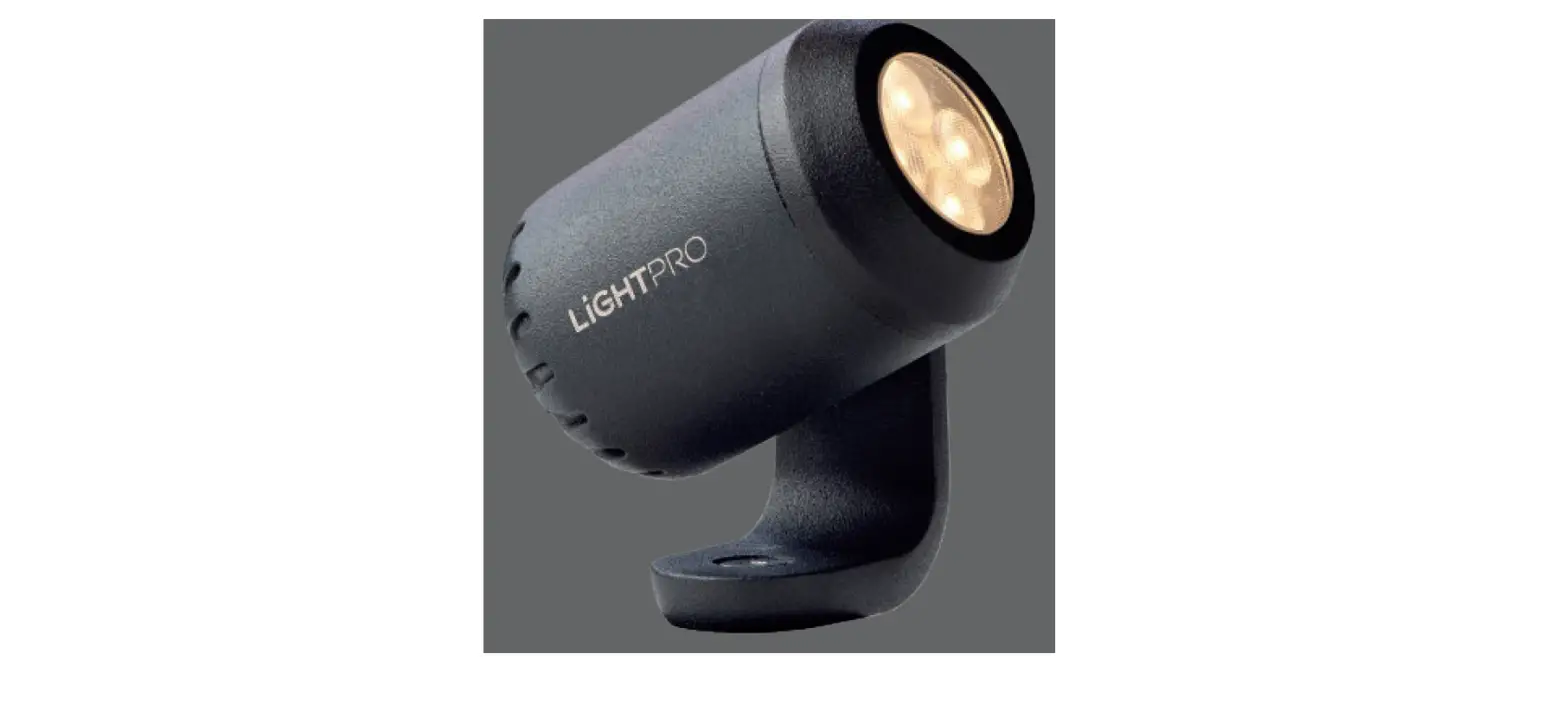
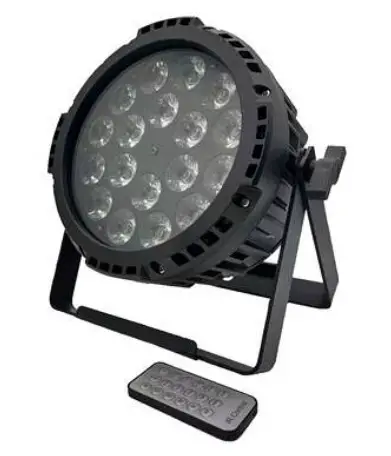
VIKING VK1815 Egress 18 IP Par Light User Manual

Caution!
Be careful with your operations. With a dangerous voltage you can suffer a dangerous electric shock when touching the wires!
Keep this device away from rain and moisture!
Make sure it is grounded when using it!
Unplug mains lead before opening the housing!
For your own safety, please read this user manual carefully before you initial start-up.
Introduction
Thank you for having chosen this Item. You will see you acquired a powerful and versatile device. Unpack your item. Before you initial start-up, please make sure that there is no
damage caused by transportation. Should there be any, consult your dealer and do not use the device.
Safety instructions
This device has left our premises in absolutely perfect condition. In order to maintain this condition and to ensure a safe operation, it is absolutely necessary for the user to follow the safety instructions and warning notes written in this user manual. Always disconnect from the mains, when the device is not in use or before cleaning it. Keep away children and amateurs from the device! There are no serviceable parts inside the device.
Specifications
Input power:AC100-240V 50/60 Hz
Power consumption:165w
LED:18 pcs15W RGBWA+UV LED
Light effect:pure color ,light is evenly spread
DMX channel:2/3/6/9/11 channel
Display: Touch panel menu with LCD display
Control mode:DMX512/Master-Slave/Auto run/IR remote control 0-100% linear dimmer
With RDM function IP-Rating:IP65 product size:220×280×230mm packing size:290×290×275mm
\N.W:4.6Kg G.W:5.3Kg
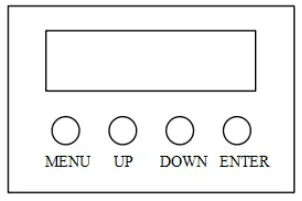
[MENU] Main menu to select or return to the previous menu
[UP] Menu selection or parameter increase
[DOWN] Menu selection or parameter decrease
[ENTER] OK / enter or select sub menu
| First Manual | Secondary Menu | Value 1 | Value 2 | Value 3 | Function |
| DMX Address | 001-512 | DMX512 Address Code Setting | |||
|
DMX Channel | 11CH | Channel 11Mode | |||
| 9CH | Channel 9 Mode | ||||
| 6CH | Channel 6 Mode | ||||
| 3CH | Channel 3 Mode | ||||
| 2CH | Channel 2 Mode | ||||
|
Stand Alone |
Auto | Program 1 | Dim | 000-255 | |
| Program 2 | Speed | 000-255 | |||
| Program 3 | |||||
| …… | |||||
| …… | |||||
| Program 16 | |||||
|
Color Macro | Color Off | ||||
| Color1 |
001-255 | ||||
| Color2 | |||||
| Color3 | |||||
| Color4 | |||||
| Color5 |
| Color6 | |||||
| Color7 | |||||
| Color8 | |||||
| Color9 | |||||
| Color10 | |||||
| Color11 | |||||
| Color12 | |||||
| Color13 | |||||
| Color14 | |||||
| Color15 | |||||
| Color16 | |||||
| Color17 | |||||
| Color18 | |||||
| Color19 | |||||
| Color20 | |||||
| Color21 | |||||
| Color22 | |||||
| Color23 | |||||
| Color24 | |||||
| Color25 | |||||
| Color26 | |||||
| Color27 | |||||
| Color28 | |||||
| Color29 | |||||
| Color30 | |||||
| Color31 | |||||
| Color32 | |||||
| Color33 | |||||
| Color34 | |||||
| Color35 | |||||
|
Static | Dimmer |
000-255 | |||
| Strobe | |||||
| Red | |||||
| Green | |||||
| Blue | |||||
| White | |||||
| Amber | |||||
| UV | |||||
| Tunable White | Dimmer | 000-255 | |||
| CTC | 2800~8000K | ||||
| User Color | Color1 | Dimmer | 000-255 |
| Color2 | Strobe | 000-255 | |||
| Color3 | Red | 000-255 | |||
| Color4 | Green | 000-255 | |||
| Color5 | Blue | 000-255 | |||
| Color6 | White | 000-255 | |||
| Color7 | Amber | 000-255 | |||
| Color8 | UB | 000-255 | |||
| Slave | Yes/No | ||||
|
Settings | Output Set | Standard | Normal output 150W | ||
| Full | High power output 180W | ||||
| Display Reverse | On | The display is reversed | |||
| Off | Normal display | ||||
| Display Backlight | On | The display is always on | |||
| Off | Automatically turn off after displaying for one minute | ||||
|
DMX Fail | Hold | Keep the last state | |||
| Blackout | Blackout | ||||
| Emergency Light | Bright and cool white as an emergency light | ||||
|
Dimmer Curve | Linear | Dimming curve 1 (straight line) | |||
| Exponential | Dimming curve 2 (index) | ||||
| Logarithmic | Dimming curve 3 (logarithmic) | ||||
| S-Curve | Dimming curve 4 (S curve) | ||||
| Dimmer Response | LED | LED effect | |||
| Halogen | Halogen bubble effect | ||||
|
Auto Lock |
On | The screen will automatically lock after one minute. The screen can also be locked manually: press “up” & “down” button for 5 seconds at the same time, then will display ” Locked”. To unlock, press “up” & “down” button for 5 seconds at the same time. | |||
| Off | Turn off screen lock | ||||
| IR Remote | On | ||||
| Off | |||||
| Factory Reset | ENTER-Reset Now-ENTER | ||||
|
System Info | Firmwre | V1.0 | Display version number | ||
| Operation Hours | xxxHrs | Total hours for the light run | |||
| RDMxxxxx | Press the “ENTER” button for 5 seconds into the backstage to set the RDM value |
DMX Controlling:
After having addressed all items, you may now start operating these via your lighting controller. After switching on, the item will automatically detect whether DMX 512 data is received or not.
Channel modes:
2 channel mode
| 2 CH Mode | ||||||
| Ch. | Function | Values | Sub-Group | |||
| 1 | Dimmer | 000 | – | 255 | 0% to 100% | Dimmer |
| 2 | Full White RGBW | 000 | – | 255 | 7200K – 3200K @ Full on | |
3 channel mode
| 3 CH Mode | ||||||
| Ch. | Function | Values | Sub-Group | |||
| 1 | Dimmer | 000 | – | 255 | 0% to 100% | Dimmer |
|
2 |
Strobe functions | 000 | – | 005 | Strobe open |
Multifunctional-Strobe |
| 006 | – | 010 | Strobe closed | |||
| 011 | – | 033 | Puls Random, slow -> fast | |||
| 034 | – | 056 | Ramp up Random, slow -> fast | |||
| 057 | – | 079 | Ramp down Random, slow -> fast | |||
| 080 | – | 102 | Random Strobe Effect, slow -> fast | |||
| 103 | – | 127 | Strobe Break Effekt, 5s…..1s (Short
burst with break) | |||
| 128 | – | 250 | Strobe slow -> fast <1Hz – 20Hz | |||
| 251 | – | 255 | Strobe open | |||
|
3 |
Colour Macro (override RGBAWV) | 000 | – | 010 | Colour off |
Colour Macro |
| 011 | – | 013 | Color1 | |||
| 014 | – | 016 | Color2 | |||
| 017 | – | 019 | Color3 | |||
| 020 | – | 022 | Color4 | |||
| 023 | – | 025 | Color5 | |||
| 026 | – | 028 | Color6 | |||
| 029 | – | 031 | Color7 | |||
| 032 | – | 034 | Color8 | |||
| 035 | – | 037 | Color9 | |||
| 038 | – | 040 | Color10 | |||
| 041 | – | 043 | Color11 | |||
| 044 | – | 046 | Color12 | |||
| 047 | – | 049 | Color13 | |||
| 050 | – | 052 | Color14 | |||
| 053 | – | 055 | Color15 | |||
| 056 | – | 058 | Color16 | |||
| 059 | – | 061 | Color17 | |||
| 062 | – | 064 | Color18 | |||
| 065 | – | 067 | Color19 | |||
| 068 | – | 070 | Color20 | |||
| 071 | – | 073 | Color21 | |||
| 074 | – | 076 | Color22 | |||
| 077 | – | 079 | Color23 | |||
| 080 | – | 082 | Color24 | |||
| 083 | – | 085 | Color25 | |||
| 086 | – | 088 | Color26 | |||
| 089 | – | 091 | Color27 | |||
| 092 | – | 094 | Color28 | |||
| 095 | – | 097 | Color29 | |||
| 098 | – | 100 | Color30 | |||
| 101 | – | 105 | Color31 | |||
| 106 | – | 110 | Color32 | |||
| 111 | – | 115 | Color33 | |||
| 116 | – | 120 | Color34 | |||
| 121 | – | 125 | Color35 | |||
| 126 | – | 127 | Colour Jumping Stop | |||
| 128 | – | 191 | Colour Jumping Speed slow -> fast
/ Colour 1 -> 12 | |||
| 192 | – | 255 | Colour Fading Speed slow -> fast /
Colour 1 -> 12 |
6channel mode
| 6 CH Mode | ||||||
| Ch. | Function | Values | Sub-Group | |||
| 1 | Red | 000 | – | 255 | 0% to 100% | Red |
| 2 | Green | 000 | – | 255 | 0% to 100% | Green |
| 3 | Blue | 000 | – | 255 | 0% to 100% | Blue |
| 4 | White | 000 | – | 255 | 0% to 100% | White |
| 5 | Amber | 000 | – | 255 | 0% to 100% | Amber |
| 6 | UV | 000 | – | 255 | 0% to 100% | UV |
9channel mode
| 9 CH Mode | ||||||
| Ch. | Function | Values | Sub-Group | |||
| 1 | Dimmer | 000 | – | 255 | 0% to 100% | Dimmer |
|
2 |
Strobe functions | 000 | – | 005 | Strobe open |
Multifunctional-Strobe |
| 006 | – | 010 | Strobe closed | |||
| 011 | – | 033 | Puls Random, slow -> fast | |||
| 034 | – | 056 | Ramp up Random, slow -> fast | |||
| 057 | – | 079 | Ramp down Random, slow -> fast | |||
| 080 | – | 102 | Random Strobe Effect, slow -> fast | |||
| 103 | – | 127 | Strobe Break Effekt, 5s…..1s (Short
burst with break) | |||
| 128 | – | 250 | Strobe slow -> fast <1Hz – 20Hz | |||
| 251 | – | 255 | Strobe open | |||
| 3 | Red | 000 | – | 255 | 0% to 100% | Red |
| 4 | Green | 000 | – | 255 | 0% to 100% | Green |
| 5 | Blue | 000 | – | 255 | 0% to 100% | Blue |
| 6 | White | 000 | – | 255 | 0% to 100% | White |
| 7 | Amber | 000 | – | 255 | 0% to 100% | Amber |
| 8 | UV | 000 | – | 255 | 0% to 100% | UV |
|
9 |
Colour Macro (override RGBAWV Cover up 3-8 channels at startup) | 000 | – | 010 | Colour off |
Colour Macro |
| 011 | – | 013 | Color1 | |||
| 014 | – | 016 | Color2 | |||
| 017 | – | 019 | Color3 | |||
| 020 | – | 022 | Color4 | |||
| 023 | – | 025 | Color5 | |||
| 026 | – | 028 | Color6 | |||
| 029 | – | 031 | Color7 | |||
| 032 | – | 034 | Color8 | |||
| 035 | – | 037 | Color9 | |||
| 038 | – | 040 | Color10 | |||
| 041 | – | 043 | Color11 | |||
| 044 | – | 046 | Color12 | |||
| 047 | – | 049 | Color13 | |||
| 050 | – | 052 | Color14 | |||
| 053 | – | 055 | Color15 | |||
| 056 | – | 058 | Color16 | |||
| 059 | – | 061 | Color17 | |||
| 062 | – | 064 | Color18 | |||
| 065 | – | 067 | Color19 | |||
| 068 | – | 070 | Color20 | |||
| 071 | – | 073 | Color21 | |||
| 074 | – | 076 | Color22 | |||
| 077 | – | 079 | Color23 | |||
| 080 | – | 082 | Color24 | |||
| 083 | – | 085 | Color25 | |||
| 086 | – | 088 | Color26 | |||
| 089 | – | 091 | Color27 | |||
| 092 | – | 094 | Color28 | |||
| 095 | – | 097 | Color29 | |||
| 098 | – | 100 | Color30 | |||
| 101 | – | 105 | Color31 | |||
| 106 | – | 110 | Color32 | |||
| 111 | – | 115 | Color33 | |||
| 116 | – | 120 | Color34 | |||
| 121 | – | 125 | Color35 | |||
| 126 | – | 127 | Colour Jumping Stop | |||
| 128 | – | 191 | Colour Jumping Speed slow -> fast
/ Colour 1 -> 12 | |||
| 192 | – | 255 | Colour Fading Speed slow -> fast /
Colour 1 -> 12 |
11channel mode
| 11 CH Mode 2 | ||||||
| Ch. | Function | Values | Sub-Group | |||
| 1 | Dimmer | 000 | – | 255 | 0% to 100% | Dimmer |
|
2 |
Strobe functions | 000 | – | 005 | Strobe open |
Multifunctional-Strobe |
| 006 | – | 010 | Strobe closed | |||
| 011 | – | 033 | Puls Random, slow -> fast | |||
| 034 | – | 056 | Ramp up Random, slow -> fast | |||
| 057 | – | 079 | Ramp down Random, slow -> fast | |||
| 080 | – | 102 | Random Strobe Effect, slow -> fast | |||
| 103 | – | 127 | Strobe Break Effekt, 5s…..1s (Short
burst with break) | |||
| 128 | – | 250 | Strobe slow -> fast <1Hz – 20Hz | |||
| 251 | – | 255 | Strobe open | |||
| 3 | Red | 000 | – | 255 | 0% to 100% | Red |
| 4 | Green | 000 | – | 255 | 0% to 100% | Green |
| 5 | Blue | 000 | – | 255 | 0% to 100% | Blue |
| 6 | White | 000 | – | 255 | 0% to 100% | White |
| 7 | Amber | 000 | – | 255 | 0% to 100% | Amber |
| 8 | UV | 000 | – | 255 | 0% to 100% | UV |
|
9 |
Colour Macro (override RGBAWV Cover up 3-8 channels at startup) | 000 | – | 010 | Colour off |
Colour Macro |
| 011 | – | 013 | Color1 | |||
| 014 | – | 016 | Color2 | |||
| 017 | – | 019 | Color3 | |||
| 020 | – | 022 | Color4 | |||
| 023 | – | 025 | Color5 | |||
| 026 | – | 028 | Color6 | |||
| 029 | – | 031 | Color7 | |||
| 032 | – | 034 | Color8 | |||
| 035 | – | 037 | Color9 | |||
| 038 | – | 040 | Color10 | |||
| 041 | – | 043 | Color11 | |||
| 044 | – | 046 | Color12 | |||
| 047 | – | 049 | Color13 | |||
| 050 | – | 052 | Color14 | |||
| 053 | – | 055 | Color15 | |||
| 056 | – | 058 | Color16 | |||
| 059 | – | 061 | Color17 | |||
| 062 | – | 064 | Color18 | |||
| 065 | – | 067 | Color19 | |||
| 068 | – | 070 | Color20 | |||
| 071 | – | 073 | Color21 | |||
| 074 | – | 076 | Color22 | |||
| 077 | – | 079 | Color23 | |||
| 080 | – | 082 | Color24 | |||
| 083 | – | 085 | Color25 | |||
| 086 | – | 088 | Color26 | |||
| 089 | – | 091 | Color27 | |||
| 092 | – | 094 | Color28 | |||
| 095 | – | 097 | Color29 | |||
| 098 | – | 100 | Color30 | |||
| 101 | – | 105 | Color31 | |||
| 106 | – | 110 | Color32 | |||
| 111 | – | 115 | Color33 | |||
| 116 | – | 120 | Color34 | |||
| 121 | – | 125 | Color35 | |||
| 126 | – | 127 | Colour Jumping Stop | |||
| 128 | – | 191 | Colour Jumping Speed slow -> fast
/ Colour 1 -> 12 |
| 192 | – | 255 | Colour Fading Speed slow -> fast /
Colour 1 -> 12 | |||
|
10 |
Colour Temperature (Cover up 3-8 channels at startup) | 000 | – | 005 | off |
Colour Temperature Correction |
| 006 | – | 031 | 2800K | |||
| 032 | – | 063 | 3500K | |||
| 064 | – | 095 | 4000K | |||
| 096 | – | 127 | 5000K | |||
| 128 | – | 159 | 6000K | |||
| 160 | – | 191 | 7000K | |||
| 192 | – | 223 | 7500K | |||
| 224 | – | 255 | 8000K | |||
|
11 |
Set dimmer curve | 000 | 005 | no function |
Set dimmer curve | |
| 006 | – | 063 | Linear Dimmer Curve | |||
| 064 | – | 127 | Exponential Dimmer Curve | |||
| 128 | – | 191 | Logarithmic Dimmer Curve | |||
| 192 | – | 255 | S-Curve Dimmer Curve |
Set DMX address
Display the DMX 512 value of each channel. With this function you can display the DMX 512 value of each channel. The display automatically shows the channel with a value changing.