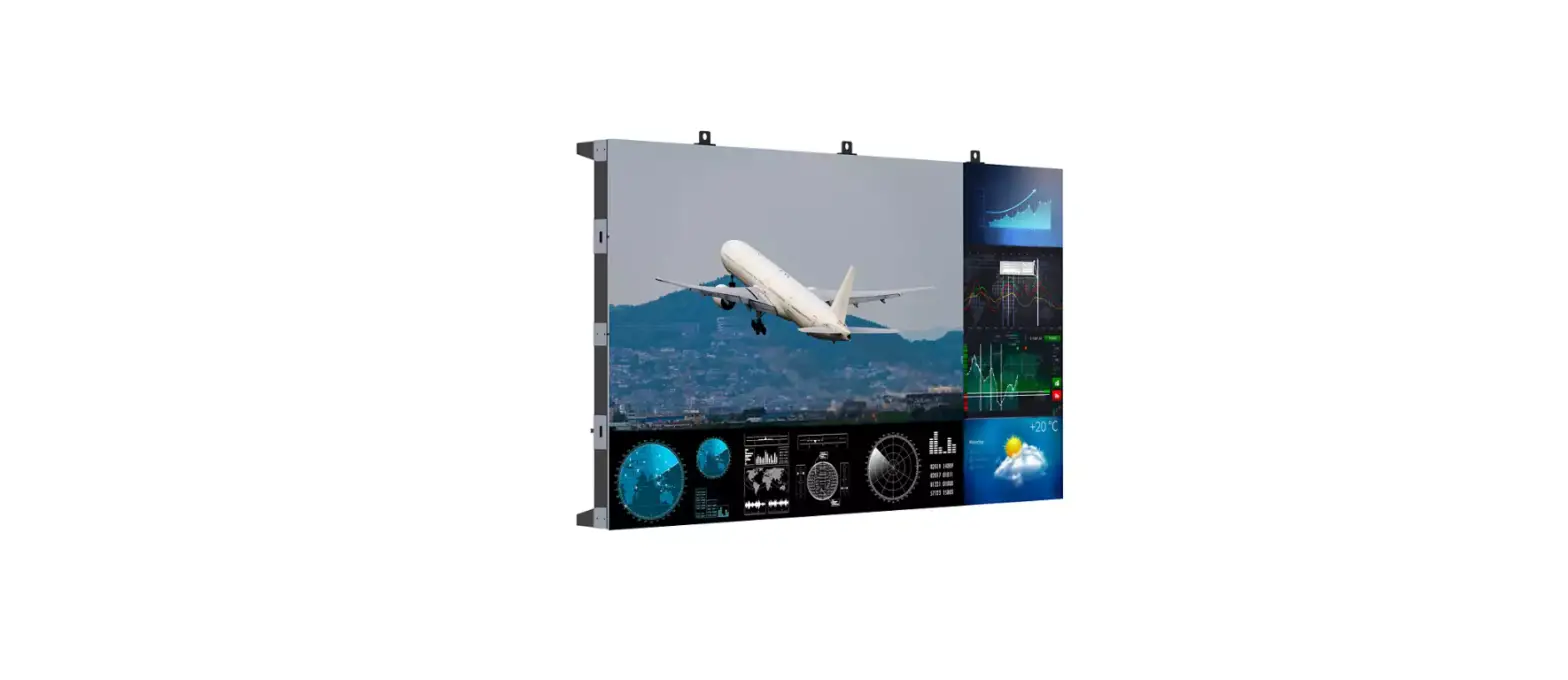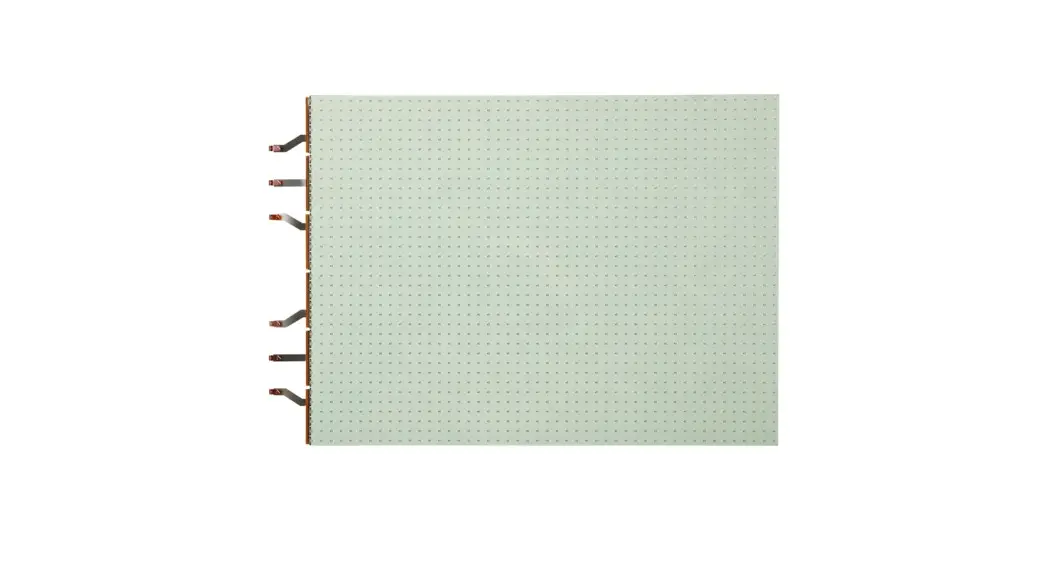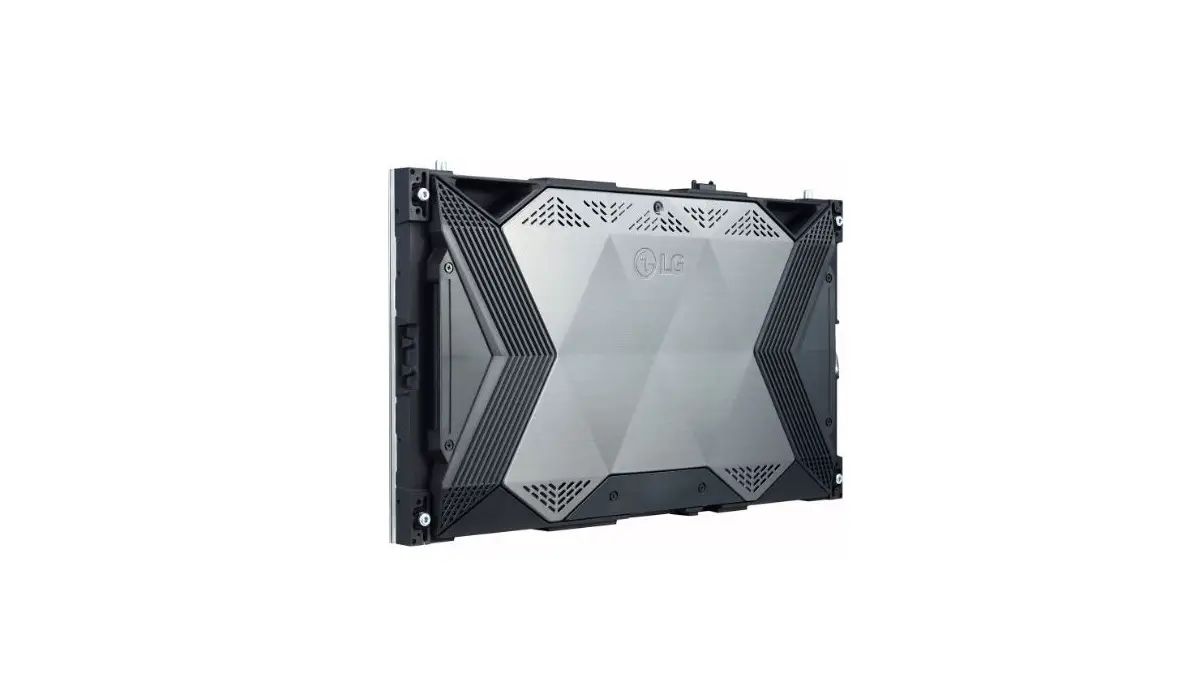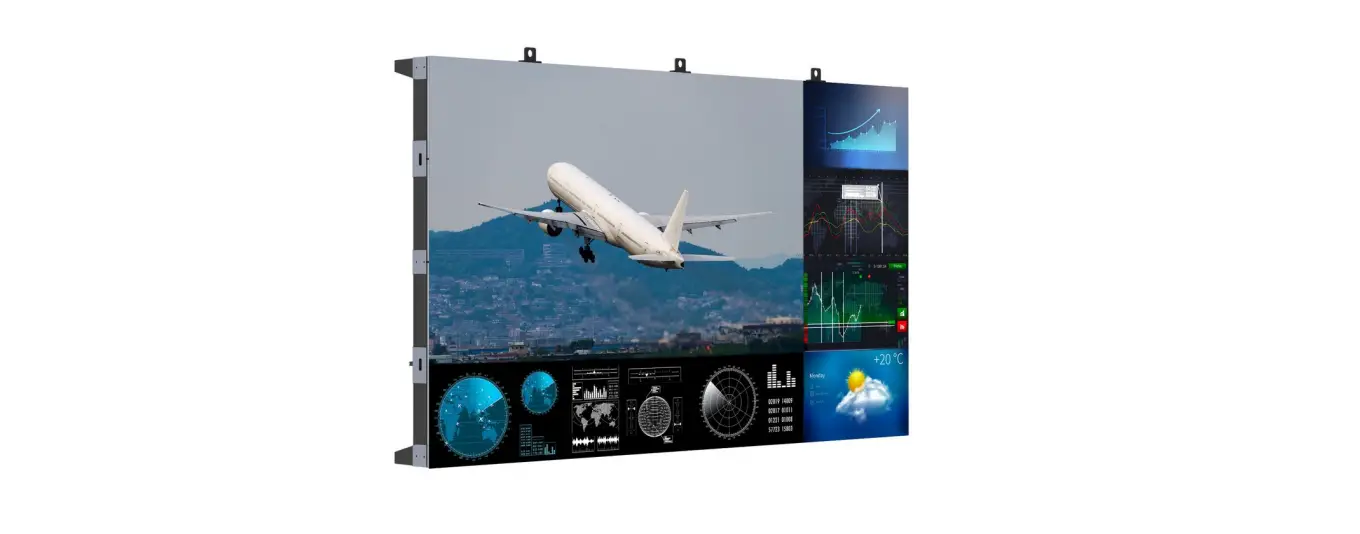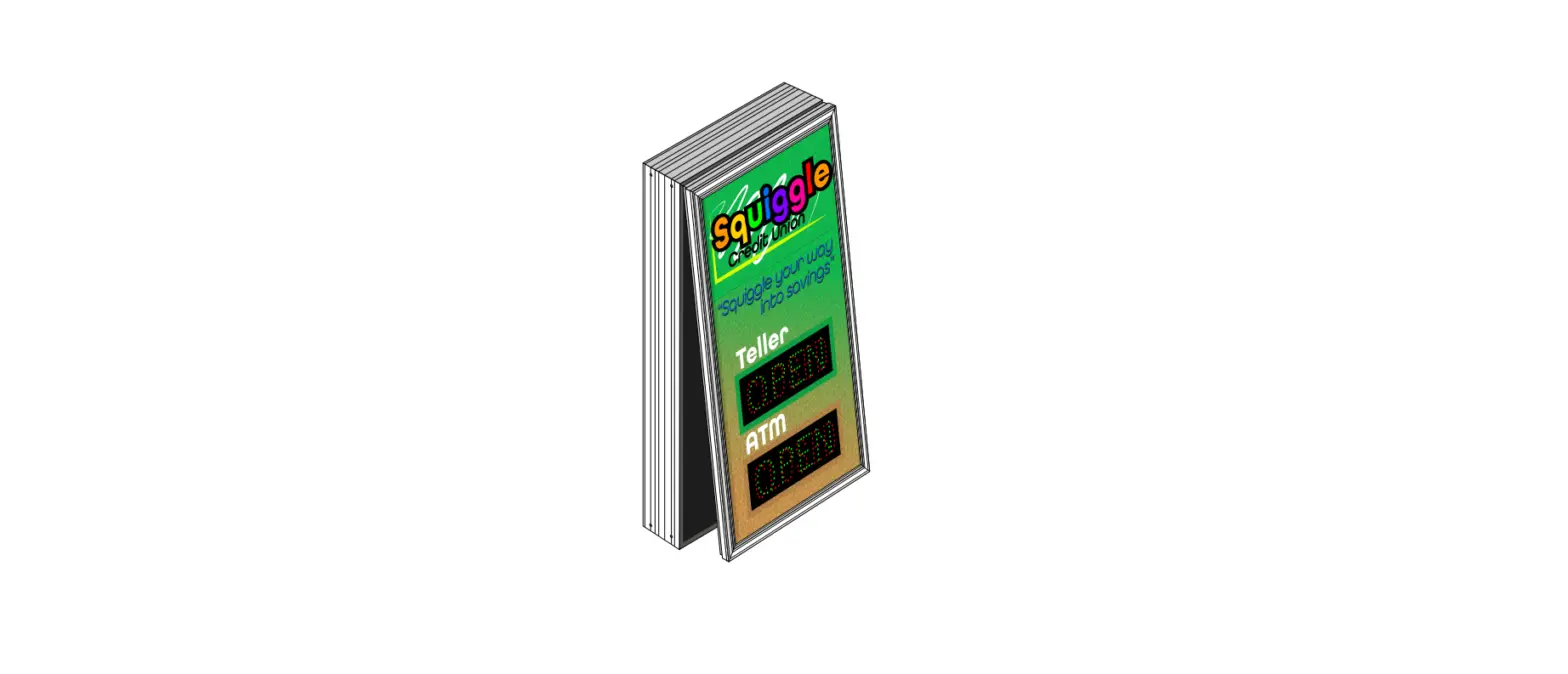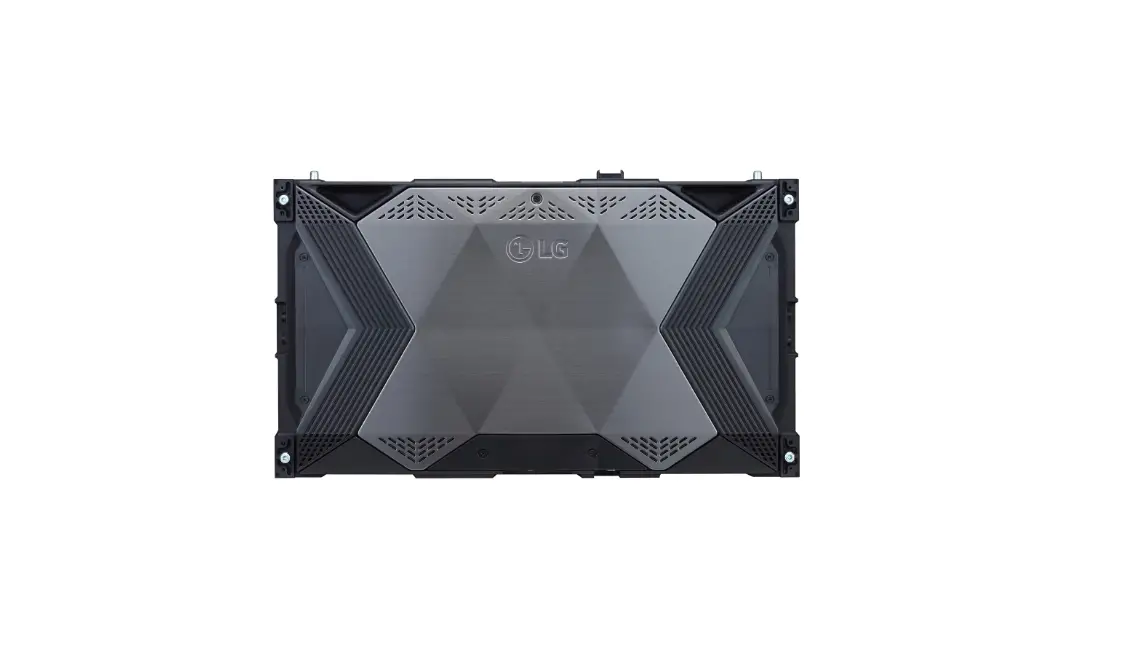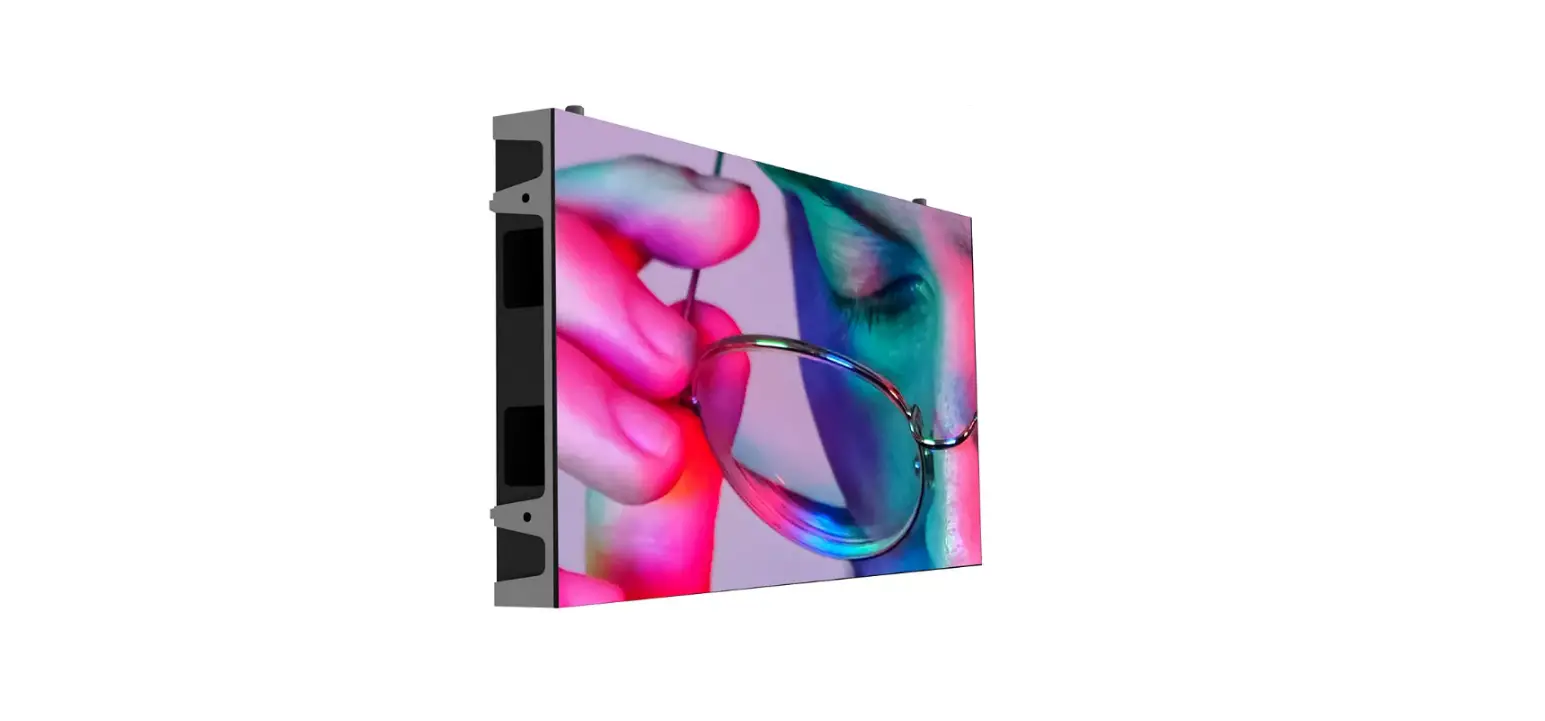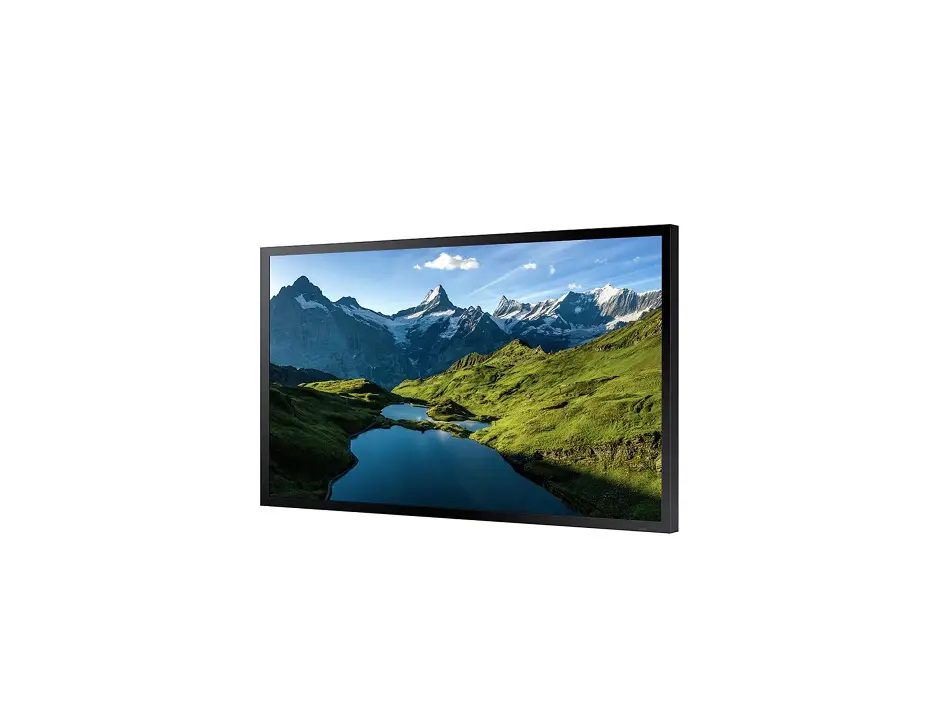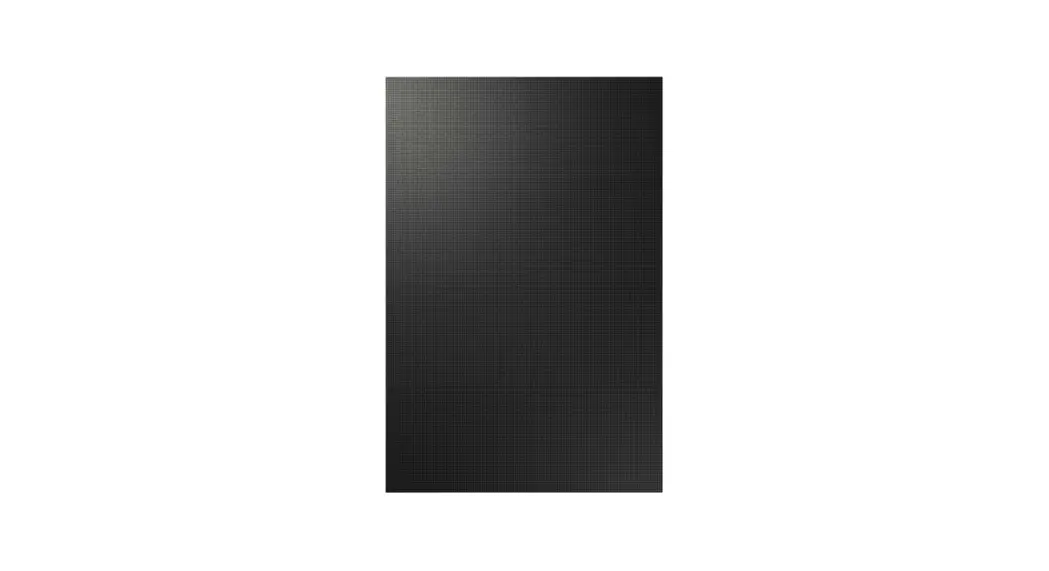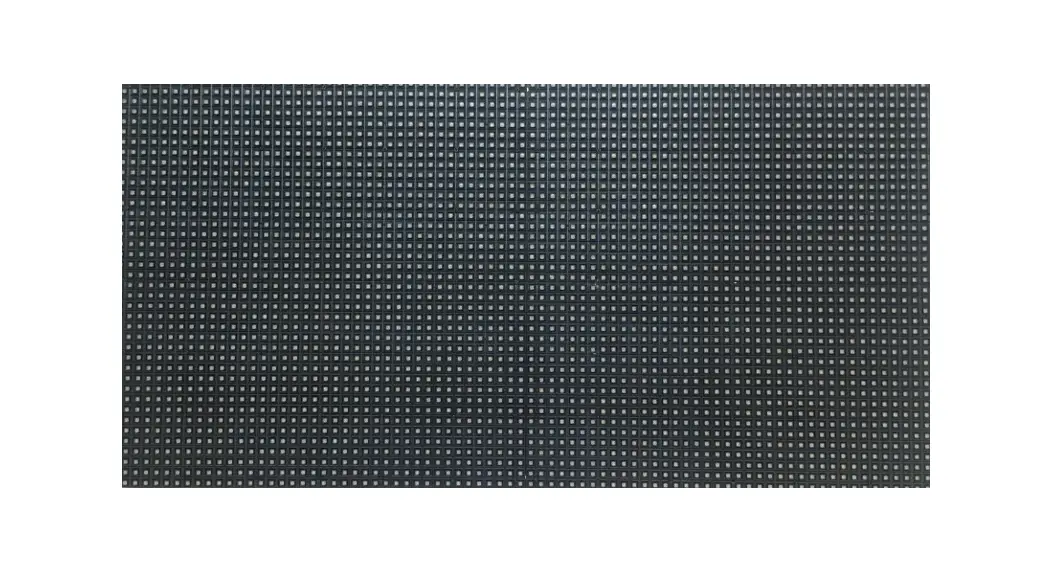
 XHB-E Series Outdoor LED Signage
User Manual
The color and the appearance may differ depending on the product, and the content in the manual is subject to change without prior notice to improve the performance.
Before Using the Product
Safety Precautions
The following safety instructions are to ensure your personal safety and prevent property damage. Please read the following to ensure the proper use of the product.
Safety symbols
| Symbol | Name | Meaning |
 | Warning | A serious or fatal injury may result if instructions are not followed. |
 | Caution | Personal injury or damage to properties may result if instructions are not followed. |
 | Prohibition | Do NOT attempt. |
 | Instruction | Follow directions. |
CAUTION
RISK OF ELECTRIC SHOCK. DO NOT OPEN.
CAUTION: TO REDUCE THE RISK OF ELECTRIC SHOCK, DO NOT REMOVE COVER (OR BACK). THERE ARE NO USER SERVICEABLE PARTS INSIDE. REFER ALL SERVICING TO QUALIFIED PERSONNEL.
 | This symbol indicates that high voltage is present inside. It is dangerous to make any kind of contact with any internal part of this product. |
 | This symbol indicates that this product has included important literature concerning operation and maintenance. |
 | Class II product: This symbol indicates that a safety connection to electrical earth (ground) is not required. If this symbol is not present on a product with a mains lead, the product MUST have a reliable connection to protective earth (ground). |
 | AC voltage: Rated voltage marked with this symbol is AC voltage. |
 | DC voltage: Rated voltage marked with this symbol is DC voltage. |
 | Caution. Consult instructions for use: This symbol instructs the user to consult the user manual for further safety related information. |
Electricity and Safety
Warning Do not use a damaged power cord or plug, or a loose power socket.
An electric shock or fire may result. Do not use multiple products with a single power socket.
Overheated power sockets may cause a fire. Do not touch the power plug with wet hands. Otherwise, an electric shock may result.
Do not bend or pull the power cord with force. Be careful not to leave the power cord under a heavy object.
Damage to the cord may result in a fire or electric shock. Do not place the power cord or product near heat sources.
A fire or electric shock may result. Insert the power plug all the way in so it is not loose.
An unsecure connection may cause a fire. Connect the power plug to a grounded power socket (type 1 insulated devices only).
An electric shock or injury may result. Clean any dust around the pins of the power plug or the power socket with a dry cloth.
A fire may result.
Caution Do not disconnect the power cord while the product is being used.
The product may become damaged by an electric shock. Only use the power cord provided with your product by Samsung. Do not use the power cord with other products.
A fire or electric shock may result. Keep the power socket where the power cord is connected unobstructed.
The power cord must be disconnected to cut off power to the product when an issue occurs. Hold the plug when disconnecting the power cord from the power socket.
An electric shock or fire may result.
Installation
Warning DO NOT PLACE CANDLES, INSECT REPELLANTS OR CIGARETTES ON TOP OF THE PRODUCT. DO NOT INSTALL THE PRODUCT NEAR HEAT SOURCES.
A fire may result. Do not install the product in poorly ventilated spaces such as a bookcase or closet.
An increased internal temperature may cause a fire. Do not install the product on an unstable or vibrating surface (insecure shelf, sloped surface, etc.)
• The product may fall and become damaged or cause an injury.
• Using the product in an area with excess vibration may damage the product or cause a fire. Do not expose the product to direct sunlight, heat, or a hot object such as a stove.
The product lifespan may be reduced or a fire may result. Do not install the product within the reach of young children.
The product may fall and injure children. Edible oil, such as soybean oil, can damage or deform the product. Do not install the product in a kitchen or near a kitchen counter. Have a technician install the wall-mount hanger.
• Installation by an unqualified person can result in an injury.
• Only use approved cabinets. Install the product at least 10 cm away from the wall to allow ventilation.
An increased internal temperature may cause a fire. Keep the plastic packaging out of the reach of children.
Children may suffocate. Do not install the product in a vehicle or a place exposed to dust, moisture (water drips, etc.), oil, or smoke.
A fire or electric shock may result. Following installation, it is recommended to dehumidify the LED Signage product before use.
• This helps prevent moisture damage and maintain optimal performance.
• For product dehumidification, refer to the supplied installation manual.
The installation manual is available for download at www.samsung.com/displaysolutions.
Caution Do not set down the product on its front.
The screen may become damaged. When installing the product on a cabinet or shelf, make sure that the bottom edge of the front of the product is not protruding.
• The product may fall and become damaged and/or cause an injury.
• Install the product only on cabinets or shelves of the right size. Do not drop the product while moving. Product failure or personal injury may result. Set down the product gently.
Product failure or personal injury may result. Installing the product in an unusual place (a place exposed to a lot of fine dust, chemical substances, extreme temperatures or a significant presence of moisture, or a place where the product will operate continuously for an extended period of time) may seriously affect its performance.
Be sure to consult Samsung Customer Service Center if you want to install the product at such a place.
Operation
Warning There is a high voltage inside the product. Never disassemble, repair or modify the product yourself.
• A fire or electric shock may result.
• Contact Samsung Customer Service Center for repairs. If the product is dropped or the outer case is damaged, turn off the power switch and disconnect the power cord. Then contact Samsung Customer Service Center.
Continued use can result in a fire or electric shock. Do not leave heavy objects or items that children like (toys, sweets, etc.) on top of the product.
The product or heavy objects may fall as children try to reach for the toys or sweets resulting in a serious injury. Do not move the product by pulling the power cord or any cable.
Product failure, an electric shock or fire may result from a damaged cable. Do not lift or move the product by pulling the power cord or any cable.
Product failure, an electric shock or fire may result from a damaged cable. Ensure the vents are not blocked by tablecloths or curtains.
An increased internal temperature may cause a fire. Do not insert metallic objects (chopsticks, coins, hairpins, etc.) or objects that burn easily (paper, matches, etc.) into the product (through the vent or input/output ports, etc).
• Be sure to power off the product and disconnect the power cord when water or other foreign substances have entered the product. Then contact Samsung Customer Service Center.
• Product failure, an electric shock or fire may result. Do not place objects containing liquid (vases, pots, bottles, etc) or metallic objects on top of the product.
• Be sure to power off the product and disconnect the power cord when water or other foreign substances have entered the product. Then contact Samsung
Customer Service Center.
• Product failure, an electric shock or fire may result. Before moving the product, turn off the power switch and disconnect the power cord and all other connected cables.
Damage to the cord may result in a fire or electric shock. If the product generates abnormal sounds, a burning smell or smoke, disconnect the power cord immediately and contact Samsung Customer Service Center.
An electric shock or fire may result. During a lightning or thunderstorm, power off the product and remove the power cord.
A fire or electric shock may result. Do not drop objects on the product or apply impact.
A fire or electric shock may result. If a gas leakage is found, do not touch the product or power plug. Also, ventilate the area immediately.
Sparks can cause an explosion or fire. Do not use or keep combustible spray or an inflammable substance near the product.
An explosion or fire may result.
Caution The screen is bright. Keep a sufficient distance from the screen.
• Continuously looking at the screen up close is bad for your eyes.
• Keep at least the recommended viewing distance (pixel pitch x 3.25 m) from the screen.
e.g. For XHB-S: 6.16 x 3.25 m = a distance of at least 20 m is recommended Do not use humidifiers or stoves around the product.
A fire or electric shock may result. Do not touch the screen when the product has been turned on for an extended period of time as it will become hot. Do not place heavy objects on the product.
Product failure or personal injury may result. Disconnect the power cord from the power socket if you do not plan on using the product for an extended period of time (vacation, etc). Dust accumulation combined with heat can cause a fire, electric shock or electric leakage.
Store small accessories out of the reach of children.
Cleaning
The LED structure is revealed on the front of the monitor. Exercise caution to ensure that you do not touch the structure. There is a risk that the LED element may fall or become damaged.
To clean the exterior, use the soft cleaning cloth that came with the monitor to wipe the exterior gently.
(The installation manual is available for download at www.samsung.com/displaysolutions.)
Contact Customer Service Center if the inside of the product needs cleaning (service fee will be charged).
Connecting Devices
Precautions when handling the cabinets
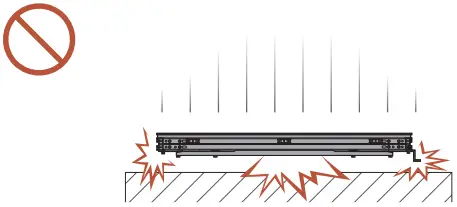
[Caution to prevent external shock and dropping of the product]
After removing the protective brackets, be careful not to expose the product to external shocks or vibrations.
Make sure that the product is not dropped from any height.
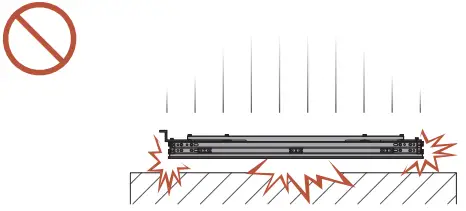
[Caution to prevent damage to the LED]
Be careful not to expose the product to vibrations or external shocks when it is lying flat on the floor.
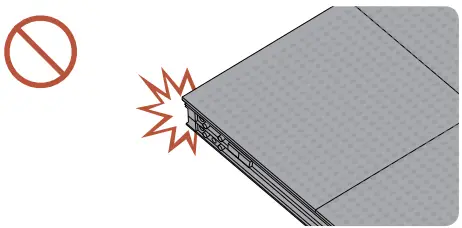
[Caution to prevent damage to corners]
Take extra care to ensure that the corners of a cabinet do not get damaged.
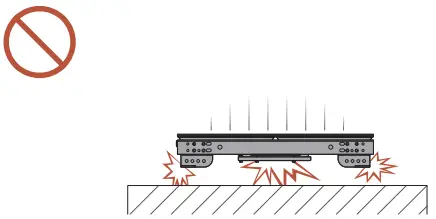
[Caution to prevent damage to the LED]
After removing the protective brackets, do not place the product on the floor with the LED facing down.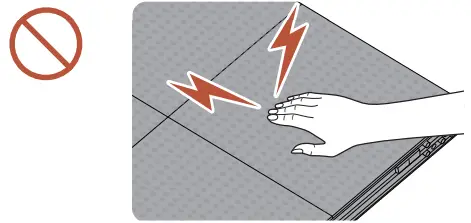
[Caution to prevent damage to the LED from static]
Do not touch the product without anti-static gloves.
• Be sure to wear anti-static gloves when touching the product.
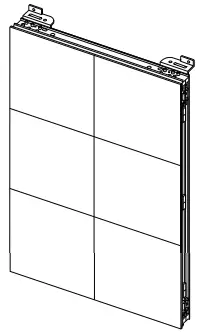
[Caution to prevent damage to product when moving]
Ensure that opening the package or transporting the product is entrusted with a professional installer.
• For inquiries regarding the product installation/ transport, please contact your place of purchase for assistance.
Installing the cabinets
- Make sure you entrust the installation to a professional installation service provider. For further information regarding installation, contact the dealer you purchased the product from.
- Install the cabinet using the frame kit provided by the manufacturer.
For more information about how to install the frame kit, refer to the user manual that comes with it.
Samsung shall not be liable for any damage to the product and any injury to the users or others that may be incurred while the users install the product by themselves.
Specifications
General
| Model Name | XHB-E / XHB-S | ||||||||
| XHB060-ES (LH060 XHBCSE) | XHB060-SS (LH060 XHBTSS) | XHB080-ES (LH080 XHBCSE) | XHB080-SS (LH080XHBTSS) | XHB100-ES (LH100XHBCSE) | XHB100-SS (LH100XHBTSS) | XHB160-ES (LH160XHBCSE) | XHB160-SS (LH160XHBTSS) | ||
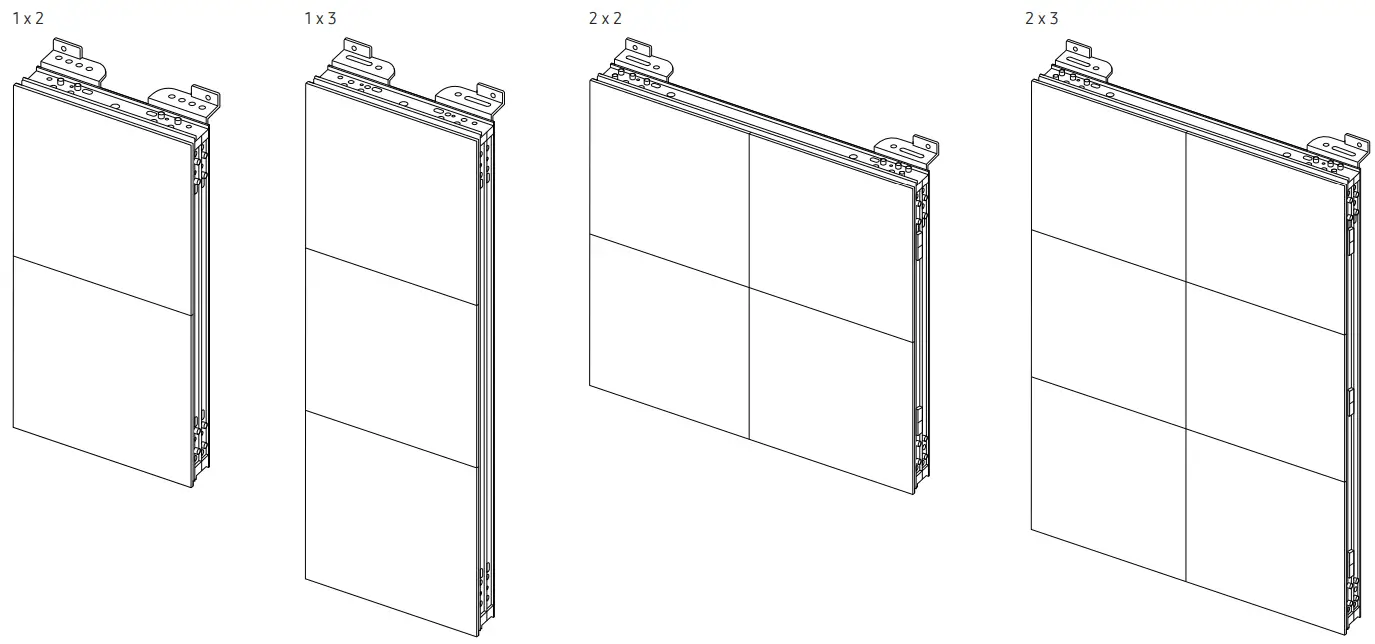
| Flat 1 x 2 | |||||||||
|
Cabinet | Pixel Pitch | 6.16 mm | 8.21 mm | 10.78 mm | 16.43 mm | ||||
| LED pixel configuration | 3-in-1 | ||||||||
| LED pixel size (W x H) | 1 x 2 | ||||||||
| Pixels (Row x Column) | 56 x 112 pixels | 42 x 84 pixels | 32 x 64 pixels | 21 x 42 pixels | |||||
| Aspect ratio (W:H) | 1:2 | ||||||||
| Model Name | XHB-E / XHB-S | ||||||||
| XHB060-EI (LH060 XHBCIE) | XHB060-SI (LH060 XHBTIS) | XHB080-EI (LH080 XHBCIE) | XHB080-SI (LH080 XHBTIS) | XHB100-EI (LH100XHBCIE) | XHB100-SI (LH100XHBTIS) | XHB160-EI (LH160XHBCIE) | XHB160-SI (LH160XHBTIS) | ||
| Flat 1 x 3 | |||||||||
|
Cabinet | Pixel Pitch | 6.16 mm | 8.21 mm | 10.78 mm | 16.43 mm | ||||
| LED pixel configuration | 3-in-1 | ||||||||
| LED pixel size (W x H) | 1 x 3 | ||||||||
| Pixels (Row x Column) | 56 x 168 pixels | 42 x 126 pixels | 32 x 96 pixels | 21 x 63 pixels | |||||
| Aspect ratio (W:H) | 1:3 | ||||||||
| Model Name | XHB-E / XHB-S | ||||||||
| XHB060-EB (LH060 XHBCBE) | XHB060-SB (LH060 XHBTBS) | XHB080-EB (LH080 XHBCBE) | XHB080-SB (LH080 XHBTBS) | XHB100-EB (LH100XHBCBE) | XHB100-SB (LH100XHBTBS) | XHB160-EB (LH160XHBCBE) | XHB160-SB (LH160XHBTBS) | ||
| Flat 2 x 2 | |||||||||
|
Cabinet | Pixel Pitch | 6.16 mm | 8.21 mm | 10.78 mm | 16.43 mm | ||||
| LED pixel configuration | 3-in-1 | ||||||||
| LED pixel size (W x H) | 2 x 2 | ||||||||
| Pixels (Row x Column) | 112 x 112 pixels | 84 x 84 pixels | 64 x 64 pixels | 42 x 42 pixels | |||||
| Aspect ratio (W:H) | 2:2 | ||||||||
| Model Name | XHB-E / XHB-S | ||||||||
| XHB060-EA (LH060 XHBCAE) | XHB060-SA (LH060 XHBTAS) | XHB080-EA (LH080 XHBCAE) | XHB080-SA (LH080XHBTAS) | XHB100-EA (LH100XHBCAE) | XHB100-SA (LH100XHBTAS) | XHB160-EA (LH160XHBCAE) | XHB160-SA (LH160XHBTAS) | ||
| Flat 2 x 3 | |||||||||
|
Cabinet | Pixel Pitch | 6.16 mm | 8.21 mm | 10.78 mm | 16.43 mm | ||||
| LED pixel configuration | 3-in-1 | ||||||||
| LED pixel size (W x H) | 2 x 3 | ||||||||
| Pixels (Row x Column) | 112 x 168 pixels | 84 x 126 pixels | 64 x 96 pixels | 42 x 63 pixels | |||||
| Aspect ratio (W:H) | 2:3 | ||||||||
| Model Name | XHB-E / XHB-S | ||||||||
| XHB060-ER (LH060 XHBCRE) | XHB060-SR (LH060 XHBTRS) | XHB080-ER (LH080 XHBCRE) | XHB080-SR (LH080XHBTRS) | XHB100-ER (LH100XHBCRE) | XHB100-SR (LH100XHBTRS) | XHB160-ER (LH160XHBCRE) | XHB160-SR (LH160XHBTRS) | ||
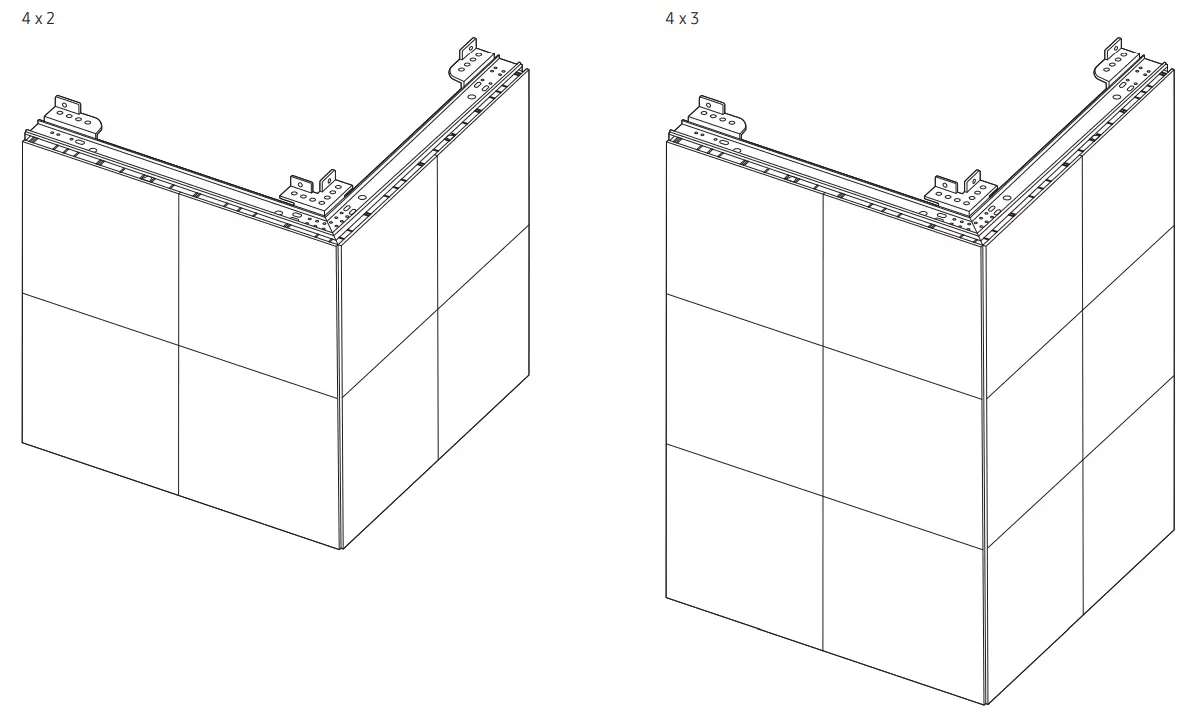
| L-Type 4 x 2 | |||||||||
|
Cabinet | Pixel Pitch | 6.16 mm | 8.21 mm | 10.78 mm | 16.43 mm | ||||
| LED pixel configuration | 3-in-1 (R/G/B in 1 LED) | 1 Red, 1 Green, 1 Blue | |||||||
| LED pixel size (W x H) | 4 x 2 | ||||||||
| Pixels (Row x Column) | 224 x 112 pixels | 168 x 84 pixels | 128 x 64 pixels | 84 x 42 pixels | |||||
| Aspect ratio (W:H) | 4:2 | ||||||||
| Model Name | XHB-E / XHB-S | ||||||||
| XHB060-EL (LH060 XHBCLE) | XHB060-SL (LH060 XHBTLS) | XHB080-EL (LH080 XHBCLE) | XHB080-SL (LH080XHBTLS) | XHB100-EL (LH100XHBCLE) | XHB100-SL (LH100XHBTLS) | XHB160-EL (LH160XHBCLE) | XHB160-SL (LH160XHBTLS) | ||
| L-Type 4 x 3 | |||||||||
|
Cabinet | Pixel Pitch | 6.16 mm | 8.21 mm | 10.78 mm | 16.43 mm | ||||
| LED pixel configuration | 3-in-1 (R/G/B in 1 LED) | 1 Red, 1 Green, 1 Blue | |||||||
| LED pixel size (W x H) | 4 x 3 | ||||||||
| Pixels (Row x Column) | 224 x 168 pixels | 168 x 126 pixels | 128 x 96 pixels | 84 x 63 pixels | |||||
| Aspect ratio (W:H) | 4:3 | ||||||||
| Synchronization | Refresh rate | 7680Hz |
| Video Frame rate | 50/60Hz | |
| Power Supply | AC100-240V~ 50/60Hz Refer to the label at the back of the product as the standard voltage can vary in different countries. | |
| Environmental considerations | Operating | Temperature : -40 °F – 131 °F (-40 °C – 55 °C) Humidity : 5% – 95%RH, non-condensing |
| Storage | Temperature : -40 °F – 131 °F (-40 °C – 55 °C) Humidity : 5% – 95%RH, non-condensing * Applicable before the product package is unpacked. | |
- Plug-and-Play
This monitor can be installed and used with any Plug-and-Play compatible systems. Two-way data exchange between the monitor and PC system optimizes the monitor settings. Monitor installation takes place automatically. However, you can customize the installation settings if desired. - For detailed device specifications, visit the Samsung website.
Appendix
Responsibility for the Pay Service (Cost to Customers)
” When the service is requested, in spite of in warranty, we may charge you for a visit from a service technician in the following cases.
Not a product defect
Cleaning of the product, Adjustment, Explanation, Re-installation and etc.
- If a service technician gives instructions on how to use product or simply adjusts options without disassembling product.
- If a defect is caused by external environmental factors (Internet, Antenna, Wired Signal, etc.)
- If a product is reinstalled or devices are connected additionally after installing the purchased product for the first time.
- If a product is reinstalled to move to a different spot or to move to a different house.
- If customer requests instructions on how to use because of another company’s product.
- If customer requests instructions on how to use the network or another company’s program.
- If customer requests software installation and setup for the product.
- If a service technician removes/cleans dusts or foreign materials inside of the product.
- If customer requests an installation additionally after purchasing a product through homes hopping or online.
A Product damage caused by customer’s fault
Product damage caused by customer’s mishandling or wrong repair If a product damage is caused by;
- External impact or drop.
- Use of supplies or separately sold product unspecified by Samsung.
- Repair from a person besides an engineer of outsourcing service company or partner of Samsung Electronics Co., Ltd.
- Remodeling or repairing the product by customer.
- Using it with incorrect voltage or non-authorized electrical connections.
- Not following the “cautions” in User Manual.
Others
- If product fails by natural disaster. (lightning, fire, earthquake, flood damage, etc)
- If consumable components are all used up. (Battery, Toner, Fluorescent lights, Head, Vibrator, Lamp, Filter, Ribbon, etc.)
If customer requests a service in case the product has no defect, service fee may be charged. So please read User Manual first.
License
Open Source License Notice
Some software components of this product incorporate source code covered under the GNU General Public License (GPL), the GNU Lesser General Public License (LGPL) etc.
You may obtain the complete Corresponding Source code from us for a period of three years after our last shipment of this product.
If you want to obtain the complete Corresponding Source code in the physical medium such as CD-ROM, the cost of physically performing source distribution may be charged.
You may find a copy of the source at following website.
http://opensource.samsung.com
http://software-dl.ti.com/processor-sdk-linux/esd/AM335X/latest/exports/software_manifest.htm
 Samsung Open Source
 Samsung US | Mobile | TV | Home Electronics | Home Appliances | Samsung US