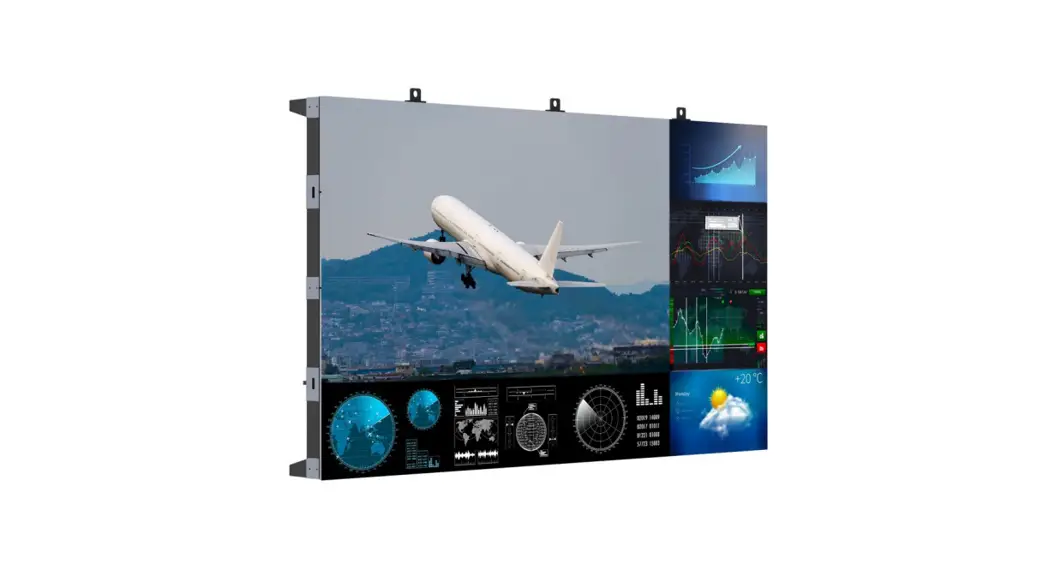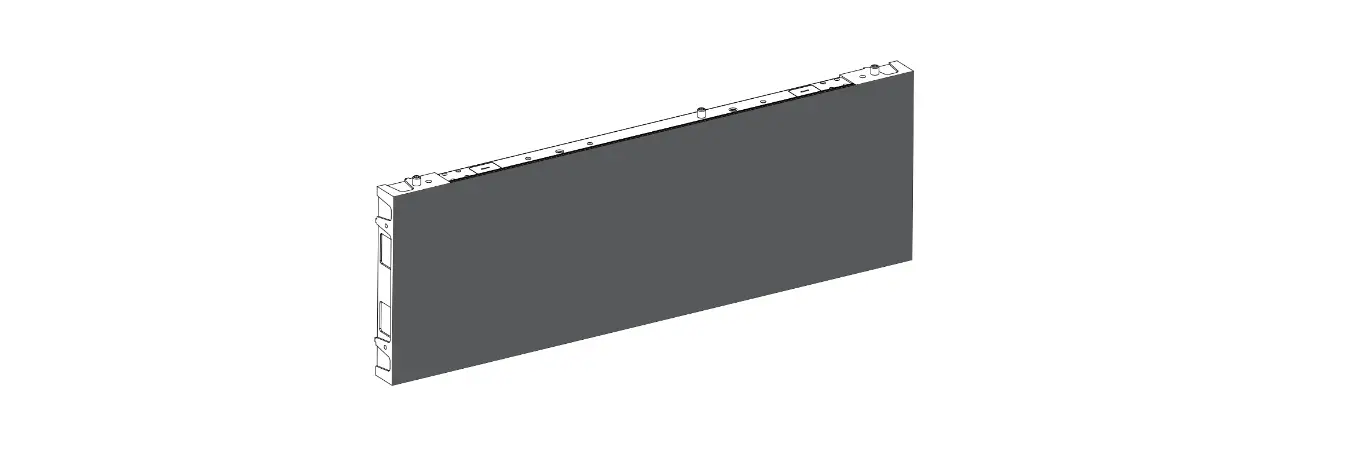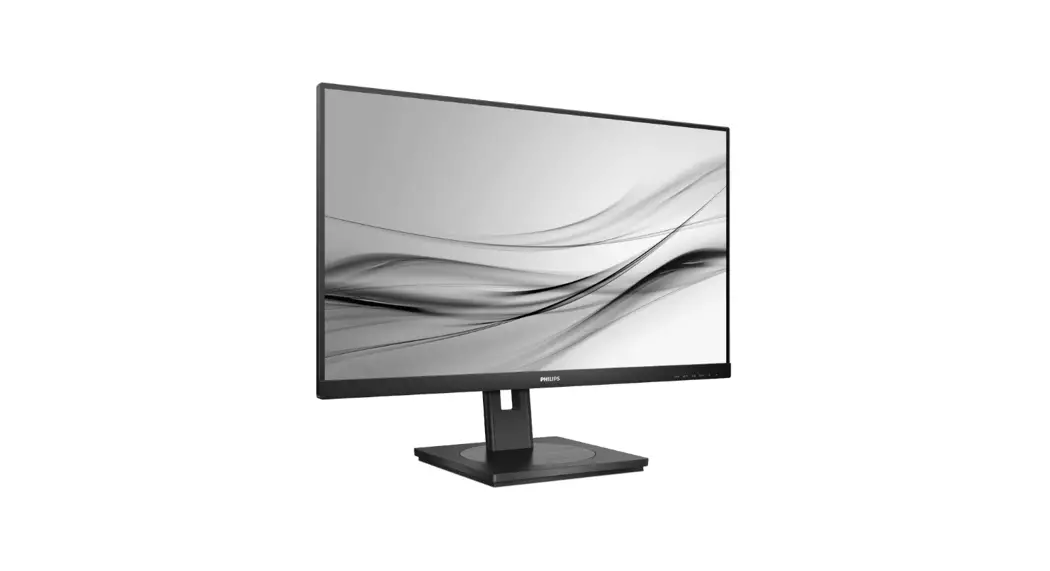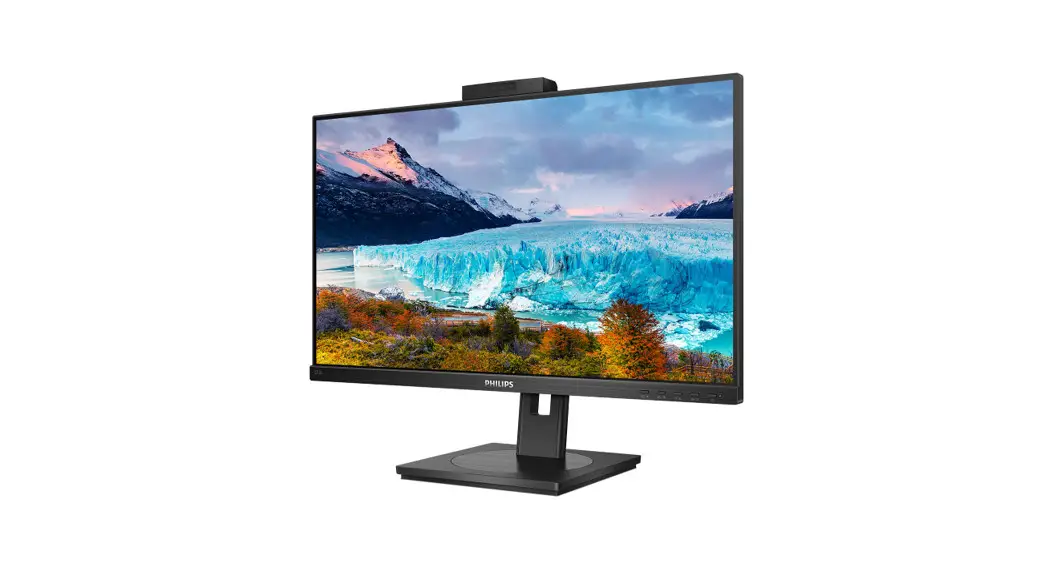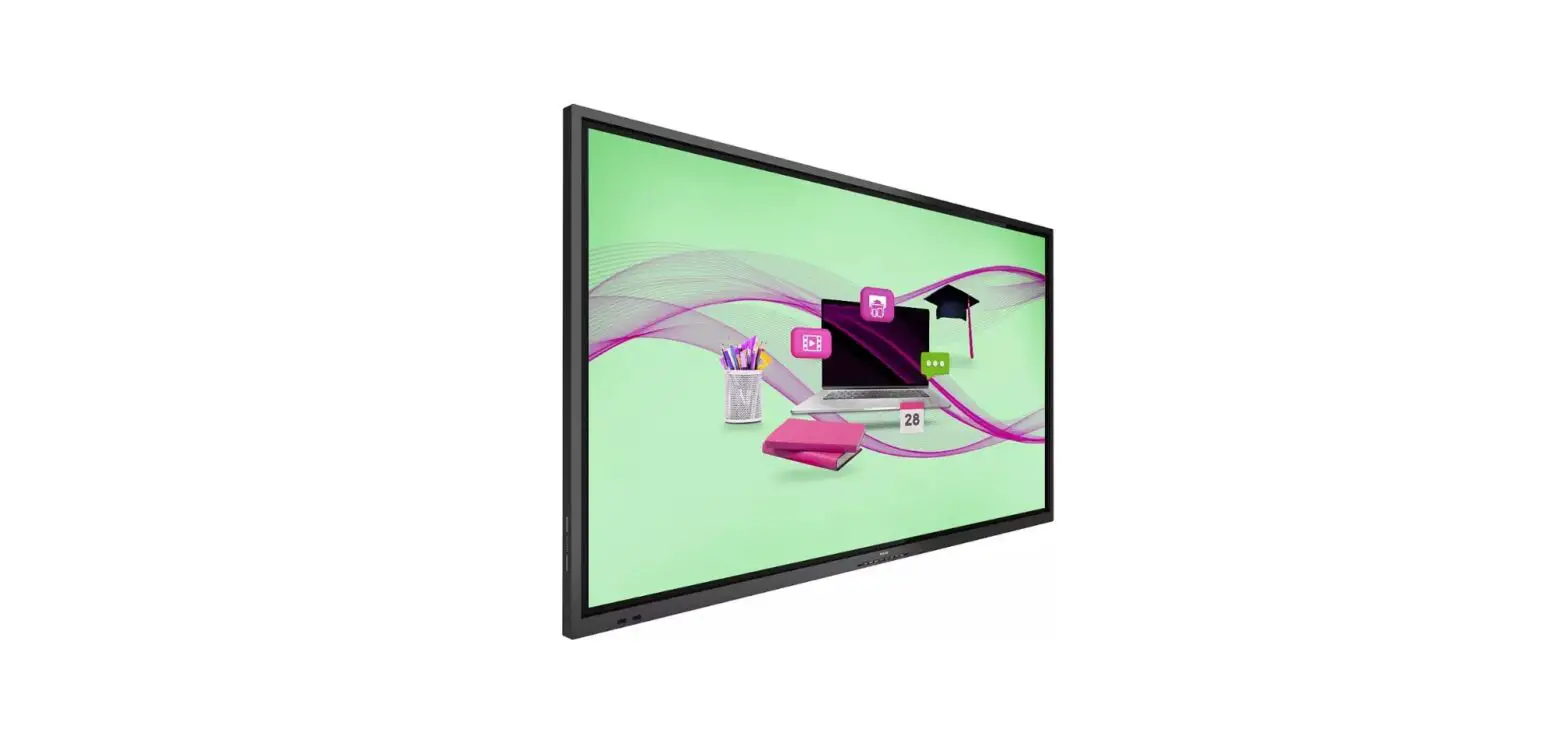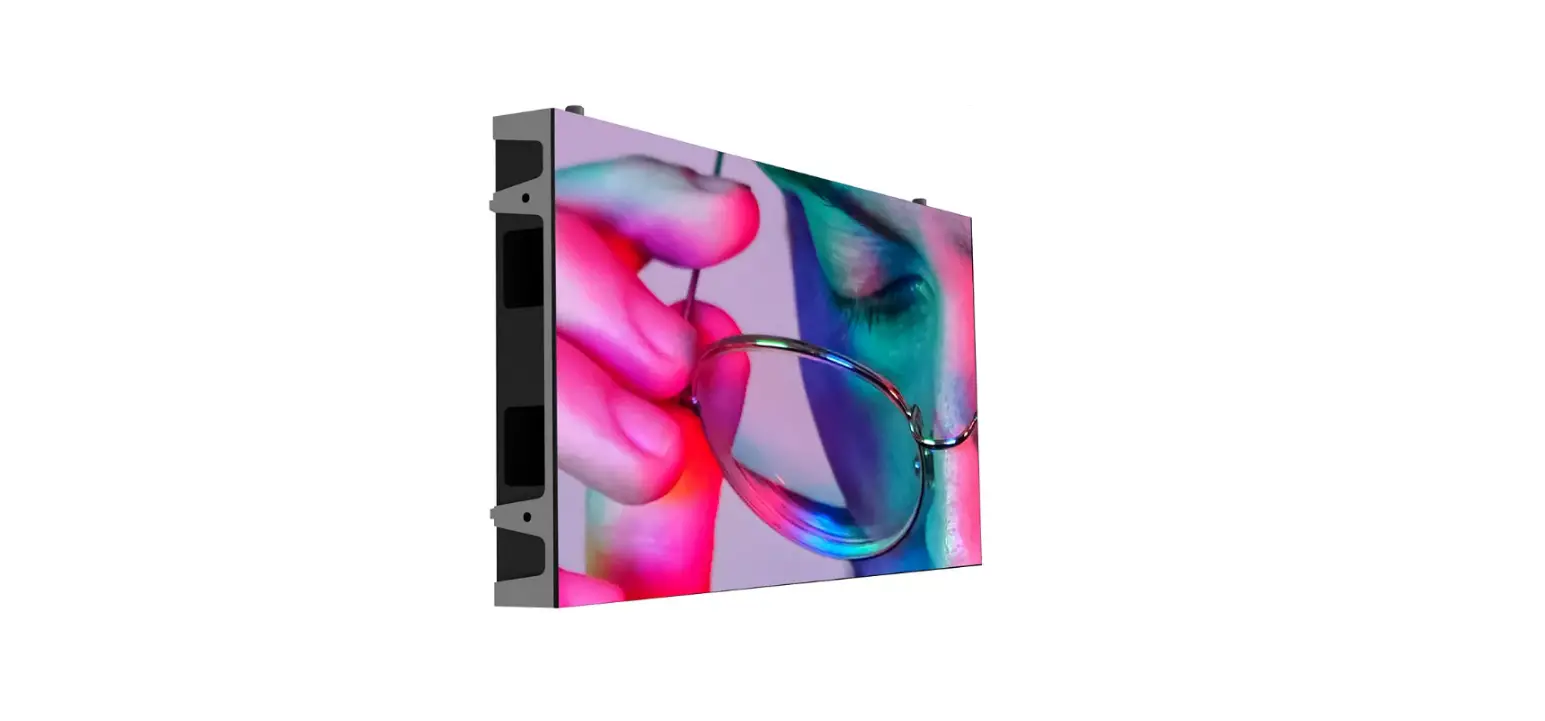

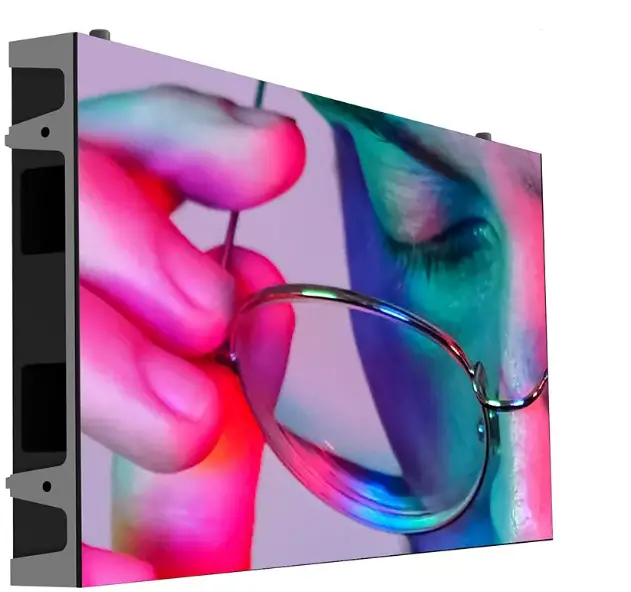
PHILIPS 22BDL7219L-00 Signage Solutions LED Display
WHAT IN THE BOX
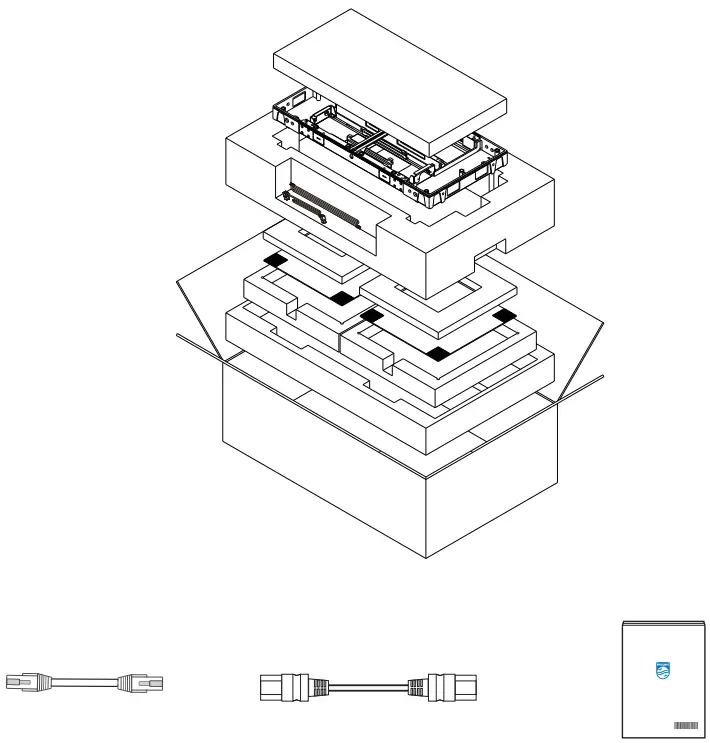
- LAN cable RJ45, CAT-5)
- Power cable (daisy chain)
- Quick start guide
Differences according to regions.
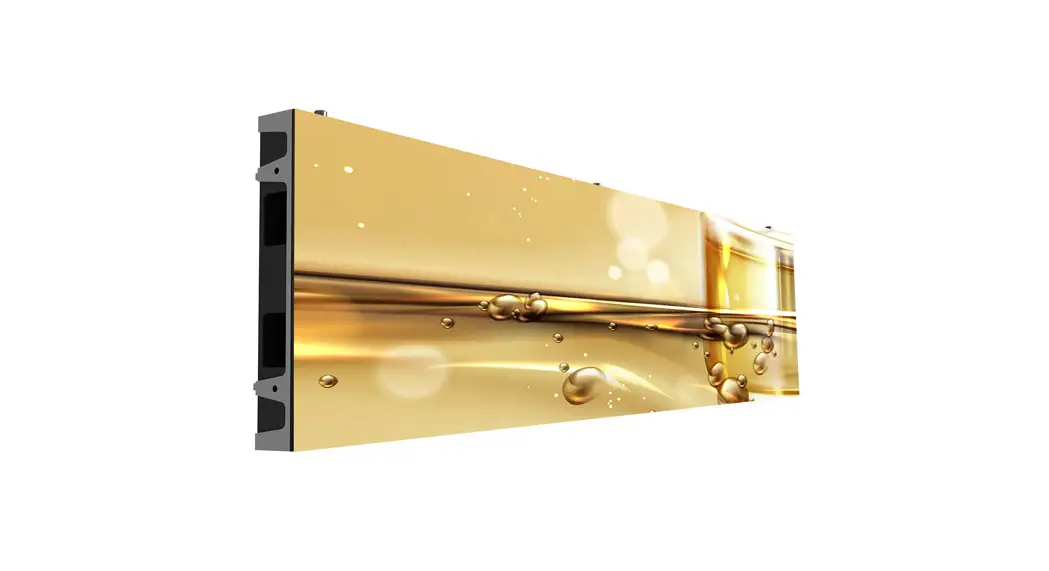
Display design and accessories may differ from those illustrated above.
Unpacking
Notes
- After unpacking, ensure that the modules are in good condition. If anything is damaged or broken, please contact your local service center immediately.
- Use a pair of scissors to cut vacuum packaging, then take the modules out of the package. Be extremely careful not to damage the module when using the scissors.
- It is required to wear anti-static gloves before handling the cabinet.
- Do not place the display vertically on the foor, as it may fall down and get damaged. (The damage will not be covered by warranty)
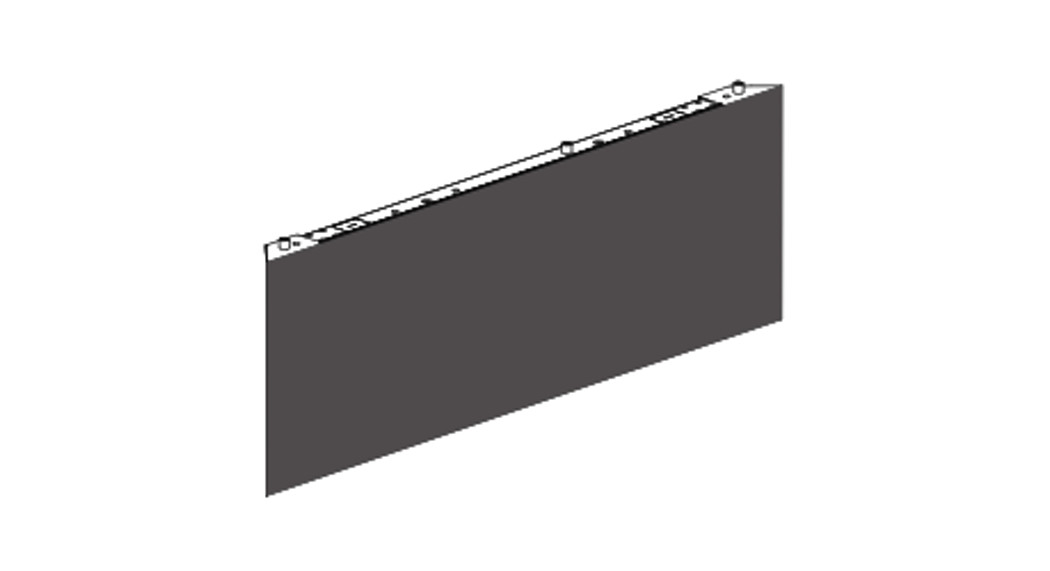
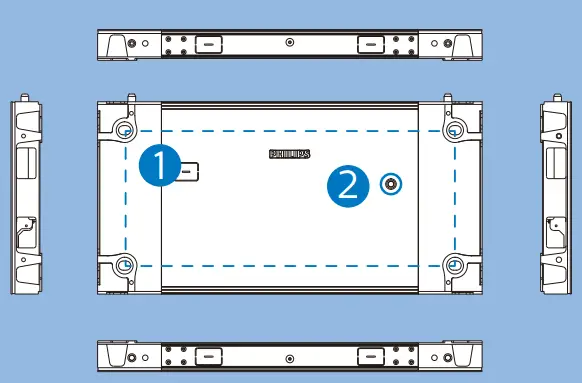
Rear/top/side/bottom views
- Mounting holes for screw bolt
- CHECK button
Removing the opening
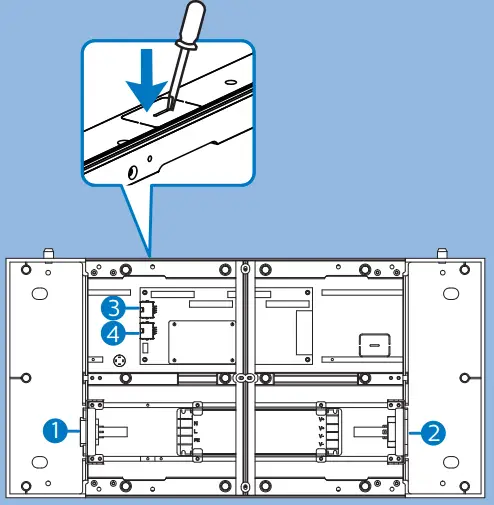
WARNING: Before breaking the opening, determine the number of displays to install and the installation layout to form a large video wall array.
- POWER IN connector
- POWER OUT connector
- DATA connector
- DATA connector
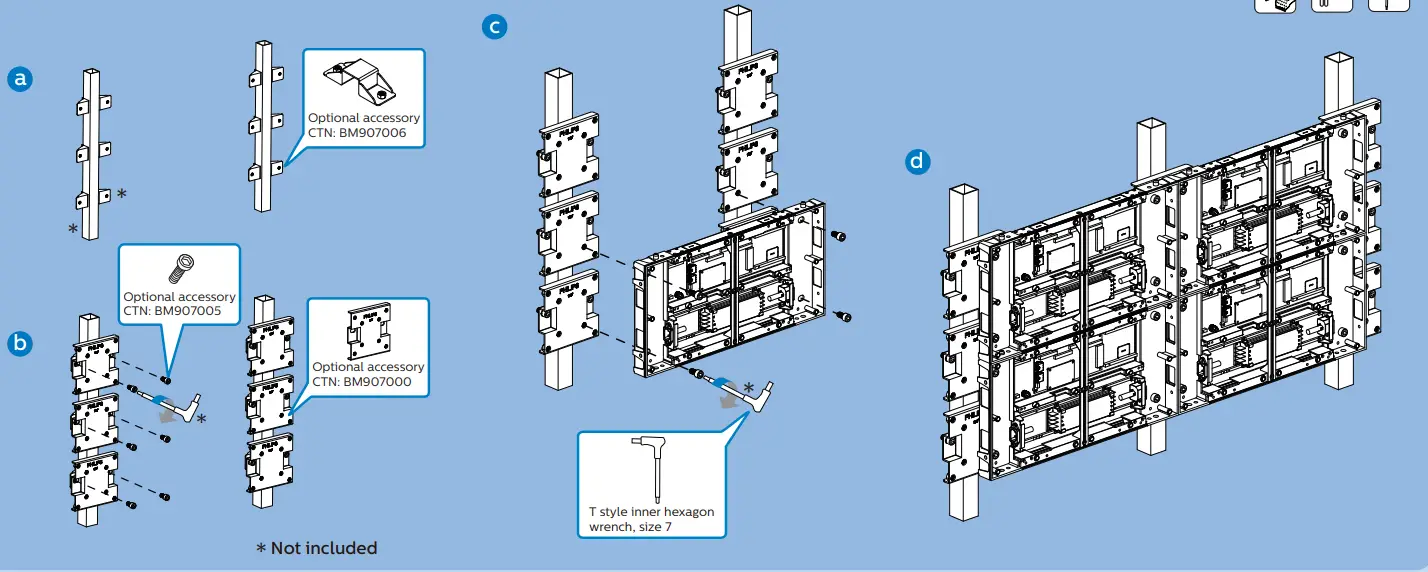
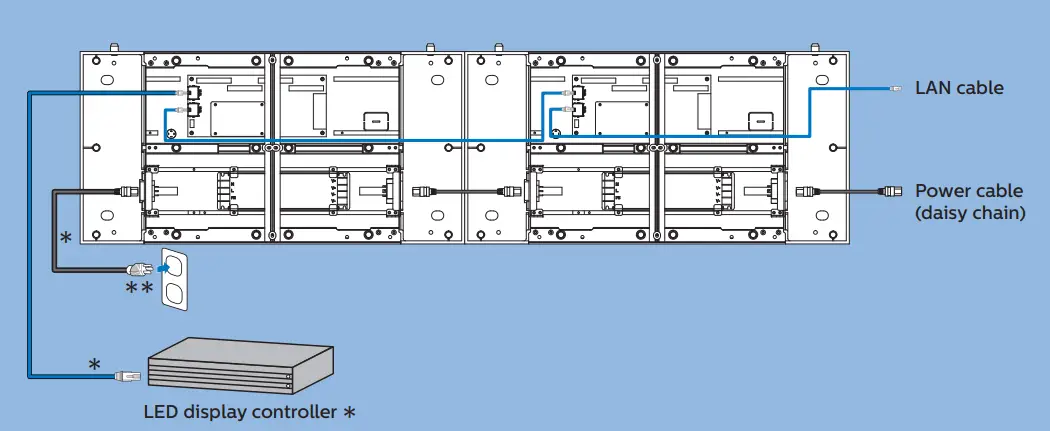
Connecting the cabinets
Connecting the data and power cables
- optional accessories
- Power plug types vary by country/region.
WARNING: Plug the power plug into the electric outlet only when the cables are properly wired.
Note: More cable wiring scheme and mounting scheme can be found in the User’s Manual
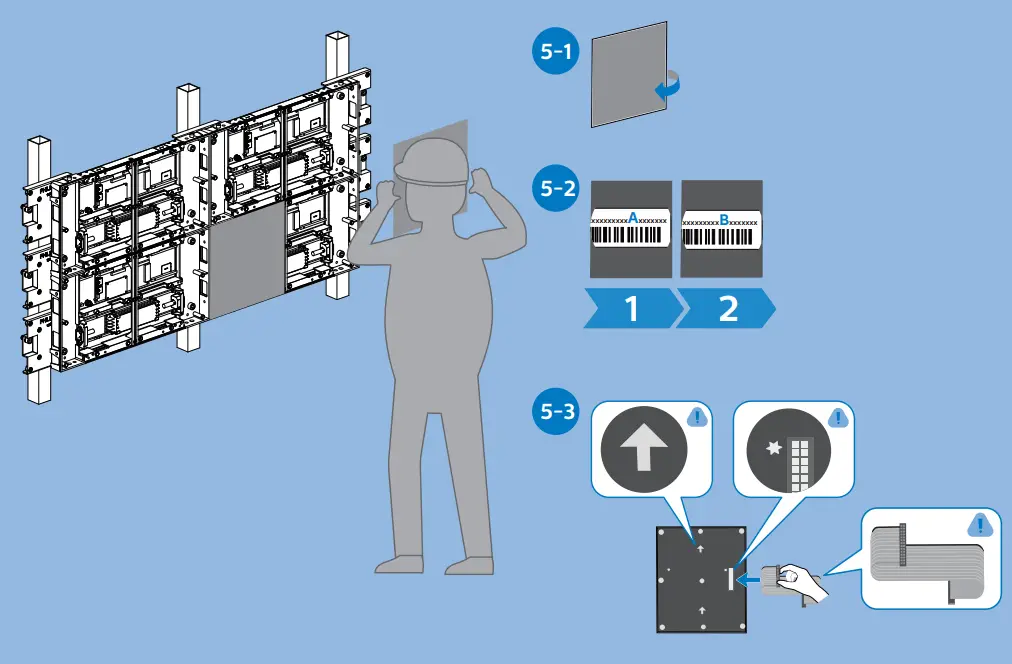
Installing the LED modules
Please check out the website below for more product information.
https://www.philips.co.uk/p-m-pr/signage-solutions/latest#filters=L_LINE_SERIES_SU
UK Authorized Representative
UKCA Experts Ltd.
Dept 302, 43 Owston Road Carcroft
Doncaster, DN6 8DA United Kingdom
MMD Monitors & Displays Nederland B.V.
Prins Bernhardplein 200
1097 JB Amsterdam
The Netherlands
Envision Peripherals Inc.
490 N McCarthy Blvd, Suite #120
Milpitas, CA 95035
USA
2021 © TOP Victory Investments Ltd. All rights reserved. This product has been manufactured by and is sold under the responsibility of Top Victory Investments Ltd., and Top Victory Investments Ltd. is the warrantor in relation to this product. Philips and the Philips Shield Emblem are registered trademarks of Koninklijke Philips N.V. and are used under license
Specifcations are subject to change without notice
Version: V1.00 2021-09-23
 Compare our Signage Solutions | Philips