
IFIXIT PowerBook G4 Aluminum 15 Inch 1.5-1.67 GHz Battery
INTRODUCTION
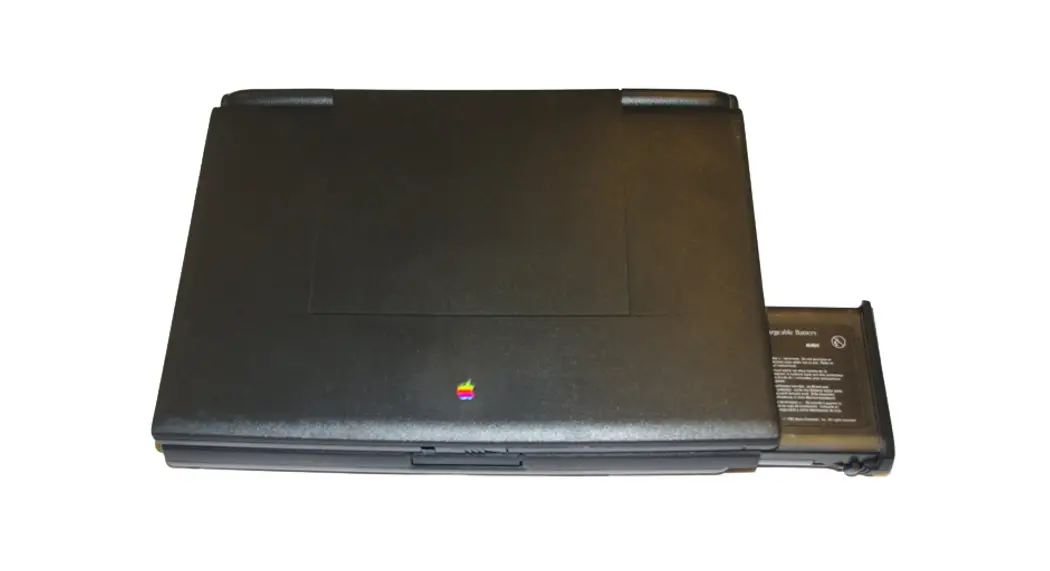
Changing the battery is easy — all you need is a coin or a spudger.
- TOOLS: Coin (1)
- PARTS: G4 Aluminum 15″ Replacement Battery
(New) (1)
INSTALLATION INSTRUCTION
- Step 1 — Battery
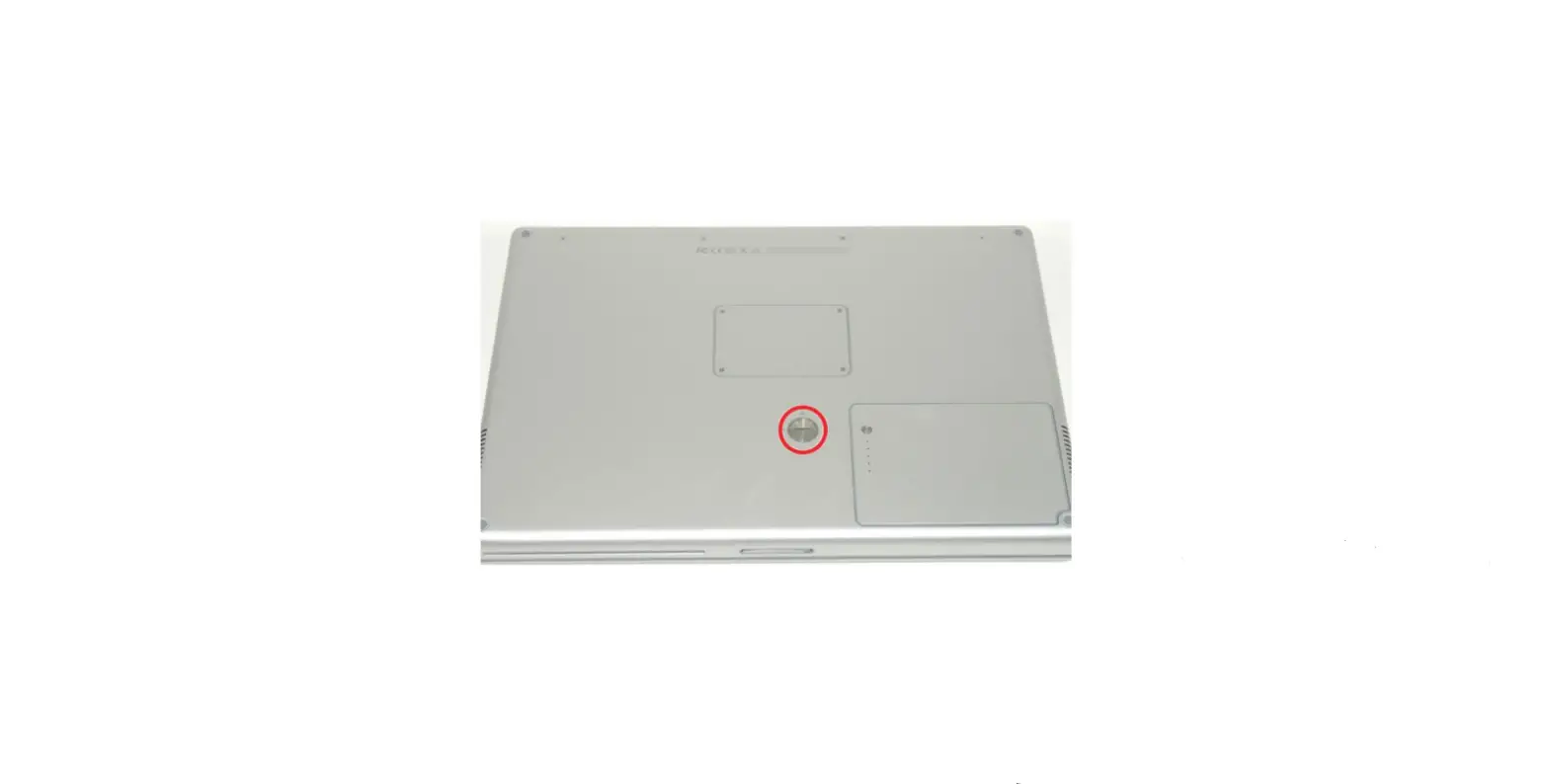
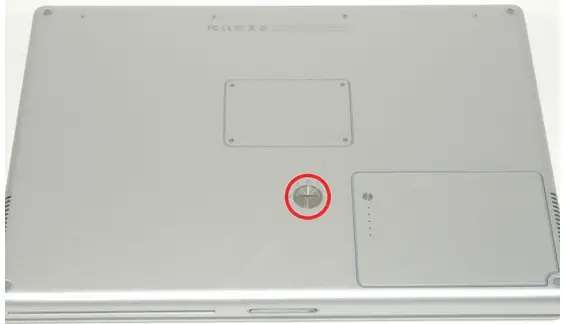
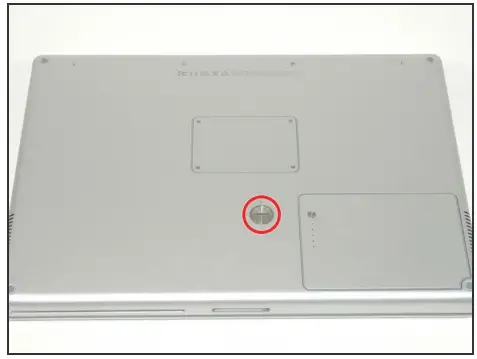
- Use a coin or a spudger to turn the battery locking screw 90 degrees clockwise.
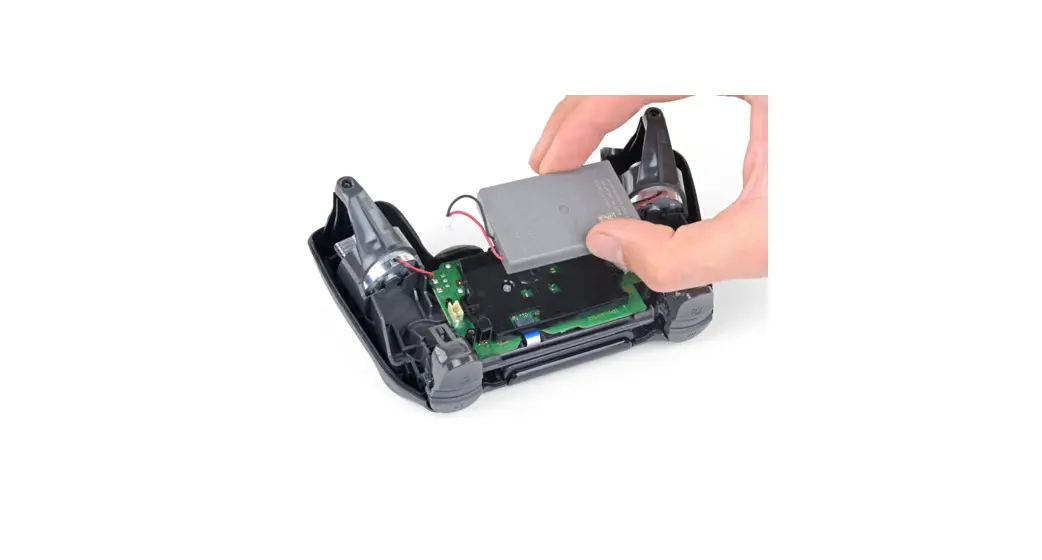
- Lift the battery out of the computer.

To reassemble your device, follow these instructions in reverse order