 RST706B Beam Whip Dual Mode Antenna
Instruction Manual
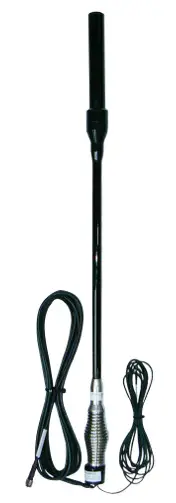
Kit Contents
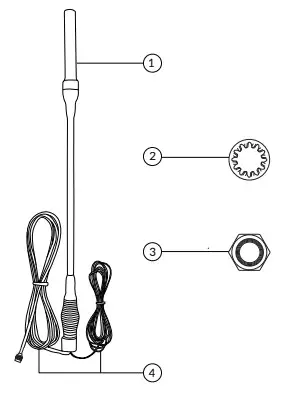
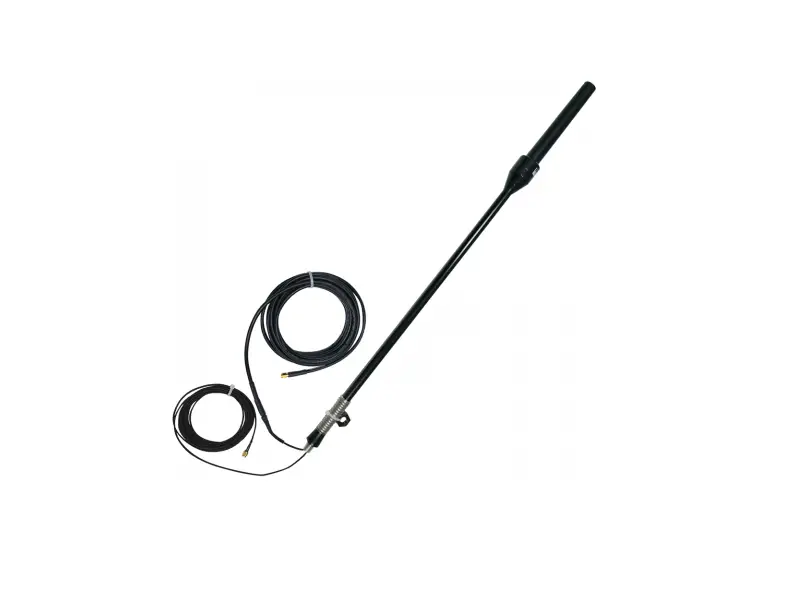
| 1. Antenna 2. Lock Washer | 3. Lock Nut 4. 5m Cable Set |
Introduction
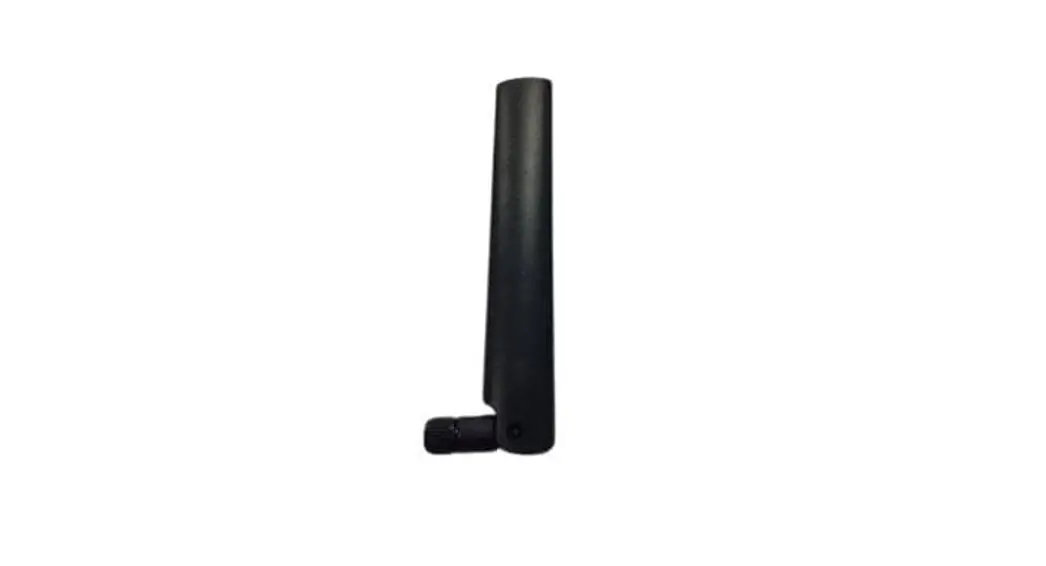
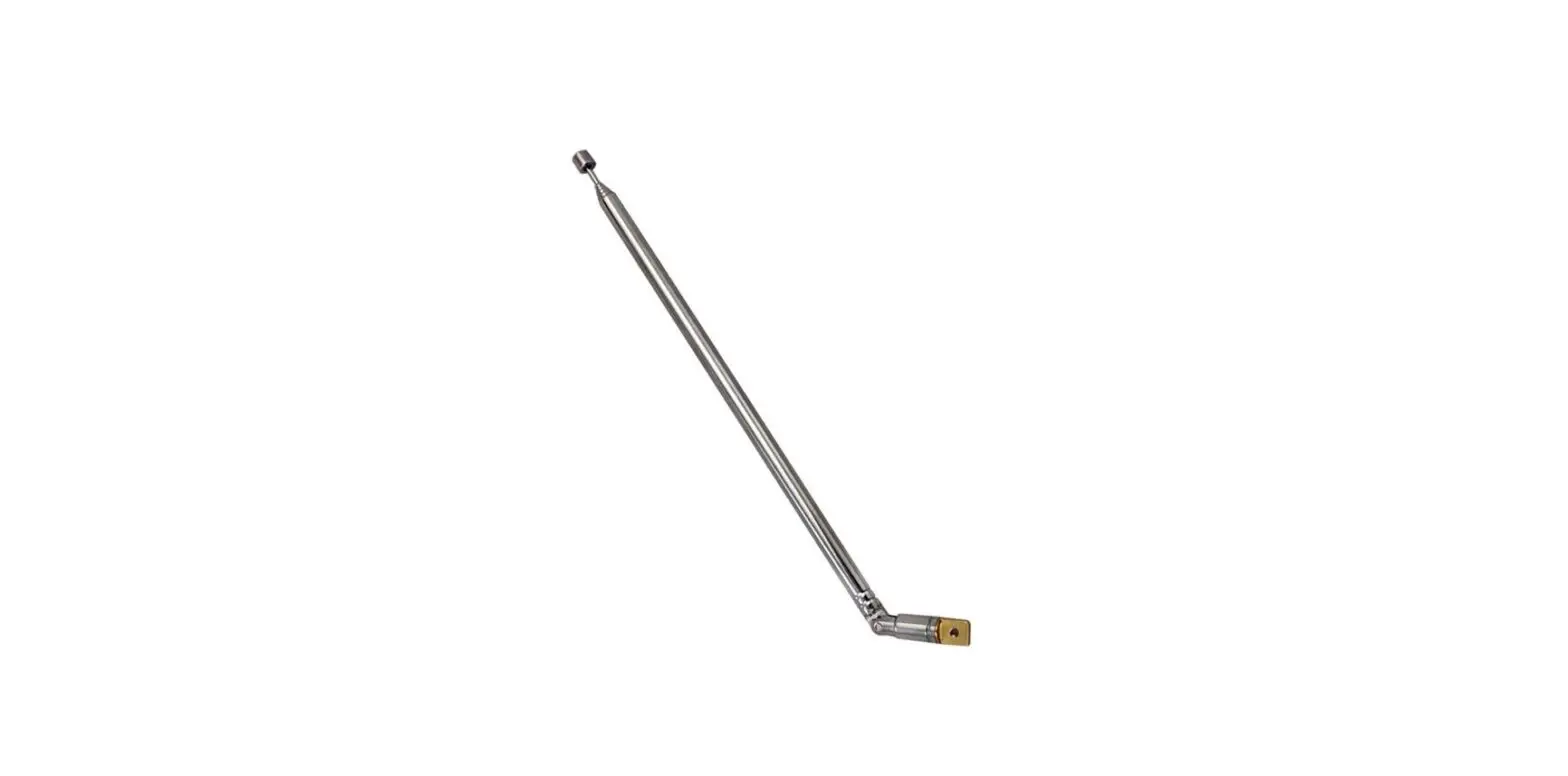
The Iridium Beam Whip Dual Mode Antenna (RST706B) is intended for Land-based applications. Designed to work with Beam Iridium products and other Iridium-based devices.
Iridium Whip Dual Mode Antennas (RST706B) excel in SUV/4WD/RV and Truck applications where a rugged antenna giving the highest possible clearance above the roofline is required. The antenna can be easily fitted to the bull bar of a vehicle and has 5 meters (16 ft) of cable included.
Important Safety Information
 WARNING
Changes or modifications not expressly approved by Beam Communications could void the user’s authority to operate the equipment or the warranty.
This device complies with Part 15 of the FCC Rules. Operation is subject to the following two conditions:
- this device may not cause harmful interference and
- this device must accept any interference received, including interference that may cause undesired operation.
Antenna Installation Location
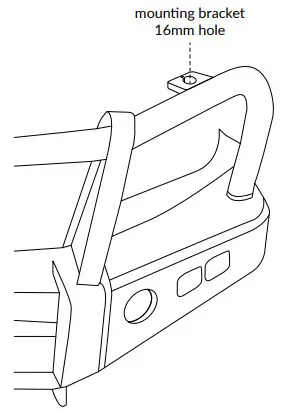
The antenna should be attached in a location that provides the clearest line of sight to the sky without obstruction or interference. Ideally, the antenna should be fitted on the bull bar of a vehicle. Most bull bars already have a fitting and hole for this type of antenna, if not, then a suitable hole or fixing plate will be required.
Outside/Vehicle Installation Options
- The antenna requires a slotted 16mm diameter mounting hole in order to secure the antenna.
If the vehicle does not have a slotted 16mm mounting hole, then an optional bracket may be required.
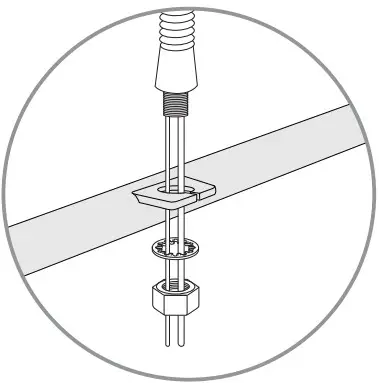
- Feed the Satellite Cable and GPS cable through the slot and secure the antenna with the bolt and lock washer provided.

- Run the cables through to the Beam Docking Station or Iridium handset installed inside the vehicle, be sure to secure the cables appropriately so that the
cable does not rattle or cause any interference or obstruction. Be sure to waterproof the entry point of the cables into the vehicle.
Antenna Connections
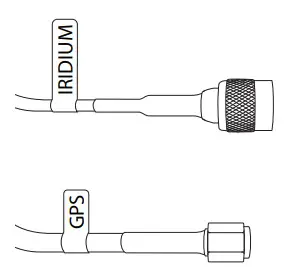
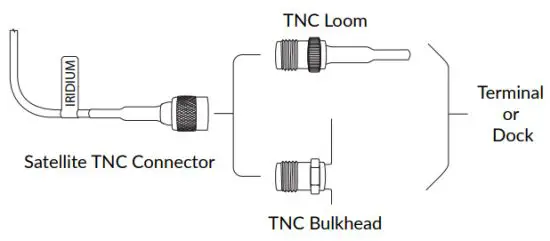
Connect the TNC adapter to the TNC connector on the loom coming from the dock or the TNC Bulkhead at the rear of the terminal.
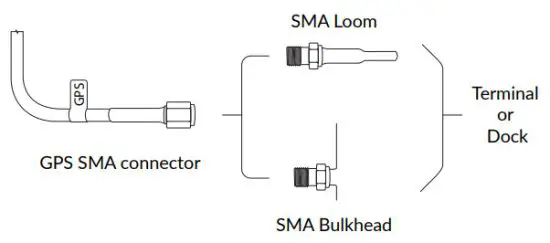
Connect the GPS cable running from the antenna to the SMA connector on the loom coming from the dock or the SMA Bulkhead at the rear of the terminal.
Specifications
| GENERAL | ||
| Antenna | Iridium | GPS |
| Polarization | Right Hand Circular (RHCP) | Right Hand Circular (RHCP) |
| Axial Ratio | 3dB at boresight | 3dB |
| Impedance | 50 Ohms | 50 Ohms |
| VSWR | ≤ 2:1 | ≤ 2:1 |
| Power Handling | 10 Watts | 1 Watt |
| Amplifier Gain | 5dBi | 26 ± 2dB |
| Noise Figure | 2.5dB Max | |
| DC grounding | Yes | Yes |
| Cable | Includes 5m or 16.4ft of LMR240UF | Includes 5m or 16.4ft of RG316 |
| ENVIRONMENTAL | ||
| Temperature | Degrees ºC | Degrees ºF |
| Operating | -40 to +85 | -40 to +185 |
| PHYSICAL | ||
| Colour | Black | |
| Material | Black fiberglass radome, black finish aluminum ferrules, 304 stainless steel ‘barrel’ spring, external coaxial cables and terminations | |
| Mounting requirements | Minimum M12 hole | |
| Dimensions | mm | inches |
| Antenna | 800 H | 31.5 H |
| Weight | kgs | lbs |
| Antenna | 2.7 | 5.9 |
| CONNECTORS | ||
| Iridium | TNC Male | |
| GPS | SMA Male | |
| FREQUENCY | ||
| Iridium | 1616 – 1626 MHz | |
| GPS | 1575 ± 10 MHz | |
BEAM Communications Pty Ltd
5/8 Anzed Court, Mulgrave
Victoria, 3170, AUSTRALIA
Tel: +61 3 8588 4500
Fax: +61 3 9560 9055
Info: [email protected]
Support:[email protected]
www.beamcommunications.com