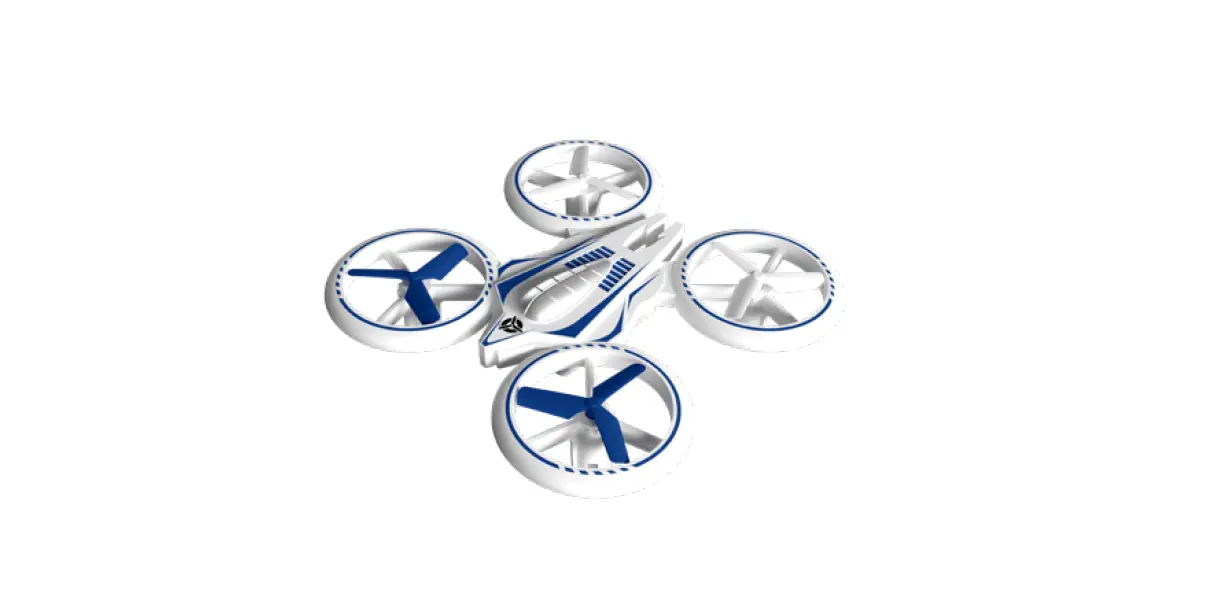
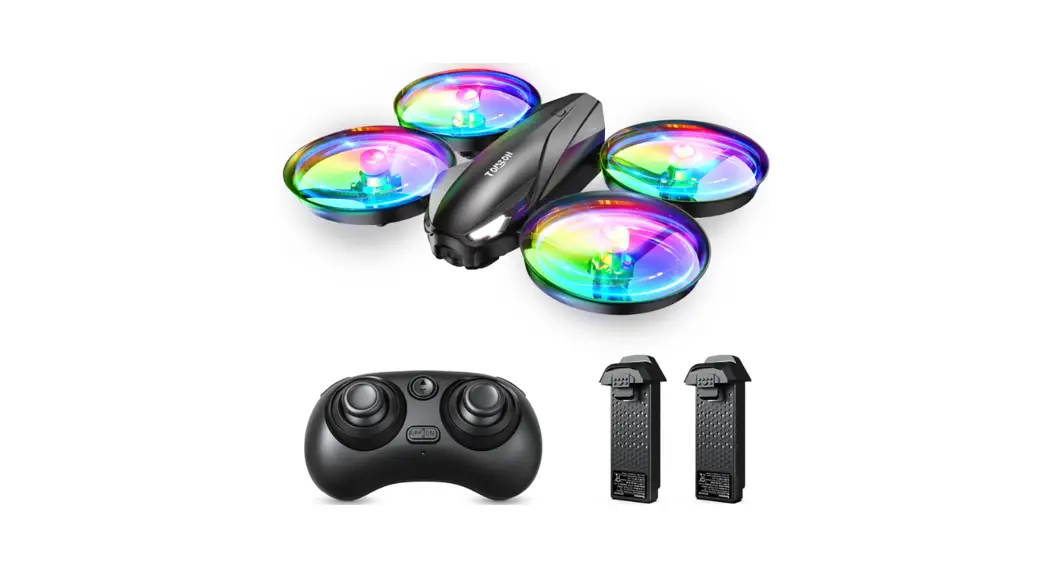
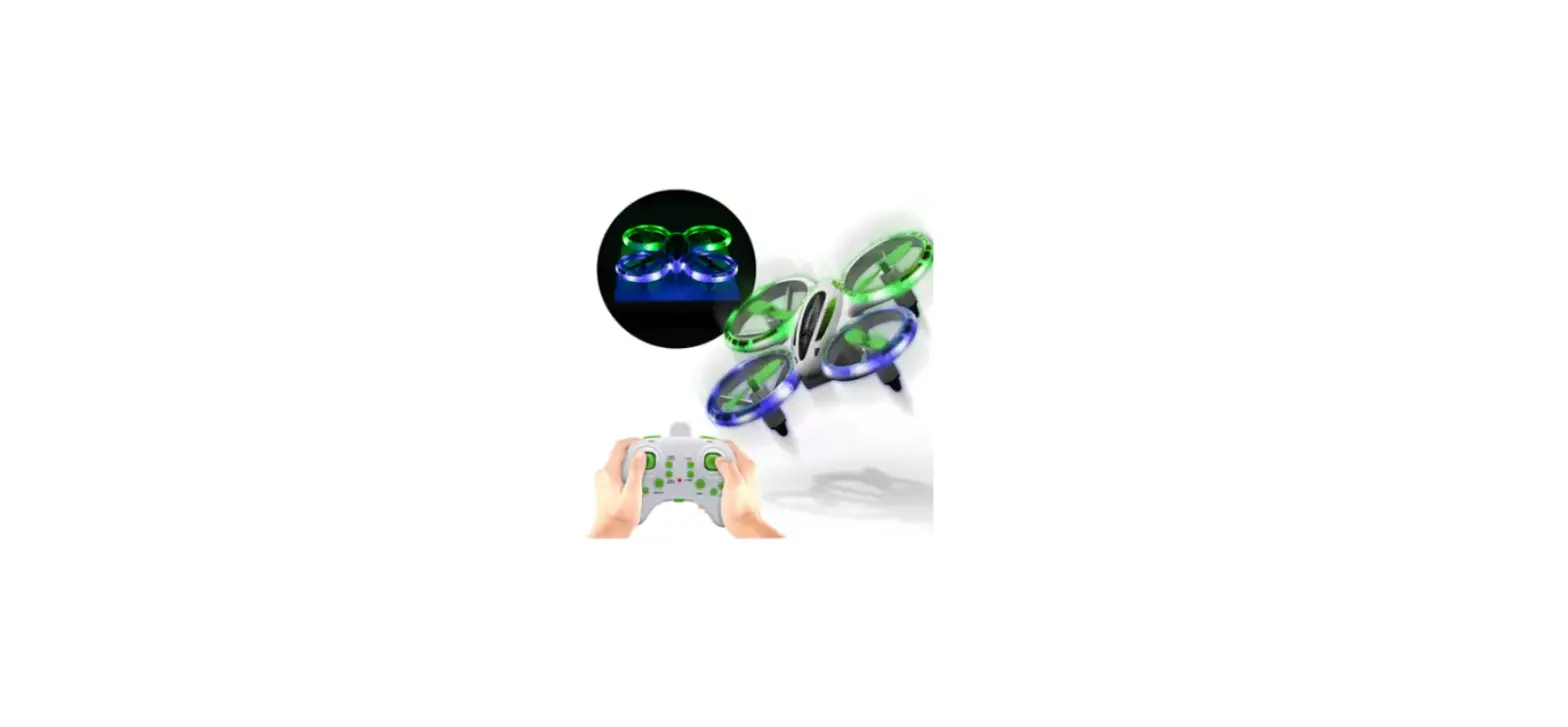
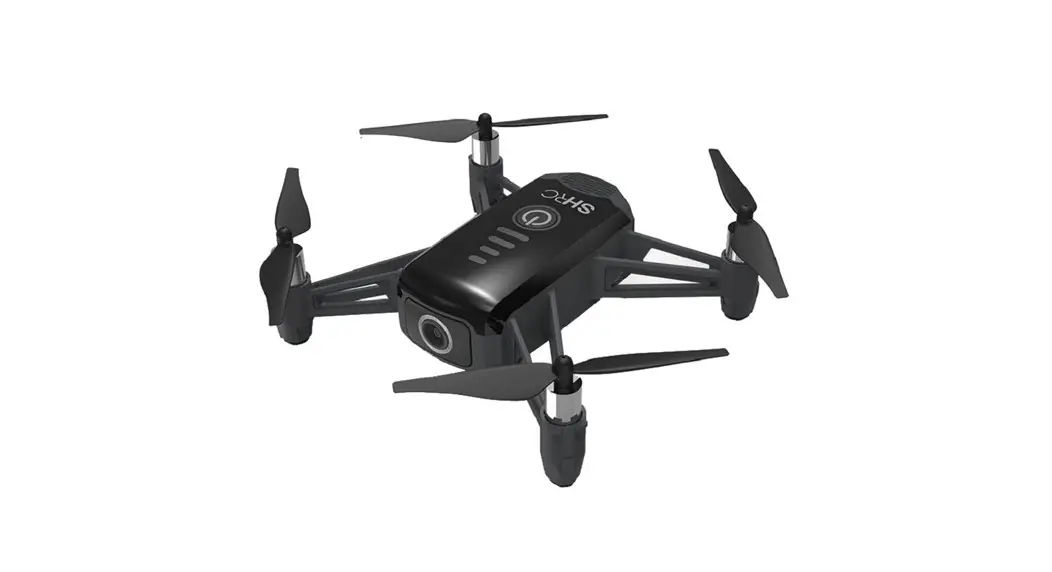
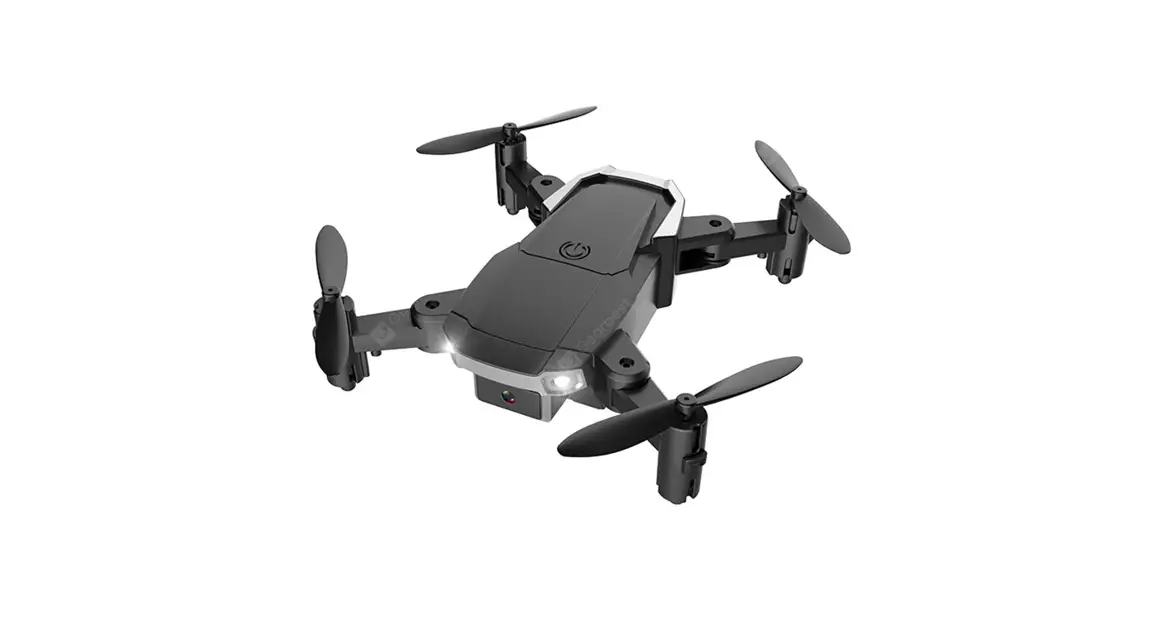
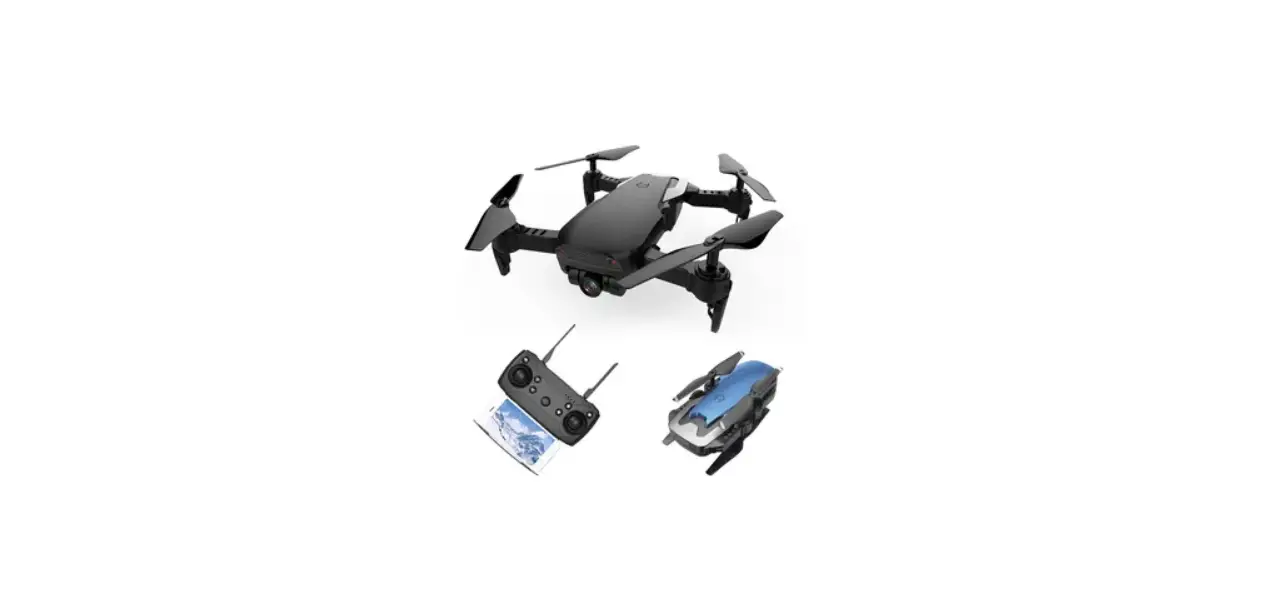
HY-049091 Mini LED Drone
Product Information
| Product Name | Mini LED Drone |
|---|---|
| Disclaimer and Safety Guidelines |
|
| Maintenance and Care |
|
| Product Overview |
Note: Press and hold the One Key Take-off/Landing button for 3s |
Product Usage Instructions
- Flight Preparation:
- Install the remote batteries. Make sure the batteries have
enough power. (3*1.5V AAA batteries, not included) - Charge the battery of the drone.
- Install the fully charged drone battery.
- Turn on the drone (The LED light on the drone flashes
rapidly) - Turn on the controller
- Place the drone at a flat surface with head forward
- Push the left control stick forward to top and then pull it
backward till the bottom. Pairing is successful when the LED on the
drone is solid on. - Move the left and right sticks inward & downward (left
stick 5 o’clock and right stick 7 o’clock positions) for 3 seconds.
The LED will flash quickly and then turn solid, calibration is
successful. (Repeat this step before every flight)
- Option 1: Press the button to take off.
- Option 1: Press the button to land.
- Option 2: Pull the Left Control Stick backward to the bottom to
land the drone, and hold it for at least 3 seconds until all the
rotor blades stop rotating.
Mini LED Drone
USER MANUAL
DISCLAIMER AND SAFETY GUIDELINES
1. DO NOT look directly into the drone light. 2. DO NOT treat the product as household waste. 3. DO NOT fly above or near obstacles, crowds, open water, public road, high
voltage power lines or trees. 4. DO NOT use the drone in severe weather conditions. These include wind, snow,
rain, smog, hail, lightning, tornadoes or hurricanes. 5. Stay away from the rotating propellers and motors to avoid some tiny objects
(e.g. hair) to get into them. 6. This drone does not come with GPS module. Please fly the drone within the
control range. 7. Be sure to observe all local regulations, obtain appropriate authorizations and
understand risks. Please note it is solely your responsibility to comply with all flight regulations.
MAINTENANCE AND CARE
1. Thoroughly check the drone after crash or violent impact. 2. Do not charge battery before it cools down. 3. Remove the batteries if the product will not be in use for a long time. 4. Do not over charge the battery. Unplug the charger once it’s fully charged. 5. Store the drone and remote in a cool, dry place away form direct sunlight. 6. Do not charge the battery next to inflammables, such as carpet, timber floor etc.,
or on the surface of electro-conductive objects. Please always keep an eye on the battery while charging. 7. Please use the original battery provided. Use an incorrect type of battery may lead to fire hazards. 8. Do not dispose of the battery in fire or a hot oven, cut or mechanically crush the battery, as this may cause explosions. 9. Do not leave the battery in an extremely high-temperature environment taht can result in an explosion or the leakage of flammable liquid or gas. 10. Do not expose the battery to the extremely low air pressure, as this may resuly in an explosion or hte leakage of flammable liquid or gas.
PRODUCT OVERVIEW
Short press for changing speed / Long press for one key reverse function
Left Control Stick (Press down for changing LED mode)
One key Take-off / Landing
Short press for 360° Flip, Long press for headless mode
Right Control Stick (Press down for fine-tuning)
ON/OFF
Power Indicator Note:Press and hold the One Key Take-off/Landing button for 3s to male an
emergency stop.
HEAD
LED Light
Rotor Blade
TAIL
ON/OFF
FLIGHT PREPARATION
1. Install the remote batteries.
Motor Battery
Make sure the batteries have enough power. 3*1.5V AAA(batteries not included)
2. Charge the battery of the drone. 3. Install the drone battery after it’s fully charged.
USB Adapter 5V/1-2A
Power Bank
4/ 9P$K
Charging: Red LED USB Port Fully Charged: LED Off
Connect the battery into the interface and slide it to the end.
Tips: 1. For your safety, please use the original batery and USB cable. 2. Flight time of the battery may be reduced when flying in cold weathe 3. Free the battery of any sharp objects that could puncture into the battery to avoid
risks of explosions and fire. 4. The LED on the drone will flash continously when the battery is low 5. To extend the battery’s lifespan, recharge it at least once every three months if not
using it for long periods of time.
FLIGHT OPERATION GUIDE
1.Turn on the drone (The LED light on the drone flashes rapidly)
2.Turn on the controller 3.Place the drone at a flat surface with head forward
4.Push the left control stick forward to top and then pull it backward till the bottom. Pairing is successful when the LED on the drone is solid on.
5.Move the left and right sticks inward & downward (left stick 5 o’clock and right stick 7 o’clock positions) for 3 seconds.The LED will flash quickly and then turns to solid, calibration is successfully.
Note: Pls repeat the step 5 before every flight
Take-off
Option 1: Press the button to take off.
Option 2: Move the Left Control Stick to lower left in 45° and the Right Control Stick to lower rightin 45° at the same time until four rotor blades start totating, then slowly push the Left Control Stick forward to take off.
Landing
Option 1: Press the button to take off.
Option 2: Pull the Left Control Stick backward to the bottom to land the drone, and hold it for 3s at least until all the rotor blades stop rotating.
Instructions of the Remote Left Control Stick
Ascend and descend
Rotate Left and Rotate Right
Right Control Stick
Forward and Backward
Leftward and Rightward
Push the Left Control Stick forward and the drone will ascend; pull it backward and the drone will descend.
Push the Left Control Stick leftward and the drone will rotate to the left; pull it rightward and the drone will rotate to the right.
Push the Right Control Stick forward and the drone will fly forward; pull it backward and the drone will fly backward.
Push the Right Control Stick leftward and the drone will fly leftward; pull it rightward and the drone will fly rightward.
Flight Trimming
If the drone drifts forward or backward when flying, press down the right stick once and then control the right stick forward or backward to adjust.
If the drone drifts leftward or rightward when flying, press down the right stick once and then control the right stick left side or right side to adjust.
Altitude Hold / Hover
This is one of the default setting in the drone. When you release the Left Control Stick after the ascending/descending action, the drone will hover at the current flight height. For a stable flight. press the trim buttons to adjust accordingly.
360 °Flip
After flying the drone to a height over 2 meters, press the 360 ° flip button to activate 360 ° flip function. Then move the Right Control Stick forward/backward/ leftward/rightward to flip the drone accordingly.
Headless Mode
1. To ensure headless mode works well, please ensure corrent take off position as below picture shows.
2. Long press the right upper button to active headless function. You will heard 2 beeps. In this mode, the drone will fly following the direction of the Right Control Stick regardless of the positionof your drone’s head or the tail. The LED on the drone will flash during headless mode.Long press the same button again to exit this mode.
Forward Backward
The correct take off position.
Forward
Backward
Operator
Forward
The incorrect take off position.
Head
Head
Tail
Backward
Tail Standard Mode
Headless Mode
One key reverse
1. To ensure One key reverse works well, please ensure corrent take off position as above picture shows.
2. While the drone is in flight, press the reverse button on the remote control, the controller will beep once and the drone will fly in reverse.
3. Push the right control stick to any direction for cancelling this function.
Speed Switch
The drone is set to low speed by default. Press the Left upper button down once for medium speed and there are two beeps from the remote. A Second press will get back to low speed and there is one beep from the remote.
LED mode Changing
During the drone flying, you can press the left stick down for changing the LED mode.
127(7KLVHTXLSPHQWKDVEHHQWHVWHGDQGIRXQGWRFRPSOZLWKWKHOLPLWV IRUD&ODVV%GLJLWDOGHYLFHSXUVXDQWWRSDUWRIWKH)&&5XOHV7KHVH OLPLWVDUHGHVLJQHGWRSURYLGHUHDVRQDEOHSURWHFWLRQDJDLQVWKDUPIXO LQWHUIHUHQFHLQDUHVLGHQWLDOLQVWDOODWLRQ 7KLVHTXLSPHQWJHQHUDWHVXVHVDQGFDQUDGLDWHUDGLRIUHTXHQFHQHUJDQGLI QRWLQVWDOOHGDQGXVHGLQDFFRUGDQFHZLWKWKHLQVWUXFWLRQV PDFDXVHKDUPIXOLQWHUIHUHQFHWRUDGLRFRPPXQLFDWLRQV +RZHYHUWKHUHLVQRJXDUDQWHHWKDWLQWHUIHUHQFHZLOOQRWRFFXULQDSDUWLFXODU LQVWDOODWLRQ,IWKLVHTXLSPHQWGRHVFDXVHKDUPIXOLQWHUIHUHQFHWRUDGLRRU WHOHYLVLRQUHFHSWLRQZKLFKFDQEHGHWHUPLQHGEWXUQLQJWKHHTXLSPHQWRII DQGRQWKHXVHULVHQFRXUDJHGWRWUWRFRUUHFWWKHLQWHUIHUHQFHERQHRU PRUHRIWKHIROORZLQJPHDVXUHV 5HRULHQWRUUHORFDWHWKHUHFHLYLQJDQWHQQD ,QFUHDVHWKHVHSDUDWLRQEHWZHHQWKHHTXLSPHQWDQGUHFHLYHU &RQQHFWWKHHTXLSPHQWLQWRDQRXWOHWRQDFLUFXLWGLIIHUHQWIURPWKDWWR ZKLFKWKHUHFHLYHULVFRQQHFWHG &RQVXOWWKHGHDOHURUDQH[SHULHQFHGUDGLR79WHFKQLFLDQIRUKHOS &KDQJHVRUPRGLILFDWLRQVQRWH[SUHVVODSSURYHGEWKHSDUWUHVSRQVLEOHIRU FRPSOLDQFHFRXOGYRLGWKHXVHU
VDXWKRULWWRRSHUDWHWKHHTXLSPHQW