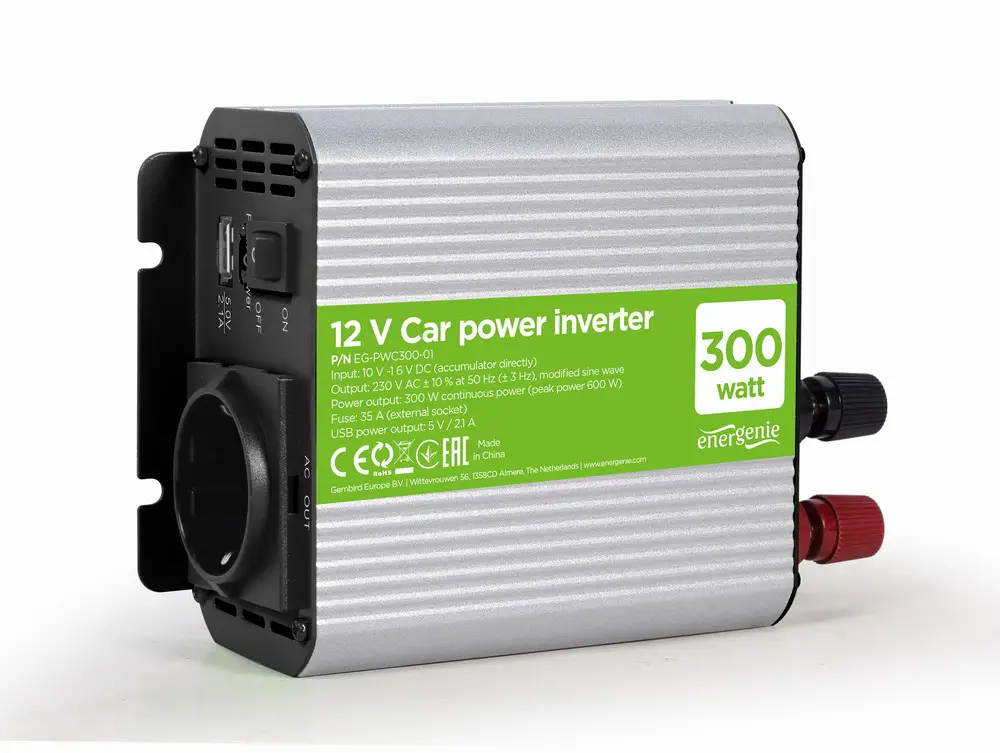
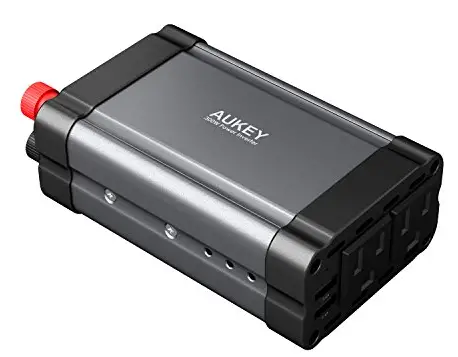
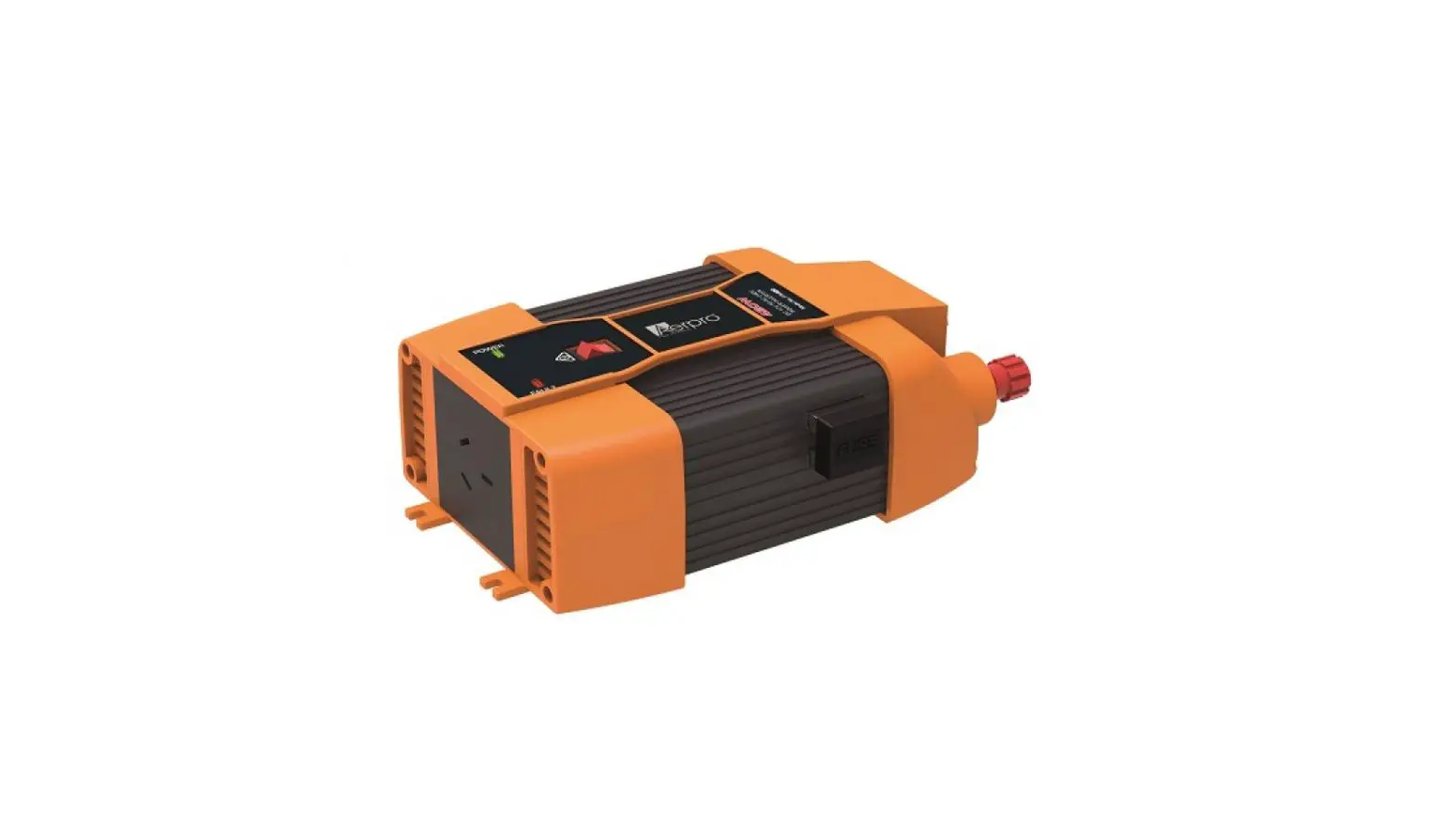
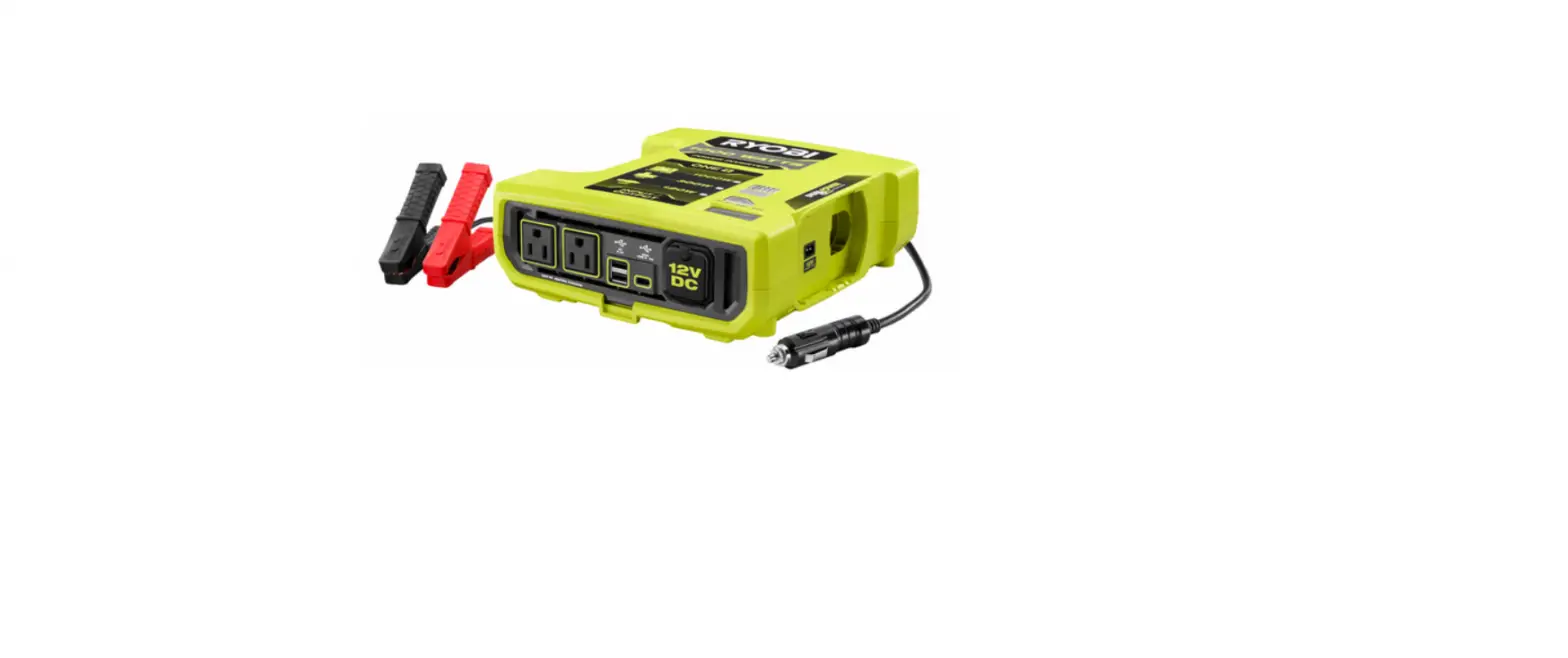
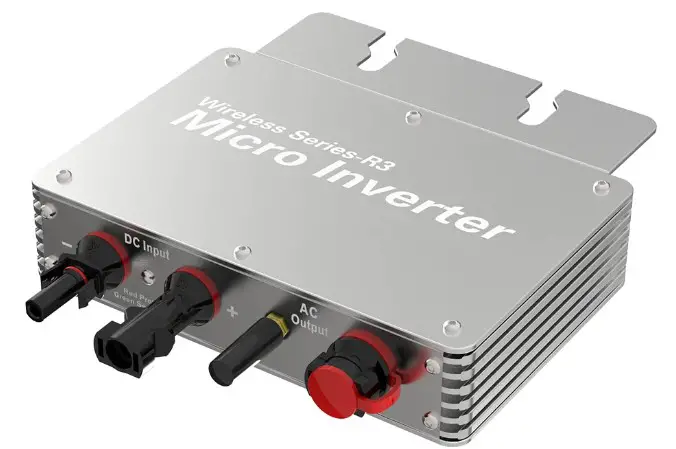
PIM-300 Power Inverter
Product Information: Power Inverter 12V 300W
Specifications:
- Input Voltage: 12V
- Output Voltage: Not specified
- Output Power: 300W
- Peak Output Power: Not specified
- USB Output: Yes
- Low Voltage Warning: Yes
- Low Voltage Cut-off: Yes
- Overload Cut-off: Yes
- Operating Temp.: Not specified
- Fuse: Not specified
- Battery Min. Capacity: Not specified
- Weight: Not specified
Standard Equipment:
- Inverter 12V Modified Sinewave Power – 300W
- 2 x Alligator Clamp Leads & 2 x Terminal Covers
Warranty:
In order to make a claim under this warranty, you must return
the product to your nearest Bunnings warehouse with your Bunnings
register receipt. Prior to returning your product for warranty,
please telephone our customer service helpline:
- Australia: 1800 069 486
- New Zealand: 0508 069 486
The benefits provided under this warranty are in addition to
other rights and remedies which are available to you at law. Our
goods come with guarantees that cannot be excluded at law. You are
entitled to a replacement or refund for a major failure and for
compensation for any other reasonably foreseeable loss or damage.
You are also entitled to have the goods repaired or replaced if the
goods fail to be of acceptable quality and the failure does not
amount to a major failure. Generally, you will be responsible for
all costs associated with a claim under this warranty, however,
where you have suffered any additional direct loss as a result of a
defective product, you may be able to claim such expenses by
contacting our customer service helpline above. To ensure a speedy
response, please have the model number and date of purchase
available. A customer service representative will take your call
and answer any questions you may have relating to the warranty
policy or procedure.
3 Year Replacement Warranty:
Your product is guaranteed for a period of 36 months from the
original date of purchase. If a product is defective, it will be
replaced in accordance with the terms of this warranty. Warranty
excludes consumable parts, for example: valve adapters and
accessories. *This product is intended for DIY use only and
replacement warranty covers domestic use.
Warning:
The following actions will result in the warranty being
void.
Ozito Industries Pty. Ltd. 25 Fox Drive, Dandenong South,
Victoria, Australia 3175.
Product Usage Instructions
Setup & Preparation
Power Inverter
- AC Socket
- Power Switch
- Indicator LED
- USB Socket
- Mounting Point
- Positive Terminal Cover
- Ring Connector
- Negative Terminal Cover
- Positive (Red) Clamp
- Negative (Black) Clamp
Assembly
WARNING! ENSURE THE TOOL IS TURNED OFF AND DISCONNECTED
FROM THE POWER SUPPLY BEFORE PERFORMING ANY OF THE FOLLOWING
OPERATIONS.
Connecting The Leads
- Slide the black terminal cover over the ring end of the black
connector lead. - Place a washer on the short bolt and then the ring connector on
the end of the black lead. - Place the bolt through the negative terminal on the power
inverter and nyloc nut to secure it in place. - Press the terminal cover into the slots on the inverter
unit. - Repeat steps 1-4 for the red connector lead and terminal
cover.
POWER INVERTER
12V 300W
INSTRUCTION MANUAL
SPECIFICATIONS
Input Voltage: Output Voltage: Output Power: Peak Output Power: USB Output: Low Voltage Warning: Low Voltage Cut-off: Overload Cut-off: Operating Temp.: Fuse: Battery Min. Capacity: Weight:
12V DC 240V ~ 50Hz 300W 600W (0.1s) 5V, 2A 11V DC 10.5V DC 15V DC 0° to 40°C 40A 25Ah 0.8kg
ozito.com.au
STANDARD EQUIPMENT
INVERTER 12V MODIFIED SINEWAVE POWER
300W
Power Inverter
INVERTER 12V MODIFIED SINEWAVE POWER
300W
2 x Alligator Clamp Leads & 2 x Terminal Covers
PIM-300
WARRANTY
IN ORDER TO MAKE A CLAIM UNDER THIS WARRANTY YOU MUST RETURN THE PRODUCT TO YOUR NEAREST BUNNINGS WAREHOUSE WITH YOUR BUNNINGS REGISTER RECEIPT. PRIOR TO RETURNING YOUR PRODUCT FOR WARRANTY PLEASE TELEPHONE OUR CUSTOMER SERVICE HELPLINE:
Australia: 1800 069 486 New Zealand: 0508 069 486
The benefits provided under this warranty are in addition to other rights and remedies which are available to you at law.
Our goods come with guarantees that cannot be excluded at law. You are entitled to a replacement or refund for a major failure and for compensation for any other reasonably foreseeable loss or damage. You are also entitled to have the goods repaired or replaced if the goods fail to be of acceptable quality and the failure does not amount to a major failure.
Generally you will be responsible for all costs associated with a claim under this warranty, however, where you have suffered any additional direct loss as a result of a defective product you may be able to claim such expenses by contacting our customer service helpline above.
TO ENSURE A SPEEDY RESPONSE PLEASE HAVE THE MODEL NUMBER AND DATE OF PURCHASE AVAILABLE. A CUSTOMER SERVICE REPRESENTATIVE WILL TAKE YOUR CALL AND ANSWER ANY QUESTIONS YOU MAY HAVE RELATING TO THE WARRANTY POLICY OR PROCEDURE.
3 YEAR REPLACEMENT WARRANTY*
Your product is guaranteed for a period of 36 months from the original date of purchase. If a product is defective it will be replaced in accordance with the terms of this warranty. Warranty excludes consumable parts, for example: valve adapters and accessories.
*This product is intended for DIY use only and replacement warranty covers domestic use.
WARNING
The following actions will result in the warranty being void.
· If the tool has been operated on a supply voltage other than that specified on the tool. · If the tool shows signs of damage or defects caused by or resulting from abuse, accidents
or alterations. · Failure to perform maintenance as set out within the instruction manual. · If the tool is disassembled or tampered with in any way. · Professional, industrial or high frequency use.
Ozito Industries Pty. Ltd. 25 Fox Drive, Dandenong South, Victoria, Australia 3175.
0822
KNOW YOUR PRODUCT
SETUP & PREPARATION
POWER INVERTER
1. AC Socket 2. Power Switch 3. Indicator LED 4. USB Socket 5. Mounting Point
6. Positive Terminal Cover 7. Ring Connector 8. Negative Terminal Cover 9. Positive (Red) Clamp 10. Negative (Black) Clamp
1
2
10A240V AC
3 4
5
6
INVERTER 12V MODIFIED SINEWAVE POWER
300W
10
9
87
1. ASSEMBLY
WARNING! ENSURE THE TOOL IS TURNED OFF AND DISCONNECTED FROM THE POWER SUPPLY BEFORE PERFORMING ANY OF THE FOLLOWING OPERATIONS.
Connecting The Leads
1. Slide the black terminal cover over the ring end of the black connector lead.
2. Place a washer on the short bolt and then the ring connector on the end of the black lead.
3. Place the bolt through the
negative terminal on the
MODIFIED SINEWAVE POWER
power inverter and nyloc nut to secure
utIhsNies aiVn ERTER
place.
4. Press the terminal cover into the slots on the inverter unit.
5. Repeat steps 1-4 for the red connector lead and terminal cover.
Attaching The Unit To A Wall
You will need fasteners to suit the type of material you are mounting the power inverter to. The selected fasteners should be 5mm in diameter.
Use the supplied mounting template for easier installation. A digital copy of this can also be found on our website.
1. Attach the mounting template to the work surface with masking tape.
Note: Ensure that the final position of the power inverter is close enough to still connect to the power source.
2. Drill through the mounting points indicated on the template.
Mounting Instructions: 1. Stick the back of this template to the wall in the desired mounting location. 2. Drill 4 x Ø5mm holes according to the circles in the template location. 3. Remove template. 4. Insert 2 screws with Ø5mm screw heads into the pre-drilled holes on one side. Leave them protruding
by about 5mm. 5. Slide the mounting points on one side of the inverter onto the 2 screws, then use another 2 screws
to secure the other side of the inverter.
198mm
50mm
ONLINE MANUAL
Scan this QR Code with your mobile device to take you to the online manual.
3. Remove the template and use the fasteners to attach the power inverter at the mounting points.
10A240V AC
2. CONNECTING THE POWER INVERTER
WARNING! ALWAYS CONNECT THE CLAMPS TO THE POSITIVE BATTERY TERMINALS FIRST.
WARNING! ONLY USE WITH CLASS II EQUIPMENT.
WARNING! DO NOT INVERSE CONNECTOR POLARITIES! FAILURE TO DO SO WILL RESULT IN IRREVERSIBLE DAMAGE TO THE PRODUCT AND WILL VOID THE WARRANTY.
Connecting A Power Source
The power inverter can be
connected to the 12V battery
in your car. We recommend
having the engine running to prevent the battery from running flat during use.
+
–
Alternatively a standalone 12V
battery may be used to power
the power inverter.
Before connecting the clamps, identify the positive (+) and negative (-) terminal on the battery. The positive terminal should be red and the negative terminal, black. Alternatively, if the terminals are not coloured, the positive terminal should be larger than the negative terminal.
Note: The power source must supply a minimum of 11V up to a maximum of 15V.
Follow the connection order labelled on the clamps.
WARNING! ENSURE THE CLAMPS DO NOT COME INTO CONTACT WITH EACH OTHER DURING USE. CONTACT BETWEEN LIVE CONNECTIONS MAY RESULT IN SPARKS, ELECTROCUTION, FIRE, SEVERE PERSONAL INJURY OR EVEN DEATH.
1. Ensure the leads are correctly installed on the power inverter.
2. Connect the red (+) clamp to the positive terminal of the battery.
3. Connect the black (-) clamp to the negative terminal of the battery.
+-
+-
WARNING! DO NOT ALLOW THE CLAMPS TO CONTACT EACH OTHER OR DANGLE LOOSE IN THE ENGINE COMPARTMENT.
WARNING! ONLY GRASP CLAMPS BY THE INSULATED SURFACES.
WARNING! DO NOT INSERT FOREIGN OBJECTS IN TO THE POWER INVERTER’S AC OUTLET, FAN OR VENT OPENINGS.
WARNING! THE POWER INVERTER GENERATES THE SAME POTENTIALLY LETHAL AC POWER AS A NORMAL HOUSEHOLD WALL OUTLET. TREAT IT AS YOU WOULD ANY OTHER AC OUTLET.
Connecting An Appliance
The power inverter generates a modified sinewave output. This is suitable for simple electronics, radios, fans and lights, or charging phones.
The power inverter has a continuous output of 300W. Check that the appliance you wish to connect does not require more power than this to operate.
1. Plug the power cord of the desired appliance into the AC output of the power inverter.
10A240V AC
2. Alternatively, a standard USB-A cable (not supplied) can be connected to the USB port.
10A240V AC
Note: An extension pack can be plugged into the AC outlet to power multiple devices as long as the combined power draw of all the connected devices does not exceed 300W.
OPERATION
3. CONTROLS
Switching The Power Inverter On & Off 1. Press the power button to switch the power inverter on.
10A240V AC
Note: The indicator LED will light up green.
2. Press the power button while the inverter is on to switch the unit off.
Indicator LED The indicator LED will light up green when a suitable power source is connected.
If the voltage supply of the power source drops below 10.5V or is above 15V, or there is an overload on the circuit, the indicator LED will light up red and the power inverter will automatically switch off.
If the interior temperature of the power inverter exceeds 60°C, the unit will automatically shut off to protect the circuitry. If the thermal protection activates, switch off the power inverter and allow it to cool completely before restarting the unit.
PIM-300
MAINTENANCE
6. APPLIANCE CARE
WARNING! BEFORE CLEANING THE APPLIANCE OR CARRYING OUT ANY MAINTENANCE PROCEDURE, MAKE SURE THAT IT IS DISCONNECTED FROM THE POWER SUPPLY TO PREVENT ACCIDENTAL STARTING.
WARNING! DO NOT WET THE METAL CONTACTS.
WARNING! MAKE SURE THAT THE CLAMPS ARE DISCONNECTED FROM THE POWER INVERTER BEFORE CLEANING. Cleaning 1. Keep the safety devices free of dirt and dust as much as possible. Wipe the equipment with a clean cloth.
2. Clean the appliance regularly with a dry cloth. Do not use cleaning agents or solvents; these may be aggressive to the plastic parts in the appliance. Ensure that no water can get into the interior of the appliance.
Storage Pull the mains plug out of the socket, switch off the tool and make sure that it is secured in such a way that it cannot be started up again by any unauthorised person. Store the tool in a dry location which is not accessible to unauthorised persons.
Fuse If replacement of the fuse is necessary, this has to be done by a certified electrician in order to avoid a safety hazard.
Note: Ozito Industries will not be responsible for any damage or injuries caused by the repair of the tool by an unauthorised person or by mishandling of the tool.
DESCRIPTION OF SYMBOLS
V Volts
~
Alternating Current
VA Volt mperes IP20 Ingress protection rating
Direct Current
Regulatory Compliance Mark (RCM)
Hz Hertz
W
Watts
0C
degrees Celsius
A
Amperes
F 40A 40A Fuse
Warning
Read Instruction Manual
CARING FOR THE ENVIRONMENT
Power tools that are no longer usable should not be disposed of with household waste but in an environmentally friendly way. Please recycle where facilities exist. Check with your local council authority for recycling advice.
Recycling packaging reduces the need for landfill and raw materials. Reuse of recycled material decreases pollution in the environment. Please recycle packaging where facilities exist. Check with your local council authority for recycling advice.
SPARE PARTS
Spare parts can be ordered from the Special Orders Desk at your local Bunnings Warehouse. For further information, or any parts not listed here, visit www.ozito.com.au or contact Ozito Customer Service: Australia 1800 069 486 New Zealand 0508 069 486 E-mail: [email protected]
ELECTRICAL SAFETY
WARNING! When using mains-powered tools, basic safety precautions, including the following, should always be followed to reduce risk of fire, electric shock, personal injury and material damage. Read the whole manual carefully and make sure you know how to switch the tool off in an emergency,
before operating the tool. Save these instructions and other documents supplied with this tool for future reference.
POWER INVERTER SAFETY WARNINGS
The appliance is not to be used by persons (including children) with reduced physical, sensory or mental capabilities, or lack of experience and knowledge, unless they have been given supervision or instruction. Young children should be supervised to ensure that they do not play with the appliance.
WARNING! Before connecting a tool to a power source (mains switch power point receptacle, outlet, etc.) be sure that the voltage supply is the same as that specified on the nameplate of the tool. A power source with a voltage greater than that specified for the tool can result in serious injury to the user, as well as damage to the tool. If in doubt, do not plug in the tool. Using a power source with a voltage less than the nameplate rating is harmful to the motor.
· The power inverter generates the same potentially lethal AC power as a normal household wall outlet. Treat it as you would any other AC outlet.
· Do not insert foreign objects in to the power inverter’s AC outlet, fan or vent openings. · For indoor use only. Do not expose the power inverter to water, rain, snow or spray. · Do not under any circumstances, connect the power inverter to AC power. · Do not use the power inverter in the presence of flammable fumes or gases, such as in the bilge of a petrol
powered boat, or near a propane tank. · Do not use the power inverter in an enclosure containing automotive-type, lead-acid batteries. These batteries,
unlike sealed batteries, vent explosive hydrogen gas which can be ignited by sparks from an electrical connection. · When working on electrical equipment always ensure someone is nearby to help you in an emergency. · Do not connect live AC power to the power inverter’s AC outlet. The power inverter will be damaged even if it is switched off. · Do not place any objects on top of the power inverter. · Do not expose to direct sunlight. · Do not expose the power inverter to temperatures exceeding 40°C.
· Only operate the inverter in ambient temperatures between 0°C and 40°C. · Do not expose the power inverter to large variations in temperature. This can damage the interior electronics. · Keep away from surface heating vents or any other heat producing equipment. · Ensure the area is well ventilated and allow at least 10cm of clearance on all sides of the unit for proper cooling. · Do not operate the power inverter in dusty and/or dirty environments. · Do not expose the power inverter to excessive shock and/or vibrations. · Do not use the power inverter with small battery operated products such as rechargeable flashlights, some
rechargeable shavers and night lights that are plugged directly into an AC receptacle to recharge. · Do not use the power inverter with certain battery chargers for battery packs used in battery powered tools.
These chargers will have warning labels stating that dangerous voltages are present at the charger’s battery terminals. · Do not disassemble or modify the power inverter. · This inverter is a modified sinewave inverter. You should always check the appliance user manual to know whether a modified sinewave power inverter is compatible. If it is not stated in your appliance manual, please contact the manufacturer to seek advice on whether this inverter is suitable for your appliance. We are not responsible for damage to the appliance if a pure sinewave inverter should have been used. · Do not reverse the polarity of the connections. The negative terminal of the inverter must be connected to the negative terminal of the supplying 12V source, and similarly for the positive terminals. Failure to do so will result in irreversible damage to the product and will void the warranty. · Only replace the fuse with the same type and specification as the original (40A). · Take note of any excessive temperature rise or unusual sounds during use. Continuous humming or high heat emission may indicate that the appliance is not suitable for use with this power inverted. Stop the inverter, disconnect it from the power source and discontinue use immediately. · Only use the power inverter with Class II equipment. · Do not use the power inverter in the immediate vicinity of strong magnetic fields, such as speakers.
 Home
Home Home
Home