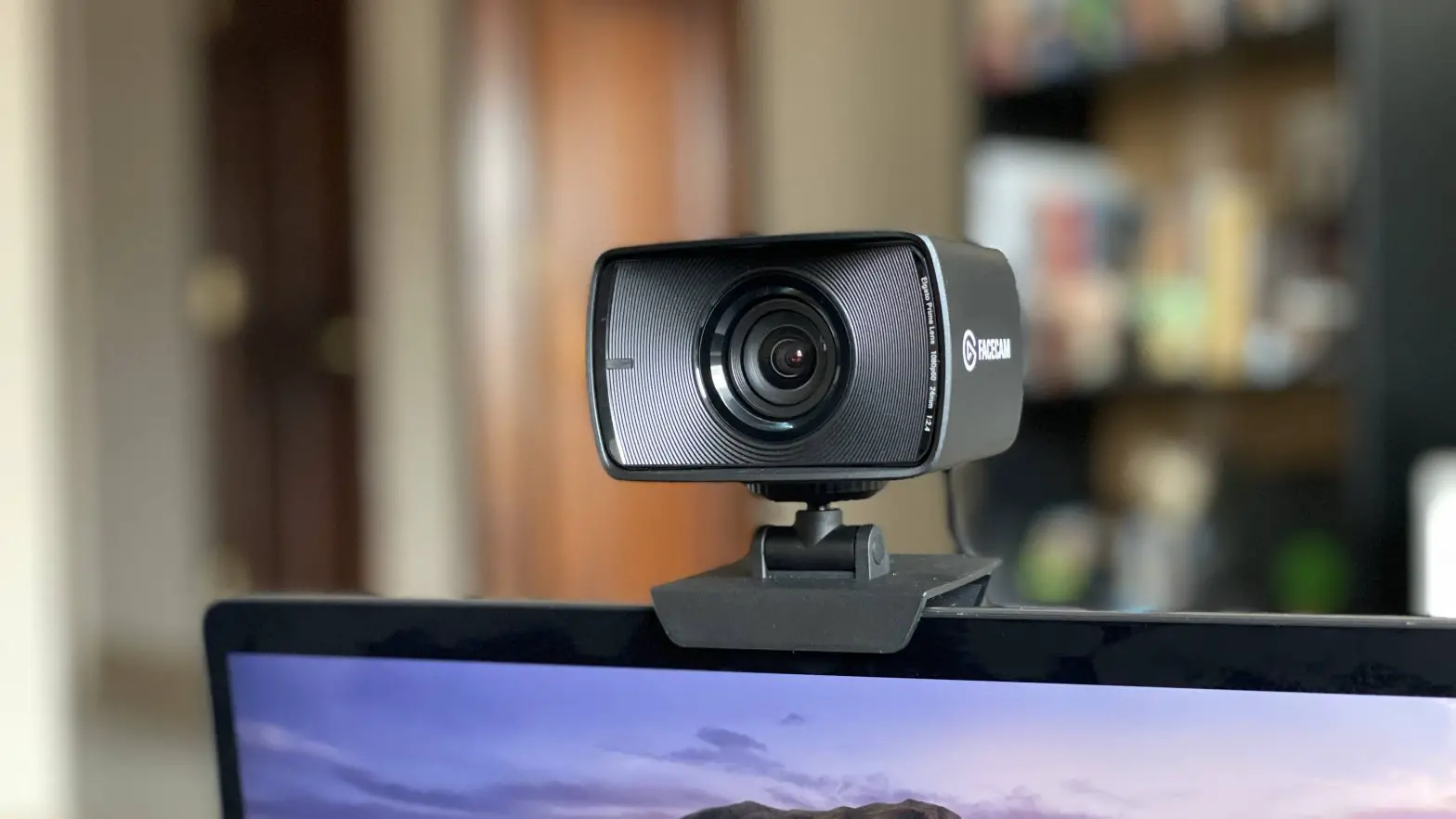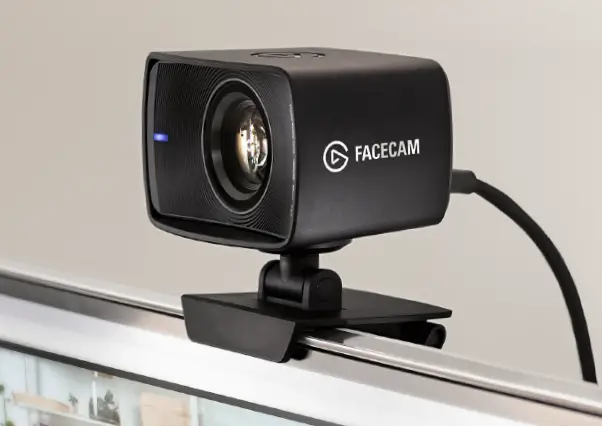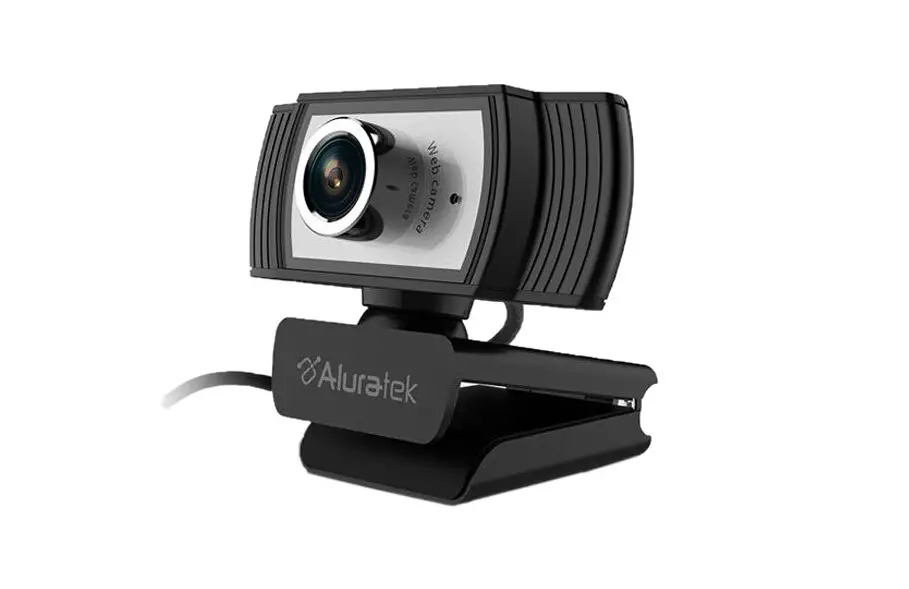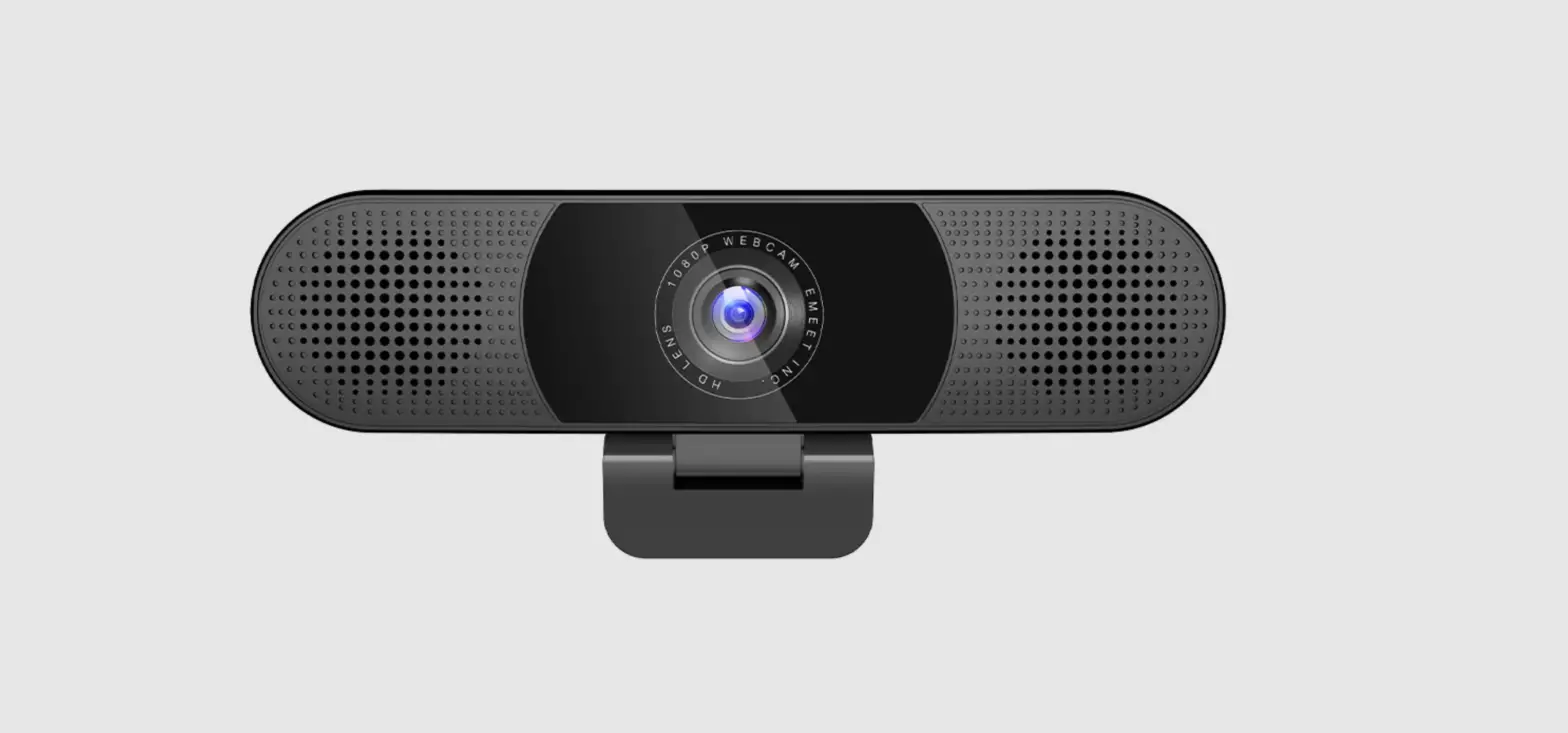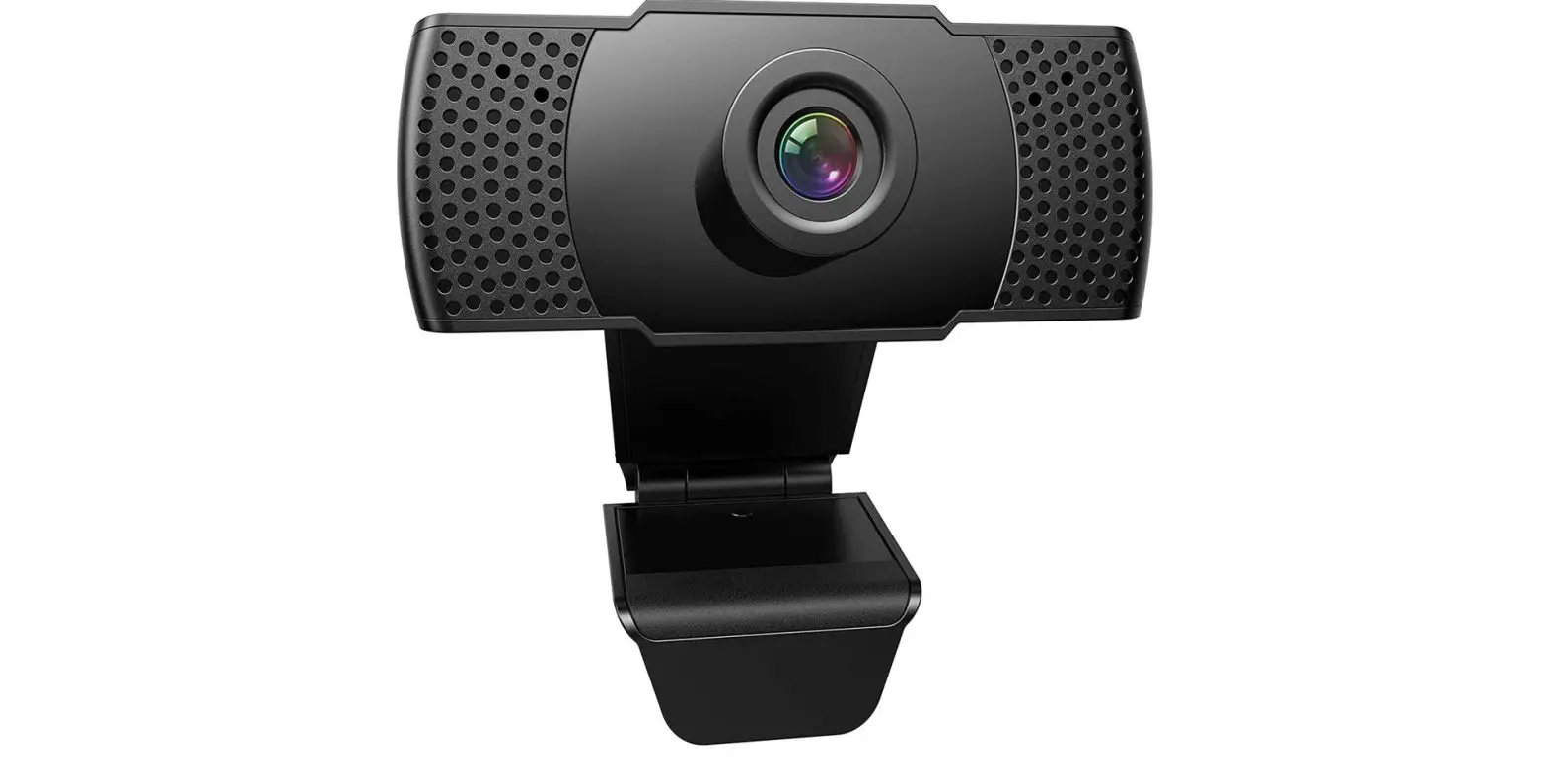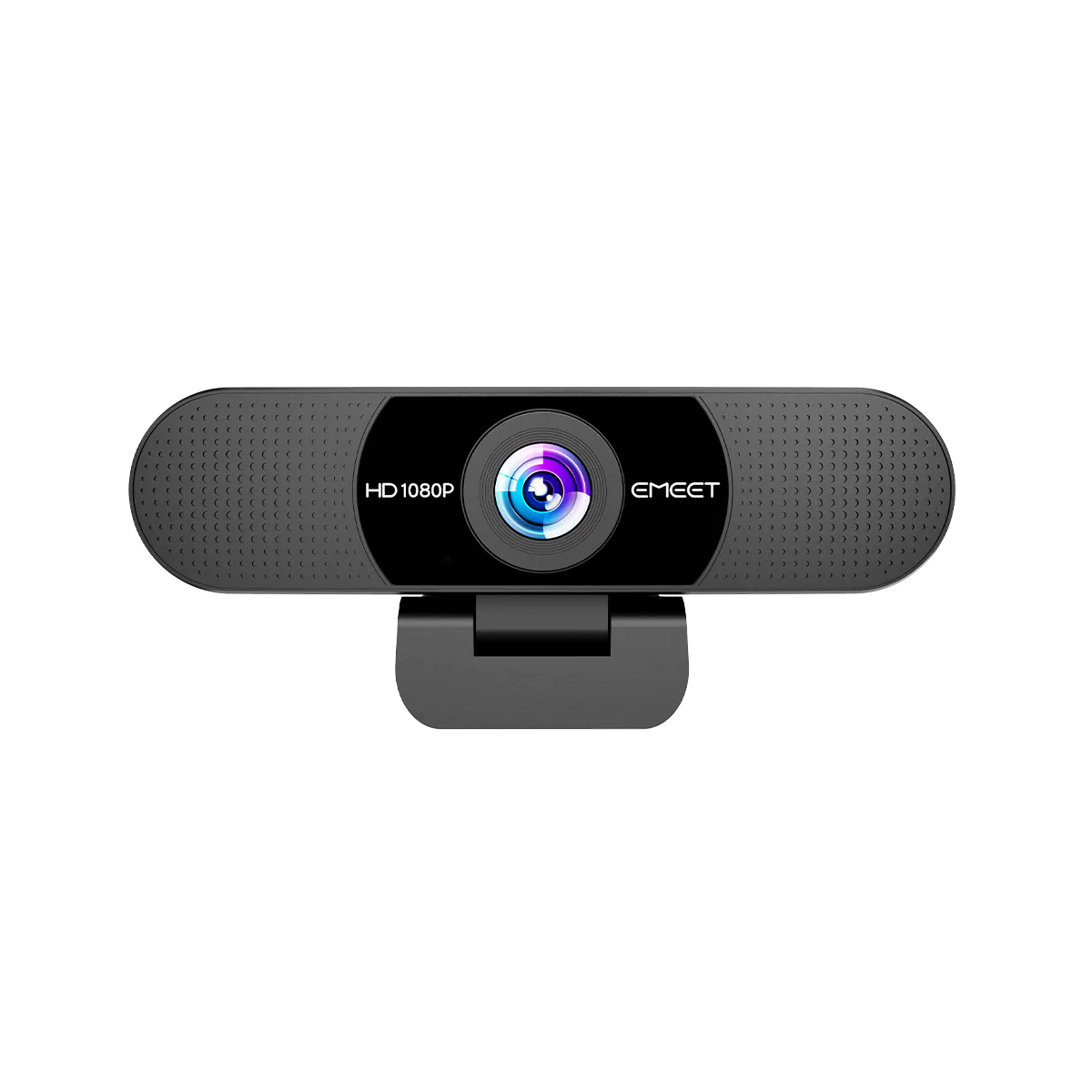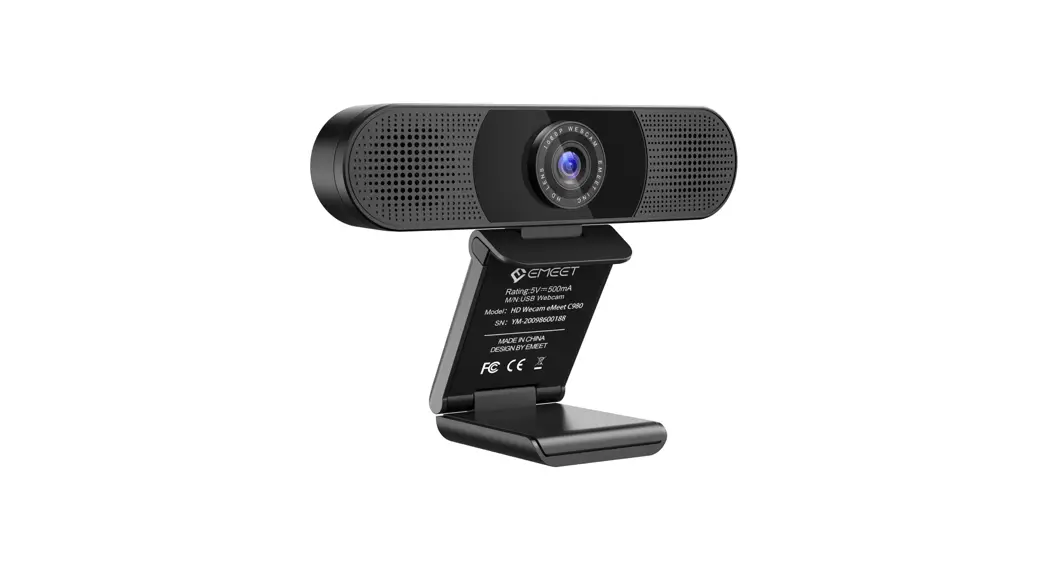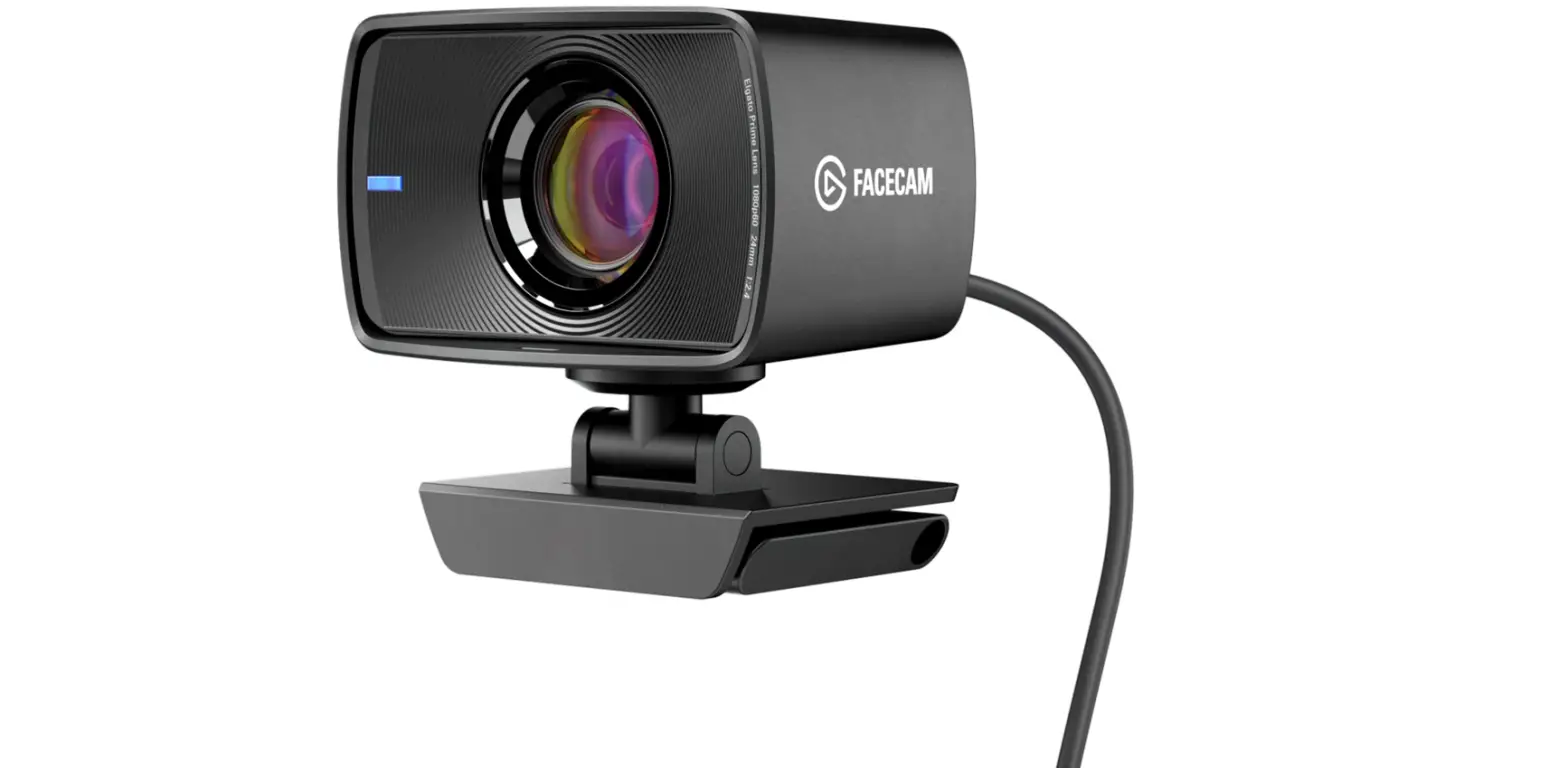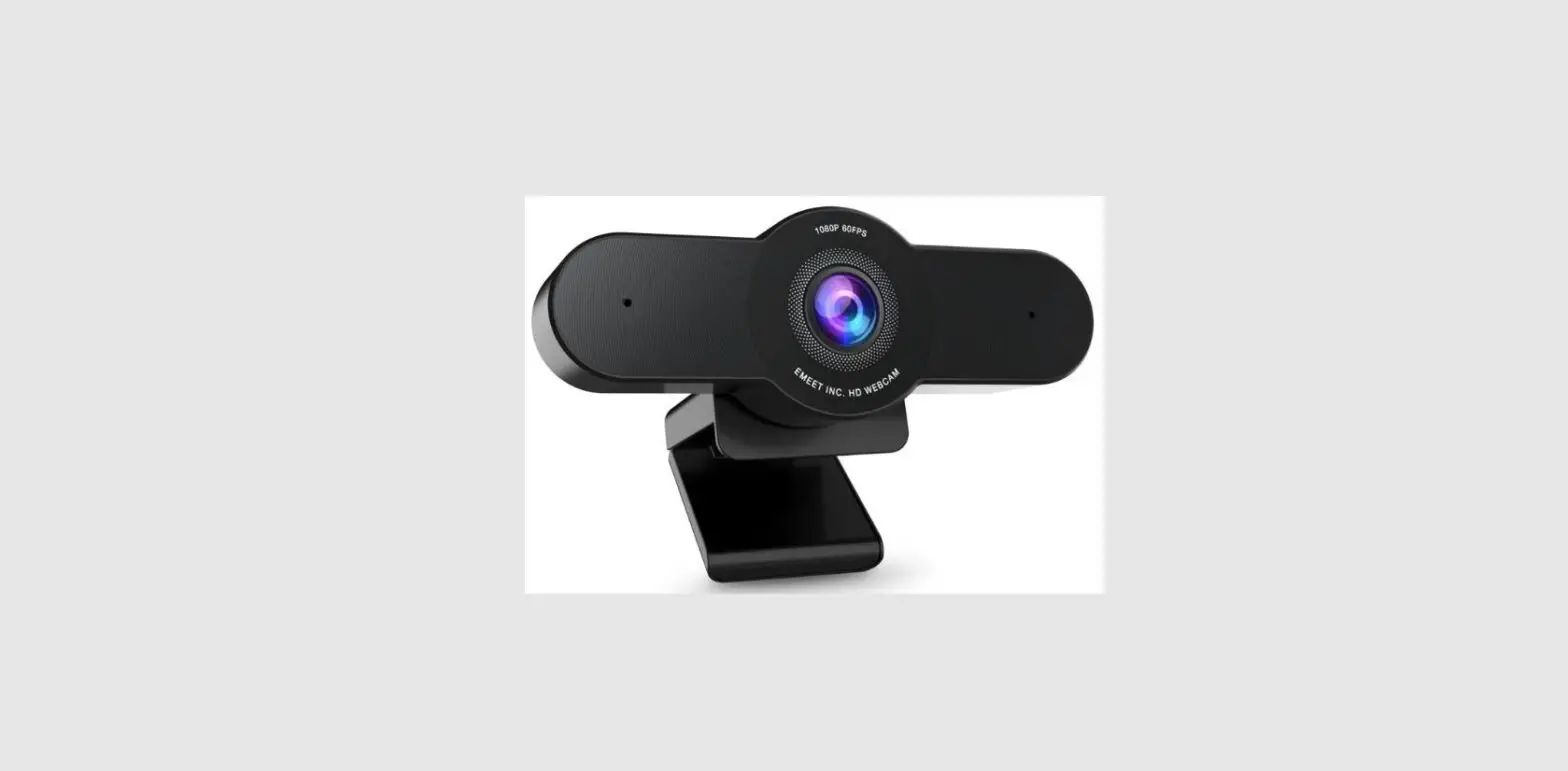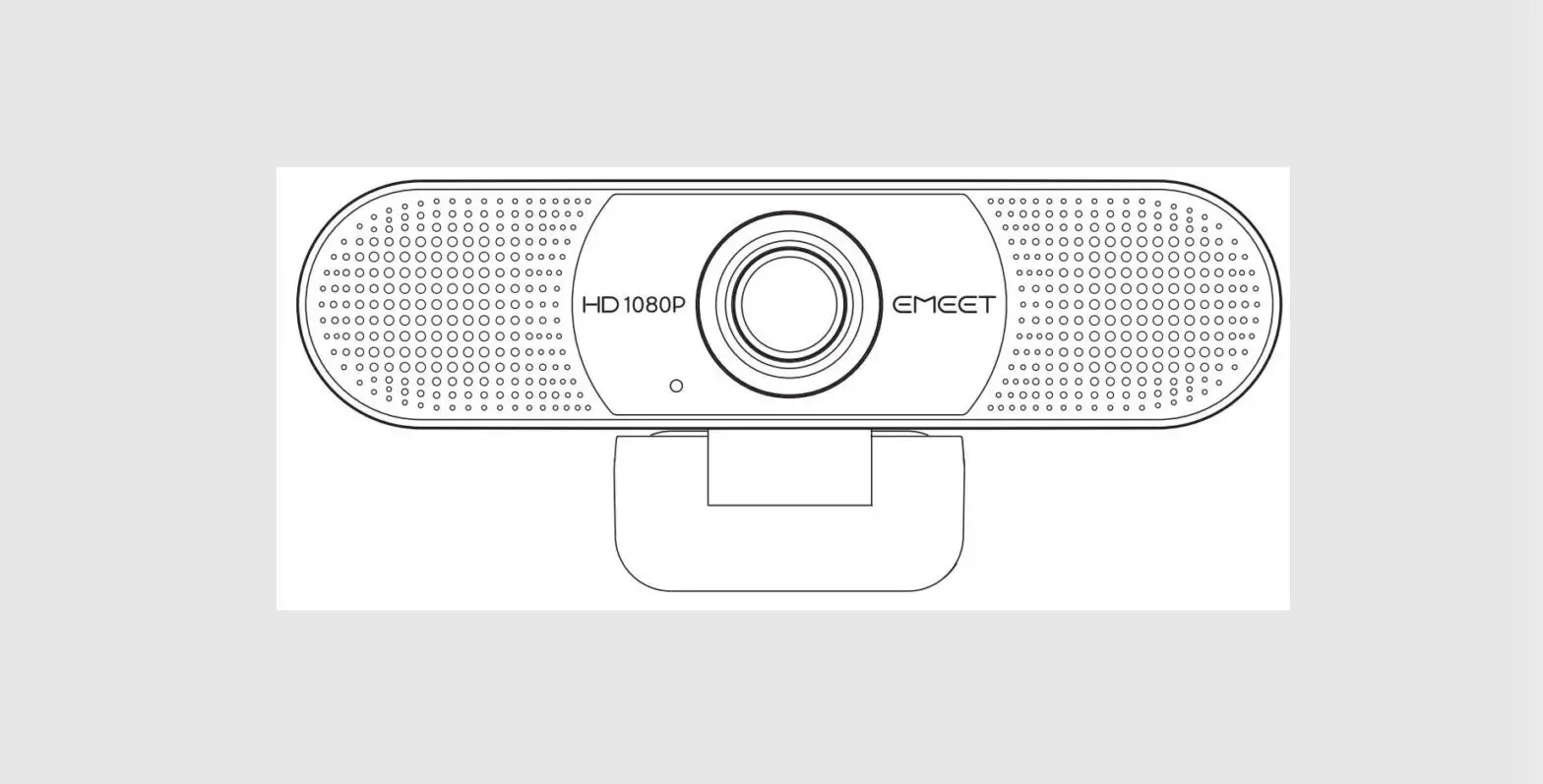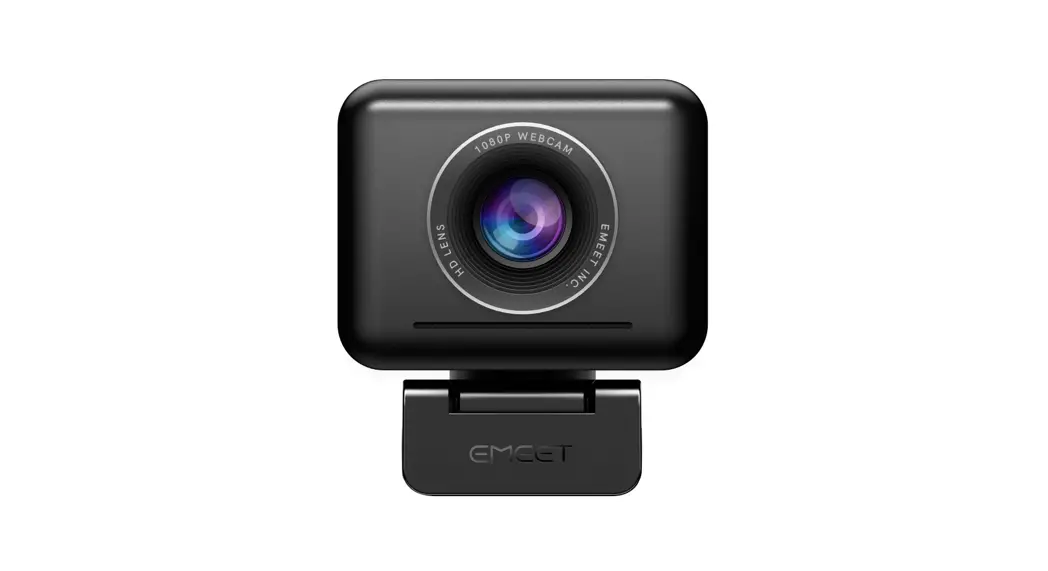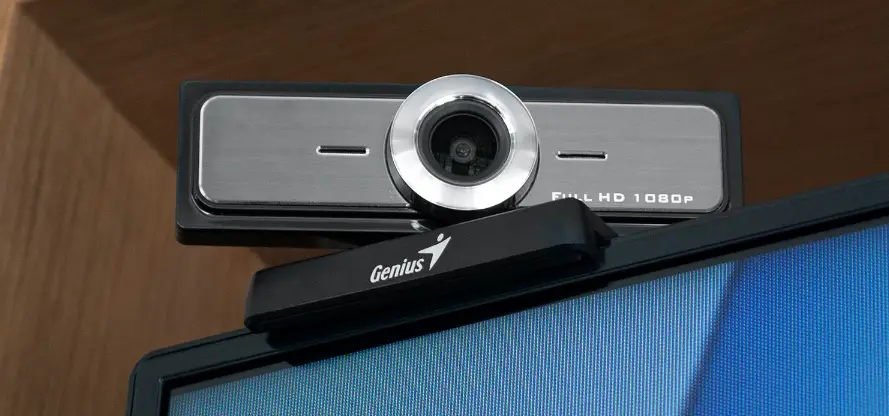

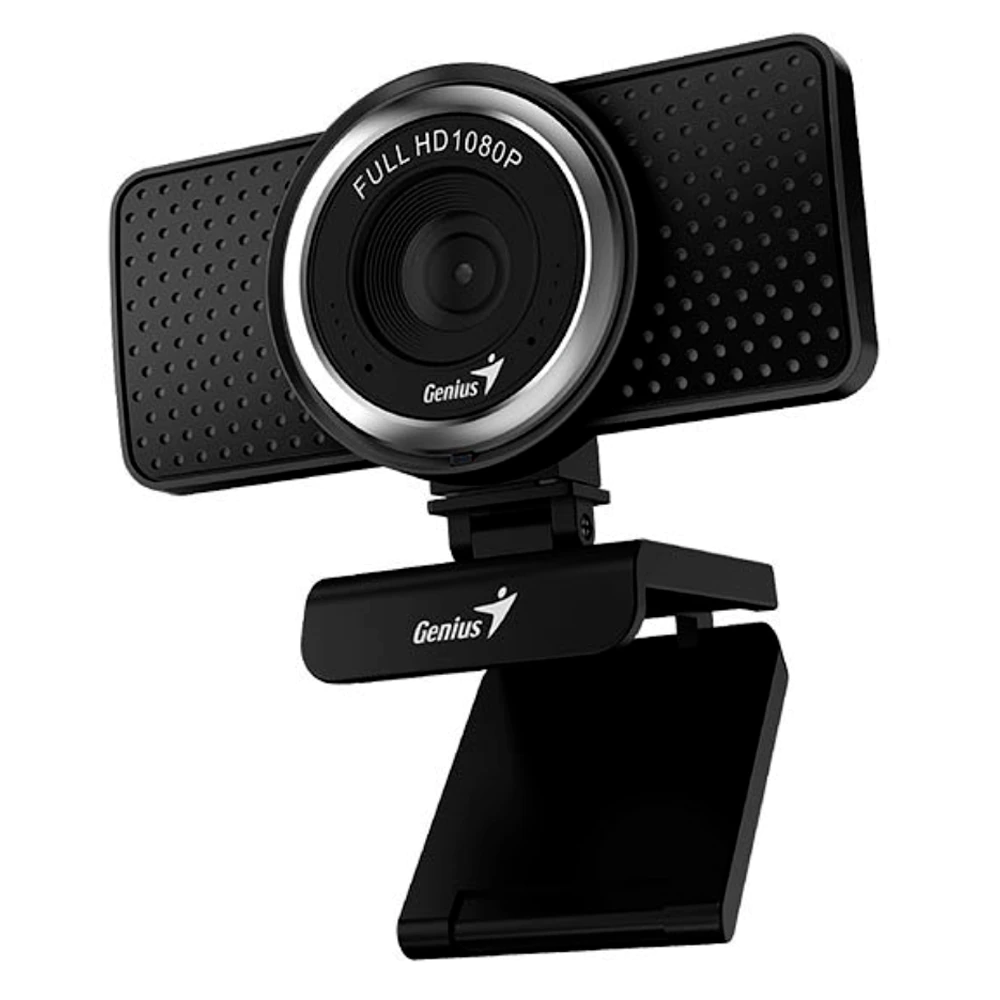
Genius ECam 8000 Full HD External Webcam
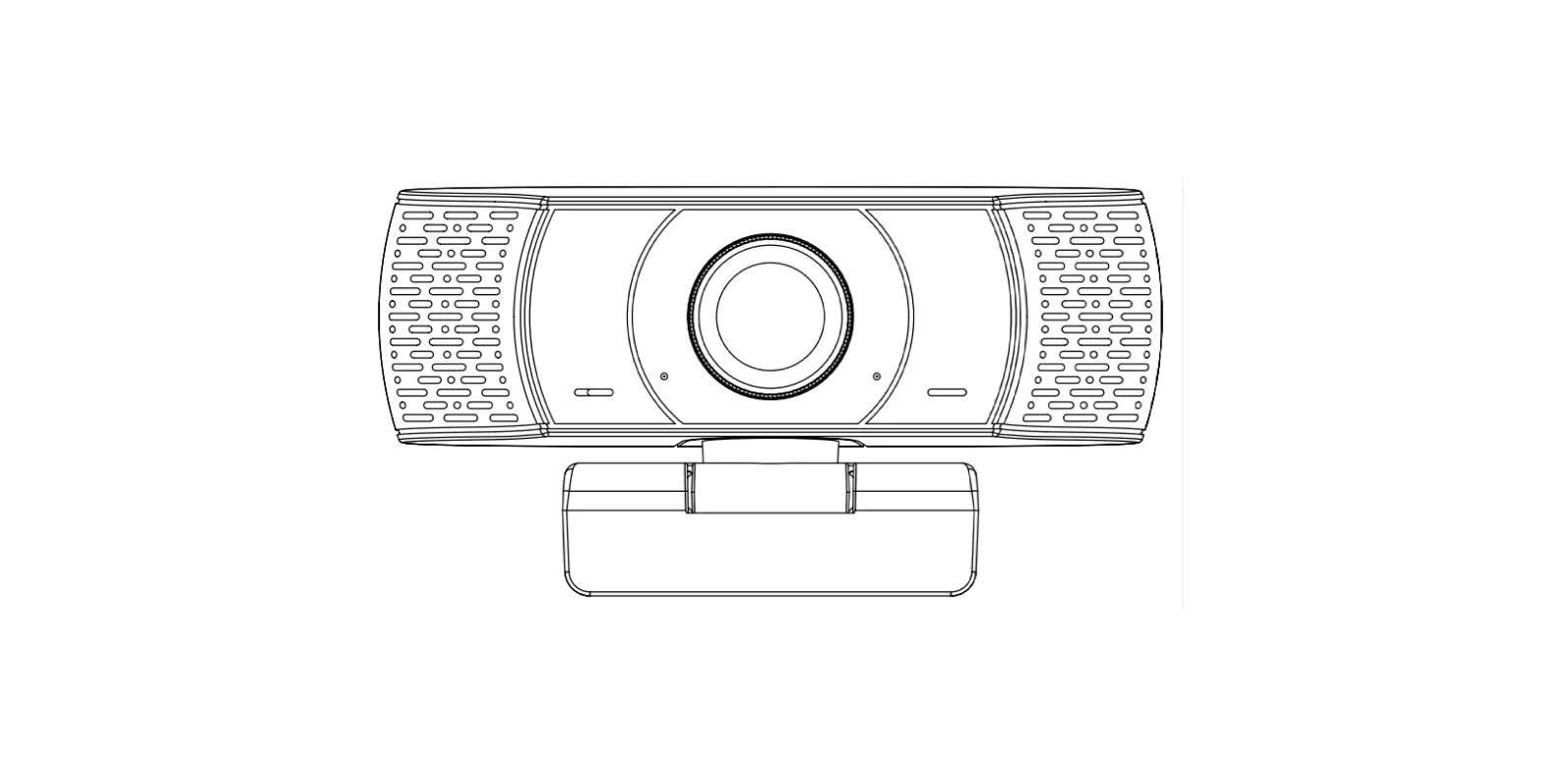
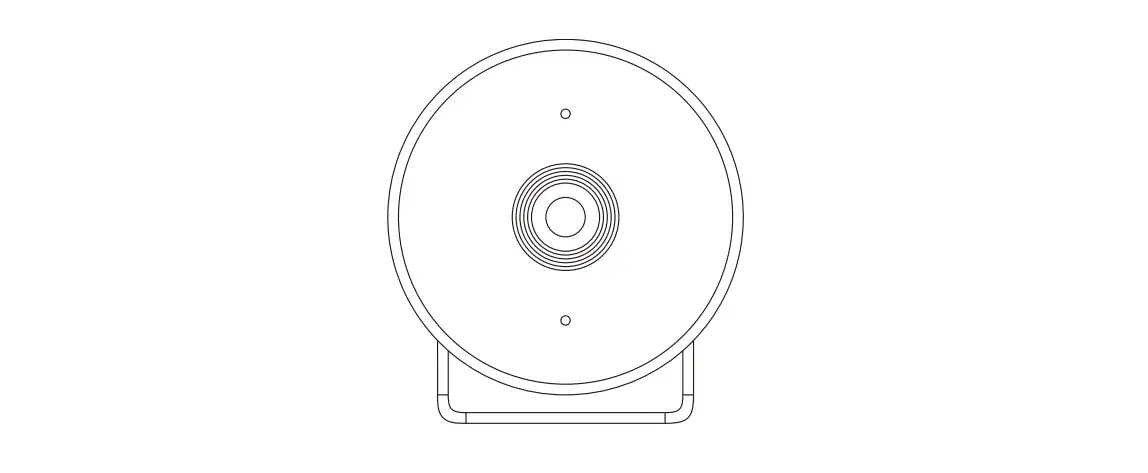
CAMERA FEATURES
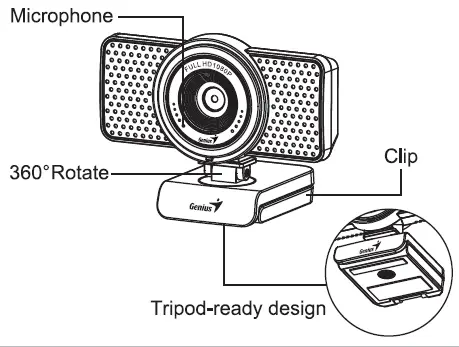
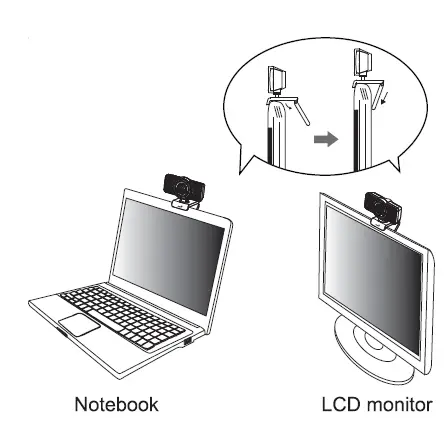
POSITION THE CAMERA
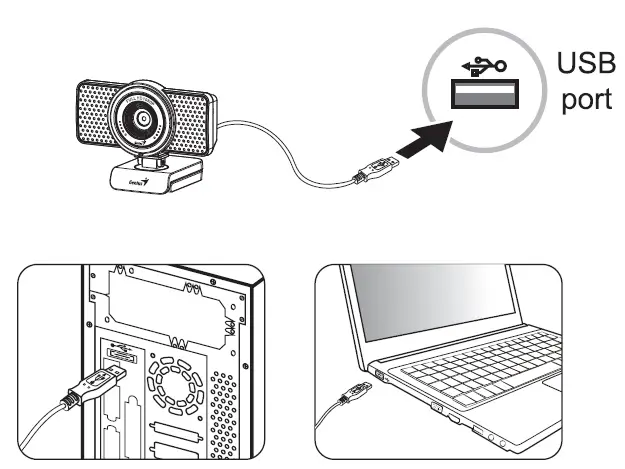
CONNECT THE CAMERA
KYE Systems corp.
#492, Sec. 5, Chongxin Rd., Sanchong Dist., New Taipei City 24160, Taiwan Tel: 886-2-2995-6645 Fax: 886-2-2995-6649
Email: [email protected]
Email: [email protected] (
(Tech. Support) http://www.geniusnet.com
KYE Systems America Corp. (Miami)
2090 NW 133 Avenue, Unit 2, FL 33182, USA Tel: 1-305-468-9250 Tel: 1-305-468-9250 ext 16
(Tech. Support)
Fax: 1-305-468-9251
Email: [email protected] http://www.geniusnet.com
KYE International Corp. (USA & Canada)
12675 Colony Street, Chino, CA 91710, USA
Tel: 1-626-226-2677 Tel: 1-800-756-4115 (Toll Free Line)
Fax: 1-626-226-2679
http://www.geniusnetusa.com http://www.geniuseshop.com
Set up the Camera
ECam 8000/QCam 6000 supports UVC (USB Video Class) which can plug and play in Windows 7, 8, 10 or later without using a device driver.
- Make sure your PC OS system is Windows 7, 8, 10 or later.
- Plug in the ECam 8000/QCam 6000 to a USB port.
- ECam 8000/QCam 6000 is now ready for use with any application. It can work properly with any video chat software that supports a video feature.
Symbol for Separate Collection in European Countries
This symbol indicates that this product is to be collected separately.
The following apply only to users in European countries:
- This product is designated for separate collection at an appropriate collection point.
Do not dispose of as household waste. - For more information, contact the retailer or the local authorities in charge of waste management.