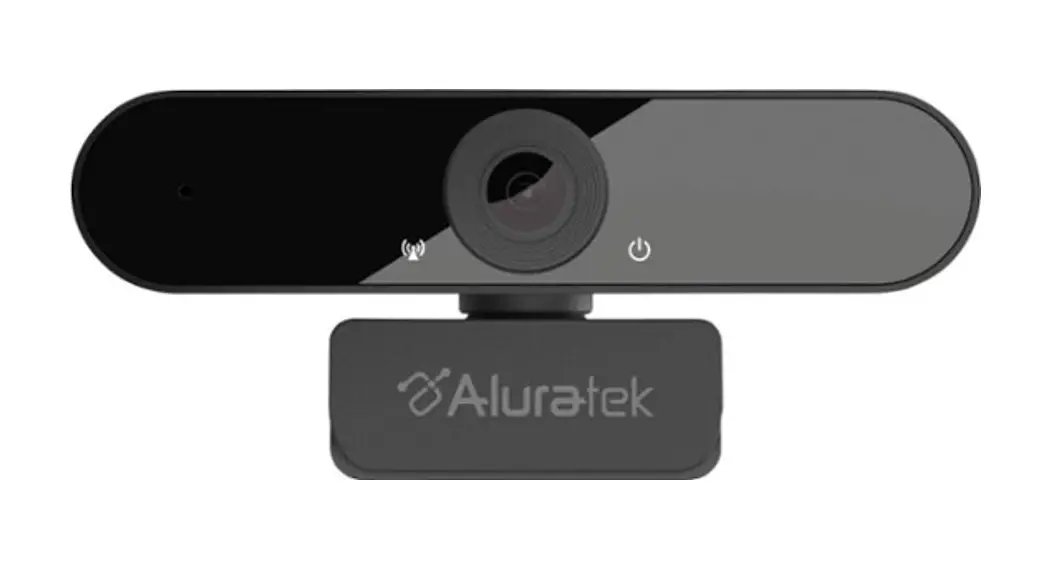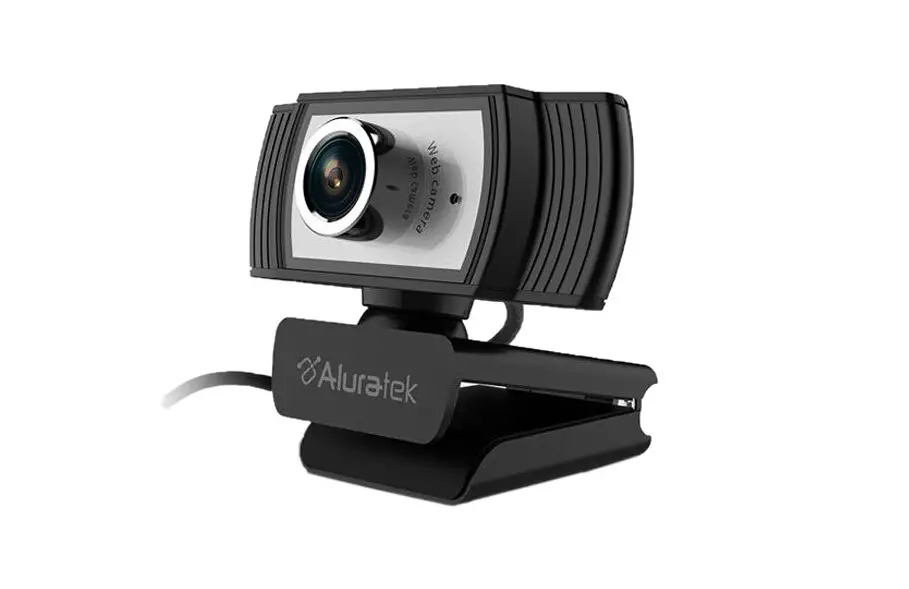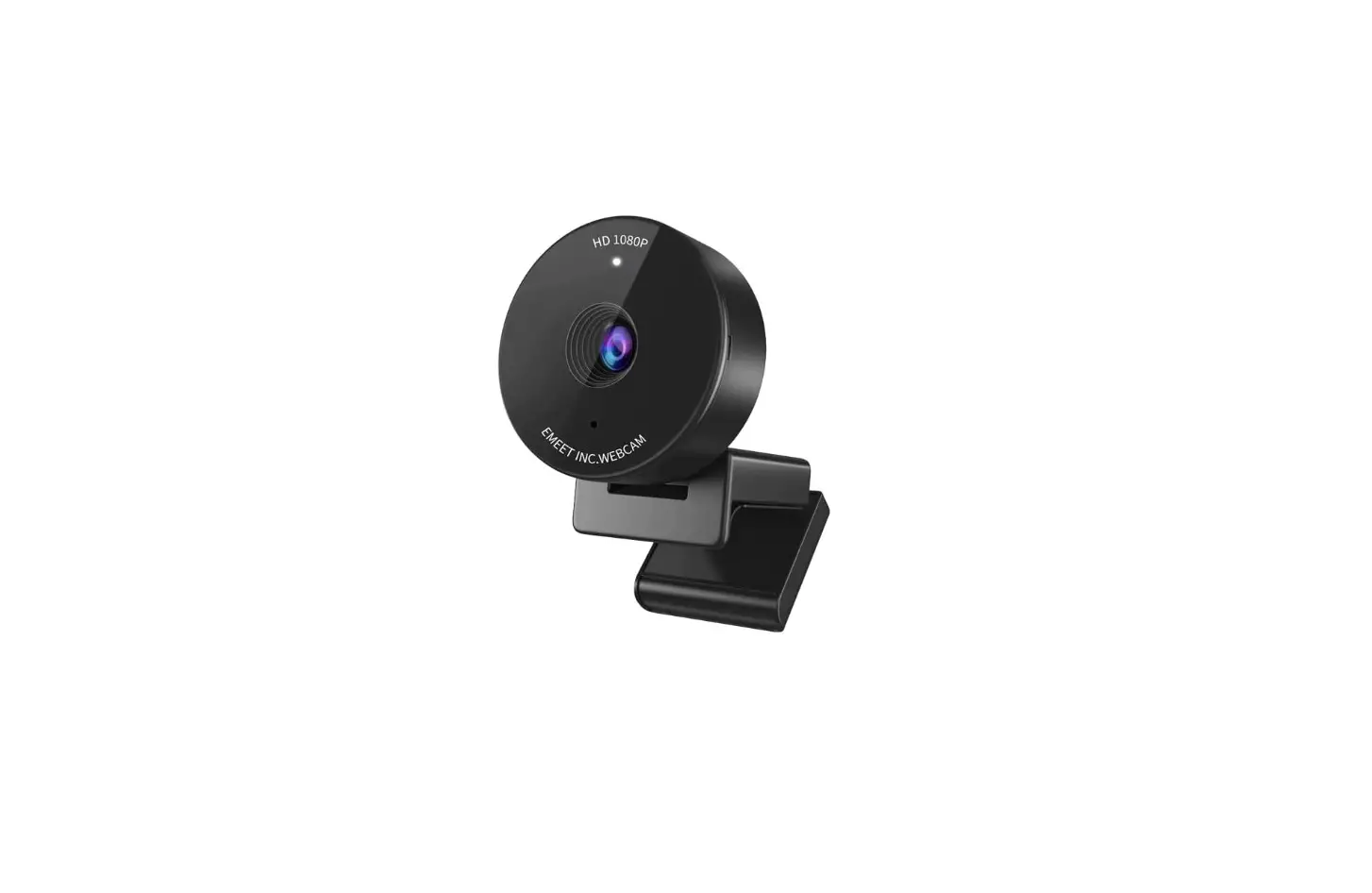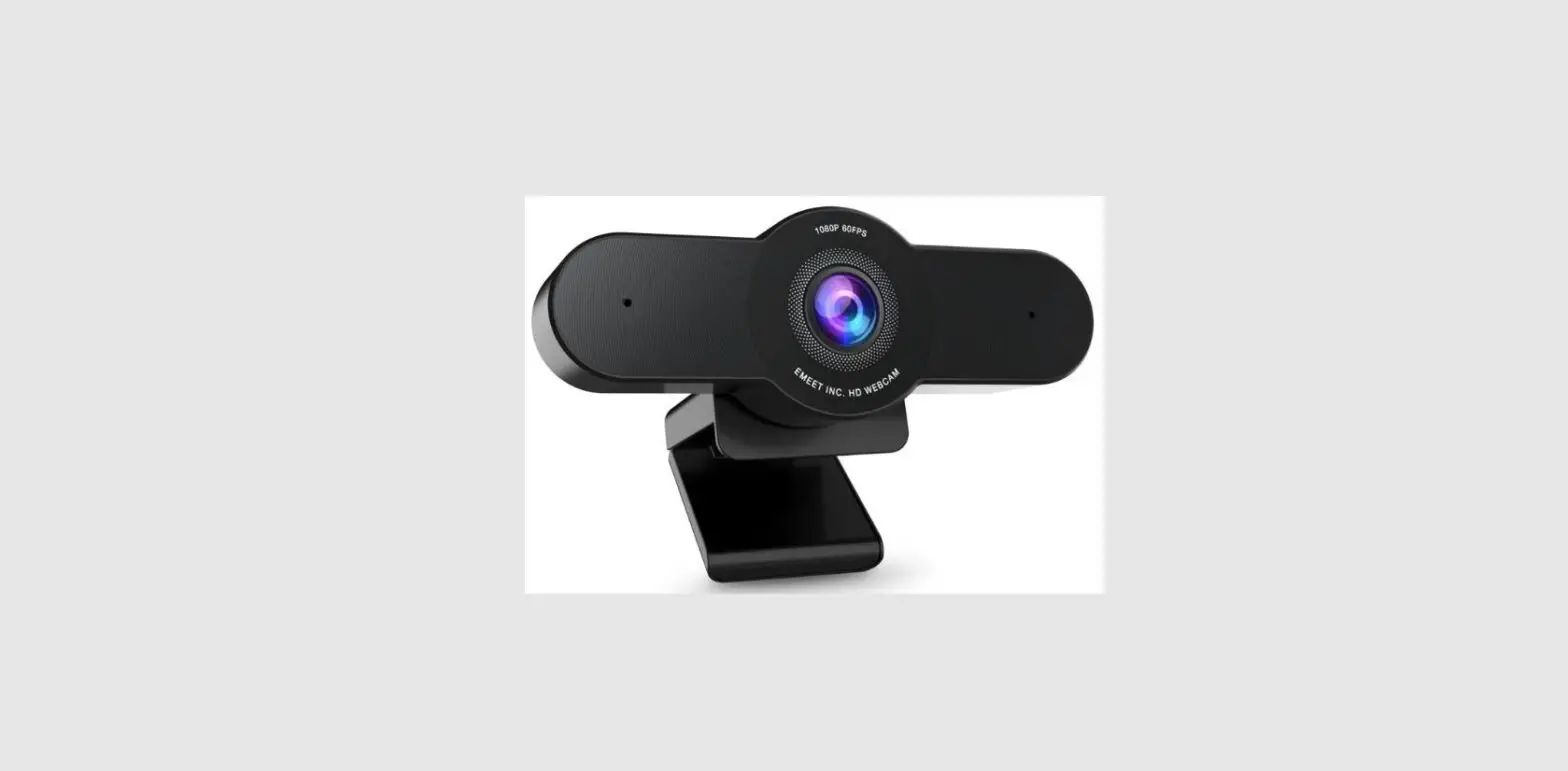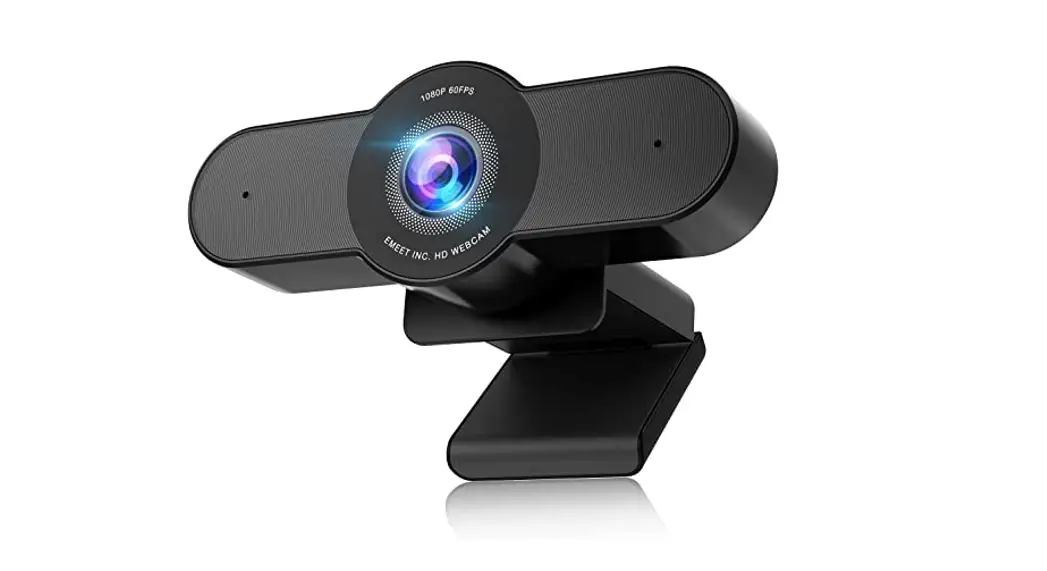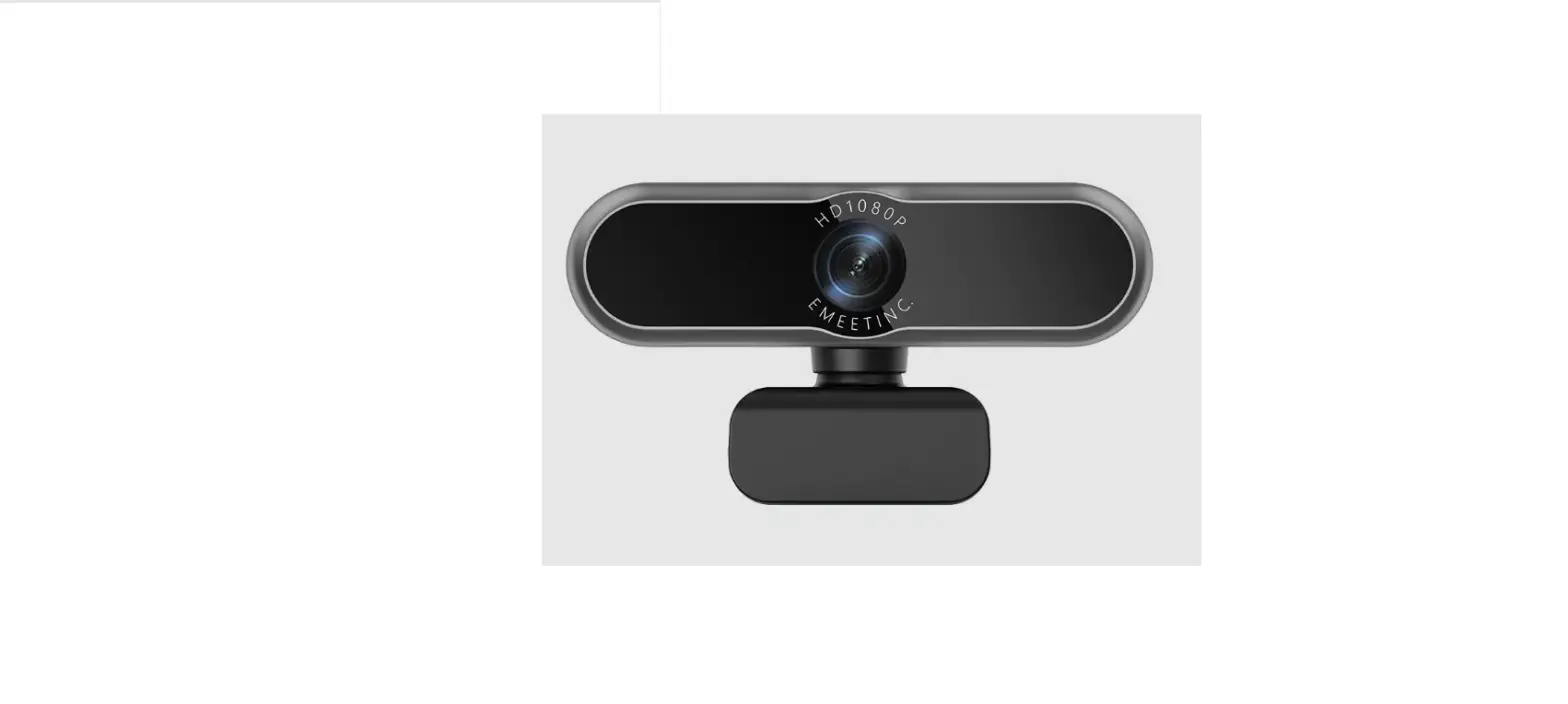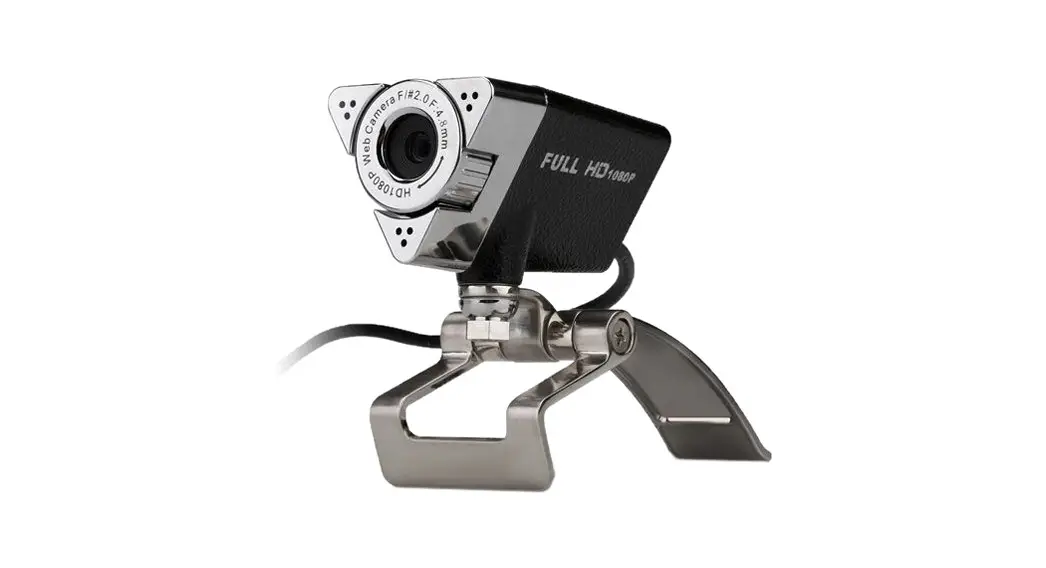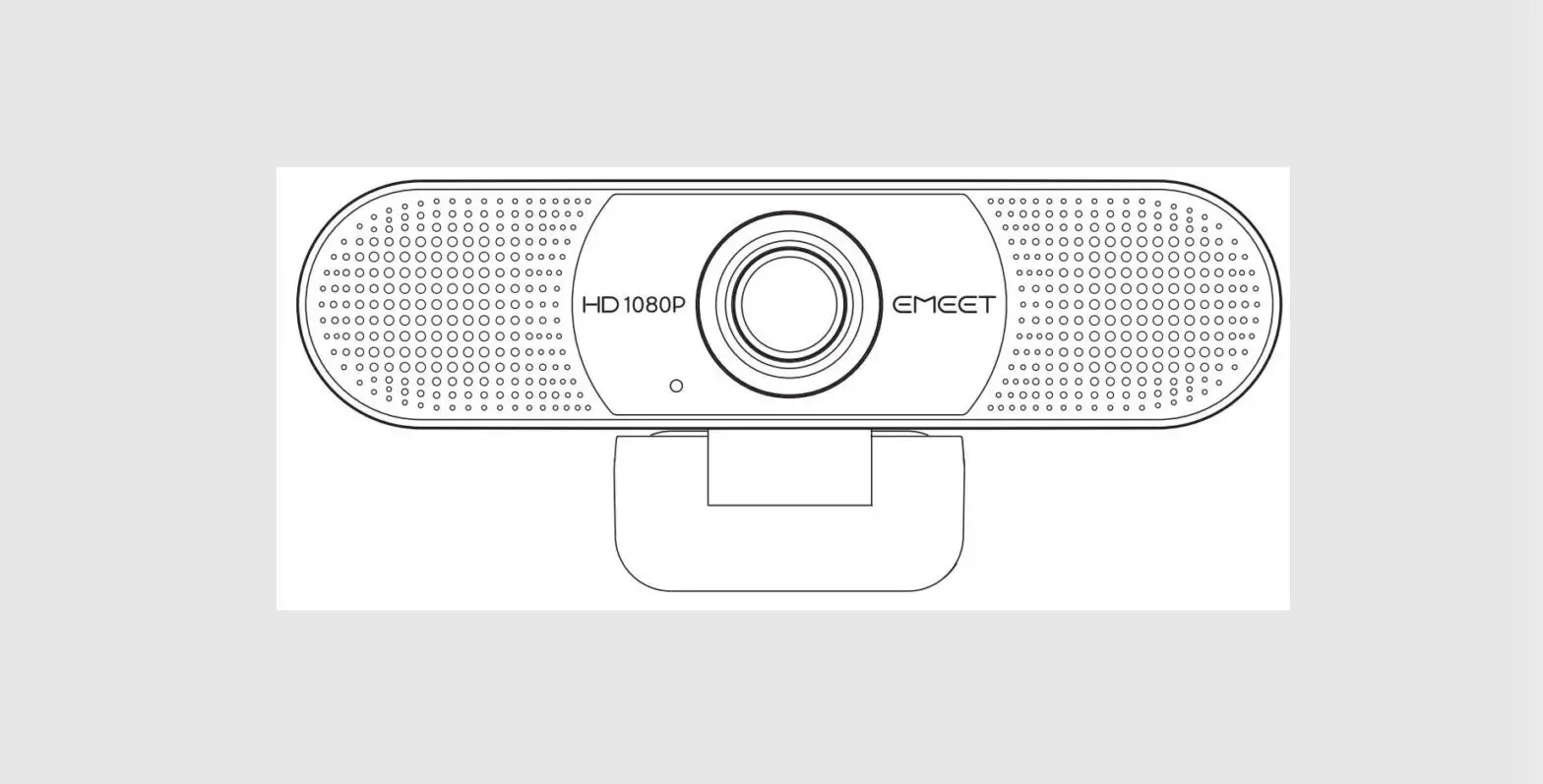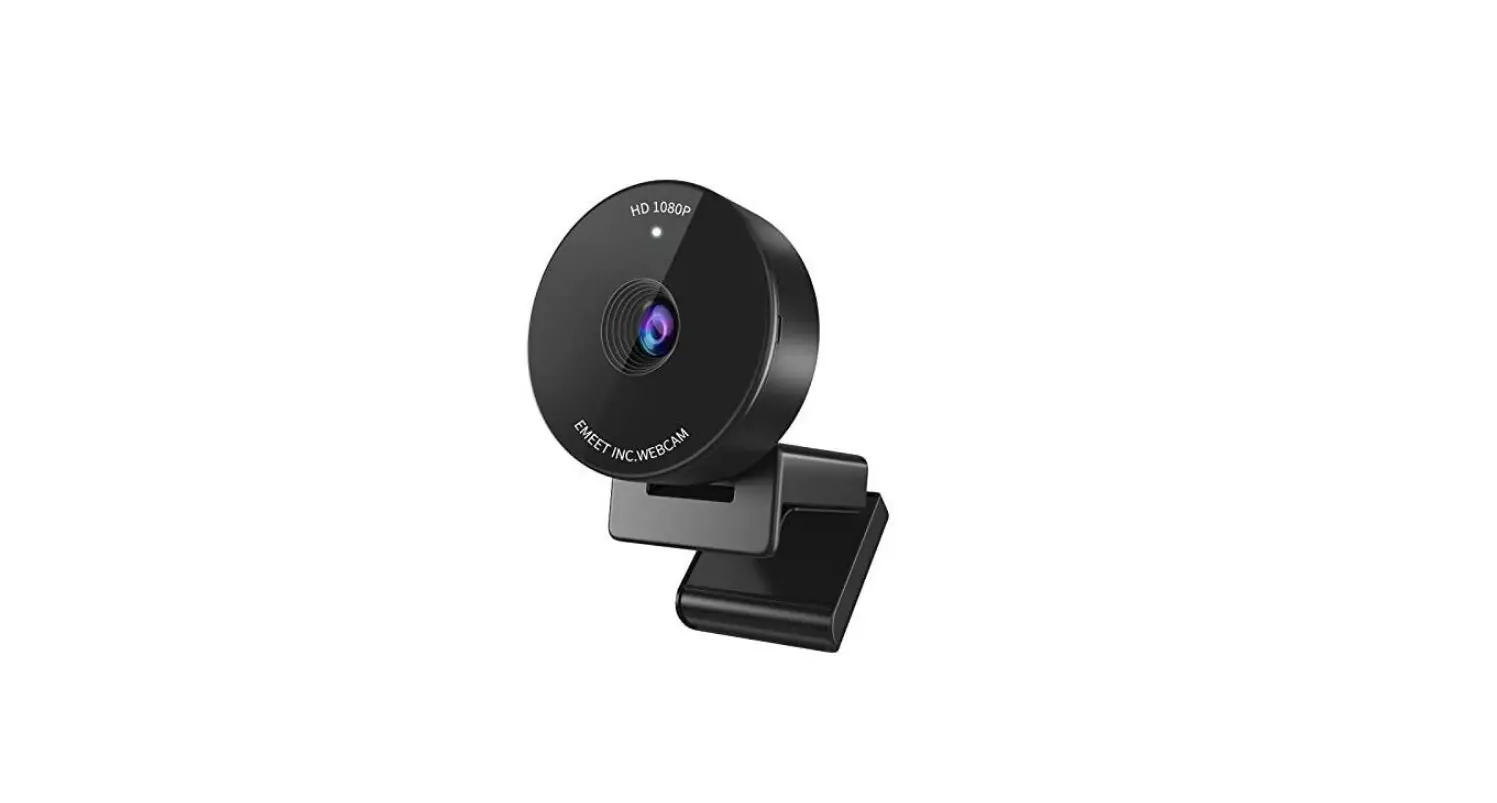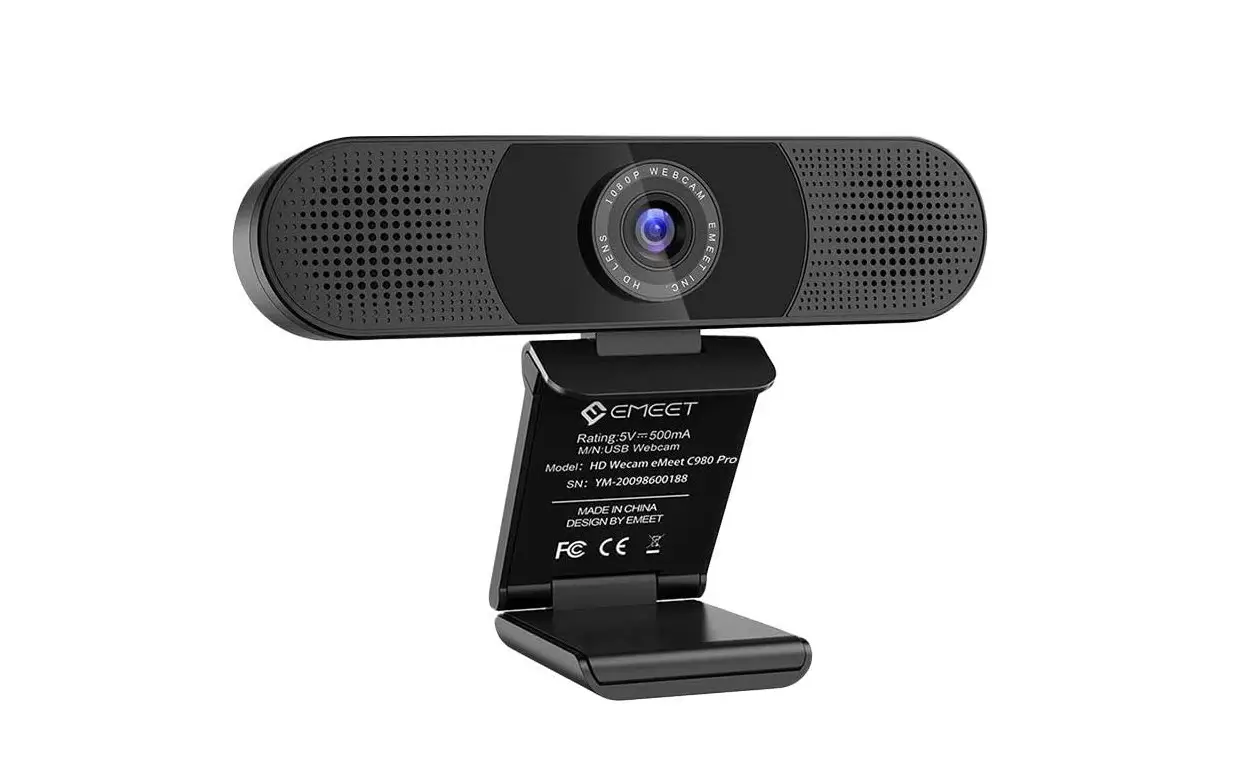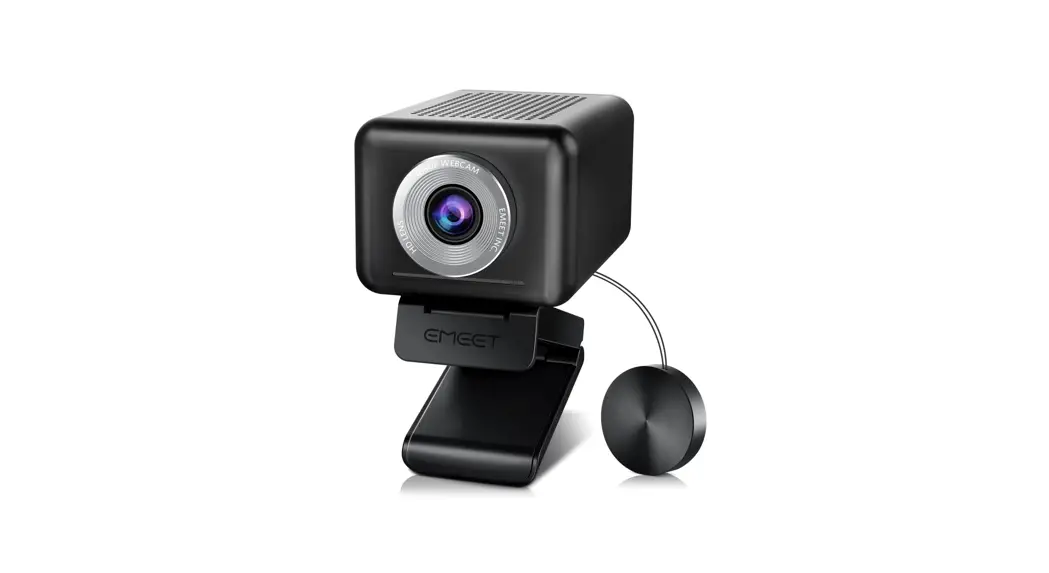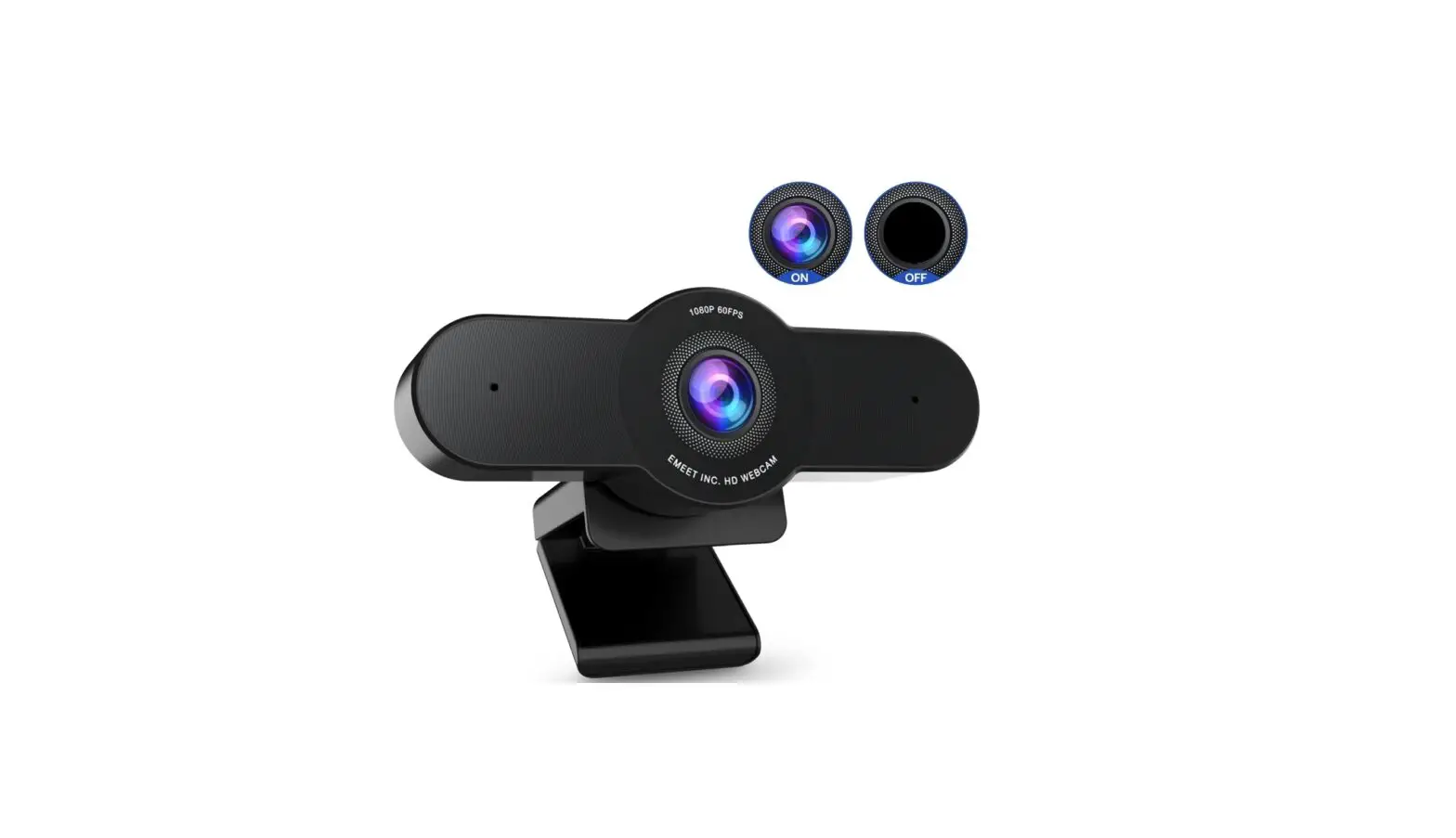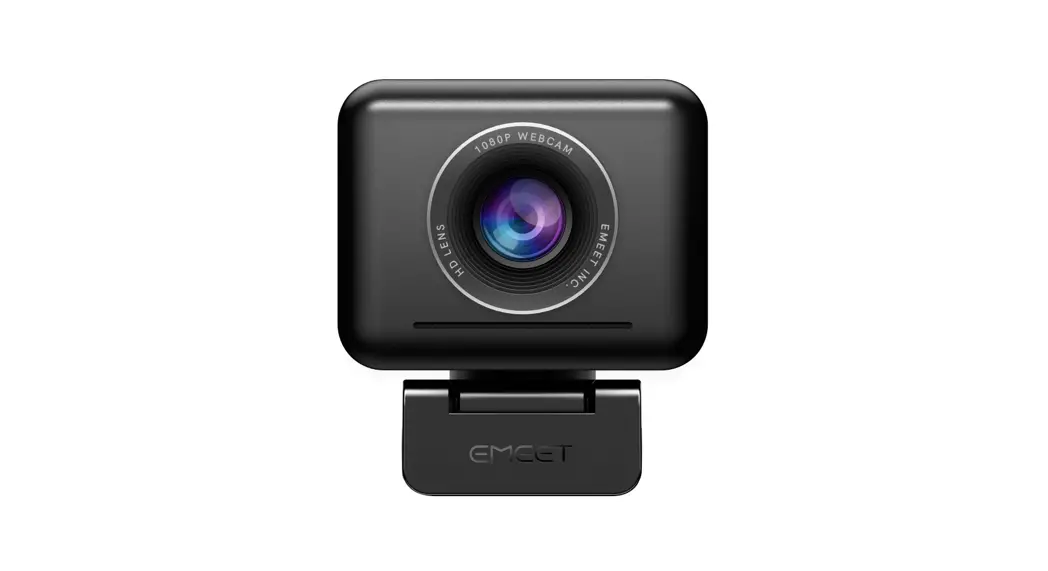

AWJ01A1 Jupiter 1080p Webcam
User Guide
- Connect to PC

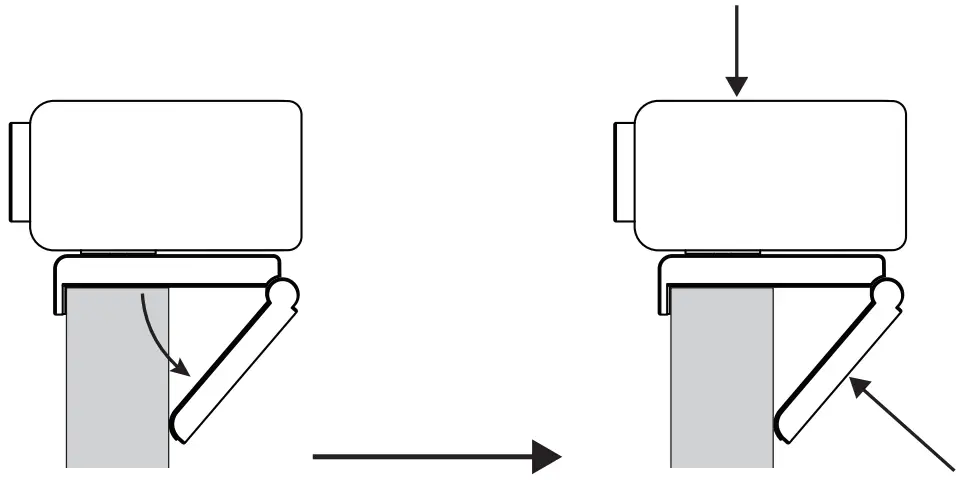
- Setting up the webcam

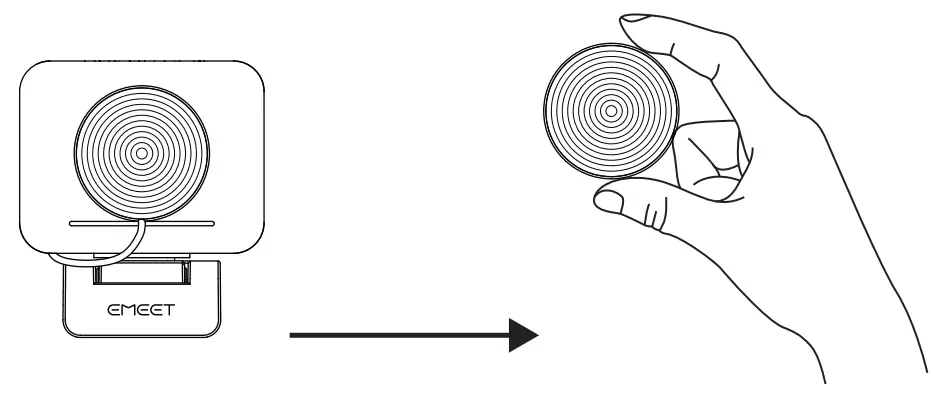
- Remove the privacy cover

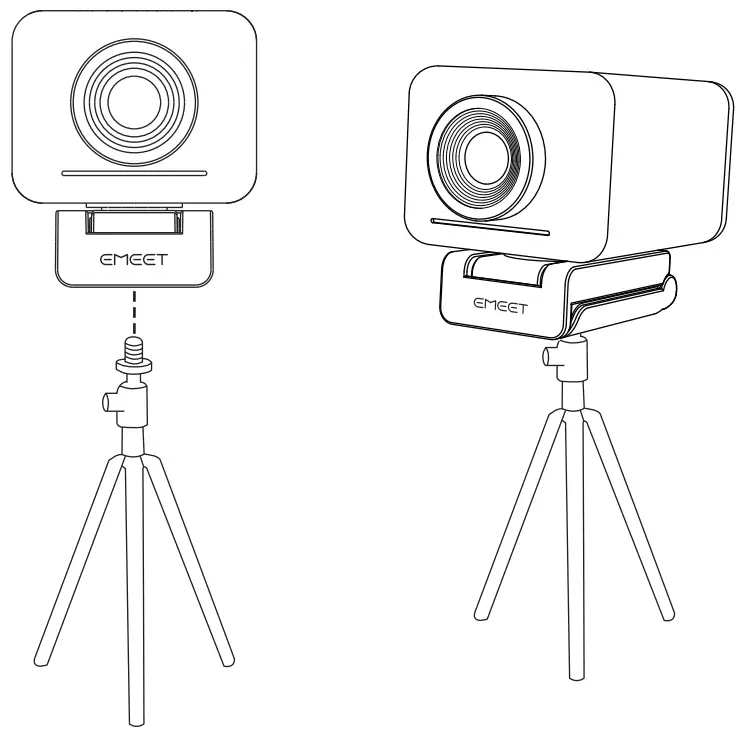
- Mount to tripod

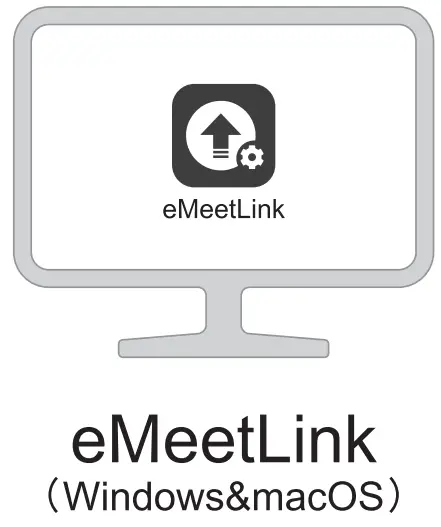
- E Meet Link (Windows & macOS)
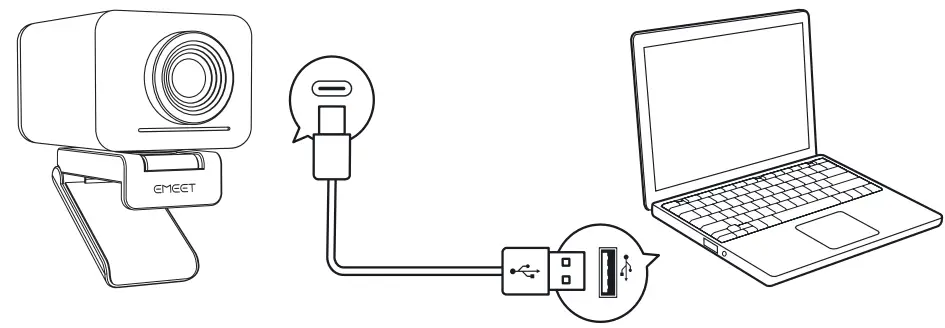
 www.emeet.ai/meeting
eMeetLink software can be downloaded from this website
Al ON*
• When you turn on the Al focus algorithm, Jupiter automatically magnifies the screen, placing participants in the best position within the frame.
Al OFF**
• When you turn off the Al focus algorithm, Jupiter will not automatically magnify the screen, and everything that comes through the lens will be displayed on the screen.
** If you need to turn off the Al focus algorithm, you may download eMeetLink at www.emeet.ai/support to turn it off.
eMeet One (1) Year Limited Warranty
Limited one (1) Year Warranty with eMeet proof of purchase. The warranty does not cover normal wear and tear or damage caused by accidents or misuse. To protect your rights, please keep the proof of purchase. For service, please contact the US: + 1 888 959 5320 (EST 9:00arn-5:00pm)
 [email protected]
 www.emeet.ai
Safety Guide
Caution: To avoid electrical shock, do not open the housing of this product. In addition, users do not need to use the product’s internal parts. To repair the product, please contact qualified maintenance personnel or mail the product to our after-sales department.
- Please read this guide carefully.
- Please keep this guide.
- Pteaseobseive all warnings.
- Please follow all instructions.
- when cleaning this product use a dry cloth only.
- Choking hazard – This product contains small parts. It is not suitable for children under the age of 3.
- Do not to put this product near a heat source. such as a heating radiator, hot air regulator, stove, or loudspeakers (including amplifiers) that produce heat
- Do not use this product if you must remain alert to your surroundings, for example, while driving a car or riding a bike.
- Do not submerge this product in water or expose it to a damp environment for a long period of time. Do not use this product when engaging in water sports, such as swimming or surfing.
- Please protect the USB cable. Do not step on or apply pressure on them. Do not pull on the product’s plug socket or cable outlet
- It is recommended that users use the accessories that have been specified by the vendor.
- when not using the webcarrt please unplug the device from the USB port and turned off the power.
- To repair the product please contact our professional maintenance personnel If the product is damaged the product should be repaired. For example, if the power cable or plug is damaged, liquid has flowed into the product an object has fallen into the product has come into contact with rain or moisture, the product cannot operate properly, or if the product has fallen.
FCC statements
Federal Communication Commission (FCC) Radiation Exposure Statement The device has been evaluated to meet general RF exposure requirements The device can be used In portable exposure conditions without restriction.
FCC statements: This device complies with part 15 of the FCC rules. Operation Is subject to two conditions: (1) this device may not cause harmful interference, and (2) this device must accept any interference received, including output power if such function is available.
CE statement
EU Regulatory Conformance
Hereby, SHENZHEN EMEET TECHNOLOGY CO., LTD.
Corporation declares that this device is in compliance with the essential requirements and other relevant provisions of Directive 2014/53/EU. For the declaration of conformity, visit the Web site www.emeet.ai. Due to the used enclosure material, the product shalt only be connected to a USB Interface of version 2.0 or higher. The connection to so-called power USB is prohibited.
CAUTION RISK OF EXPLOSION IF BATTERY IS REPLACED BY AN INCORRECT TYPE. DISPOSE OF USED BATTERIES ACCORDING TO THE INSTRUCTIONS
If you use a third-party charger, the recommended output voltage/current of the adaptor is 5Vdc/1A., and the adapter shall be CE approval type.
The suitable temperature for the product and accessories is 0-35 C.
Manufacture Name: Shenzhen eMeet Technology Co., Ltd.
Manufacturer Address: Unit 2C, Building A6, Guangming Science Park, Guanguang Road 3009
Guangming District Shenzhen, China
Importer Name: LEVEL ONE Support Ltd
Importer Address: Friedrichstr. 123, 10117, Berlin, Germany
– Copyright © Shenzhen eMeet Technology Co., Ltd.
eMeet shall not be held liable for any errors which may be contained in this manual.
The information contained in this manual is subject to change without notice.