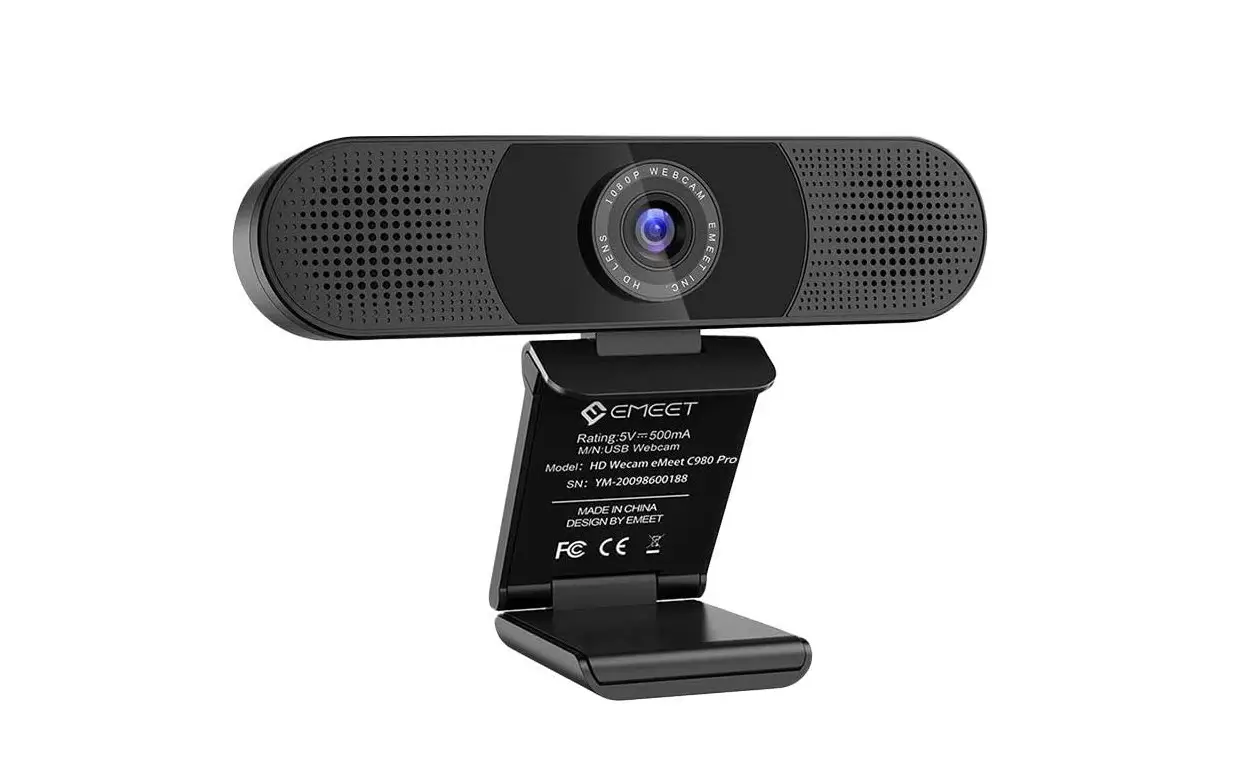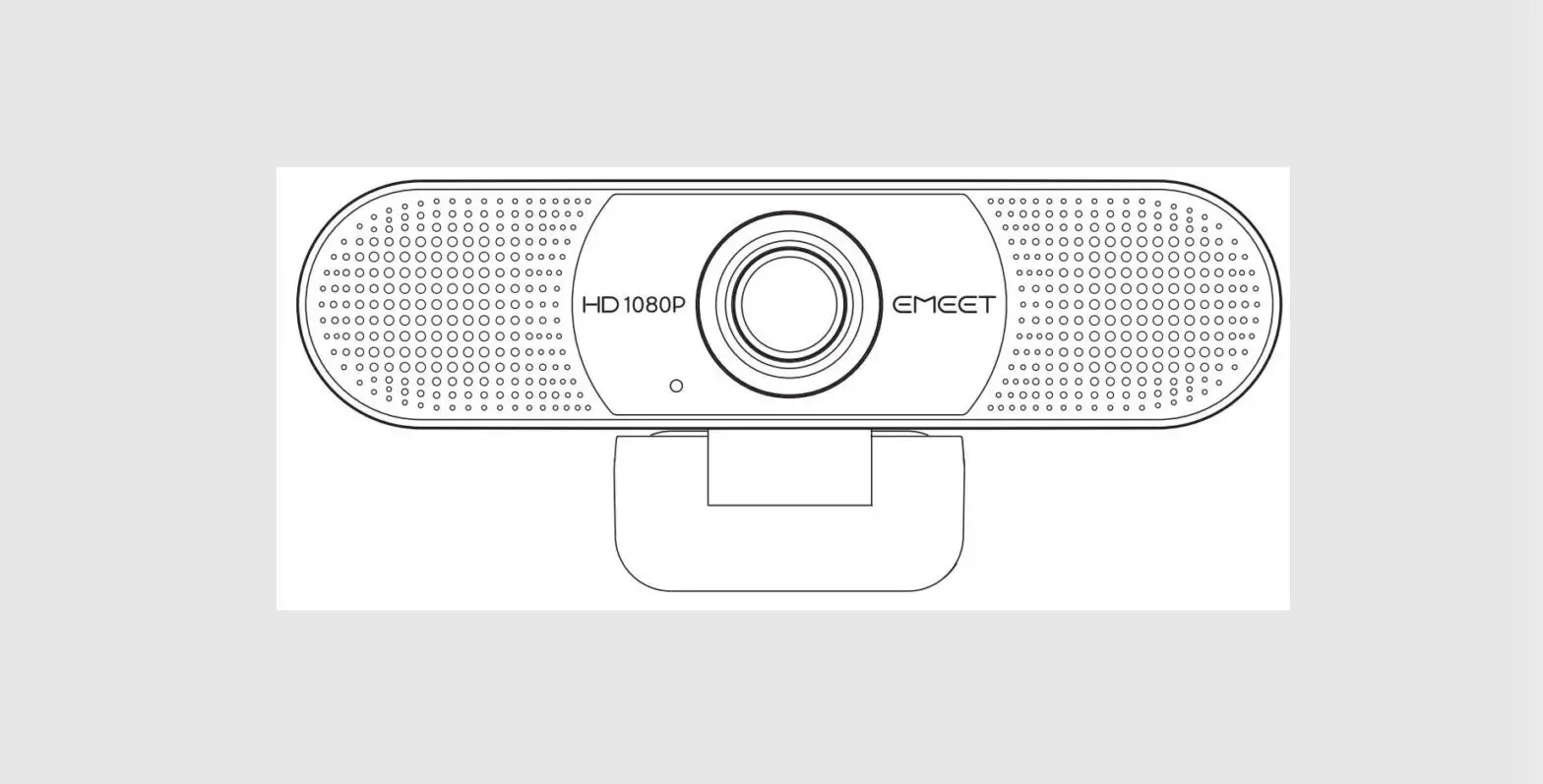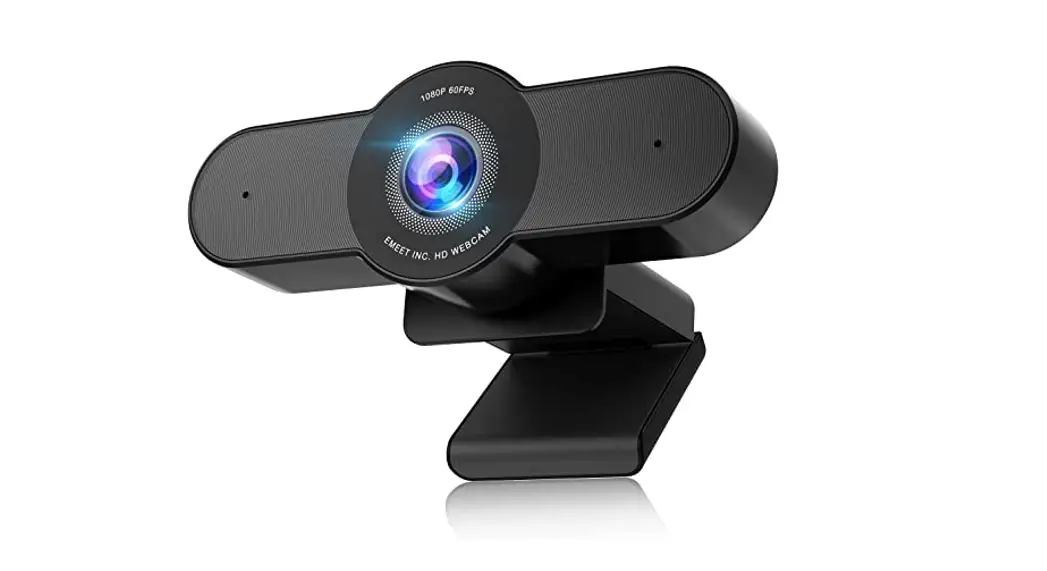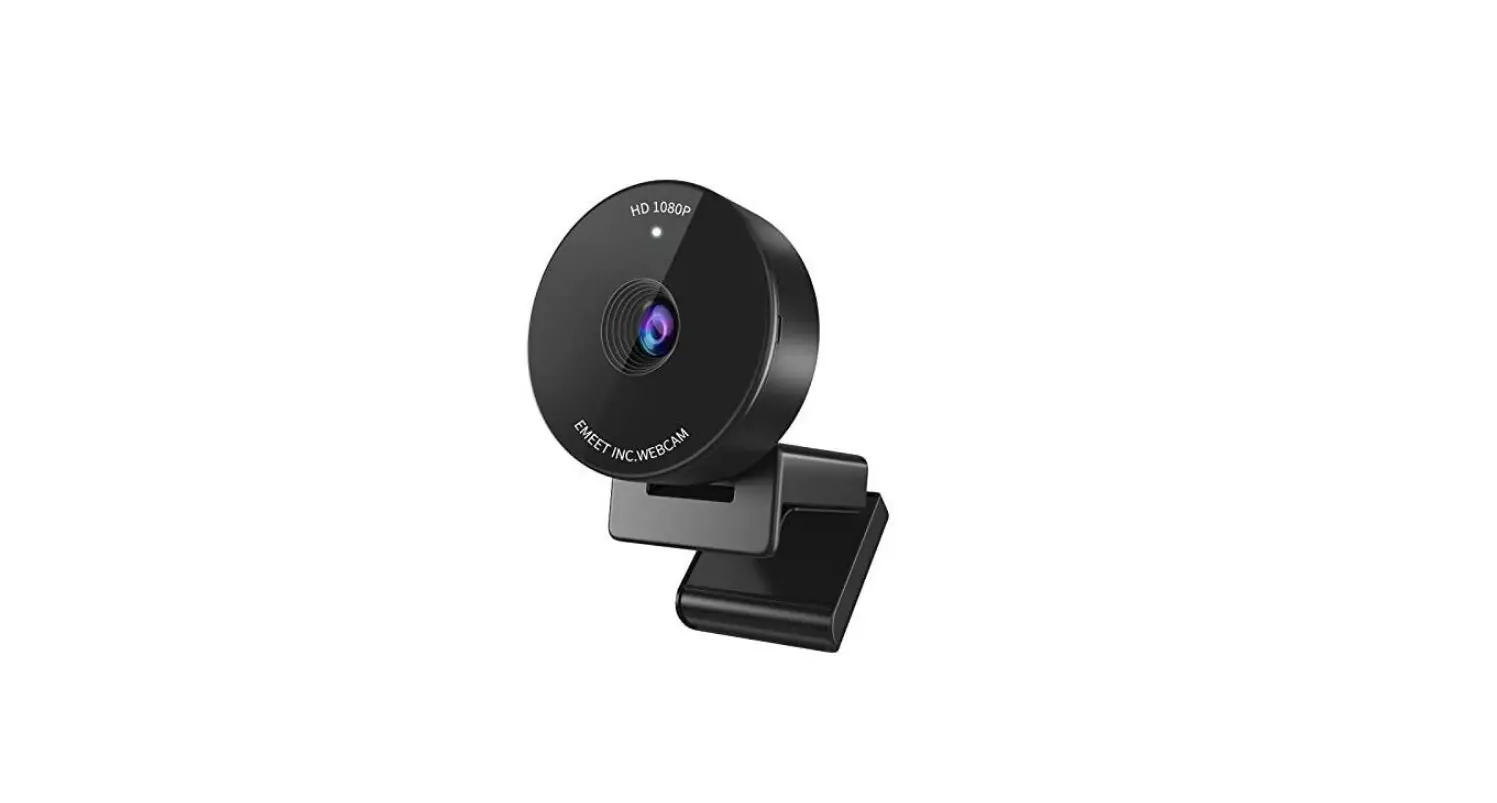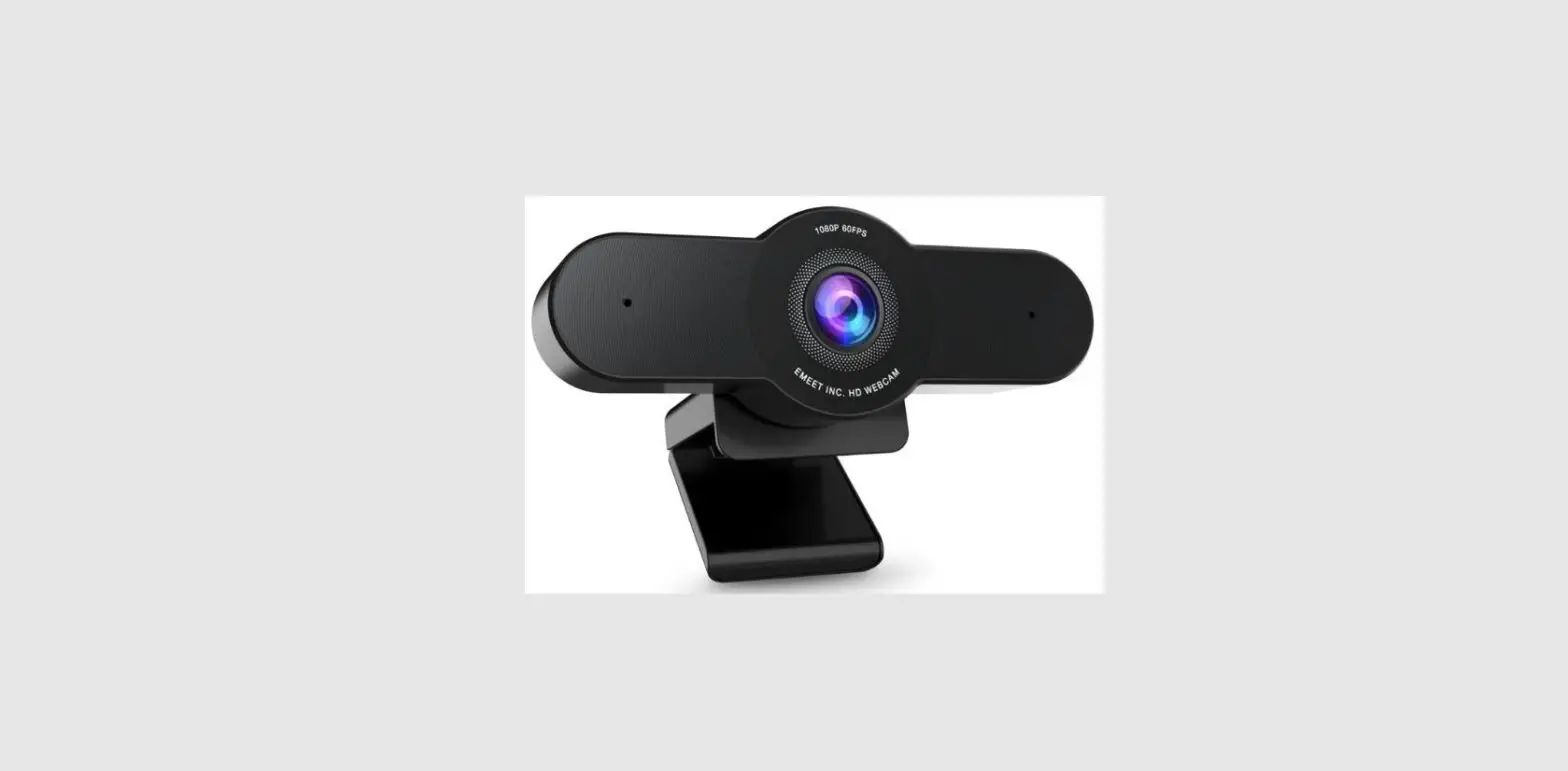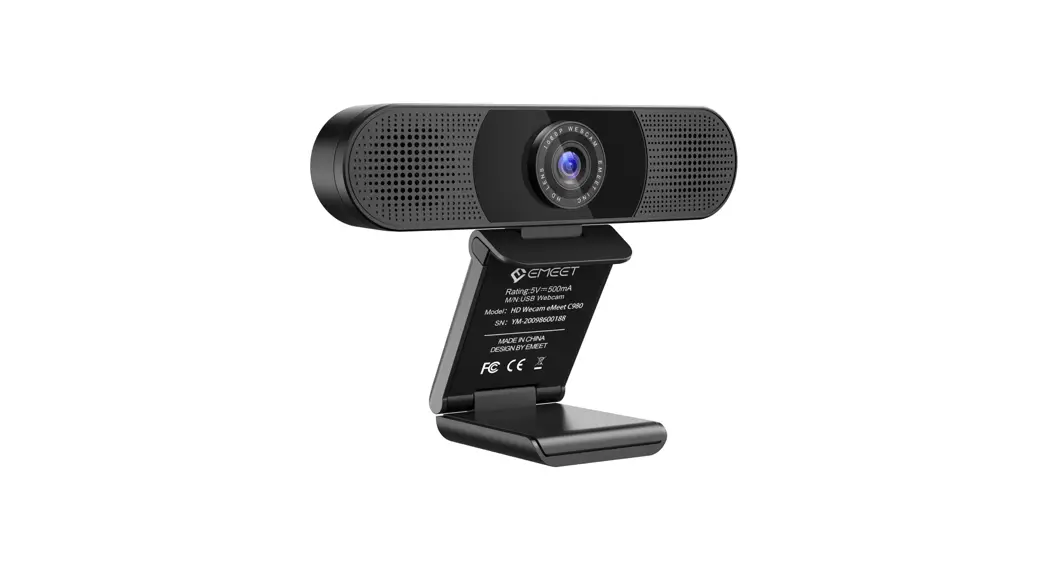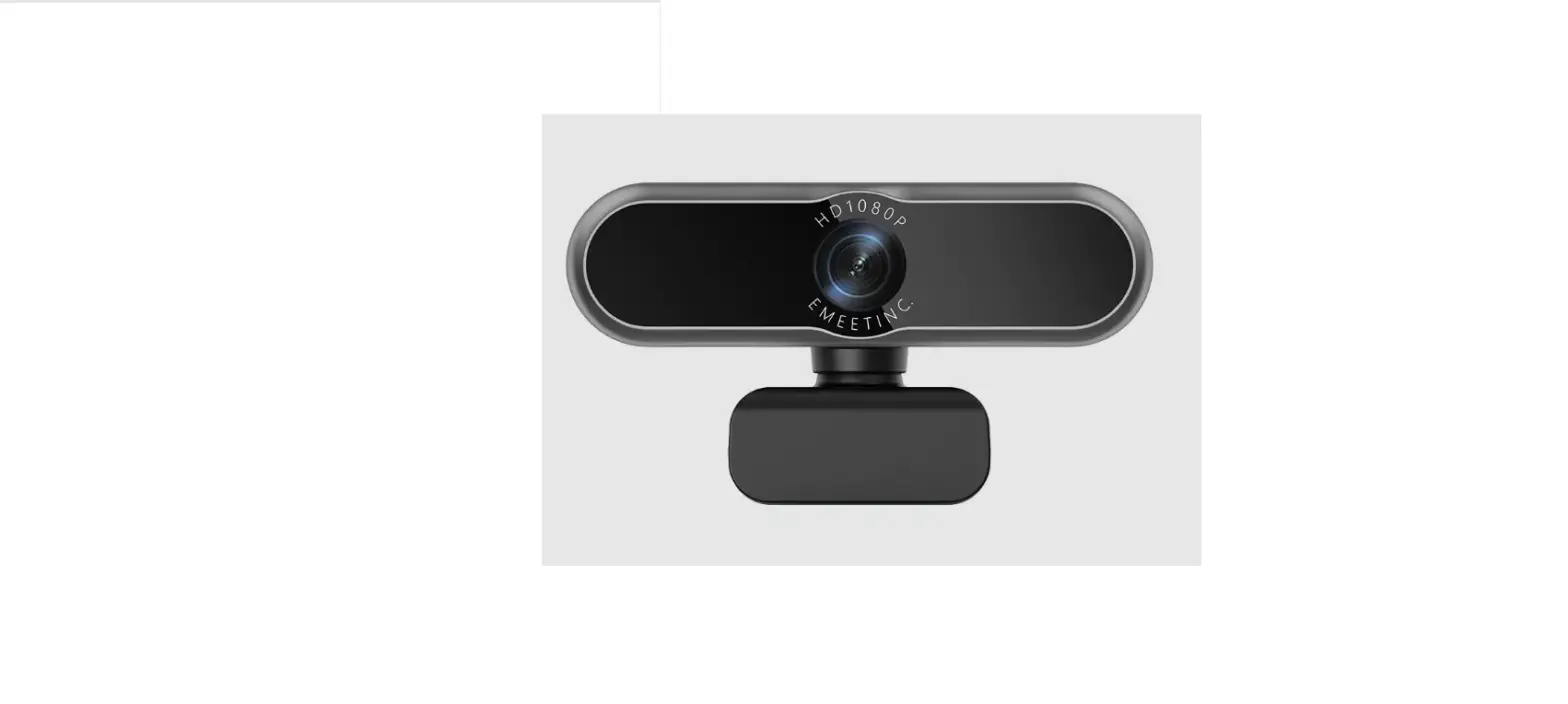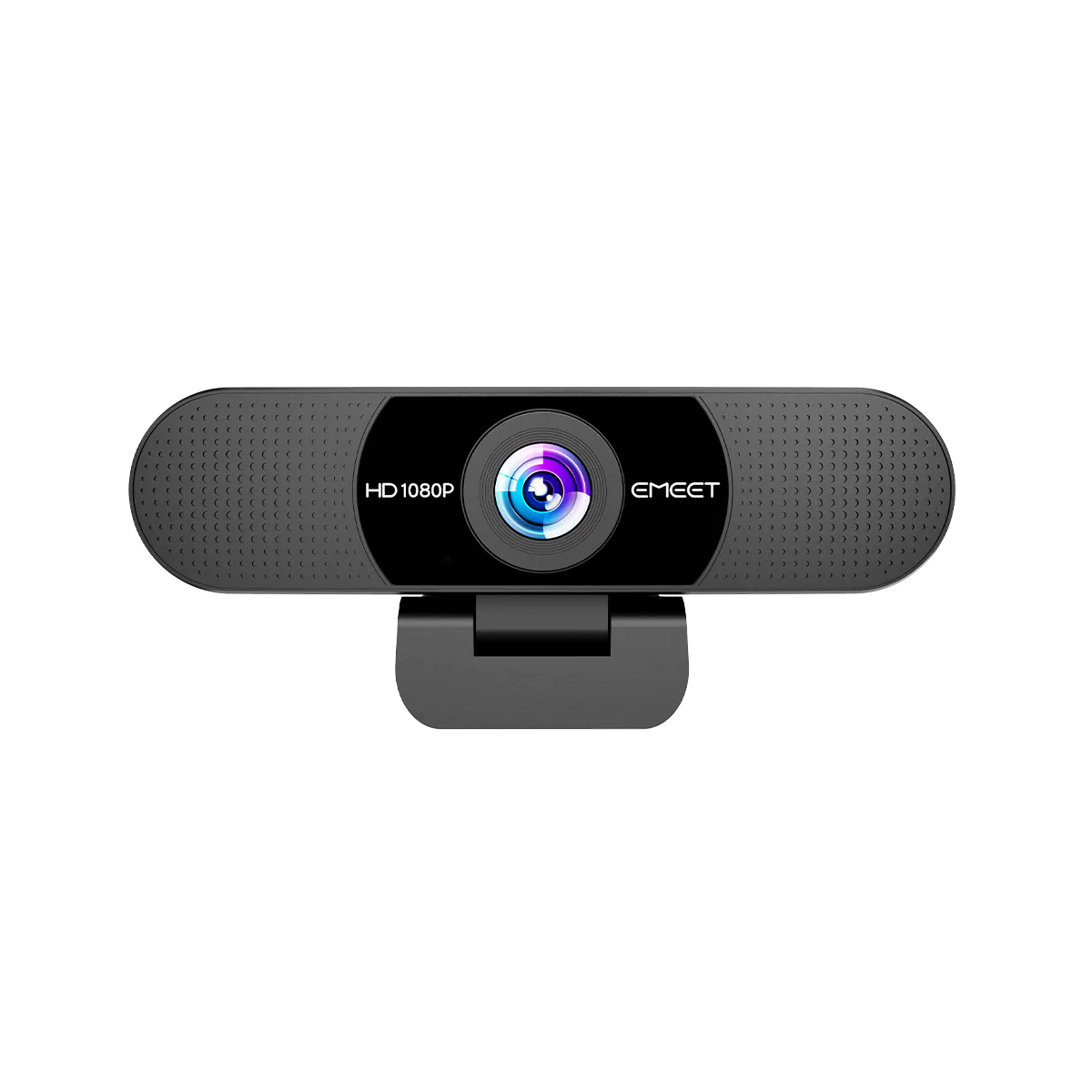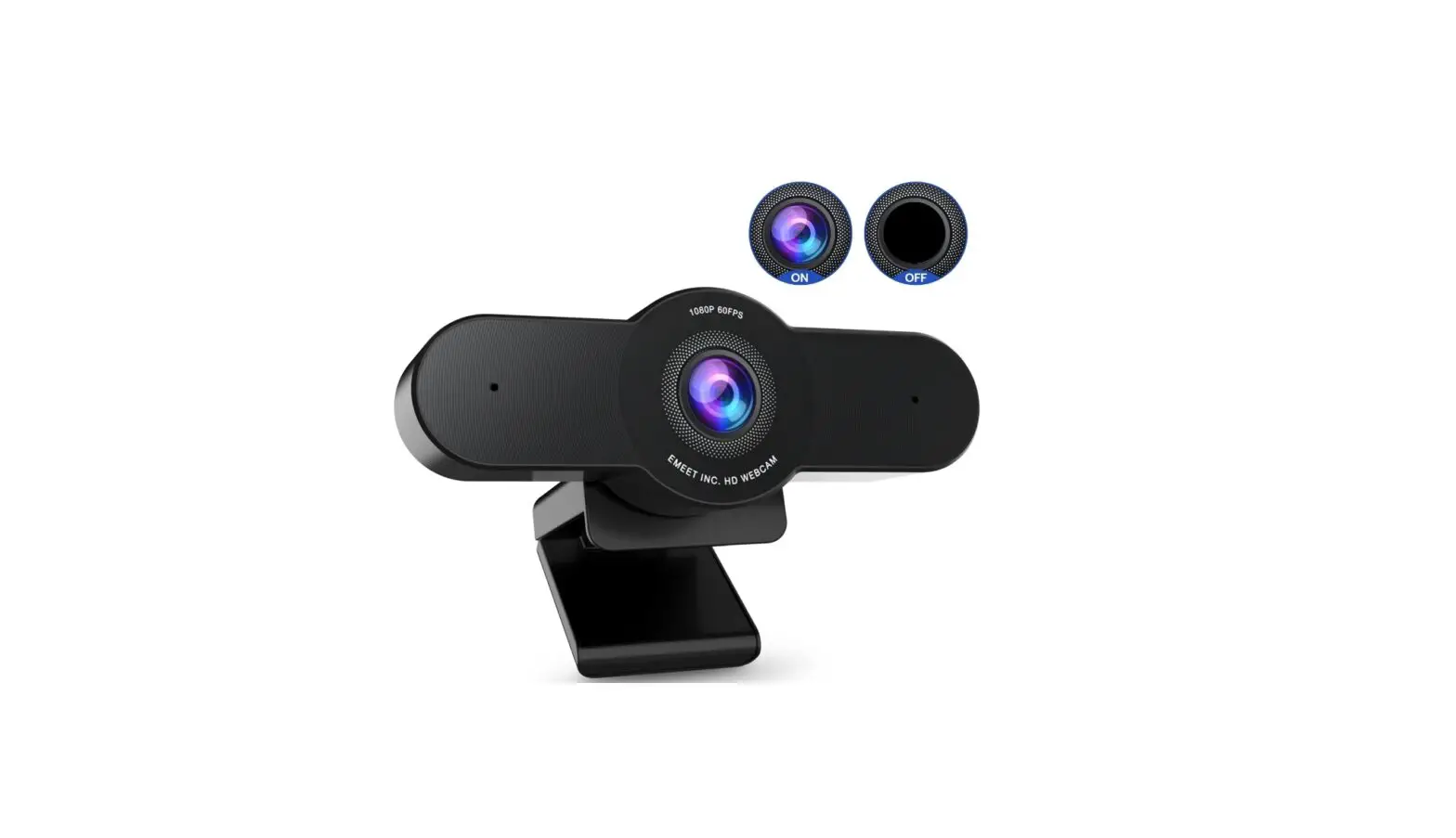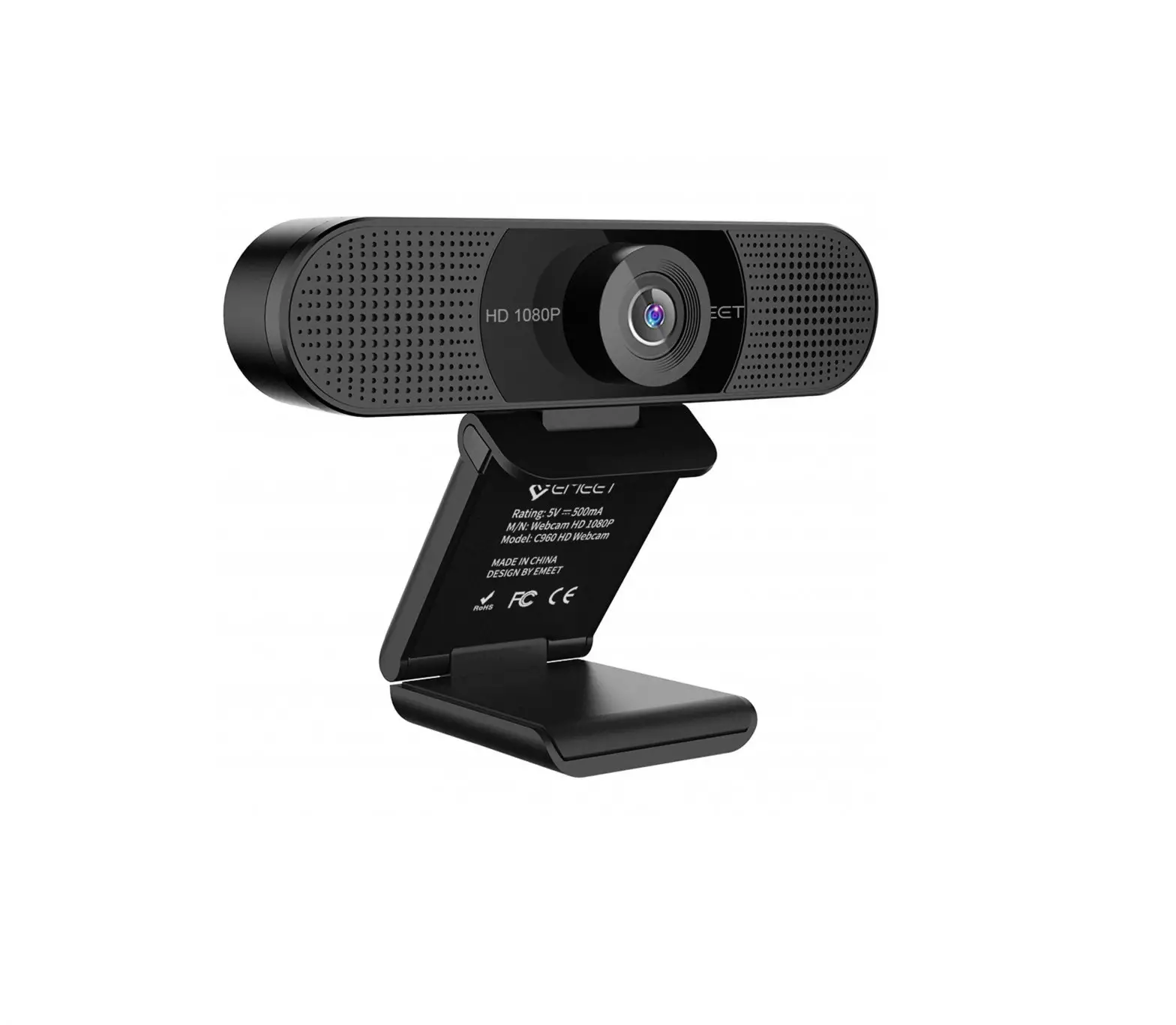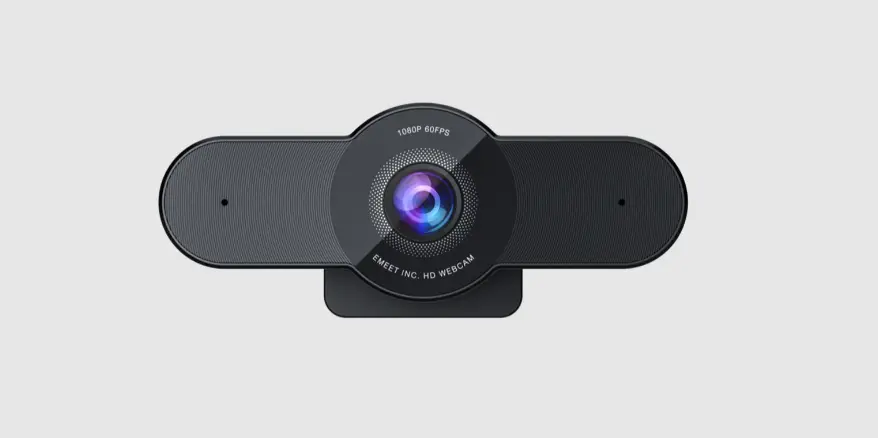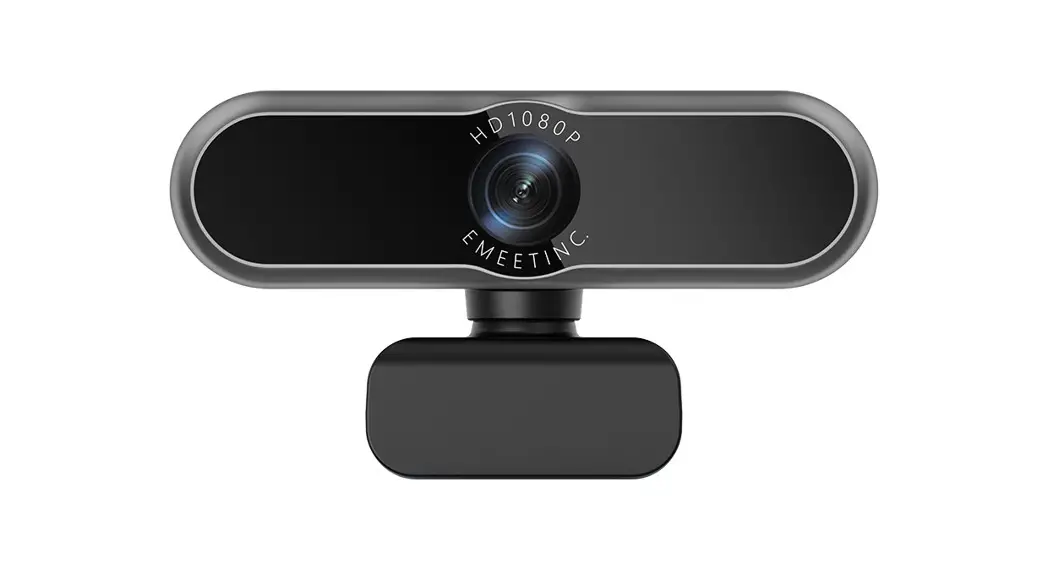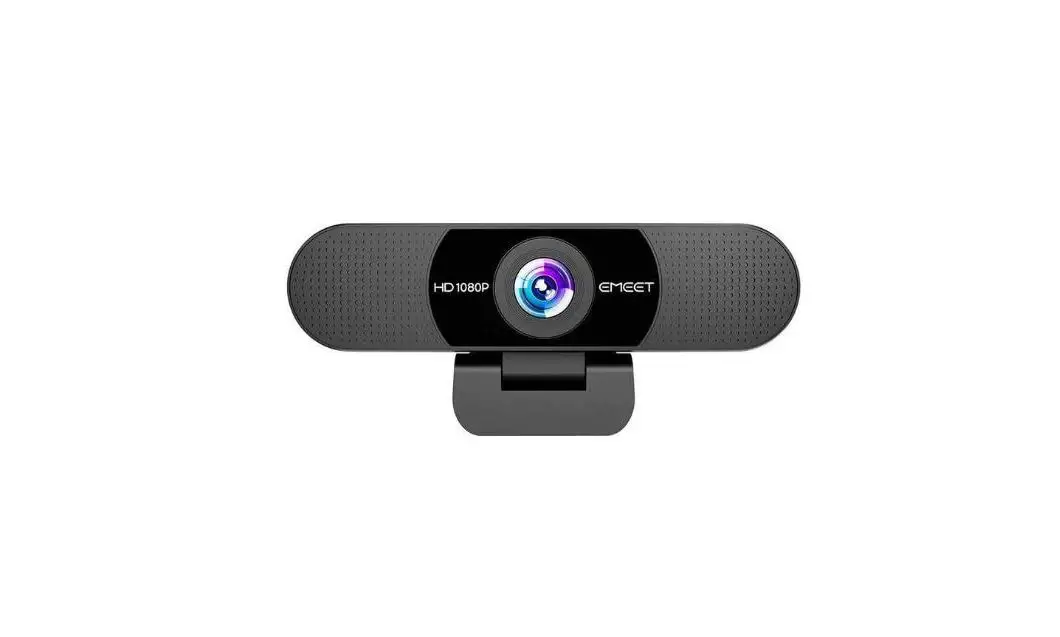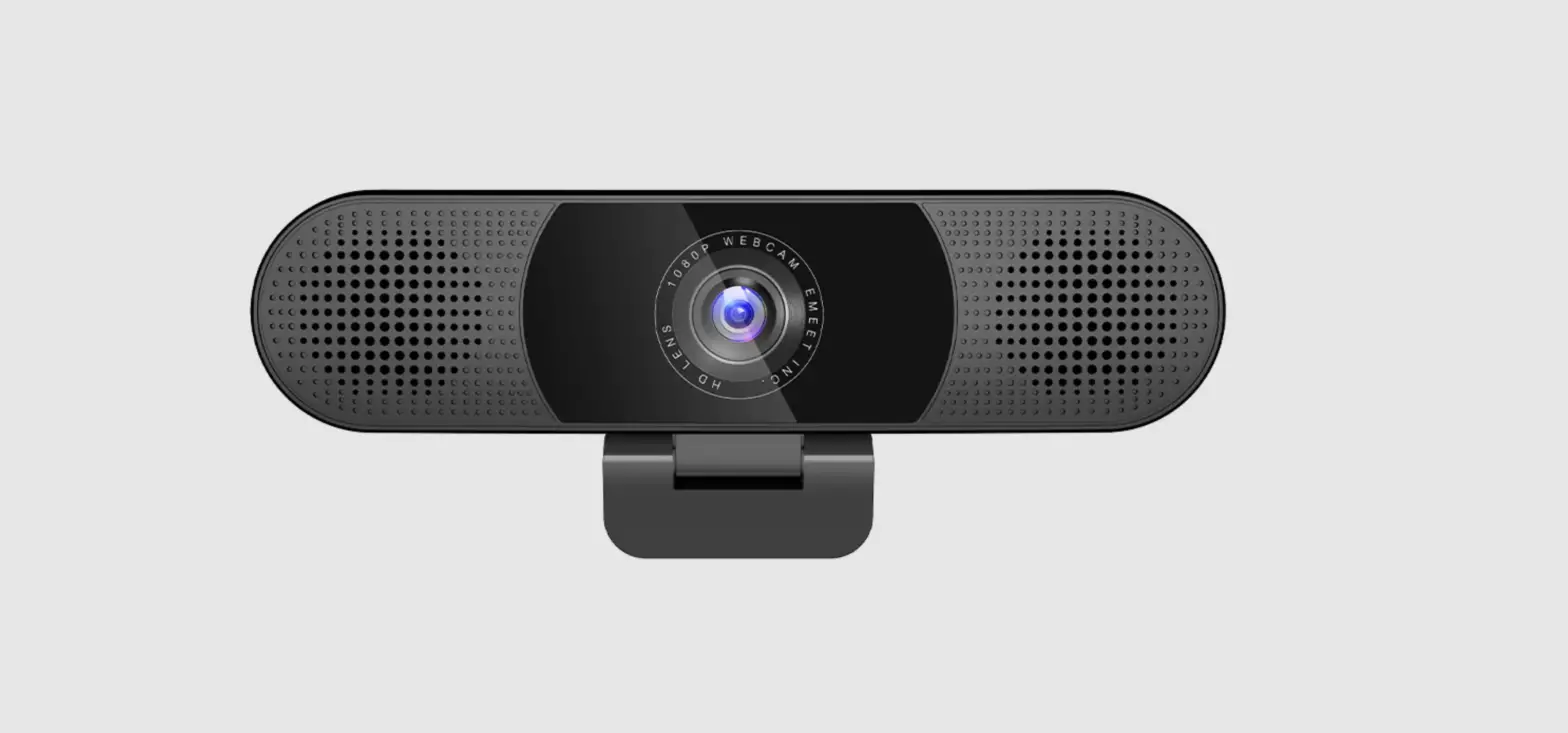

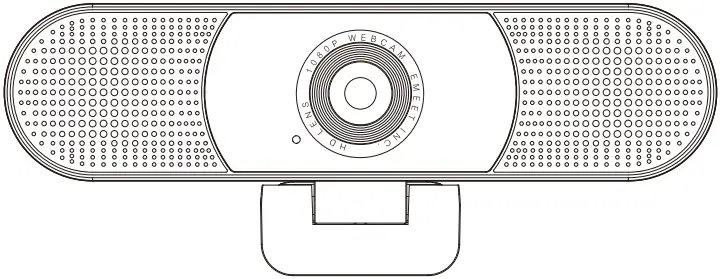
HD Webcam EMEET C980 Pro
Quick Start Guide
1. Connect to PC
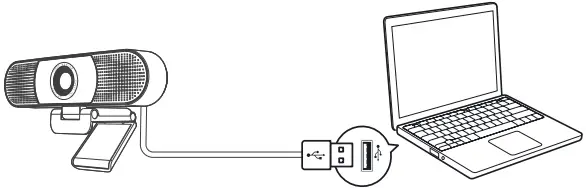
USB Transfer
2. Setting up the webcam
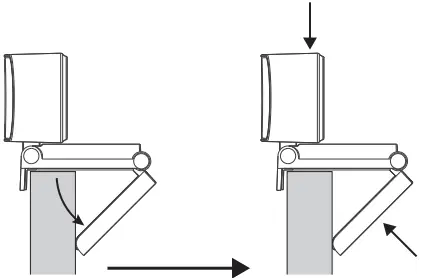
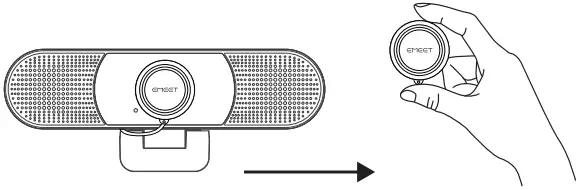
3. Remove the privacy cover
4. Mount to tripod
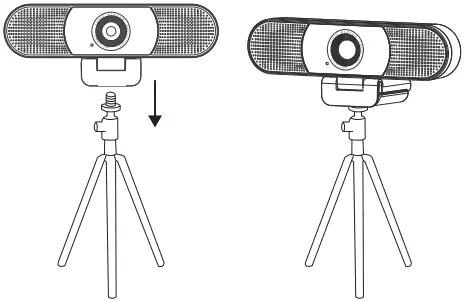
* Tripod is sold separately.
5. eMeetLink
(Windows&macOS)
 Image adjustment
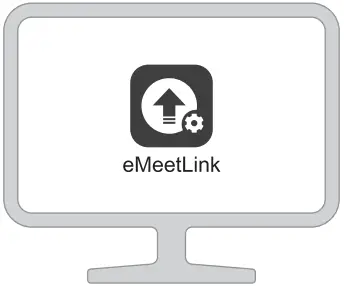
eMeetLink
(Windows&macOS)

eMeetLink software can be downloaded from this website
EMEET One (1) Year Limited Warranty
Limited one (1) Year Warranty with EMEET proof of purchase. The warranty does not cover normal wear and tear or damage caused by accidents or misuse. To protect your rights, please keep the proof of pur- chase. For service, please contact us :
Safety Guide
Caution:
To avoid electrical shock, do not open the housing of this product. In addition, users do not need to use the product’s internal parts. To repair the product, please contact qualified maintenance personnel or mail the product to our after-sales department.
1) Please read this guide carefully.
2) Please keep this guide.
3) Please observe all warnings.
4) Please follow all instructions.
5) When cleaning this product, use a dry cloth only.
6) Choking hazard – This product contains small parts. It is not suitable for children under the age of 3.
7) Do not put this product near a heat source, such as a heating radiator, hot air regulator, stove, or loudspeakers (including amplifiers) that produce heat.
8) Do not use this product if you must remain alert of your surroundings, for example, while driving a car or riding a bike.
9) Do not submerge this product in water or expose it to a damp environment for a long period of time. Do not use this product when engaging in water sports, such as swimming or surfing.
10) Please protect the USB cable. Do not step on or apply pressure on them. Do not pull on the product’s plug, socket or cable outlet.
11) It is recommended that users use the accessories that have been specified by the vendor.
12) When not using the webcam, please unplug the device from the USB port and turned off the power.
13) To repair the product please contact our professional maintenance personnel. If the product is damaged, the product should be repaired. For example, if the power cable or plug is damaged, liquid has flowed into the product an object has fallen into the product; the product has come into contact with rain or moisture, the product cannot operate properly, or if the product has fallen.
EU/UKCA Compliance
Hereby, SHENZHEN EMEET TECHNOLOGY CO., LTD. Corporation declares that the equipment is in compliance with <Directive 2014/30/EU /EMCR 2016 (S.I. 2016/1091)>.
- The suitable temperature for the product and accessories is 0~40°C.
- Due to the used enclosure material, the product shall only be connected to a USB Interface of version 2.0 or higher.
FCC Compliance
This device complies with part 15 of the FCC Rules. Operation is subject to the following two conditions:
(1) This device may not cause harmful interference, and (2) This device must accept any interference received, including interference that may cause undesired operation. (from 15.19a)
NOTE: The manufacturer is not responsible for any radio or TV interference caused by unauthorized modifications or changes to this equipment. Such modifications or changes could void the user’s authority to operate the equipment. (from 15.21)
ISED Canada compliance
This Class B digital apparatus complies with Canadian ICES-003.
UK REP:
Obelis UK Ltd, Sandford Gate, East Point Business Park, Oxford, OX4 6LB, UK

Obelis S.A.
Boulevard General Wahis 53, B-1030 Brussels. Belgium
 SHENZHEN EMEET TECHNOLOGY CO., LTD.
Unit 2C, Building A6, Guangming Science Park, Guanguang Road 3009, Guangming District, Shenzhen,China
Voltage rate:5V  500mA
500mA

www.emeet.com
To learn more, please visit this URL
• Copyright CEMEET. The content of this manual is subject to change without notice.