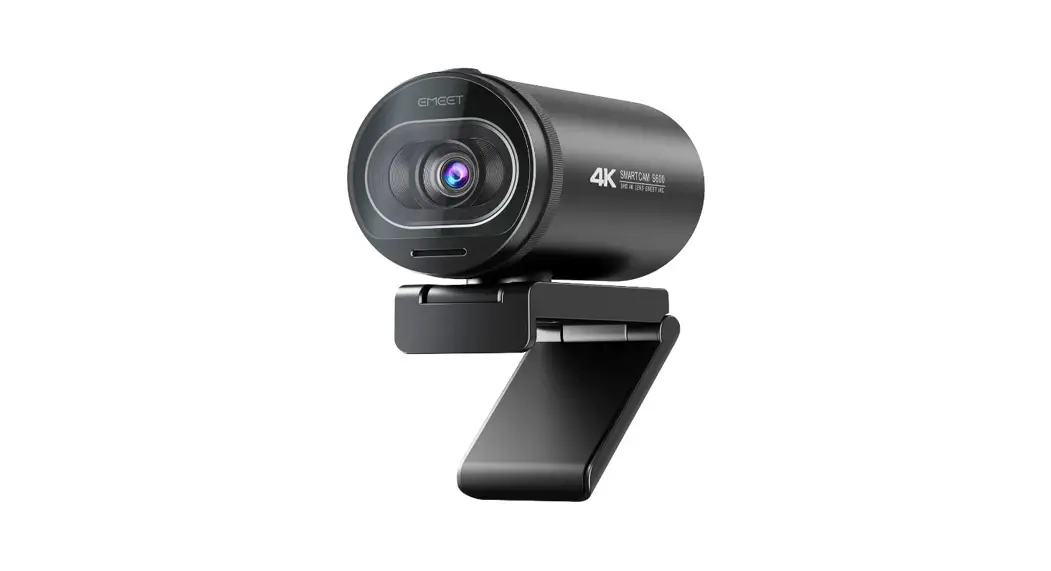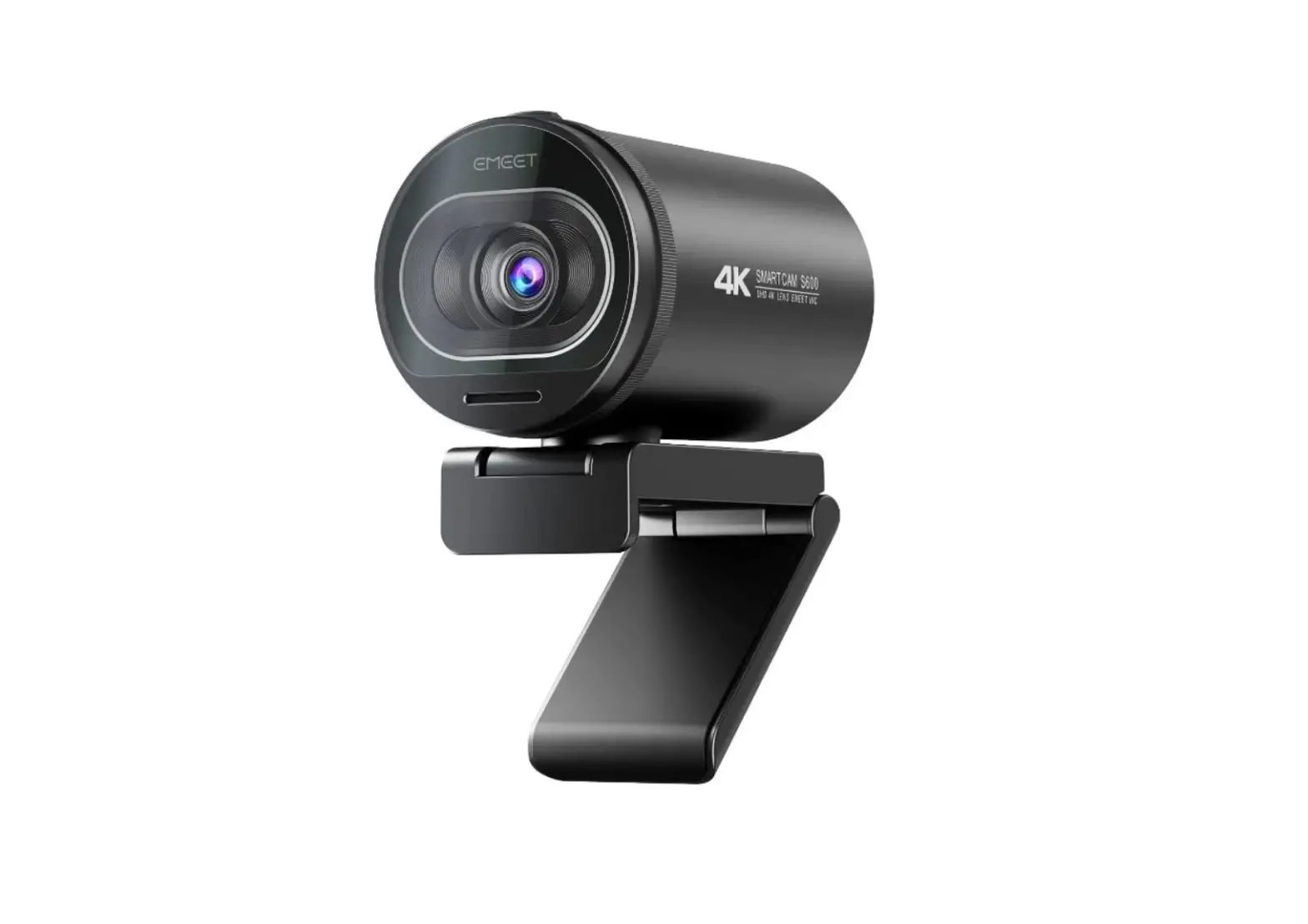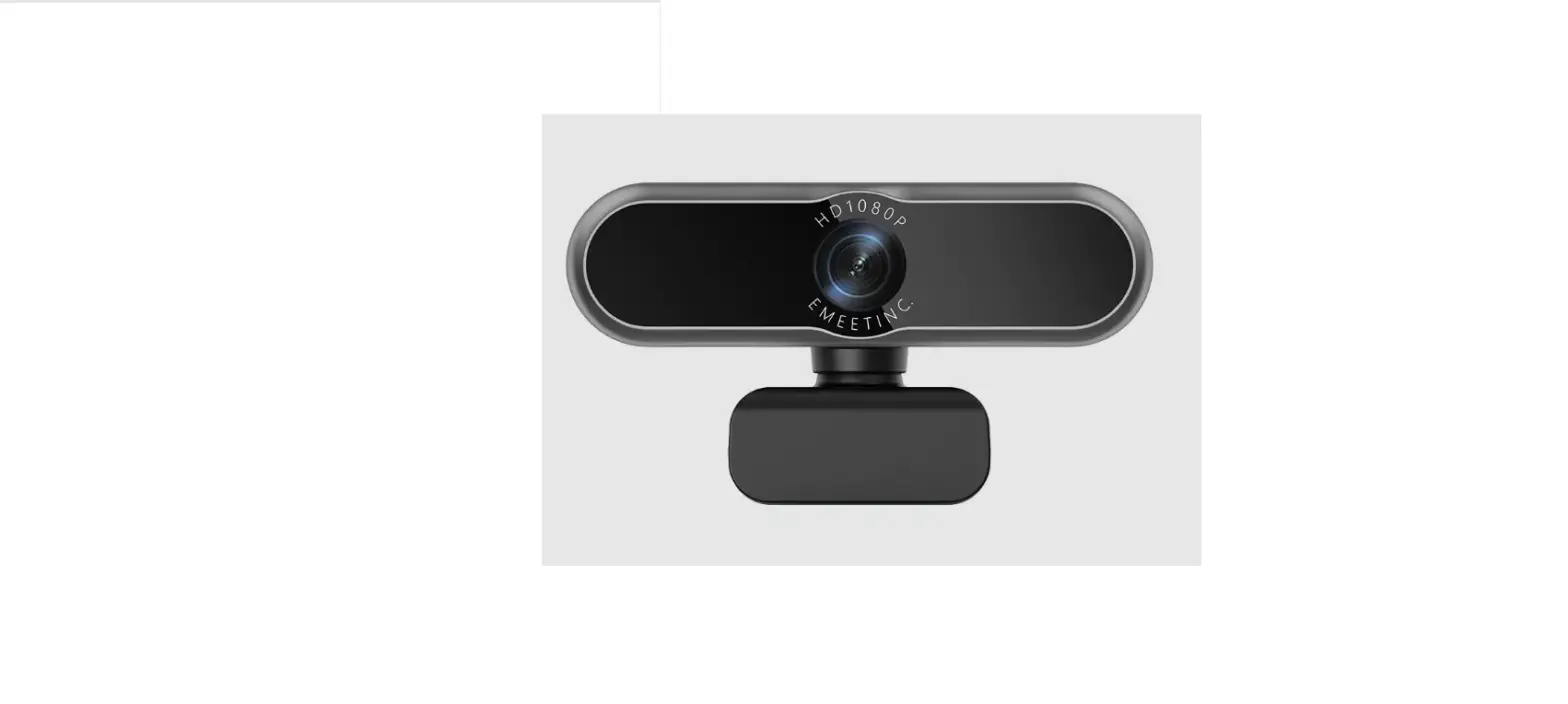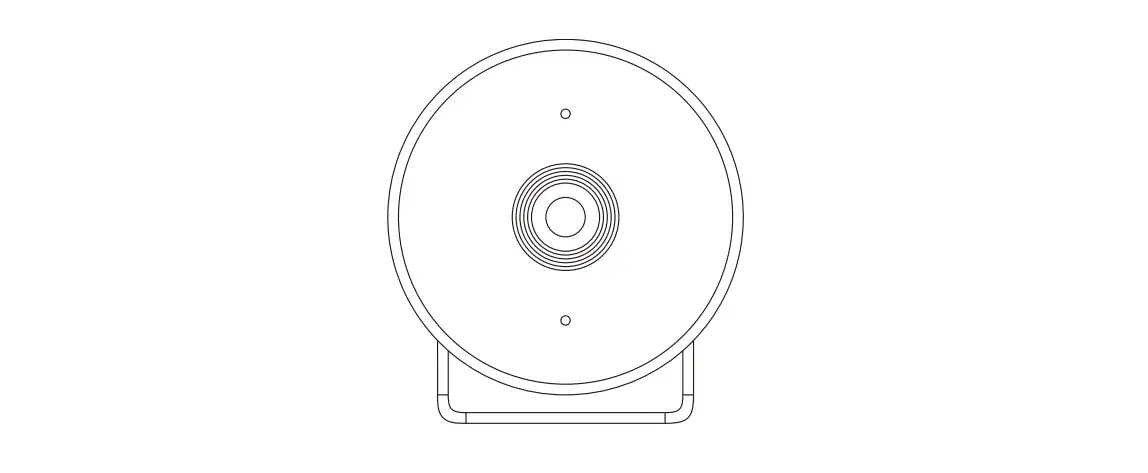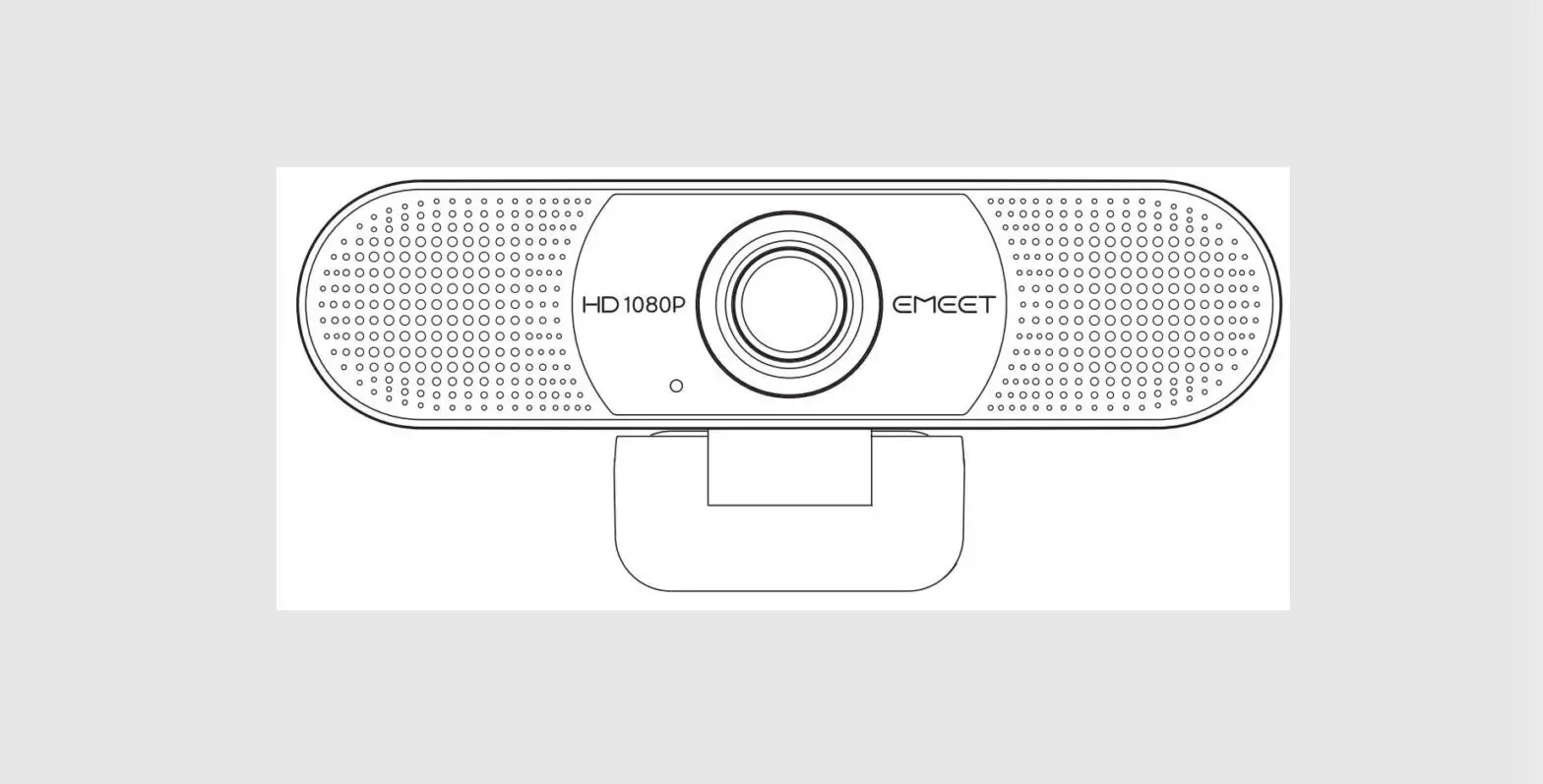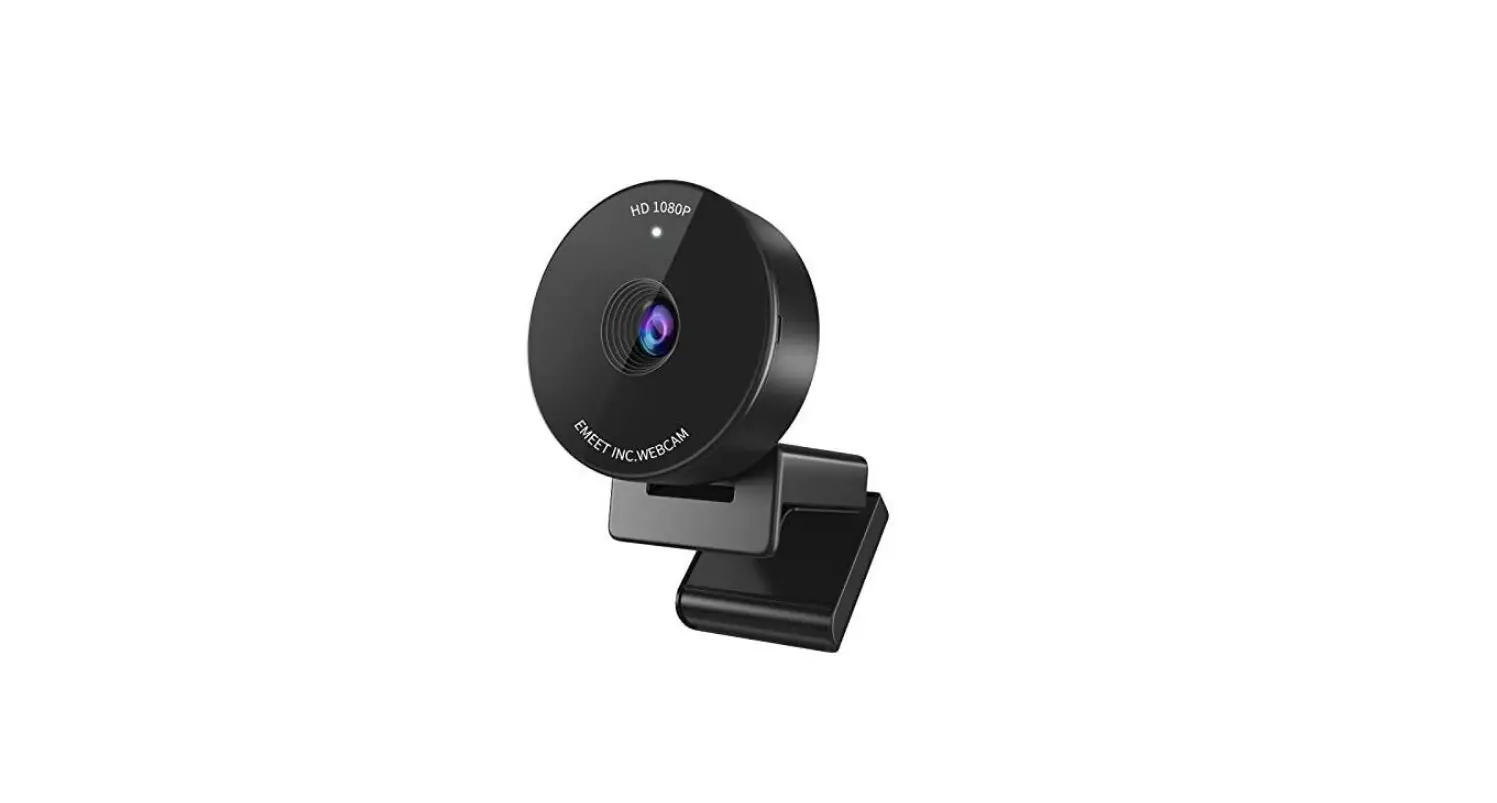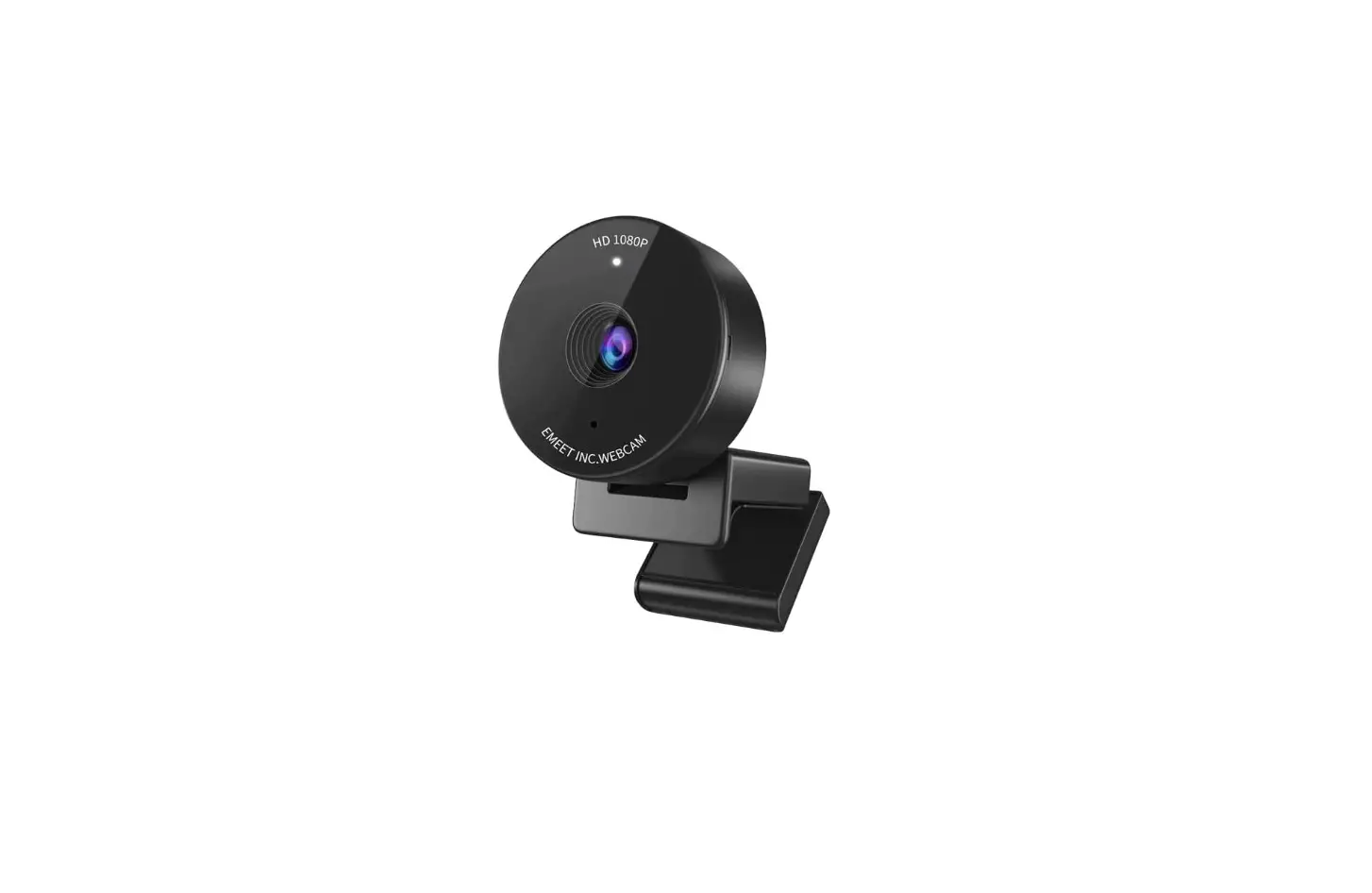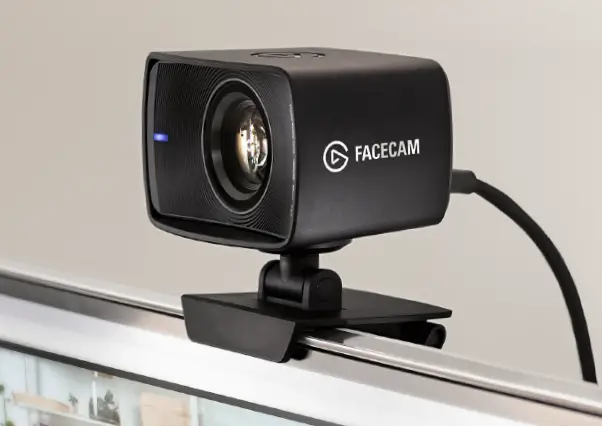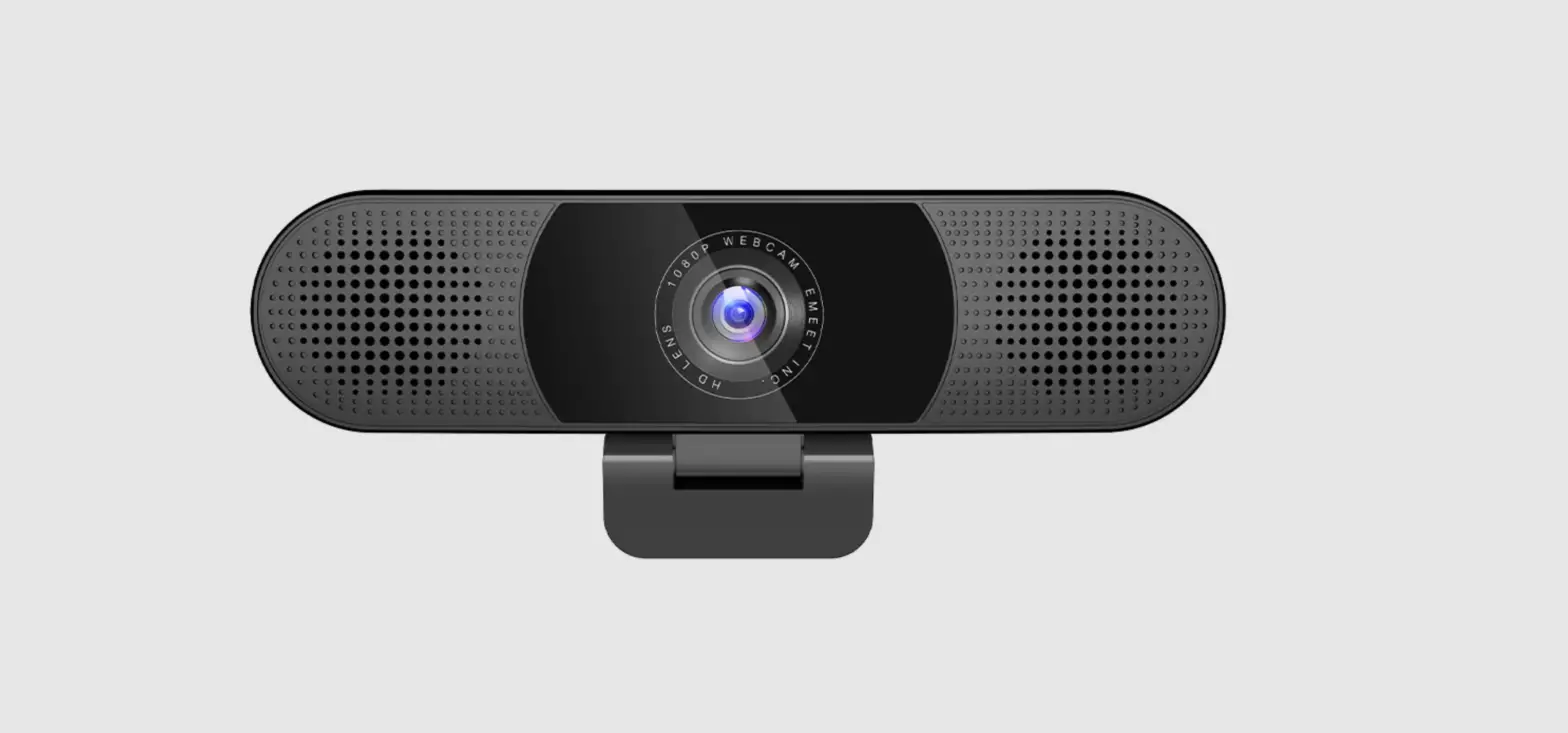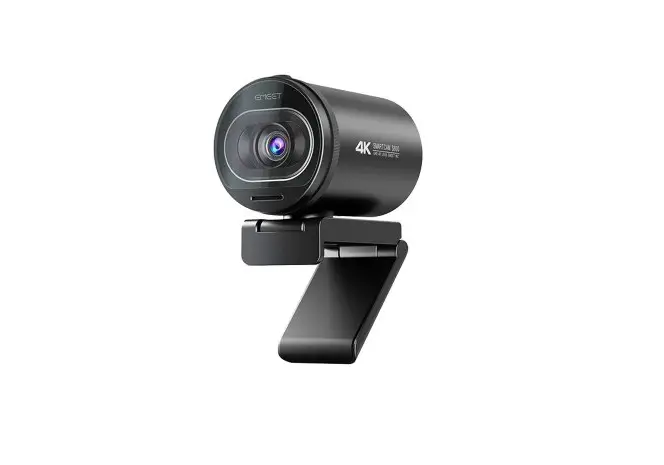
EMEET SmartCam S600 4K Ultra HD Webcam User Guide
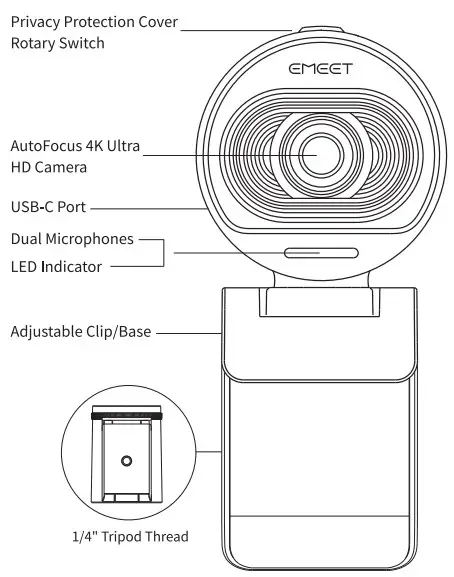
Overview
Packing List

How to Install the Webcam
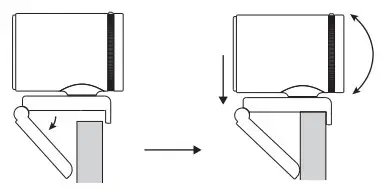
- Install it on a monitor/laptop
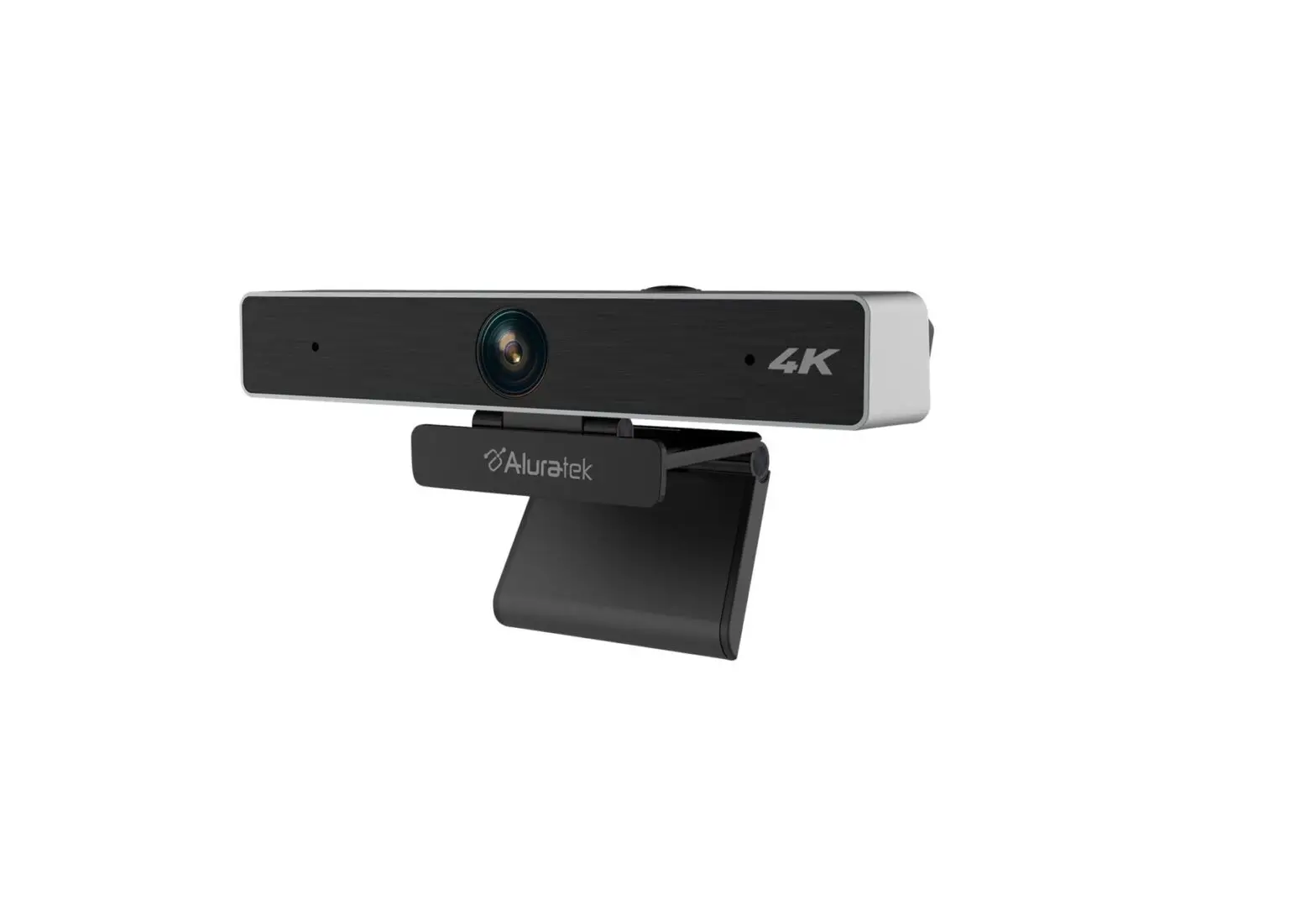
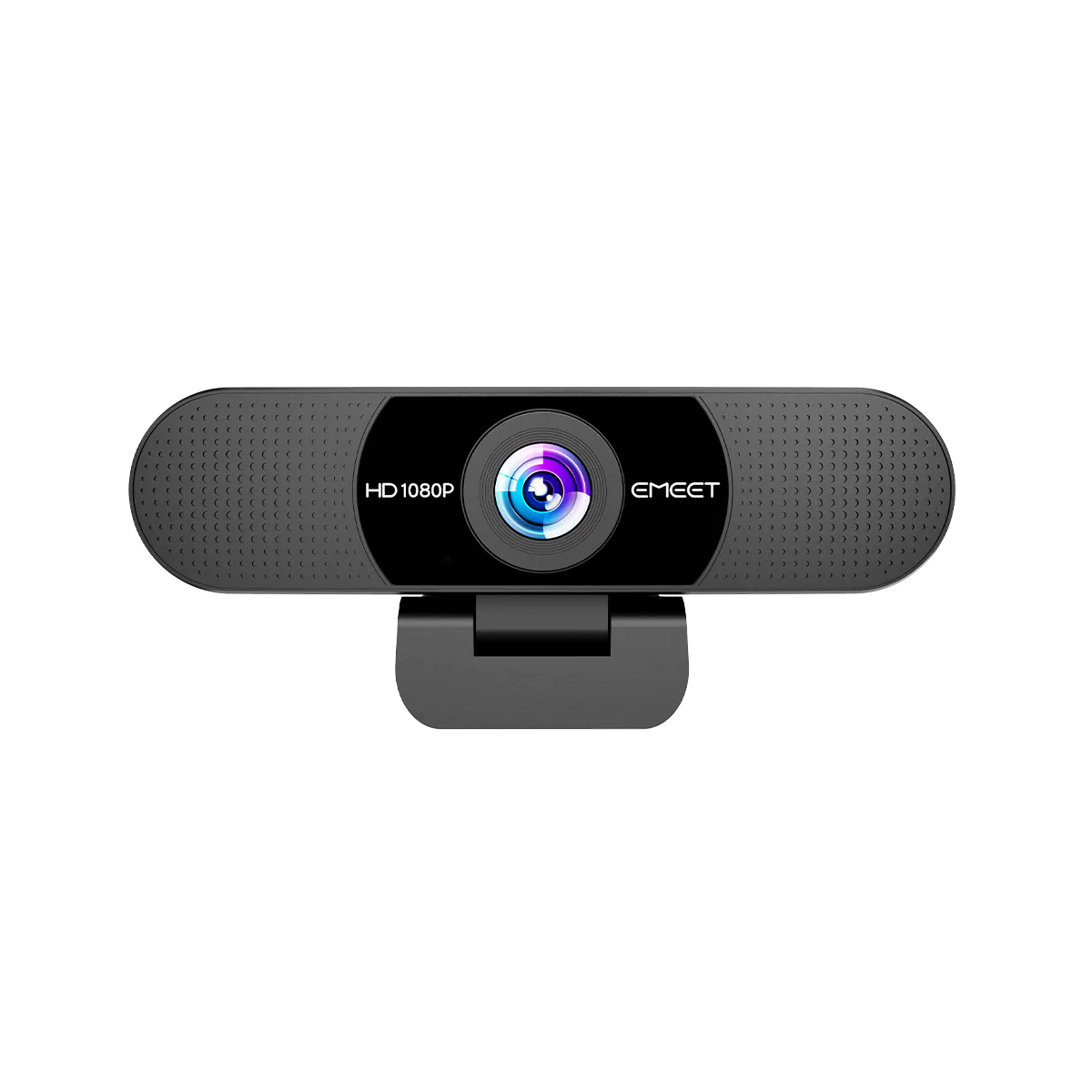
Install the webcam on a monitor or laptop at the desired position or angle, and ensure they fit snugly and firmly.
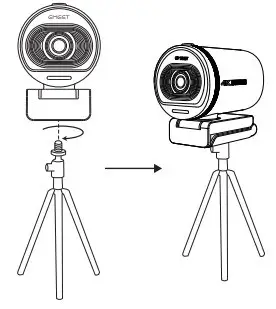
- Install it on a tripod
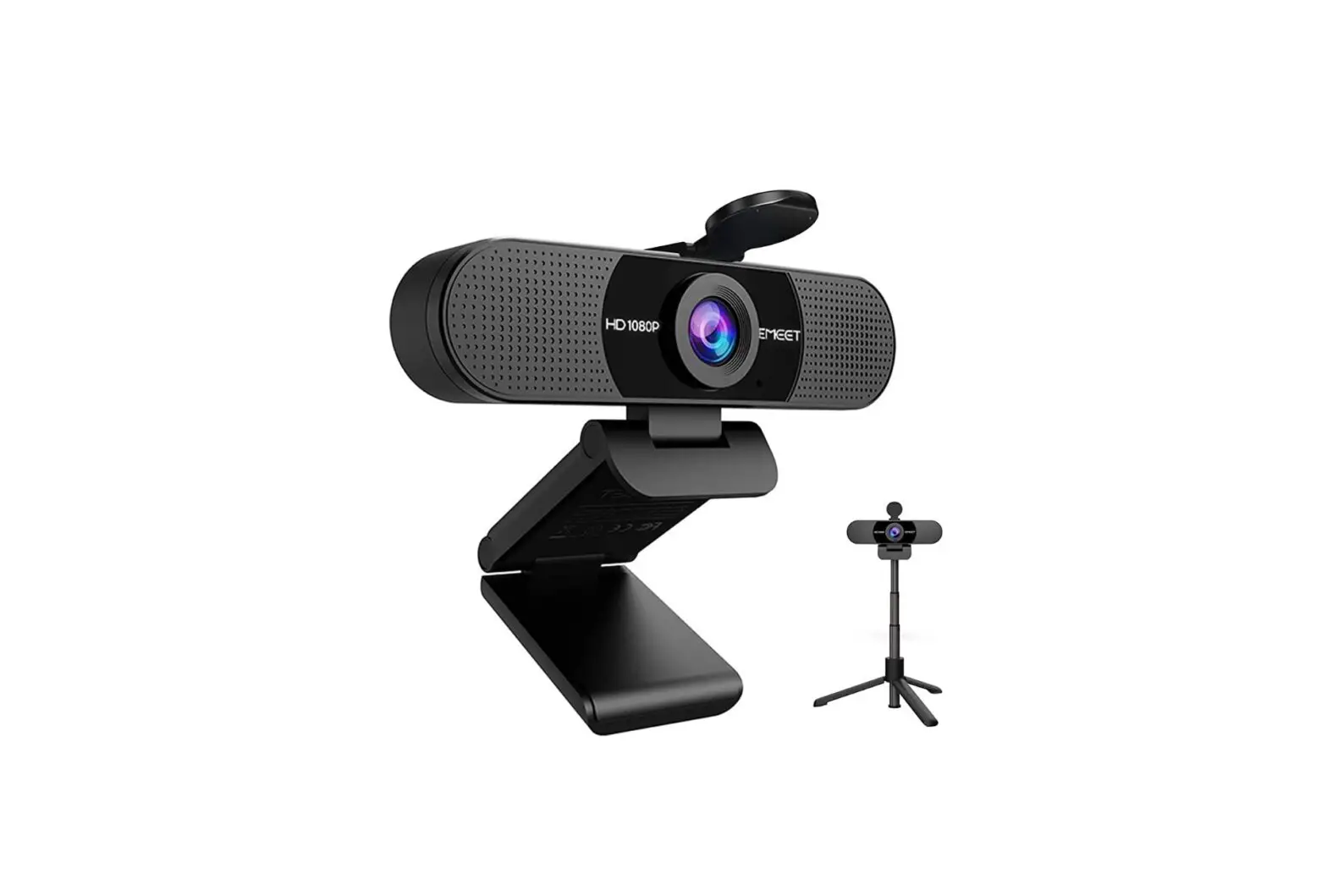
Install the webcam on a tripod using the 1/4″ tripod thread at its base. Tripods are sold separately.
How to Use the Privacy Protection Cover
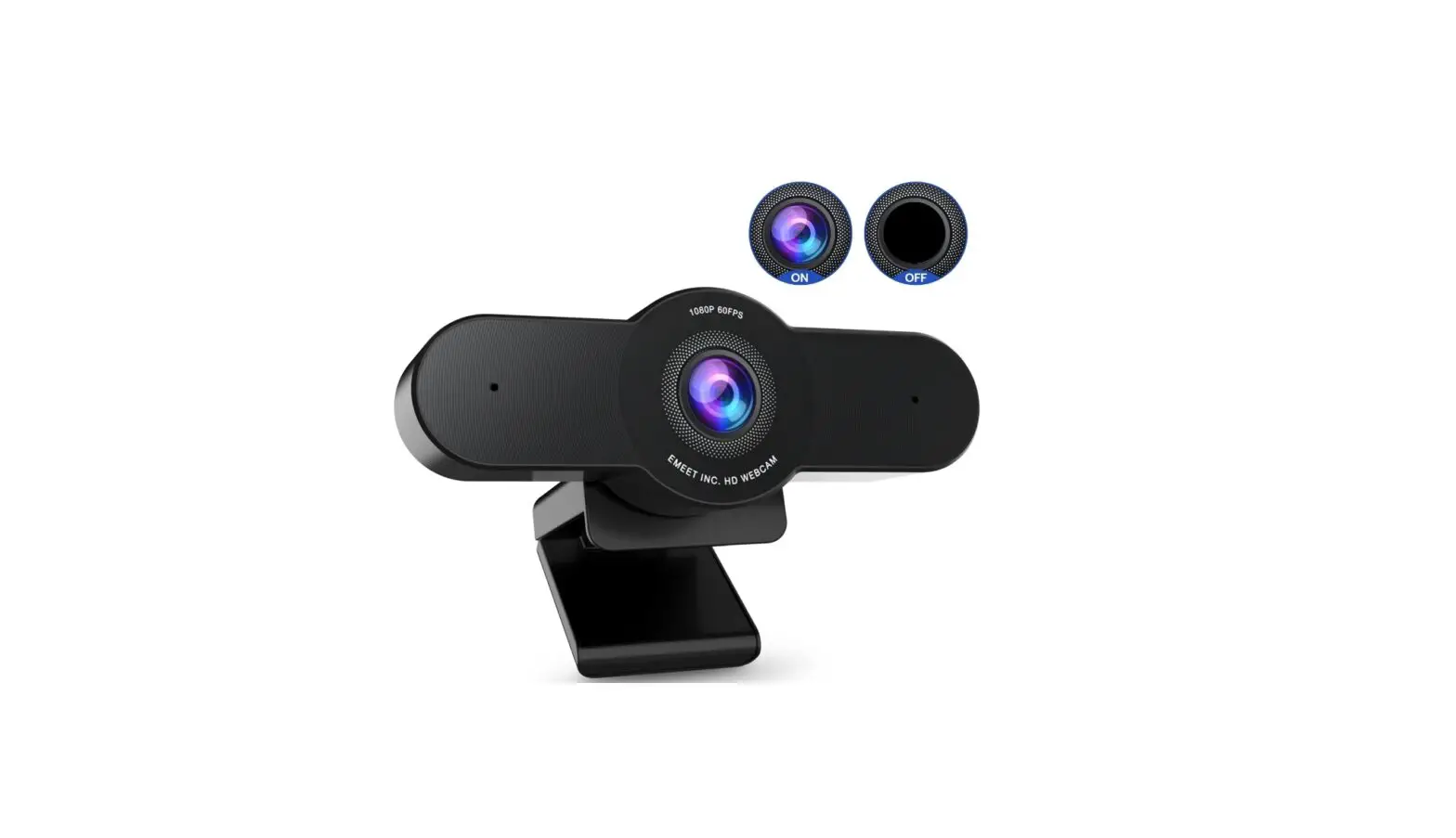
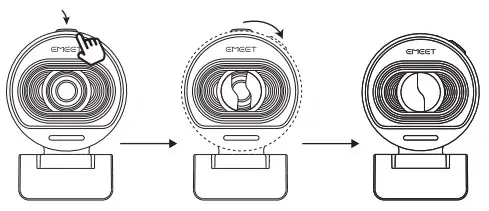
- To close the cover: Press the bulge above the lens, and rotate the switch to close the cover.

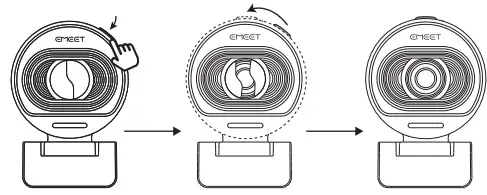
- To open the cover: Press the bulge above the lens, and rotate the switch to open the cover.

How to Connect the Webcam to Computer
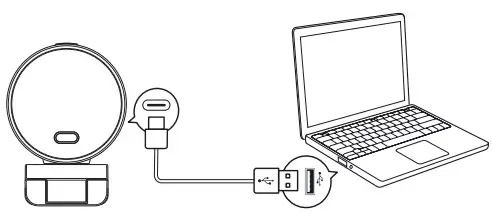
Connect one end of the USB port to the webcam and the other end to the computer.
How to Use the Webcam
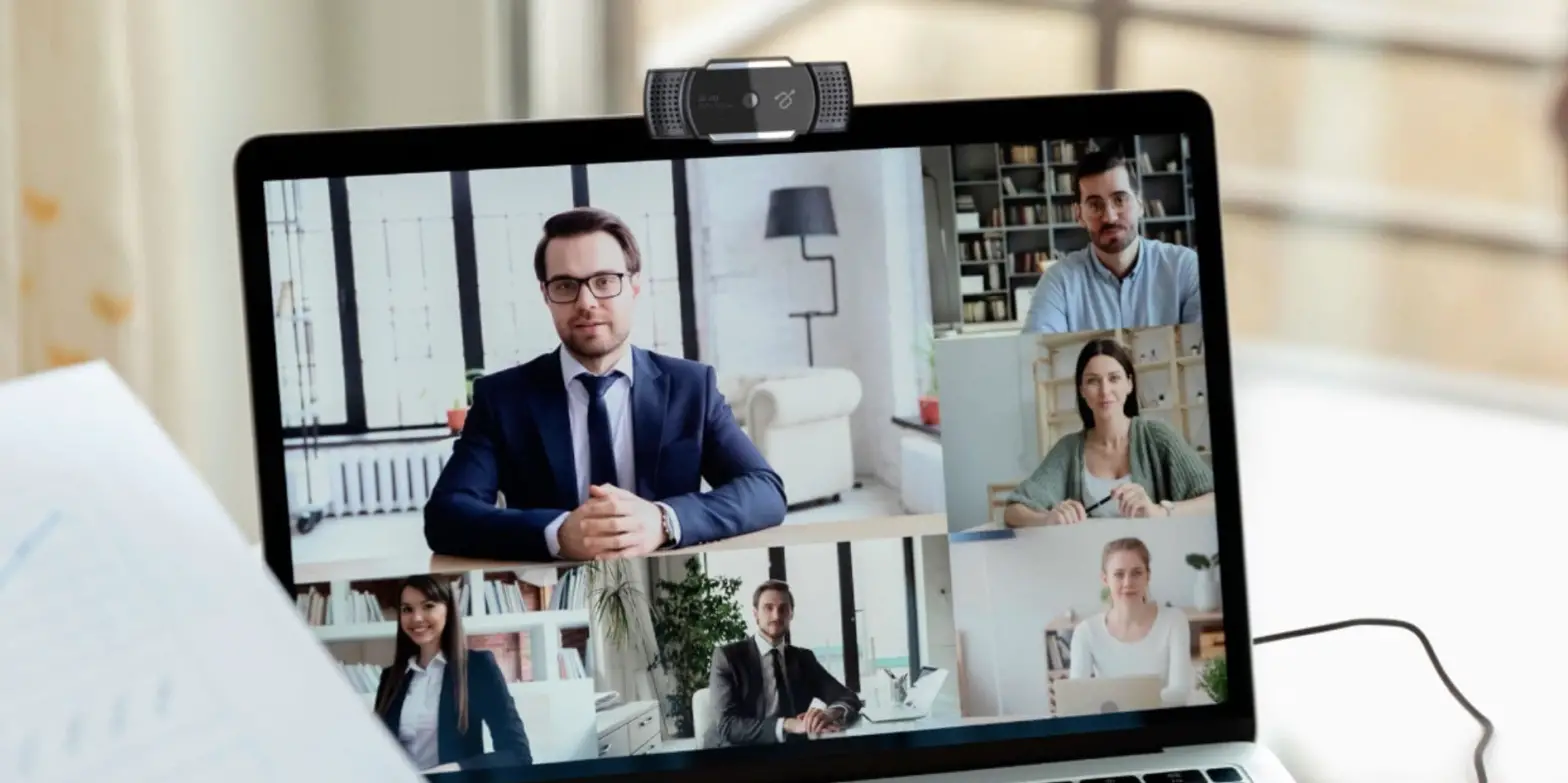
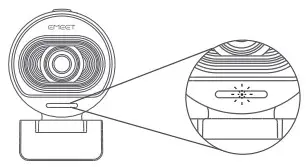
When the Webcam is used by Zoom, Skype, or other video calling software, the LED indicator will light up, indicating that the camera is working.
Please select eMeet camera in [Settings] – [Video] – [Cameras] of the software if the indicator is not on.
How to Use the Microphone
Select eMeet microphone in [Settings] – [Audio] – [Microphones] of the software.
How to Use eMeetLink
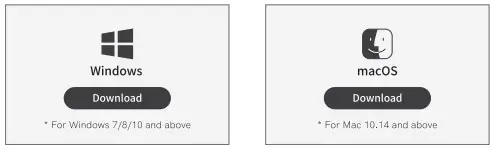
- To use eMeetLink, please download it from www.emeet.com/e-MeetLink first.

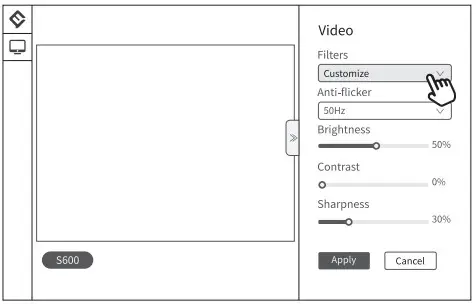
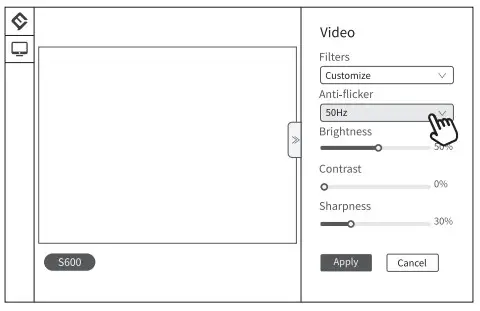
- To customize the image effects, select [Customize] in [Filters] to adjust the image parameters, and then click Save.

- To fix image flickers: if you see flickering images, you can switch between 50Hz and 60Hz, two common power line frequencies in different countries or regions, to try fixing the images.

- To learn more about other features, please download eMeetLink.
For more information, please visit www.emeet.com.
Copyright © Shenzhen eMeet Technology Co.,Ltd. Please visit www.emeet.com to check the latest version of the information contained in this manual.