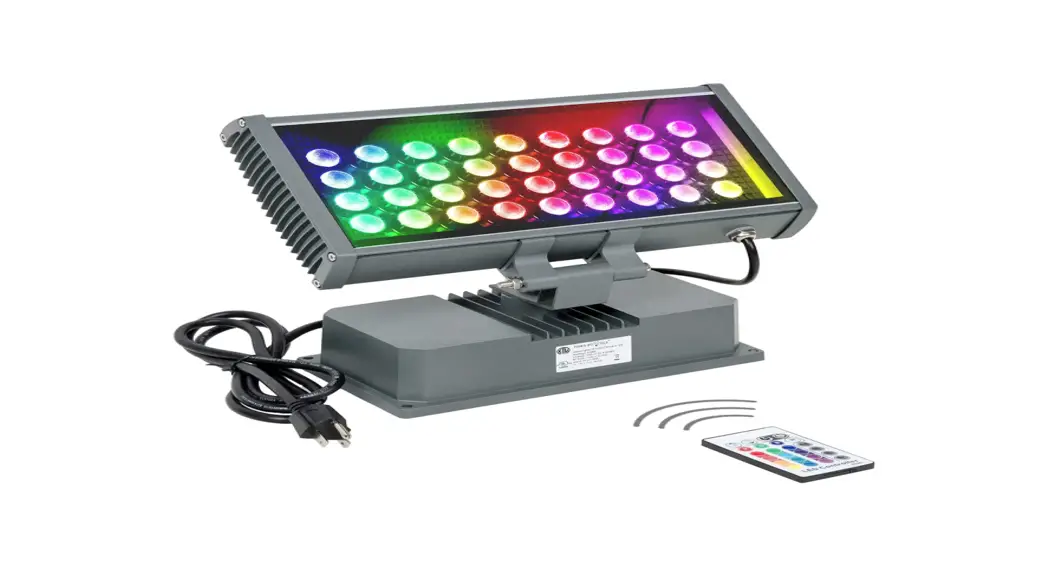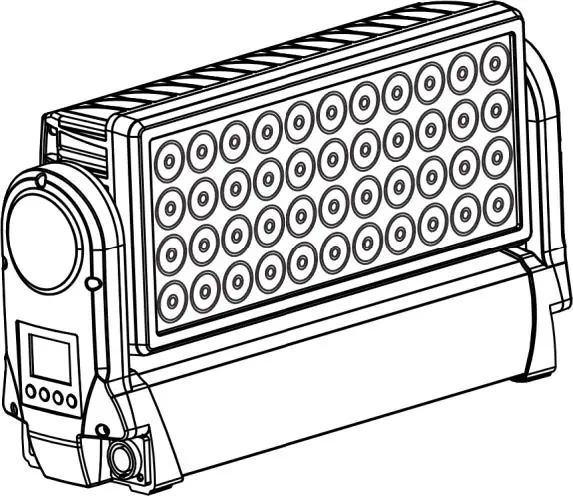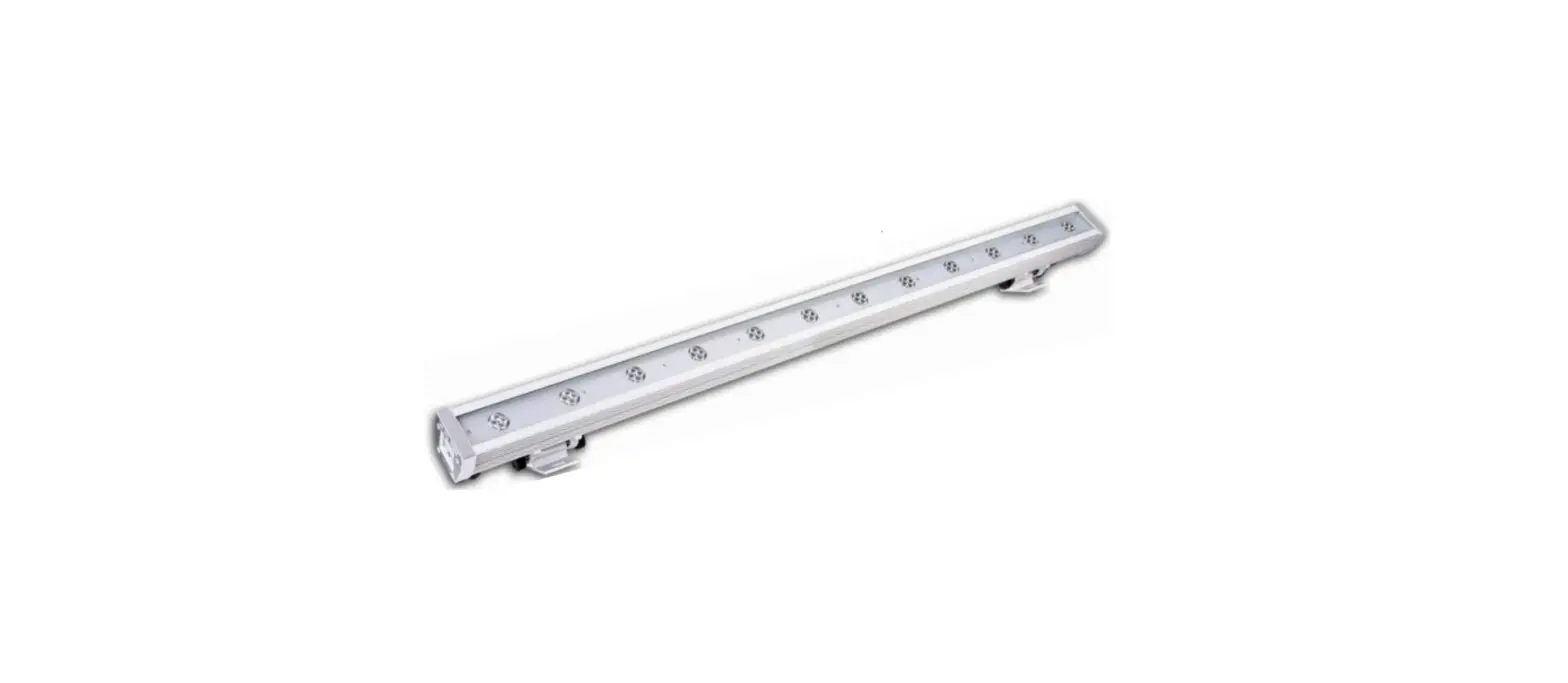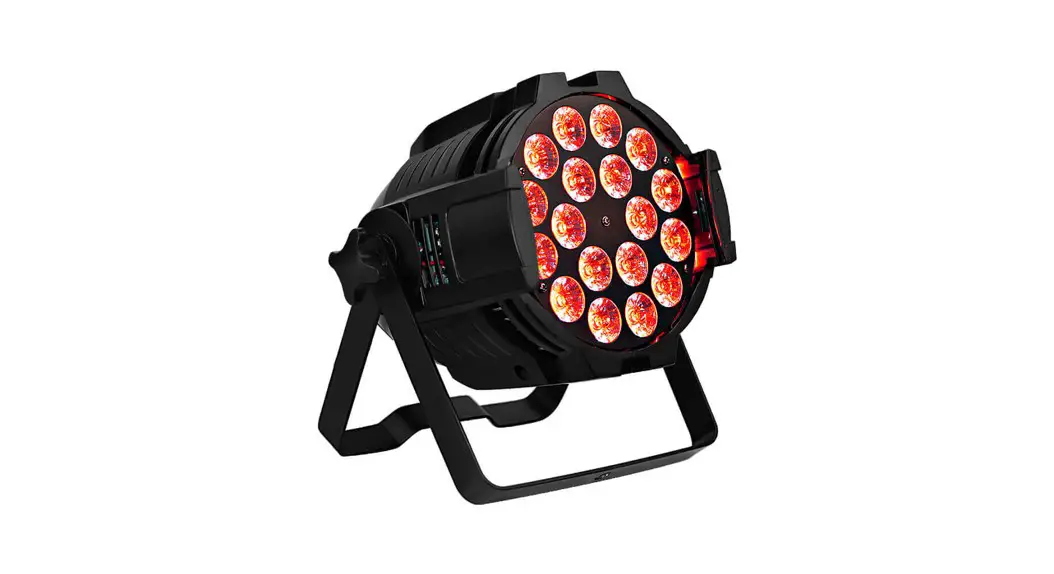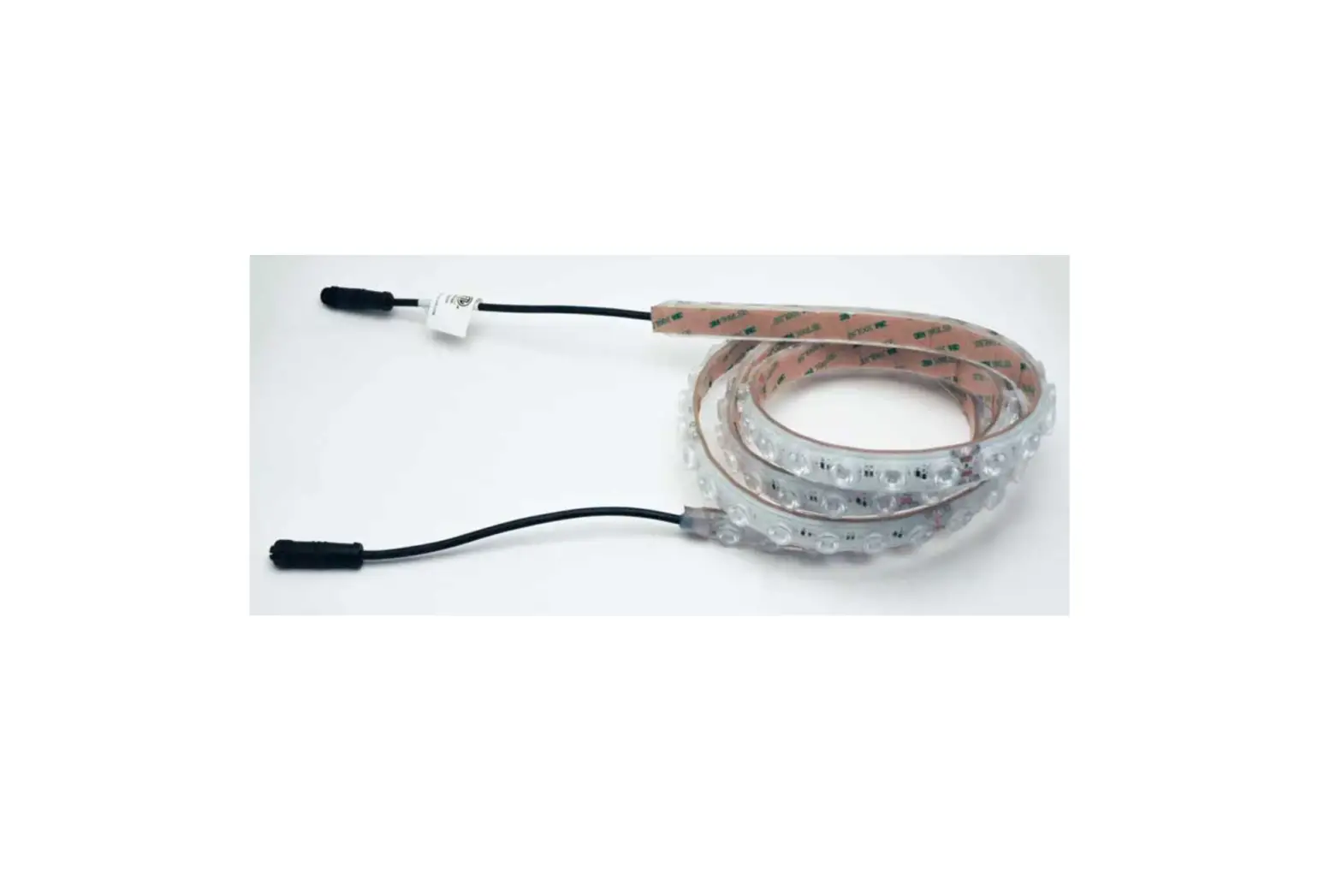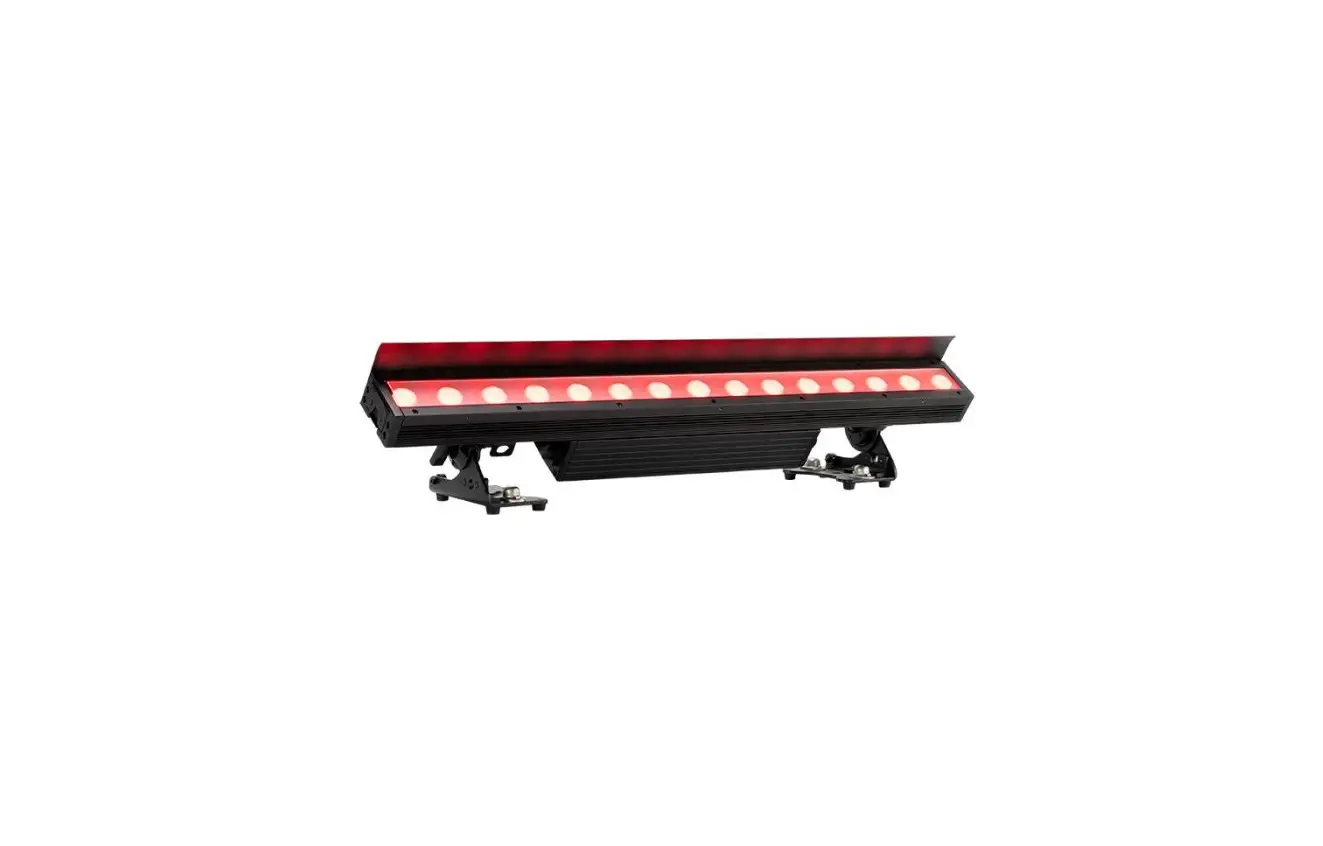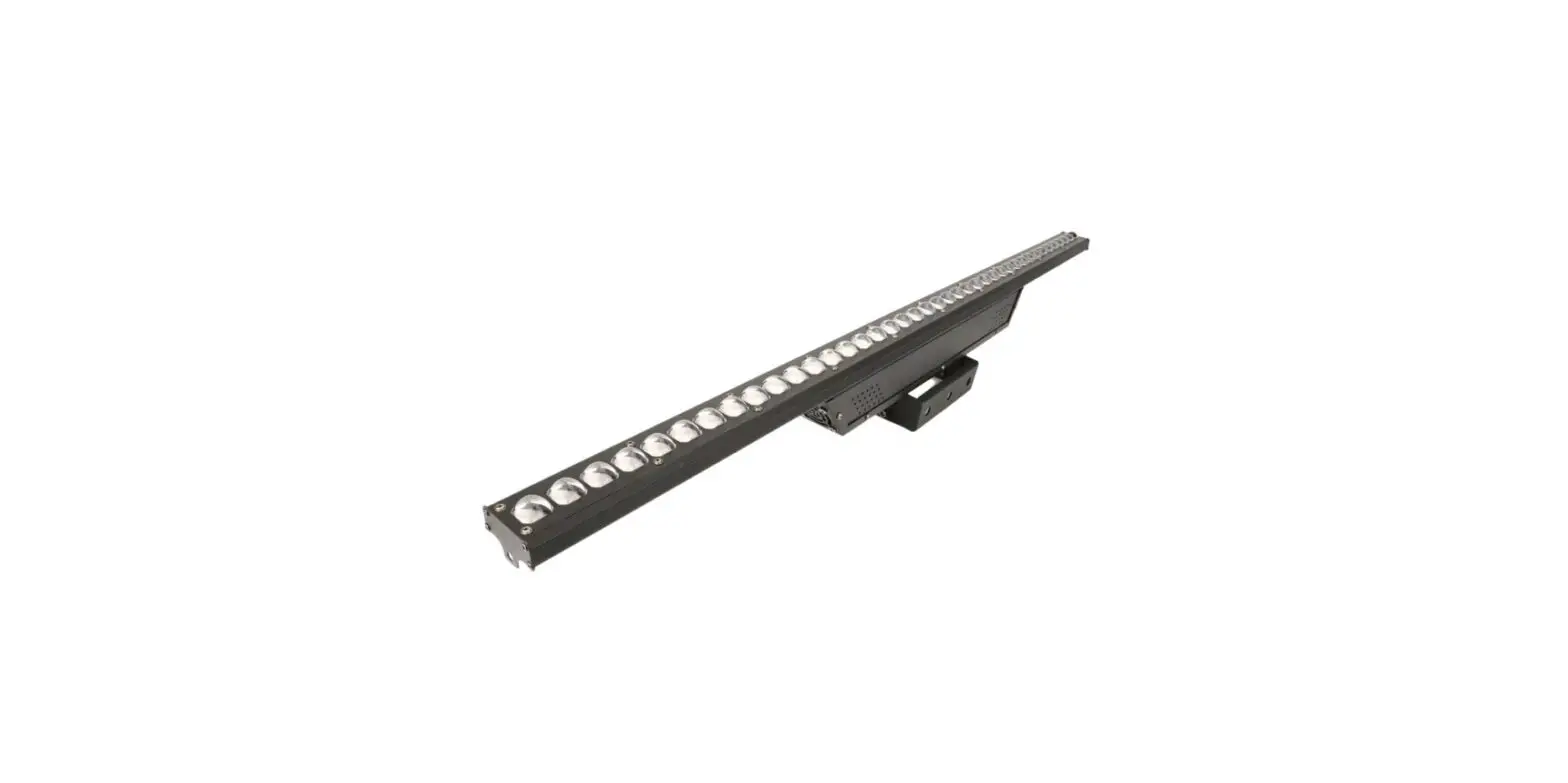

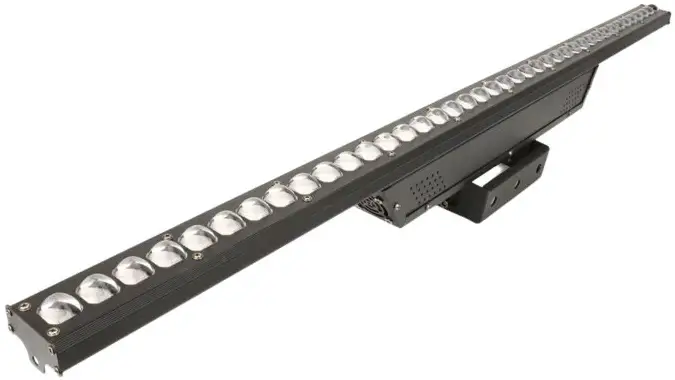
BECEN BC-W403 40x3in1 RGB LED Wall Wash Light
Features
- Voltage: AC 110 260V 50/60Hz
- Power: 120Watt
- Lamp: 40 PCS *3in1 LED
- Packing Size: 110*15*12
- Net Weight: 4.5 Kg;
- Gross weight: 5 kg
- Colorful color; automatic/online synchronization
- Strobe mode; multi-channel mode DMX512 Console
Safety precautions
- To ensure that the local voltage and the required voltage for the product is consistent.
- If a product’s power cord is damaged, please do not try to use the product. Do not try to unplug the power cord from the ground plug. The plug is used to reduce short-circuit electric shocks and fire prevention.
- Before making any connections disconnect the main power supply.
- In any case, please do not remove the lid, which is not part of what the user can use.
If the product of the shell is missing, please do not run the product. - Do not stuff the products in the dimmer package. Guarantee that the product is in a ventilated place, and maintained between the product and the wall 6 feet (15 cm) distance.
- If damaged, please do not run the product.
- If the long-term non-use products, please disconnect the power.
- Make sure the product is located in a safe and stable place.
- Special attention to the power cord from being pinched or out of product.
- Cleaning: In accordance with the manufacturer’s recommendation to clean products in a fixed position. Please read the “cleaning” in detail.
Heat output
Devices should be away from heat sources such as radiators, heaters, warm furnaces, or other devices that generate heat.
In the following circumstances, the fixed installations are required for qualified service personnel overhaul:
- When the power cord or plug is damaged.
- The product fall or when the liquid outflow the device.
- When the device does not work correctly, or has some change in the exhibition.
Installation of power:
At the time of switching in power, make sure that the voltage in your area is consistent with the led spotlight’s voltage. This is for AC110-240V. Since different parts of the voltage is different, so products in operation, make sure your wall outlet voltage is consistent with the product.
DMX combination:
In order to ensure a fixed DMX data transmission, when using several DMX devices to the fullest extent possible use the shortest cables. Fixtures connected to the DMX channel order do not affect the choice of DMX. For example: when the allocation of fixed installations DMX 1 channel, DMX will be located in any location, in the front, back or middle of anywhere. When the fixed installations are assigned to DMX 1 channel, whether it is located in which of the DMX channels, the DMX controller is aware that the data is sent on the channel.
Usage mode
You can use the following four ways:
- Automatic —- This section will automatically operate through a variety of colors.
- RGBW Mode —- Select a color or a different color in order to maintain the same state.
- DMX control mode — This function will be under the standard of the DMX512 controller, letting you control each device separately.
LED display
The digital display is like the below: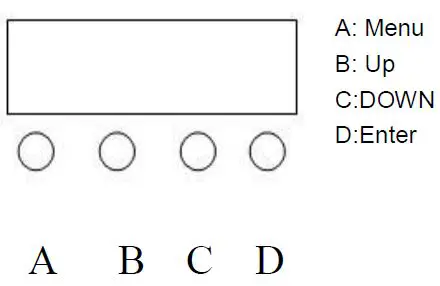
| No | LED display | function |
| 1 | A001 | DMX address |
| 2 | 3/6/7/8/12/13/25/60/61/120/121CH | Channel choose |
| 3 | CC00 | Color Jump change |
| 4 | Ed00 | Mixed color changes gradually |
| 5 | CP01 | Color pulse change |
| 6 | CL01 | Mixed color change by manual |
| 7 | E1-1 | Chasing effect,” up” change the chasing effect (E1-EF), 15 kinds effect, “down” change the chasing effect color, and “enter” change the speed. |
| 8 | SUD1 | Sound mode, 3 kinds of sound modes, “UP” and” down” Change the mode, “enter” and change the mode speed. |
| 9 | R255 | Red |
| 10 | G200 | Green |
| 11 | B200 | Blue |
3 CHANNEL TABLE
CHANNEL | VALUE | FUNCTION |
| CH1 | 0~255 | Red |
| CH2 | 0~255 | Green |
| CH3 | 0-255 | Blue |
4 CHANNEL TABLE
| CHANNEL | VALUE | FUNCTION |
| CH1 | 0~255 | Dimmer |
| CH2 | 0~255 | Red |
| CH3 | 0~255 | Green |
| CH4 | 0-255 | Blue |
6 CHANNEL TABLE
| CHANNEL | VALUE | FUNCTION |
| CH1 | 0~255 | Red (left) |
| CH2 | 0~255 | Green (left) |
| CH3 | 0-255 | Blue(left) |
| CH4 | 0-255 | Red(right) |
| CH5 | 0-255 | Green(right) |
| CH6 | 0-255 | Blue(right) |
7CH TABLE
| CHANNEL | VALUE | FUNCTION |
| CH1 | 0-255 | DIMMER |
| CH2 | 0~255 | Red (left) |
| CH3 | 0~255 | Green (left) |
| CH4 | 0-255 | Blue(left) |
| CH5 | 0-255 | Red(right) |
| CH6 | 0-255 | Green(right) |
| CH7 | 0-255 | Blue(right) |
61CHANNEL TABLE
| CHANNEL | VALUE | FUNCTION |
| CH1 | 0-255 | DIMMER |
| CH2 | 0~255 | 1-2 LEDs red |
| CH3 | 0~255 | 1-2LEDs green |
| CH4 | 0-255 | 1-2 LEDs blue |
| …. | …….. | Each two LED’s pixel color |
| CH60 | 0-255 | 39-40 LEDs green |
| CH6 | 0-255 | 39-40 LEDs blue |
121CHANNEL TABLE
| CHANNEL | VALUE | FUNCTION |
| CH1 | 0-255 | DIMMER |
| CH2 | 0~255 | 1 LED red |
| CH3 | 0~255 | 1LED green |
| CH4 | 0-255 | 1LEDs blue |
| …. | …….. | Each LED’s pixel color |
| CH119 | 0-255 | 40 LED red |
| CH120 | 0-255 | 40 LED green |
| CH121 | 0-255 | 40 LED blue |
Cleaning
As the smoke and dust corrode, the internal and external vision lenses must be cleaned out to make the light output power optimization.
- Use the glass cleaner and a soft cloth to clean the package.
- Every 20 days, use the glass cleaner and a soft cloth to clean the external lens.
- When you insert the power is always ensure that every part of the product dry.
When Fixtures run, require regular cleaning according to the different environments.
Troubleshooting
The followings are some common problems encountered and the solutions when the customers use it:
- For there is no response to DMX
- Check the DMX cable is properly connected (pin3 as follows: “hot”, in other DMX devices, pin2 are also as follows: “hot” means.
- For the voice made no reply
The sound is too small or too high-profile voice can not make it up and running. If this problem persists, please contact your vendor for help.
Remove the goods
Thank you for your purchase of our products. Each one of these items has been thoroughly tested and is in the best working condition in the shipment on board. Carefully check the carton during shipment of damage occurs. Occurs if the carton is damaged, carefully check the location of damage and ensure that all the necessary accessories are intact and functioning. If the damage has been caused, or some parts have been lost, please contact the manufacturer or vendor for further instructions. Please do not contact in the absence of circumstances, to return the goods to the seller.
Description
This item is a model of the control of several kinds of audience spotlight. This light is widely used in mobile DJ and clubs. This aspect can be used alone or as part of a voice-activated to run through several kinds of mode control.
Note:
There are no users who can use the part. Please do not try to repair itself, otherwise, it will make the product warranty expire. For more information, please contact your manufacturer or seller. If possible, please recycle the shipping carton.
ShenZhen BECEN Stage Equipment Co., Ltd
- Add:5th Floor, Building 1st, HuaZhan Logistics Park, XiHuanRoad, Shaling, BaoAn, Shenzhen, GuangDong, china
- Tel: 86-13410588234
- Email:
[email protected]
[email protected].