
QUICK START GUIDE
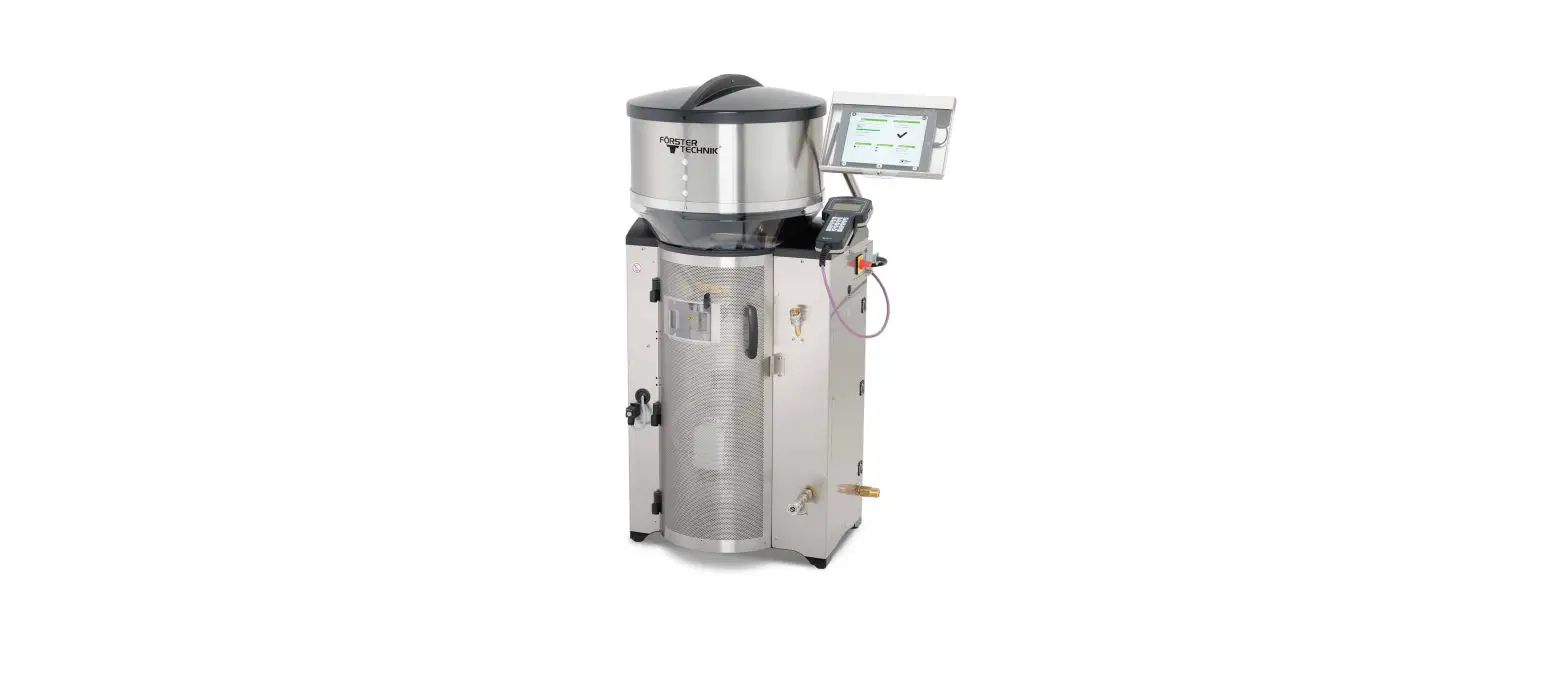
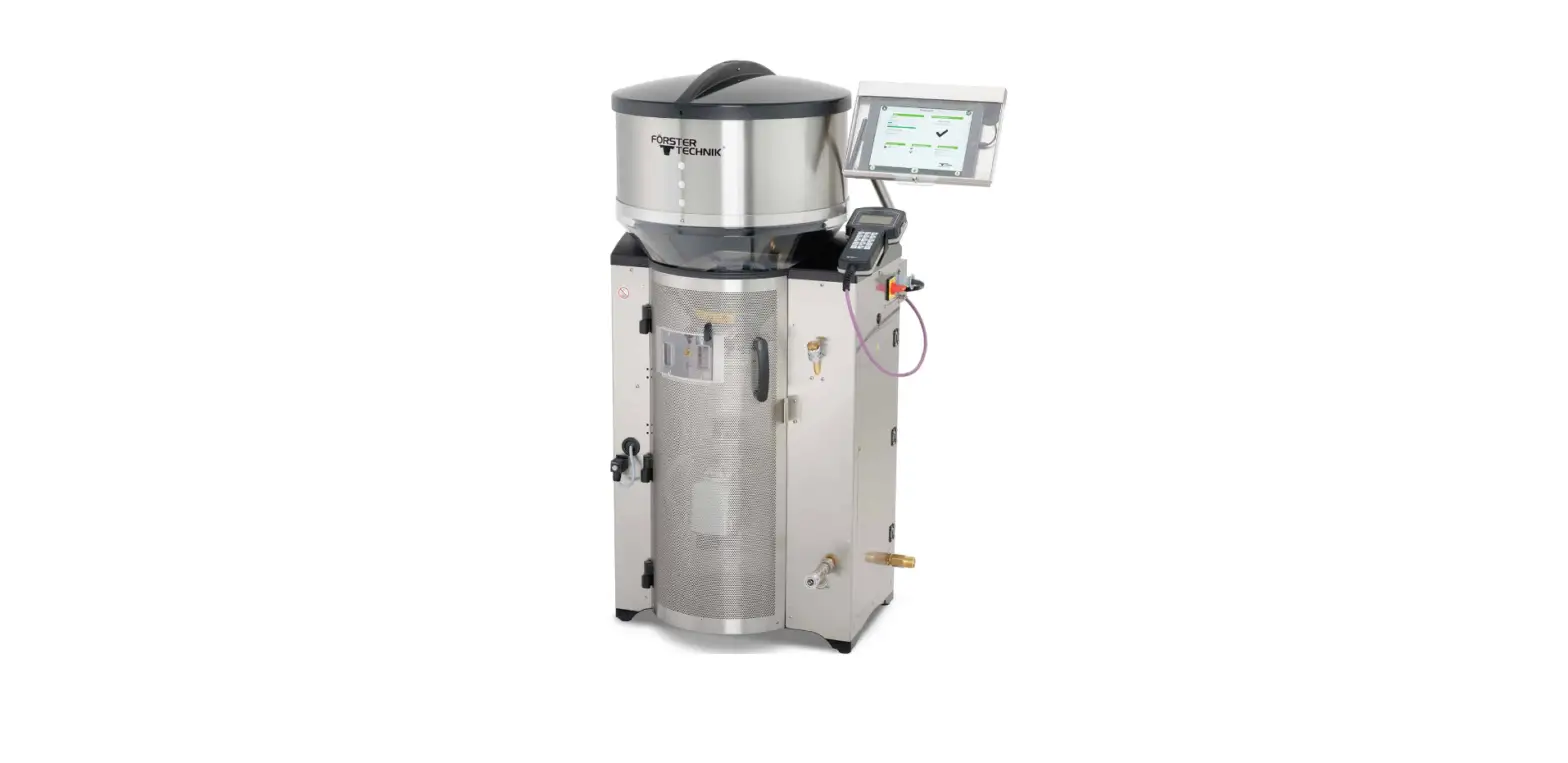
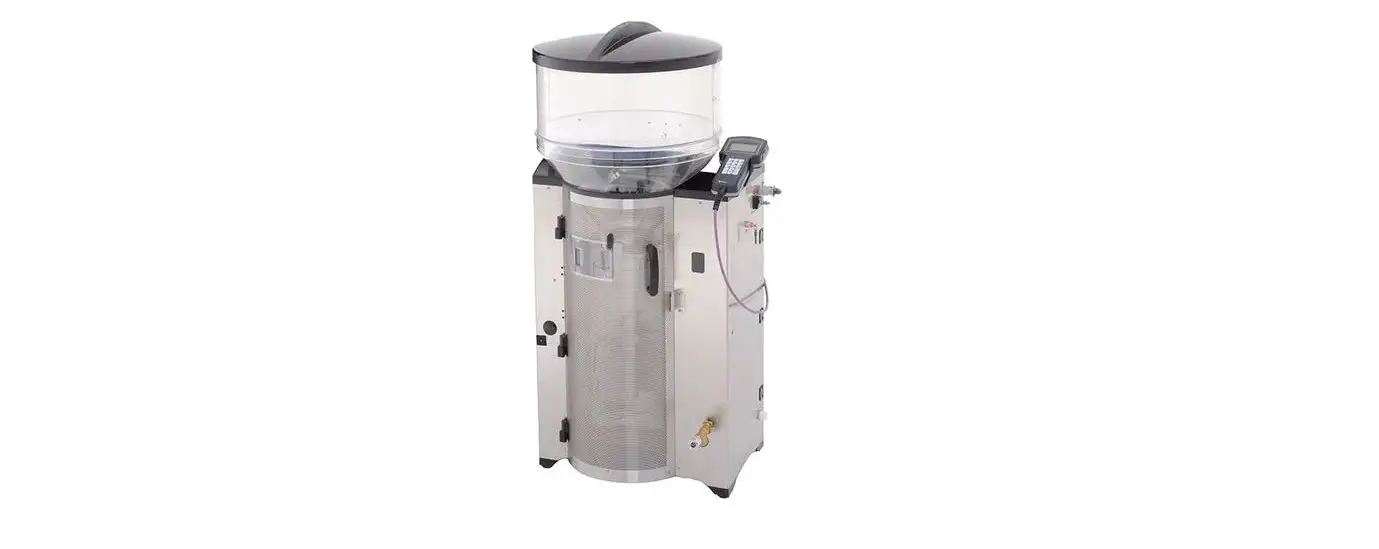
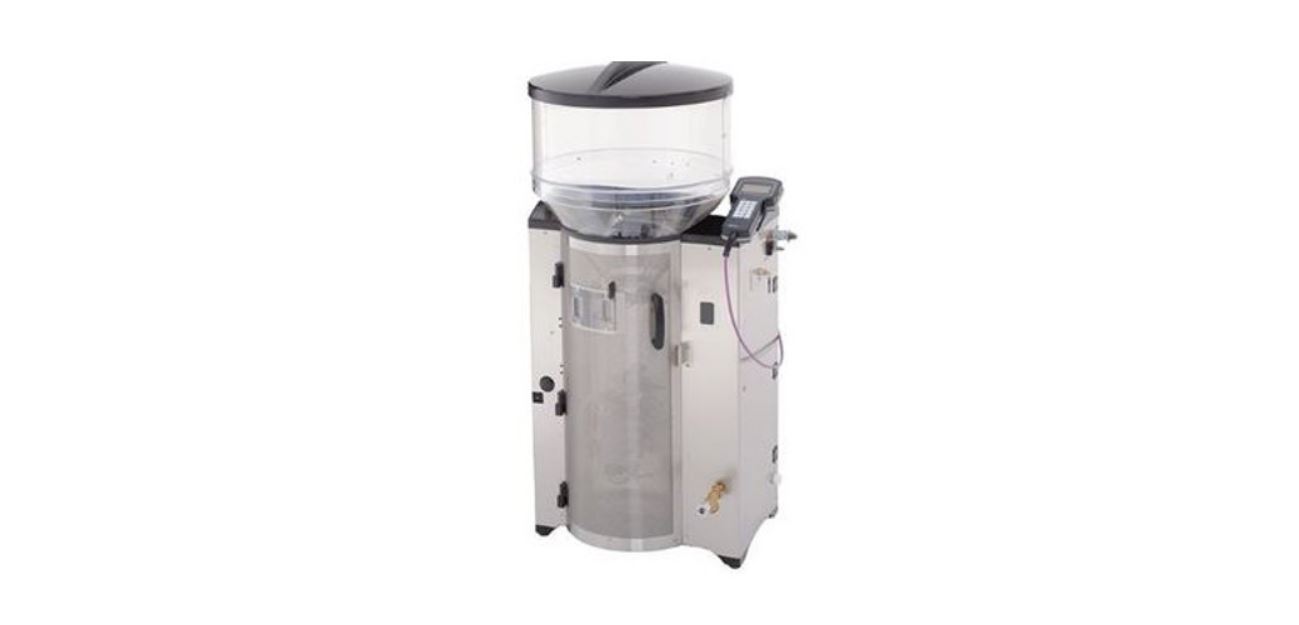
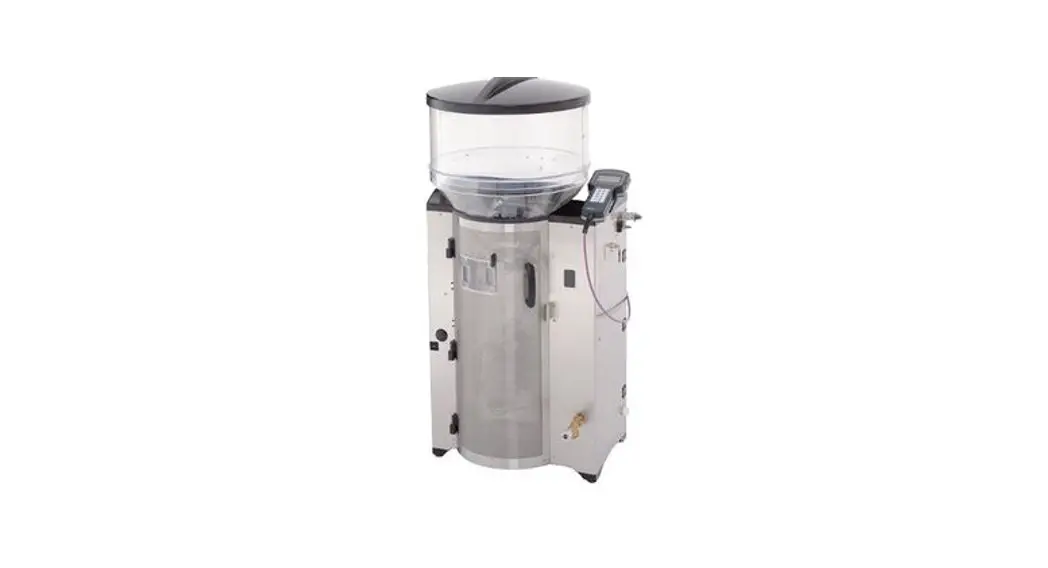
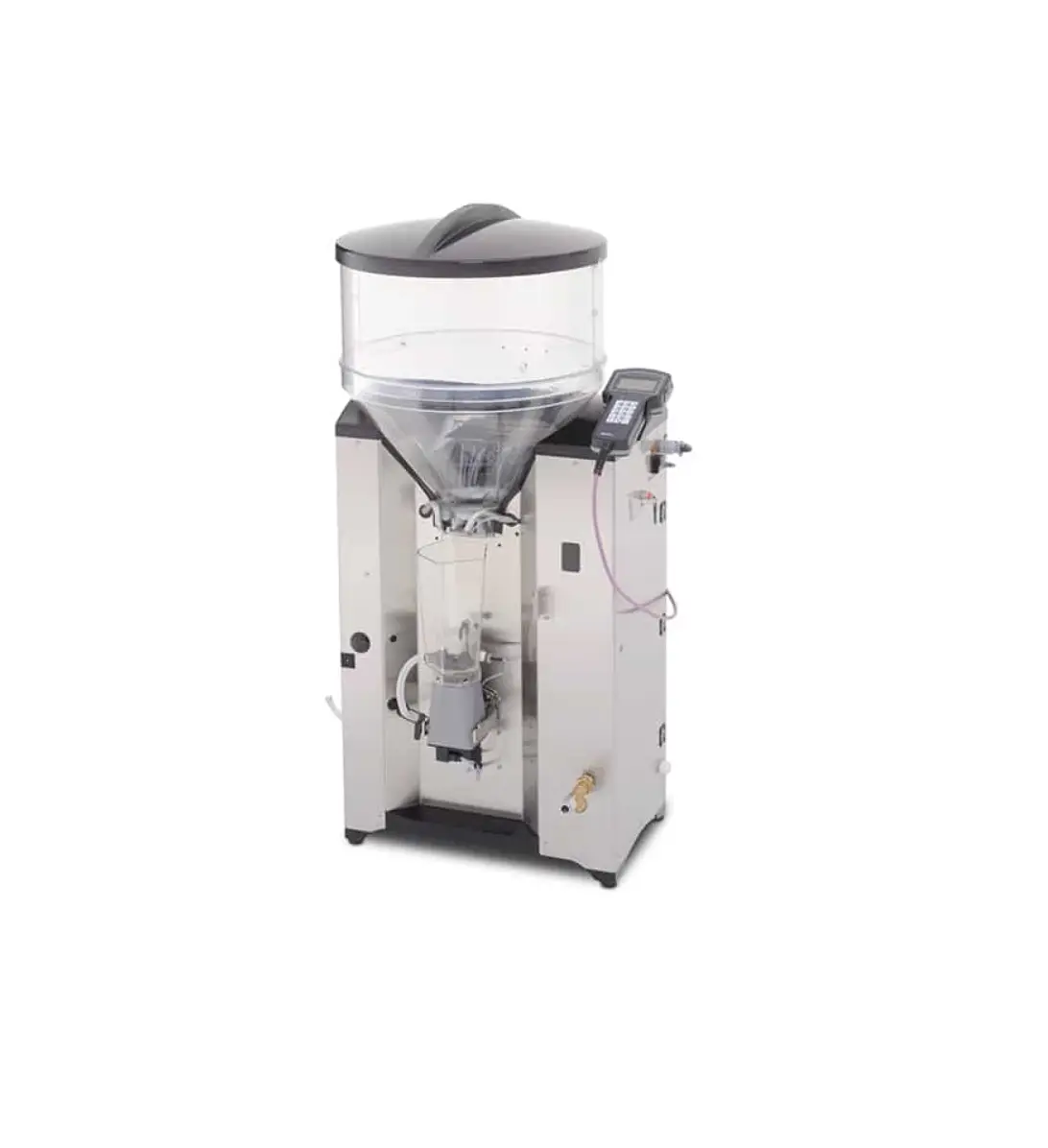
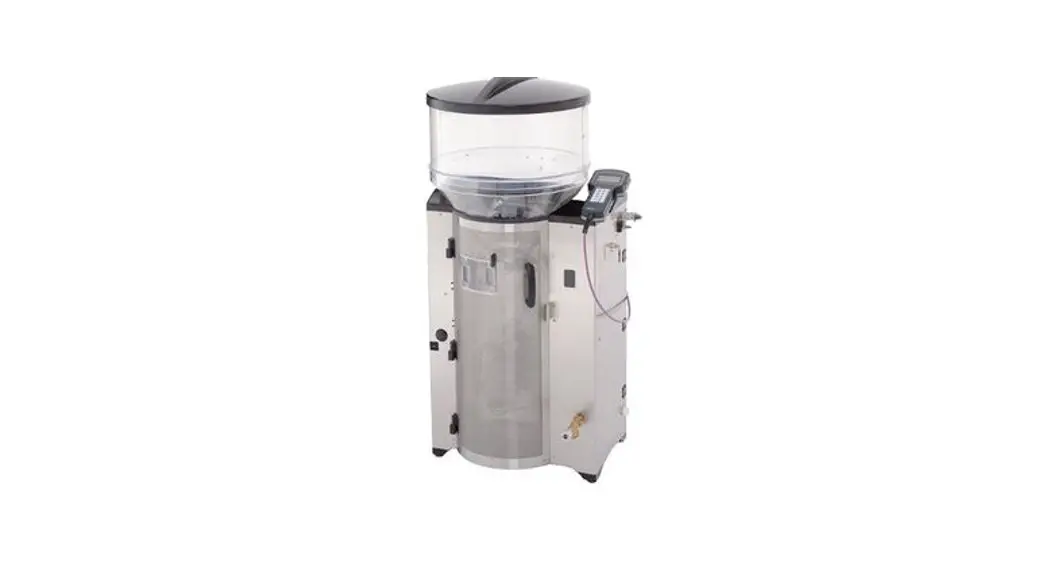
Automatic calf feeder
2.3 CalfApp GO! & CalfCloud
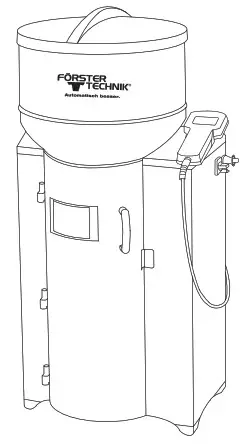
This document provides a brief overview of how to get the calf feeder smart connected to the internet.
Internet connection
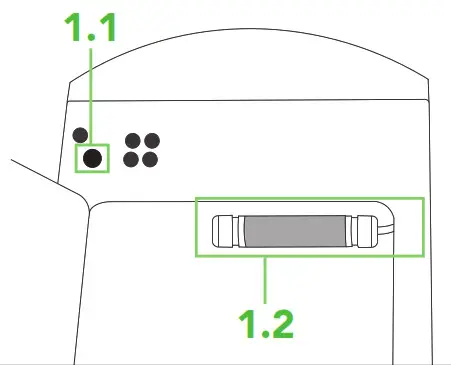
Connect the automatic calf feeder to the Internet via an Ethernet cable
- Insert external Ethernet cable through the intended opening on the side of the feeder
- Connect inserted Ethernet cable to the preinstalled adapter in the grey tube
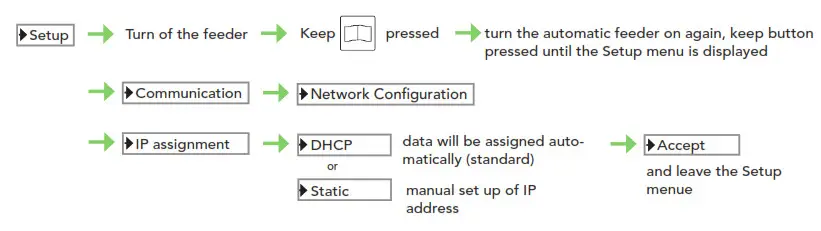
Settings
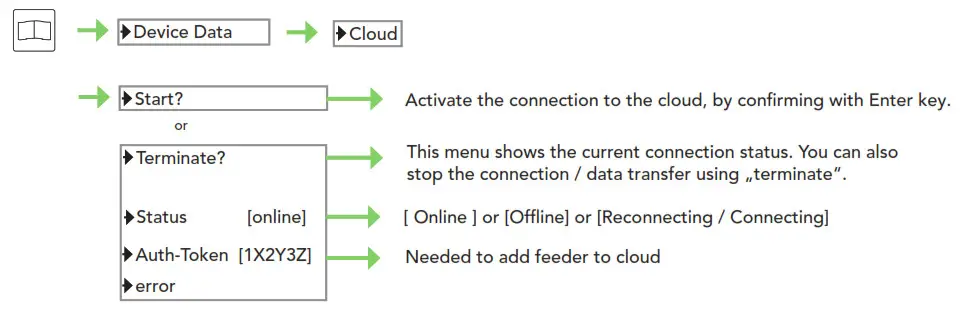
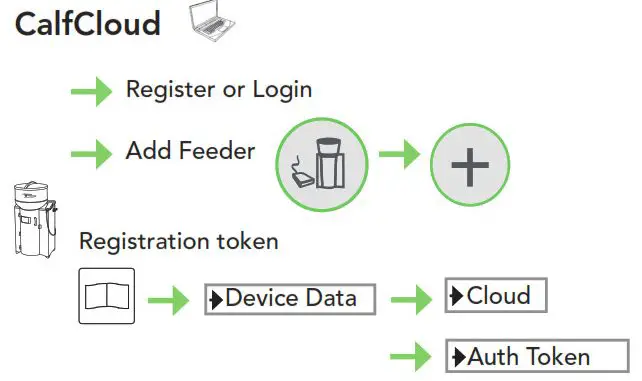
CalfApp GO!
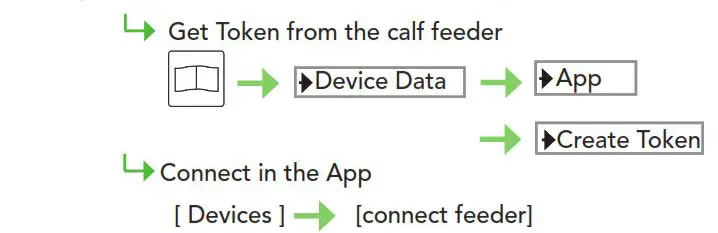
Download from Play Store or App Store Choose same local network like feederConnect the Calf feeder with the App
Get Token from the calf feeder
Troubleshooting
5. Error: Cloud Connection
No Cloud connection With a firewall, port 443 must be open! Check if the feeder has the correct date and time! Cable connected to the right socket of the router? Cable connected at both ends? Is cable intact? Right settings? Factory mounted cable is connected to processor board? The router is connected to the internet?TIP: See Topic 1 – IP Assignment
Is the internet available? Are other participants (computers etc.) properly connected to the internet?
Restart feeder and Cloud Connection
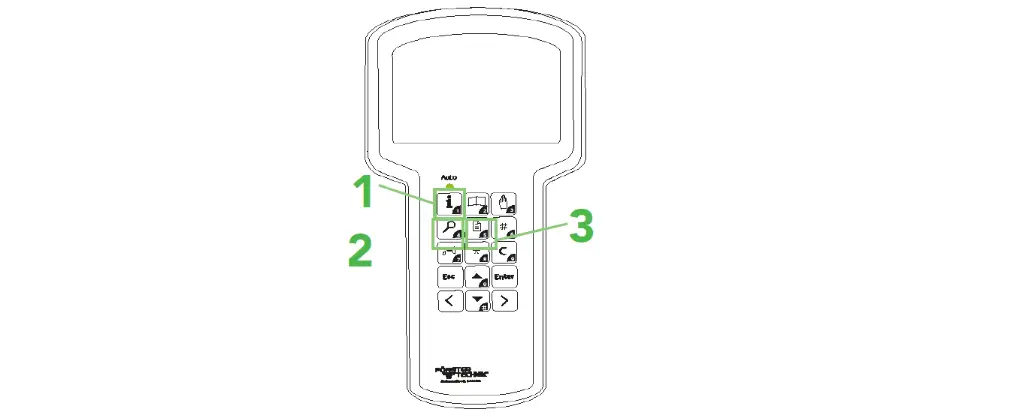
TIP: See Topic 2 – Device Data

 Note: There are no errors present No eth. cable: No Ethernet cable is plugged in No Internet: There is no Internet connection available Connect. error: There is a connection error to the server
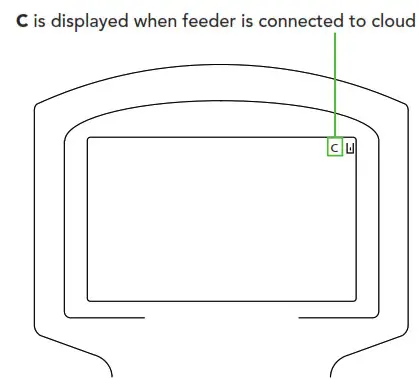
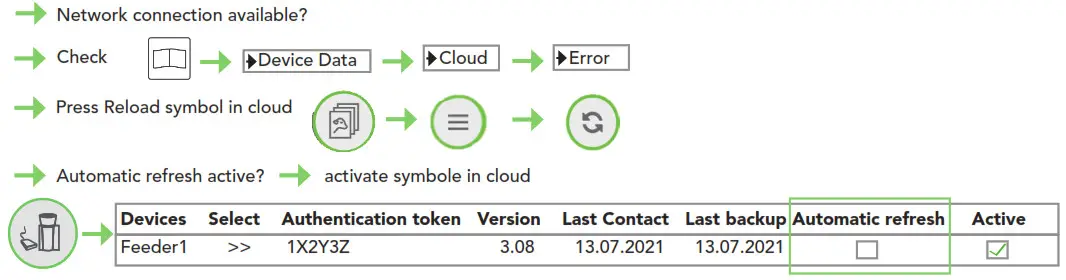
6. Error: last Cloud backup not uploaded
Is cloud connection available? Try backup manually
7. Error: the last update is outdated
Animal data ist not up to date
This checklist refers to the basic equipment of the calf feeder. Not all available functions of the automatic feeder or the extensions can be shown.
For detailed information and valid warnings as well as safety instructions, please refer to the instructions manual. (Status 21/07)