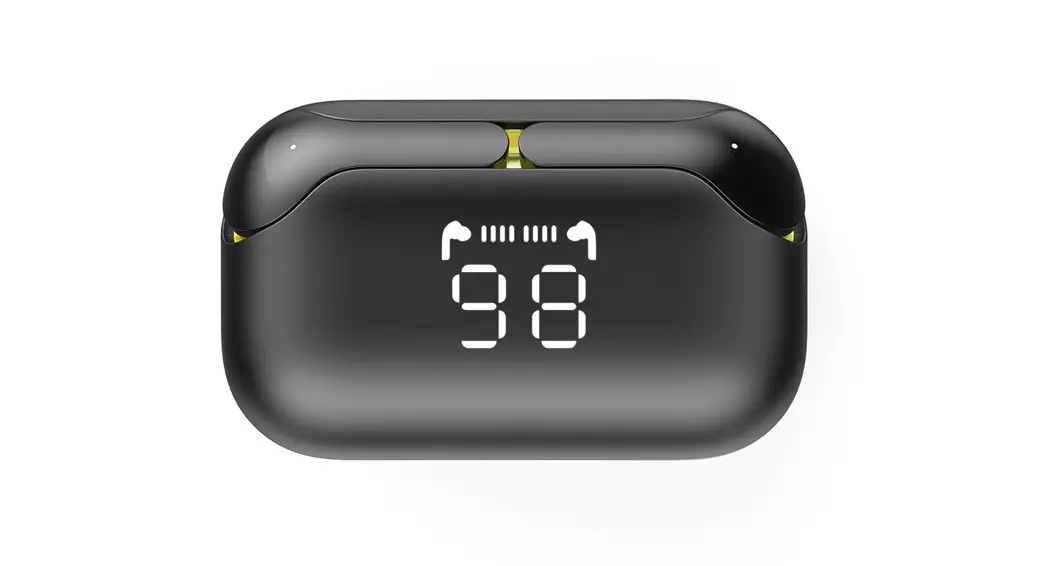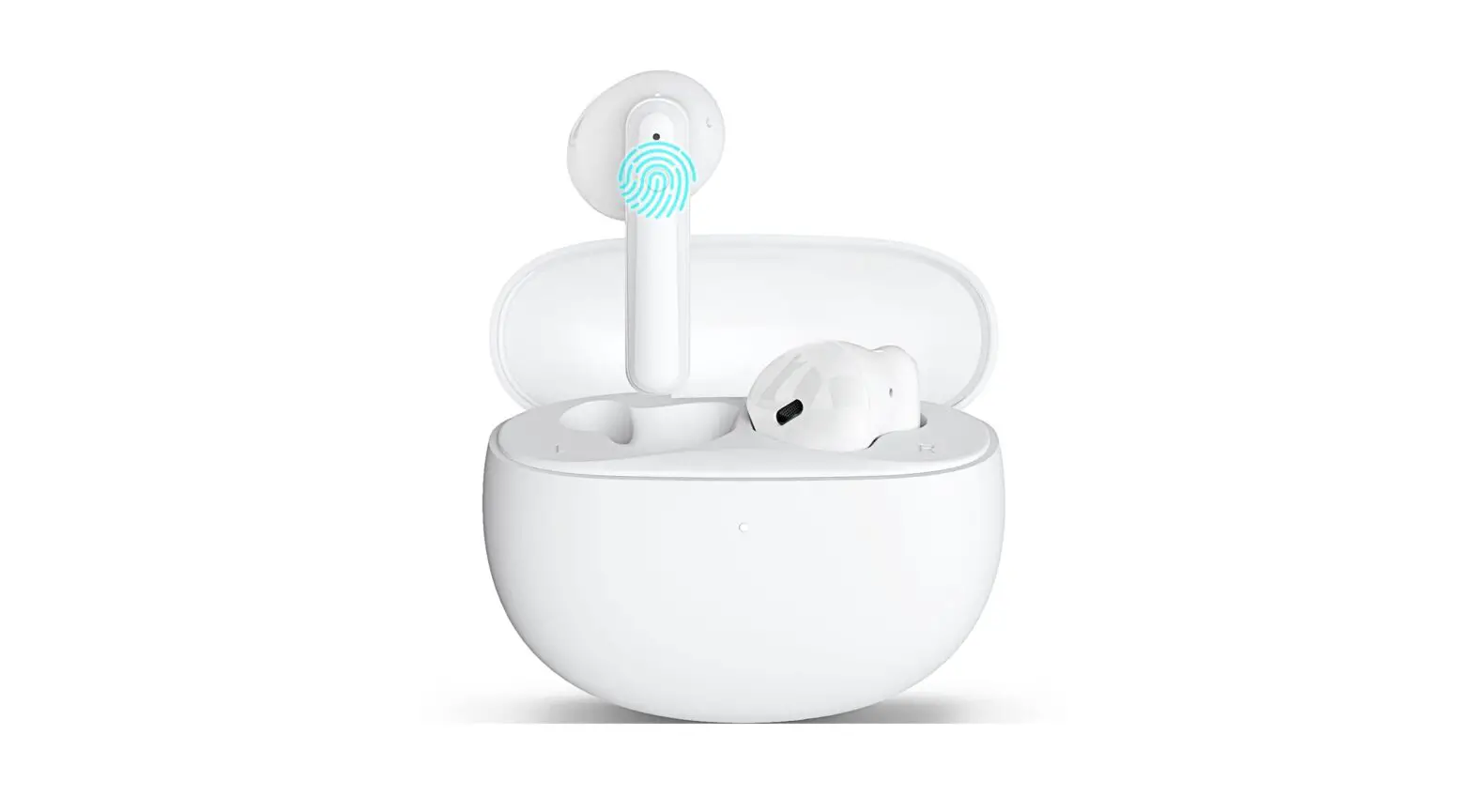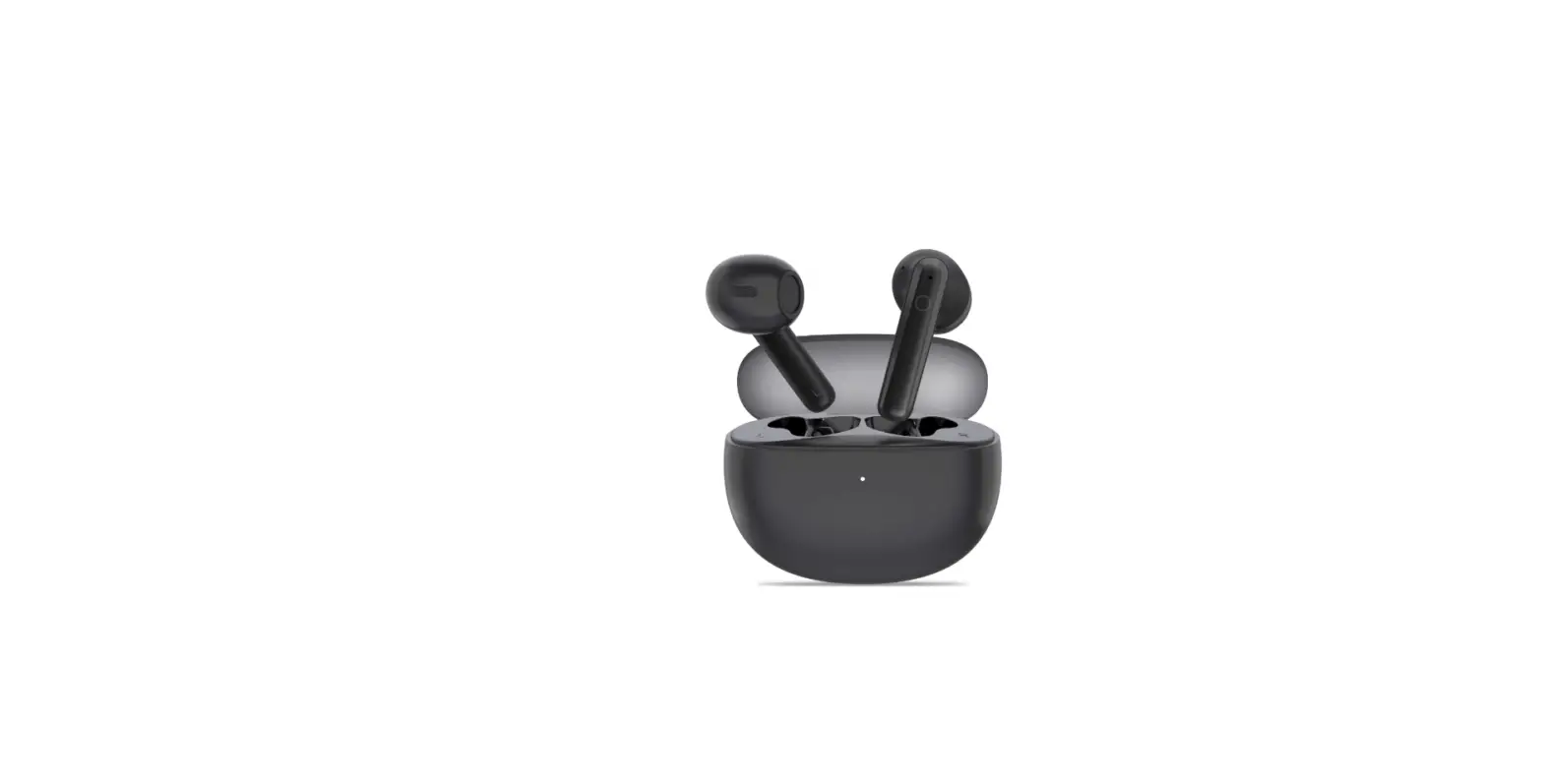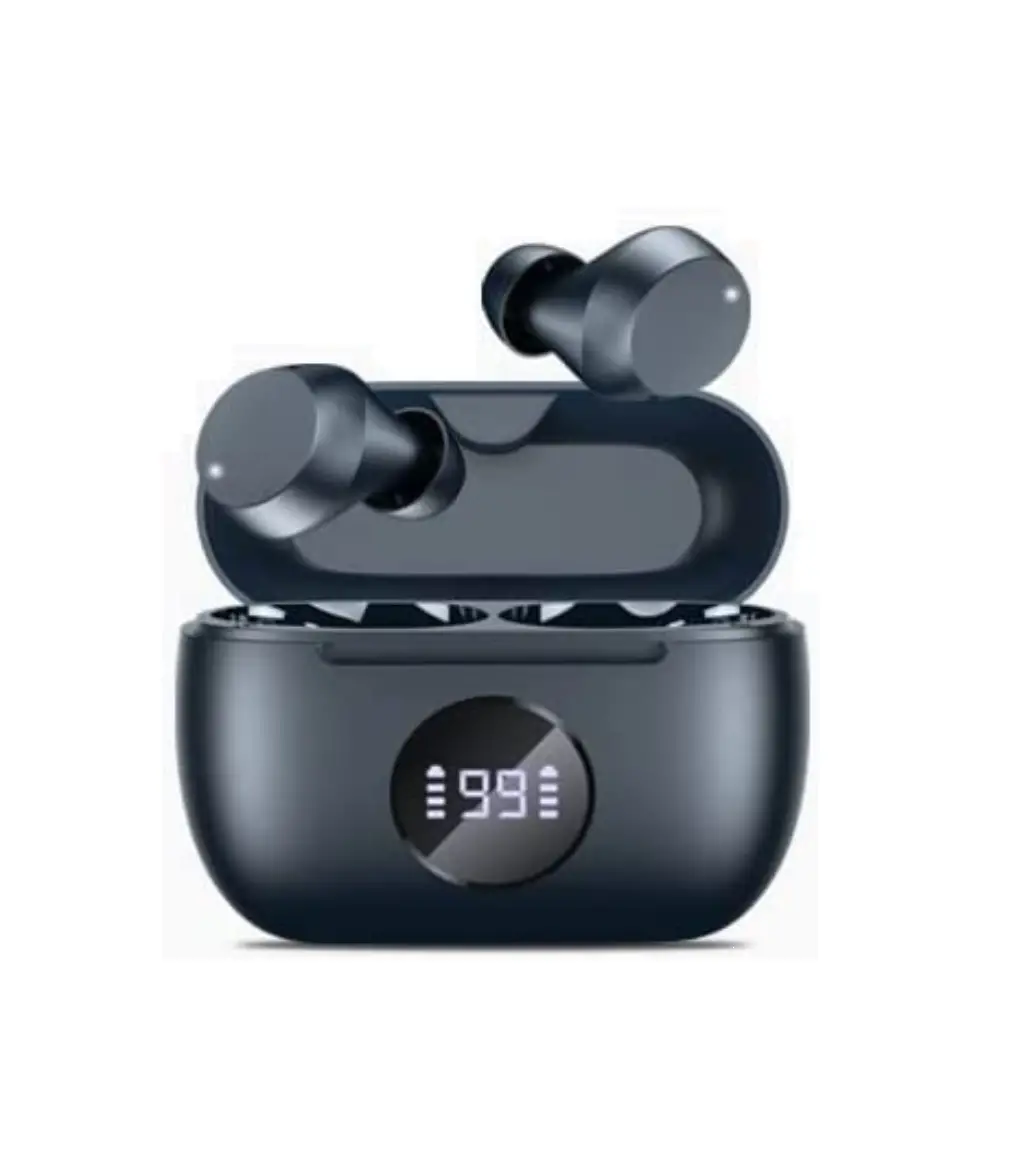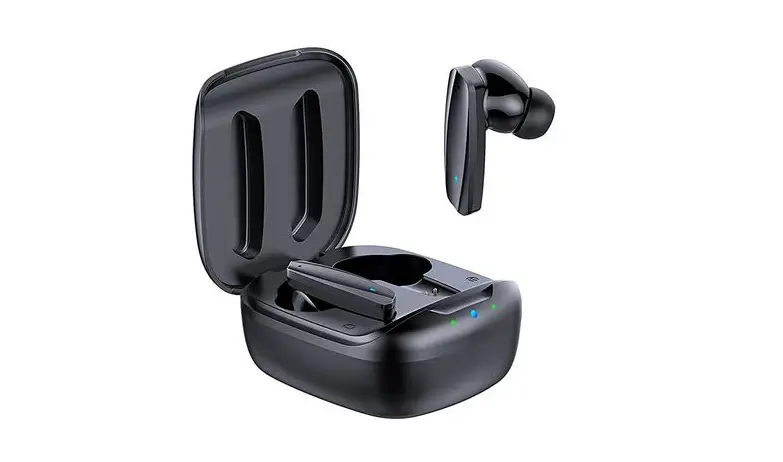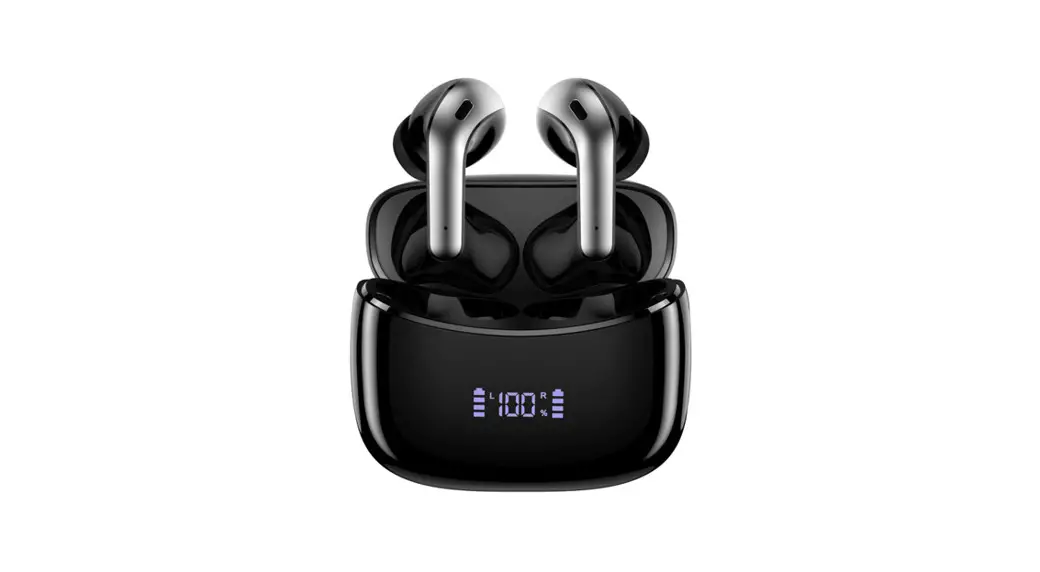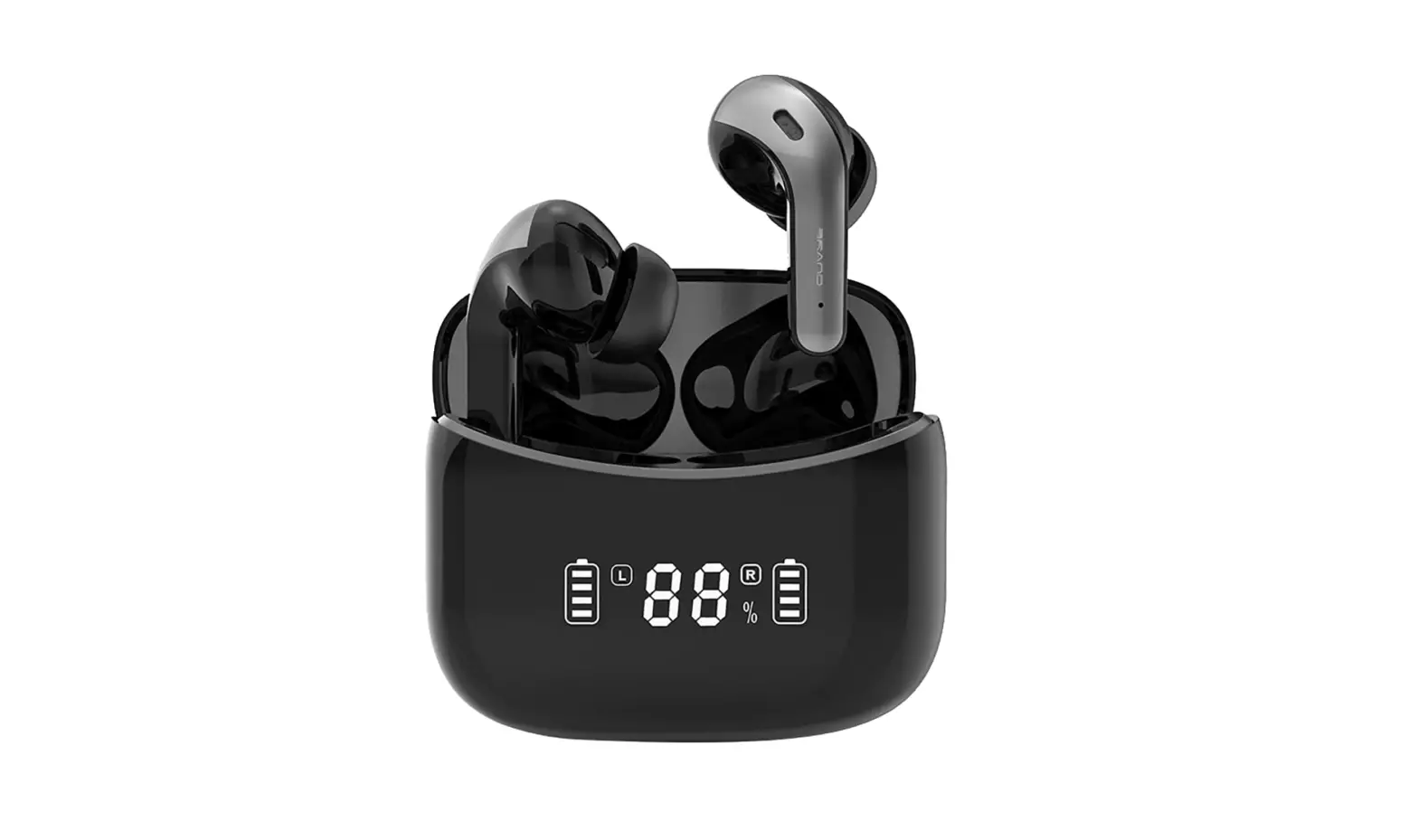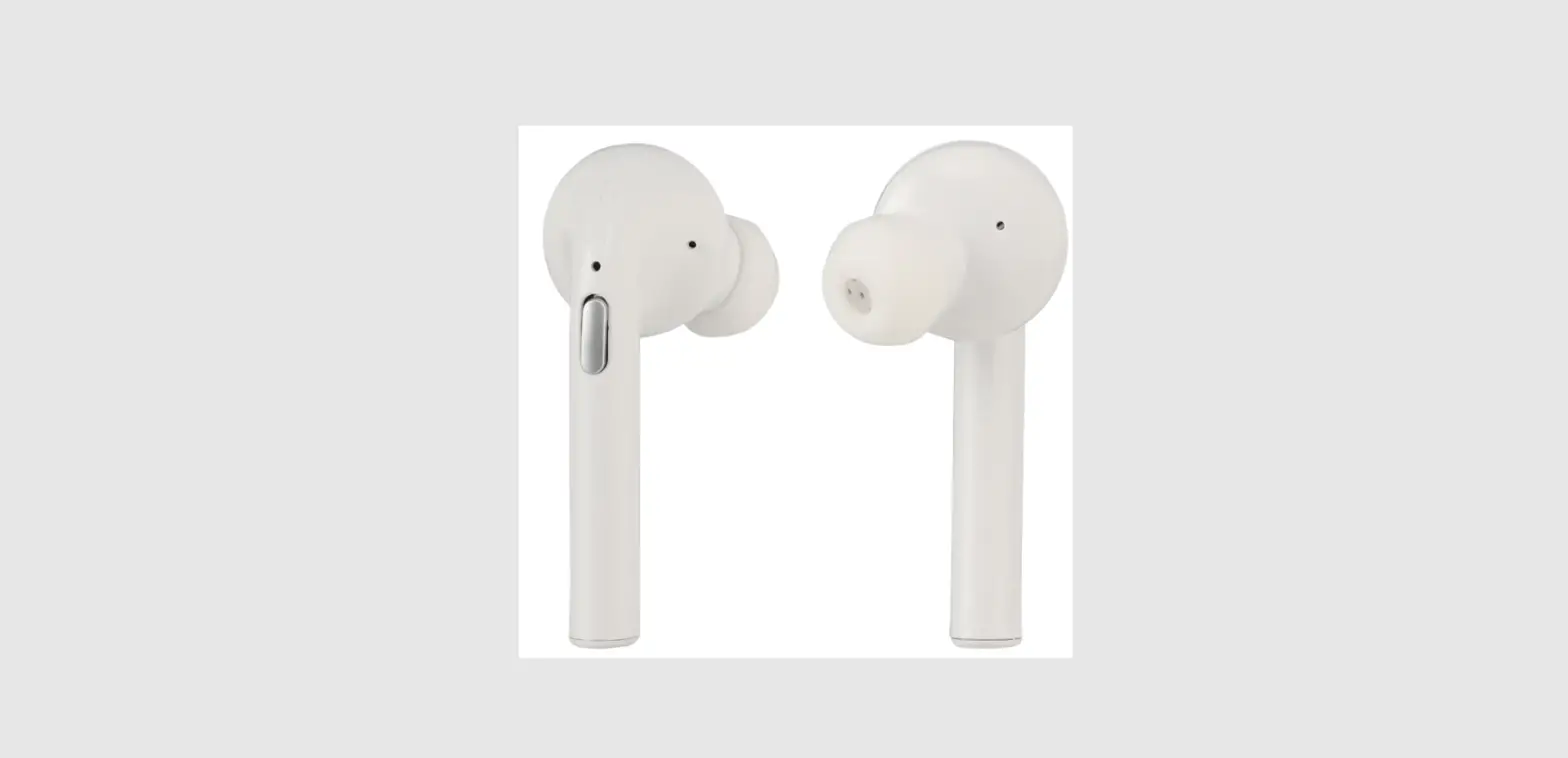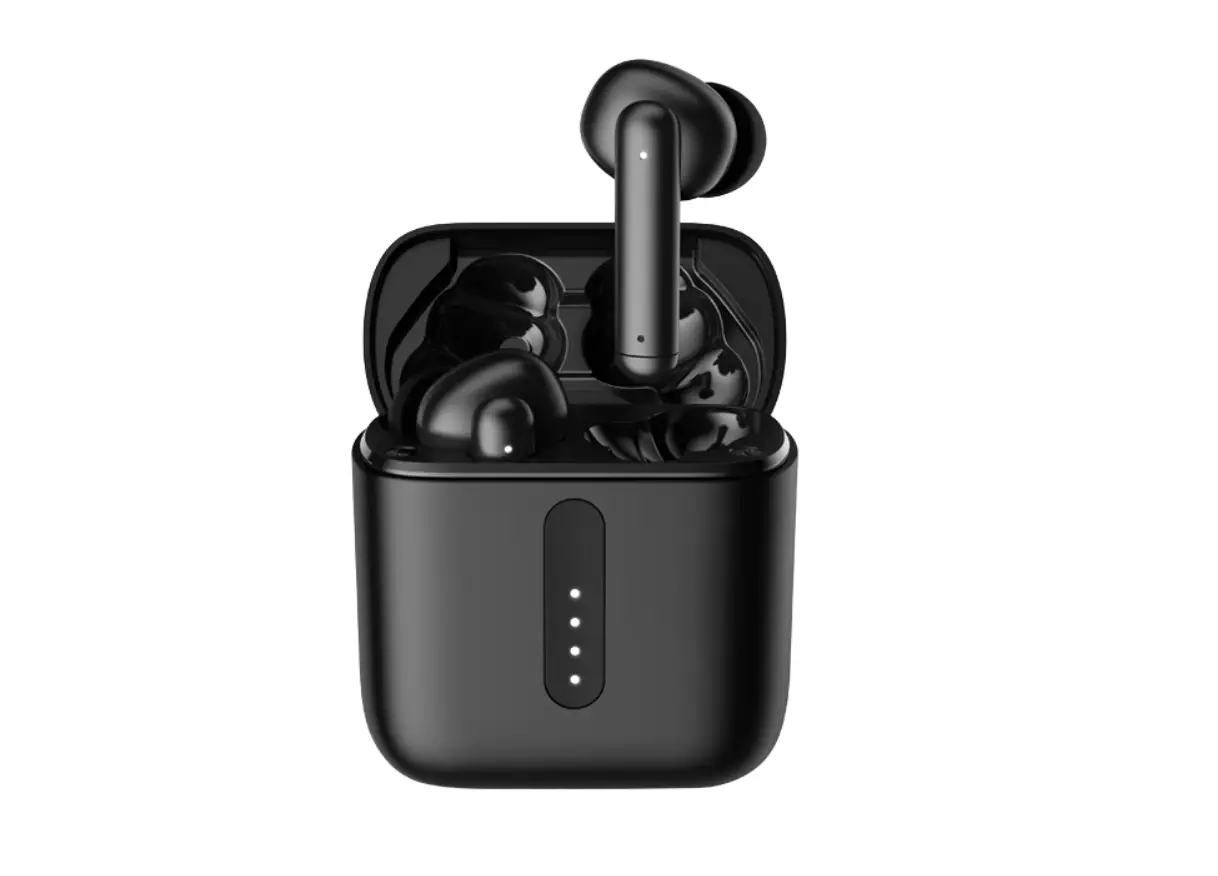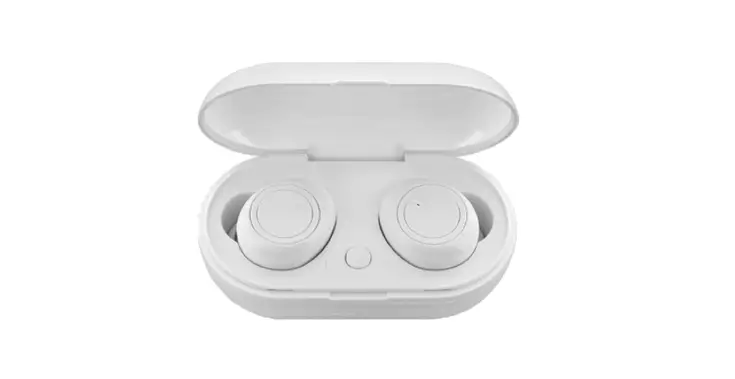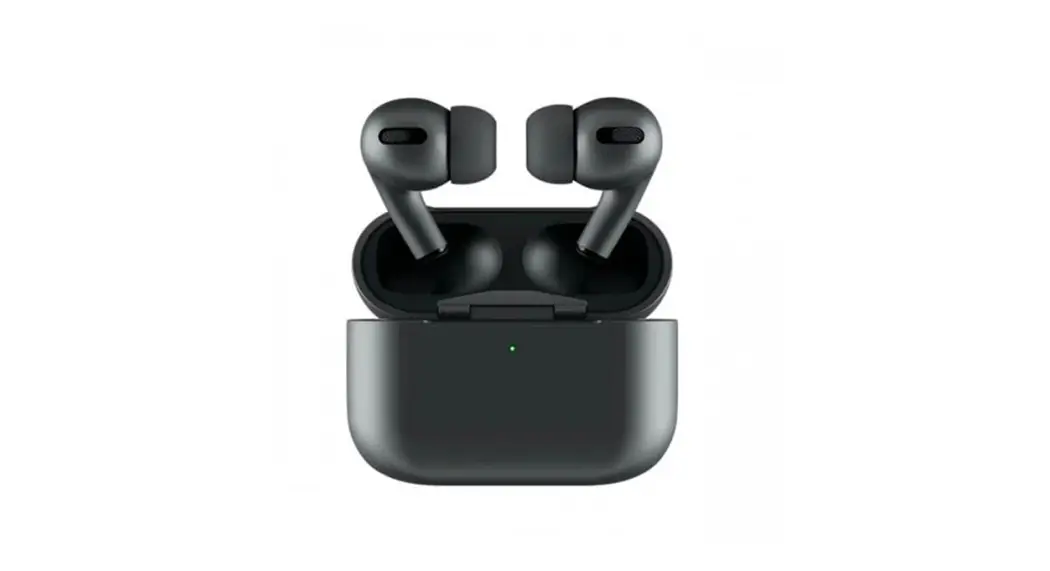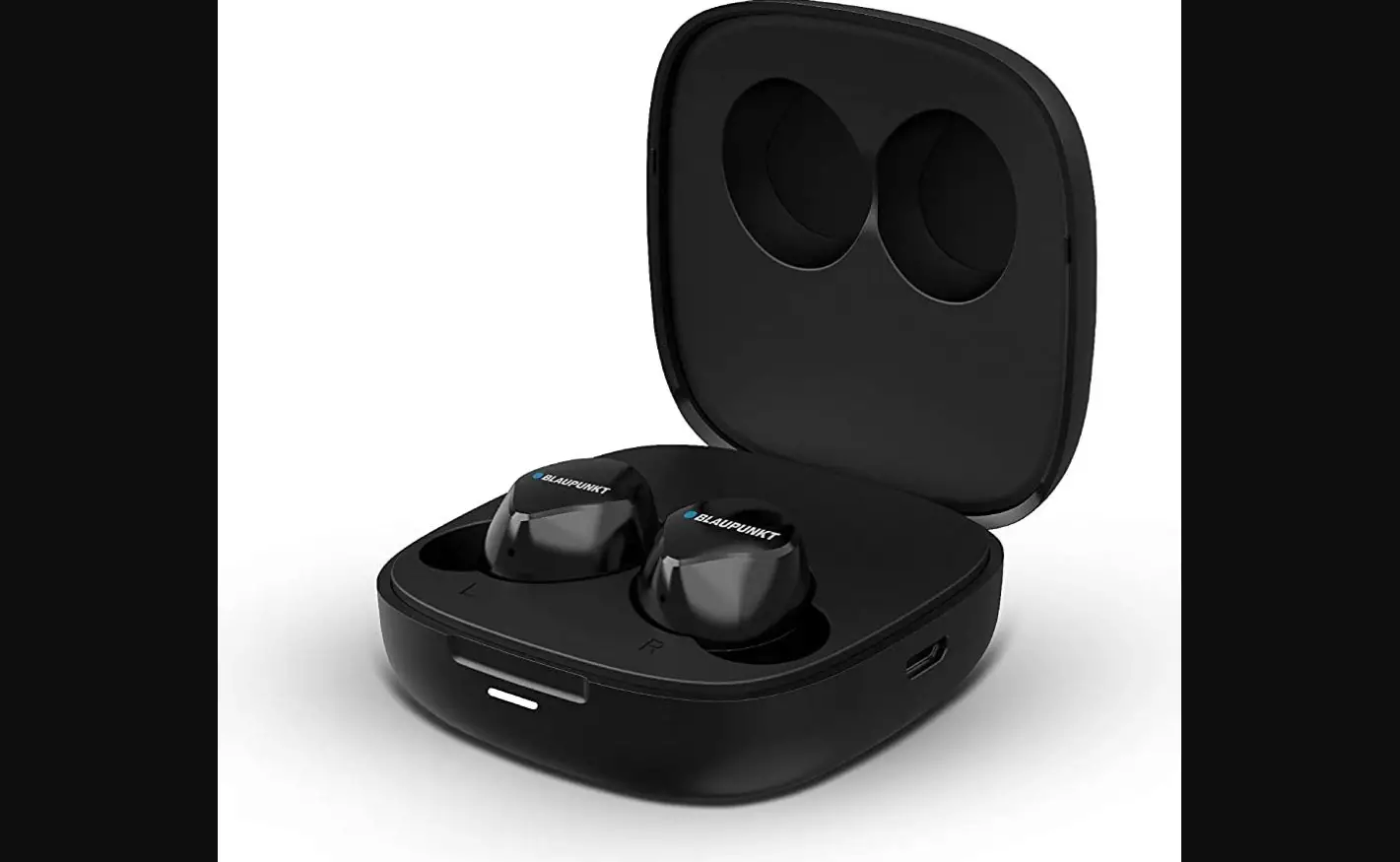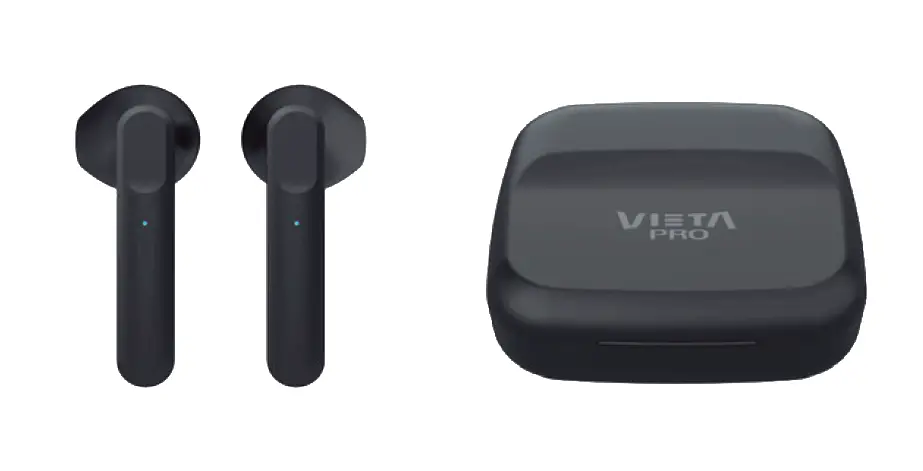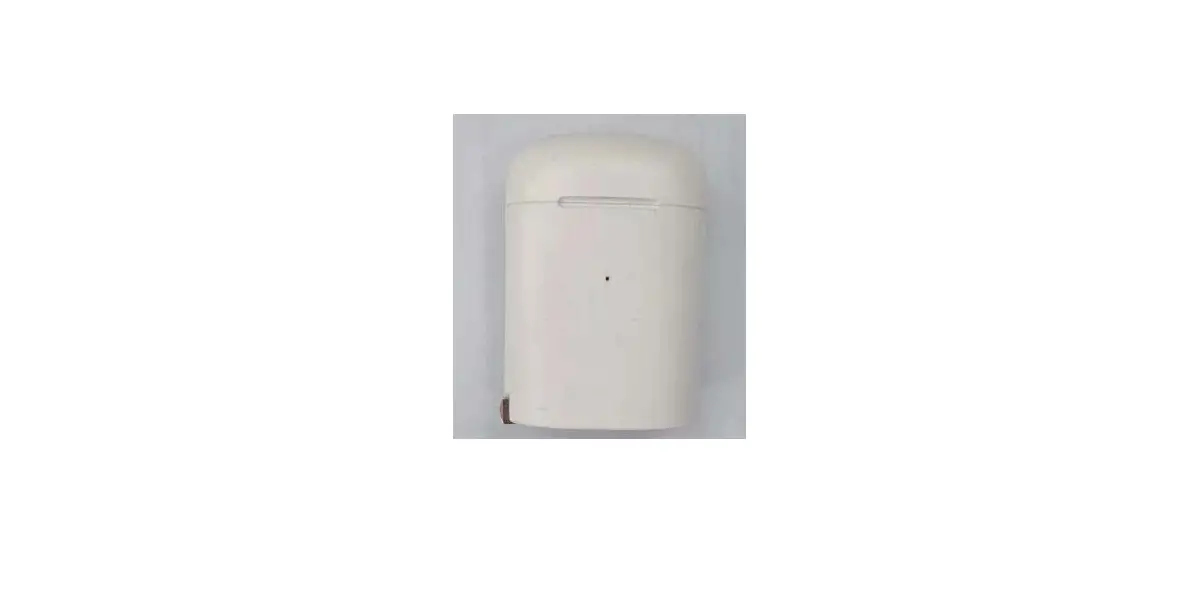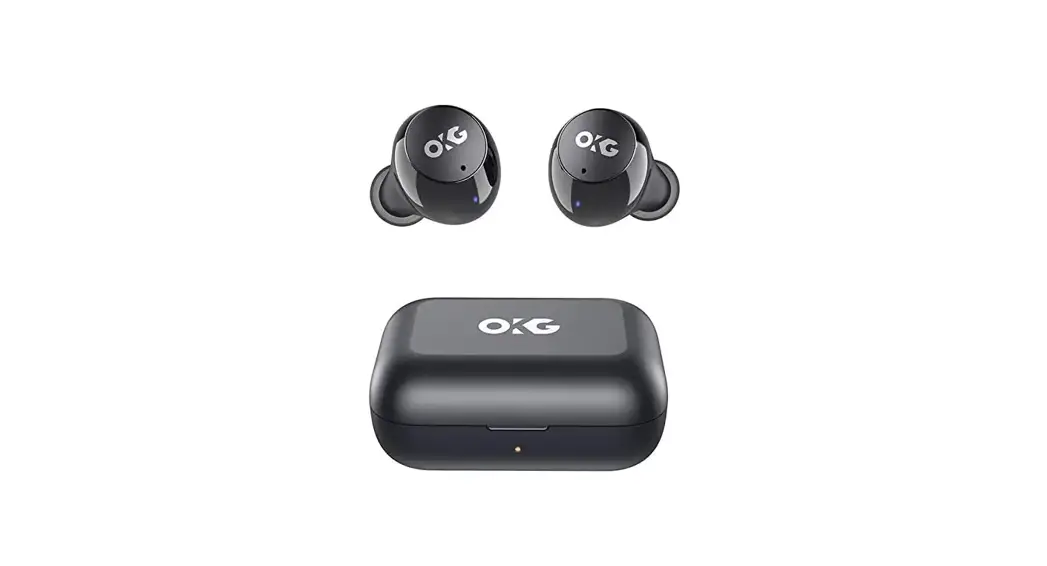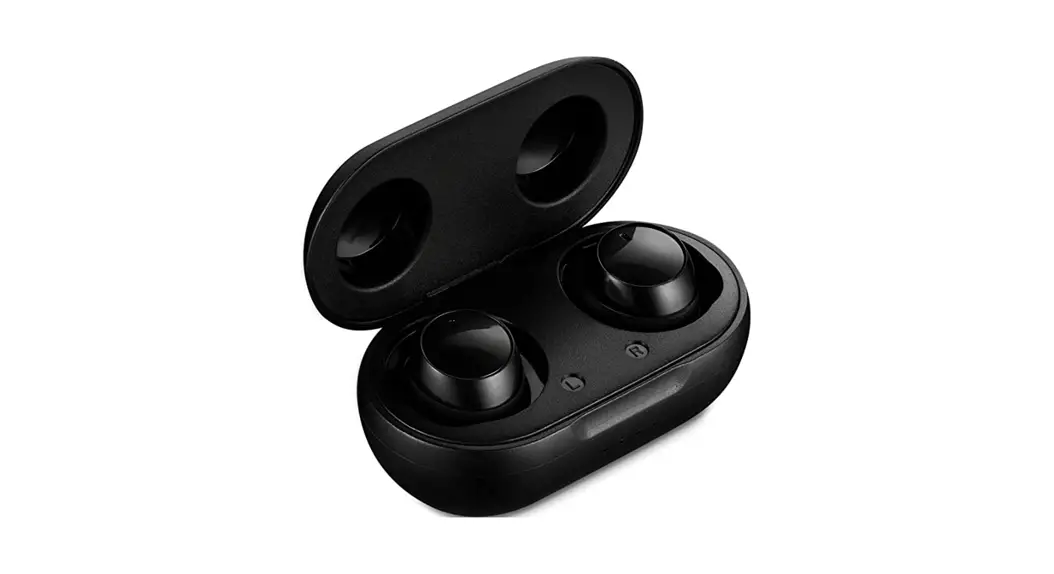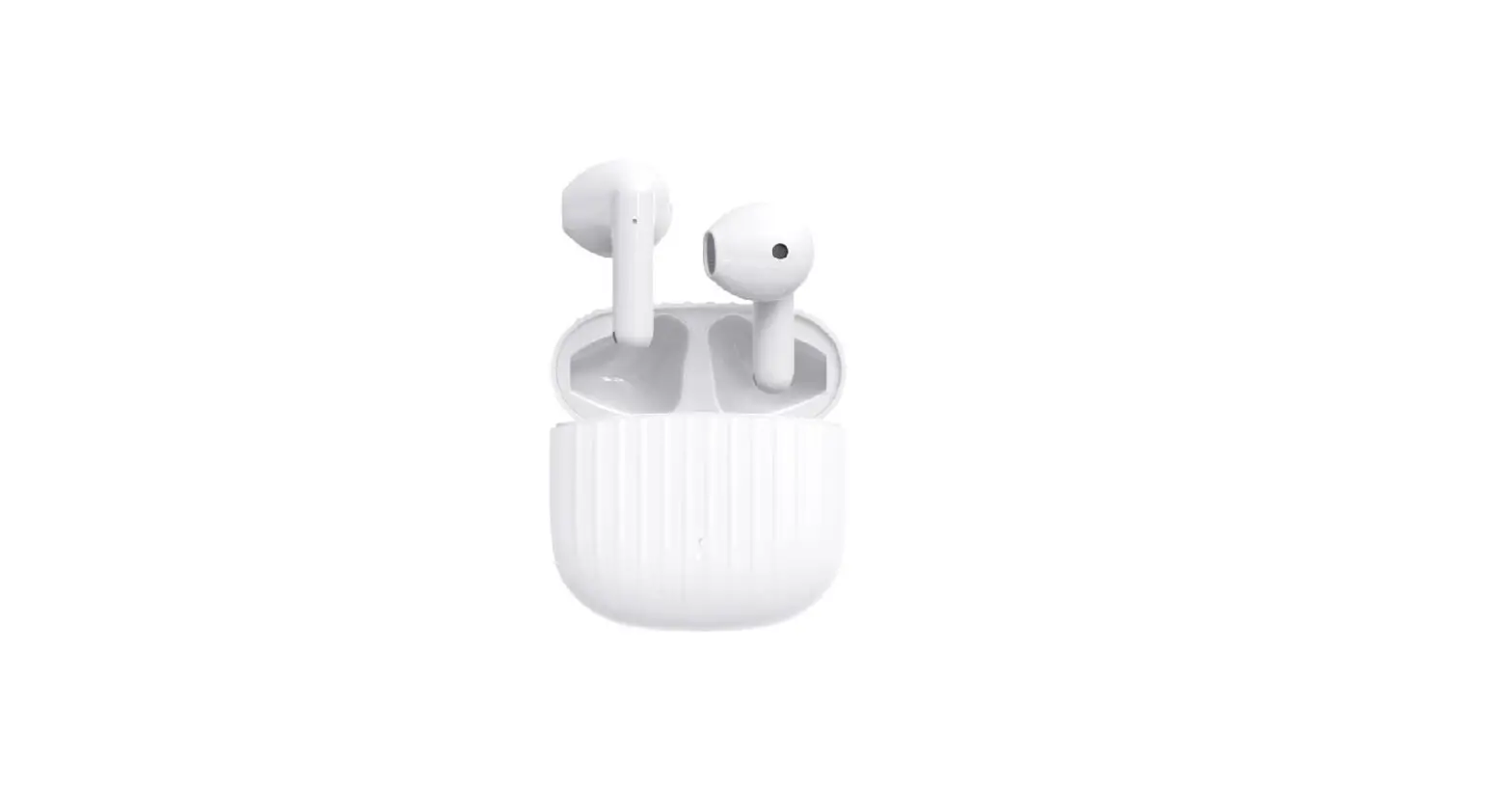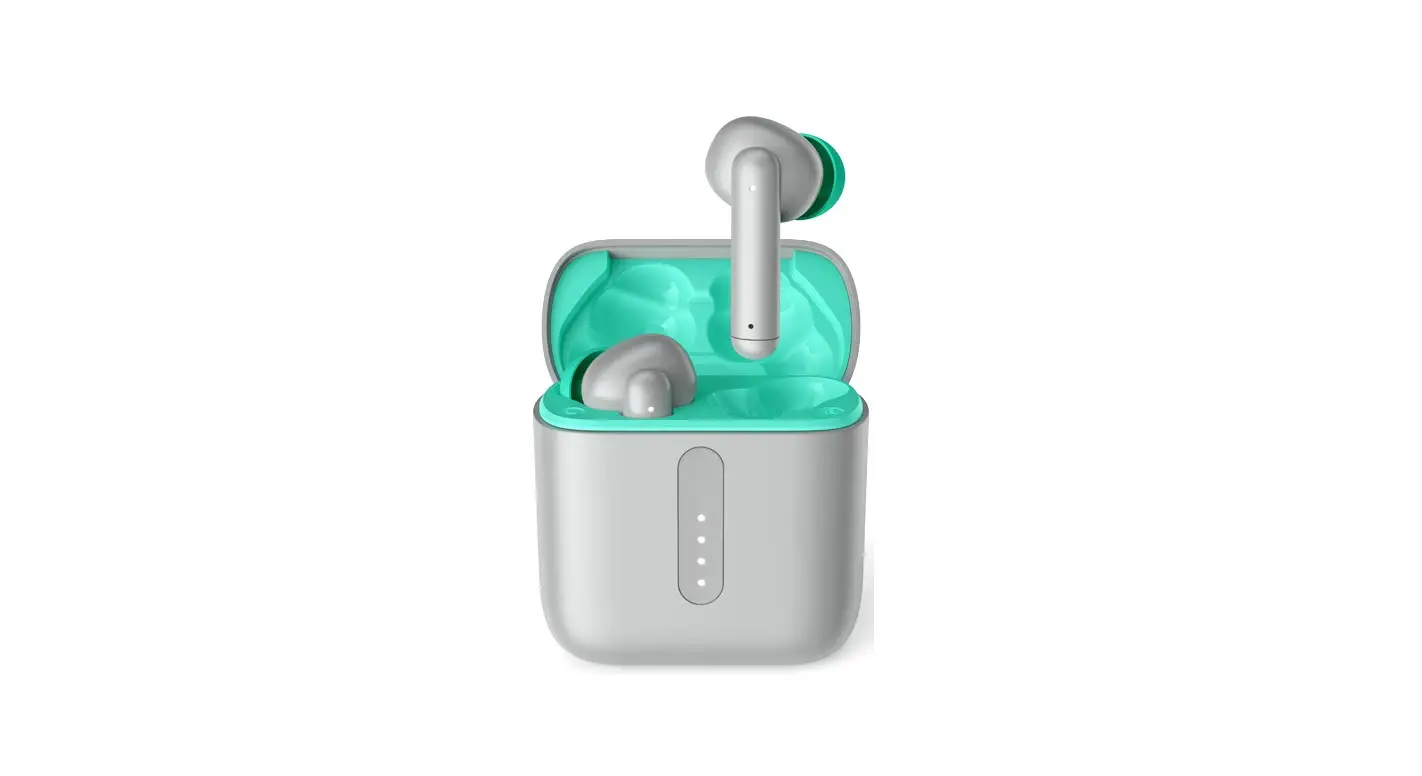
Kvance Technology BTW92 True Wireless Earbuds Instruction Manual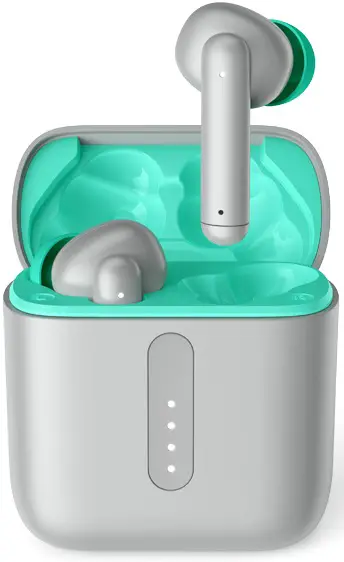
CONNECT
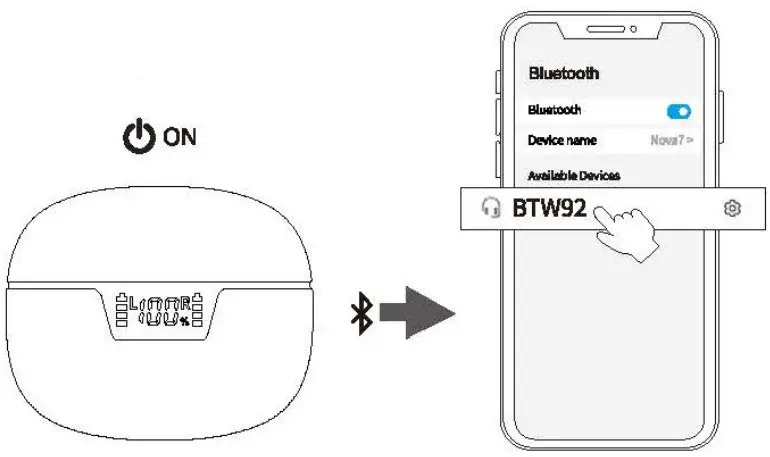
- Take out the earbuds (Earbuds auto power on)
- After open the phone Bluetooth, Click the <BTW92> to Pairing
Reset
If earbuds has any connection or function problems, please reset the earbuds.
- Delete the BT pairing information on the phone.
- Take the earbuds into the charging case to charge.
- Take out the earbuds and wait for 20 seconds. (If the above operation does not work, please try again
Operation
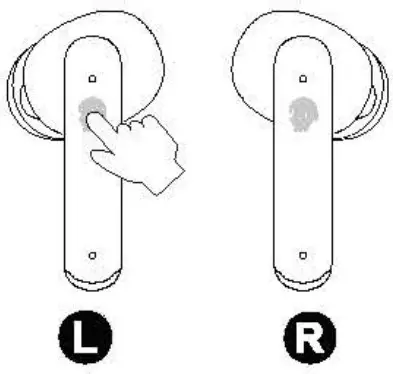
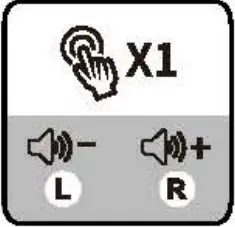
- Play /Pause

- Switch Song

- Power on/off (When no conected)
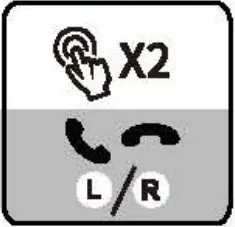
- Answer/Hang up

- Reject Call
- Voice Assistant
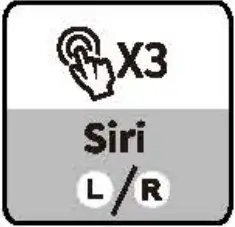
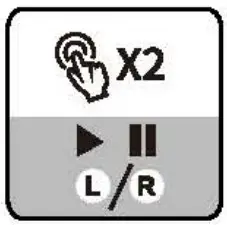
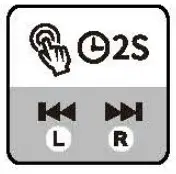
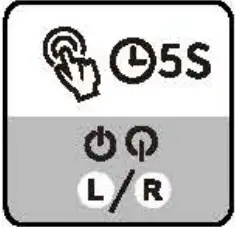
Xi: Click Once 2S: Press and hold for 2 seconds
X2: Click 2 times
Problem handing
- Can be connected but there is no sound: Click the right earbuds to increase the volume.
- One of earbuds cannot be charge: Clean the charging contact of the earbuds and the charging case.
- One of the earbuds cannot be connected: Reset the earbuds.
If the earbuds cannot be charged, please activate the warranty and contact us to send a new product.
 Please clean the charging contacts of the earbuds and charging case frequently to avoid charging failures.
Safety Instructions
- Keep the product away from extremely hot and cold environments, it will damage the battery and circuit.
- Avoid liquid immersion into the product.
- Do not disassemble the product.
- Do not use concentrated chemical products or detergents to clean the product.
- Use only 5V/1A power supply. Connecting the power supply voltage too high may cause serious damage.
- Do not randomly discard or place the product near fire or high temperature to avoid the danger of explosion.
This device complies with part 15 of the FCC Rules. Operation is subject to the following twoconditions: (1) This device may not cause harmful interference, and (2) this device must accept any interference received, including interference that may cause undesired operation. AnyChanges ormodifications not expressly approved by the party responsible for compliance could void the user’s authority to operate the equipment.
Note: This equipmenthas been tested and found to comply with the limits for a Class Bdigital device, pursuant to part 15 ofthe FCC Rules. These limits are designed to provide reasonable protectionagains-tharmfu I interference in a residential installation This equipment generates uses and can radiate radio frequency energy and, if not installed andused in accordance with the instructions, may cause harmful interference to radio communications. However there is no guarantee that interference will not occur in aparticular installation.lf-this equipment does cause harmful interference to radio or television reception, which can be determined by turning the equipment off and on,the user is encouraged to try to correct the interference by one or more of the following measures:
- Reorient or relocate the receiving antenna.
- Increase the separation between the equipment and receiver.
- Connect the equipmentinto an outlet on a circuit different from that to which the receiver is connected.
- Consult the dealer or an experienced radio/TV technician for help The device has been evaluated to meet general
RF exposure requirement. The device can be used in portable exposure condition without restriction.
Support

eVatmaster Consulting
GmbH Bettinastr. 30,60325 Frankfurt am Mai n,Gerrnany [email protected]

EVATOST CONSULTING LTD
Suite 11, First floor, May Road, Business Centre, Taffs Well, Cardiff, Wales, CF15 7QR [email protected]