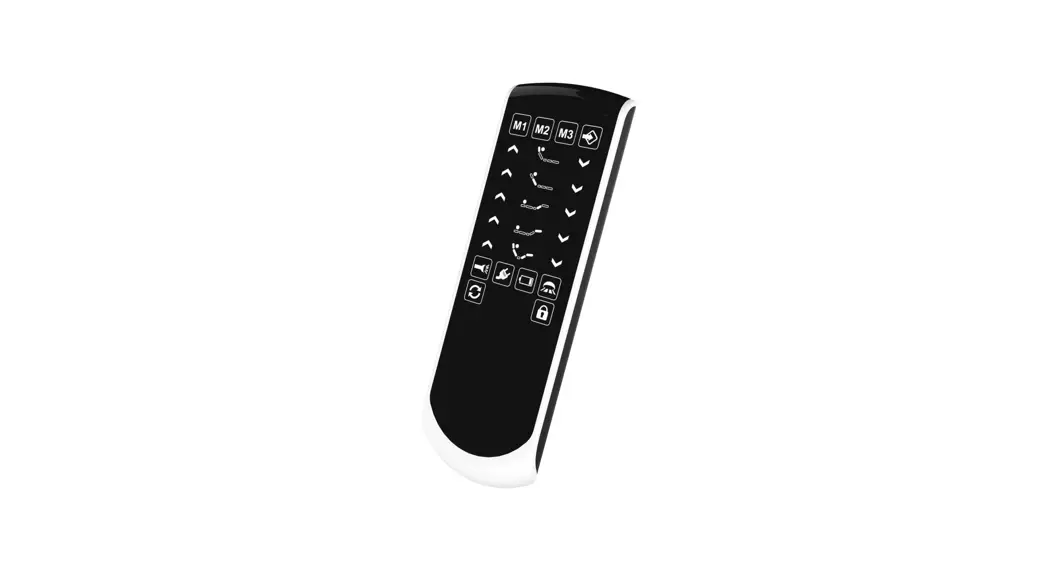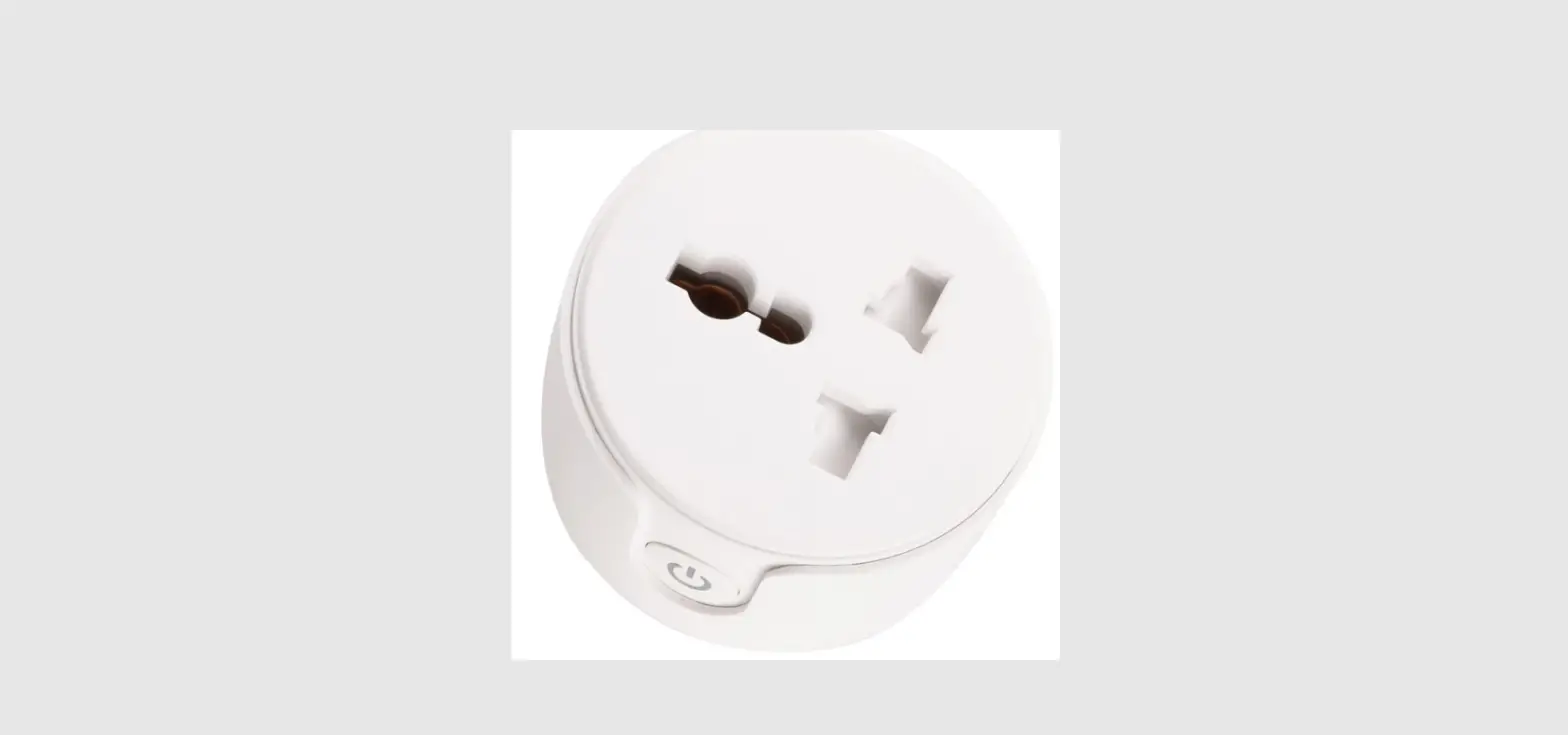

Remote-control Unit
MMFF 1188881212
User Manual
FCC ID: 2ASGH-MF18812
NIT:MM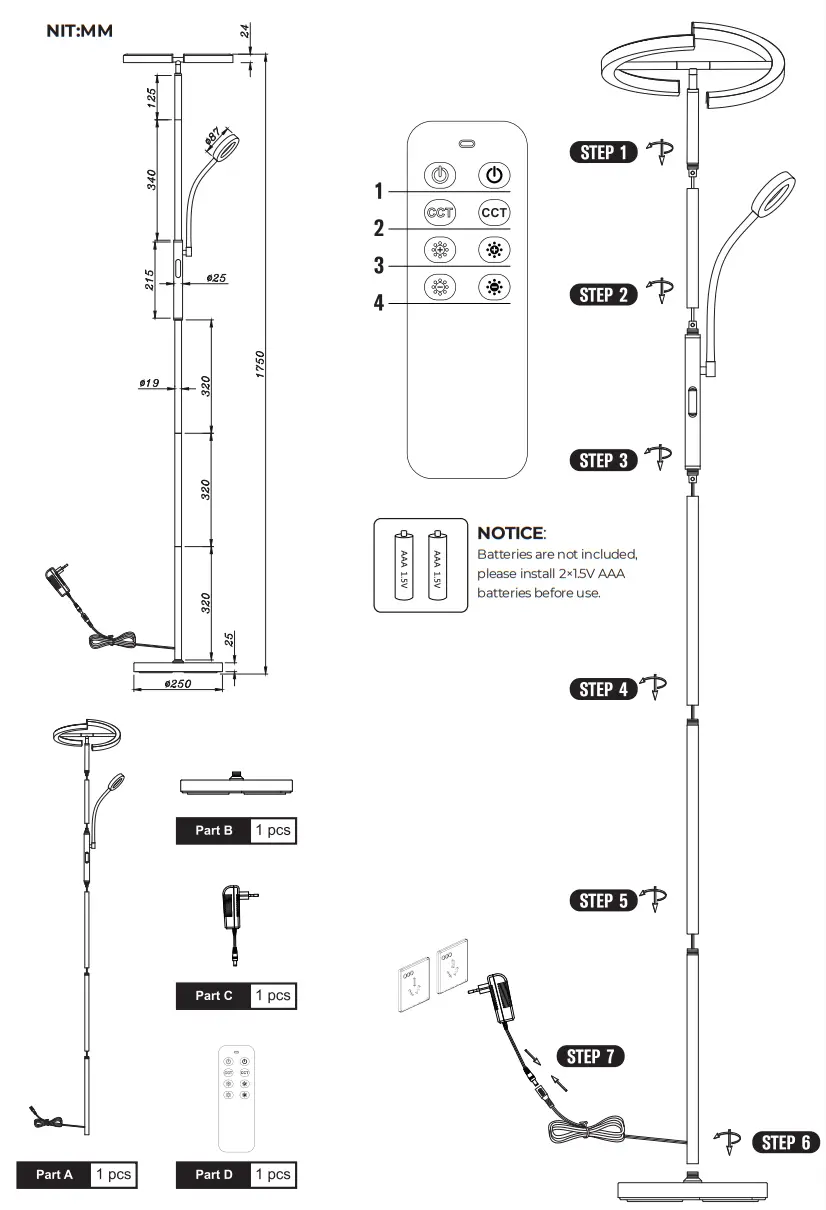
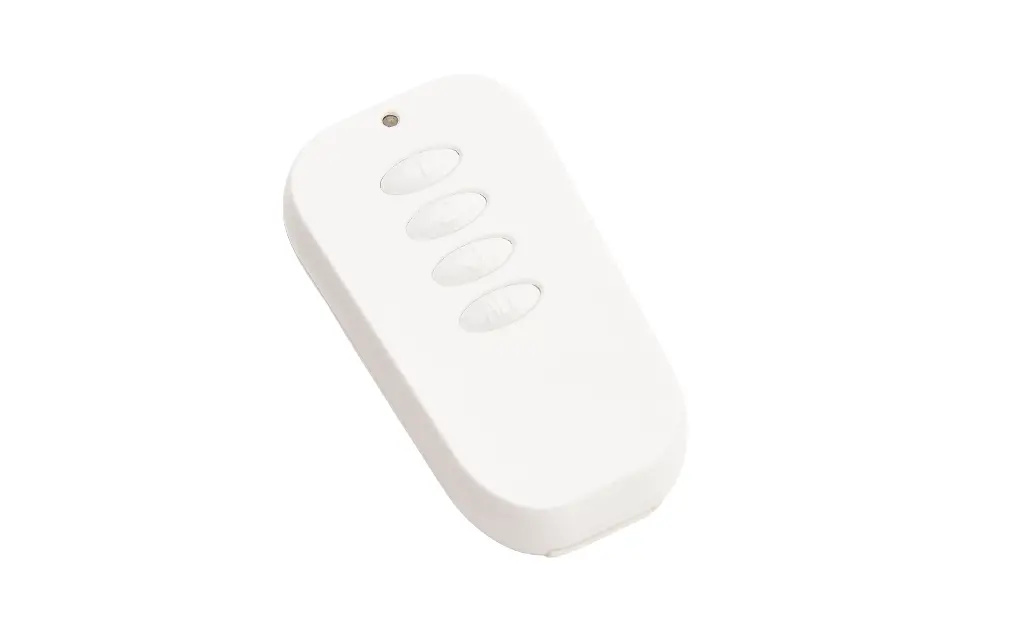
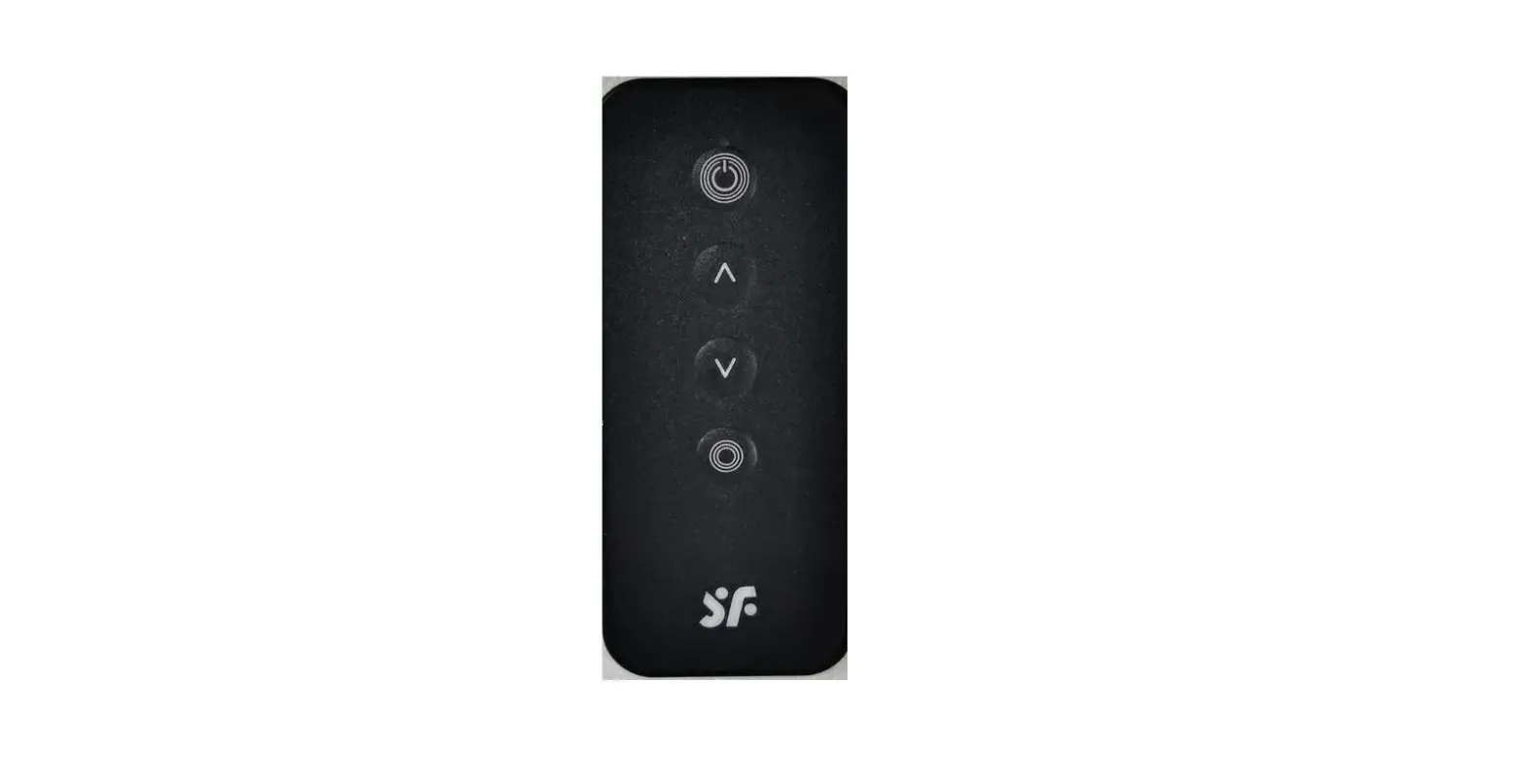
 Attention: The tile remote control needs to be paired before use.
How to pair the remote control with the light:
- The remote control should be equipped with batteries.
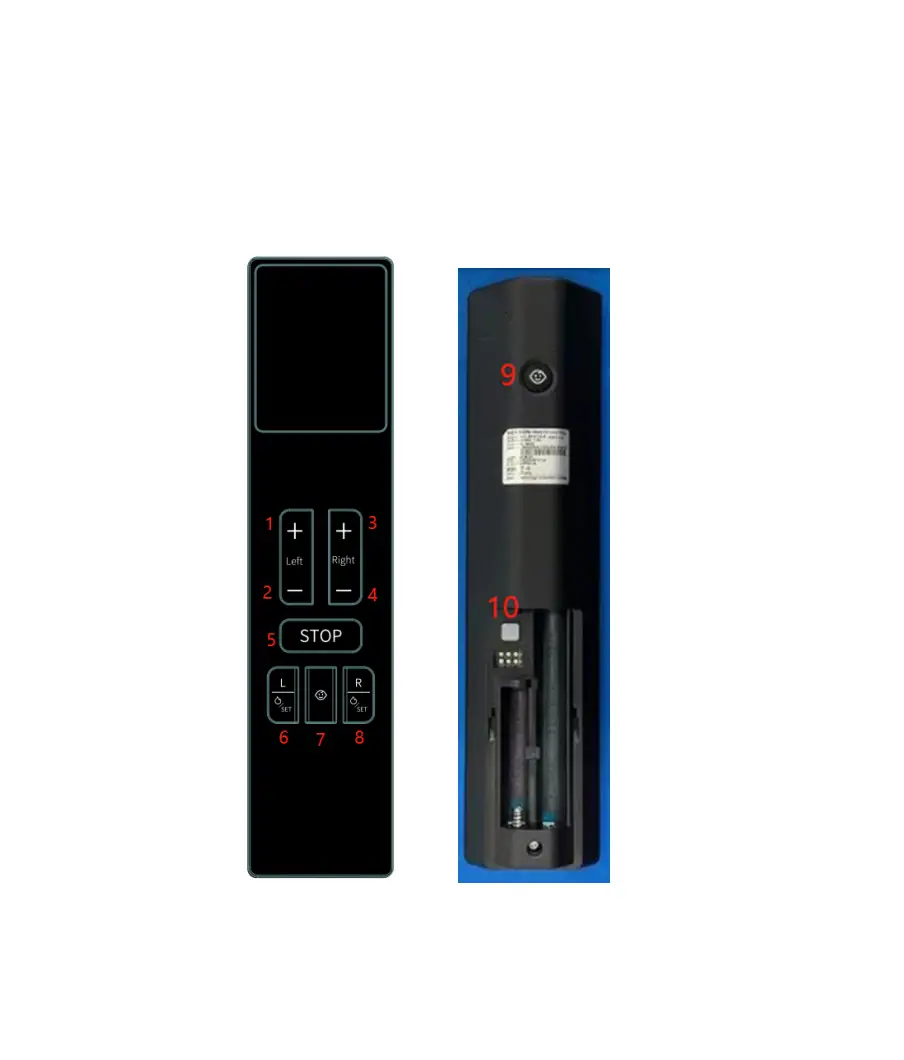
- Keep long-pressing the on-off key (the first button on the left side of the remote control) of the remote control for more than 5 seconds. And plug the power into the socket when pressing.
- If the light flickers, it indicates that the pairing is successful. The remote control can now be used.
SPECIFICATION
| Name | LED floor lamp |
| Material | Metal + Plastic |
| Color | Matt Black |
| Wattage | 20W+7W |
| Luminous Flux | 1300LM + 300LM |
| Dimmable | Yes (5%-100% dimming) |
| Color Temperature | 3000k-6000k |
| Lifespan | 40,000Hrs |
| Adapter Voltage | DC24V 1.5A |
| Input Voltage | AC100-240V 50/60Hz |
| Protection class | IP20 |
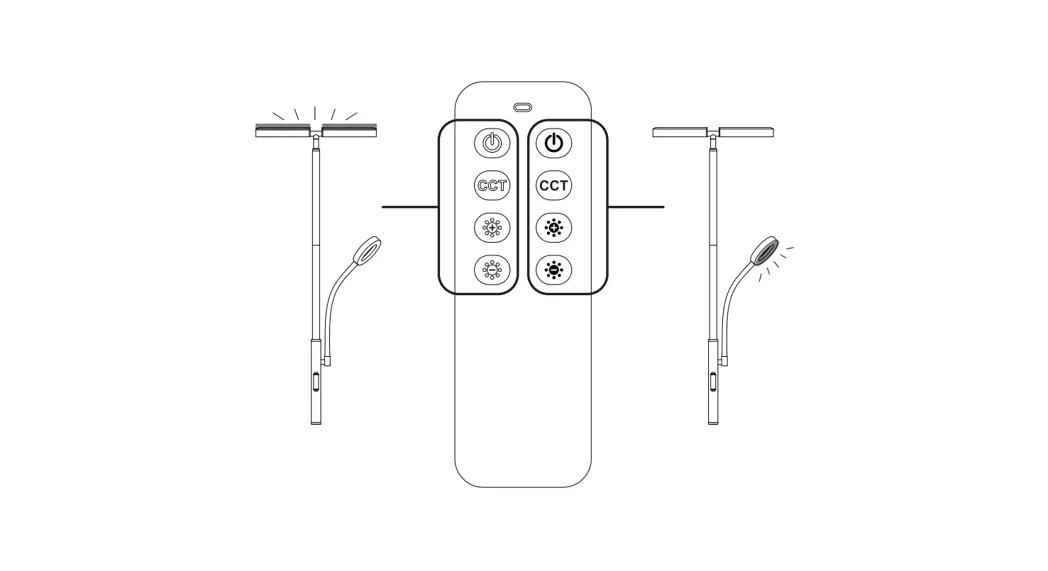
REMOTE CONTROL
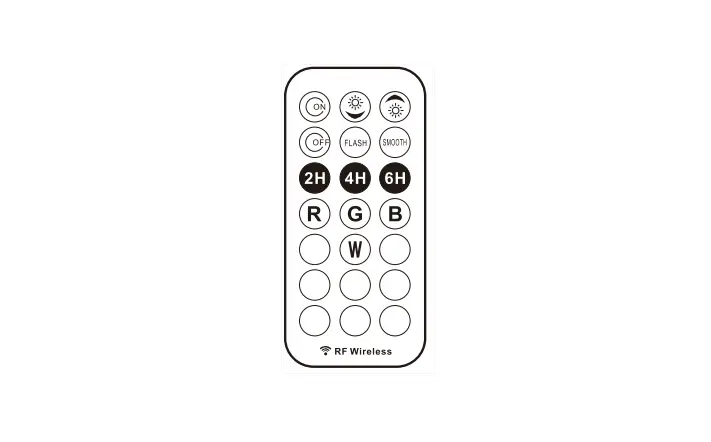
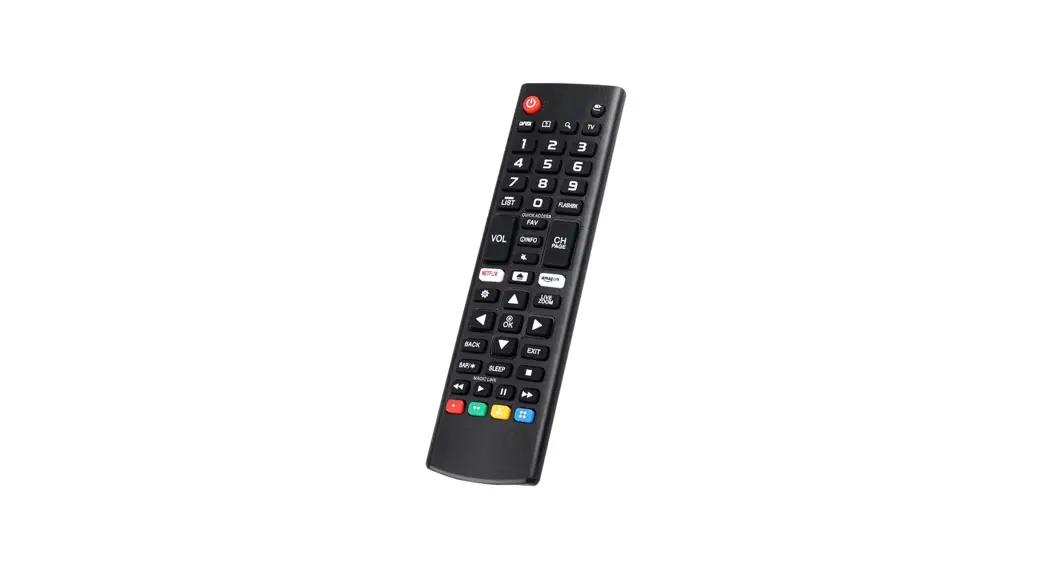
The Remote distance is within 25ft (7.62 m). It is magnetic so that you can stick it on the lamp pipe and other magnetic surfaces.
 | ON / OFF Button: Short press this button to turn on the light, and press it again to turn it off. |
 | CCT-Color Temperature: Short press this button to select the color temperature (3000k-6000k) after turning on the light. |
 | Brightness +: Hold the button to increase the brightness. |
 | Brightness -: Hold the button to reduce the brightness. |
HOW TO USE
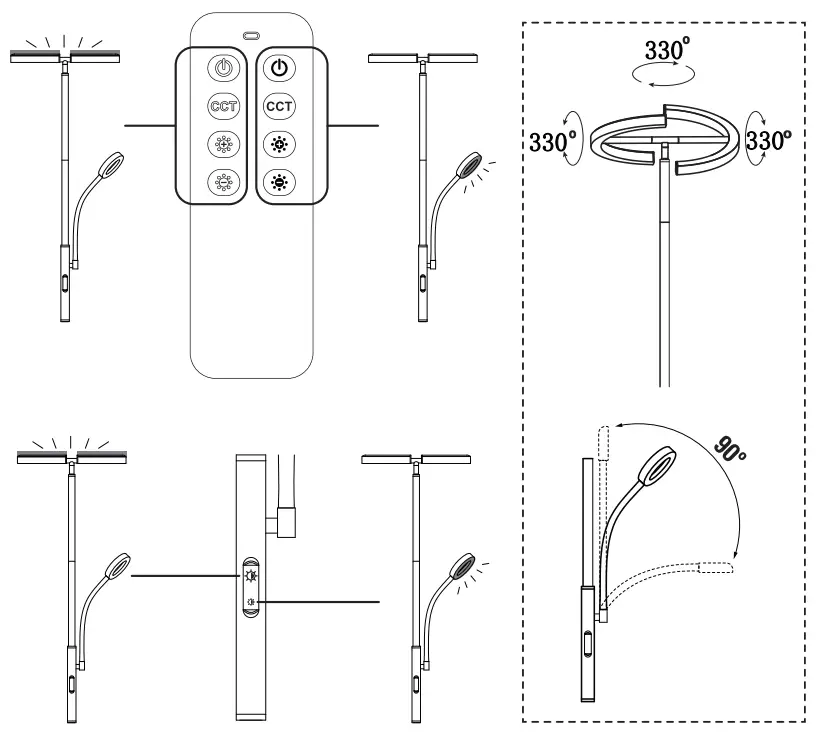
The upper button controls the ceiling flood light. The lower button controls the reading light.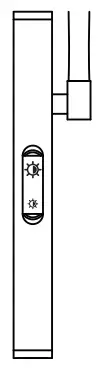 Touch and hold the button to increase brightness Touch and hold a second time to reduce the brightness. (When reaching full brightness it will switch to reduce brightness)
NOTICE
- Read the instructions before using the lamp.
- To ensure a long lifetime keep the lamp away from damp, hot, or corrosive environments
- Check for transport damage after receiving the packaged lamp. Report any issues to us directly at [email protected].
- Do not disassemble or repair the lamp if you are not qualified to do so by your local regulations. &Use it with an appropriate voltage.
- Do not use frayed appliances or damaged cables.
- Do not touch electrical appliances with wet hands and keep them away from fluids
- Only use the included power adapter.
- Please cut off the power when the device is not used.
- Only clean with a dry cloth, no solvents or cleaning solutions 11.0o not use if exceed the voltage.
WARRANTY
Warranty is provided by the seller of this device please contact your reseller for more information regarding the local warranty regulations.
FCC STATEMENT
Any changes or modifications not expressly approved by the party responsible for compliance could void the user’s authority to operate the equipment. This device complies with part 15 of the FCC Rules. Operation is subject to two conditions: (1) This device may not cause harmful interference. and (2) this device must accept any interference received. including interference that may cause undesired operation.
FCC Kai: flat on Exposure Statement:
This equipment: complies with FCC radiation exposure wigs set forth for an uncontrolled environment This transmitter must not be co tacacdcr ODe rat ng in!Donjon:1th with any other antenna Of transcriber.
If you have any questions, please contact us via amazon.
ALEGREOPTIM, SOCIEDAD UMITADA AMADEO DE SABOYA, 2 6 D-03012