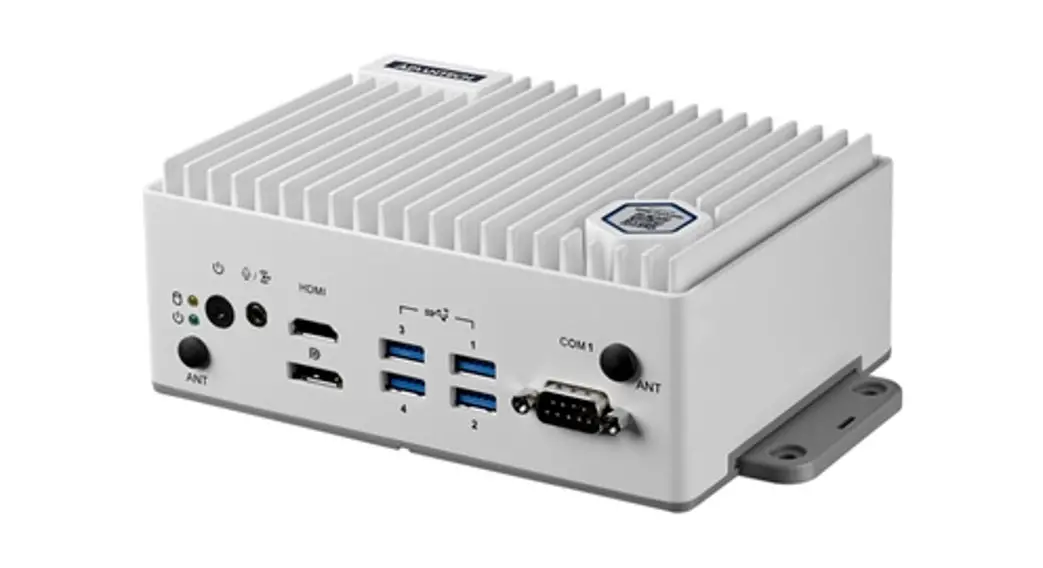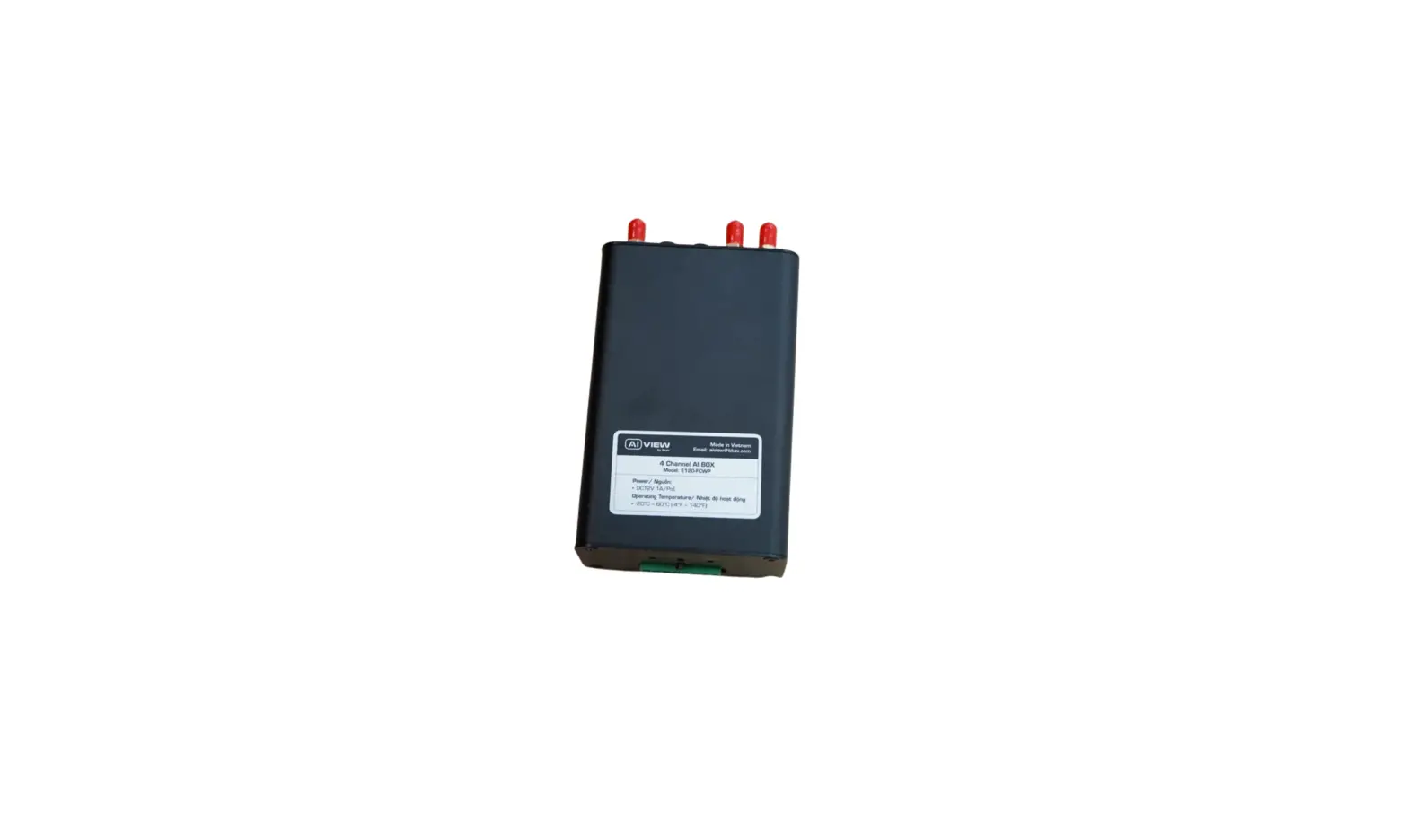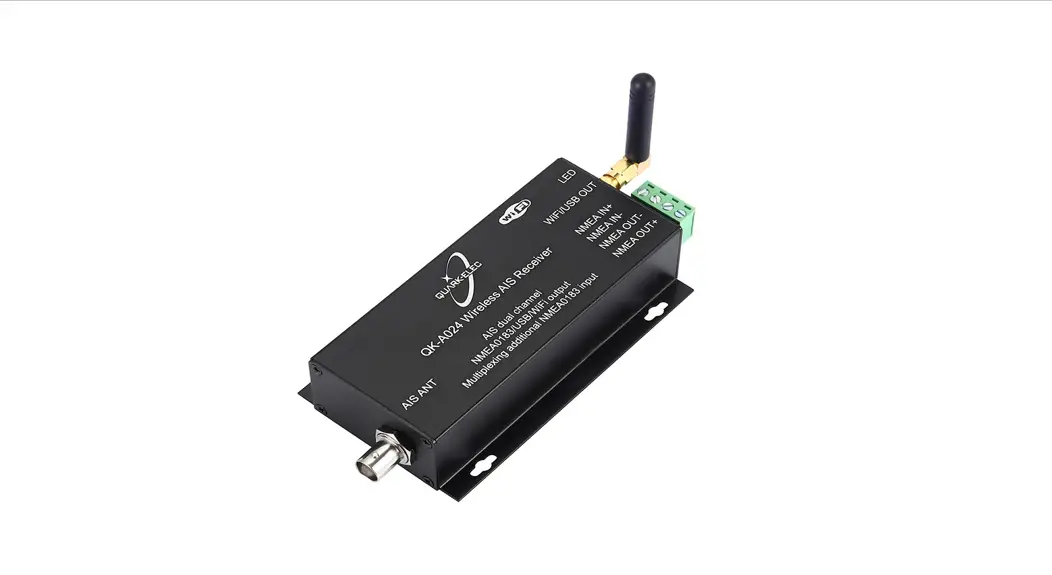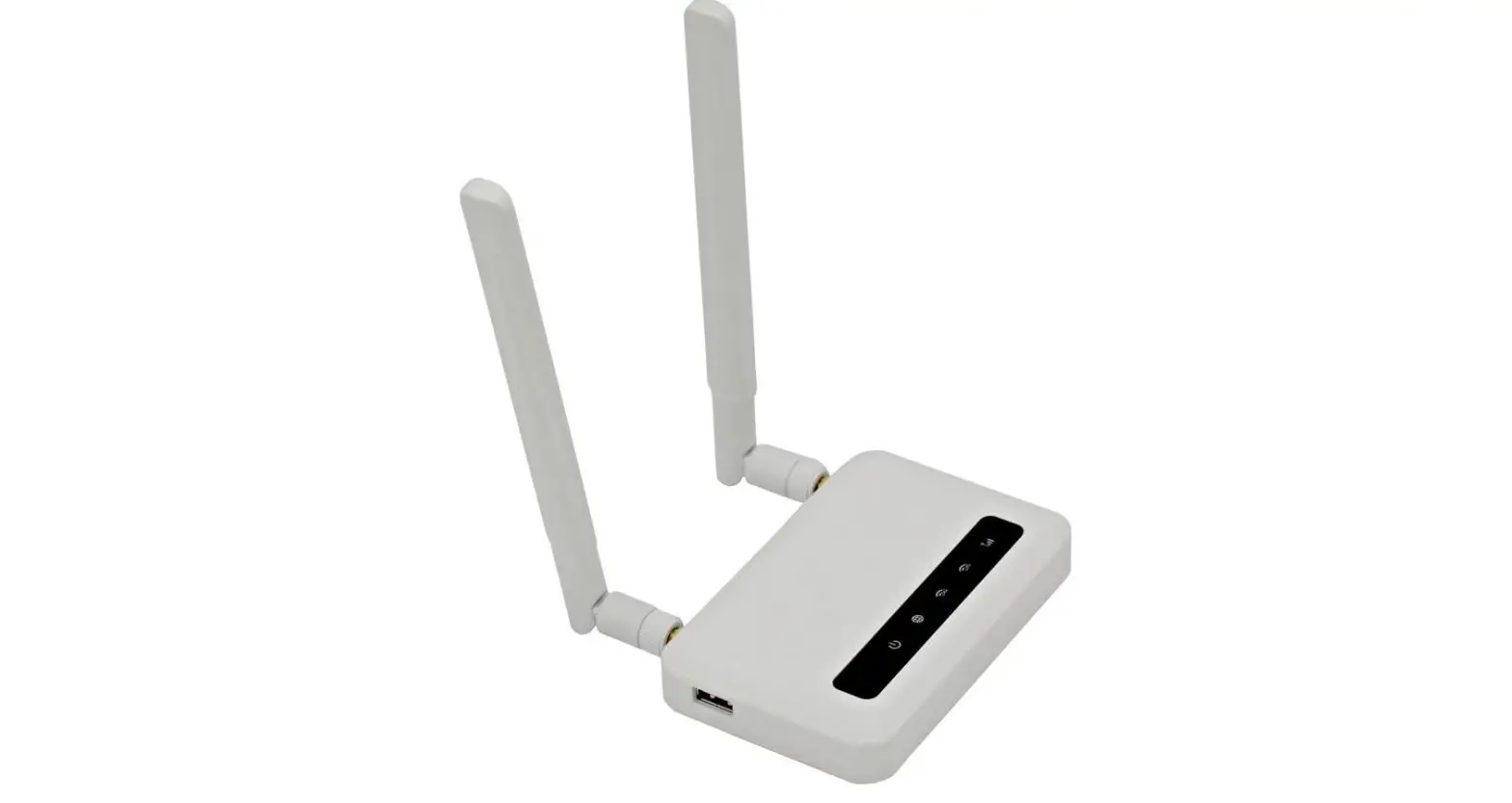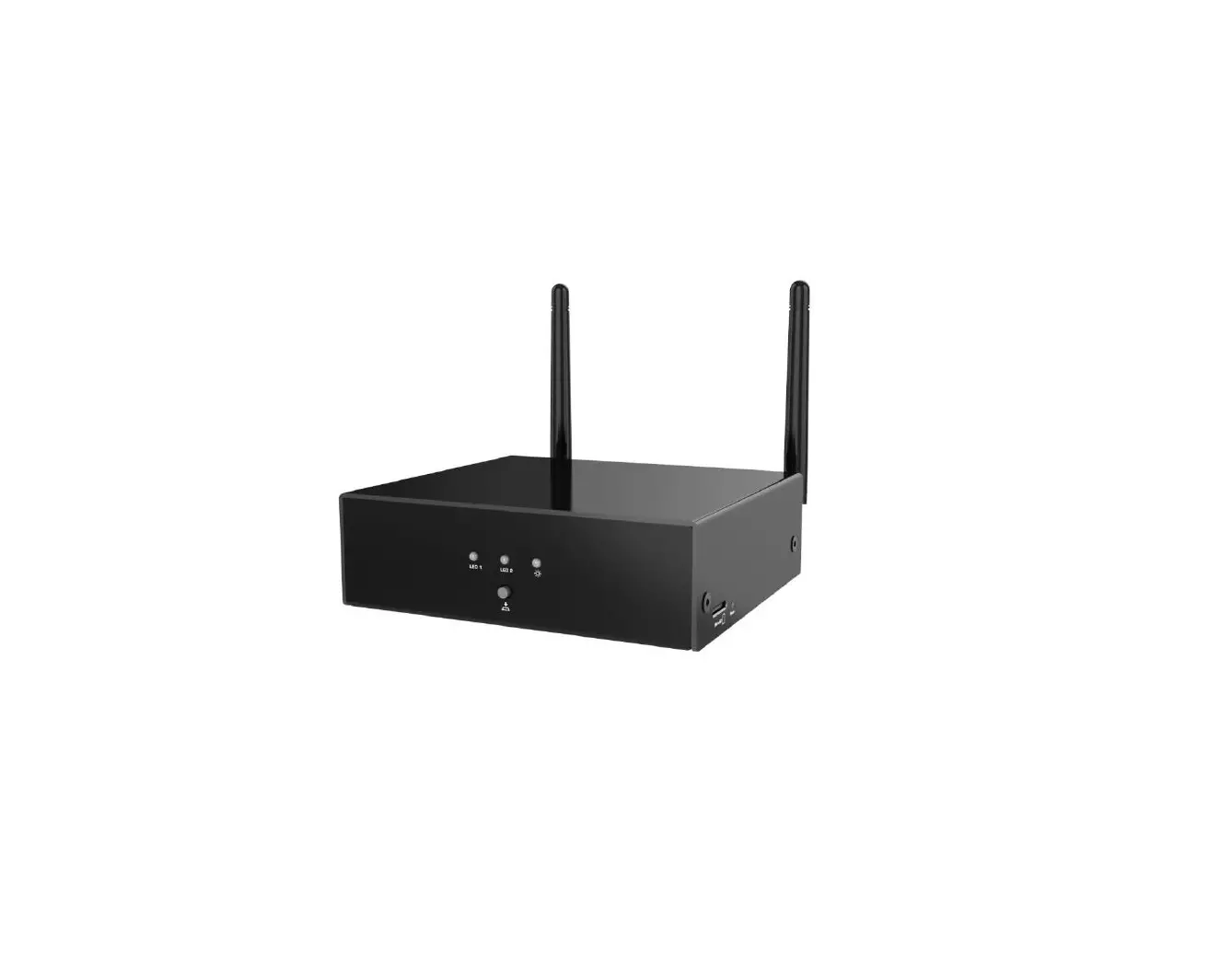

Bkav Qcs605 Ai Box Edge Computing Device Installation Guide

Bkav Qcs605 Ai Box Edge Computing Device Installation Guide

Bkav LOGO

Bkav QCS605 AI Box Edge Computing Device
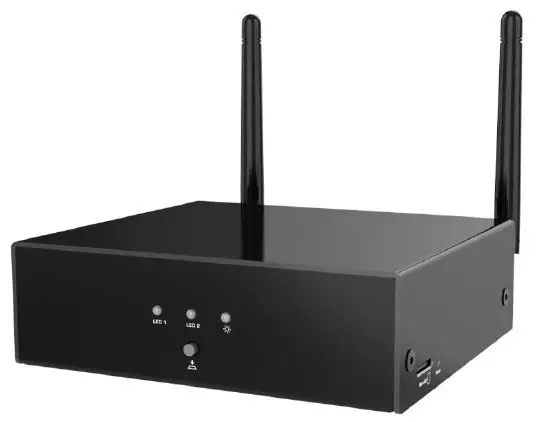
Bkav-QCS605-AI-Box-Edge-Computing-Device

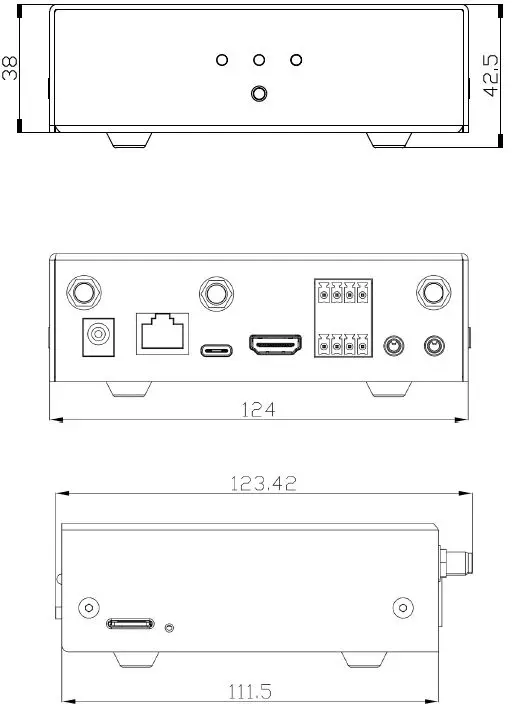
Dimensions

Bkav-QCS605-AI-Box-Edge-Computing-Device-1

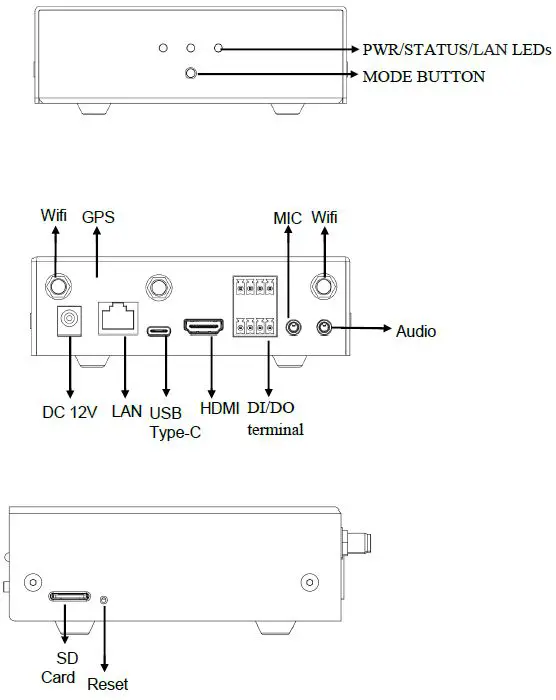
Physical Description

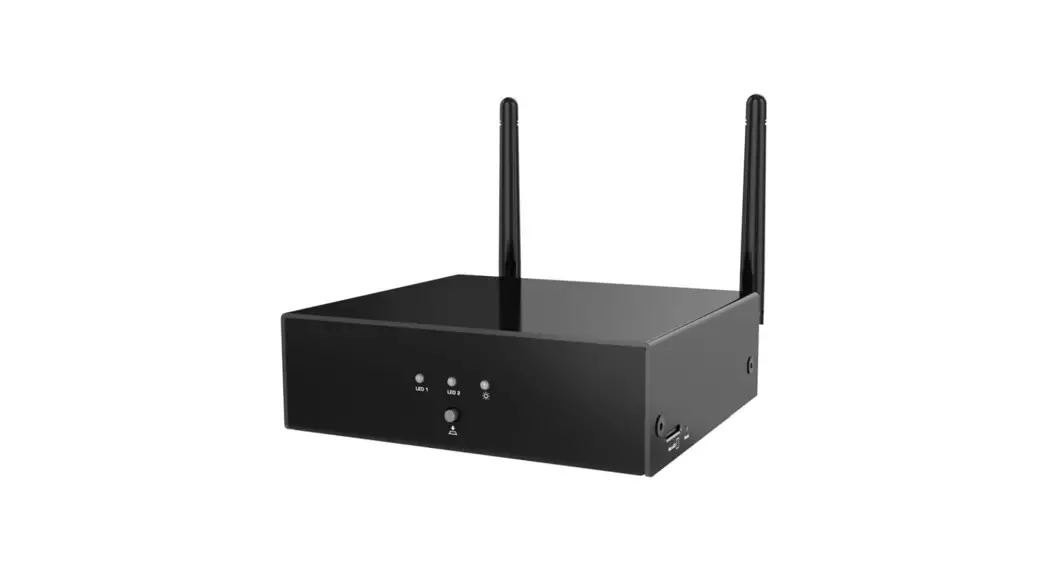
  1. Outer ViewBkav-QCS605-AI-Box-Edge-Computing-Device-2

Hardware Installation

  1. Install the dual wifi Antenna.Bkav-QCS605-AI-Box-Edge-Computing-Device-3
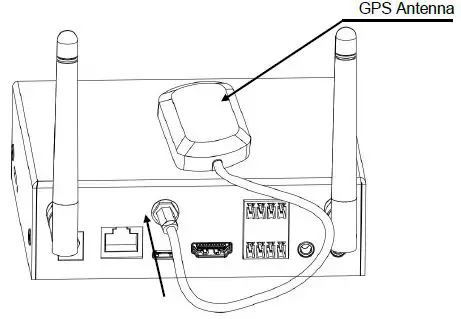
  2. Install the GPS Antenna.Bkav-QCS605-AI-Box-Edge-Computing-Device-4
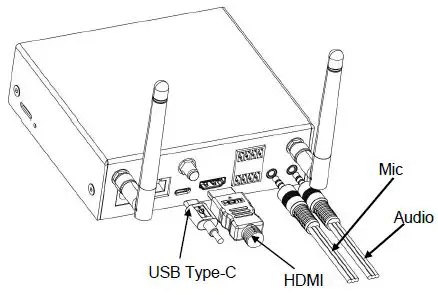
  3. Install Mic, Audio, USB Type-C, Micro HDMIBkav-QCS605-AI-Box-Edge-Computing-Device-5
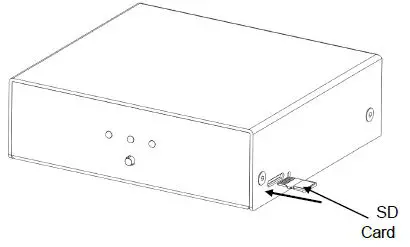
  4. Install SD Card.Bkav-QCS605-AI-Box-Edge-Computing-Device-6
  5. Install DI/DO
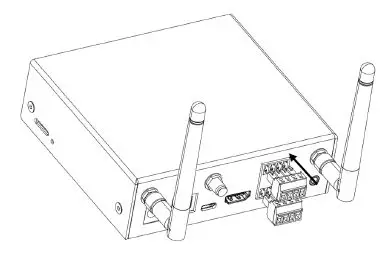
    a. Install Terminal connector.Bkav-QCS605-AI-Box-Edge-Computing-Device-7
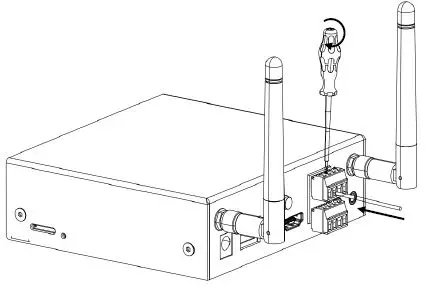
    b. Installing Cable DI/DO to block terminal. Then, to use Screwdriver fix the cable.
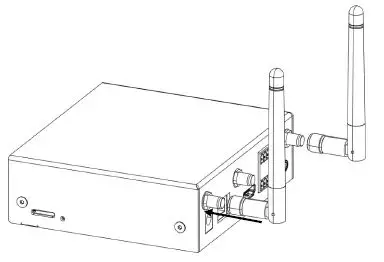
Bkav-QCS605-AI-Box-Edge-Computing-Device-8

Documents / Resouces

Download manual
Here you can download full pdf version of manual, it may contain additional safety instructions, warranty information, FCC rules, etc.


Related Manuals