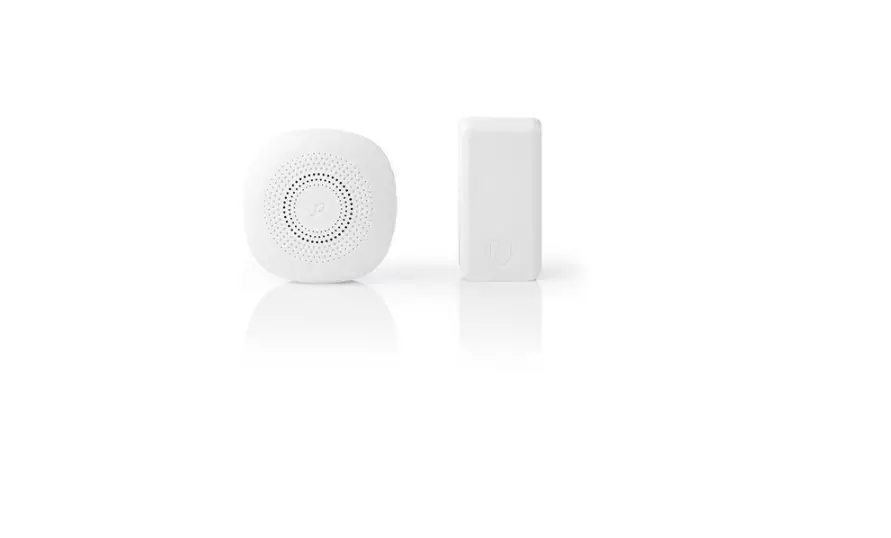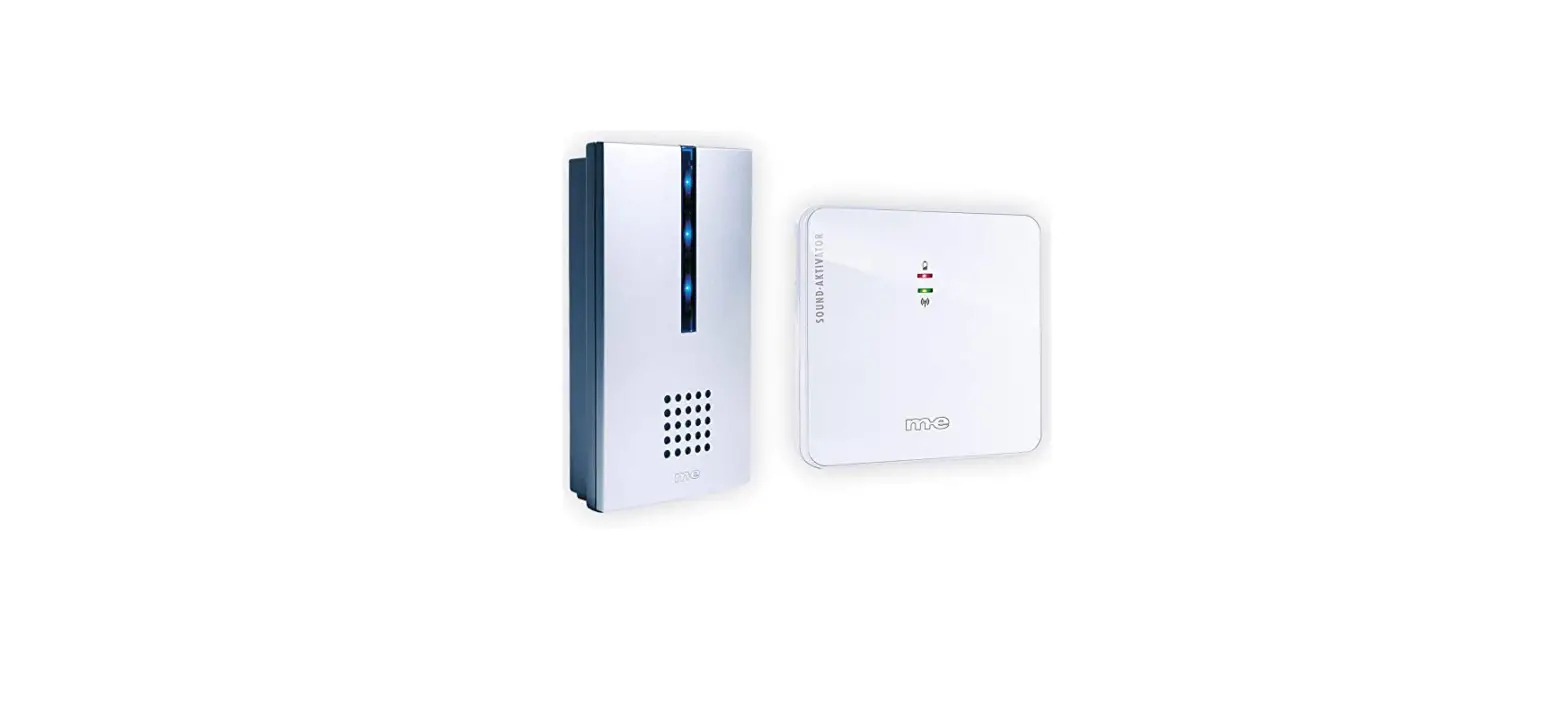

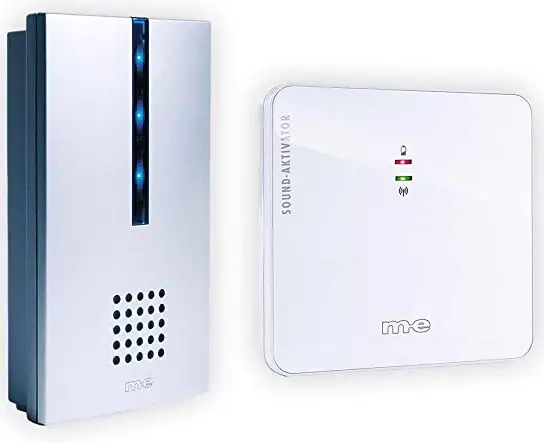
m-e FG-16 Wireless Doorbell Set
INSTRUCTION
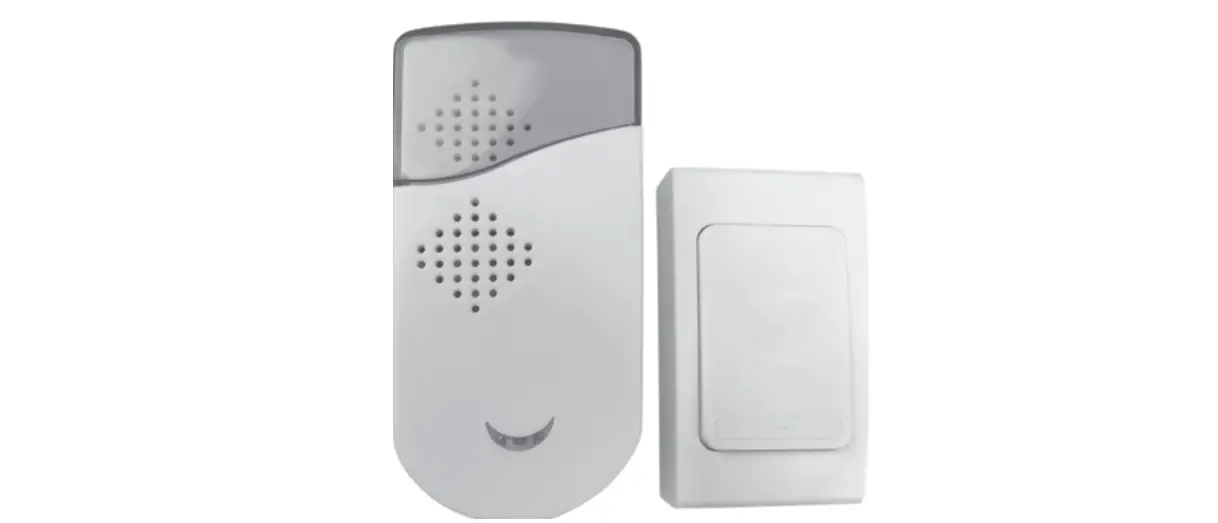
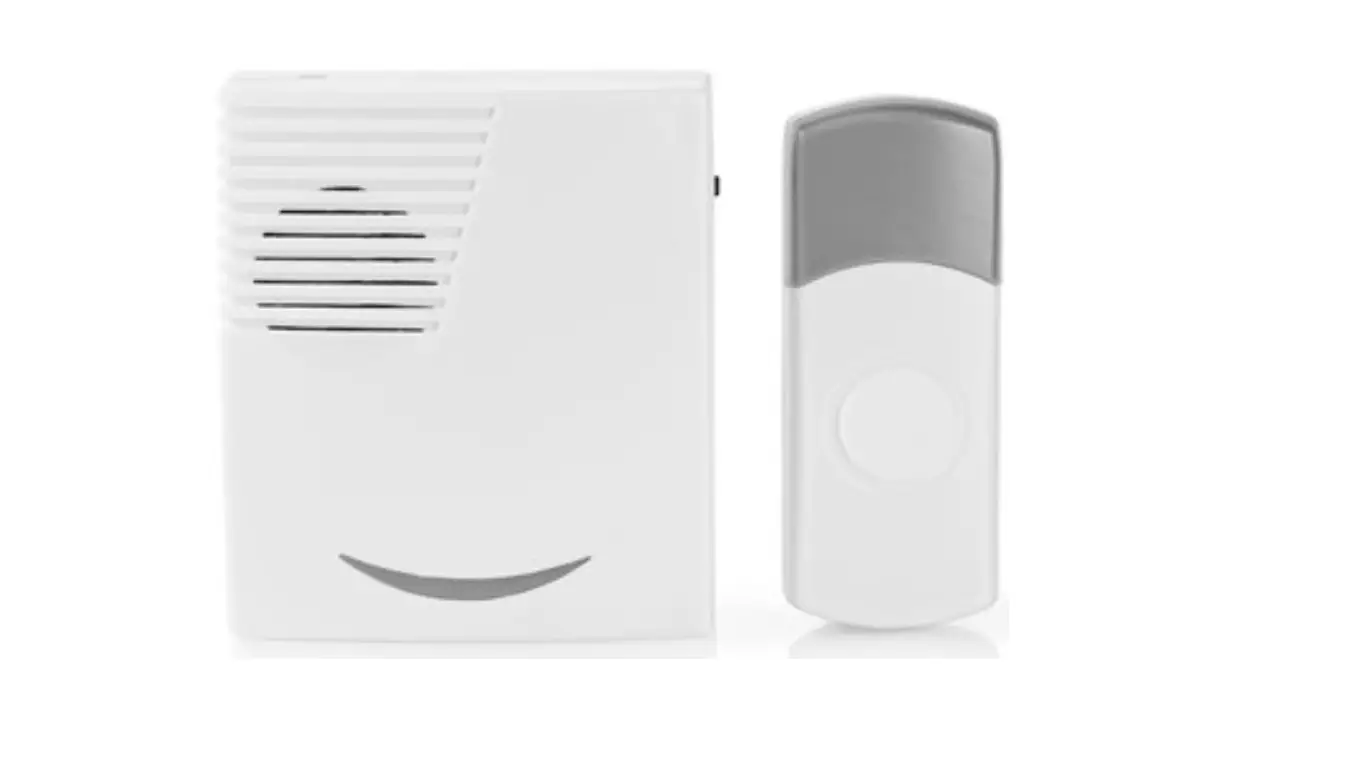
- Insert 2 Batteries Type AA correct into the battery compartment of the receiver. Two beeps indicate pairing is active.
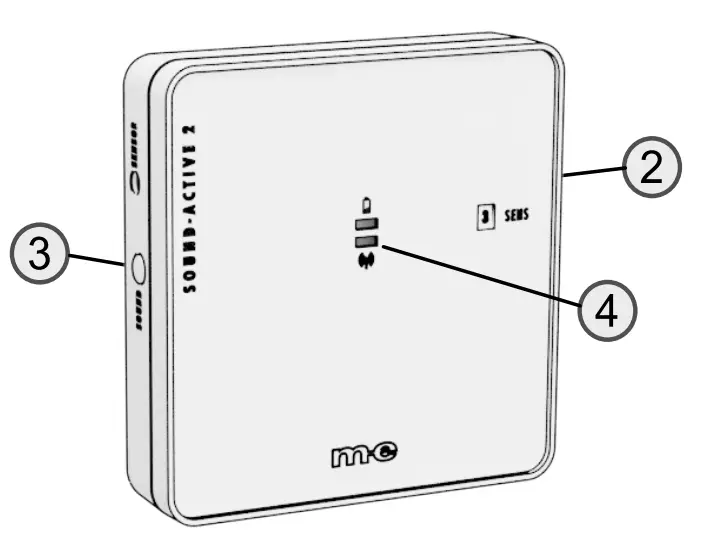
- Turn the sensitivity potentiometer (2) on the transmitter to the lowest position (counterclockwise), taking care not to overtighten the potentiometer.
- Insert the batteries into the transmitter with the correct polarity.
- Tap the transmitter housing with your finger to activate it. The LED (4) lights up green and the receiver plays a melody.
- Select a ring tone by pressing the sound selection button (3).
- Now slowly increase the sensitivity of the transmitter by turning the potentiometer (2) clockwise in small increments.
- Test in mounted condition whether the sensitivity is sufficient. For further information, please refer to the enclosed instructions.