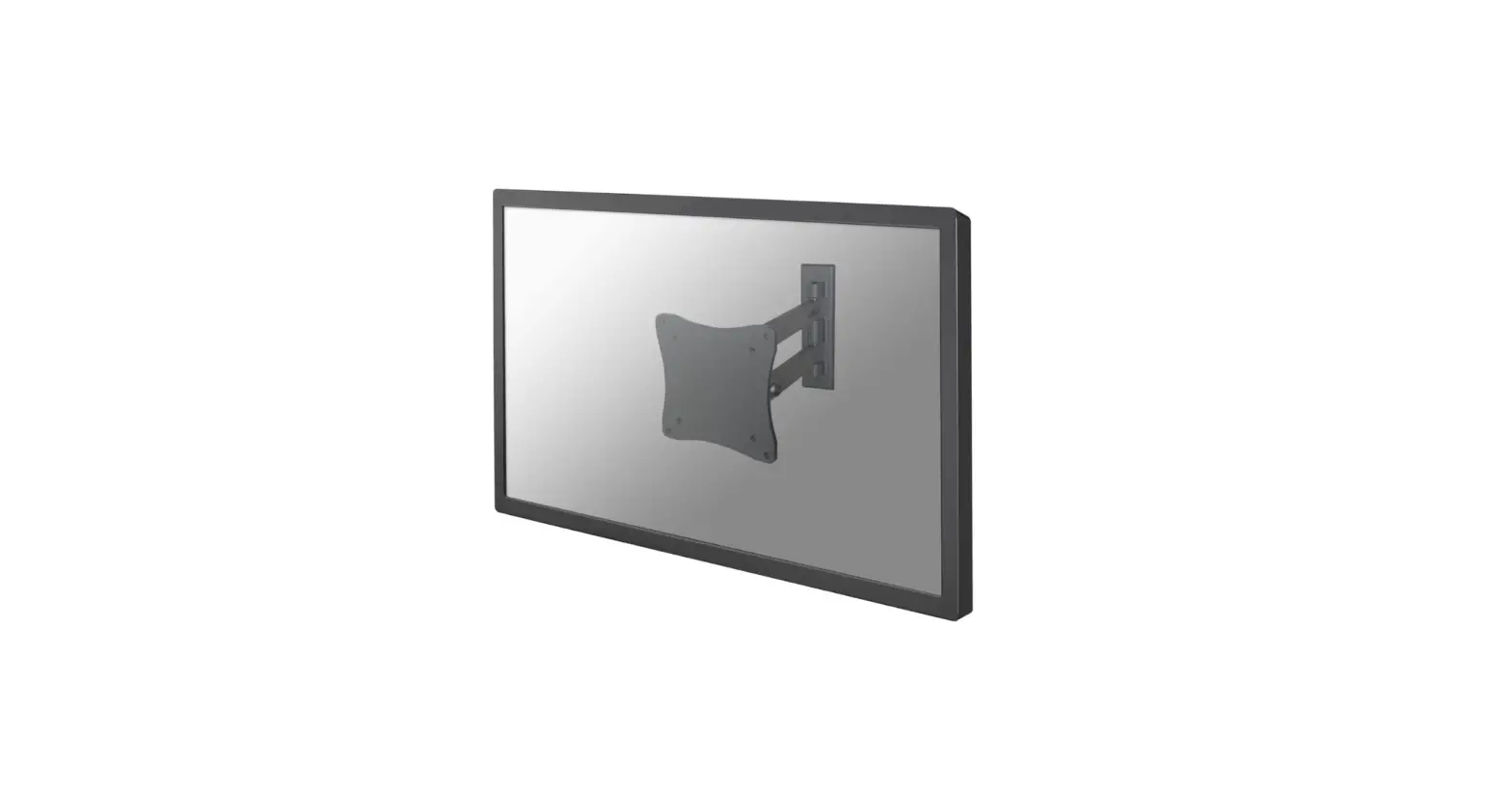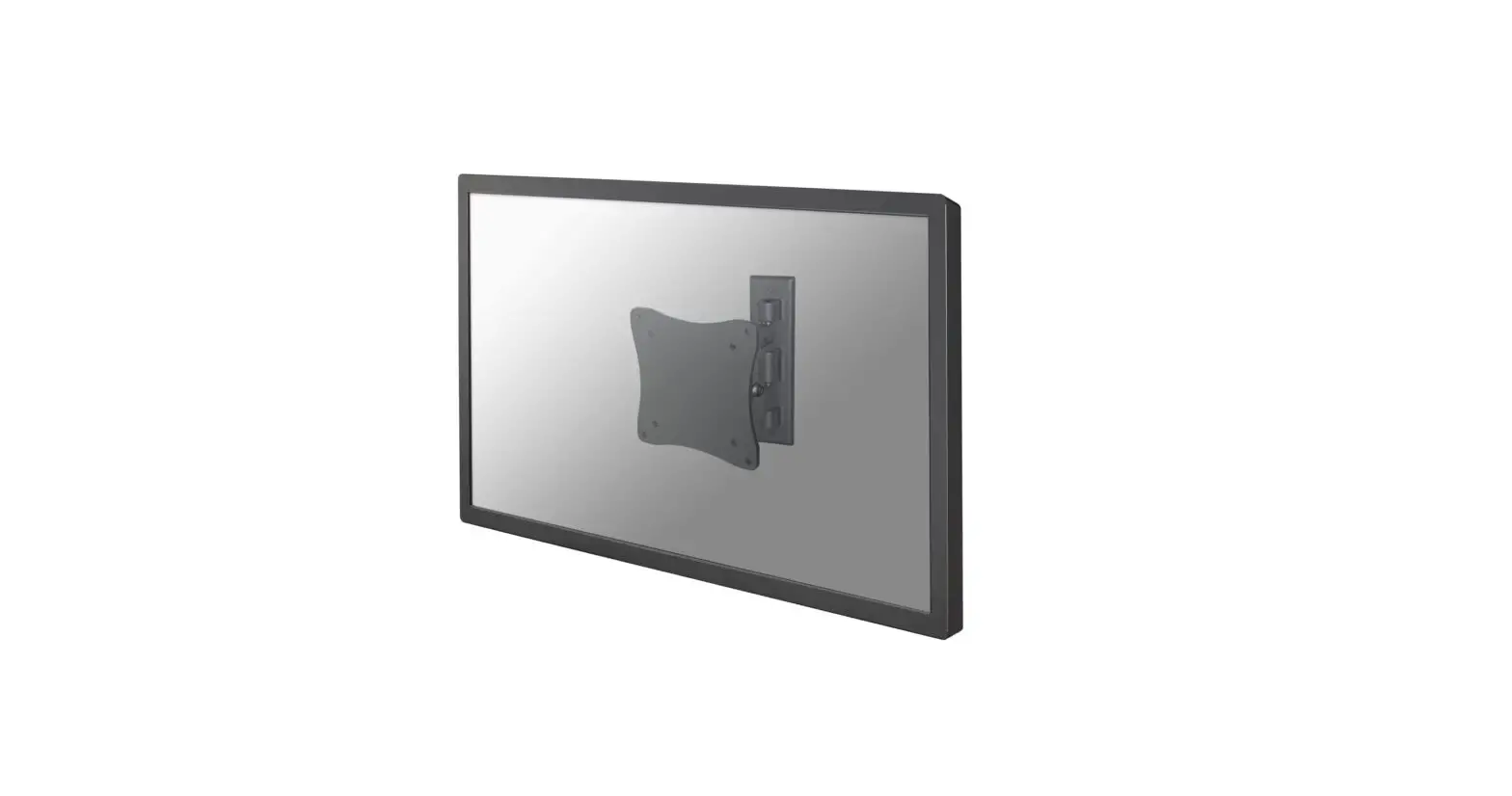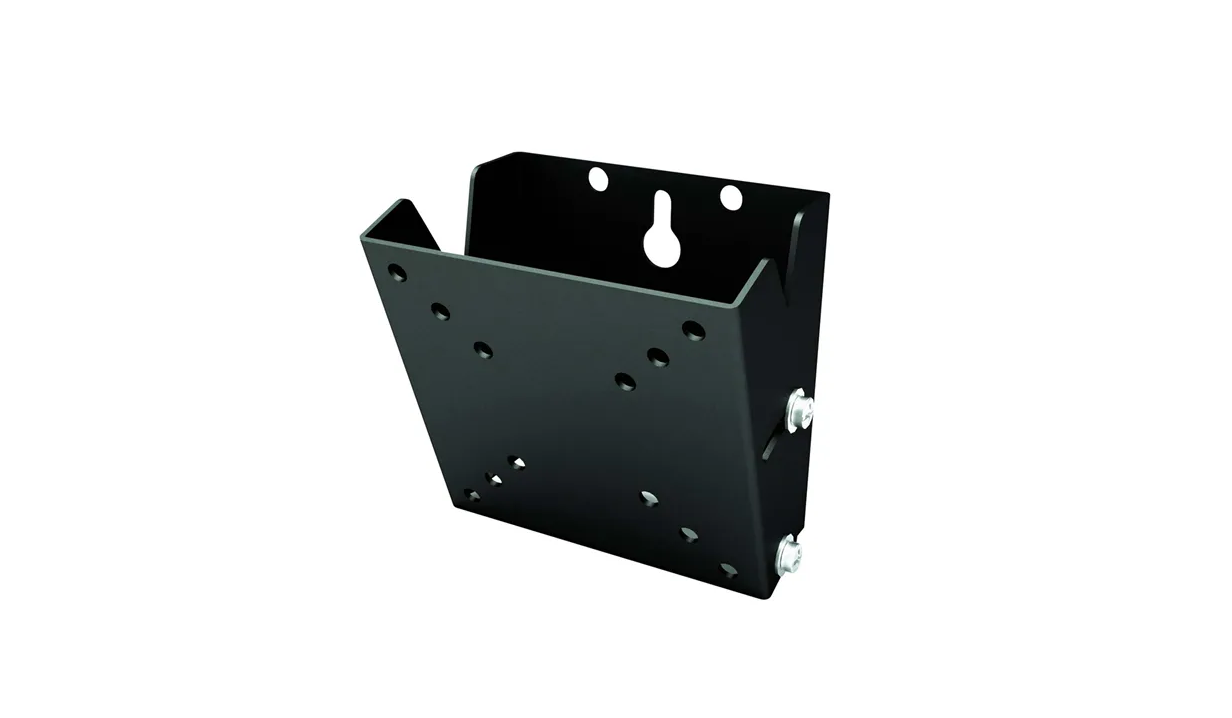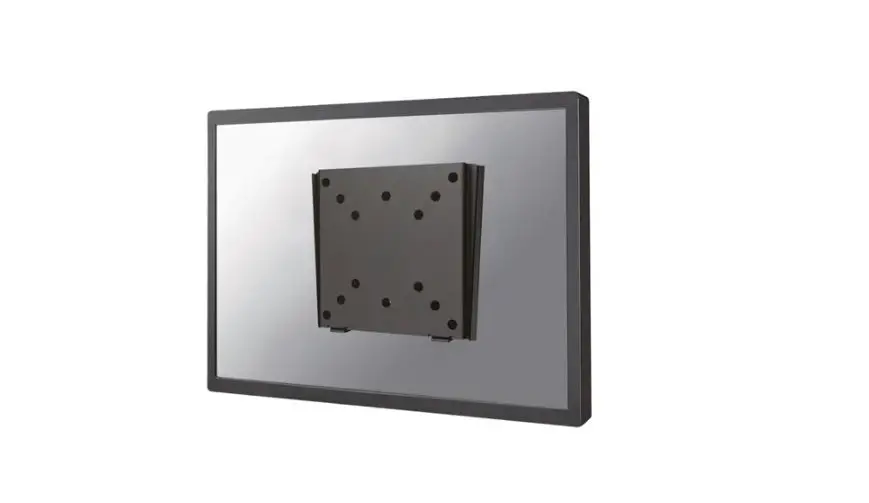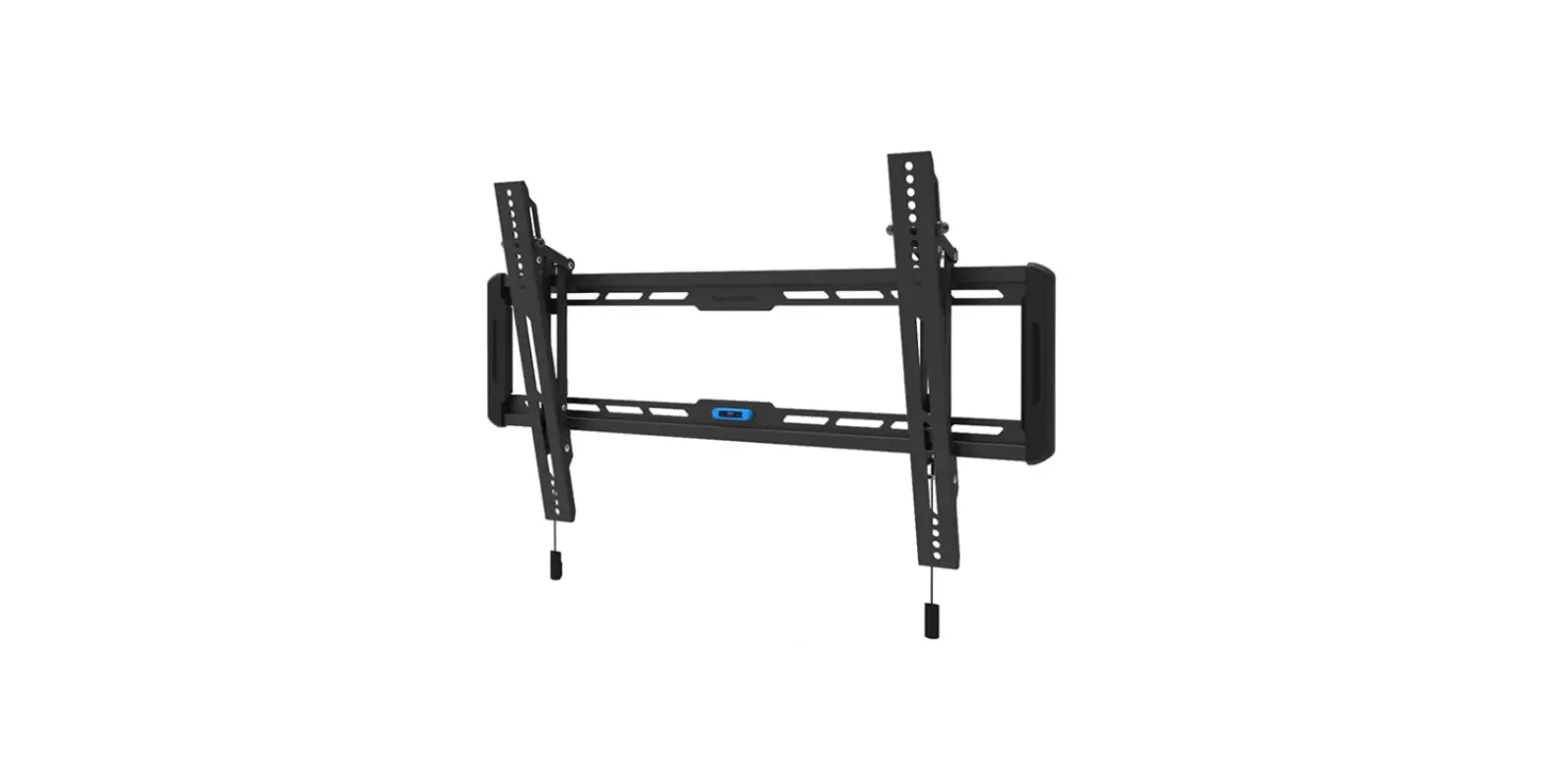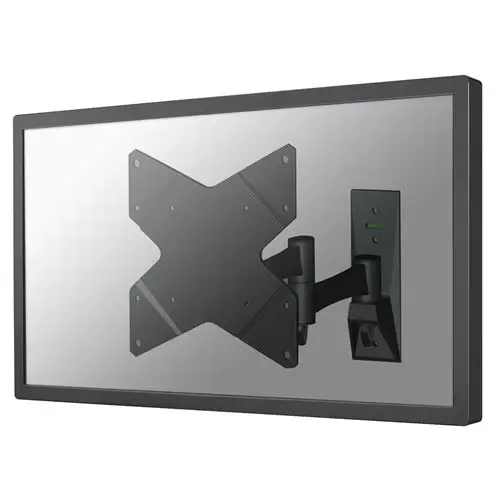
Neomounts Fpma-w835 Tv Wall Mount Instruction Manual

Neomounts Fpma-w835 Tv Wall Mount Instruction Manual

neomount logo

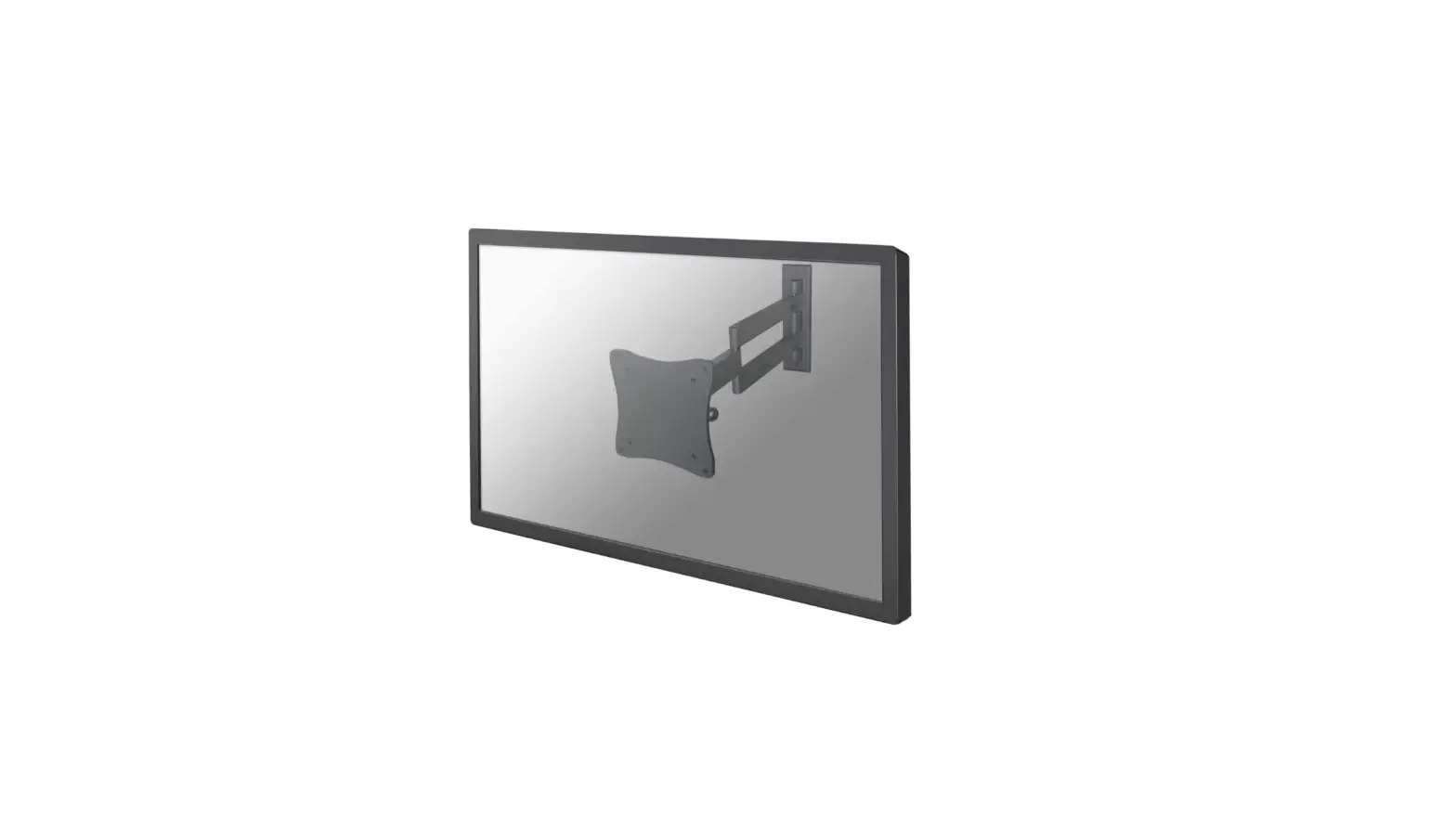
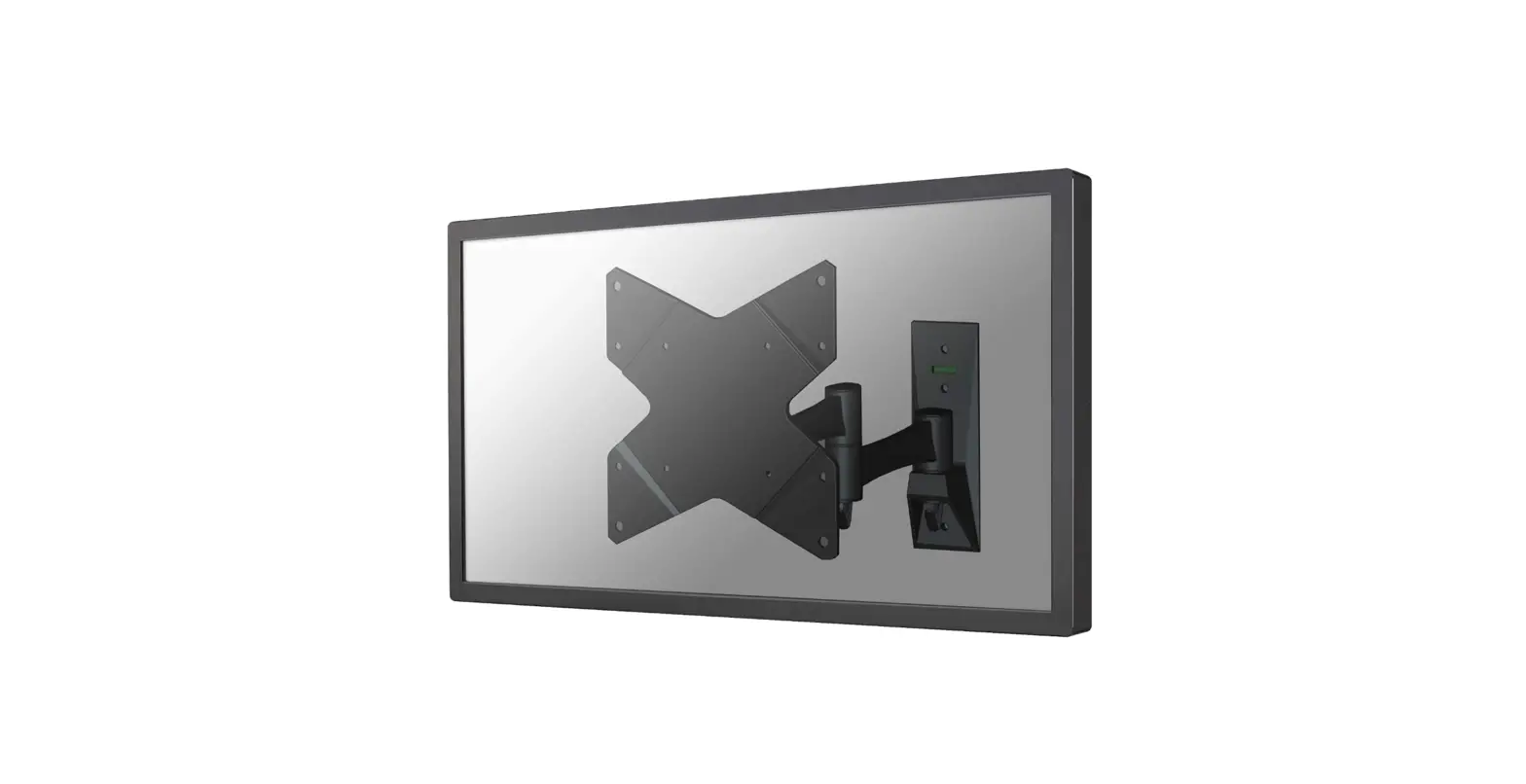
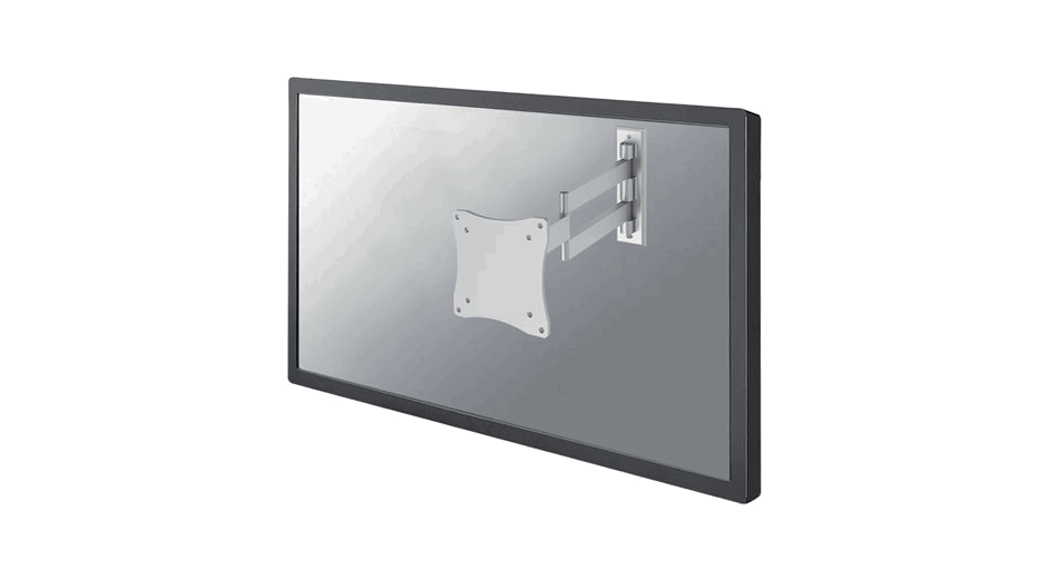
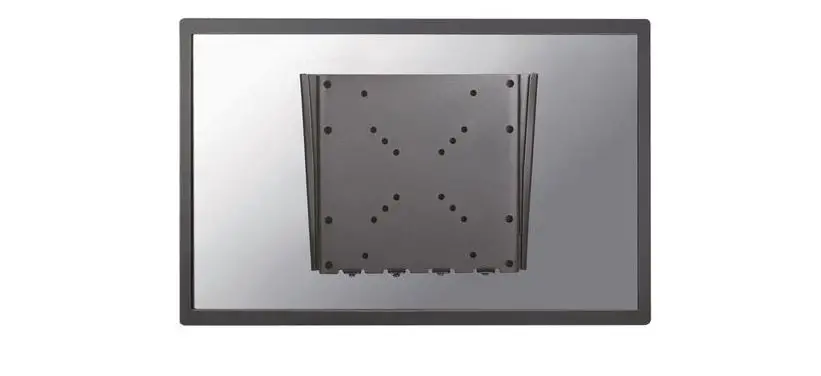
Neomounts FPMA-W835 TV Wall Mount
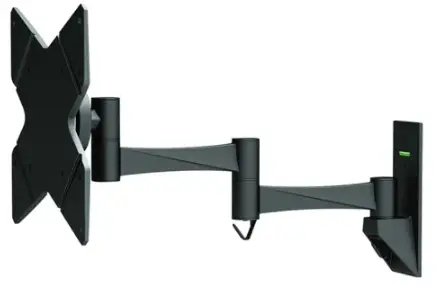
Neomounts FPMA-W835 TV Wall Mount

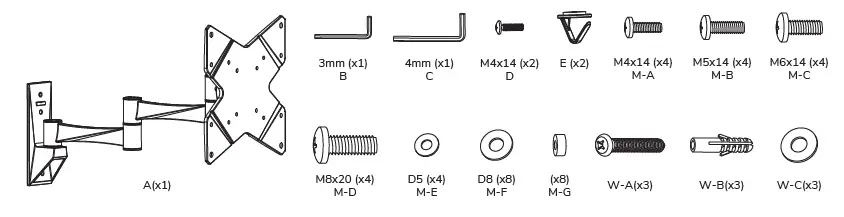
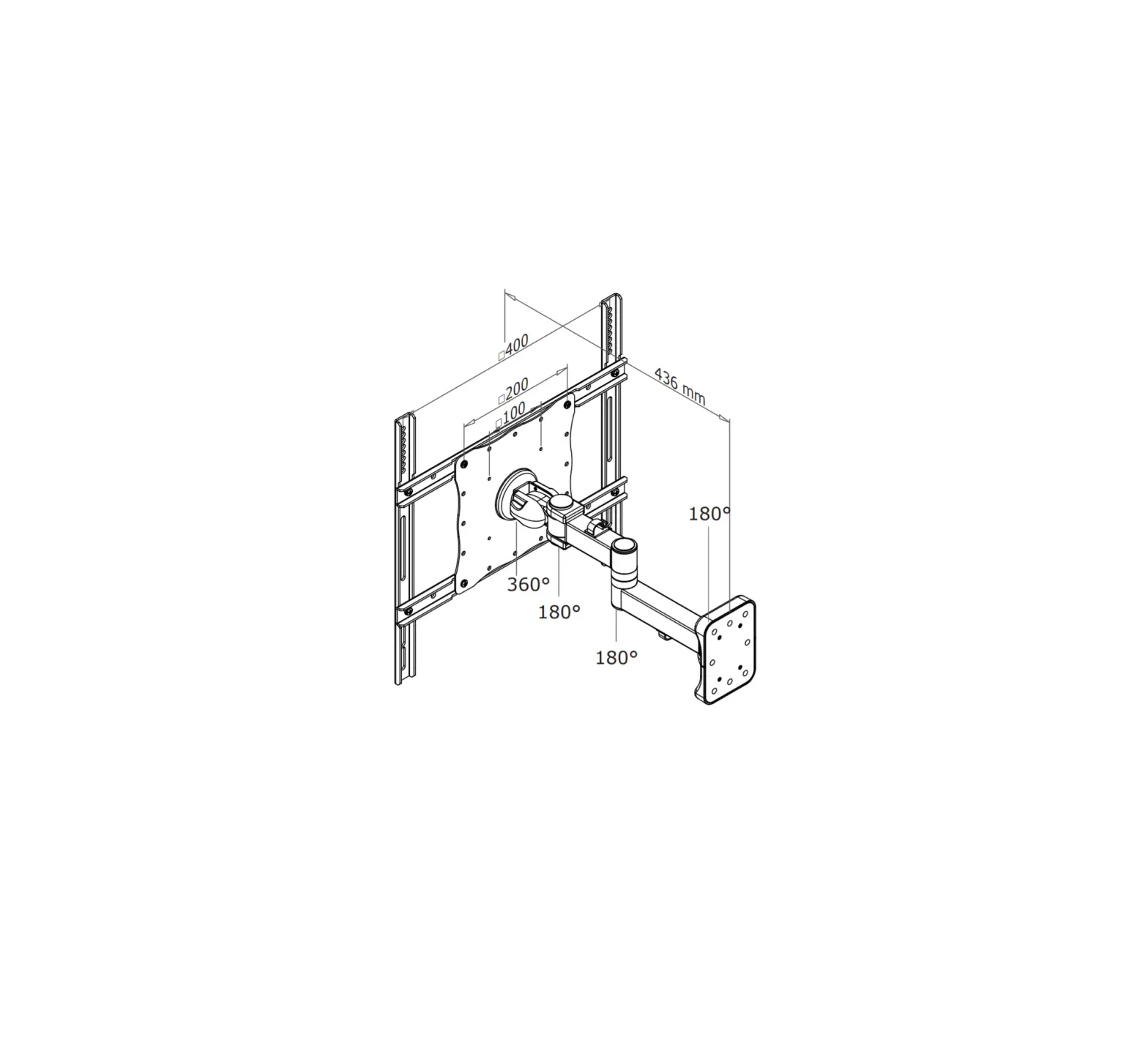
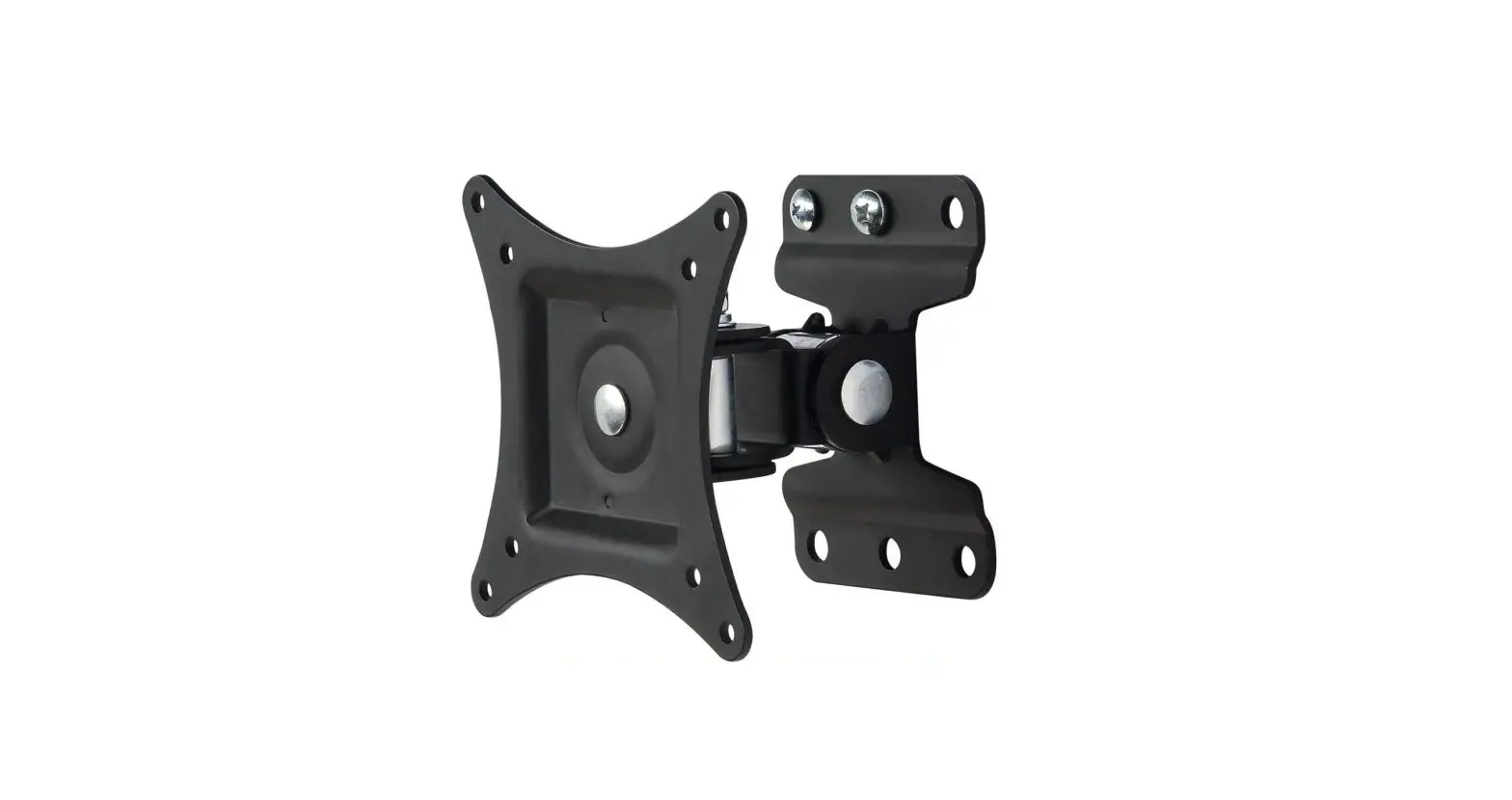
PARTSparts

Installation

STEP 1
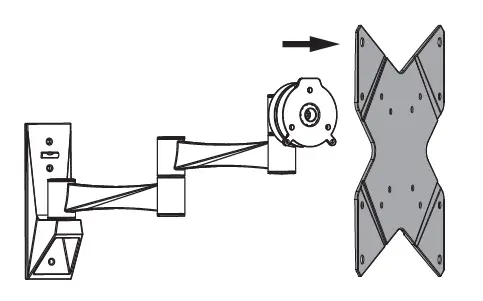
Remove the VESA platestep 1step-1 2
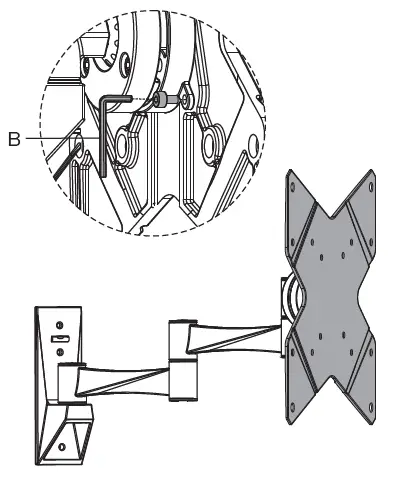
STEP 2
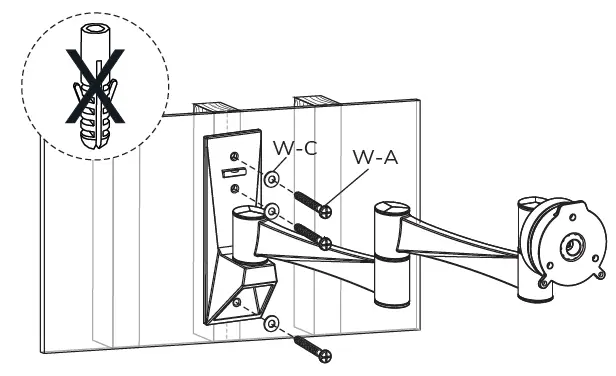
Install the wall plate on a wood studstep 2
Install the wall plate on a solid brick or concrete wall
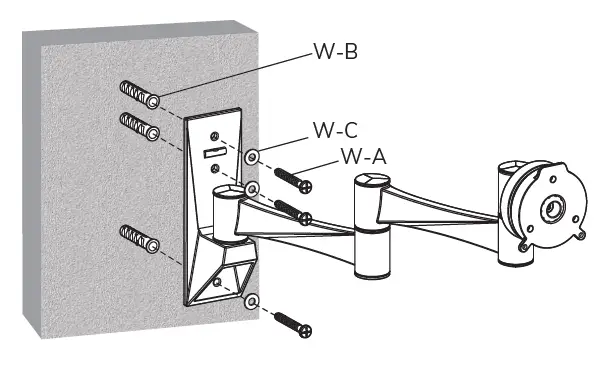
step 2.2

STEP 3
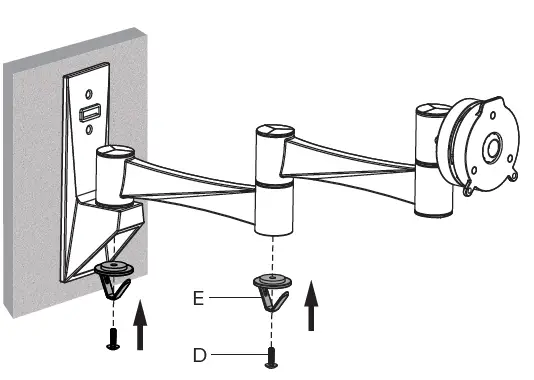
Install the cable clipsstep 3

STEP 4
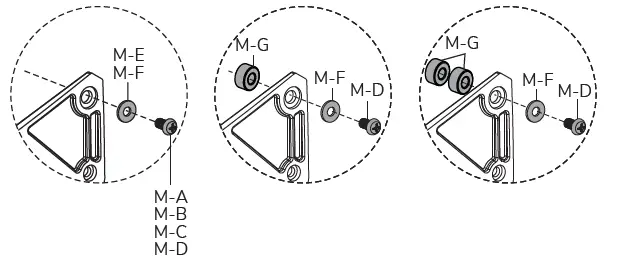
Attach the TV onto the VESA platestep 4step 4.2
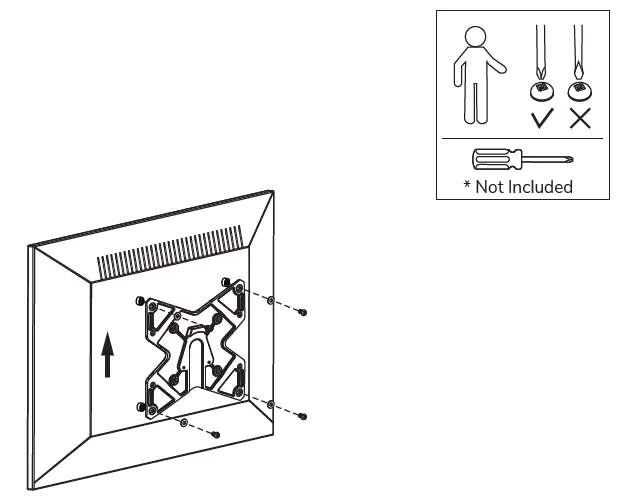
STEP 5
Attach the screen onto the bracketstep 5step 5.2
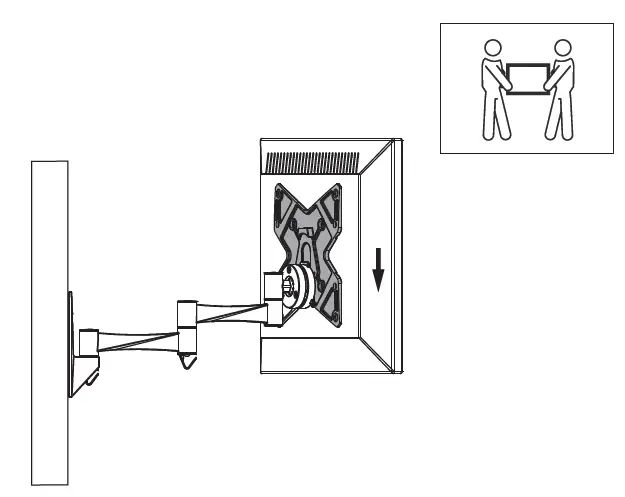
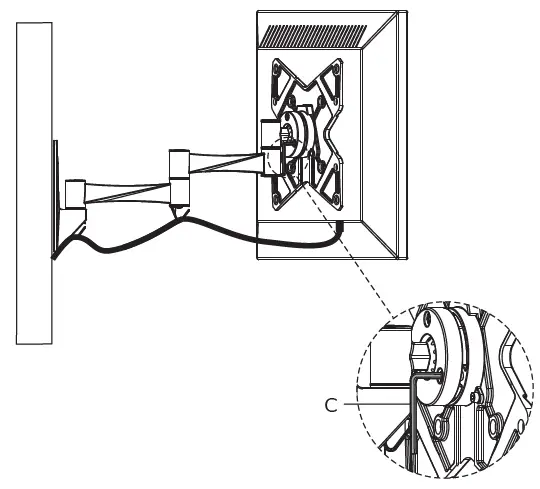
STEP 6
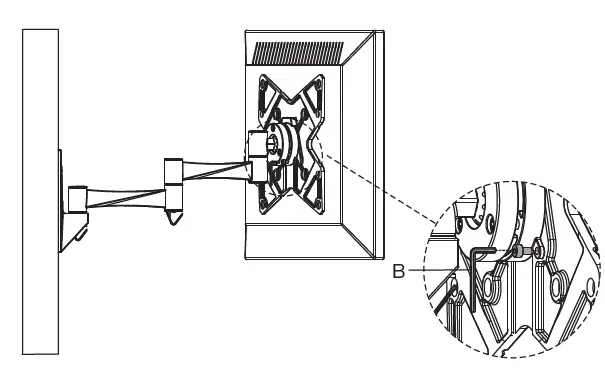
Adjust the mount to your desired positionstep 6neomount logo
Documents / Resouces

Download manual
Here you can download full pdf version of manual, it may contain additional safety instructions, warranty information, FCC rules, etc.


Related Manuals