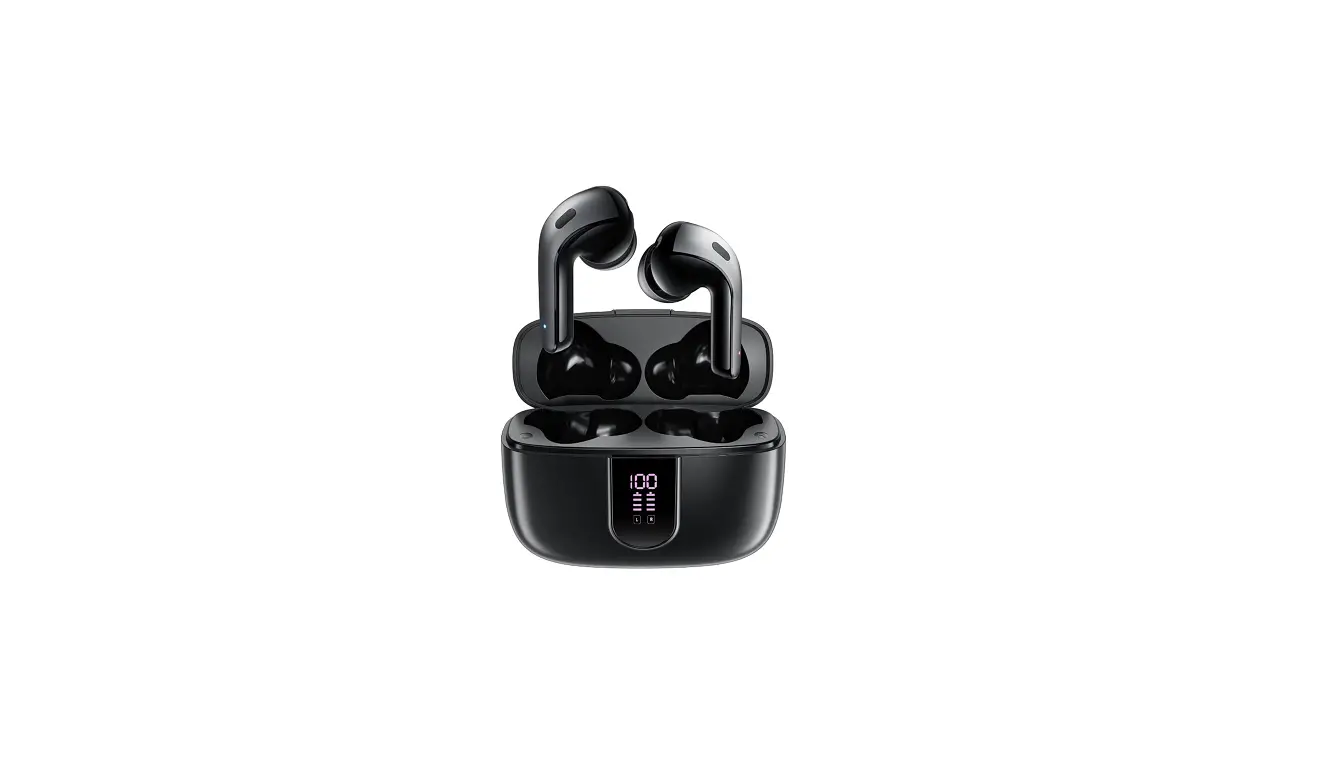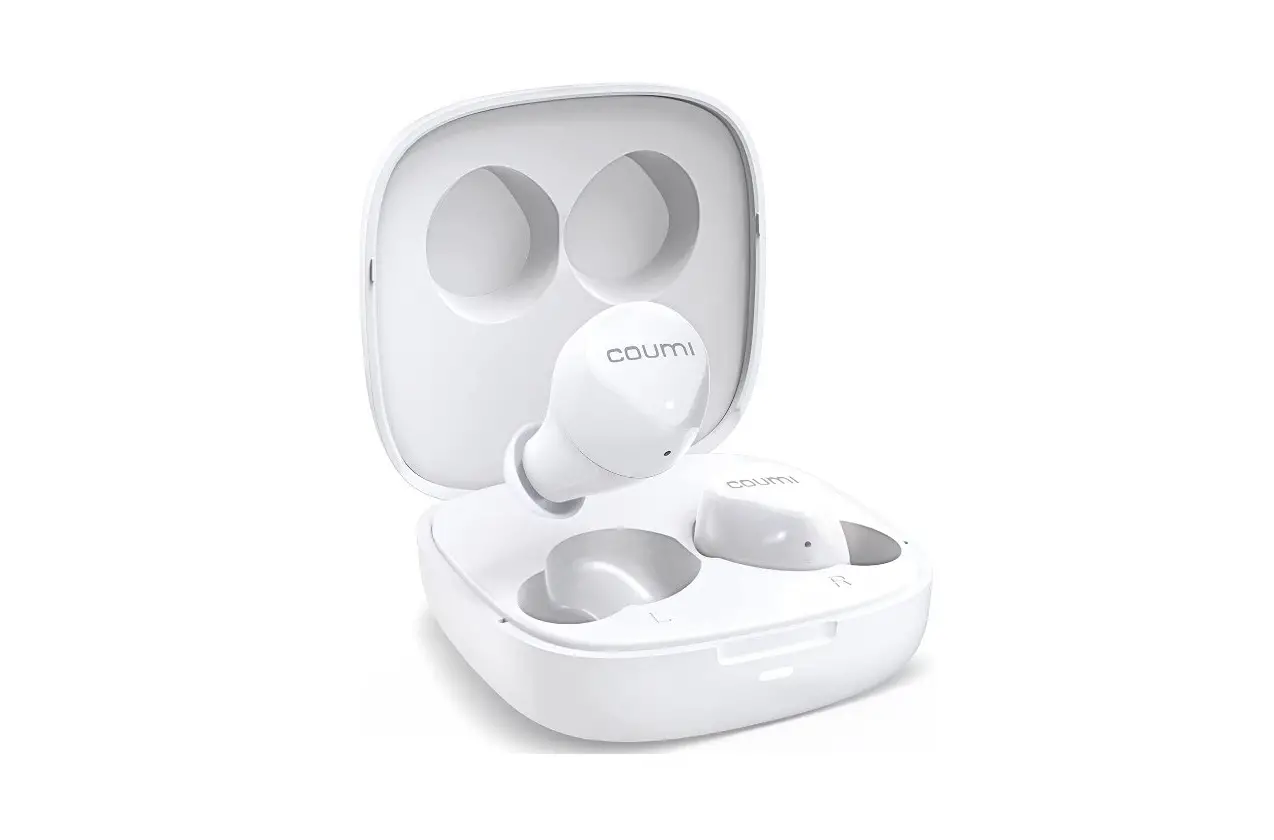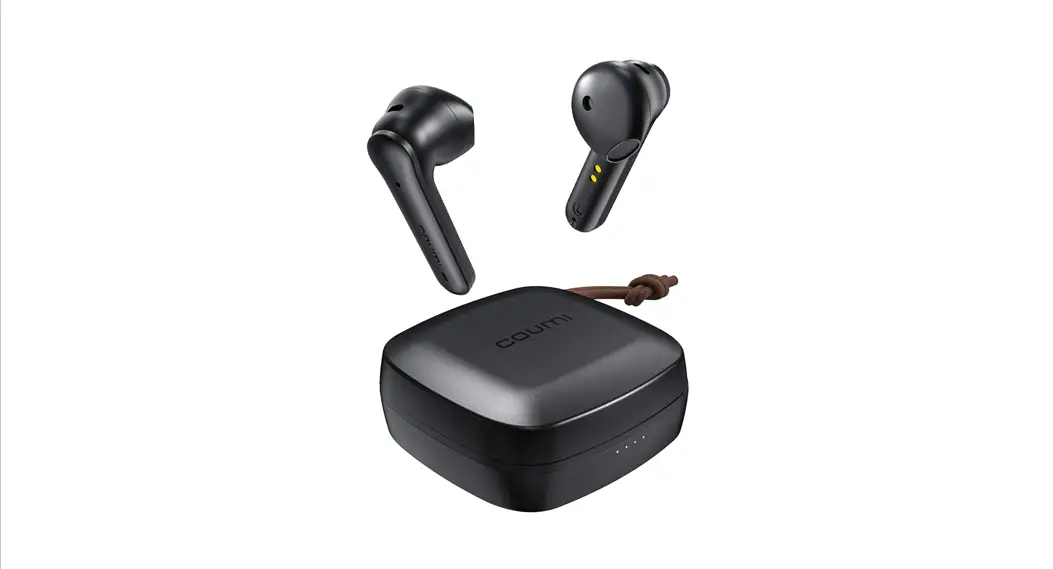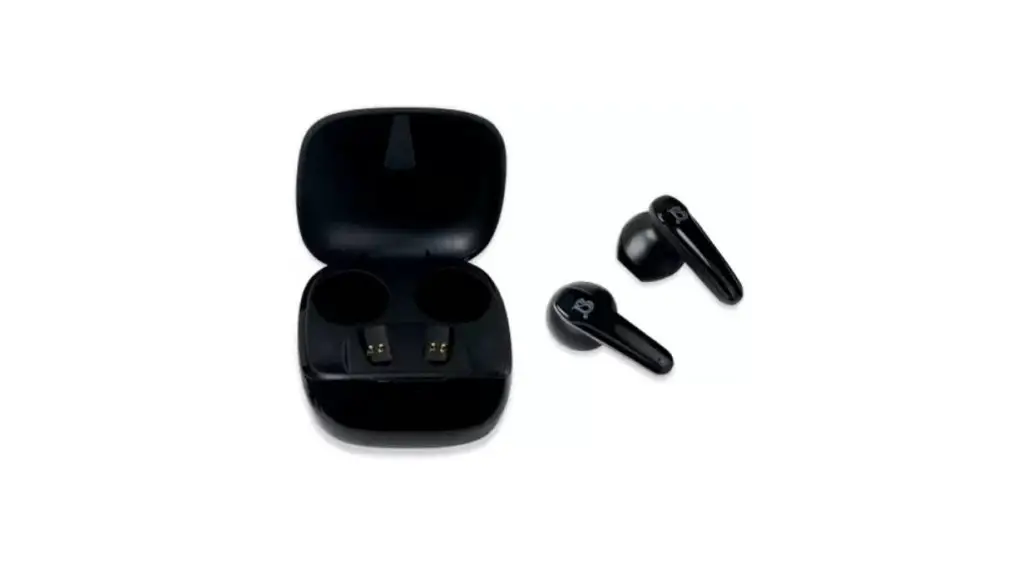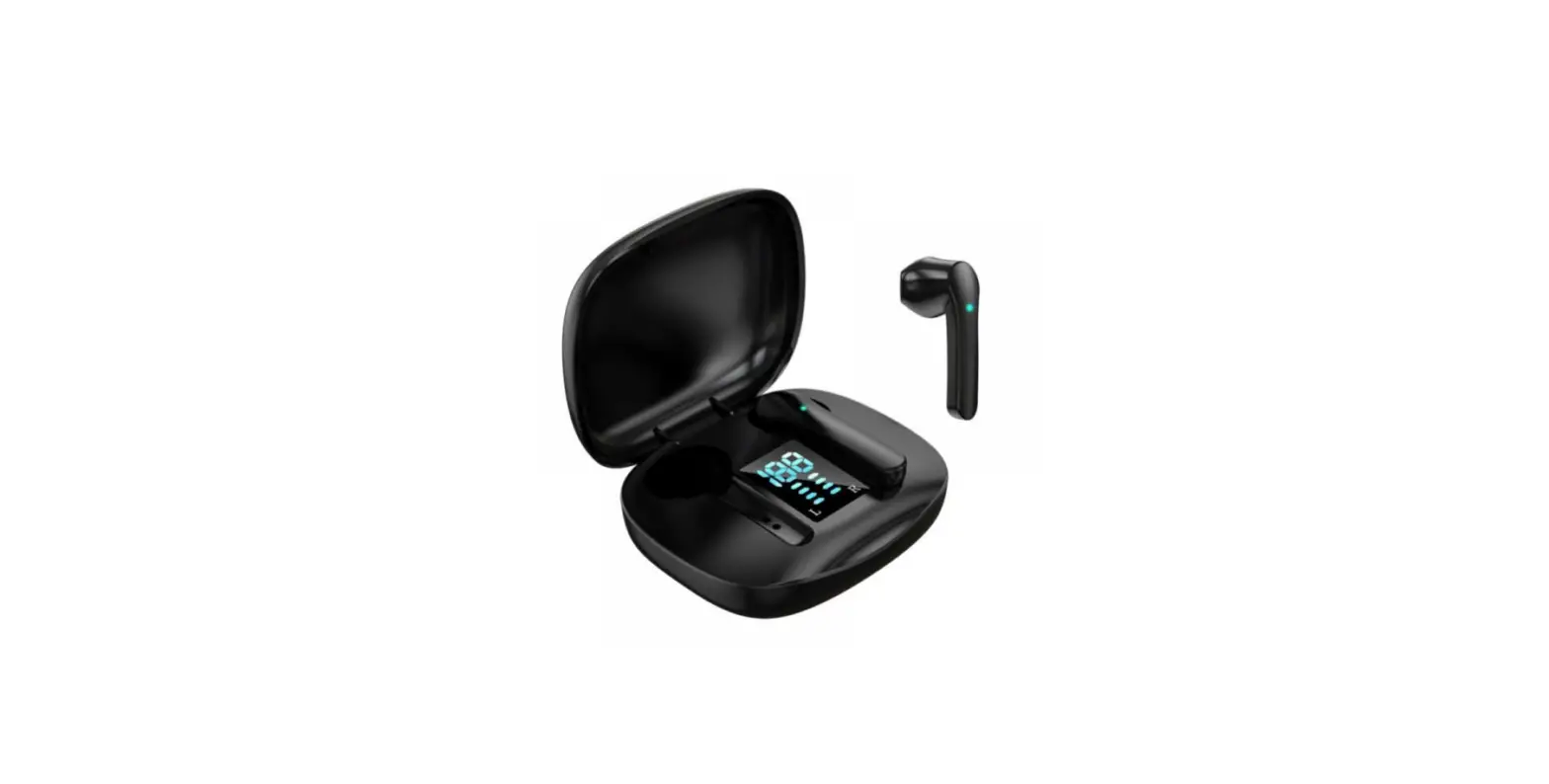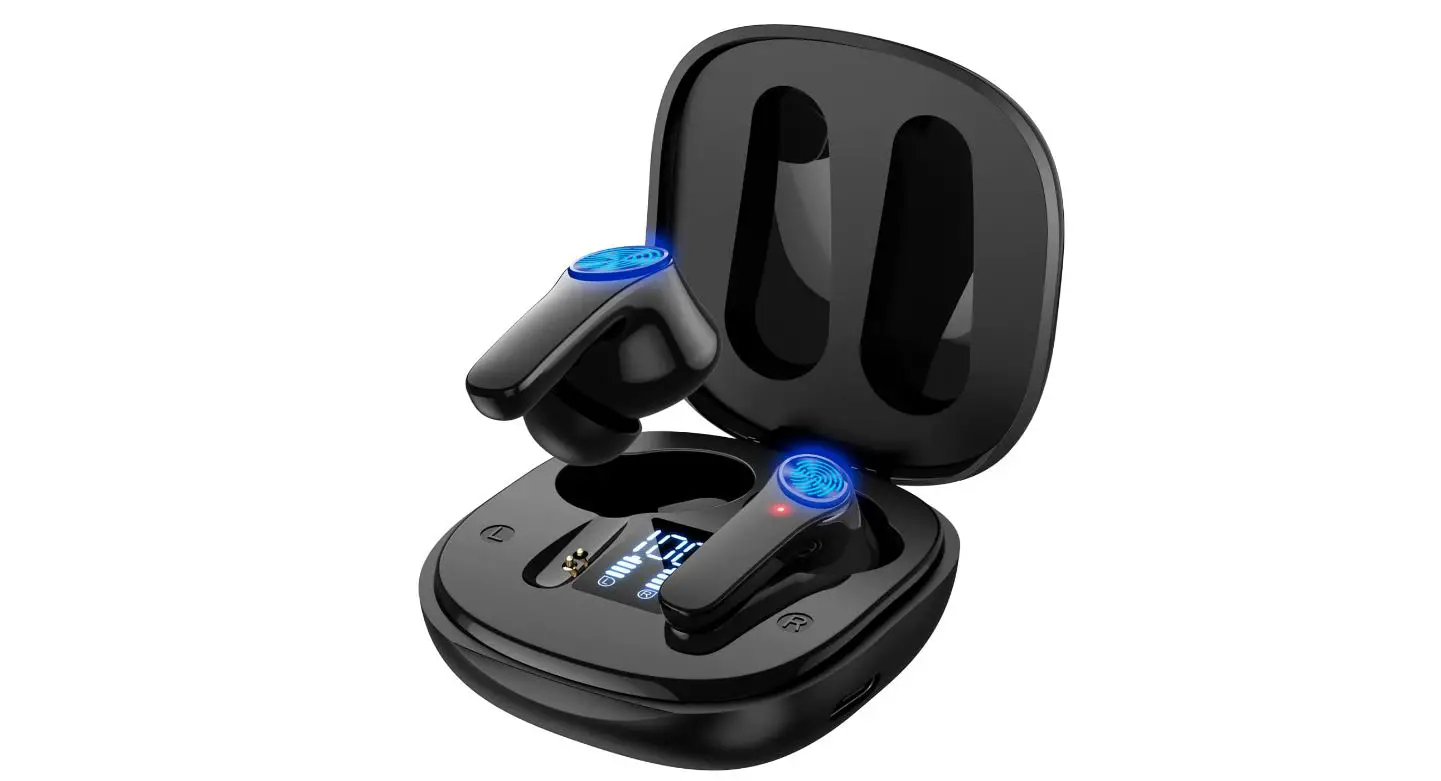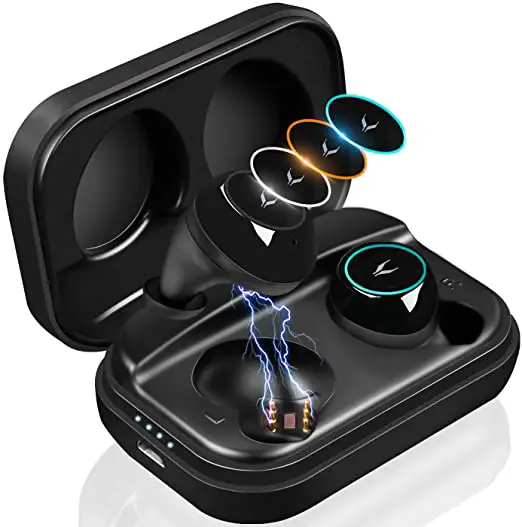
coumi TWS-817A Wireless Bluetooth Earbuds User Guide
Warning
- Do not remove or modify the earbuds for any reason, otherwise the earbuds may malfunction or burn, electronic breakdown or even completely damage the product.
- This product has built-in electric lithium-ion battery. It is forbidden to disassemble, impact, squeeze or put into fire. If there is serious swelling, please do not continue to use it.
- Do not place the device in an environment where the temperature is too low or too high (below 0 ℃ or 45 ℃ or above).
- Do not use the device during thunderstorms. Thunderstorms can cause the device to malfunction and increase the risk of electric shock.
This product has been inspected and qualified.
Package Contents
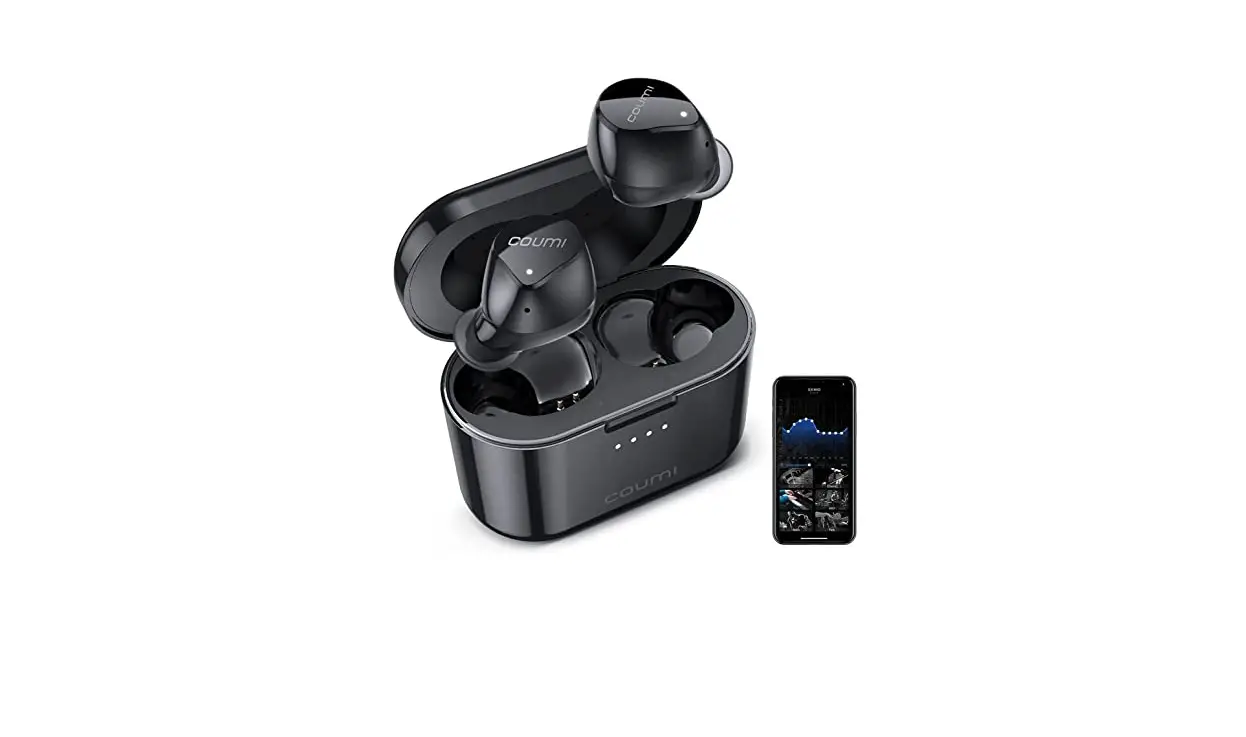
- True Wireless Earbuds (with Medium Eartips) X1

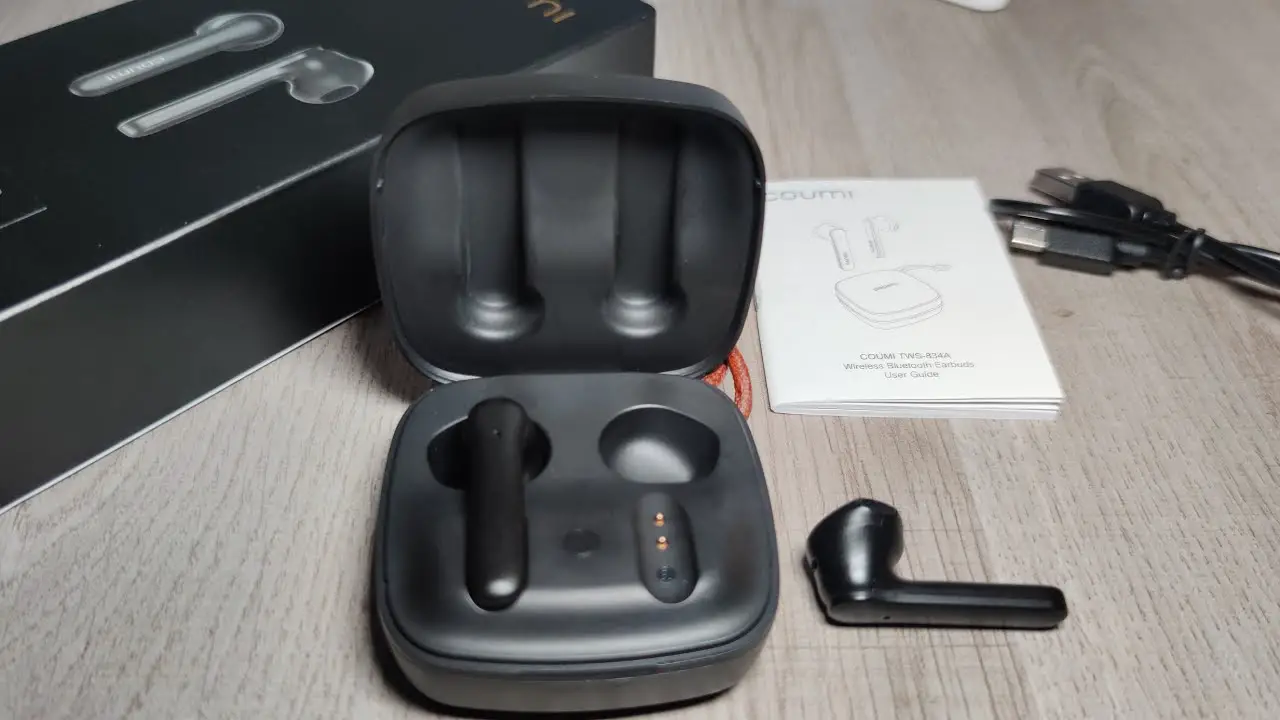
- Charging Case X1

- Large Eartip X2 Small Eartip X2

- User Guide X1, Quick Guide X1, Discount Card X1, Warranty Card X1

- Type-C Charging Cable X1

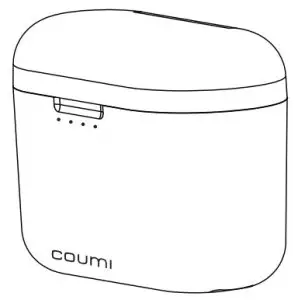
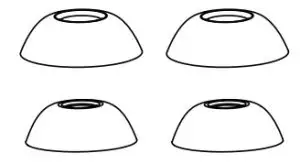

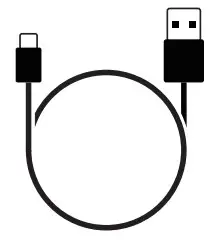
Product Overview
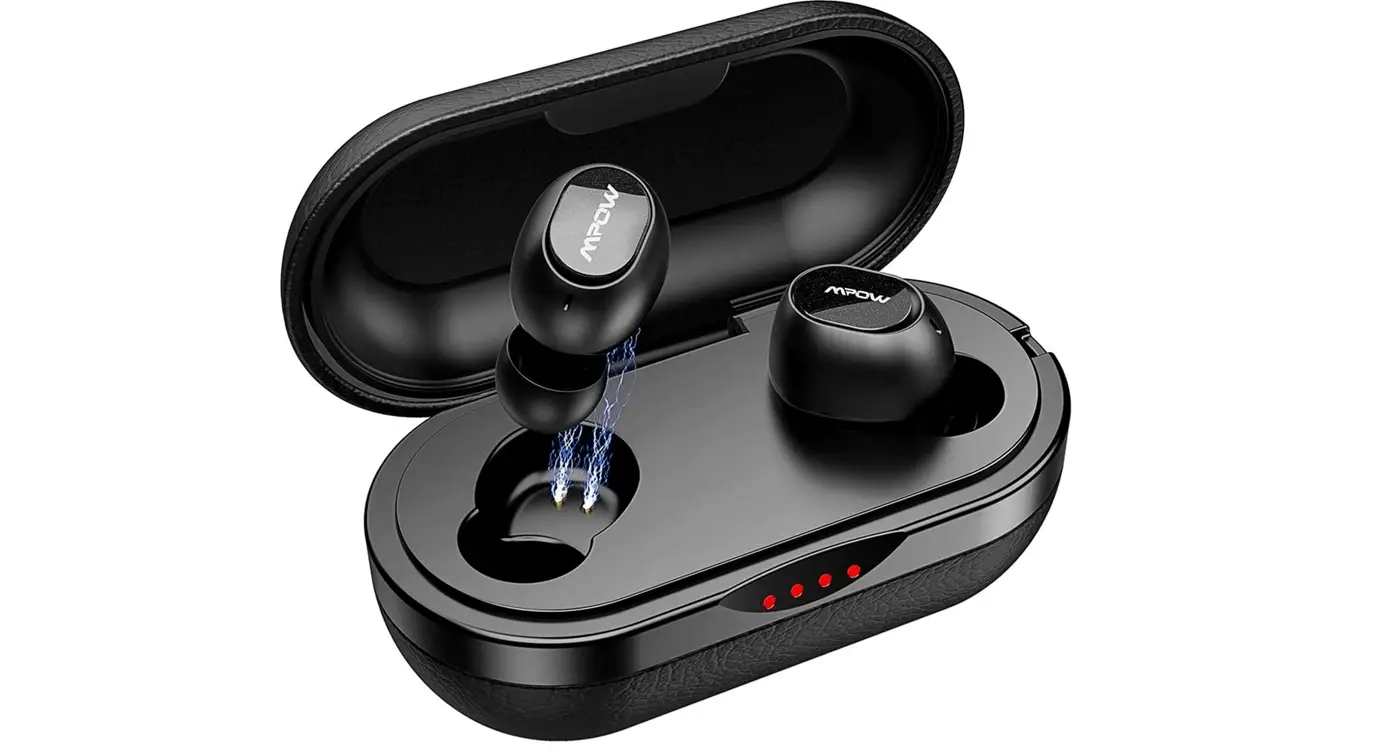
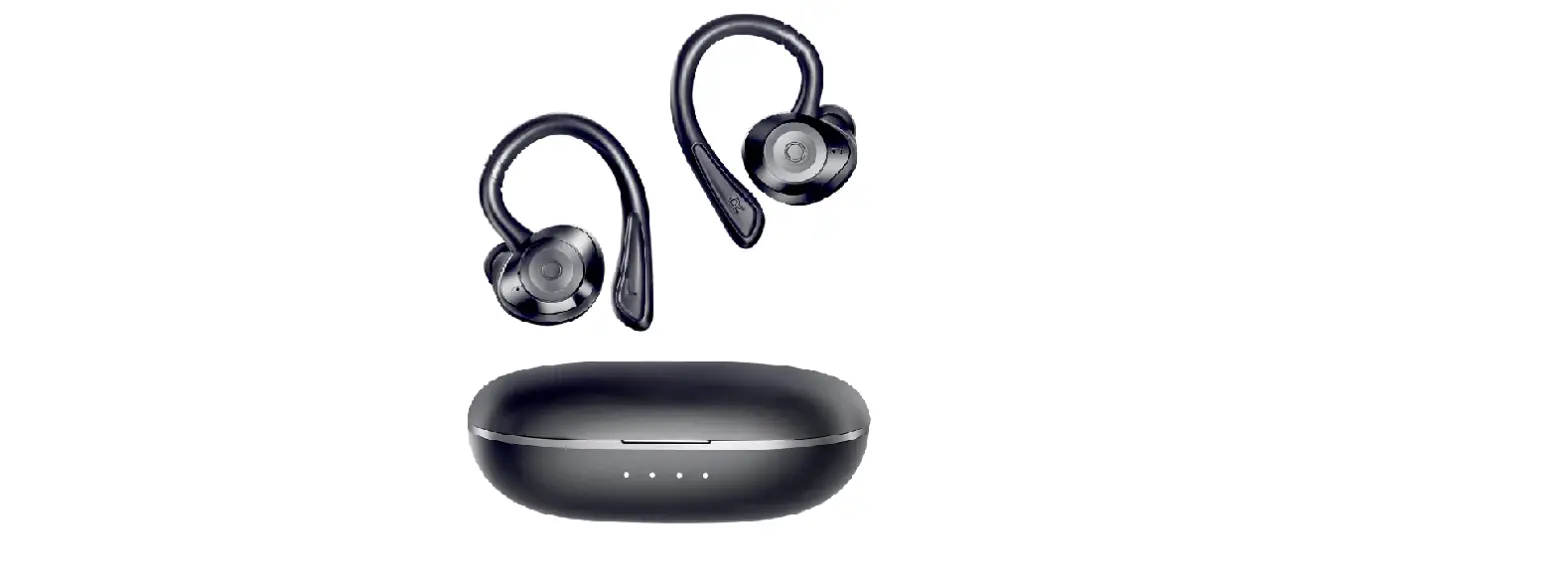
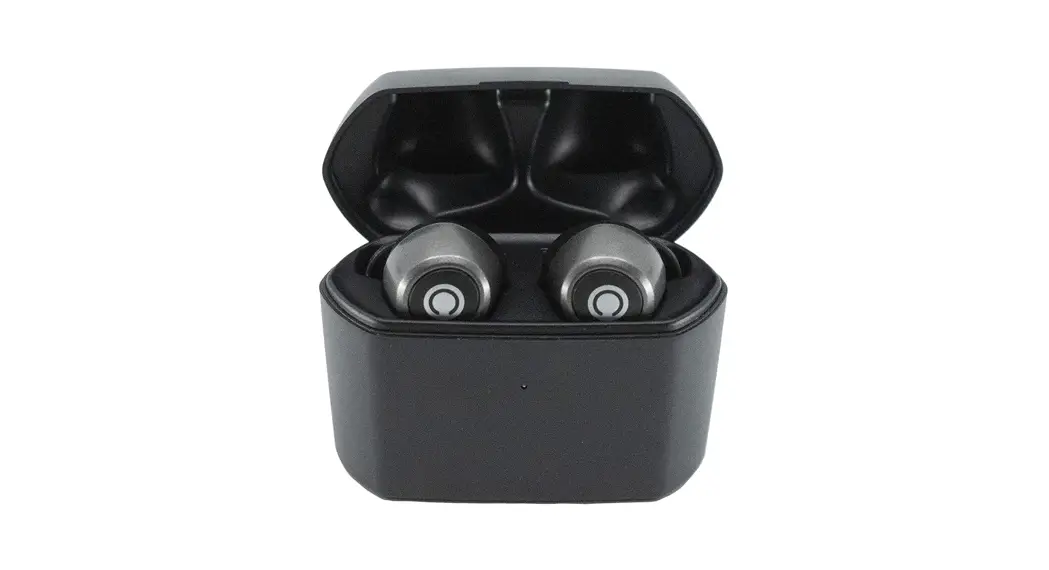
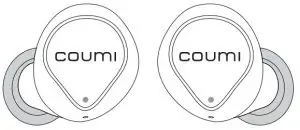
Earbuds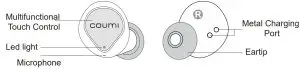
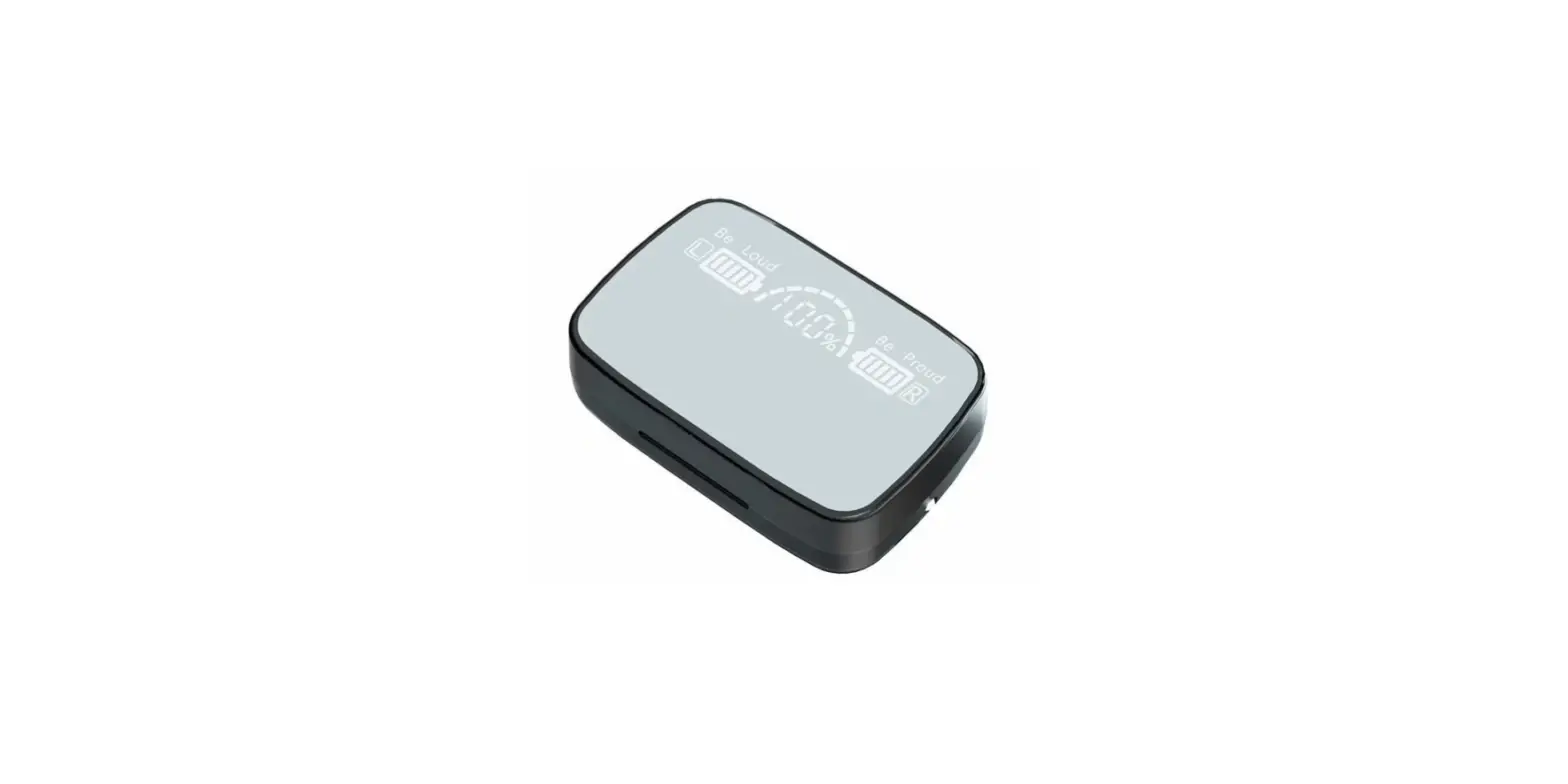
Charging case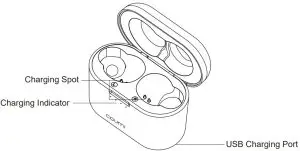
Wearing Guide
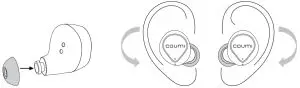
- Select eartips of the most fitting size provided( large,medium,small).
- Pick up the earbuds accordingly (R/L), and rotate the earbuds according to the direction of the arrows for more stable fitting.

Instruction
- Initial use
For the first charge,please remove the insulation film on charging port of the earbud. - Power On
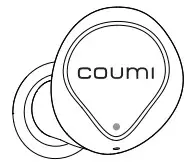
Open the charging case,the earbuds will power on and you can hear prompt voice “Power On” .White LED lights on 1s. - Pairing
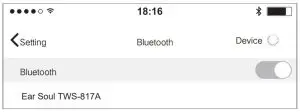
Open the phone Bluetooth to search “Ear Soul TWS-817A” and hear “Connected” and light goes out.
- The both(R/L) earbuds can be used separately.
- The earbuds will automatically connect to device.
Operation
Earbuds Operation Guide
Function | Left Ear | Right Ear | Voice Prompt |
Power On | Open the charging case/ Press 3s when in power off | Power On | |
Play/Pause | Double Taps | Double Taps | |
Previous | Triple Taps | ||
Next | Triple Taps | ||
Volume+ | Tap | At Maximum Tone | |
Volume- | Tap | At Minimum Tone | |
Answer | Double Taps | Double Taps | “Beep” |
Hang Up | Double Taps | Double Taps | “Di” |
Reject | Press 1~2s | Press 1~2s | “Beep” |
Power Off | Put earbuds back and close the charging case/Press 5s when in power on | Power Off | |
Voice assistant | Press 1~2s | Press 1~2s | “Di” |

Light Indicator
Charging Case Indicator
| Charging Case Status | LED indicator Status |
Case on Charge | Indicator lights are always on, and each light indicates 25% power |
Case Fully Charged | Four indicator lights are always on |
Earbuds on Charge | The left #1 light flashes when the left earbud is charging, and the right #1 light flashes when the right earbud is charging |
Earbuds Fully Charged | The light goes out |
Earbuds Light Indicator
Earphone status | Earbuds light state |
Power on | Light for 1s |
Pairing Status | Main earbud LED fastly flashes every 0.2s, slave earbud LED lights off |
Connected | Light goes out |
FAQ
- The earbuds do not turn on. Please confirm the earbuds have power left, if not charged please charge up and then power on.
- Unsuccessful Bluetooth Pairing.
Make sure that the earbuds are turned on and in pairing state, the pairing
distance is kept within 1m. - Some Bluetooth Devices Require a Pairing Password Please enter “0000”.
- Automatically Re-connect When power on, it will automatically re-connect to the last connected device.
- How long will it turn off automatically when it doesn’t connect? The earbuds will automatically turn off after 10mins if it doesn’t connect with other bluetooth devices.
- If the left and right earbud don’t sync or connect the phone because the earbud is in re-connection mode or other mode,or if you can’t find your preferred bluetooth device, you can restore a factory reset:
When the earbuds are in the charging case,press and hold the right touch control for 5s untill the white LED flashes 3 times,then the earbuds will restart and connect to each other ,enter into pairing mode.
Google Fast Pairing
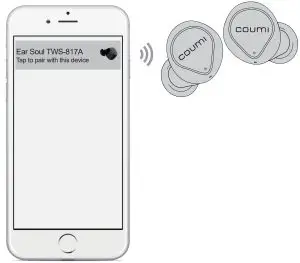
How to fast pair?
- Turn on Bluetooth on the phone.
- Pick up earbuds from charging case.
- Move earbuds close to the phone.
- Pairing request tab pops out on phone.
- Click the tab,get connected.
※Only supports to partial Android smartphone, furthermore you need to login your google account on your smartphone.
Technical Specifications
Product Number: Ear Soul TWS-817A
Bluetooth Version: 5.0
Bluetooth Profiles: HFP/HSP/A2DP/AVRDP
Communication Range: 360° 10M
Music Time: Up to 6 Hours
Used with the Charging Case: Up to 30 Hours
Charging Tme: 1-1.5 Hours
Charging Parameter: Earbuds: 5v/30mA
Charging Case: 5v/500mA
Battery Type: lithium ion battery
Earbuds: 3.7V, 45mAh
Charging Case: 3.7V, 720mAh
Frequency Response: 20Hz-20KHz
Sensitivity: 97±3dB
Battery Life:
Due to different systems, audio formats,personal usage habits (such as volume) of mobile phones and other devices, the battery life may vary for the specific situation.
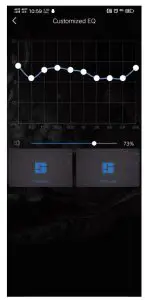
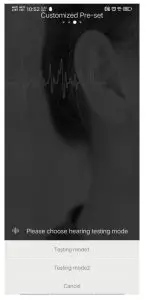
COUMI EQ
COUMI EQ app can customize sound curve for EACH user by testing your hearing and create sound curve accordingly,then save the sound curve into the earbuds. Once the sound curve has been saved,no matter what Bluetooth enabled player or what music you will choose, you can enjoy music by our earbuds with your own sound curve inside.
FREELY CUSTOMIZE MUSIC FOR YOUR EAR!