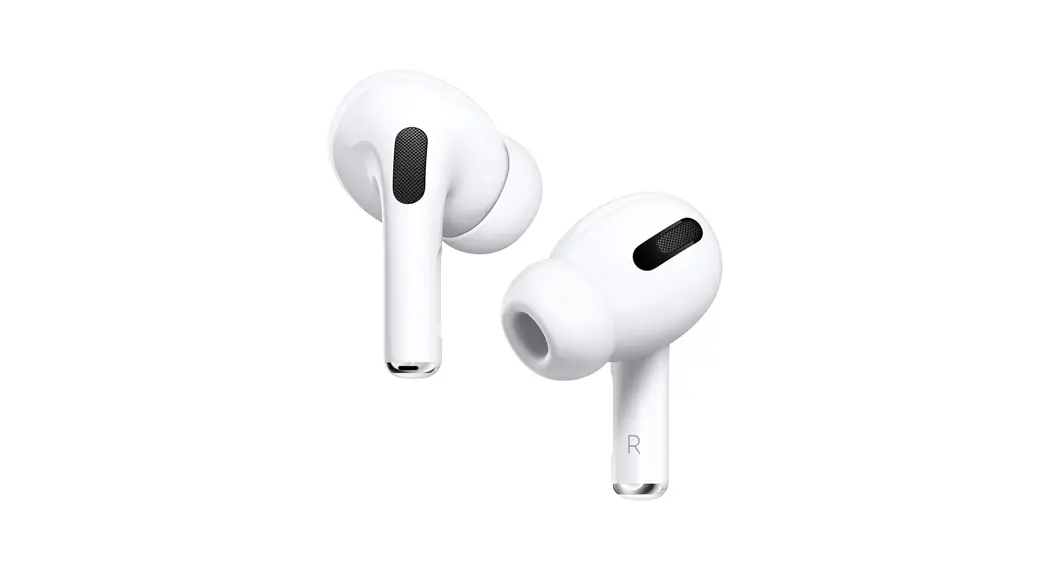
 EarPod Pro – Initial Setup (iPhone) and User Manual
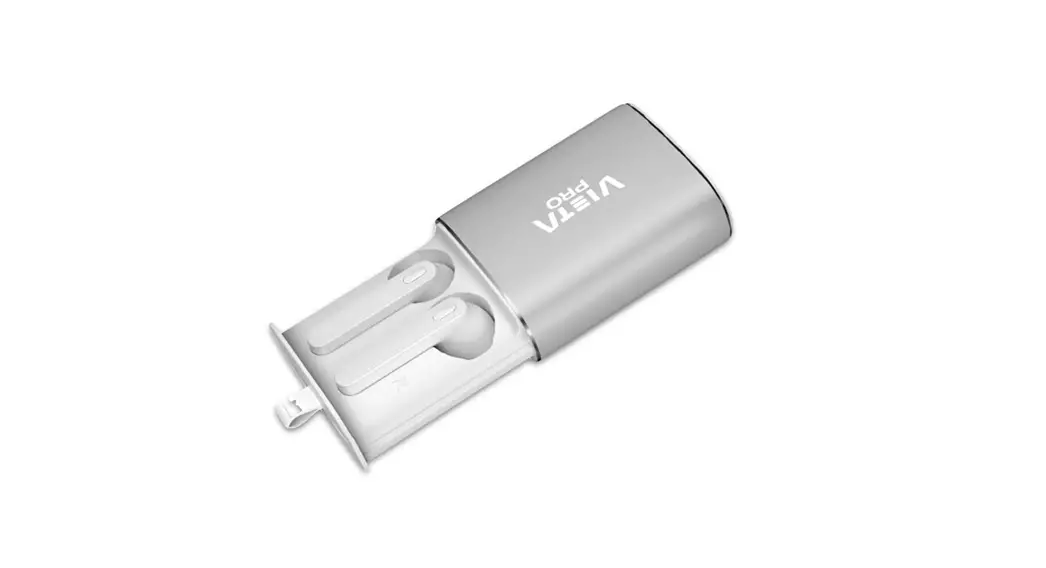
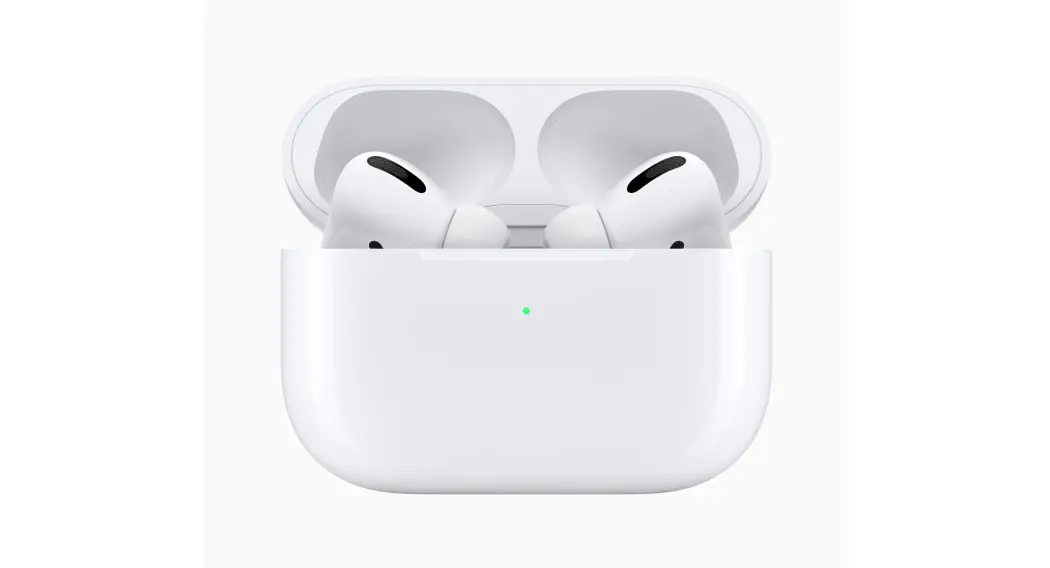
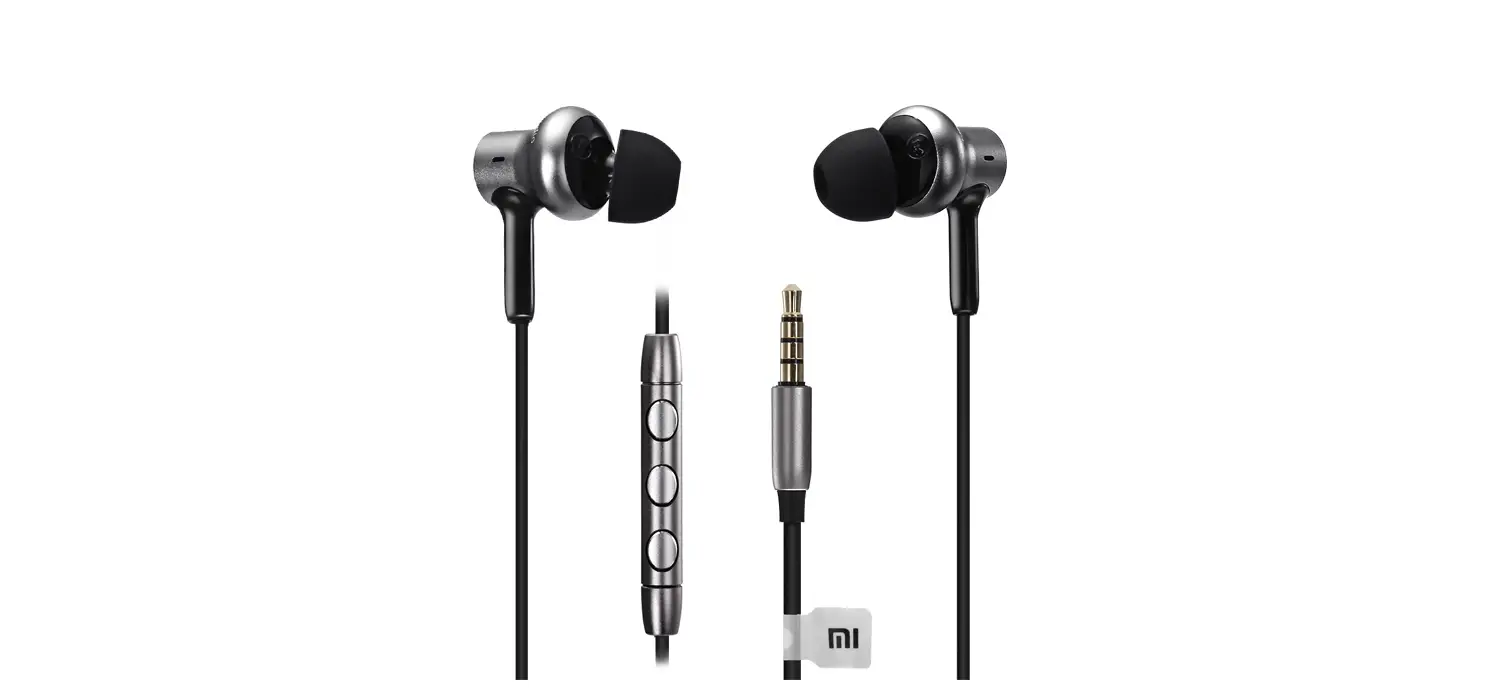
Box Contents: 1x Pair of EarPod Pros, 1x Charging Lead, 1x Manual, 2x Alternative EarBud covers
Initial Setup
- Unlock your iPhone and ensure Bluetooth is enabled
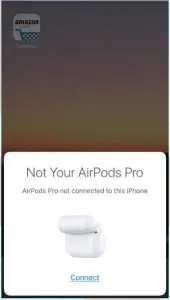
- Open the EarPod Pro case and hold within a few inches of your iPhone

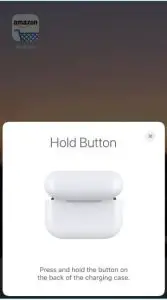
- When prompted, hold the button on the back of the EarPod Pro case.

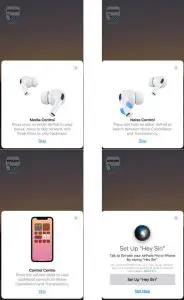
- Once the devices have paired, you will be shown some basic functionality. Please note that the Noise Control functionality is limited and this pop-up is controlled by the iPhone itself.

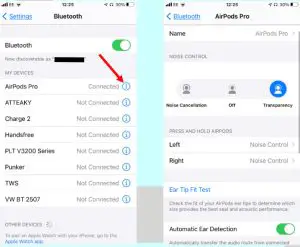
- Now you can customize the settings of your EarPod Pros. Firstly go to the Settings > Bluetooth and then select the I symbol for your EarPod Pros.
You can then change the device name as well as various preferences.
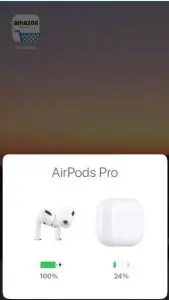
- To check the battery level of your EarPod Pros and their case, simply open the case within a few inches of your phone. Do not remove the EarPod Pros from the case and wait a couple of seconds, you will then see the following pop-up

For any further issues, please contact us at: [email protected]
![Tws True Wireless Stereo Earphones User Manual [airpod Look-a-likes]](https://static-data1.manualsee.com/1/img/443/3788/2019/02/TWS-True-Wireless-Stereo-Earphones-AirPod-Look-a-Likes-featured.png "Tws True Wireless Stereo Earphones User Manual [airpod Look-a-likes]")