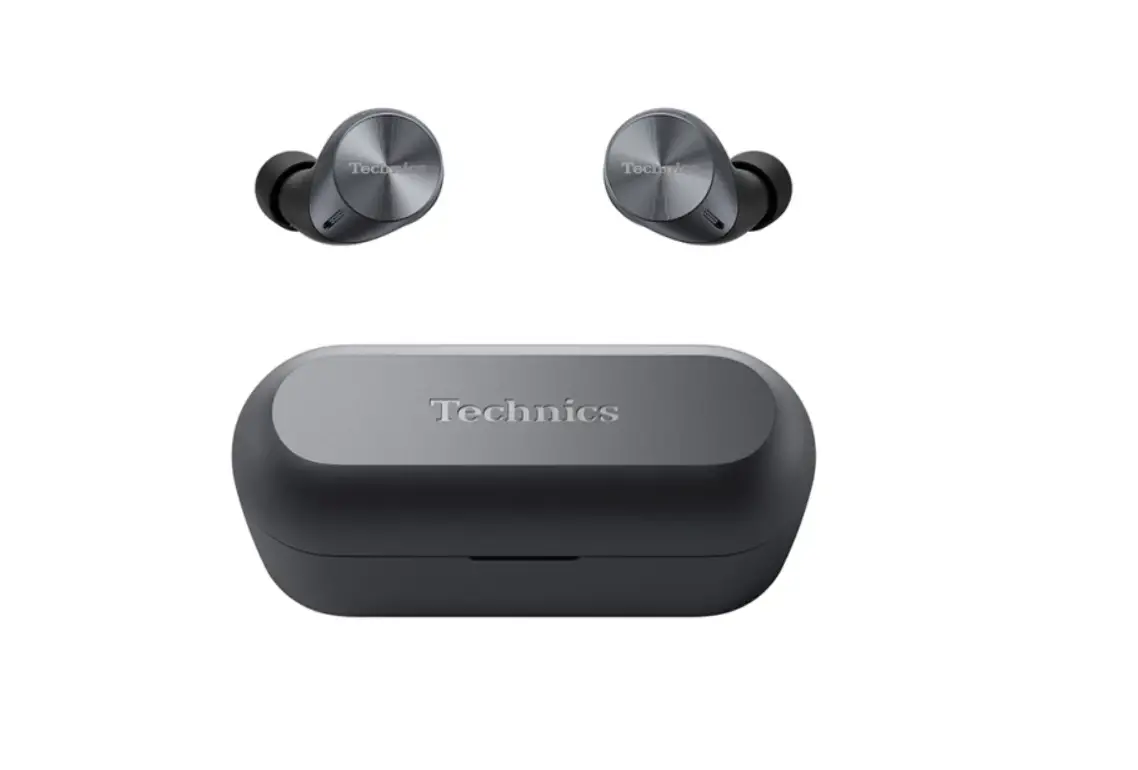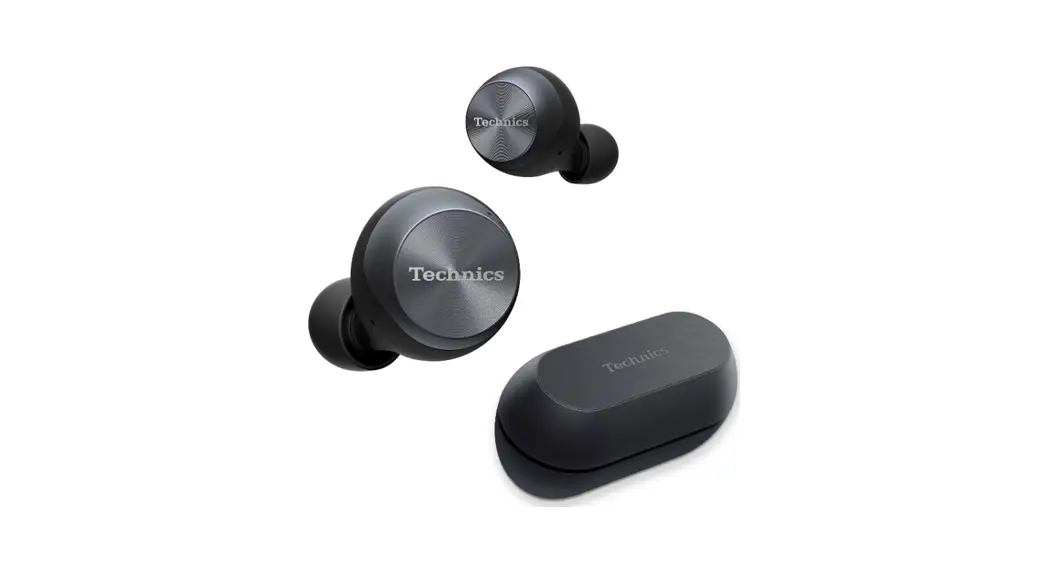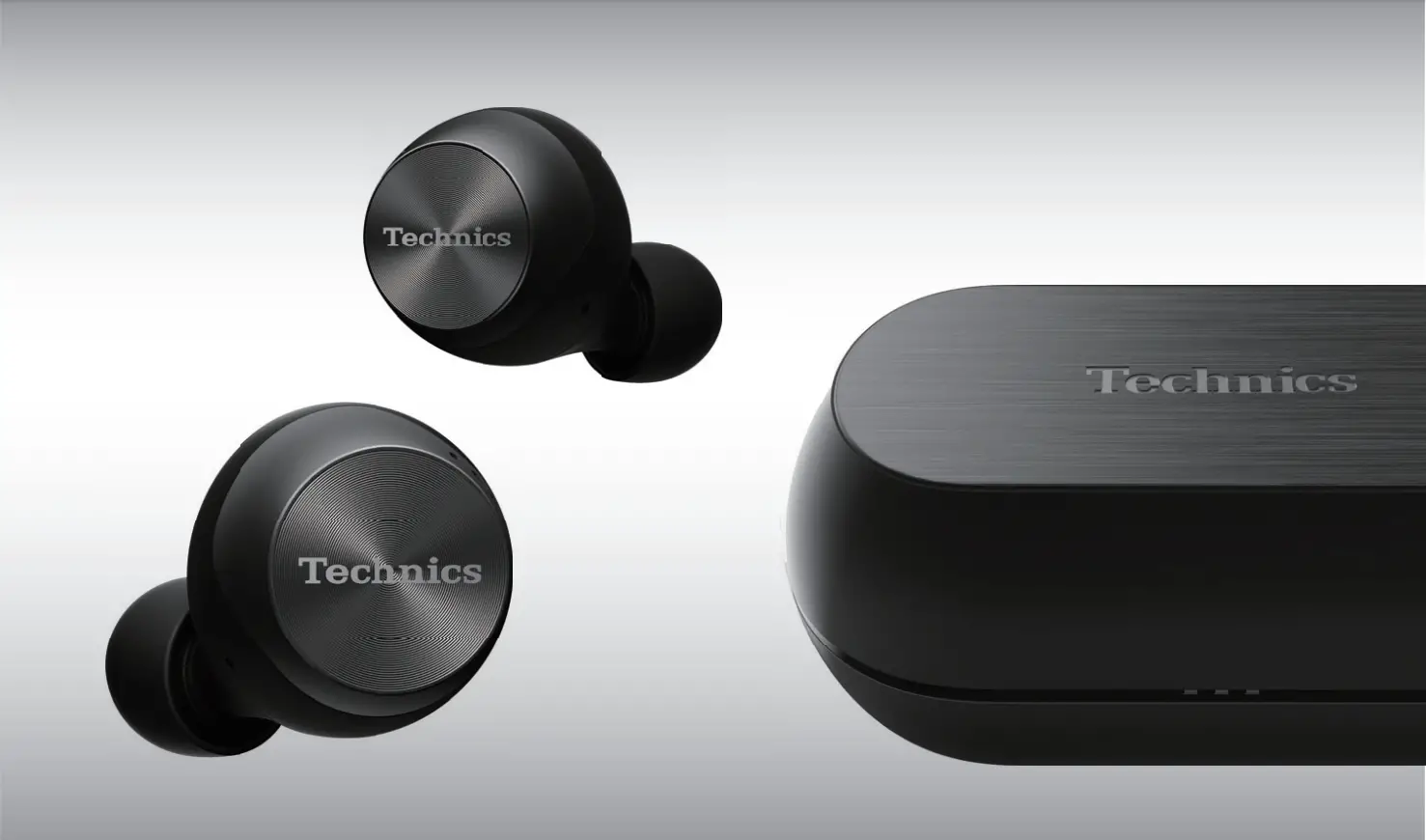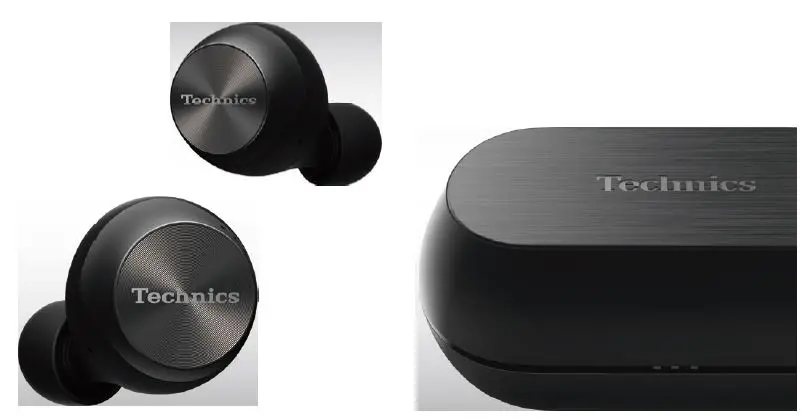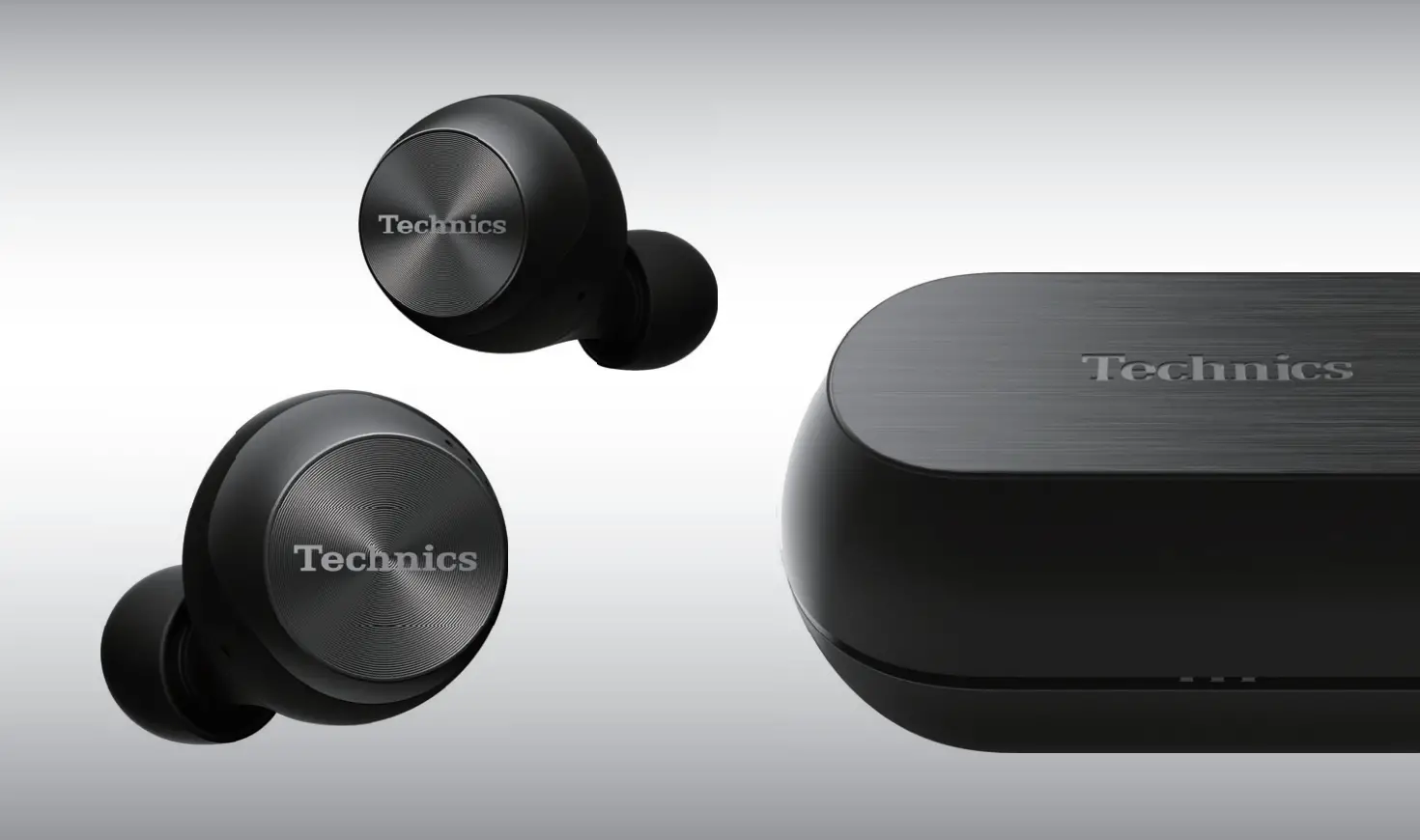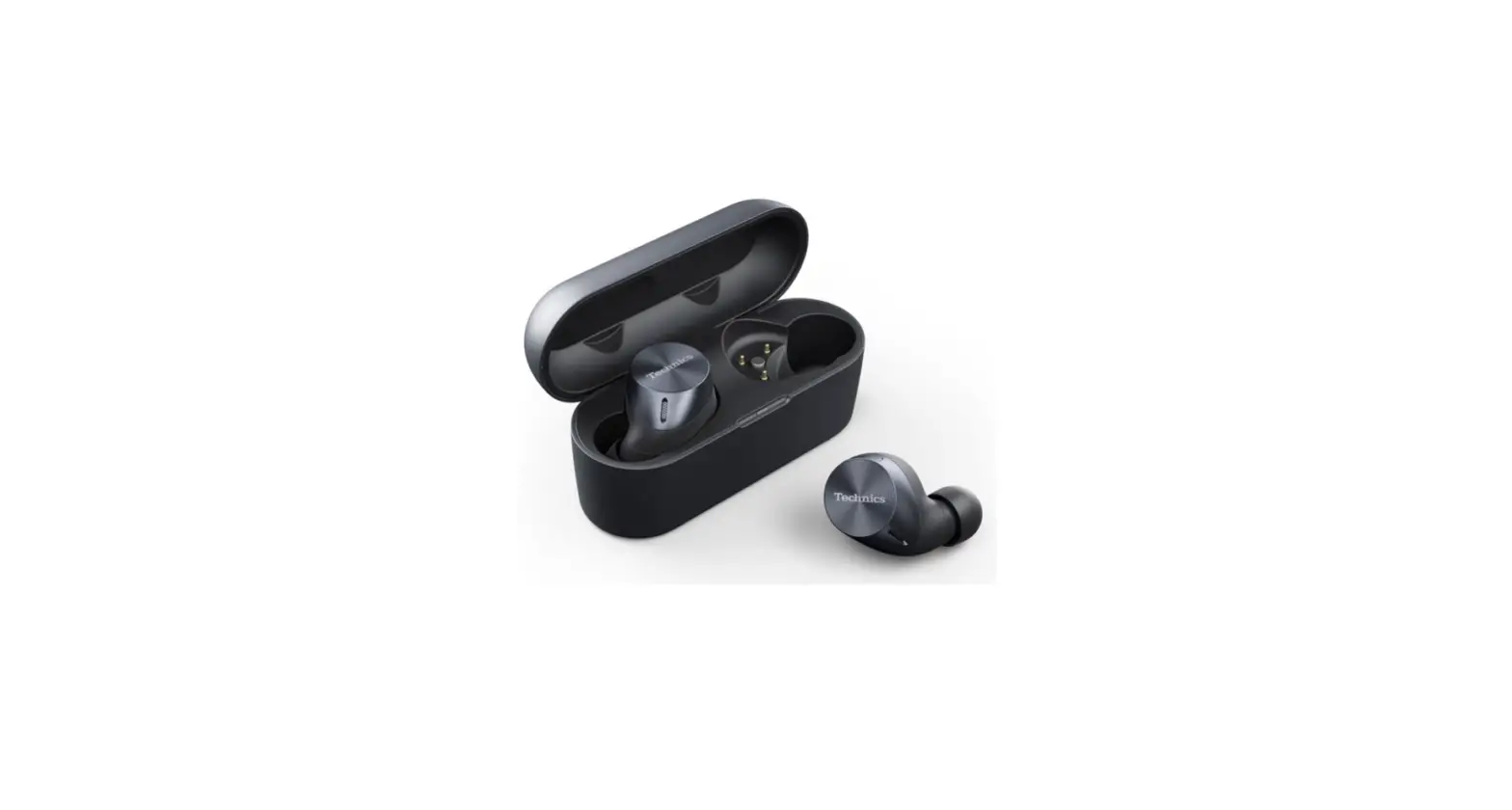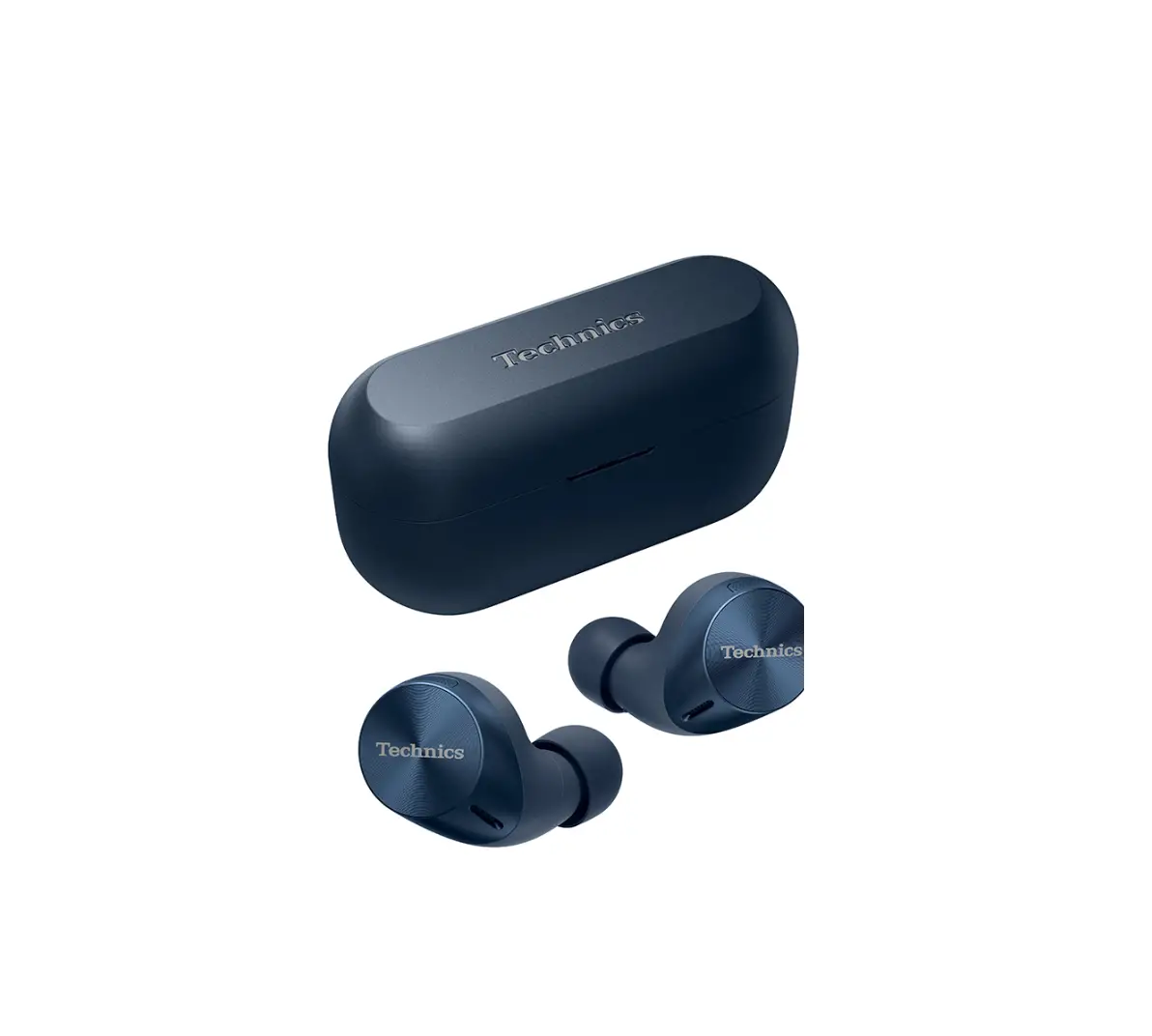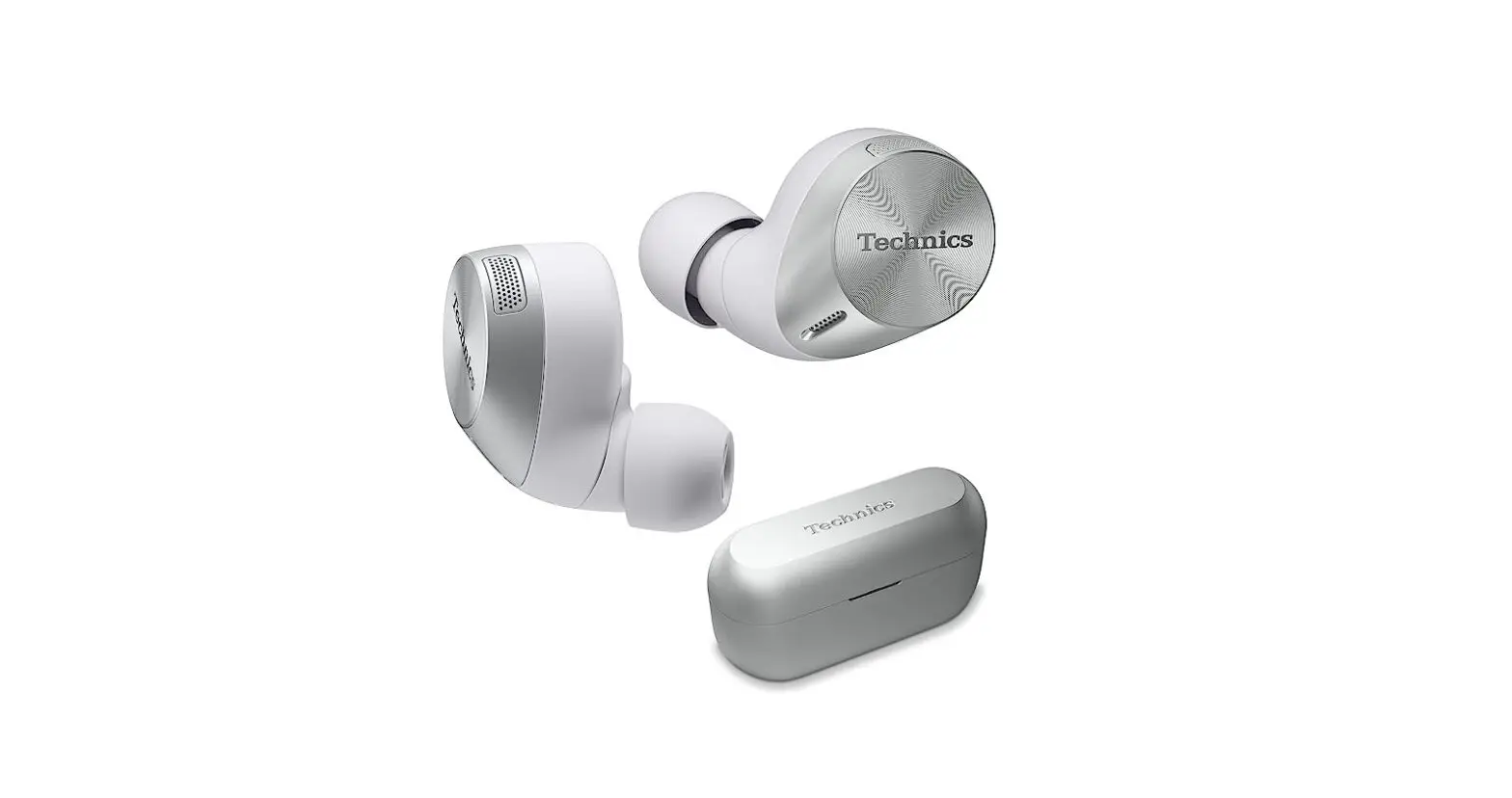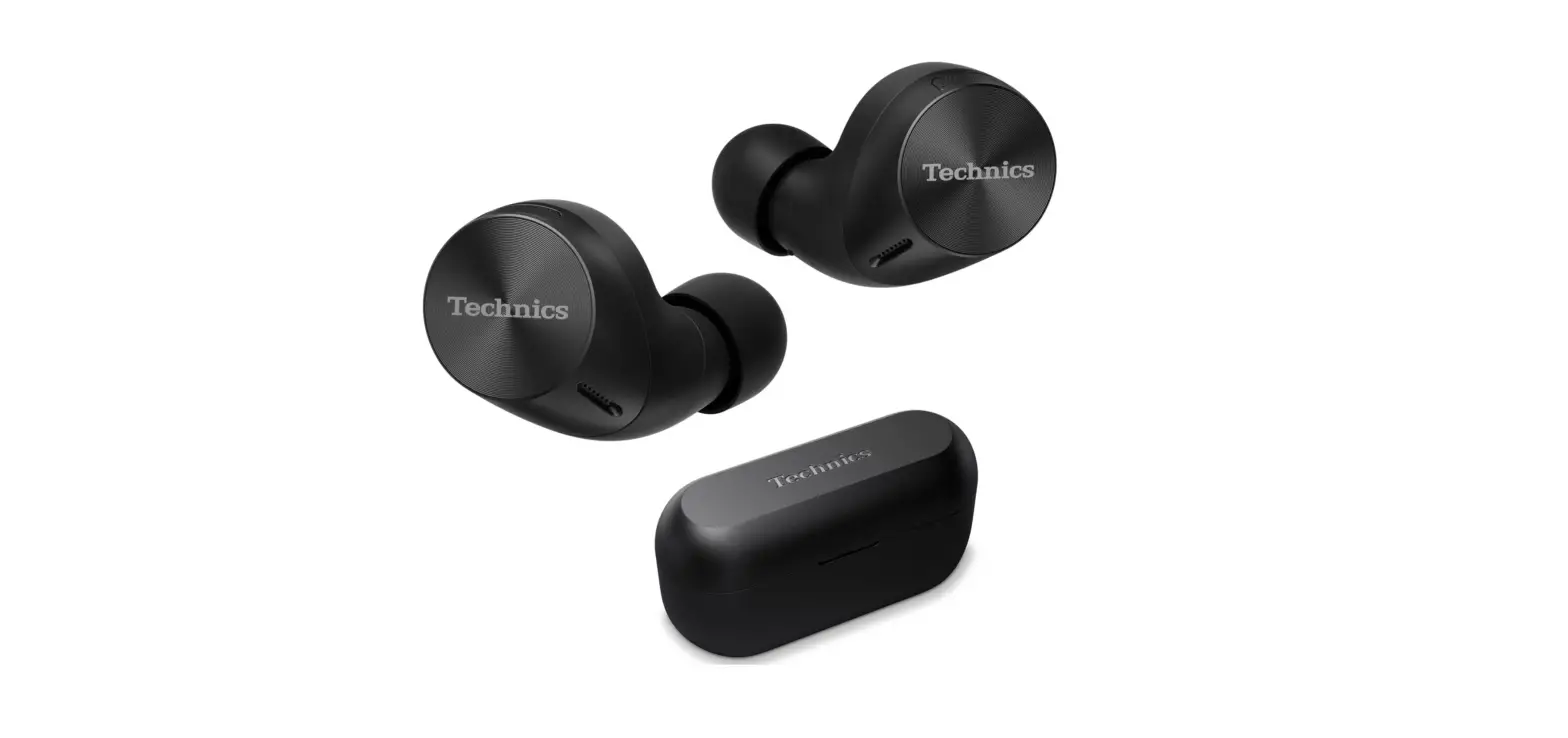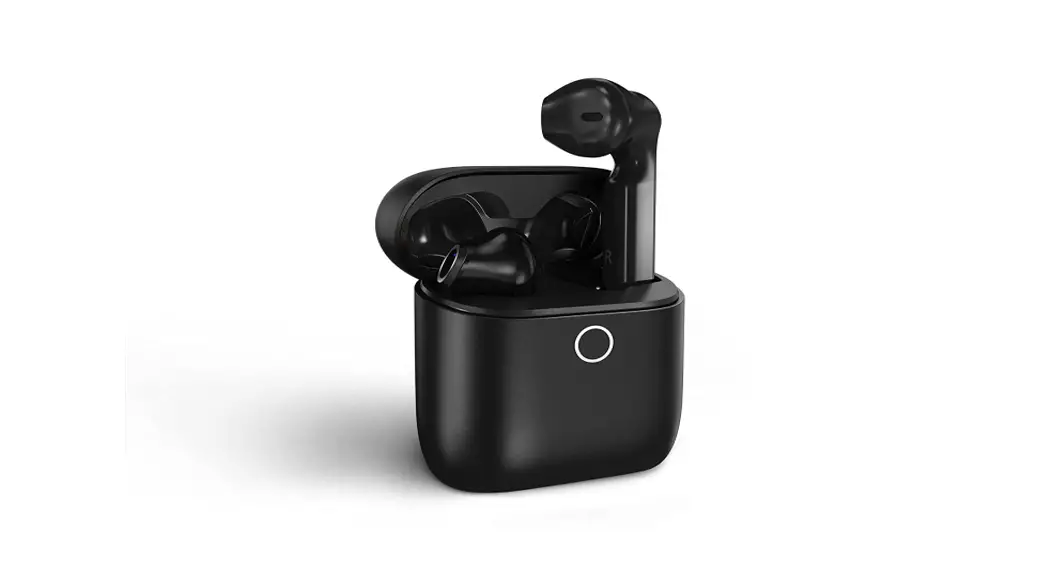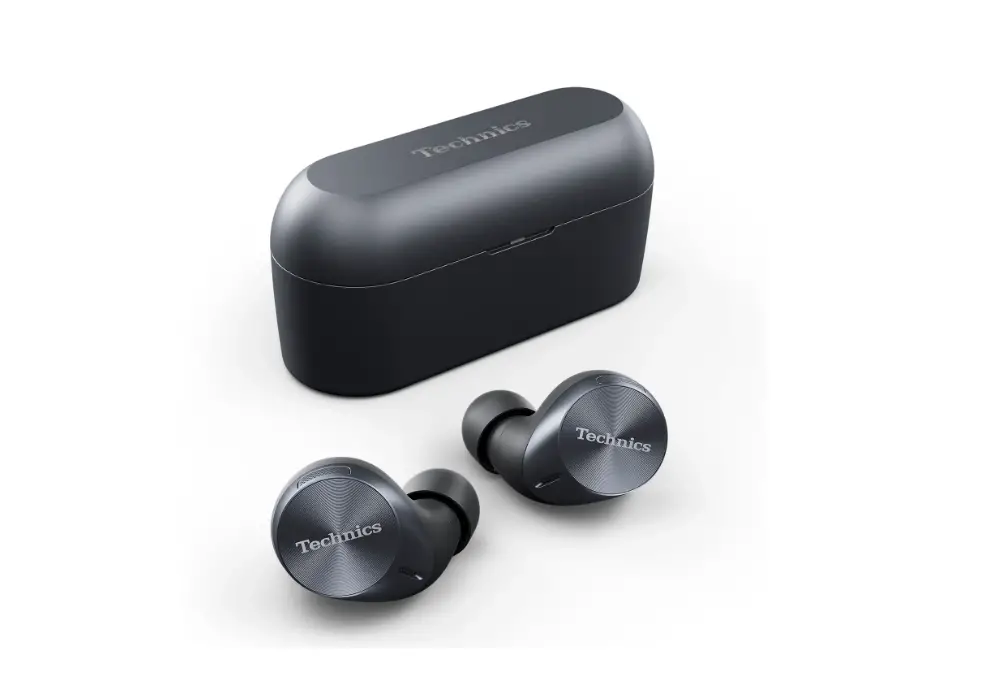
EAH-AZ60M2 Digital Wireless Stereo Earphones
English Français (Canada) Español Français (Europe) Deutsch Português Italiano Polski Cesky Slovensky Magyar Român Lietuvi Eesti keel Hrvatski Slovenscina Svenska Dansk Suomi Norsk
EAH-AZ60M2 EAH-AZ40M2
Digital Wireless Stereo Earphones
Basic Owner’s Manual
Écouteurs stéréo sans fil numériques
Manuel d’utilisation Fonctions de base
Auriculares estéreo inalámbricos digitales
Instrucciones básicas de funcionamiento
“Technics Audio Connect”
Android: Google Play
iOS: App Store
English
Install the app “Technics Audio Connect” By creating a Bluetooth® connection with a smartphone on which the “Technics Audio Connect” app (free of charge) is installed, you can enjoy a wide variety of functions, such as different customized settings and software updates for this unit. · For information, refer to “Owner’s Manual (PDF format)”.
Français
Installer l’application “Technics Audio Connect” En établissant une connexion Bluetooth® avec un téléphone intelligent sur lequel l’application “Technics Audio Connect” (gratuite) est installée, il est possible de bénéficier d’une grande variété de fonctions, comme divers réglages personnalisés et des mises à jour logicielles pour cet appareil. · Pour plus de détails, consulter le “Manuel d’utilisation (format PDF)”.
Español
Instale la aplicación “Technics Audio Connect” Si crea una conexión Bluetooth® con un teléfono inteligente en el que está instalada la aplicación “Technics Audio Connect” (gratuita), podrá disfrutar de una amplia variedad de funciones, tales como diferentes ajustes personalizados y actualizaciones de software para este aparato. · Para obtener más información, consulte “Instrucciones de funcionamiento (formato PDF)”.
Register online at http://shop.panasonic.com/support (U.S. customers only/Pour les É.-U. seulement)
If you have any questions, visit: In the U.S.A.: http://shop.panasonic.com/support In Canada: www.panasonic.ca/english/support Pour toute assistance supplémentaire, visitez : www.panasonic.ca/french/support
[ EAH-AZ60M2 ]
Sales and Support Information
Customer Communications Centre
· For customers within the UK: 0333 222 8777 · For customers within Ireland: 01 447 5229 · MondayFriday 9:00 am5:00 pm (Excluding public holidays). · For further support on your product, please visit our website:
www.technics.com/uk/
English
Importer for UK Panasonic UK, a branch of
Panasonic Marketing Europe GmbH, Maxis 2, Western Road,
Bracknell, Berkshire, RG12 1RT
Panasonic Entertainment & Communication Co., Ltd.
1-10-12 Yagumo-higashi-machi, Moriguchi City, Osaka 570-0021, Japan
Authorized Representative in EU;
Panasonic Marketing Europe GmbH Panasonic Testing Centre, Winsbergring 15, 22525 Hamburg, Germany
Español
Panasonic Entertainment & Communication Co., Ltd. 1-10-12 Yagumo-higashi-machi, Ciudad de Moriguchi, Osaka 570-0021, Japón
Representante Autorizado para la UE;
Panasonic Marketing Europe GmbH Panasonic Testing Centre, Winsbergring 15, 22525 Hamburgo, Alemania
PE
Panasonic Corporation of North America Panasonic Canada Inc.
Two Riverfront Plaza, Newark, NJ 07102-5490
5770 Ambler Drive,
Mississauga, Ontario L4W 2T3
EU
http://shop.panasonic.com
www.panasonic.com
Panasonic Entertainment & Communication Co., Ltd. http://www.panasonic.com
Panasonic Entertainment & Communication 2022 Printed in Malaysia/Imprimé en Malaisie/Impreso en Malasia PNQW****ZA
P**********
English
Expressions used in this document · The product illustrations may differ from the actual product.
· Unless otherwise indicated, illustrations in these operating instructions are of EAH-AZ60M2.
Marks denoting model names · Functionality differences between models are indicated with the model marks below.
EAH-AZ60M2: [ EAH-AZ60M2 ] EAH-AZ40M2: [ EAH-AZ40M2 ]
Français
Expressions utilisées dans ce document · Les illustrations du produit peuvent différer du produit réel. · Sauf indication contraire, les illustrations présentes dans ce manuel d’utilisation
représentent le EAH-AZ60M2.
Symboles différenciant les noms de modèle · Les différences de fonctionnalité entre les modèles sont indiquées par les symboles ci-dessous.
EAH-AZ60M2 : [ EAH-AZ60M2 ]EAH-AZ40M2 : [ EAH-AZ40M2 ]
Español
Expresiones utilizadas en este documento · Las ilustraciones del producto pueden diferir del producto real. · Salvo indicación contraria, las ilustraciones en estas instrucciones de funcionamiento
corresponden al modelo EAH-AZ60M2.
Marcas que denotan nombres de modelos · Las diferencias de funcionalidad entre los modelos se indican con las siguientes marcas de modelo.
EAH-AZ60M2 : [ EAH-AZ60M2 ] EAH-AZ40M2 : [ EAH-AZ40M2 ]
For US and Canada only Pour les É.-U. et le Canada seulement
English
A lithium ion battery that is recyclable powers the product you have purchased. Please call 1-800-8-BATTERY for information on how to recycle this battery.
Français
L’appareil que vous vous êtes procuré est alimenté par une batterie au lithium-ion. Pour des renseignements sur le recyclage de la batterie, veuillez composer le 1-800-8-BATTERY.
Español
Una batería de litio reciclable alimenta el producto que ha comprado. Llame al número 1-800-8-BATTERY para más información sobre cómo reciclar esta batería.
English Thank you for purchasing this product. Please read these instructions carefully before using this product, and save this manual for future use.
Accessories
Please check and identify the supplied accessories. To order accessories, contact the dealer from whom you have made your purchase. 1 x USB charging cord [ EAH-AZ60M2 ] 1 x Earpieces set (2 each of sizes XS1, XS2, S1, S2, M, L, and XL) (M size fitted to the earphones) [ EAH-AZ40M2 ] 1 x Earpieces set (2 each of sizes XS, S, M, and L) (M size fitted to the earphones)
Only for U.S.A.: To order accessories, refer to “Limited Warranty”.
Français Nous vous remercions d’avoir arrêté votre choix sur cet appareil. Avant d’utiliser l’appareil, il est recommandé de lire attentivement ce manuel d’utilisation et de le conserver pour consultation ultérieure.
Accessoires
Vérifier et identifier les accessoires fournis. Pour commander des accessoires, contacter le revendeur. 1 x cordon de charge USB [ EAH-AZ60M2 ] 1 x ensemble d’oreillettes (2 de chaque taille TP1, TP2, P1, P2, M, G et TG) (la taille M est placée sur les écouteurs) [ EAH-AZ40M2 ] 1 x ensemble d’oreillettes (2 de chaque taille TP, P, M et G) (la taille M est placée sur les écouteurs)
Español Le agradecemos haber adquirido este producto. Lea cuidadosamente estas instrucciones antes de usar este producto, y guarde este manual para usarlo en el futuro.
Accesorios
Verifique e identifique los accesorios suministrados.
1 x Cable de carga USB [ EAH-AZ60M2 ] 1 x Set de auriculares (2 de cada uno de los tamaños XS1, XS2, S1, S2, M, L y XL) (tamaño M montado en los auriculares) [ EAH-AZ40M2 ] 1 x Set de auriculares (2 de cada tamaño XS, S, M y L) (tamaño M montado en los auriculares)
English
Only for European Union and countries with recycling systems These symbols indicate separate collection of waste electrical and electronic equipment or waste batteries. More detailed information is contained in “Owner’s Manual (PDF format)”.
Español
Solamente para la Unión Europea y países con sistemas de reciclado. Estos símbolos indican que los equipos eléctricos y electrónicos y las baterías gastadas no deben desecharse junto con otro tipo de residuos. Puede encontrar información más detallada en las “Instrucciones de funcionamiento (formato PDF)”.
English
IMPORTANT SAFETY INSTRUCTIONS
Read these operating instructions carefully before using the unit. Follow the safety instructions on the unit and the applicable safety instructions listed below. Keep these operating instructions handy for future reference. 1 Do not use this apparatus near water. 2 Protect the power cord from being walked on or pinched particularly at plugs, convenience
receptacles, and the point where they exit from the apparatus. 3 Unplug this apparatus during lightning storms or when unused for long periods of time. 4 Refer all servicing to qualified service personnel. Servicing is required when the apparatus has been damaged in any
way, such as power-supply cord or plug is damaged, liquid has been spilled or objects have fallen into the apparatus, the apparatus has been exposed to rain or moisture, does not operate normally, or has been dropped. 5 Clean only with dry cloth.
Safety precautions
THE FOLLOWING APPLIES ONLY IN THE U.S.A. AND CANADA.
This device complies with Part 15 of FCC Rules and Innovation, Science and Economic Development
Canada’s licence-exempt RSS(s). Operation is subject to the following two conditions:
(1) this device may not cause interference, and
(2) this device must accept any interference, including interference that may cause undesired operation.
[ EAH-AZ60M2 ]
[ EAH-AZ40M2 ]
FCC ID: ACJ-EAH-AZ60M2 Model: EAH-AZ60M2 IC: 216A-EAHAZ60M2
FCC ID: ACJ-EAH-AZ40M2 Model: EAH-AZ40M2 IC: 216A-EAHAZ40M2
This transmitter must not be co-located or operated in conjunction with any other antenna or transmitter.
(For the U.S.A. only) This equipment complies with FCC radiation exposure limits set forth for an uncontrolled environment and meets the FCC radio frequency (RF) Exposure Guidelines as this equipment has very low levels of RF energy.
(For Canada only) EAH-AZ60M2 and EAH-AZ40M2 have been tested and found to comply with ISED radiation exposure limits set forth for an uncontrolled environment and meet RSS-102 of the ISED radio frequency (RF) Exposure rules.
THE FOLLOWING APPLIES ONLY IN THE U.S.A. FCC Note: This equipment has been tested and found to comply with the limits for a Class B digital device, pursuant to Part 15 of the FCC Rules. These limits are designed to provide reasonable protection against harmful interference in a residential installation. This equipment generates, uses, and can radiate radio frequency energy and, if not installed and used in accordance with the instructions, may cause harmful interference to radio communications.
However, there is no guarantee that interference will not occur in a particular installation. If this equipment does cause harmful interference to radio or television reception, which can be determined by turning the equipment off and on, the user is encouraged to try to correct the interference by one or more of the following measures: · Reorient or relocate the receiving antenna. · Increase the separation between the equipment and receiver. · Connect the equipment into an outlet on a circuit different from that to which the receiver is connected.
· Consult the dealer or an experienced radio/TV technician for help.
FCC Caution: Any unauthorized changes or modifications to this equipment would void the user’s authority to operate this device.
This device complies with Part 15 of the FCC Rules. Operation is subject to the following two conditions:
(1) This device may not cause harmful interference, and (2) this device must accept any interference received, including interference that may cause undesired operation.
Supplier’s Declaration of Conformity
[ EAH-AZ60M2 ]
[ EAH-AZ40M2 ]
Trade Name: Technics
Trade Name: Technics
Model No.: EAH-AZ60M2
Model No.: EAH-AZ40M2
Responsible Party: Panasonic Corporation of North America
Two Riverfront Plaza, Newark, NJ 07102-5490
Support Contact: http://shop.panasonic.com/support
THE FOLLOWING APPLIES ONLY IN CANADA. CAN ICES-3(B)/NMB-3(B)
The serial number of this product can be found on the bottom of the charging cradle. Please note them in the space provided below and keep for future reference.
MODEL NUMBER SERIAL NUMBER
User memo: DATE OF PURCHASE DEALER NAME
DEALER ADDRESS
TELEPHONE NUMBER
Unit
WARNING: To reduce the risk of fire, electric shock or product damage, · Do not expose this unit to rain, moisture, dripping or splashing. · Use only manufacturer’s recommended accessories. · Do not remove covers. · Do not repair this unit by yourself. Refer servicing to qualified service personnel.
Avoid the use in the following conditions · High or low extreme temperatures during use, storage or transportation. · Disposal of a battery into fire or a hot oven, or mechanically crushing or cutting of a battery, that can result in an explosion. · Extremely high temperature and/or extremely low air pressure that can result in an explosion or the leakage of flammable liquid or gas.
· Do not place this unit near a heat source. · Do not listen with this unit at high volume in places where you need to hear sounds from the
surrounding environment for safety, such as at railroad crossings, and construction sites. · Keep this unit away from something susceptible to the magnetism. Such devices as a clock may not operate correctly. · Be aware that this unit (earphones) may get warm while charging or immediately after charging. Depending on
your constitution and health status, putting the earphones on may trigger adverse reactions such as skin redness, itching, and rash if the earphones have just been taken out of the charging cradle and are still warm.
Built-in battery · Do not heat or expose to flame. · Do not leave the unit in a car exposed to direct sunlight for a long period of time with doors and windows closed.
Earphones/Earpieces · Keep the earphones and the earpieces out of reach of children and pets to prevent swallowing. After
use, put them in the charging cradle and close the lid for storage. · Securely attach the earpieces. If they are left in the ears after coming off, injury or sickness may be caused.
Allergies · Discontinue use if you experience discomfort with the earphones or any other parts that directly contact your skin. · Continued use may cause rashes or other allergic reactions.
Precautions for listening with the Earphones · Excessive sound pressure from earphones and headphones can cause hearing loss. · Do not use your earphones at a high volume. Hearing experts advise against continuous extended play. · If you experience a ringing in your ears, reduce volume or discontinue use. · Do not use while operating a motorized vehicle. It may create a traffic hazard and is illegal in many areas. · You should use extreme caution or temporarily discontinue use in potentially hazardous situations.
This unit may receive radio interference caused by mobile telephones during use. If such interference occurs, please increase separation between this unit and the mobile telephone.
Use only the supplied USB charging cord when connecting to a computer.
The symbols on this product (including the accessories) represent the following:
DC
Declaration of Conformity (DoC)
Hereby, “Panasonic Entertainment & Communication Co., Ltd.” declares that this product is in compliance with the essential requirements and other relevant provisions of Directive 2014/53/EU. Customers can download a copy of the original DoC to our RE products from our DoC server:
http://www.ptc.panasonic.eu Contact to Authorized Representative: Panasonic Marketing Europe GmbH, Panasonic Testing Centre, Winsbergring 15, 22525 Hamburg, Germany
Type of wireless Bluetooth®
Frequency band 2,402 – 2,480 MHz
Maximum power (dBm e.i.r.p)
6 dBm
Declaration of Conformity for Radio Equipment in UK Panasonic Entertainment & Communication Co., Ltd. declares that the radio equipment type (Model Numbers are referred in the Operating Instructions) is in compliance with The Radio Equipment Regulations SI 2017 No.1206. The full text of the UK declaration of conformity is available at the following internet address: https://www.ptc.panasonic.eu/compliance-documents Contact in the UK : Panasonic Testing Centre on behalf of Panasonic UK, a branch of Panasonic Marketing Europe GmbH (Importer), Maxis 2, Western Road, Bracknell, Berkshire, RG12 1RT
Specifications
General
Power supply (Charging cradle) Internal Battery
Operating time*1 (Earphones)
Operating time*1 (Earphones i Charging cradle)
Charging time*2 (25 oC (77 oF))
Charging temperature range Operating temperature range Operating humidity range Mass (Weight)
EAH-AZ60M2 DC 5 V, 500 mA
EAH-AZ40M2
Earphones: 3.7 V,
Lithium polymer 85 mAh Charging cradle: 3.7 V, Lithium polymer 650 mAh
Earphones: 3.7 V,
Lithium polymer 55 mAh Charging cradle: 3.7 V, Lithium polymer 450 mAh
Approx. 7.0 hours (Noise cancelling: ON, AAC)
Approx. 5.5 hours (Noise cancelling: ON, SBC) Approx. 4.5 hours (Noise
cancelling: ON, LDAC)
Approx. 7.5 hours (AAC) Approx. 5.5 hours (SBC)
Approx. 24 hours (Noise cancelling: ON, AAC)
Approx. 22 hours (Noise cancelling: ON, SBC) Approx. 16 hours (Noise
cancelling: ON, LDAC)
Approx. 25 hours (AAC) Approx. 19 hours (SBC)
Earphones: Approx. 2.0 hours Charging cradle: Approx. 2.5 hours
Earphones with Charging cradle: Approx. 3.5 hours
Earphones: Approx. 2.0 hours Charging cradle: Approx. 2.5 hours Earphones with Charging cradle: Approx. 3 hours
10 oC to 35 oC (50 oF to 95 oF)
0 oC to 40 oC (32 oF to 104 oF)
35 %RH to 80 %RH (no condensation)
Earphone: Approx. 7 g (0.25 oz) (one side only: L and R are the same) Charging cradle: Approx. 45 g (1.6 oz)
Earphone: Approx. 5 g
(0.18 oz) (one side only: L and R are the same) Charging cradle:
Approx. 30 g (1.1 oz)
Bluetooth® section
Frequency band Supported profiles Supported codec
2402 MHz to 2480 MHz A2DP, AVRCP, HSP, HFP SBC, AAC, LDAC
SBC, AAC
Charging cradle section
Charging terminal
USB Type-C Shape
Water resistant
Water resistant
IPX4 equivalent (earphones only)
*1 It may be shorter depending on the operating conditions. *2 The time required to charge the batteries from empty to full. · Specifications are subject to change without notice.
The Bluetooth® word mark and logos are registered trademarks owned by Bluetooth SIG, Inc. and any use of such marks by Panasonic Corporation is under license. Other trademarks and trade names are those of their respective owners.
Apple and the Apple logo are trademarks of Apple Inc., registered in the U.S. and other countries. App Store is a service mark of Apple Inc.
Google, Android, Google Play, and other related marks and logos are trademarks of Google LLC. [ EAH-AZ60M2 ] LDAC and LDAC logo are trademarks of Sony Corporation.
QR Code is a registered trademark of DENSO WAVE INCORPORATED.
Other system names and product names appearing in this document are in general the registered trademarks or trademarks of the respective developer companies. Note that the TM mark and ® mark do not appear in this document.
This product incorporates the open source software other than the software licensed under the GPL V2.0 and/or LGPL V2.1. The software categorized as above are distributed in the hope that it will be useful, but WITHOUT ANY WARRANTY, without even the implied warranty of MERCHANTABILITY or FITNESS FOR A PARTICULAR PURPOSE. Please refer to the detailed terms and conditions thereof shown at the following web page.
https://panasonic.jp/support/global/cs/audio/download/index.html
About Bluetooth®
Restrictions of use · Wireless transmission and/or usage with all Bluetooth® equipped devices is not guaranteed. · Depending on the specifications and settings of a device, it can fail to connect or some operations can be different.
When disposing of the product
The built-in batteries are a valuable recyclable resource. When disposing of this unit, rather than disposing of in general waste (non-combustible garbage), follow the local national laws and take to the appropriate collection point. Contact your local government organization if you are unsure of your local collection point. Refer to the specifications in this document for information about the batteries.
Français
IMPORTANTES MISES EN GARDE
Avant d’utiliser l’appareil, lire attentivement les instructions qui suivent. Se conformer tout particulièrement aux avertissements inscrits sur l’appareil et aux consignes de sécurité indiquées ci-dessous. Conserver le présent manuel pour consultation ultérieure.
1 Ne pas utiliser cet appareil près d’une source d’eau. 2 S’assurer que le cordon est placé dans un endroit où il ne risque pas d’être écrasé, piétiné ou coincé.
Faire particulièrement attention à ses extrémités de branchement, y compris sa fiche. 3 Débrancher cet appareil lors d’un orage ou en cas de non-utilisation prolongée. 4 Confier l’appareil à un technicien qualifié pour toute réparation : cordon d’alimentation ou fiche
endommagé, liquide renversé ou objet tombé dans l’appareil, exposition à la pluie ou à une humidité excessive, mauvais fonctionnement ou échappement de l’appareil. 5 Ne nettoyer qu’avec un chiffon sec.
Précautions de sécurité
CE QUI SUIT NE S’APPLIQUE QU’AUX ÉTATS-UNIS ET AU CANADA. Le présent appareil est conforme à la partie 15 des règles de la FCC et aux CNR d’Innovation, Sciences et Développement économique Canada applicables aux appareils radio exempts de licence. L’exploitation est autorisée aux deux conditions suivantes :
(1) l’appareil ne doit pas produire de brouillage, et (2) l’appareil doit accepter tout brouillage radioélectrique subi, même si le brouillage est susceptible
d’en compromettre le fonctionnement.
[ EAH-AZ60M2 ] FCC ID : ACJ-EAH-AZ60M2 Modèle : EAH-AZ60M2 IC : 216A-EAHAZ60M2
[ EAH-AZ40M2 ]
FCC ID : ACJ-EAH-AZ40M2 Modèle : EAH-AZ40M2 IC : 216A-EAHAZ40M2
(Pour le Canada uniquement) Les modèles EAH-AZ60M2 et EAH-AZ40M2 ont été testés et jugés conformes aux limites d’exposition aux rayonnements énoncées par l’ISDE pour un environnement non contrôlé et respectent les règles d’exposition aux fréquences radioélectriques (RF) CNR-102 de l’ISDE.
CE QUI SUIT NE S’APPLIQUE QU’AU CANADA. CAN ICES-3(B)/NMB-3(B)
Le numéro de série de ce produit peut être trouvé sous le boîtier de charge. Veuillez le noter dans l’espace fourni ci-dessous, et conserver le tout pour référence future.
NUMÉRO DE MODÈLE NUMÉRO DE SÉRIE
Homologation : DATE D’ACHAT DÉTAILLANT
ADRESSE DU DÉTAILLANT
Nº DE TÉLÉPHONE
Appareil
ATTENTION : Pour réduire les risques d’incendie, de choc électrique ou de dommages à l’appareil, · Ne pas exposer cet appareil à la pluie, à l’humidité, aux gouttes ou aux éclaboussures. · Utiliser uniquement les accessoires recommandés par le fabricant. · Ne pas retirer les couvercles. · Ne pas réparer cet appareil par soi-même. Référer la réparation à un personnel de service qualifié.
Éviter les conditions suivantes : · Températures extrêmement basses ou élevées durant l’utilisation, le stockage ou le transport. · Mise au rebut d’une batterie dans le feu ou dans un four chaud, ou écrasement ou coupure
mécanique d’une batterie, pouvant entraîner une explosion. · Température extrêmement élevée et/ou pression de l’air extrêmement basse pouvant entraîner une
explosion ou une fuite de liquide ou de gaz inflammable.
· Ne pas placer cet appareil près d’une source de chaleur. · Ne pas écouter avec cet appareil à un volume élevé dans les endroits où vous devez entendre des
sons provenant du milieu environnant pour la sécurité, comme les passages à niveau et les chantiers de construction. · Tenir cet appareil éloigné de tout objet susceptible d’être magnétisé. Certains dispositifs, comme les horloges, peuvent ne pas fonctionner correctement. · Noter que cet appareil (écouteurs) pourrait chauffer pendant la charge ou immédiatement après celle-ci. En fonction de la constitution et de l’état de santé de la personne qui désire porter ces écouteurs encore chauds et à peine retirés du boîtier, il existe un risque d’effets indésirables comme une rougeur de la peau, des démangeaisons ou une éruption cutanée.
Batterie incorporée · Ne pas chauffer ni exposer à la flamme. · Ne pas laisser l’appareil pendant un long moment dans une voiture exposée directement aux rayons
du soleil, avec les portières et les fenêtres fermées.
Écouteurs/Oreillettes · Conserver les écouteurs et les oreillettes hors de portée des enfants et des animaux domestiques pour
éviter qu’ils ne les avalent. Après les avoir utilisés, les mettre dans le boîtier de charge et fermer le couvercle pour les ranger. · Fixer solidement les oreillettes. Si elles sont laissées dans les oreilles une fois détachées, des blessures ou des maladies peuvent survenir.
Allergies · Arrêter l’utilisation de l’appareil en cas de gêne provoquée par les écouteurs ou toute pièce entrant en
contact direct avec votre peau. · Une utilisation continue peut provoquer des éruptions cutanées ou d’autres réactions allergiques.
Précautions d’écoute avec les écouteurs · Une pression sonore excessive provenant d’écouteurs ou d’un casque audio peut provoquer une perte auditive. · Ne pas utiliser les écouteurs à un volume élevé. Les experts en audition déconseillent l’utilisation
prolongée sans interruption. · Si un bourdonnement se fait entendre, réduire le volume ou arrêter d’utiliser l’appareil. · Ne pas utiliser durant la conduite d’un véhicule motorisé. Cela peut créer un risque d’accidents et est
illégal dans plusieurs régions. · Il faut faire preuve d’une extrême prudence ou cesser temporairement de l’utiliser dans des situations
potentiellement dangereuses.
Durant l’utilisation, l’appareil pourrait recevoir des interférences provenant de téléphones mobiles. Si des interférences se produisent, augmenter la distance entre cet appareil et le téléphone mobile.
Utiliser uniquement le cordon de charge USB fourni lors de la connexion à un ordinateur.
Les symboles présents sur ce produit (y compris sur les accessoires) représentent les choses
suivantes :
c.c.
This telecommunication equipment conforms to NBTC technical requirement.
.
Complies with IMDA Standards
DB01017
Spécifications
Général
Alimentation (Boîtier de charge) Batterie interne
Durée de fonctionnement*1 (Écouteurs)
Durée de fonctionnement*1 (Écouteurs i Boîtier de charge)
Durée de charge*2 (25 oC (77 oF))
Variation de température de charge Variation de température d’utilisation Variation d’humidité relative d’utilisation Masse
EAH-AZ60M2 5 V c.c., 500 mA
EAH-AZ40M2
Écouteurs : 3,7 V, Lithium polymère 85 mAh Boîtier de charge : 3,7 V, Lithium polymère 650 mAh
Environ 7,0 heures (Réduction de bruit activée, AAC) Environ 5,5 heures (Réduction de bruit activée, SBC) Environ 4,5 heures (Réduction de bruit activée, LDAC)
Environ 24 heures (Réduction de bruit activée, AAC) Environ 22 heures (Réduction de bruit activée, SBC) Environ 16 heures (Réduction de bruit activée, LDAC)
Écouteurs : Environ 2,0 heures Boîtier de charge : Environ 2,5 heures Écouteurs avec boîtier de charge : Environ 3,5 heures
10 oC à 35 oC (50 oF à 95 oF)
Écouteurs : 3,7 V, Lithium polymère 55 mAh Boîtier de charge : 3,7 V, Lithium polymère 450 mAh Environ 7,5 heures (AAC) Environ 5,5 heures (SBC)
Environ 25 heures (AAC) Environ 19 heures (SBC)
Écouteurs : Environ 2,0 heures Boîtier de charge : Environ 2,5 heures Écouteurs avec boîtier de charge : Environ 3 heures
0 oC à 40 oC (32 oF à 104 oF)
35 % à 80 % (pas de condensation)
Écouteur : Environ 7 g (0,25 oz) (un côté seulement : L et R sont identiques) Boîtier de charge : Environ 45 g (1,6 oz)
Écouteur : Environ 5 g (0,18 oz) (un côté seulement : L et R sont identiques) Boîtier de charge : Environ 30 g (1,1 oz)
Section Bluetooth® Bande de fréquences Profils compatibles Codec compatibles
2402 MHz à 2480 MHz A2DP, AVRCP, HSP, HFP SBC, AAC, LDAC
SBC, AAC
Section boîtier de charge
Bornes de charge
Format USB Type-C
Résistance à l’eau
Résistant à l’eau
Conforme à la norme IPX4 (écouteurs uniquement)
*1 EIle peut être plus courte en fonction des conditions d’opération. *2 Le temps requis pour recharger entièrement la batterie. · Les caractéristiques techniques peuvent être sujettes à des changements sans préavis.
La marque et les logos Bluetooth® sont des marques déposées appartenant à Bluetooth SIG, Inc. et toute utilisation de telles marques par Panasonic Corporation est sous licence. Les autres marques de commerce et dénominations commerciales appartiennent à leurs propriétaires respectifs.
Apple et le logo Apple sont des marques de commerce d’Apple Inc., enregistrées aux États-Unis et dans d’autres pays. App Store est une marque de service d’Apple Inc.
Google, Android, Google Play et les autres marques et logos connexes sont des marques de commerce de Google LLC.
[ EAH-AZ60M2 ] LDAC et le logo LDAC sont des marques de commerce de Sony Corporation.
QR Code est une marque déposée de DENSO WAVE INCORPORATED.
Les autres noms de système et de produits figurant dans ce document sont en général les marques déposées ou les marques de commerce des entreprises de développement respectives. Noter que les marques TM et ® n’apparaissent pas dans ce document.
Ce produit comprend un logiciel libre autre que le logiciel sous licence GPL V2.0 et/ou LGPL V2.1. Les logiciels classés comme ci-dessus sont distribués dans l’espoir qu’ils seront utiles, mais SANS AUCUNE GARANTIE, sans même la garantie implicite de VALEUR MARCHANDE ou D’ADAPTATION À UN USAGE PARTICULIER. Consulter les termes et conditions détaillés de ceux-ci sur la page Web suivante.
https://panasonic.jp/support/global/cs/audio/download/index.html
À propos de Bluetooth®
Restrictions d’utilisation · La transmission et/ou l’usage sans fil avec tous les appareils équipés de Bluetooth® ne sont pas garantis. · En fonction des particularités et des réglages d’un appareil, la connexion peut échouer ou l’appareil
peut parfois fonctionner différemment.
Pour mettre le produit au rebut
Les batteries intégrées sont de précieuses ressources recyclables. Lors de la mise au rebut de cet appareil, plutôt que de le jeter dans les ordures ménagères (déchet non combustible), suivre la règlementation nationale locale et l’apporter dans un point de collecte approprié. En cas de doute, contacter les services gouvernementaux locaux pour connaître le point de collecte le plus proche. Consulter ce document pour avoir des informations sur les caractéristiques des batteries.
4004466
Conforms to UL STD 62368-1. Certified to CAN/CSA STD C22.2 No.62368-1. Conforme à la norme CAN/CSA C22.2 No.62368-1.
Español
INSTRUCCIONES DE SEGURIDAD IMPORTANTES
Lea atentamente estas instrucciones de funcionamiento antes de usar la unidad. Siga las instrucciones de seguridad en la unidad y las instrucciones de seguridad aplicables que se mencionan abajo. Guarde a mano estas instrucciones de funcionamiento para consultarlas en el futuro.
1 No use este aparato cerca del agua. 2 Proteja el cable para que no lo pisen o lo doblen particularmente en los enchufes, tomas de corriente y el punto donde sale del aparato. 3 Desenchufe este aparato durante tormentas eléctricas o cuando no se usa durante largos períodos de tiempo. 4 Derive la reparación al personal de servicio calificado. La reparación se requiere cuando el aparato se dañó de
alguna forma, como un cable de alimentación o enchufe dañado, líquido derramado u objetos que cayeron sobre el aparato, si el aparato se expuso a lluvia o humedad, si no funciona normalmente o si se cayó. 5 Limpie solamente con un paño seco.
Precauciones de seguridad
LO QUE SIGUE SE APLICA SOLAMENTE EN LOS ESTADOS UNIDOS Y EL CANADÁ.
Este dispositivo cumple con la sección 15 de las normas de la FCC y con los estándares de RSS de
exención de licencia del Departamento de Innovación, Ciencia y Desarrollo Económico de Canadá.
Su funcionamiento está sujeto a las dos condiciones siguientes:
(1) este dispositivo no puede producir interferencias y
(2) este dispositivo debe aceptar cualquier interferencia, incluidas las interferencias que puedan dar
lugar a un funcionamiento no deseado.
[ EAH-AZ60M2 ]
[ EAH-AZ40M2 ]
FCC ID: ACJ-EAH-AZ60M2
FCC ID: ACJ-EAH-AZ40M2
Modelo: EAH-AZ60M2
Modelo: EAH-AZ40M2
IC: 216A-EAHAZ60M2
IC: 216A-EAHAZ40M2
Este transmisor no debe colocarse o hacerse funcionar junto con otra antena o transmisor.
(Solo para los EE. UU.) Este equipo cumple con los límites establecidos por la FCC de exposición a radiación para un entorno no controlado y cumple con las Directrices de exposición a radiofrecuencia (RF) de la FCC, ya que este equipo emite niveles muy bajos de energía de RF.
LOS SIGUIENTES PUNTOS SOLO SON APLICABLES A LOS EE.UU. Nota FCC: Los ensayos realizados con este equipo han demostrado que cumple con los límites para dispositivos digitales de Clase B, conforme a la Parte 15 de las reglas FCC. Estos límites están diseñados para proporcionar una protección razonable contra las interferencias dañinas en una instalación doméstica. Este equipo genera, utiliza y puede radiar energía de radiofrecuencia y, si no se instala y utiliza conforme a las instrucciones, puede ocasionar interferencias dañinas a las comunicaciones de radio. Sin embargo, no existe garantía alguna de que la interferencia no se produzca en una instalación determinada. Si este equipo ocasiona interferencias dañinas en la recepción de radio o televisión, lo que puede determinarse apagando y encendiendo el equipo, el usuario deberá intentar corregir la interferencia siguiendo alguno de los procedimientos que figuran a continuación: · Reorientar cambiar de lugar la antena receptora. · Incrementar la separación entre el equipo y el receptor. · Conectar el equipo a una toma de un circuito distinto al circuito en el que está conectado el receptor. · Consultar con el proveedor o con un técnico de radio/TV experimentado para obtener ayuda.
Advertencia de FCC: Cualquier cambio o modificación no aprobado expresamente por la parte responsable del cumplimiento puede anular la autoridad del usuario de operar este equipo.
Este dispositivo cumple la Parte 15 de las reglas FCC. El funcionamiento está sujeto a las dos siguientes condiciones: (1) este dispositivo no puede producir interferencias y (2) este dispositivo debe aceptar cualquier interferencia, incluyendo aquellas que puedan ocasionar un funcionamiento no deseado del mismo.
Declaración de conformidad del proveedor
[ EAH-AZ60M2 ]
[ EAH-AZ40M2 ]
Nombre comercial: Technics
Nombre comercial: Technics
Número de modelo: EAH-AZ60M2
Número de modelo: EAH-AZ40M2
Parte responsable: Panasonic Corporation of North America
Two Riverfront Plaza, Newark, NJ 07102-5490
Contacto de asistencia: http://shop.panasonic.com/support
Se puede encontrar el número de serie de este producto en la parte inferior del soporte cargador. Anótelo en el espacio suministrado abajo y guárdelo para futuras referencias.
MODELO NÚMERO DE SERIE
Anotaciones del usuario: FECHA DE ADQUISICIÓN NOMBRE DEL CONCESIONARIO
DIRECCIÓN DEL CONCESIONARIO
NÚMERO DE TELÉFONO
Unidad
AVISO:
Para reducir el riesgo de incendio, descarga eléctrica o daño del producto, · No exponga esta unidad a la lluvia, humedad, goteo ni salpicaduras. · Use solamente accesorios recomendados del fabricante. · No saque las cubiertas. · No repare este aparato usted mismo. Solicite cualquier reparación a personal técnico cualificado.
Evite el uso en las siguientes condiciones · Temperaturas extremadamente altas o bajas durante el uso, almacenamiento o transporte. · Eliminación de una batería en el fuego o en un horno caliente, o aplastándola o cortándola
mecánicamente, lo que podría provocar una explosión. · Temperatura extremadamente alta o presión del aire extremadamente baja que pueda provocar una
explosión o la fuga de líquido o gas inflamable.
· No coloque este aparato cerca de fuentes de calor. · No use este aparato a un volumen alto en lugares en los que necesite escuchar los sonidos del
entorno circundante por razones de seguridad, como en cruces de ferrocarril u obras. · Mantenga este aparato alejado de cualquier objeto susceptible al magnetismo. Algunos dispositivos,
como los relojes, puede que no funcionen correctamente. · Tenga en cuenta que este aparato (auriculares) podría calentarse durante la carga o inmediatamente después de la misma.
Dependiendo de su constitución y estado de salud, ponerse los auriculares podría desencadenar reacciones adversas como enrojecimiento de la piel, picor y sarpullido si los auriculares acaban de ser retirados del soporte cargador y todavía están calientes.
Batería incorporada · No caliente ni exponga las pilas a las llamas. · No deje este aparato en un automóvil expuesto a la luz solar directa por un período prolongado de
tiempo con las puertas y ventanas cerradas.
Auriculares/Almohadillas · Mantenga los auriculares y las almohadillas fuera del alcance de los niños y las mascotas para evitar
que los ingieran. Después de usarlos, póngalos en el soporte cargador y cierre la tapa para guardarlos. · Coloque los auriculares firmemente. Si se dejan en las orejas después de caerse, podrían provocar lesiones o náuseas.
Alergias · Interrumpa el uso si experimenta molestias con los auriculares o cualquier otra parte que esté en contacto directo con su piel. · El uso continuado podría provocar sarpullidos y otras reacciones alérgicas.
Precauciones para la escucha con los audífonos · La presión excesiva del sonido de audífonos o auriculares puede causar pérdida auditiva. · No use los audífonos a un volumen alto. Los expertos en audición desaconsejan una reproducción extendida continua. · Si experimenta un pitido en los oídos, reduzca el volumen o interrumpa el uso. · No use los auriculares mientras conduce un vehículo motorizado. Podría suponer un peligro para el tráfico y es ilegal en muchos lugares. · Debe tener cuidado extremo o interrumpir temporalmente el uso en situaciones potencialmente peligrosas.
Este aparato podría recibir interferencias de radio durante el uso causadas por teléfonos móviles. Si se producen dichas interferencias, aumente la separación entre este aparato y el teléfono móvil.
Cuando conecte a un ordenador, utilice únicamente el cable de carga USB suministrado.
Los símbolos en este producto (incluidos los accesorios) representan lo siguiente:
CC
Declaración de Conformidad (DoC)
Por la presente, “Panasonic Entertainment & Communication Co., Ltd.” declara que este producto es de conformidad con los requisitos sustanciales y con las disposiciones pertinentes de la Directiva 2014/53/UE. Los usuarios pueden descargar una copia de la declaración de conformidad original (DoC) de los productos RE del servidor DoC:
http://www.ptc.panasonic.eu Contacto con el representante autorizado: Panasonic Marketing Europe GmbH, Panasonic Testing Centre, Winsbergring 15, 22525 Hamburg, Alemania
Tipo de red inalámbrica Bluetooth®
Banda de frecuencia 2402 – 2480 MHz
Potencia máxima (dBm p.i.r.e) 6 dBm
Especificaciones
General
Fuente de alimentación (Soporte cargador) Batería interna
Tiempo de funcionamiento*1 (Auriculares)
Tiempo de funcionamiento*1 (Auriculares i Soporte cargador)
Tiempo de carga*2 (25 oC (77 oF))
Intervalo de temperatura de carga Rango de temperatura de operación Rango de humedad de operación Masa (Peso)
EAH-AZ60M2 CC 5 V, 500 mA
EAH-AZ40M2
Auriculares: 3,7 V, Polímero de litio 85 mAh Soporte cargador: 3,7 V, Polímero de litio 650 mAh
Auriculares: 3,7 V, Polímero de litio 55 mAh Soporte cargador: 3,7 V, Polímero de litio 450 mAh
Aprox. 7,0 horas (Cancelación de ruido: ON, AAC) Aprox. 5,5 horas (Cancelación de ruido: ON, SBC) Aprox. 4,5 horas (Cancelación de ruido: ON, LDAC)
Aprox. 7,5 horas (AAC) Aprox. 5,5 horas (SBC)
Aprox. 24 horas (Cancelación de ruido: ON, AAC) Aprox. 22 horas (Cancelación de ruido: ON, SBC) Aprox. 16 horas (Cancelación de ruido: ON, LDAC)
Aprox. 25 horas (AAC) Aprox. 19 horas (SBC)
Auriculares: Aprox. 2,0 horas Soporte cargador: Aprox. 2,5 horas Auriculares con soporte cargador: Aprox. 3,5 horas
Auriculares: Aprox. 2,0 horas Soporte cargador: Aprox. 2,5 horas Auriculares con soporte cargador: Aprox. 3,0 horas
10 oC hasta 35 oC (50 oF hasta 95 oF)
0 oC hasta 40 oC (32 oF hasta 104 oF)
35 %RH a 80 %RH (sin condensación)
Auricular: Aprox. 7 g (0,25 oz) (solo un lado: L y R son iguales) Soporte cargador:
Aprox. 45 g (1,6 oz)
Auricular: Aprox. 5 g (0,18 oz) (solo un lado: L y R son iguales) Soporte cargador:
Aprox. 30 g (1,1 oz)
Sección Bluetooth® Banda de frecuencia Archivos admitidos Códec admitido
2402 MHz a 2480 MHz A2DP, AVRCP, HSP, HFP SBC, AAC, LDAC
SBC, AAC
Sección del soporte cargador
Terminal de carga
Forma USB tipo C
Resistente al agua Resistente al agua
Equivalente a IPX4 (solo auriculares)
*1 Puede que sea menor dependiendo de las condiciones de funcionamiento. *2 El tiempo requerido para cargar las baterías de descargadas a totalmente cargadas. · Las especificaciones se encuentran sujetas a cambios sin previo aviso.
La marca denominativa Bluetooth® y sus logos son marcas comerciales registradas de Bluetooth SIG, Inc. y cualquier uso de dichas marcas por parte de Panasonic Corporation se realiza bajo licencia. Otros nombres de marcas y marcas comerciales son propiedad de sus respectivos propietarios.
Apple y el logo de Apple son marcas comerciales de Apple Inc., registradas en los EE. UU. y otros países. App Store es una marca de servicio de Apple Inc.
Google, Android, Google Play otras marcas y logos asociados son marcas comerciales de Google LLC.
[ EAH-AZ60M2 ] LDAC y el logo LDAC son marcas comerciales de Sony Corporation.
QR Code es una marca registrada de DENSO WAVE INCORPORATED.
Otros nombres de sistemas y nombres de productos que aparecen en este documento son en general las marcas comerciales registradas y marcas comerciales de las respectivas compañías desarrolladoras. Tenga en cuenta que la marca TM y la marca ® no aparecen en este documento.
Este producto incorpora software de código abierto distinto del software con licencia GPL V2.0 y/o LGPL V2.1. Dicho software se distribuye esperando que sea útil, pero SIN NINGUNA GARANTÍA, incluso sin la garantía implícita de COMERCIABILIDAD o IDONEIDAD PARA UN FIN DETERMINADO. Consulte los términos y condiciones detallados del mismo que se muestran en la siguiente página web. https://panasonic.jp/support/global/cs/audio/download/index.html
Acerca de Bluetooth®
Restricciones de uso · La transmisión inalámbrica y/o uso de los dispositivos equipados con Bluetooth® no se encuentra garantizada. · De acuerdo con las especificaciones o configuraciones de un dispositivo, es posible que la conexión
no se establezca o que varíen algunas operaciones.
Al desprenderse del producto
Las baterías incorporadas son un valioso recurso reciclable. Al desprenderse de este aparato, en lugar de desecharlo en la basura general (basura no combustible), siga la legislación nacional loca y llévelo al punto de recogida apropiado. Póngase en contacto con su gobierno local si no está seguro de su punto de recogida local. Consulte las especificaciones de este documento para obtener información sobre las baterías.
Limited Warranty (ONLY FOR U.S.A.) Technics Products Limited Warranty
Limited Warranty Coverage
If your product does not work properly because of a defect in materials or workmanship, Panasonic Corporation of North America (referred to as “the warrantor”) will, for the length of the period indicated on the chart below, which starts with the date of original purchase (“warranty period”), at its option either (a) repair your product with new or refurbished parts, (b) replace it with a new or a refurbished equivalent value product, or (c) refund your purchase price. The decision to repair, replace or refund will be made by the warrantor.
Product or Part Name
Headphones/ Earphones/Headset
All included Accessories
Parts 1 year 90 days
Labor Not Applicable Not Applicable
During the “Labor” warranty period there will be no charge for labor. During the “Parts” warranty period, there will be no charge for parts. This Limited Warranty excludes both parts and labor for non-rechargeable batteries, antennas, and cosmetic parts (cabinet). This warranty only applies to products purchased and serviced in the United States. This warranty is extended only to the original purchaser of a new product which was not sold “as is”.
Mail-In Service–Online Repair Request
Online Repair Request To submit a new repair request and for quick repair status visit our Web Site at http://shop.panasonic.com/support
When shipping the unit, carefully pack, include all supplied accessories listed in the Owner’s Manual, and send it prepaid, adequately insured and packed well in a carton box. When shipping Lithium Ion batteries please visit our Web Site at http://shop.panasonic.com/support as Panasonic is committed to providing the most up to date information. Include a letter detailing the complaint, a return address and provide a daytime phone number where you can be reached. A valid registered receipt is required under the Limited Warranty.
IF REPAIR IS NEEDED DURING THE WARRANTY PERIOD, THE PURCHASER WILL BE REQUIRED TO FURNISH A SALES RECEIPT/ PROOF OF PURCHASE INDICATING DATE OF PURCHASE, AMOUNT PAID AND PLACE OF PURCHASE. CUSTOMER WILL BE CHARGED FOR THE REPAIR OF ANY UNIT RECEIVED WITHOUT SUCH PROOF OF PURCHASE.
THERE ARE NO EXPRESS WARRANTIES EXCEPT AS LISTED UNDER “LIMITED WARRANTY COVERAGE”. THE WARRANTOR IS NOT LIABLE FOR INCIDENTAL OR CONSEQUENTIAL DAMAGES RESULTING FROM THE USE OF THIS PRODUCT, OR ARISING OUT OF ANY BREACH OF THIS WARRANTY.
(As examples, this excludes damages for lost time, travel to and from the servicer, loss of or damage to media or images, data or other memory or recorded content. The items listed are not exclusive, but for illustration only.)
ALL EXPRESS AND IMPLIED WARRANTIES, INCLUDING THE WARRANTY OF MERCHANTABILITY, ARE LIMITED TO THE PERIOD OF THE LIMITED WARRANTY.
Some states do not allow the exclusion or limitation of incidental or consequential damages, or limitations on how long an implied warranty lasts, so the exclusions may not apply to you. This warranty gives you specific legal rights and you may also have other rights which vary from state to state. If a problem with this product develops during or after the warranty period, you may contact your dealer or Service Center. If the problem is not handled to your satisfaction, then write to:
Panasonic Corporation of North America Consumer Affairs Department 8th Fl. Two Riverfront Plaza Newark NJ 07102-5490
PARTS AND SERVICE, WHICH ARE NOT COVERED BY THIS LIMITED WARRANTY, ARE YOUR RESPONSIBILITY.
Product registration is not mandatory. Failure to complete the form does not affect the consumer’s warranty rights.
Limited Warranty Limits and Exclusions This warranty ONLY COVERS failures due to defects in materials or workmanship, and DOES NOT COVER normal wear and tear or cosmetic damage. The warranty ALSO DOES NOT COVER damages which occurred in shipment, or failures which are caused by products not supplied by the warrantor, or failures which result from accidents, misuse, abuse, neglect, mishandling, misapplication, alteration, faulty installation, set-up adjustments, misadjustment of consumer controls, improper maintenance, power line surge, lightning damage, modification, introduction of sand, humidity or liquids, commercial use such as hotel, office, restaurant, or other business or rental use of the product, or service by anyone other than a Factory Service Center or other Authorized Servicer, or damage that is attributable to acts of God.
As of November 2021
Limited Warranty (ONLY FOR CANADA)
Panasonic Canada Inc.
5770 Ambler Drive, Mississauga, Ontario L4W 2T3
Technics PRODUCT LIMITED WARRANTY EXCHANGE PROGRAM
Panasonic Canada Inc. warrants this product to be free from defects in material and workmanship under normal use and for a period as stated below from the date of original purchase agrees to, at its option either (a) repair your product with new or refurbished parts, (b) replace it with a new or a refurbished equivalent value product, or (c) refund your purchase price. The decision to repair, replace or refund will be made by Panasonic Canada Inc.
Accessories
One (1) year
This warranty is given only to the original purchaser, or the person for whom it was purchased as a gift, of a Technics brand product mentioned above sold by an authorized Panasonic dealer in Canada and purchased and used in Canada, which product was not sold “as is”, and which product was delivered to you in new condition in the original packaging.
IN ORDER TO BE ELIGIBLE TO RECEIVE WARRANTY SERVICE HEREUNDER, A PURCHASE RECEIPT OR OTHER PROOF OF DATE OF ORIGINAL PURCHASE, SHOWING AMOUNT PAID AND PLACE OF PURCHASE IS REQUIRED
LIMITATIONS AND EXCLUSIONS
This warranty ONLY COVERS failures due to defects in materials or workmanship, and DOES NOT COVER normal wear and tear or cosmetic damage. The warranty ALSO DOES NOT COVER damages which occurred in shipment, or failures which are caused by products not supplied by Panasonic Canada Inc., or failures which result from accidents, misuse, abuse, neglect, mishandling, misapplication, alteration, faulty installation, set-up adjustments, misadjustment of consumer controls, improper maintenance, power line surge, lightning damage, modification, introduction of sand, humidity or liquids, commercial use such as hotel, office, restaurant, or other business or rental use of the product, or service by anyone other than a Authorized Servicer, or damage that is attributable to acts of God.
Dry cell batteries are also excluded from coverage under this warranty.
THIS EXPRESS, LIMITED WARRANTY IS IN LIEU OF ALL OTHER WARRANTIES, EXPRESS OR IMPLIED, INCLUDING ANY IMPLIED WARRANTIES OF MERCHANTABILITY AND FITNESS FOR A PARTICULAR PURPOSE. IN NO EVENT WILL PANASONIC CANADA INC. BE LIABLE FOR ANY SPECIAL, INDIRECT OR CONSEQUENTIAL DAMAGES RESULTING FROM THE USE OF THIS PRODUCT OR ARISING OUT OF ANY BREACH OF ANY EXPRESS OR IMPLIED WARRANTY. (As examples, this warranty excludes damages for lost time, travel to and from the Authorized Servicer, loss of or damage to media or images, data or other memory or recorded content. This list of items is not exhaustive, but for illustration only.)
In certain instances, some jurisdictions do not allow the exclusion or limitation of incidental or consequential damages, or the exclusion of implied warranties, so the above limitations and exclusions may not be applicable. This warranty gives you specific legal rights and you may have other rights which vary depending on your province or territory.
CONTACT INFORMATION For product operation and information assistance, please visit our Support page:
www.panasonic.ca/english/support
For defective product exchange within the warranty period, please contact the original dealer.
Certificat de garantie limitée (Pour le Canada seulement)
Panasonic Canada Inc.
5770, Ambler Drive, Mississauga (Ontario) L4W 2T3
PRODUIT Technics GARANTIE LIMITÉE PROGRAMME DE REMPLACEMENT
Panasonic Canada Inc. garantit que ce produit est exempt de défauts de matériaux et de main-d’oeuvre dans un contexte d’utilisation normale
pendant la période indiquée ci-après à compter de la date d’achat original et, dans l’éventualité d’une défectuosité, accepte, à sa discrétion, de (a)
réparer le produit avec des pièces neuves ou remises à neuf, (b) remplacer le produit par un produit neuf ou remis à neuf d’une valeur équivalente ou
(c) rembourser le prix d’achat. La décision de réparer, remplacer ou rembourser appartient à Panasonic Canada Inc.
Accessoires
Un (1) an
La présente garantie n’est fournie qu’à l’acheteur original d’un des produits de marque Technics indiqués plus haut, ou à la personne l’ayant reçu en cadeau, vendu par un détaillant Panasonic agréé au Canada et utilisé au Canada. Le produit ne doit pas avoir été “vendu tel quel” et doit avoir été livré à l’état neuf dans son emballage d’origine.
POUR ÊTRE ADMISSIBLE AUX SERVICES AU TITRE DE LA PRÉSENTE GARANTIE, LA PRÉSENTATION D’UN REÇU D’ACHAT OU DE TOUTE AUTRE PIÈCE JUSTIFICATIVE DE LA DATE D’ACHAT ORIGINAL, INDIQUANT LE MONTANT PAYÉ ET LE LIEU DE L’ACHAT, EST REQUISE.
RESTRICTIONS ET EXCLUSIONS
La présente garantie COUVRE SEULEMENT les défaillances attribuables à un défaut des matériaux ou à un vice de fabrication et NE COUVRE PAS l’usure normale ni les dommages esthétiques. La présente garantie NE COUVRE PAS NON PLUS les dommages subis pendant le transport, les défaillances causées par des produits non fournis par Panasonic Canada Inc., ni celles résultant d’un accident, d’un usage abusif ou impropre, de négligence, d’une manutention inadéquate, d’une mauvaise application, d’une altération, d’une installation ou de réglages impropres, d’un mauvais réglage des contrôles de l’utilisateur, d’un mauvais entretien, d’une surtension temporaire, de la foudre, d’une modification, de la pénétration de sable, de liquides ou d’humidité, d’une utilisation commerciale (dans un hôtel, un bureau, un restaurant ou tout autre usage par affaires ou en location), d’une réparation effectuée par une entité autre qu’un centre de service Panasonic agréé ou encore d’une catastrophe naturelle.
Les piles sèches sont également exclues de la présente garantie.
CETTE GARANTIE LIMITÉE ET EXPRESSE REMPLACE TOUTE AUTRE GARANTIE, EXPRESSE OU IMPLICITE, INCLUANT LES GARANTIES IMPLICITES DU CARACTÈRE ADÉQUAT POUR LA COMMERCIALISATION ET UN USAGE PARTICULIER. PANASONIC CANADA INC. N’AURA D’OBLIGATION EN AUCUNE CIRCONSTANCE POUR TOUT DOMMAGE DIRECT, INDIRECT OU CONSÉCUTIF RÉSULTANT DE L’UTILISATION DE CE PRODUIT OU DÉCOULANT DE TOUTE DÉROGATION À UNE GARANTIE EXPRESSE OU IMPLICITE. (À titre d’exemples, cette garantie exclut les dommages relatifs à une perte de temps, le transport jusqu’à et depuis un centre de service agréé, la perte ou la détérioration de supports ou d’images, de données ou de tout autre contenu en mémoire ou enregistré. Cette liste n’est pas exhaustive et n’est fournie qu’à des fins explicatives.)
Certaines juridictions ne reconnaissent pas les exclusions ou limitations de dommages indirects ou consécutifs, ou les exclusions de garanties implicites. Dans de tels cas, les limitations stipulées ci-dessus peuvent ne pas être applicables. La présente garantie vous confère des droits précis; vous pourriez aussi avoir d’autres droits pouvant varier selon votre province ou territoire de résidence.
DEMANDE DE RENSEIGNEMENTS Pour tout renseignement sur les produits et de l’assistance technique, veuillez visiter notre page Soutien :
www.panasonic.ca/french/support
Pour le remplacement d’un produit défectueux couvert par la garantie, veuillez communiquer avec le revendeur d’origine.
For Australia
Panasonic Australia Pty. Ltd. 1 Innovation Road, Macquarie Park NSW 2113
Provides a 12 month parts & labour warranty on this product for manufacturing defects from date of purchase. In addition to your rights under this warranty, Panasonic products come with consumer guarantees that cannot be excluded under the Australian Consumer Law. If there is a major failure with the product, you can reject the product and elect to have a refund or to have the product replaced or if you wish you may elect to keep the goods and be compensated for the drop in value of the goods. You are also entitled to have the product repaired or replaced if the product fails to be of acceptable quality and the failure does not amount to a major failure.
For full details or to claim warranty please contact Panasonic Customer Care on 132 600 or visit
www.panasonic.com.au .
PRO-031-F10 Issue 2.0
August 2016
until 2021/08/20
Español
Français (Canada)
English
[ EAH-AZ60M2 ]
[ EAH-AZ40M2 ]
1
21
2
3
4
5
L
R
3
3
4
55
3
L
R
5
7
6
9
8
8
10
[ EAH-AZ60M2 ]
Bluetooth
Bluetooth ON
Technics EAH-AZ60M2
R L
English
More detailed operating instructions are available in “Owner’s Manual (PDF format)”.
To read it, download it from the website. (l below)
· Click the desired language.
Français
Un mode d’emploi plus détaillé est disponible dans “Manuel d’utilisation (format PDF)”.
Pour le lire, le télécharger depuis le site Web. (l ci-dessous)
· Cliquer sur la langue souhaitée.
Español
Puede encontrar instrucciones de funcionamiento más detalladas en las “Instrucciones de funcionamiento (formato PDF)”.
Para leerlas, descárguelas del sitio web. (l debajo)
· Haga clic en el idioma deseado.
https://www.technics.com/support/downloads/oi/EAH-AZ60M2_AZ40M2.html
Part names
1 Charging
Main unit (earphones) 1 Touch sensor (L) (left) 2 Touch sensor (R) (right) 3 Earpieces 4 Raised dot indicating the L side 5 Charging terminals
Main unit (charging cradle) 6 Earphone charging LED 7 Certification information label 8 Terminal section 9 Charging terminal 10 Charging cradle LED
Nom des pièces
Behavior when charging with the USB charging cord with the earphones stored in the charging cradle
Charging cradle Outer Inside LED LED Lid
Lights off
Red*1
Open
Charging status
Earphones btteries are full. Charging the earphones
Lights off
Charging cradle’s batteries are full.
Gree*n2 *2
Yellow
Charging the charging cradle
Close /
Open
There is plenty of charge in the battery.
Red*2
The charge in the battery is running low.
*1 Blinking rapidly twice when the Earphone is set to charging cradle, and lights continuously during charging.
*2 Blinking rapidly when the lid is open / Blinking slowly when the lid is close.
The rechargeable battery (installed in the unit) is not charged initially. Charge the battery
before using the unit.
· Proper charging is not possible if there is dust or droplets of water on the charging terminal and the terminal sections of the earphones or charging cradle. Remove the dust or water droplets before charging.
1 Use the USB charging cord (supplied) (b) to connect the charging cradle to a 5.0 V
power source (500 mA or higher) (a). · The charging cradle outer LED lights (green, yellow or red) while the charging cradle is charging.
2 Put the earphones into the charging cradle.
· When the earphones are inserted, the charging cradle inside LED (red) flashes twice. If it ifslansohting, the earphones are not inserted correctly.
3 Confirm that the charging cradle inside LED (red) has flashed. (charging starts) · While charging the cradle, the charging cradle outer LED (green, yellow or red) lights when the lid of the charging cradle is closed.
· Do not use any other USB charging cords except the supplied one. Doing so may cause malfunction.
· Qi charging is possible if using Qi charger (not included).
Charging time
Earphones Charging cradle
Approx. 2 hours Approx. 2.5 hours
Earphones with Charging cradle
[ EAH-AZ60M2 ] Approx. 3.5 hours [ EAH-AZ40M2 ] Approx. 3 hours
1 Charge
Appareil principal (écouteurs) 1 Capteur tactile (L) (gauche) 2 Capteur tactile (R) (droit) 3 Oreillettes 4 Point surélevé indiquant le côté L (gauche) 5 Bornes de charge
Appareil principal (boîtier de charge) 6 Voyant à DEL de charge des
d’écouteur d’écouteur 7 Étiquette des informations
d’authentification 8 Bornes 9 Prise de charge 10 DEL du boîtier de charge
Comportement en chargeant à l’aide du cordon de charge USB avec les écouteurs rangés dans le boîtier de charge
Boîtier de charge
À l’extérieur À l’intérieur Voyant à Voyant à Couvercle
DEL DEL
État de charge
Éteint
Les batteries des écouteurs de
Ouvert charge sont chargées.
Red *1
Charge des écouteurs
Éteint
Les batteries du boîtier de charge sont chargées.
Vert*2 Jaune*2
Charge du boîtier de charge
Fermé La batterie est complètement
/
chargée.
Ouvert
*2 Rouge
La charge de la batterie diminue.
*1 Clignote rapidement deux fois lorsque l’écouteur est réglé sur le socle de charge et s’allume en continu pendant la charge.
*2 Clignotement rapide lorsque le couvercle est ouvert / Clignotement lent lorsque le couvercle est fermé
La batterie rechargeable (installée dans l’appareil) n’est pas chargée initialement.
Charger la batterie avant d’utiliser l’appareil.
· La charge ne peut pas s’effectuer correctement s’il y a de la poussière ou des gouttes d’eau sur la prise de charge et les bornes des écouteurs ou du boîtier de charge. Retirer la poussière ou les gouttes d’eau avant de charger.
1 Utiliser le cordon de charge USB (fourni) (b) pour brancher le boîtier de charge
à une source d’alimentation 5,0 V (500 mA ou plus) (a).
· La DEL extérieur du boîtier de charge s’allume (en vert, jaune ou rouge) durant la charge du boîtier de
charge.
2 Mettre les écouteurs dans le boîtier de charge. · Lorsque les écouteurs sont mis en place dans le boîtier, la DEL à l’intérieur du boîtier de charge (red) clignote
3
deux fois. Si elle ne clignote pas, cela signifie que les écouteurs ne sont pas correctement mis en Vérifier que la DEL à l’intérieur du boîtier de charge (red) a bien clignoté (la
place. charge
démarre). · Durant la charge du boîtier, la DEL extérieur du boîtier de charge (vert, jaune ou rouge)
reste allumée si le couvercle du boîtier de charge est fermé. · Ne pas utiliser un autre cordon de charge USB, sauf celui fourni. Cela pourrait causer un dysfonctionnement. · la charge Qi est possible si vous utilisez un chargeur Qi (non inclus).
Durée de charge
Écouteurs Boîtier de charge Écouteurs avec boîtier de charge
Environ 2 heures Environ 2,5 heures
[ EAH-AZ60M2 ] Environ 3,5 heures [ EAH-AZ40M2 ] Environ 3 heures
Nombres de las partes
1 Cargándose
Unidad principal (auriculares)
Comportamiento al cargar con el cable de carga USB con los auriculares guardados en el soporte cargador
La batería recargable (instalada en el aparato) no está cargada inicialmente. Cargue la batería antes de utilizar este aparato.
1 Sensor táctil (L) (izquierda) 2 Sensor táctil (R) (derecha)
Soporte cargador
· No es posible una carga adecuada si hay polvo o gotas de agua en el terminal de carga y las secciones de terminales de los auriculares o el soporte cargador. Retire el polvo o las gotas de agua antes de la carga.
3 Auriculares 4 Punto elevado que indica el lado L 5 Terminales de carga
LED
Tapa
Estado de carga
Luces
Las baterías de los auriculares
apagadas Abierta están cargadas.
Rojo*1
Cargando los auriculares
1 Utilice el cable de carga USB (suministrado) (b) para conectar el soporte
cargador a una fuente de alimentación de 5,0 V (500 mA o más) (a). · Las luces LED del soporte cargador se iluminan (verde, amarillo o rojo) mientras el soporte cargador se está cargando.
2 Coloque los auriculares en el soporte cargador. · Al insertar los auriculares, el LED (rojo) del soporte cargador parpadea dos veces.
Unidad principal (soporte cargador)
6 LED de carga de auriculares 7 Etiqueta de información de
certificación 8 Sección de terminales 9 Terminal de carga 10 LED del soporte cargador
Luces apagadas
*2
Verde
*2
Amarillo
Rojo*2
La batería en la base de carga está cargada..
Cerrada
/ Abierta
Cargando el soporte cargador Hay mucha carga en la batería.
La carga de la batería se está agotando.
Si no parpadea, significa que los auriculares no se han insertado correctamente.
3 Confirme que el LED (rojo) del soporte cargador haya parpadeado. (comienza la carga) · Durante la carga del soporte, el LED (verde, amarillo o rojo) del soporte cargador se ilumina cuando se cierra la tapa del mismo.
· No use ningún otro cable de carga USB que no sea el suministrado. Hacer esto puede provocar una avería.
· la carga Qi es posible si se usa un cargador Qi (no incluido).
Tiempo de carga Auriculares
Aprox. 2 horas
Soporte cargador
Aprox. 2,5 horas
*1 Parpadea rápidamente dos veces cuando el auricular está
Auriculares con soporte cargador
[ EAH-AZ60M2 ] Aprox. 3,5 horas
en la base de carga y se ilumina continuamente durante la carga. *2 Parpadeo rápido cuando la tapa está abierta / Parpadeo lento
[ EAH-AZ40M2 ] Aprox. 3 horas
cuando la tapa está cerrada.
2 Pairing
Connecting by pairing (registering) your earphones with a Bluetooth® device
Using the “Technics Audio Connect” app (free of charge) makes connecting with Bluetooth® simple.
1 Take both earphones out of the charging cradle.
· When pairing your earphones for the first time: The earphone will be stand-by for pairing.
· In the about 5 seconds from earphones take out from the charging cradle, touch and hold the sensor (L or R) for 7 seconds, the earphones will be entered the pairing mode.
2 Turn on the Bluetooth® device and enable the Bluetooth® function. 3 From the Bluetooth® menu of the Bluetooth® device, select device name
“Techinics EAH-AZ60M2” or “Technics EAH-AZ40M2”. · When the earphone sounds signal of pairing, pairing has been completed and
connection has been established.
4 Confirm by the Bluetooth® device that the earphones and the Bluetooth® device
are connected.
2 Couplage
Connexion en couplant (enregistrant) les écouteurs à un dispositif Bluetooth® L’utilisation de l’application “Technics Audio Connect” (gratuite) facilite la connexion par Bluetooth®.
1 Retirer les deux écouteurs du boîtier de charge.
· Lorsque vous couplez vos écouteurs pour la première fois : D’écouteur sera en attente d’appairage.
· Lors du couplage avec un autre dispositif : Dans les 5 secondes environ qui suivent le retrait des écouteurs du socle de chargement, touchez et maintenez le capteur (L ou R) pendant 7 secondes, les écouteurs entreront en mode d’appairage.
2 Mettre en marche le dispositif Bluetooth® et activer la fonction Bluetooth®. 3 Depuis le menu Bluetooth® du dispositif Bluetooth®, sélectionner le nom de
dispositif “Technics EAH-AZ60M2” ou “Technics EAH-AZ40M2”. · Lorsque l’écouteur émet un signal d’appairage, l’appairage est terminé et la
connexion est établie.
4 Confirmez par l’appareil Bluetooth® que les écouteurs et l’appareil Bluetooth®
sont connectés.
2 Emparejamiento
Conectar emparejando (registrando) los auriculares con un dispositivo Bluetooth® Usar la aplicación “Technics Audio Connect” (gratuita) simplifica la conexión con Bluetooth®.
1 Saque ambos auriculares del soporte cargador.
· Cuando empareja sus auriculares por primera vez: El auricular estará en espera para el emparejamiento.
· Cuando se empareja con otro dispositivo: En los aproximadamente 5 segundos desde que se sacan los auriculares de la base de carga, toque y mantenga presionado el sensor (L o R) durante 7 segundos, los auriculares ingresarán al modo de emparejamiento.
2 Encienda el dispositivo Bluetooth® y active la función Bluetooth®. 3 Desde el menú Bluetooth® del dispositivo Bluetooth®, seleccione el nombre del
dispositivo “Technics EAH-AZ60M2” o “Technics EAH-AZ40M2”. · Cuando el auricular emite una señal de emparejamiento, el emparejamiento se ha
completado y se ha establecido la conexión.
4 Confirme mediante el dispositivo Bluetooth® que los auriculares y el
Bluetooth® están conectados.
3 Fit the earphones
Fit the earphones correctly in order to get adequate noise cancelling effect and acoustics.
1 Check the orientation and L (left) and R (right) of the earphones. 2 Fit the earphones firmly as per the illustration.
· Confirm that the earphones will not fall from your ears after you have fitted them. · The left earphone has a raised dot indicating the L side. · If the earphones fall out easily, replace with earpieces (supplied) of a different size.
4 Operating with the Touch sensors
Operation Touch once Touch rapidly 2 times Touch rapidly 3 times Touch and hold for about 2 seconds
Touch sensor (L)
Touch sensor (R)
1/;
Volume j
9
Volume i
:
Start the voice assistant
Change control of external sounds*1
Operation Touch once Touch rapidly 2 times Touch rapidly 3 times
Touch and hold for about 2 seconds
Touch sensor (L)
Touch sensor (R)
Receive phone call
Volume j
Mute the voice of the call*2
Volume i
Switch the level of noise from the other party
Reject a phone call
End a phone call
*1 Noise cancelling
Ambient sound
*2 To cancel muting, touch the touch sensor (R) twice again while muting.
· You can customize the touch sensor operation in the app.
3 Mise en place des écouteurs
Positionner correctement les écouteurs pour que les effets acoustiques et de réduction du bruit soient correctement obtenus.
1 Vérifier l’orientation et le côté L (gauche) et R (droit) des écouteurs. 2 Mettre correctement en place les écouteurs comme montré sur l’illustration.
· Vérifier que les écouteurs ne tombent pas des oreilles une fois positionnés. · L’écouteur gauche est doté d’un point surélevé qui indique le coté L. · Si les écouteurs tombent facilement, remplacer les oreillettes par d’autres (fournies)
d’une taille différente.
4 Utilisation à l’aide des capteurs tactiles
Fonctionnement Toucher une fois Toucher 2 fois rapidement Toucher 3 fois rapidement Toucher pendant environ 2 secondes
Capteur tactile (L)
Capteur tactile (R)
1/;
Volume j
9
Volume i
:
Lancement de l’assistant Changement du contrôle des
vocal
sons extérieurs*1
Fonctionnement Toucher une fois Toucher 2 fois rapidement Toucher 3 fois rapidement
Capteur tactile (L)
Capteur tactile (R)
Réception d’un appel téléphonique
Volume j
Mettre en sourdine la voix de l’appel*2
Volume i
Changer le niveau du bruit provenant du côté de l’interlocuteur
Toucher pendant environ 2 secondes
Rejet d’un appel téléphonique Fin de l’appel téléphonique
*1 Réduction de bruit
Son ambiant
*2 Pour annuler la mise en sourdine, toucher 2 fois encore le capteur tactile (R).
· Il est possible de personnaliser la commande du capteur tactile dans l’application.
3 Colocación de los auriculares
Colóquese los auriculares correctamente para obtener un efecto de cancelación de ruido y una acústica adecuados.
1 Compruebe la orientación y la L (izquierda) y R (derecha) de los auriculares. 2 Coloque firmemente los auriculares como se muestra en la ilustración.
· Confirme que los auriculares no se le caerán de las orejas después de habérselos puesto.
· El auricular izquierdo tiene un punto elevado que indica el lado L. · Si los auriculares se caen fácilmente, reemplácelos por auriculares (suministrados)
de un tamaño diferente.
4 Operación con los sensores táctiles
Operación Tocar una vez Tocar rápidamente 2 veces Tocar rápidamente 3 veces Mantener pulsado durante unos 2 segundos
Sensor táctil (L)
Sensor táctil (R)
1/;
Volumen j
9
Volumen i
:
Iniciar el asistente de voz
Cambiar el control de los sonidos externos*1
Operación Tocar una vez Tocar rápidamente 2 veces Tocar rápidamente 3 veces
Mantener pulsado durante unos 2 segundos
Sensor táctil (L)
Sensor táctil (R)
Recibir una llamada telefónica
Volumen j
Silenciar la voz de la llamada*2
Volumen i
Cambia el nivel de ruido de la otra parte
Rechazar una llamada telefónica
Finalizar una llamada telefónica
*1 Cancelación de ruido
Sonido ambiental
**2 Para cancelar el silenciamiento, vuelva a tocar el sensor táctil (R) dos veces mientras
está silenciado. · Puede personalizar el funcionamiento del sensor táctil en la aplicación.
Tips for better sound quality (Changing earpieces)
The sound quality and the level of fit vary depending on the earpiece size. Choose earpieces with a size that snugly fits your left and right ears so they can be worn with comfort. (The earpiece size that fits best may be different for the left and right ears.) Remove the earpieces Hold the earpiece with your fingertips and twist slightly to pull it out. Attach the earpieces Make sure the earpieces are fitted firmly into your ears and confirm that they are not at an angle.
Conseils pour avoir une meilleure qualité sonore (changement d’oreillettes)
La qualité sonore et le niveau d’adaptabilité varient en fonction de la taille de l’oreillette. Choisir des oreillettes ayant une taille qui s’adapte parfaitement à vos oreilles gauche et droite afin qu’elles puissent être portées confortablement. (La taille de l’oreillette peut être différente pour l’oreille gauche et l’oreille droite.) Retrait des oreillettes Tenir l’oreillette du bout des doigts et tourner légèrement pour la retirer. Mise en place des oreillettes S’assurer que les oreillettes sont correctement positionnées dans les oreilles et vérifier qu’elles ne sont pas inclinées.
Consejos para mejorar la calidad del sonido (Cambio de las almohadillas)
La calidad del sonido y el nivel de ajuste varían en función del tamaño de las almohadillas. Elija unas almohadillas de un tamaño que se adapte a sus orejas izquierda y derecha para poder llevarlas con comodidad. (Puede que el tamaño de las almohadillas que mejor se adapte sea diferente para la oreja izquierda y la derecha.) Quitar la almohadillas Sujete el auricular con la punta de los dedos y gírelo ligeramente para sacarlo. Poner las almohadillas Asegúrese de que los auriculares estén bien colocados en sus orejas y confirme que no estén en ángulo.
Restoring to the factory settings
1 Put both earphones (L and R) into the charging cradle to charge the earphones
fully.
2 Take the R side earphone out of the charging cradle. 3 While the earphone LED lights (blue) (about 5 seconds), touch and hold the
touch sensor (R) for about 7 seconds. · The earphone LED will light alternately in blue and red.
4 Release your finger from the touch sensor (R). 5 Touch and hold the touch sensor (R) for about 10 seconds.
· The earphone LED (blue) blinks rapidly, and when the power turns off, the earphone returns to the factory settings.
6 Do the same Steps 2 to 5 above for the L side earphone.
· To re-pair the earphones with a Bluetooth® device, delete the registered information (device name: EAH-AZ60M2 or EAH-AZ40M2) on the device, then pair the earphones with the Bluetooth® device again.
Rétablissement des paramètres d’usine
1 Mettre les deux écouteurs (L et R) dans le boîtier de charge pour les charger
complètement.
2 Retirer l’écouteur côté R du boîtier de charge. 3 Pendant que la DEL d’écouteur est allumée (bleu) (environ 5 secondes), toucher
le capteur tactile (R) pendant environ 7 secondes. · La DEL d’écouteur s’allume alternativement en bleu et rouge.
4 Retirer le doigt du capteur tactile (R). 5 Toucher le capteur tactile (R) pendant environ 10 secondes.
· La DEL d’écouteur (bleu) clignote rapidement, et lors de la mise hors marche, l’écouteur récupère ses paramètres d’usine.
6 Effectuer les mêmes étapes 2 à 5 avec l’écouteur côté L.
· Pour coupler une nouvelle fois les écouteurs avec un dispositif Bluetooth®, supprimer les informations d’enregistrement (nom du dispositif : EAH-AZ60M2 ou EAH-AZ40M2) du dispositif, puis refaire le couplage des écouteurs avec le dispositif Bluetooth®.
Restauración de los ajustes de fábrica
1 Coloque ambos auriculares (L y R) en el soporte cargador para cargarlos
completamente.
2 Saque el auricular R del soporte cargador. 3 Mientras el LED del auricular se ilumina (azul) (unos 5 segundos), mantenga
tocado el sensor táctil (R) durante unos 7 segundos. · El LED del auricular se iluminará alternativamente en azul y rojo.
4 Separe el dedo del sensor táctil (R). 5 Mantenga tocado el sensor táctil (R) durante unos 10 segundos.
· El LED del auricular (azul) parpadea rápidamente y, cuando se apaga, el auricular vuelve a los ajustes de fábrica.
6 Realice los mismos Pasos 2 a 5 de arriba para el auricular del lado L.
· Para volver a emparejar los auriculares con un dispositivo Bluetooth®, borre la información registrada (nombre del dispositivo: EAH-AZ60M2 o EAH-AZ40M2) en el dispositivo y luego vuelva a emparejar los auriculares con el dispositivo Bluetooth®.
[ EAH-AZ60M2 ]
English
This unit complies with the “High Resolution Audio” standard of the Japan Audio Association. · To enjoy wireless high-resolution quality (sound quality certified by the high-resolution
wireless logo), use a playback device with the high-resolution wireless logo and set the Bluetooth® sound quality setting to sound quality priority mode / LDAC 990 kbps. · In modes other than the above (connection priority mode, etc.), playback may not be possible with high resolution quality.
Français
Cet appareil est conforme avec la norme “High Resolution Audio” de Japan Audio Association. · Pour bénéficier de la qualité haute résolution sans fil (qualité du son certifiée par le logo
“high-resolution wireless”), utiliser un dispositif de lecture possédant le logo “high-resolution wireless” et régler le paramètre de la qualité du son Bluetooth® sur le mode priorité à la qualité du son / LDAC 990 kbps. · Dans les modes autres que celui ci-dessus (mode priorité à la connectivité, etc.), la lecture pourrait être impossible en qualité haute résolution.
Español
Este aparato cumple con el estándar “High Resolution Audio” de la Japan Audio Association. · Para disfrutar de calidad inalámbrica de alta resolución (calidad de sonido certificada por el
logo inalámbrico de alta resolución), utilice un dispositivo de reproducción con el logo inalámbrico de alta resolución y establezca el ajuste de calidad de sonido Bluetooth® en el modo de prioridad de calidad de sonido / LDAC 990 kbps. · En otros modos distintos al anterior (modo de prioridad de conexión, etc.), puede que no sea posible la reproducción con calidad de alta resolución.
Troubleshooting
Before requesting service, make the following checks. If you are in doubt about some of the check points, or if the remedies indicated in the chart do not solve the problem, refer to “Customer Services Directory” on the front page if you reside in the U.S.A., or refer to “CONTACT INFORMATION” on the front page if you reside in Canada, or consult your dealer for instructions.
Does not connect with the Bluetooth® device. · Delete the registration information for this unit from the Bluetooth® menu, etc., of the
Bluetooth® device, then pair again.
Cannot charge the unit. · Make sure to charge in a room temperature between 10 oC and 35 oC (50 oF to 95 oF). · Is the unit already fully charged? The charging cradle LEDs will turn off immediately if the
unit is fully charged. · Have the earphones been put into the charging cradle correctly? · If the charging cradle LED (cyan) does not flash even after putting the earphones into the charging
cradle, then there is no charge remaining in the charging cradle battery. First charge the charging cradle. · Is the USB charging cord connected firmly to the USB terminal of the computer?
Dépannage
Avant d’appeler un centre de service, faire les vérifications décrites ci-dessous. En cas de doute sur certains des points de vérification, ou si les solutions proposées ne résolvent pas le problème rencontré, consulter la section “DEMANDE DE RENSEIGNEMENTS” à la page avant.
Pas de connexion au dispositif Bluetooth®. · Supprimer les informations d’enregistrement de cet appareil depuis le menu Bluetooth®, etc., du
dispositif Bluetooth®, puis coupler une nouvelle fois.
Impossible de charger l’appareil. · S’assurer de charger à une température ambiante se situant entre 10 oC et 35 oC (50 oF et 95 oF). · Est-ce que l’appareil est déjà complètement chargé? Les DEL du boîtier de charge s’éteindront
immédiatement si l’appareil est complètement chargé. · Est-ce que les écouteurs ont été correctement positionnés dans le boîtier de charge? · Si les DEL d’écouteur ne s’allument pas lorsque les écouteurs sont placés dans le boîtier de
charge, alors la batterie de ce dernier est déchargée. D’abord, charger le boîtier de charge. · Le cordon de charge USB est-il bien branché au port USB de l’ordinateur?
Resolución de problemas
Antes de solicitar servicio de mantenimiento, realice las siguientes verificaciones. Si tiene dudas respecto a algunos de los puntos de verificación o si los remedios indicados no resuelven el problema, consulte con su vendedor para obtener instrucciones.
No se conecta con el dispositivo Bluetooth®. · Borre la información de registro de este aparato desde el menú Bluetooth®, etc., del
dispositivo Bluetooth® y vuelva a emparejarlo.
No puede cargar el aparato. · Asegúrese de realizar la carga a una temperatura ambiente de entre 10 oC y 35 oC (50 oF
hasta 95 oF). · ¿Está ya e aparato completamente cargado? Los LEDs del soporte cargador se apagarán
inmediatamente si el aparato está completamente cargado. · ¿Se han colocado correctamente los auriculares en el soporte cargador? · Si los LEDS de los auriculares no se iluminan aun después de colocar los auriculares en el
soporte cargador, entonces no queda carga en la batería del soporte cargador. Cargue primero el soporte cargador. · ¿Está el cable de carga USB conectado fijamente al terminal USB del ordenador?
English
Useful information (Only for Latin American countries)
Customer Service
Customer Service Directory
Obtain products information and operative assistant; localize the closer distributor or Service Center; buy spare parts and accessories by our Web Site to Latin America or calling our Contact Center:
COUNTRY
WEB SITE
CONTACT CENTER
Panama
www.panasonic.com/pa/soporte/ 800-7262
Colombia
www.panasonic.com/co/soporte/ 01-8000-947262
Ecuador
www.panasonic.com/pa/soporte/ 1-800-726276
Costa Rica
www.panasonic.com/pa/soporte/ 800-7262737
El Salvador www.panasonic.com/pa/soporte/ 800-7262
Guatemala
www.panasonic.com/pa/soporte/ 1-801-811-7262
Uruguay
www.panasonic.com/pa/soporte/ 0-800-7262
Paraguay Chile
Peru
www.panasonic.com/pa/soporte/ www.panasonic.com/cl/soporte/
www.panasonic.com/pe/soporte/
Web Site
800-390-602 022-797-5000
0800-00726
Venezuela
www.panasonic.com/pa/soporte/ Web Site
Mexico Argentina
www.panasonic.com/mx/soporte/
800-847-7262 55-5000-1200
0800-333-7262 0810-321-7262
Dominican Rep. www.panasonic.com/pa/soporte/ 809-200-8000
For Caribbean countries that speak English please enter this web site in order to find information of our products and operative assistant: www.panasonic.com/caribbean
Español
Información útil (Solo para los países de América Latina)
Atención al Cliente
Directorio de Atención al cliente
Obtenga información de productos y asistencia operativa, localice el Centro de Servicio más cercano y compre repuestos y accesorios a través de nuestro Sitio Web o llamando a nuestro Contact Center:
PAIS
SITIO WEB
CONTACT CENTER
Panamá
www.panasonic.com/pa/soporte/ 800-7262
Colombia
www.panasonic.com/co/soporte/ 01-8000-947262
Ecuador
www.panasonic.com/pa/soporte/ 1-800-726276
Costa Rica
www.panasonic.com/pa/soporte/ 800-7262737
El Salvador www.panasonic.com/pa/soporte/ 800-7262
Guatemala
www.panasonic.com/pa/soporte/ 1-801-811-7262
Uruguay
www.panasonic.com/pa/soporte/ 0-800-7262
Paraguay Chile
Perú
www.panasonic.com/pa/soporte/ www.panasonic.com/cl/soporte/
www.panasonic.com/pe/soporte/
Sitio Web
800-390-602 022-797-5000
0800-00726
Venezuela
www.panasonic.com/pa/soporte/ Sitio Web
México Argentina
www.panasonic.com/mx/soporte/
800-847-7262 55-5000-1200
0800-333-7262 0810-321-7262
R. Dominicana www.panasonic.com/pa/soporte/ 809-200-8000
Para países del CARIBE anglosajón, por favor dirigirse a nuestro sitio web para información de productos y asistencia operativa: www.panasonic.com/caribbean
Solo para México
La operación de este equipo está sujeta a las siguientes dos condiciones: (1) es posible que este equipo o dispositivo no cause interferencia perjudicial y (2) este equipo o dispositivo debe aceptar cualquier interferencia, incluyendo la que pueda causar su operación no deseada.
References
 Official Consumer Product Support - Panasonic North America
-
Manuels d'utilisation / d'installation - Panasonic Canada
-
Panasonic Australia | Air Con | Cameras | Home Appliances
-
Panasonic Testing Centre
 Hi-Fi Audio | Technics UK
-
Download | Audio | Digital AV | Support | Panasonic Global
-
Panasonic Testing Centre
 Official Consumer Product Support - Panasonic North America
 Panasonic Australia | Air Con | Cameras | Home Appliances
 Panasonic Testing Centre
 Hi-Fi Audio | Technics UK
 Download | Audio | Digital AV | Support | Panasonic Global