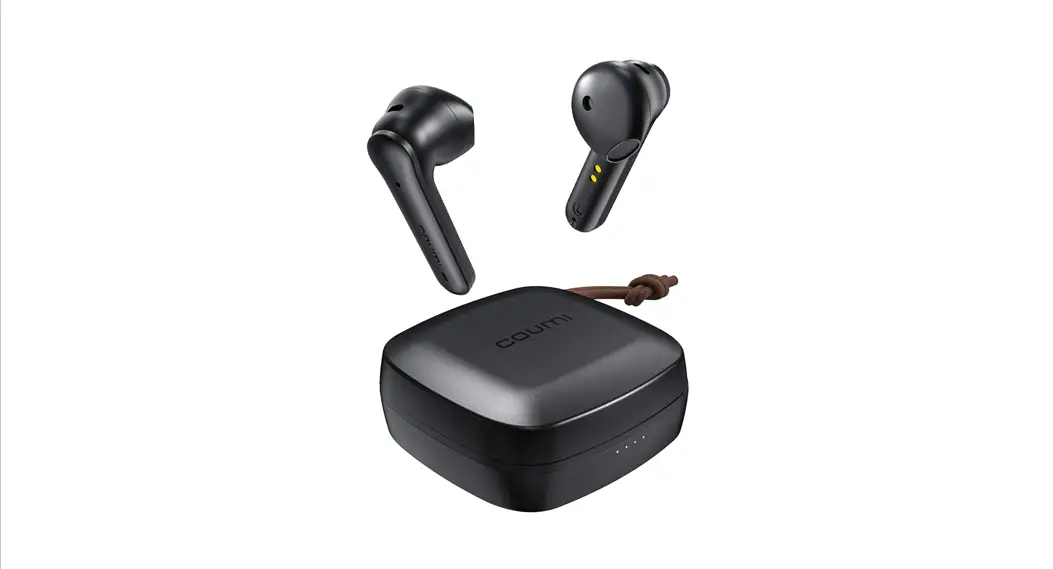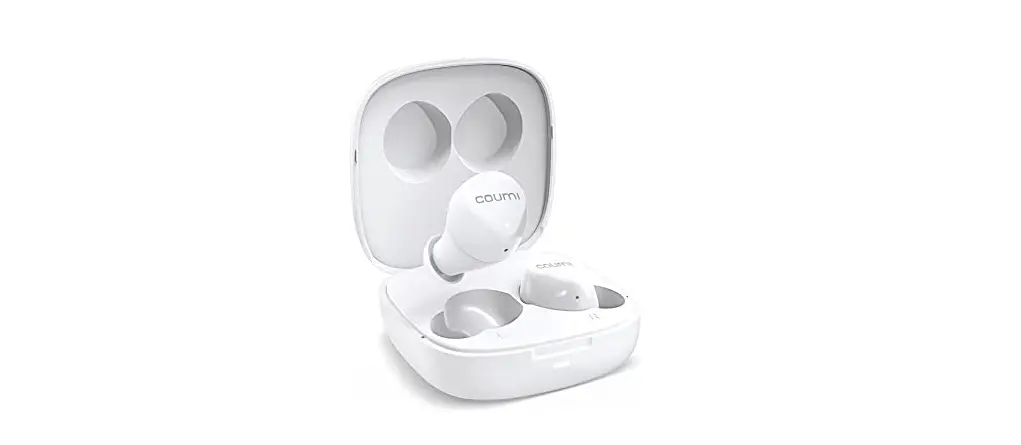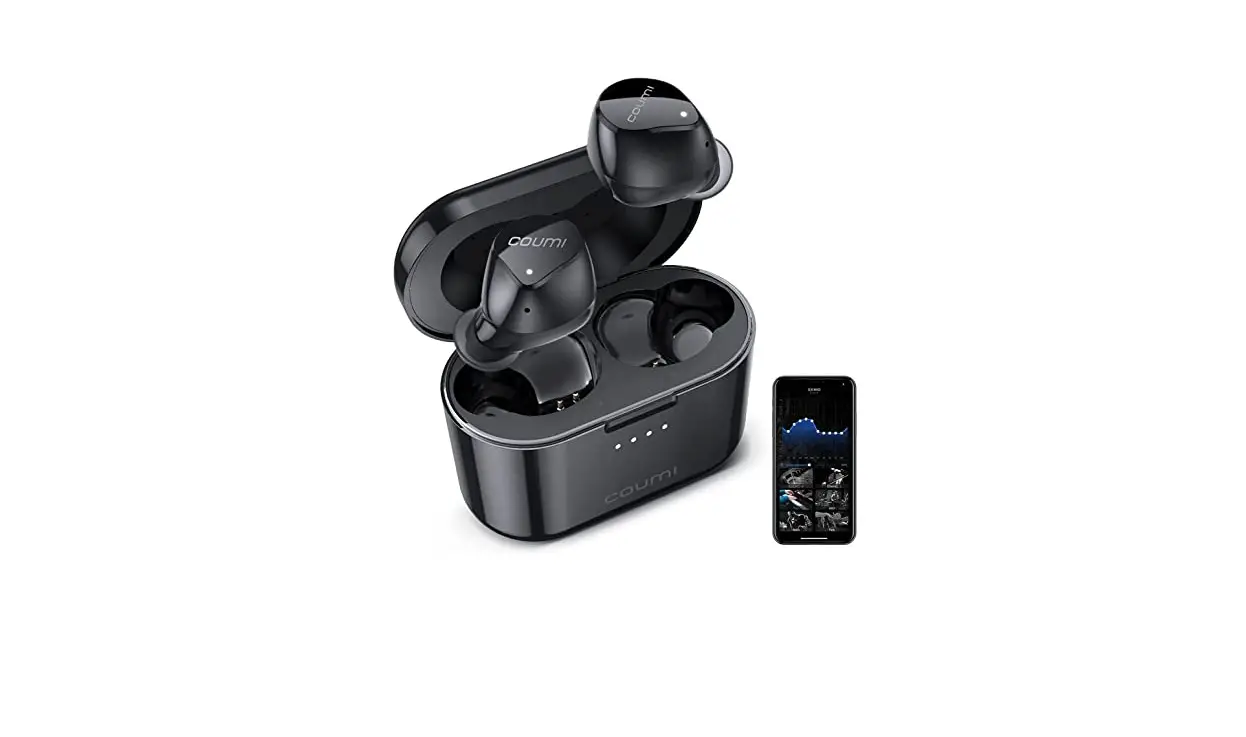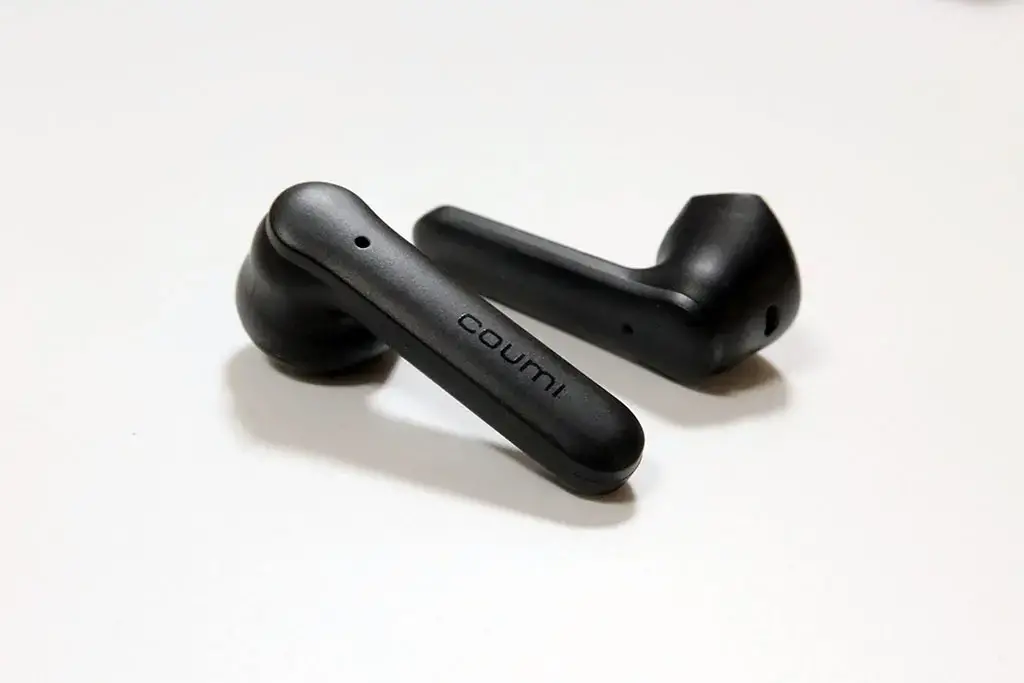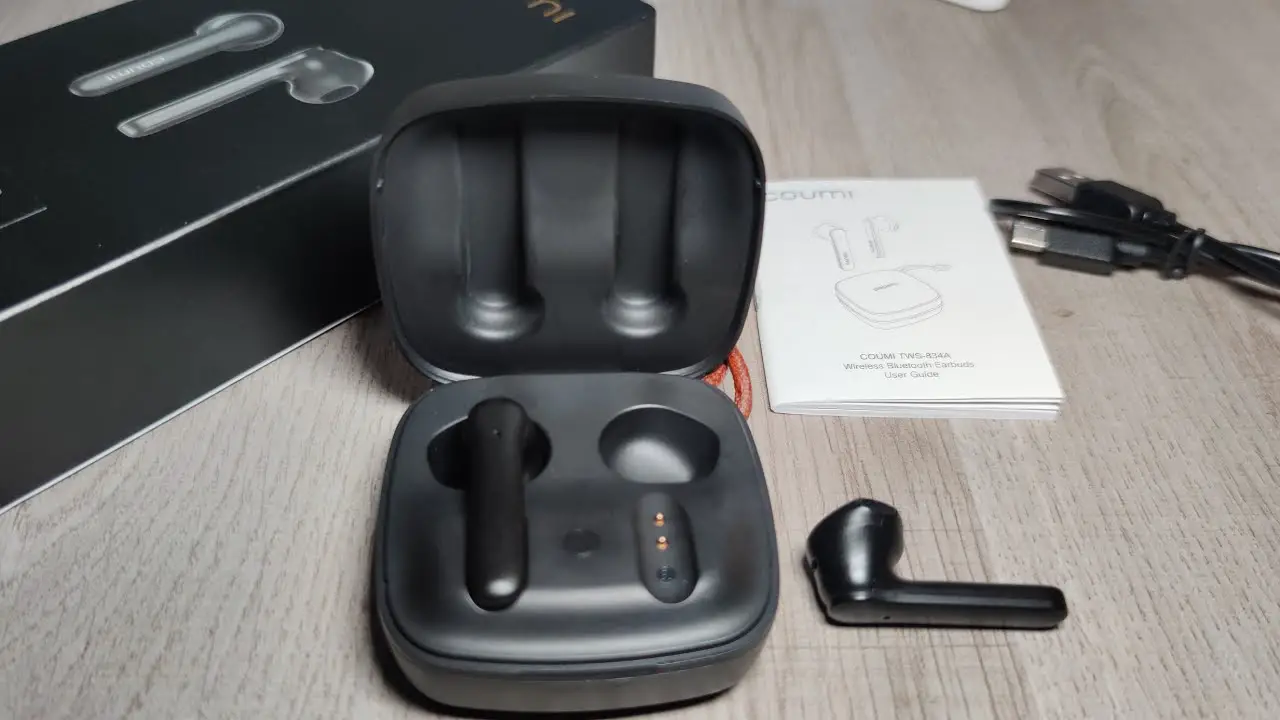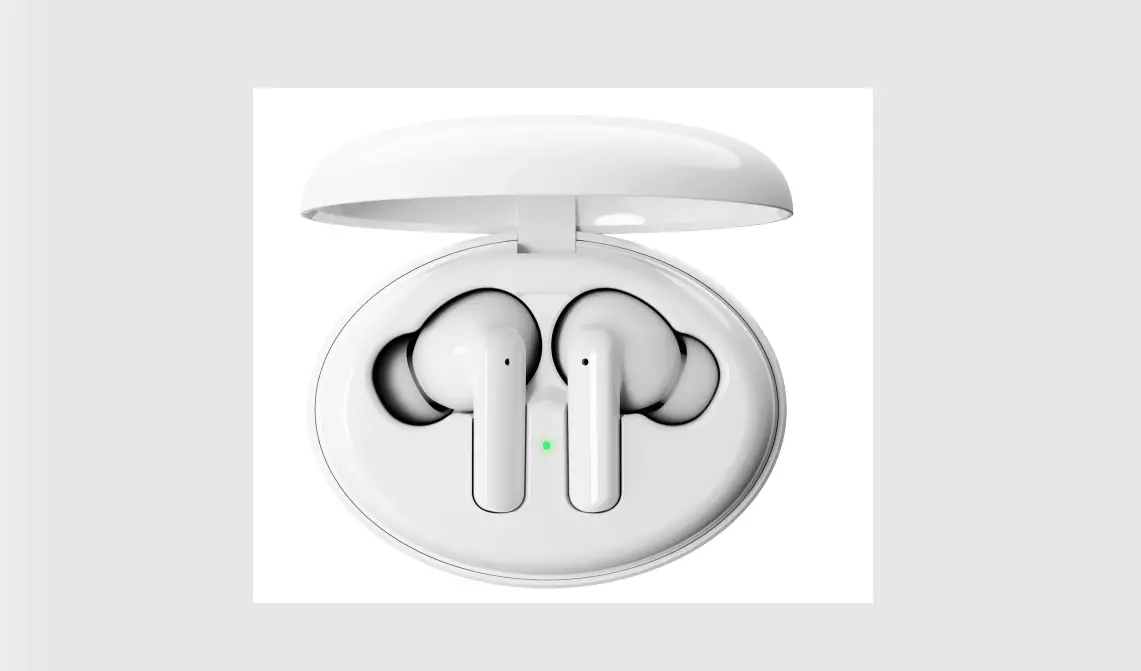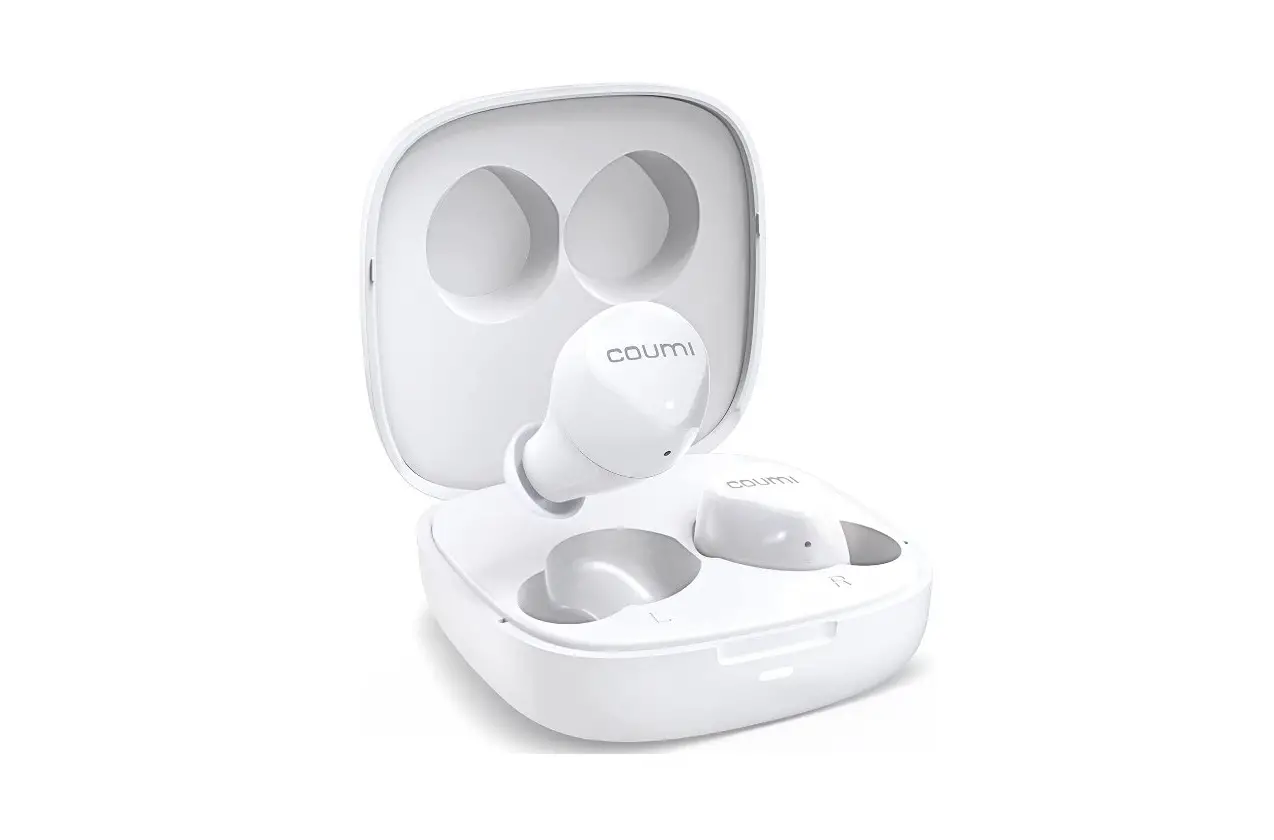
Coumi Tws-817k True Wireless Stereo Earbuds User Guide

Coumi Tws-817k True Wireless Stereo Earbuds User Guide

coumi TWS-817K True Wireless Stereo Earbuds User Guide
coumi TWS-817K True Wireless Stereo Earbuds

  • Press
    Charging Indicators
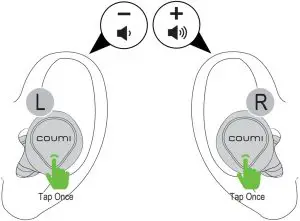
  • Tap Once
    Charging Indicators
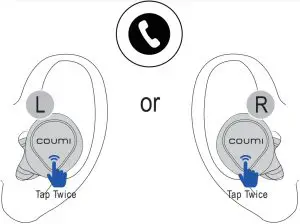
  • Tap Twice
    Charging Indicators
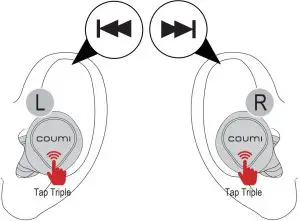
  • Tap Triple
    Charging Indicators

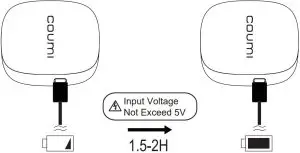
Charge

Charging Induction

Power On

Power On Induction

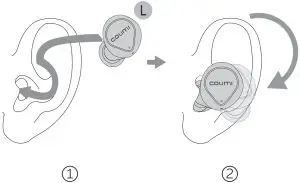
Fitting

Fitting Induction

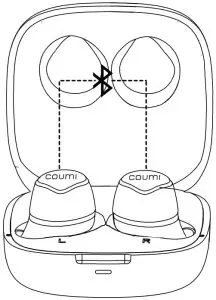
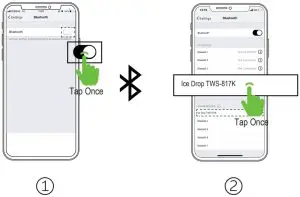
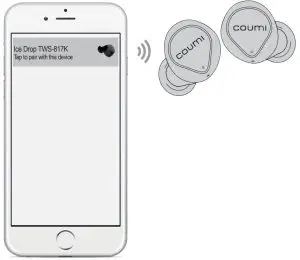
Pairing

Pairing Induction

Google Fast Pairing

Google Fast Pairing

How to fast pair?

  1. Turn on Bluetooth on the phone.
  2. Pick up earbuds from charging case.
  3. Move earbuds close to the phone.
  4. Pairing request tab pops out on phone.
  5. Click the tab,get connected.
  • Only supports to partial Android smartphones furthermore you need to login your google account on your smartphone.

Play/Pause
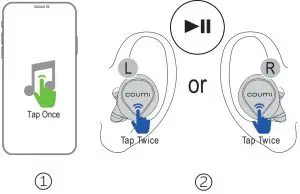
Play/Pause Induction

Forward/Backward

Forward/Backward

Volume-/+

Volume-/+ Induction

Answer

Answer Induction

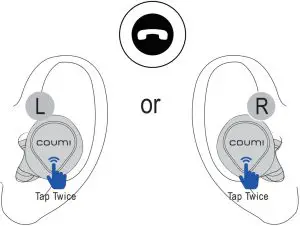
Hang Up

Hang Up Induction

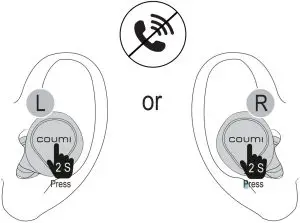
Reject

Reject Induction

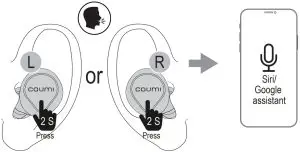
Voice Assistant

Voice Assistant Induction

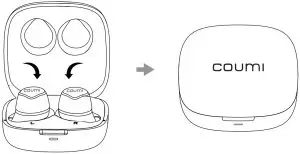
Power Off

Power Off Induction


Documents / Resouces

Download manual
Here you can download full pdf version of manual, it may contain additional safety instructions, warranty information, FCC rules, etc.


Related Manuals